Search models, users, collections, and posts

Fighter Jet - AI generated + finetune
IP Report
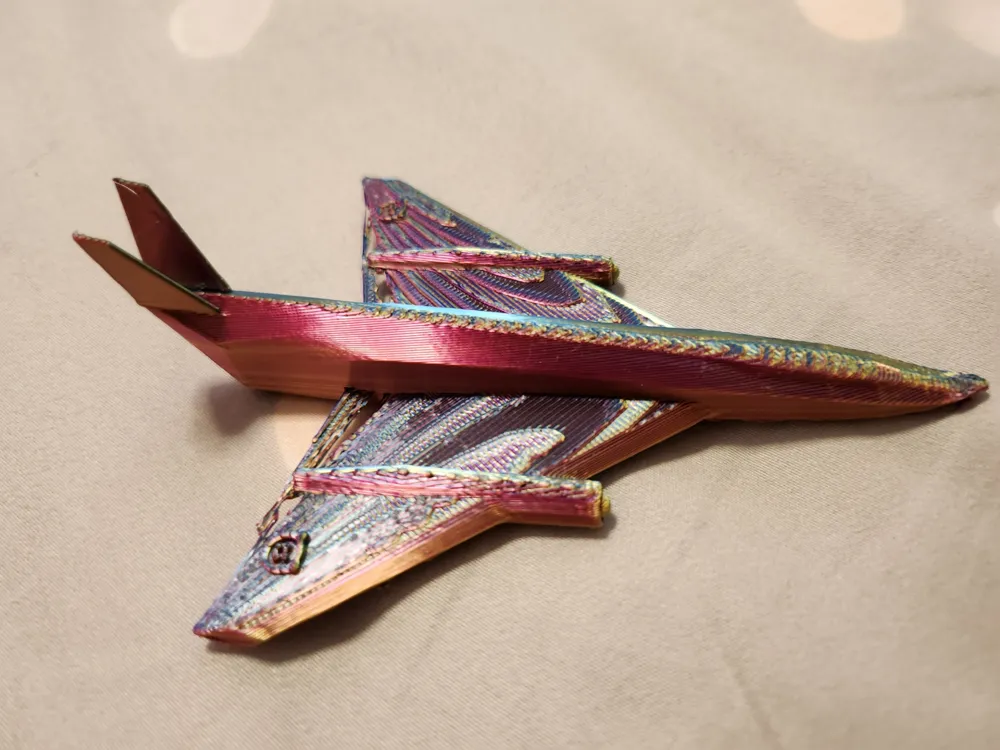
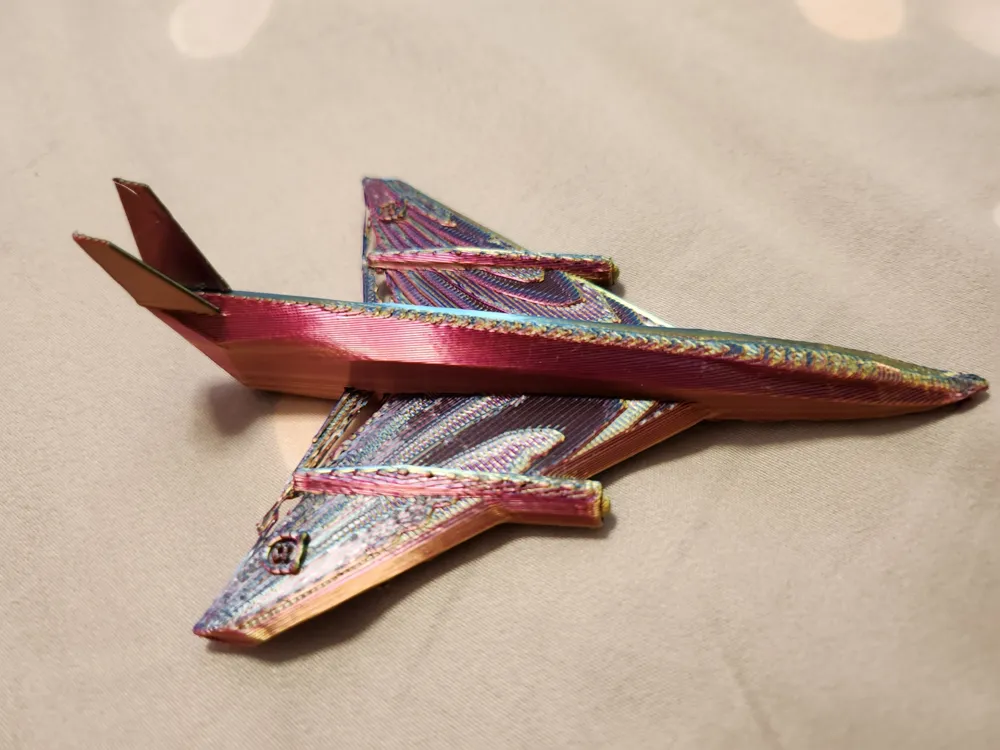
Print Profile(1)

0.2mm layer, 2 walls, 15% infill
Designer
52 min
1 plate
Open in Bambu Studio
Boost
6
7
2
0
8
6
Released
Description
If you want to use AI tool to generate 3D model, you can try the following steps
Procedure for Converting Text to a 3D Model Using AI
Step 1: Generate a 2D Image from Text
- Choose an AI-Powered Text-to-Image Tool
- Use tools like DALL·E, Stable Diffusion, MidJourney, or Deep Dream Generator to generate an image from text.
- Example platforms: OpenAI’s DALL·E, DreamStudio (Stable Diffusion), or Leonardo.Ai.
- Write a Descriptive Text Prompt
- Be specific about shape, color, texture, and style.
- Example prompt: "A sleek futuristic fighter jet with sharp aerodynamic wings, twin engines, and a glass cockpit, designed for high-speed air combat, detailed side view.”
- Generate the 2D Image
- Use the AI tool to generate an image based on your text.
- Refine the prompt if needed to get a better result.
- Download the 2D Image
- Save the generated image in a high-resolution format (PNG, JPG).
Step 2: Convert the 2D Image to a 3D Model
- Use an AI-Powered 2D-to-3D Tool
- Choose a tool like Meshy.ai, Kaedim, or hyper3d.ai to transform your 2D image into a 3D model.
- Some free alternatives: Spline, Luma AI, or Monster Mash.
- Upload the 2D Image
- Import the image into the selected AI tool.
- Generate the 3D Model
- AI will attempt to create a 3D object based on the 2D image.
- Adjust settings such as depth, extrusion, or smoothness.
- Refine and Edit the Model
- If needed, export the model into Blender, ZBrush, or Tinkercad for further modifications.
- Add textures, refine details, or smooth surfaces.
Step 3: Export and Use the 3D Model
- Export the 3D Model in STL Formats
- Save in formats STL for Bambulab Studio for further refinement
- Use the 3D Model
- Upload to MakerWorld to showcase your design.
License

This user content is licensed under a Standard Digital File License.
You shall not share, sub-license, sell, rent, host, transfer, or distribute in any way the digital or 3D printed versions of this object, nor any other derivative work of this object in its digital or physical format (including - but not limited to - remixes of this object, and hosting on other digital platforms). The objects may not be used without permission in any way whatsoever in which you charge money, or collect fees.


Comment & Rating (2)