
Smart Mouse Trap Adapter
Print Profile(1)

Description
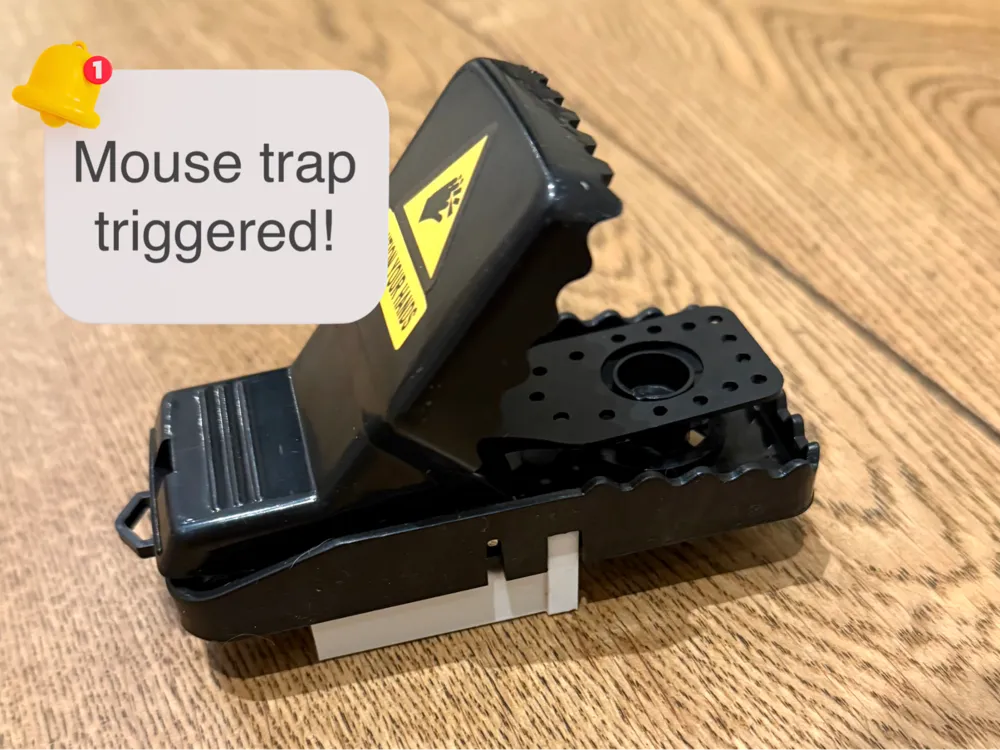
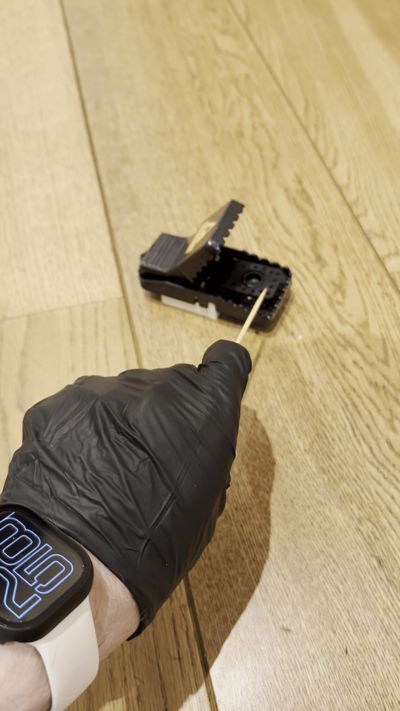
Introducing the Smart Mouse Trap Adapter – the perfect upgrade to bring intelligence to your mousetraps!
What It Does
- Smart Notifications: Integrate a Zigbee-compatible Aqara vibration sensor inside the adapter with your mousetrap. Receive instant notifications on your smart devices whenever a trap is triggered, so you never have to check manually or deal with unexpected surprises.
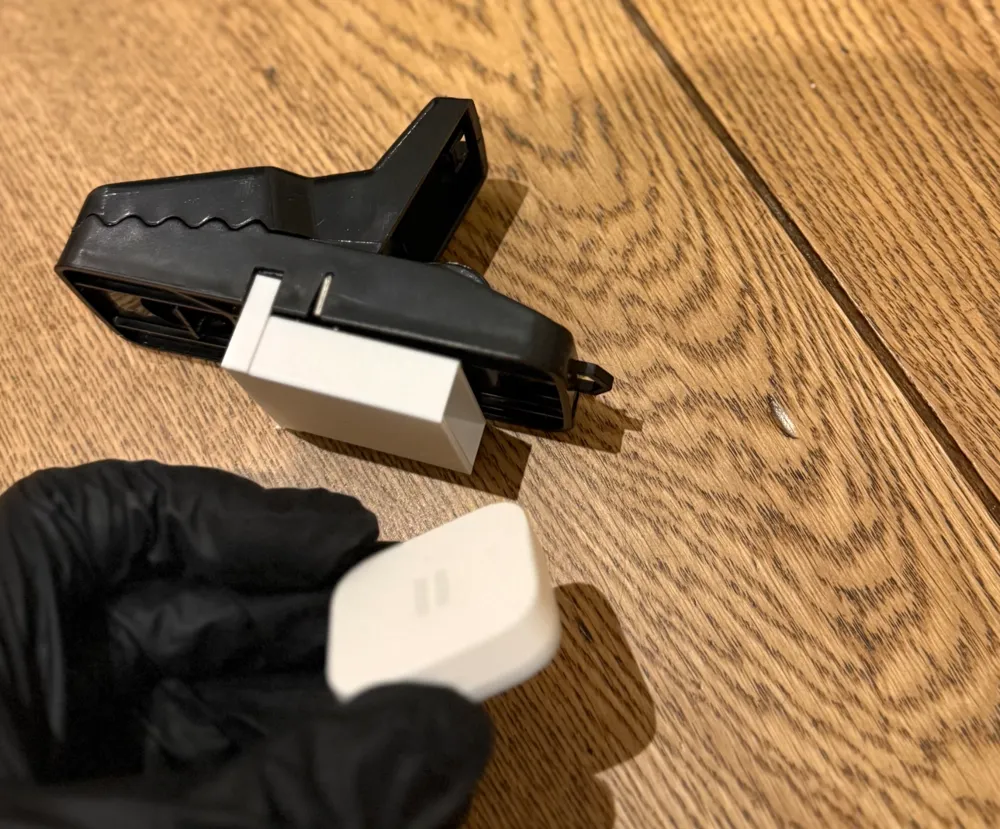
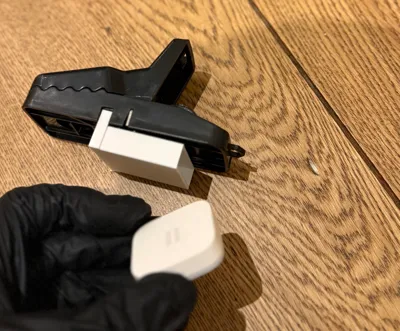
- Enhanced Protection: The sensor is housed within a compact box-like design with one open side. This clever arrangement shields the sensor from dirt and blood, ensuring it stays clean and functions reliably.
Why You'll Love It
- Quick & Efficient Printing: Optimized for speed, this model prints in just 25 minutes using a 0.28 mm layer height, extra draft settings, and a standard 0.4 mm nozzle.
- Economical: Uses only 6 grams of filament per print – minimal material usage for maximum efficiency.
- Seamless Integration: Works perfectly with readily available components:
How It Works

- Print the Adapter: Use the provided 3D model settings to print your adapter quickly and efficiently.
- Insert the Sensor: Place the Aqara vibration sensor inside the adapter’s protective box, ensuring it’s securely housed and shielded from contaminants.

- Attach to Trap: Mount the adapter to your mousetrap for a complete smart integration.
- Get Notified: Enjoy automated alerts directly to your smartphone or smart home hub whenever your trap is activated.
Home Assistant Integration
Copy and customize the YAML below to set up your automation in Home Assistant:
alias: Mouse Trap
description: "Notify when the mouse trap is triggered, with helper input_boolean"
mode: single
triggers:
- platform: device
type: vibration
device_id: YOUR_DEVICE_ID_1
entity_id: YOUR_ENTITY_ID_1
domain: binary_sensor
trigger: device
- platform: device
type: vibration
device_id: YOUR_DEVICE_ID_2
entity_id: YOUR_ENTITY_ID_2
domain: binary_sensor
trigger: device
- platform: time_pattern
hours: "20"
id: time
conditions: []
actions:
- choose:
- conditions:
- condition: trigger
id: time
- condition: state
entity_id: input_boolean.mouse_trap_triggered
state: "on"
sequence:
- service: notify.YOUR_DESTINATION
data:
message: "Mouse trap triggered!"
- conditions:
- condition: not
conditions:
- condition: trigger
id: time
sequence:
- service: input_boolean.turn_on
target:
entity_id: input_boolean.mouse_trap_triggered
- service: notify.YOUR_DESTINATION
data:
message: “Mouse trap triggered!”
Helper Setup:
To create the helper, go to Settings > Devices & Services > Helpers in Home Assistant and add a new Toggle helper. Name it mouse_trap_triggered (it will be referenced as input_boolean.mouse_trap_triggered). This helper is essential for managing the state of your automation and ensuring accurate notifications.
Feel free to customize the device IDs, entity IDs, and notification service (notify.notify) as needed for your setup. Enjoy your smart mousetrap integration!
Enjoy!
Upgrade your pest control setup with a modern, smart solution that keeps your home safe and your traps effective. Happy printing and smart trapping!
Feel free to share your feedback or modifications to help enhance this smart home integration project.
License



Comment & Rating (2)