
3D-Printable Coaxial and Multi-Color Filament

Print Profile(4)


Description
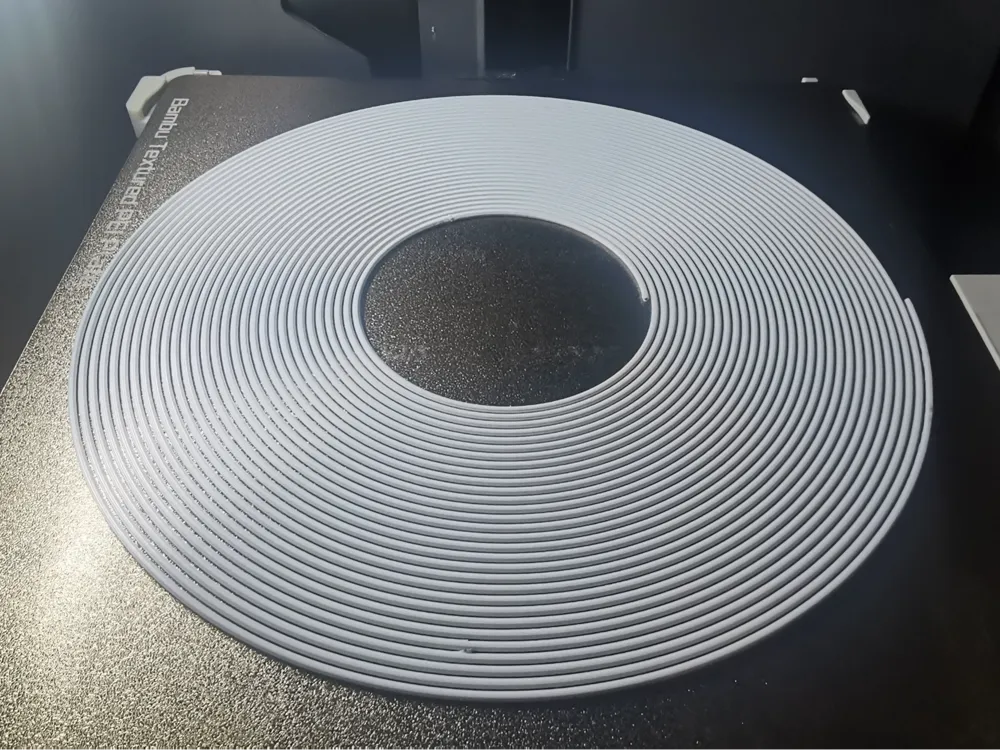
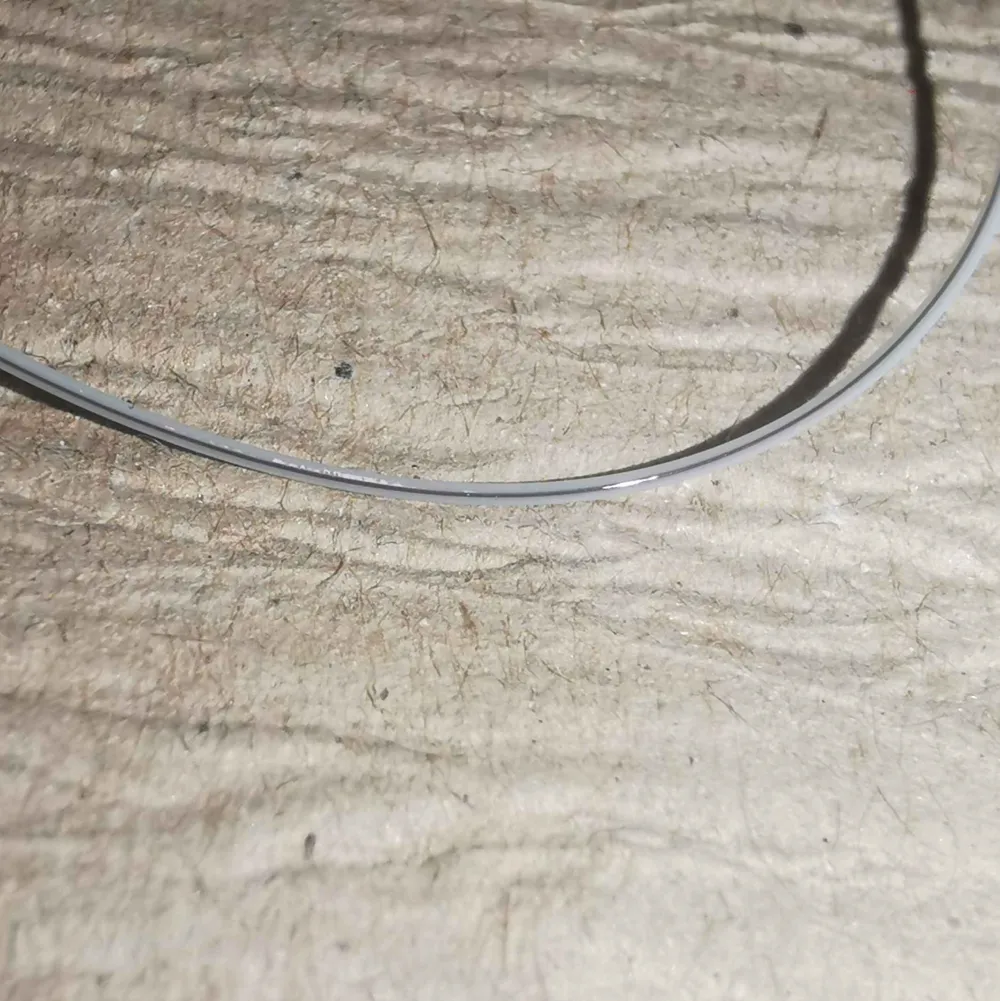
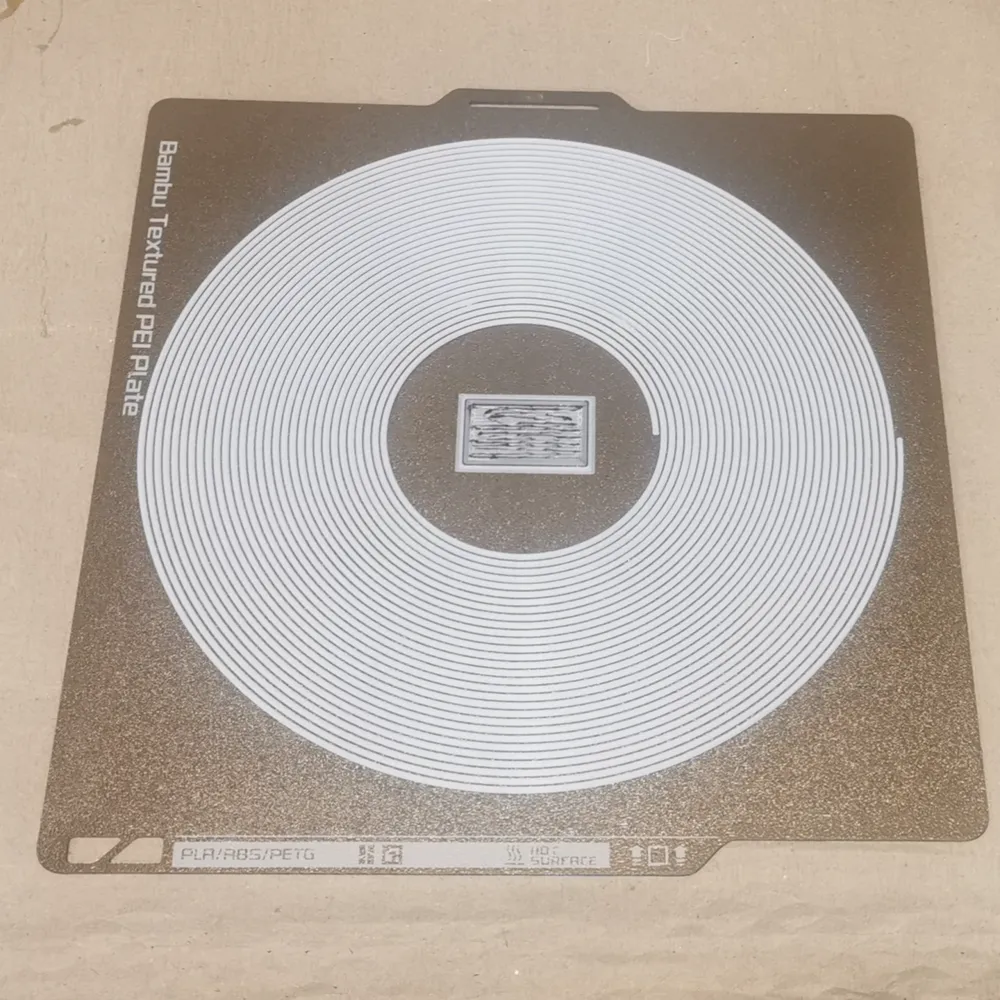
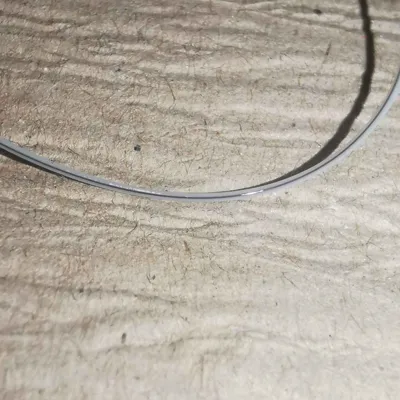
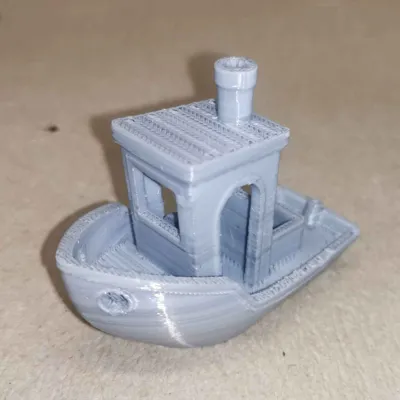
Yo Dawg, I heard you like filament? So I made filament that can be printed out of filament!
There are a few models out there that allow you to print your own multicolor filament — they work great and I have used them many times to create my custom color blends. But what if you want something a bit fancier?
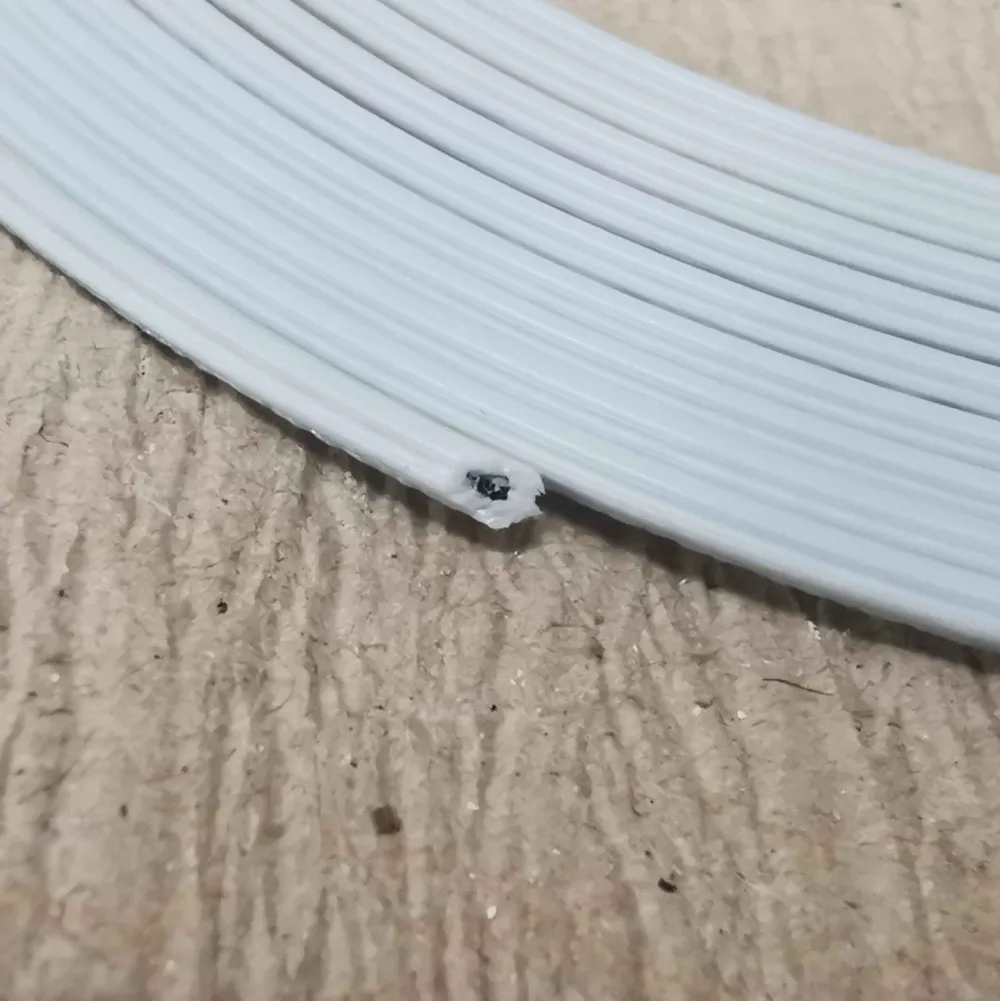
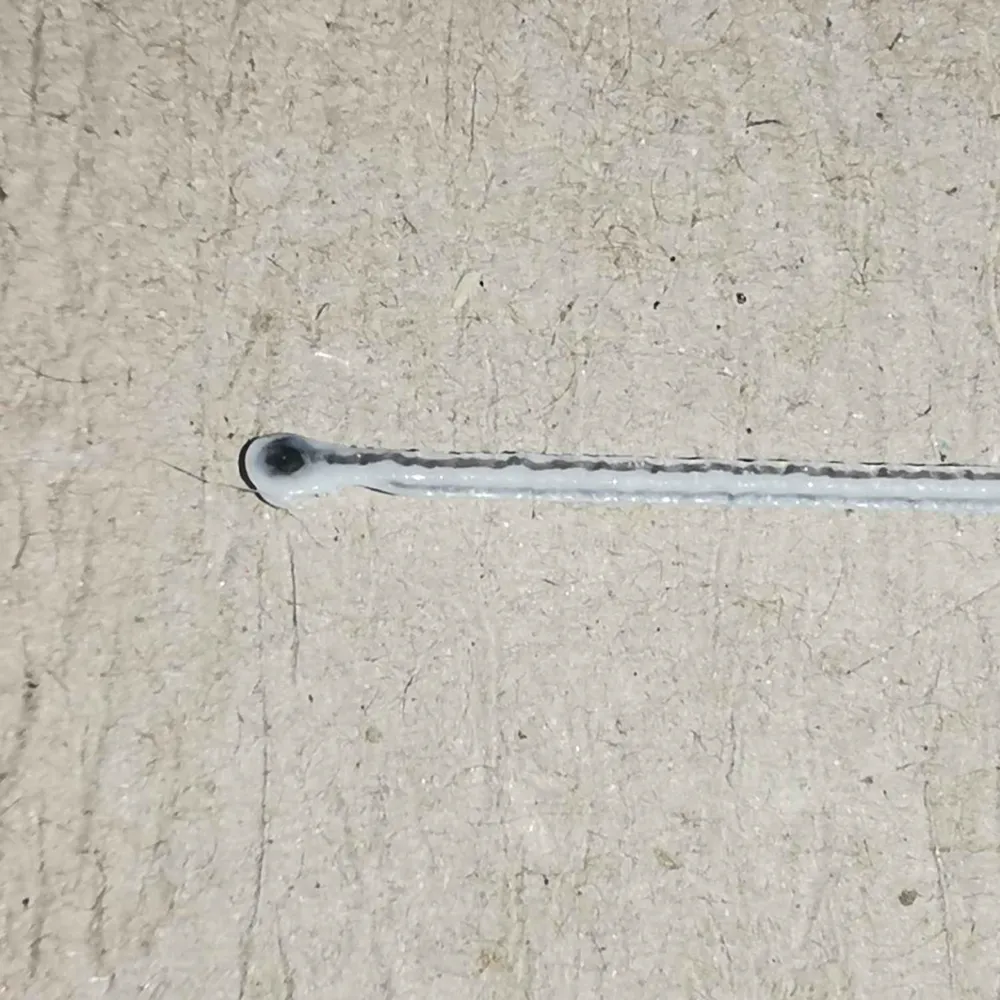
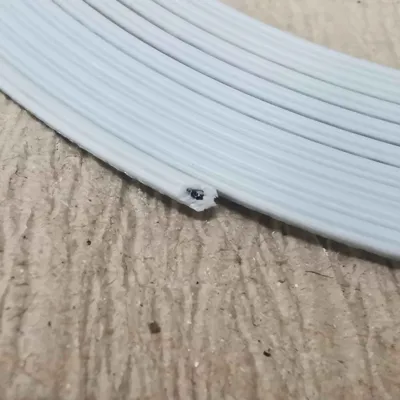
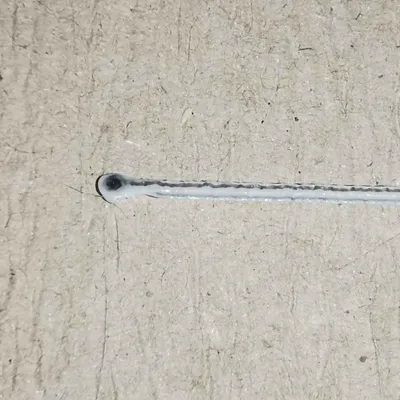
Coaxial filament: Translucent PLA with a PETG core, for example. Or why not add a TPU core to your PLA to enhance the strength? I got you covered with this model!
Printing the Filament
Easy — no multi-material system required.
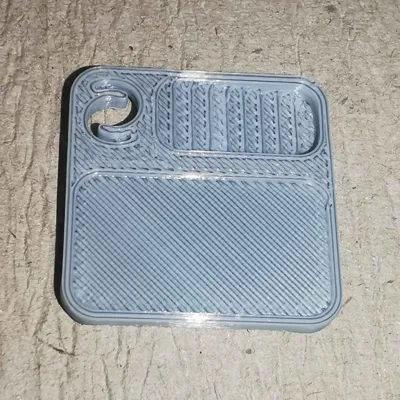
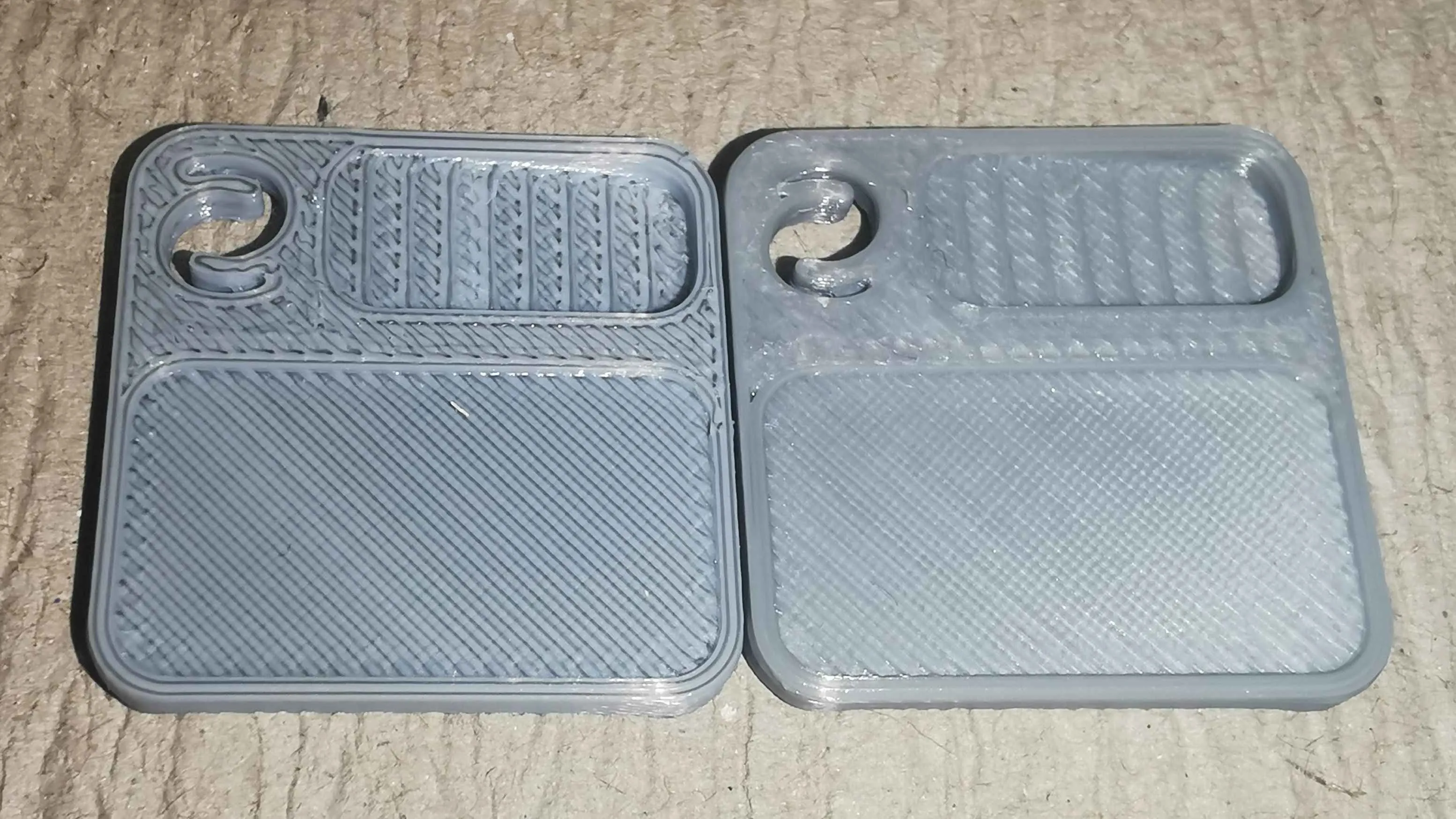
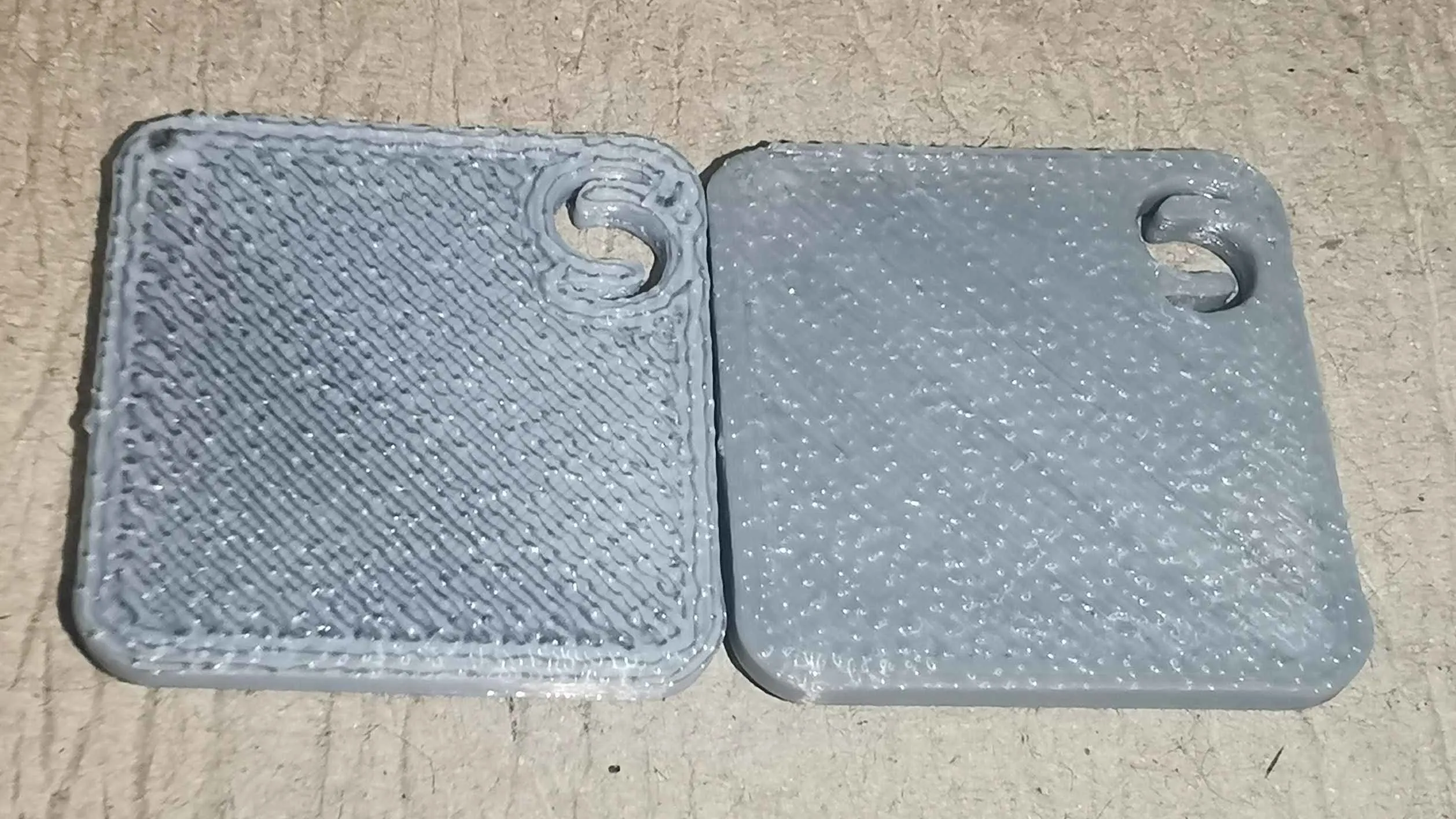
Open the .3mf file and import it as a single body. Add a pause halfway up, swap your filament, and print the rest. All these models come with built-in mouse ears to make your life easier — just snip them off, wind your filament onto a spool and print.
Coaxial and up to 4 colors
When you open the file in your slicer, make sure to import it as a single object with multiple parts. PrusaSlicer, Bambu Studio, or OrcaSlicer will show a prompt similar to this:
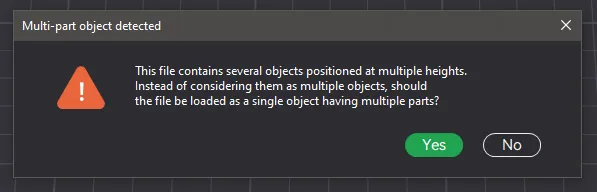
In the object browser, you will find two groups of bodies as well as the mouse ears. One group contains the multicolor filament and the other is for the coaxial filament.
Delete the objects you don't need and if you're confident in your bed adhesion, you can also remove the mouse ears ;)
For multicolor filament, simply assign up to 4 colors. If you want to use a two-colored filament, just assign colors to the top and bottom to save filament swaps.
For coaxial filament, things are a bit trickier: The core has roughly 10% of the cross-sectional area of the filament. It is designed in a way that allows even filaments that don’t bond well together (like PLA and PETG) to be combined. Follow these basic settings:
- Use a wipe tower and set the flush volume to the maximum for incompatible materials.
- The order of walls should be outer/inner — this ensures that the core will be injected into an existing canal.
- Print with a layer height of 0.1 mm or 0.2 mm.
- If printing at 0.2 mm, check “Precise Z height”, since the model is 1.7 mm high and you want the last layer to be 0.1 mm (don't worry: the octagonal pattern will have the same area as round 1,75 mm filament)
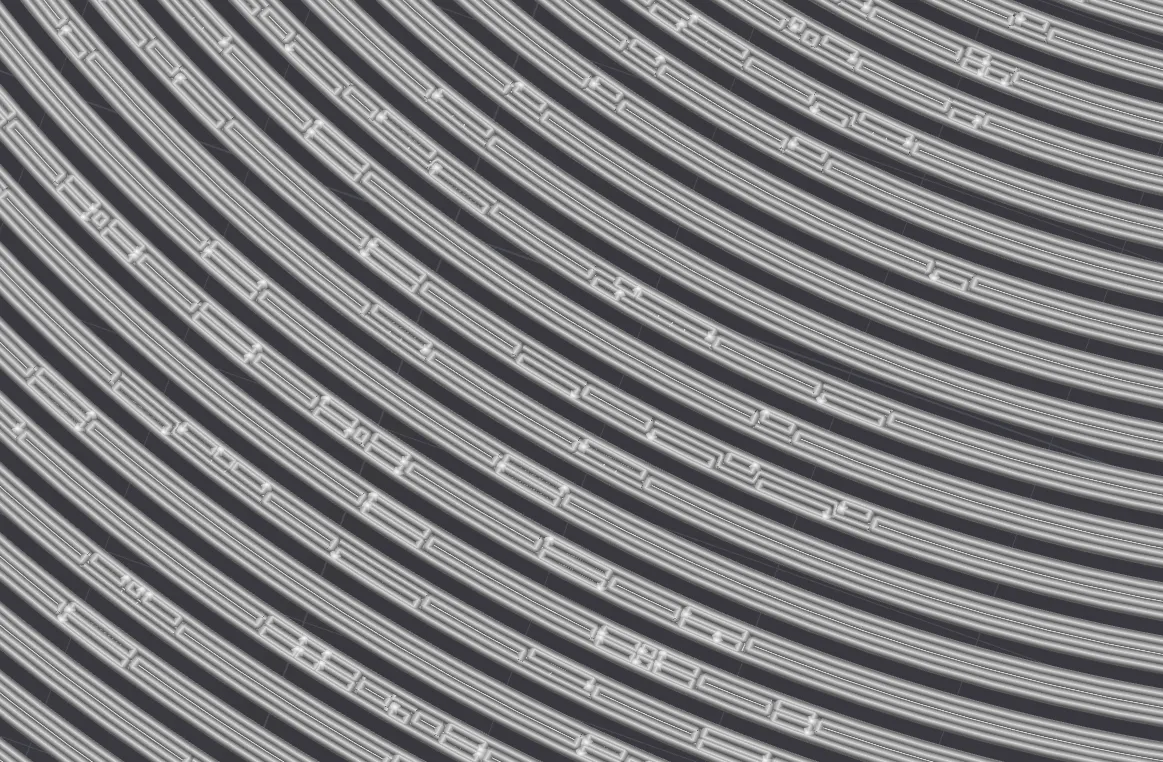
Check your toolpaths!
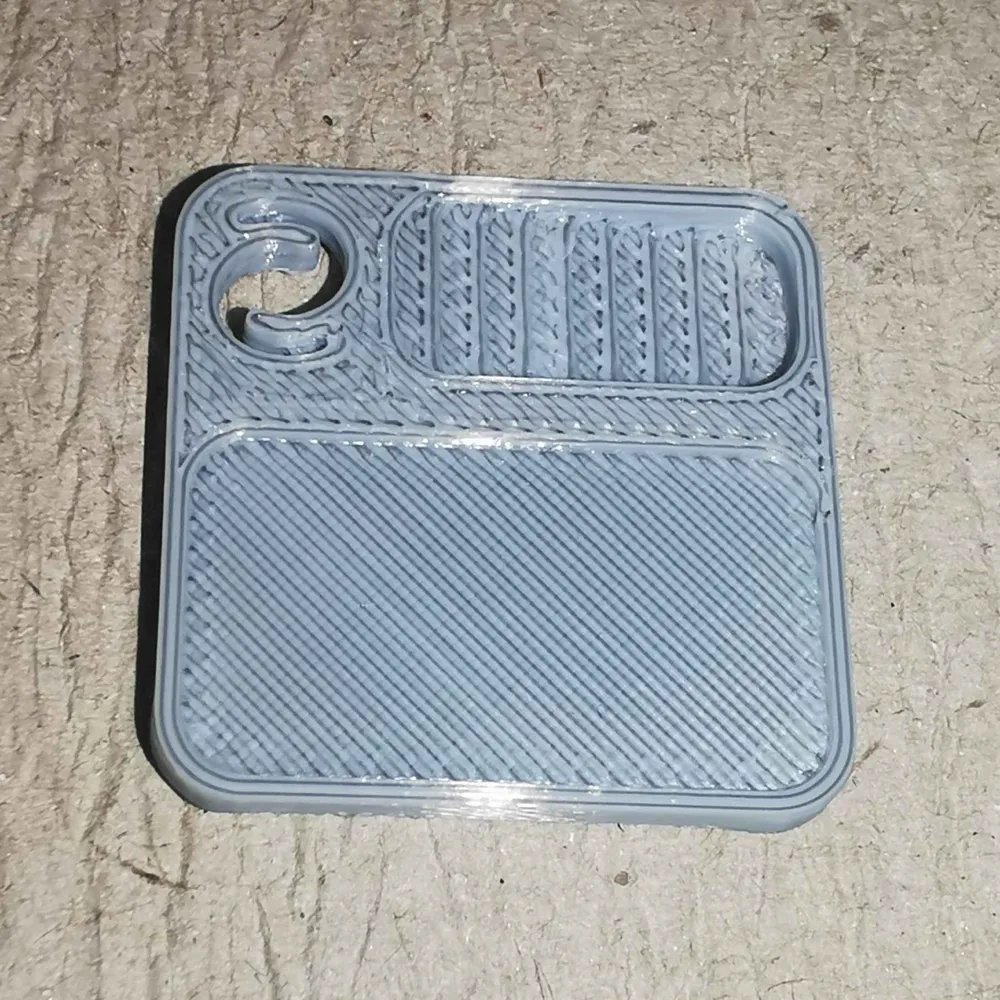
Before printing either variant: check your toolpaths, especially the walls - the Classic wall generator is a bit wonky and sometimes creates disjoint paths (see picture below) - Arachne would solve that, but slicing on such a long continuous paths takes forever - a dirty hack is to assign 2 “different” filaments to certain parts yet assigning them to the same filament (or just not swapping) this way, clean paths are created
Printing with the Filament
Multicolor filament (same materials) is straightforward — just print it as you would print the standalone materials.
Coaxial filament with different materials requires some trial and error, depending on the materials. I recommend printing small test swatches to check if the settings are correct — a temperature tower is not needed, in my opinion.
To get started: For PLA with a PETG core, refer to the default settings for PLA and PETG.
The temperature should not exceed the maximum temperature for PLA but should still be high enough to fall within the PETG range.
For Bambu Studio, the default profiles for a P1 or X1 are 190 - 240°C for PLA and 220 - 270°C for PETG. A good starting value would be in the range of 230 - 240°C.
In my experiments, 240°C with 12 mm³/s works quite well.
DISCLAIMER:
Keep in mind: this model is for advanced users. Especially multi material combinations have a high failure rate. While it is very unlikely that you damage your printer, you might clog your nozzle - nothing that can't be fixed with a cold pull, but it happens from time to time. Also i highly advise against using this filament in your AMS - best is to feed it directly.
So take this model as a fun toy to play around and print small objects with fancy color combinations - don't expect to get a few kg of hassle free filament in your favourite color - if that is what you want: buy some commercial products :)
Boost Me (for free)
Enjoying my models? Show your support with a Boost! Boosting not only adds a few extra points my way - it also helps cover the material costs that goes into prototyping each design. Every bit of support helps me keep creating fresh, high-quality models for you to enjoy! Thank you for helping keep the creativity flowing 💡✨
This remix is based on

License



Comment & Rating (24)