


Print Profile(1)

Description
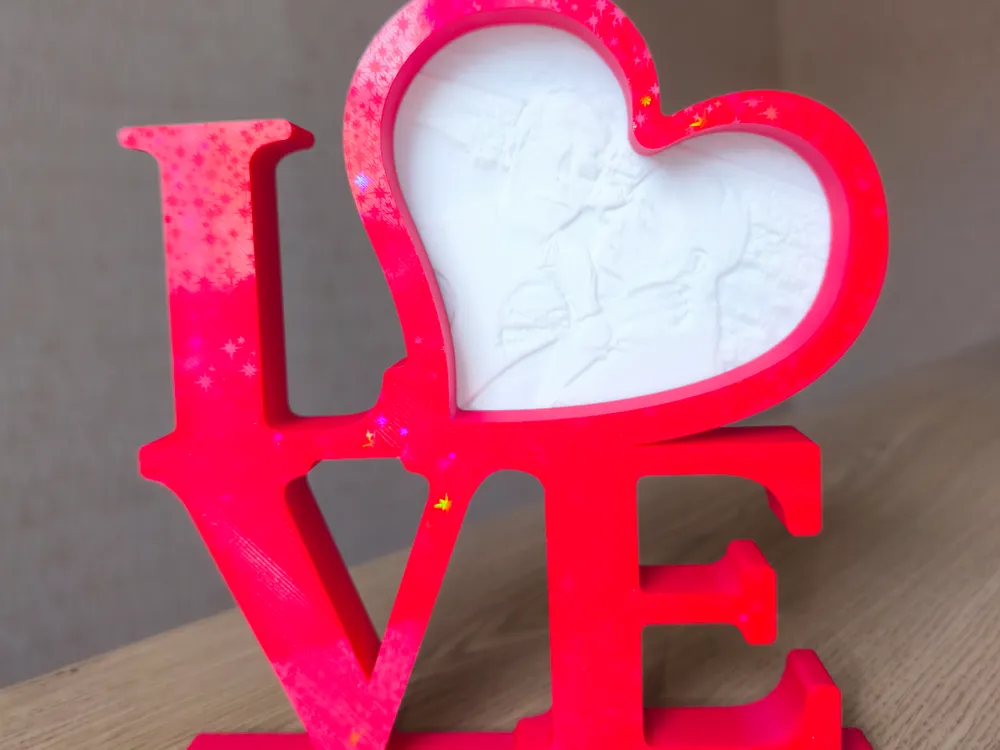
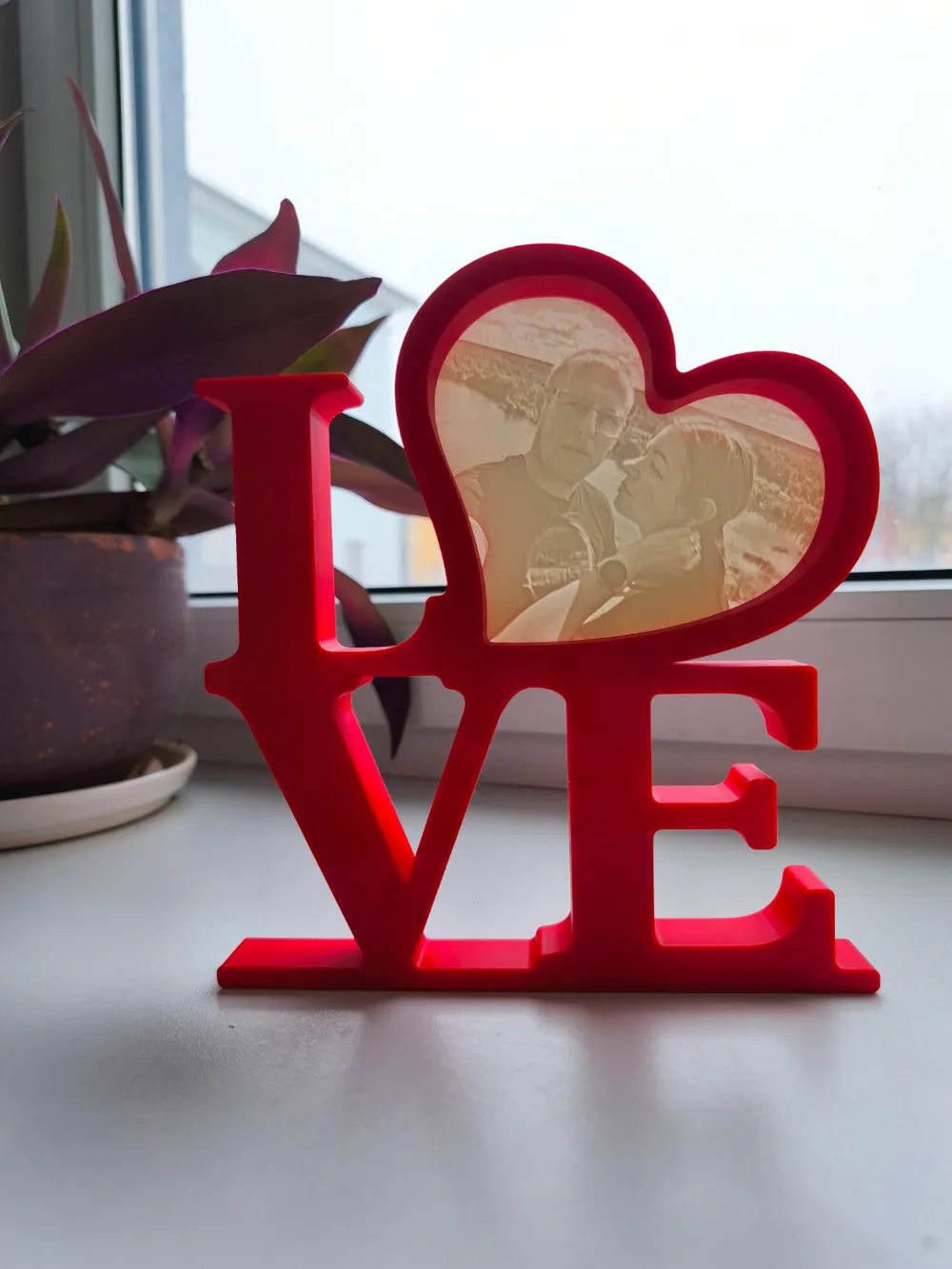
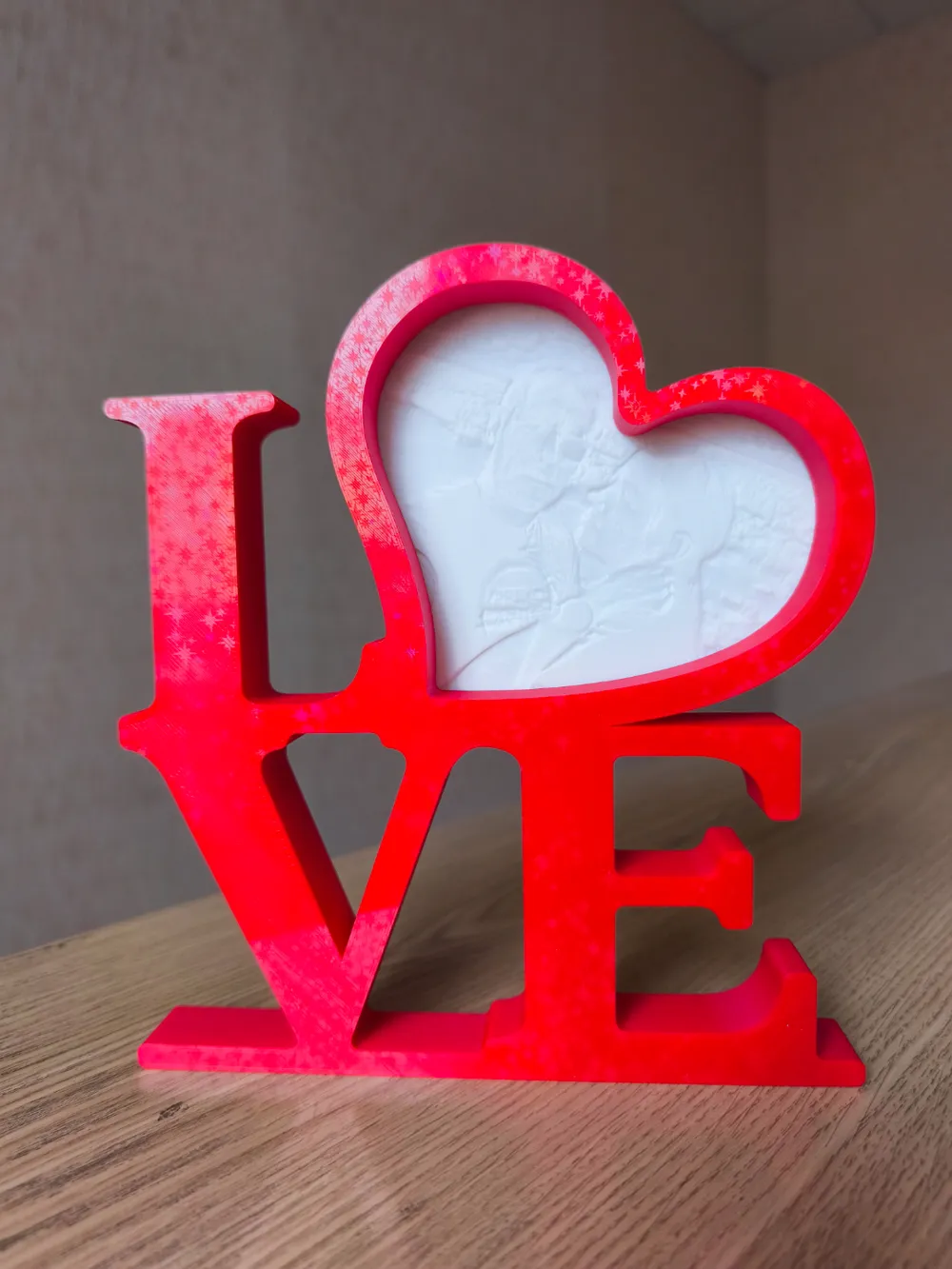
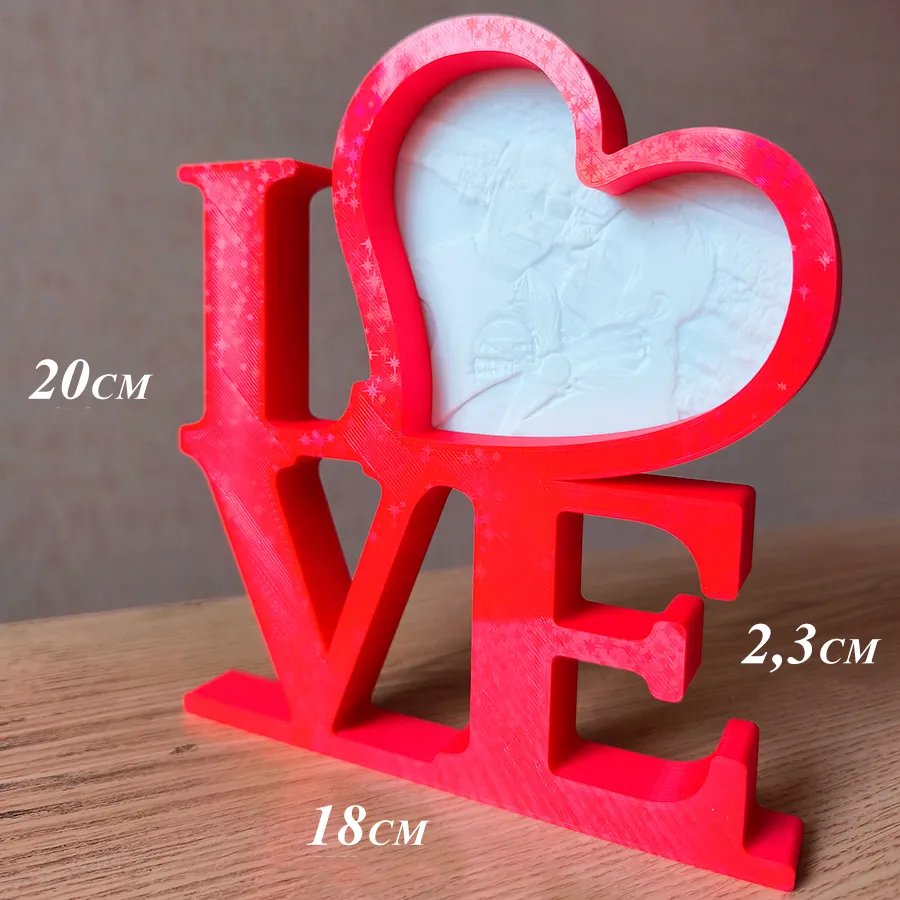
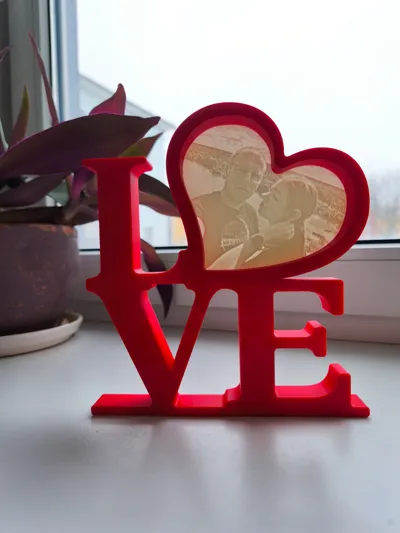
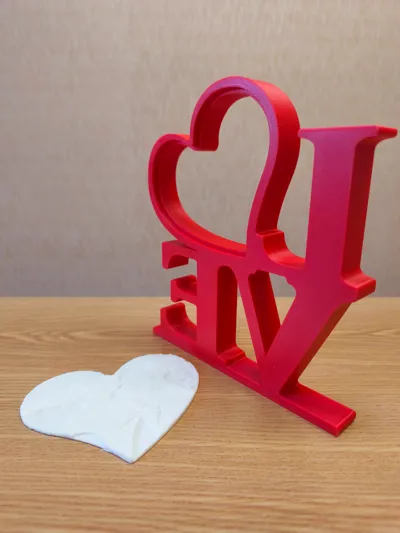
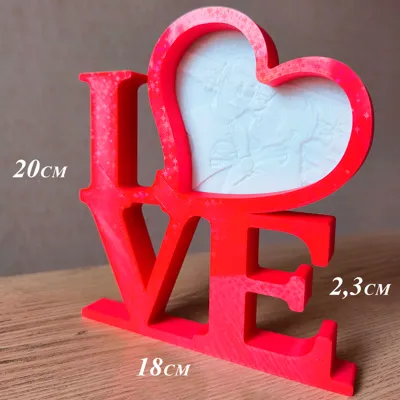
Valentine's Day is coming soon and I will post a version of a frame for a lithophane here.
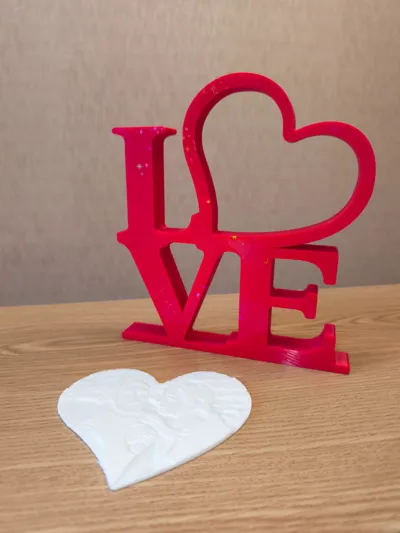
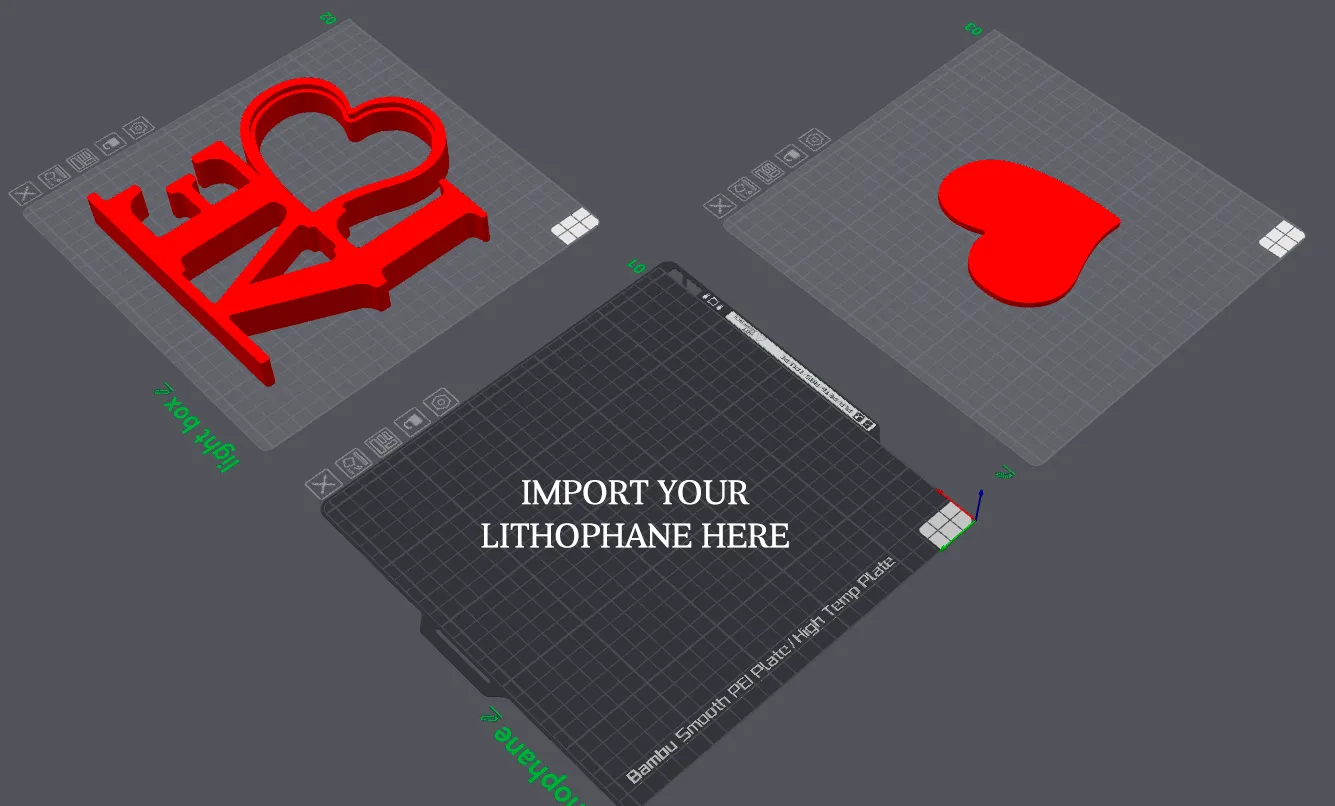
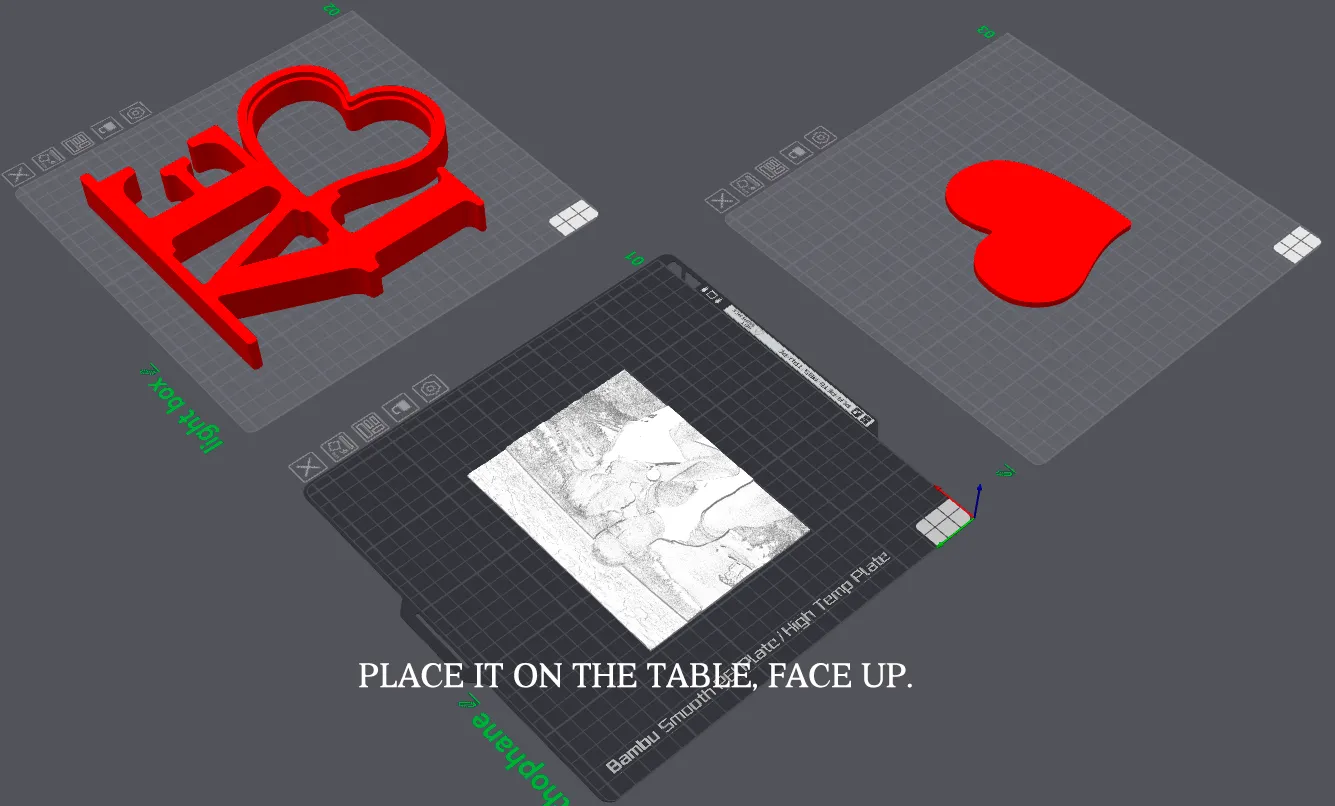
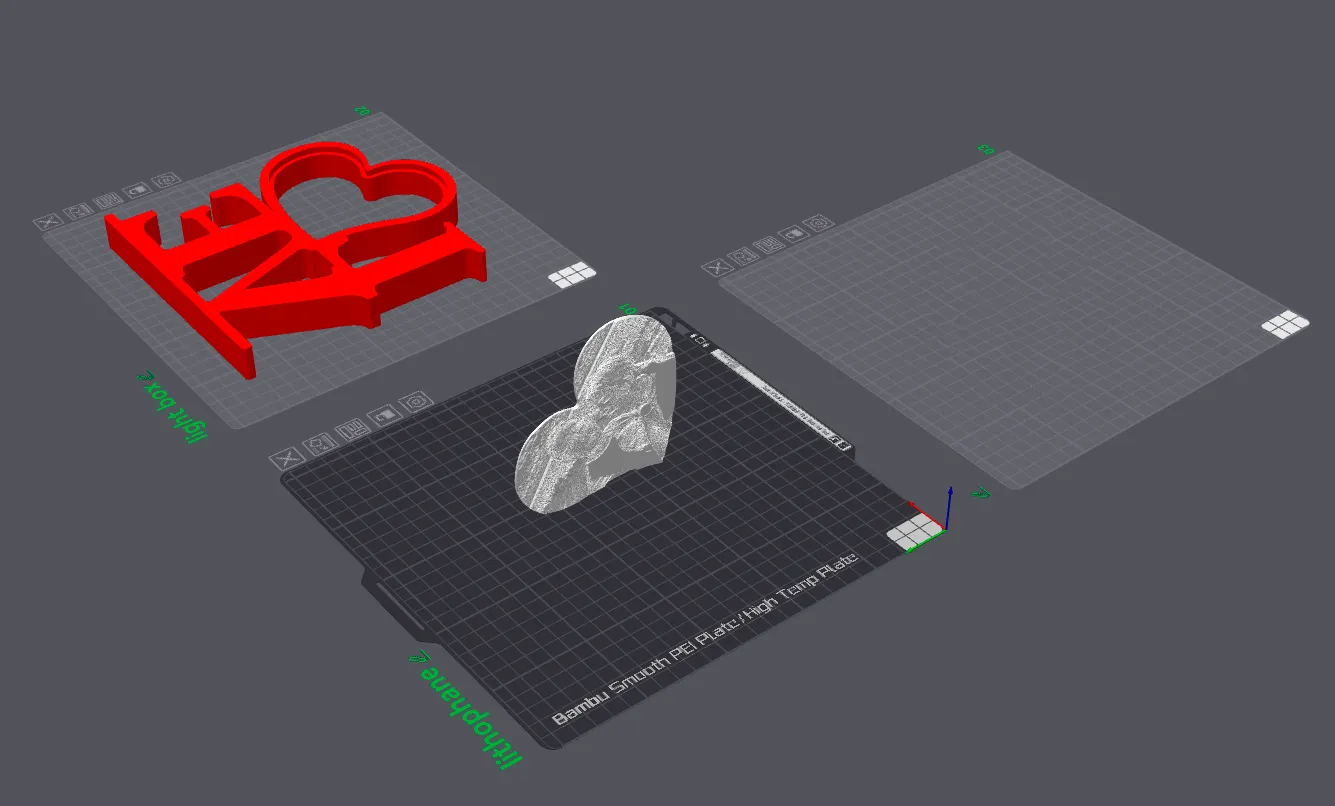
In order to get your lithophane the size of a heart, first make a rectangular lithophane of a photo, approximately 12 by 15 cm. Then open my file and there will be 3 tables. Import your lithophane onto an empty table.
Divide your lithophane into models, right-click - divide into models, if it is like mine with supports and put it on the table, face up.
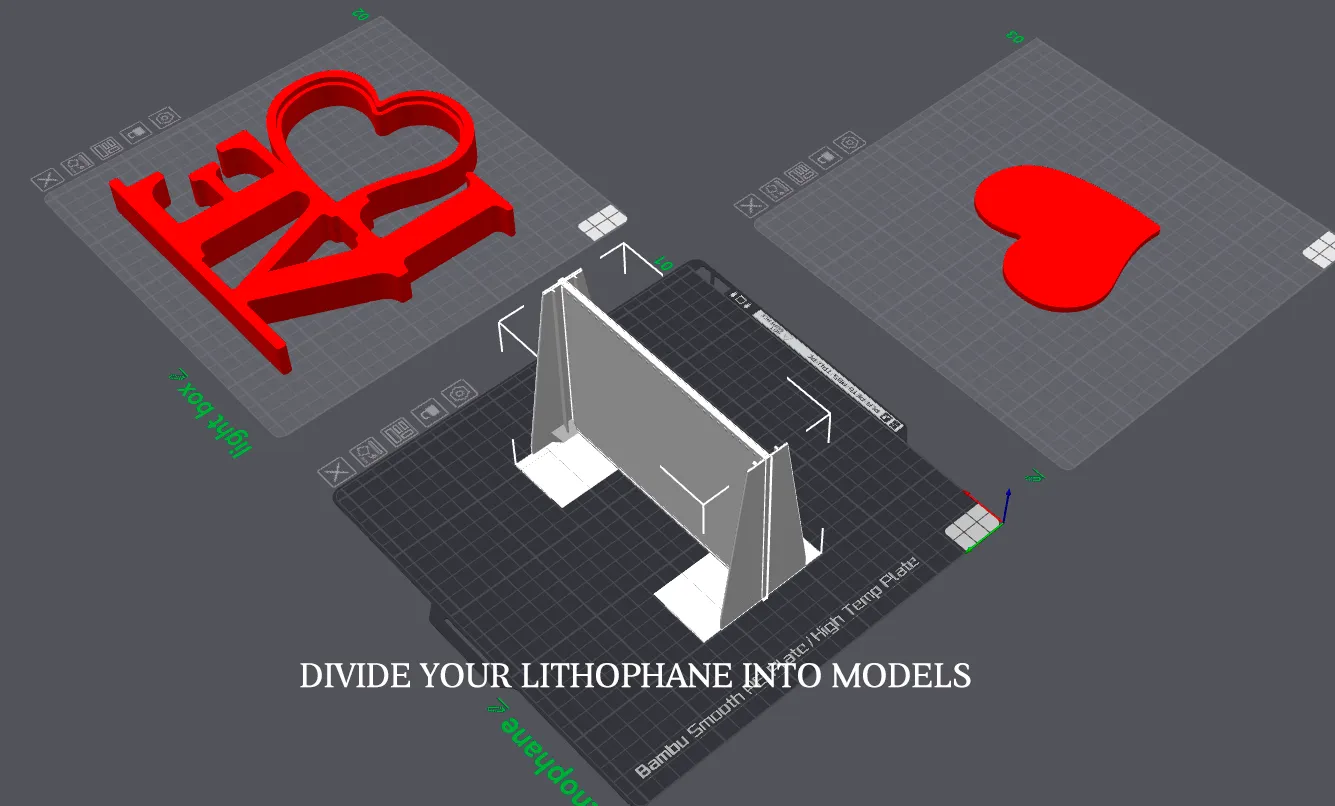
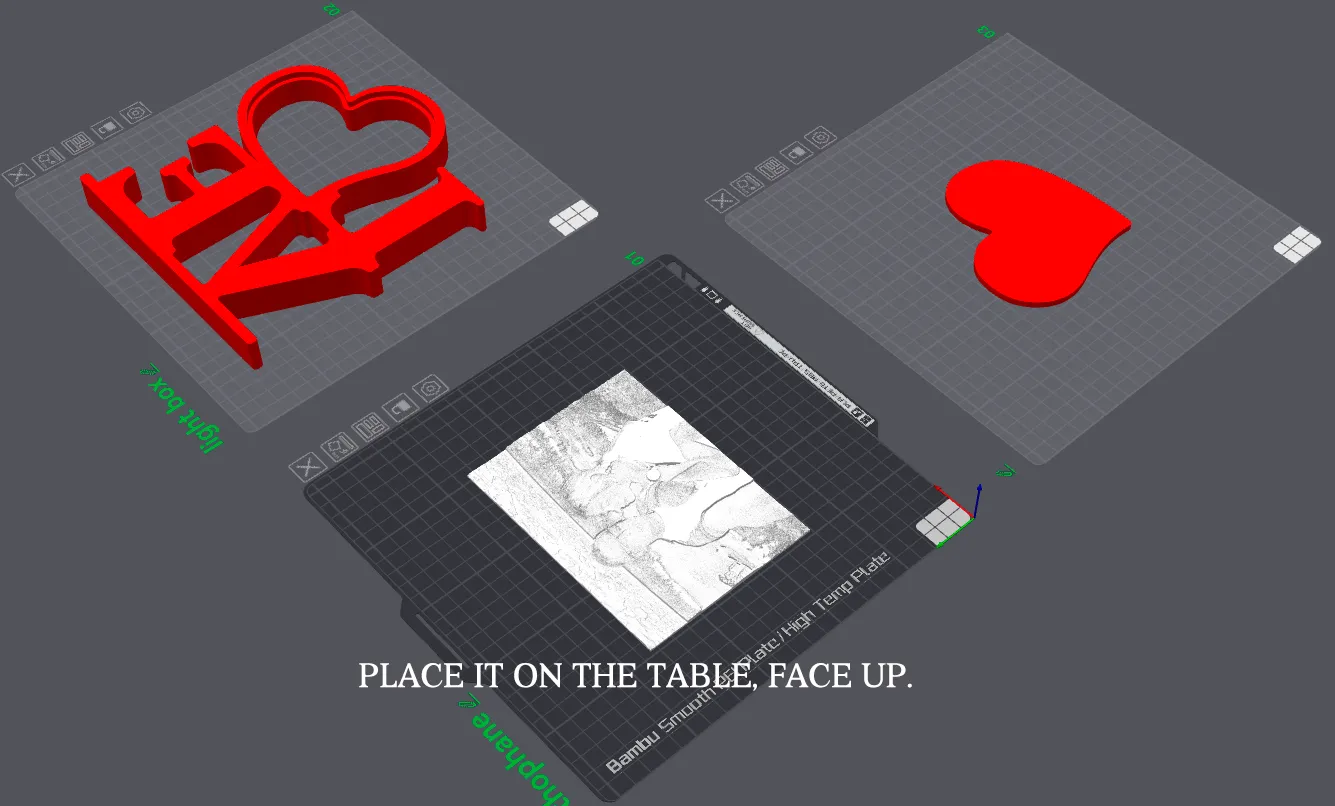
Then drag the heart shape, but do not change the size of the heart. Adjust your lithophane to the heart, rotate, reduce or increase to achieve the desired location.
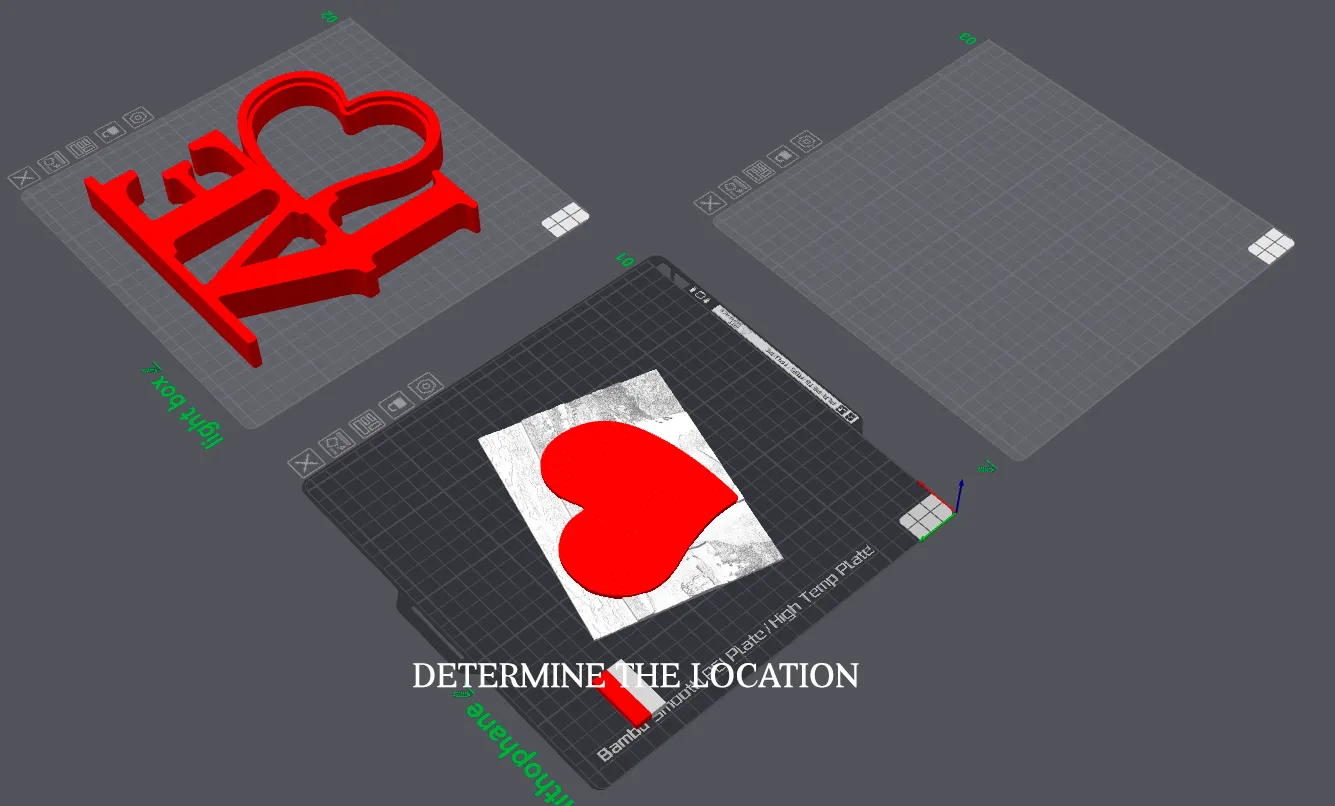
Then combine the two models into an assembly, select the two models and right-click - combine into an assembly. Then in the menu at the top, select Boolean operations, and there select the option - intersection. Element 1 select your lithophane, element 2 - heart and below put a tick - delete original and click apply. Then you will have to wait, it all depends on the power of the computer, for me it takes 20-40 seconds and we get the result we need.
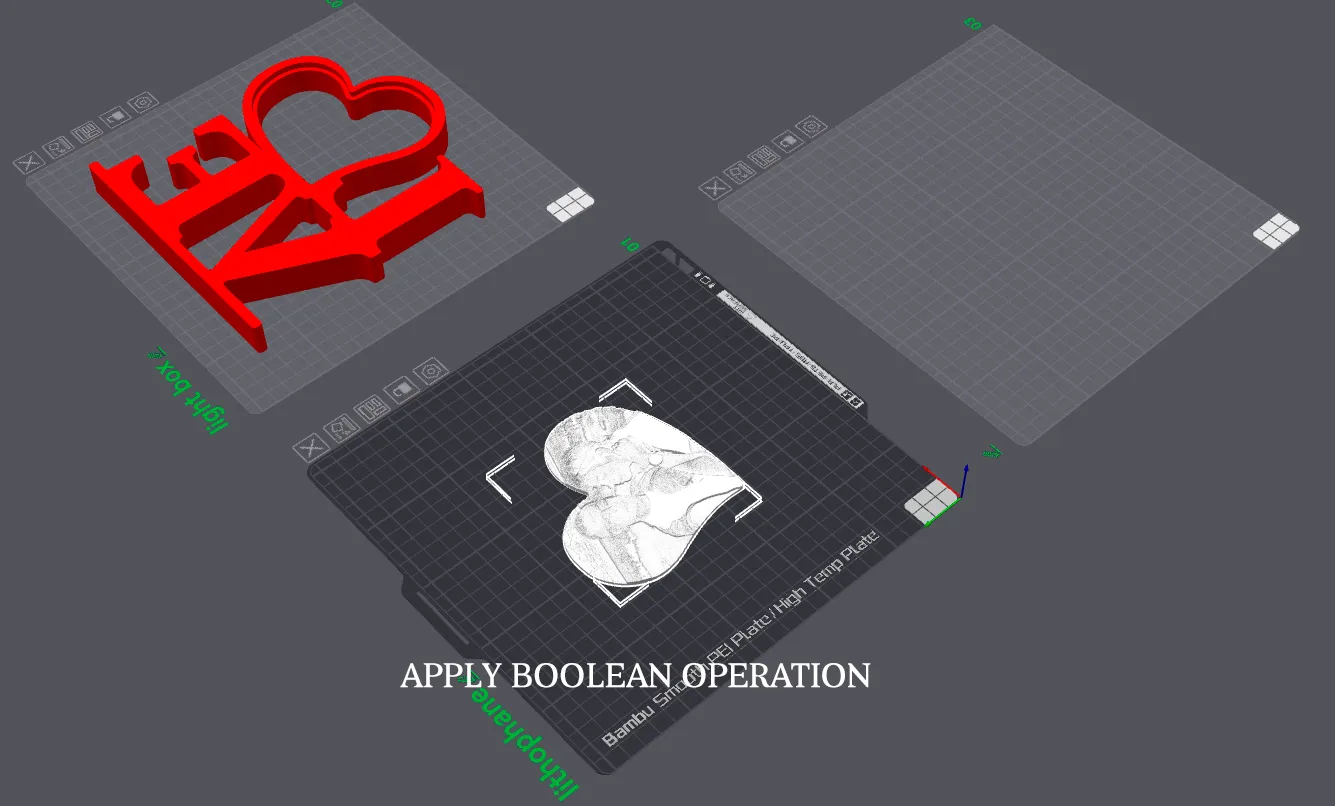
Then, I don’t know why, but I put my resulting lithophane on the edge and launched it for printing, I haven’t tried it, maybe you can just print the lithophane face up and not put it on the edge.
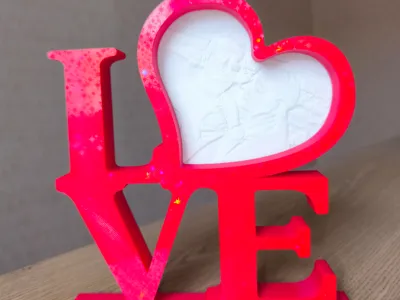
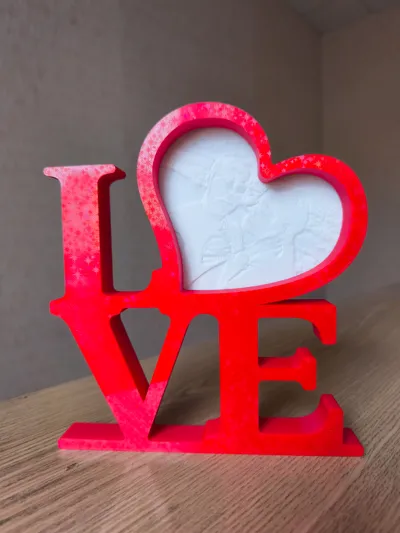
After printing, the model is assembled. I printed the frame using a plate with a star effect, you can use any other.
License

You shall not share, sub-license, sell, rent, host, transfer, or distribute in any way the digital or 3D printed versions of this object, nor any other derivative work of this object in its digital or physical format (including - but not limited to - remixes of this object, and hosting on other digital platforms). The objects may not be used without permission in any way whatsoever in which you charge money, or collect fees.


Comment & Rating (3)