
FDplast TPU 75A Profile Settings for Bambu x1/p1
Print Profile(1)

Description
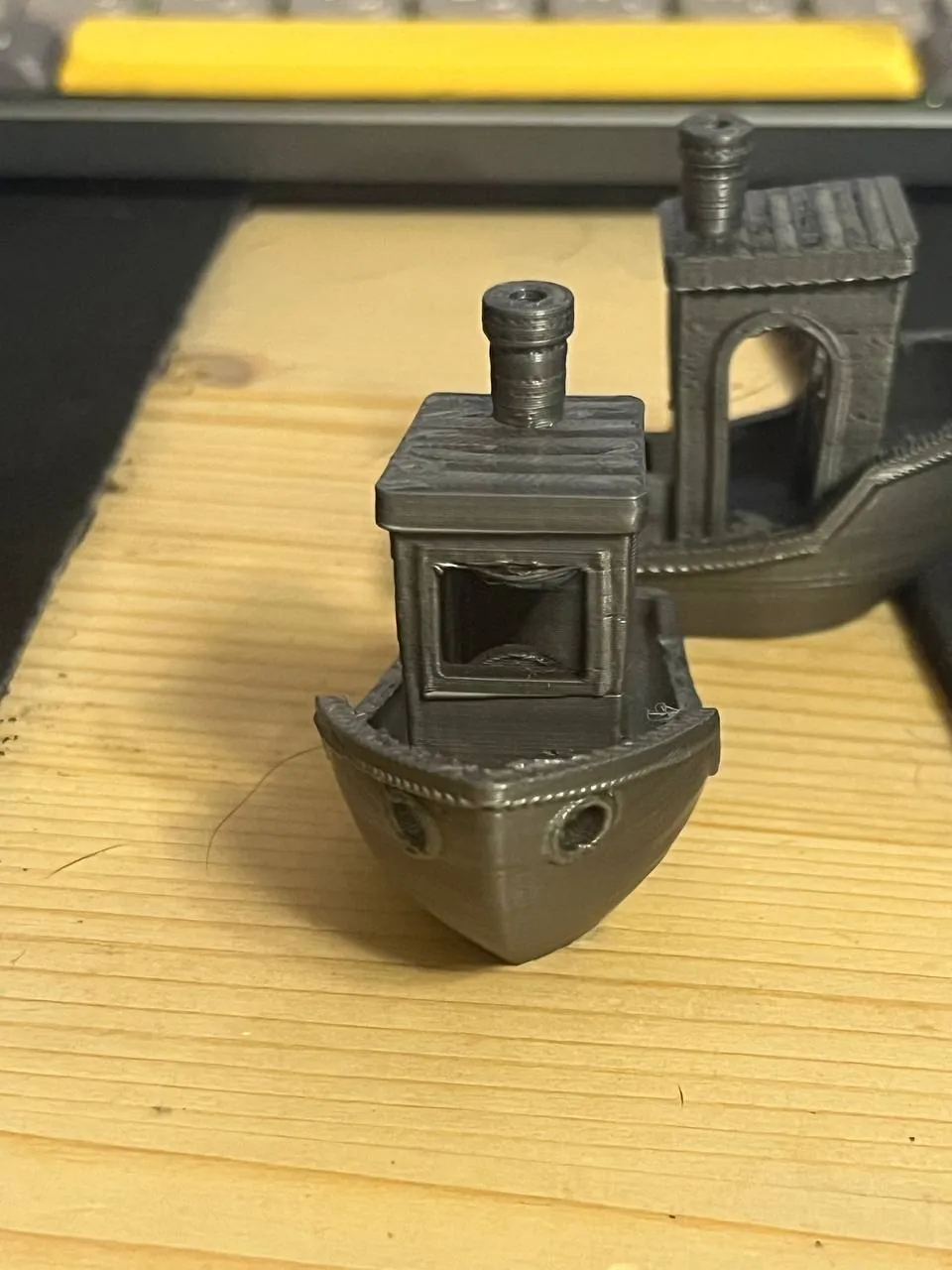
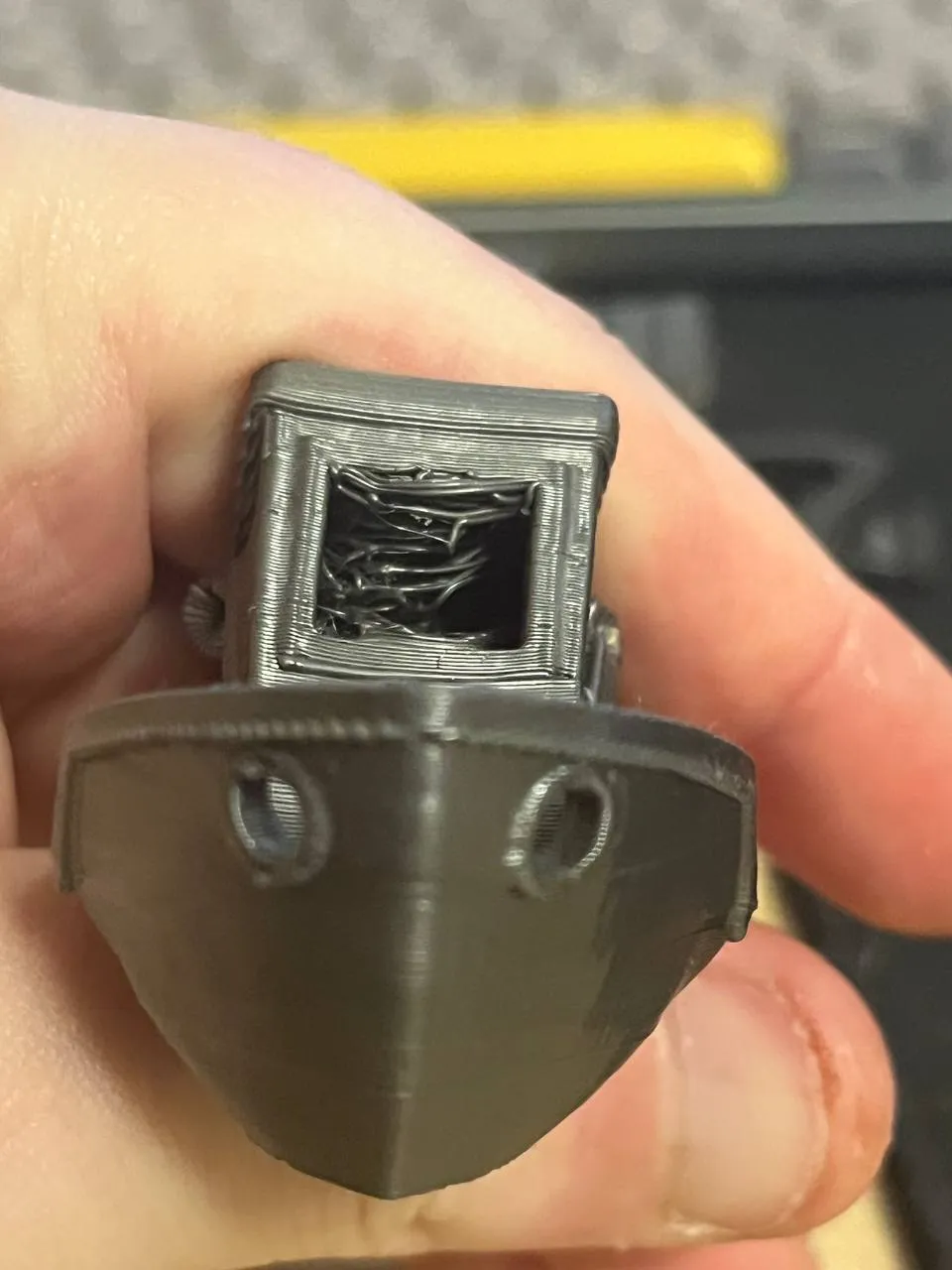
I finally got the TPU 70-75A on the Bambu X1 to run at pretty decent speeds. This bench contains a filament profile and a ready-made set for printing with flex up to 70A. It will work for 75+, but it is best for 70-75A.
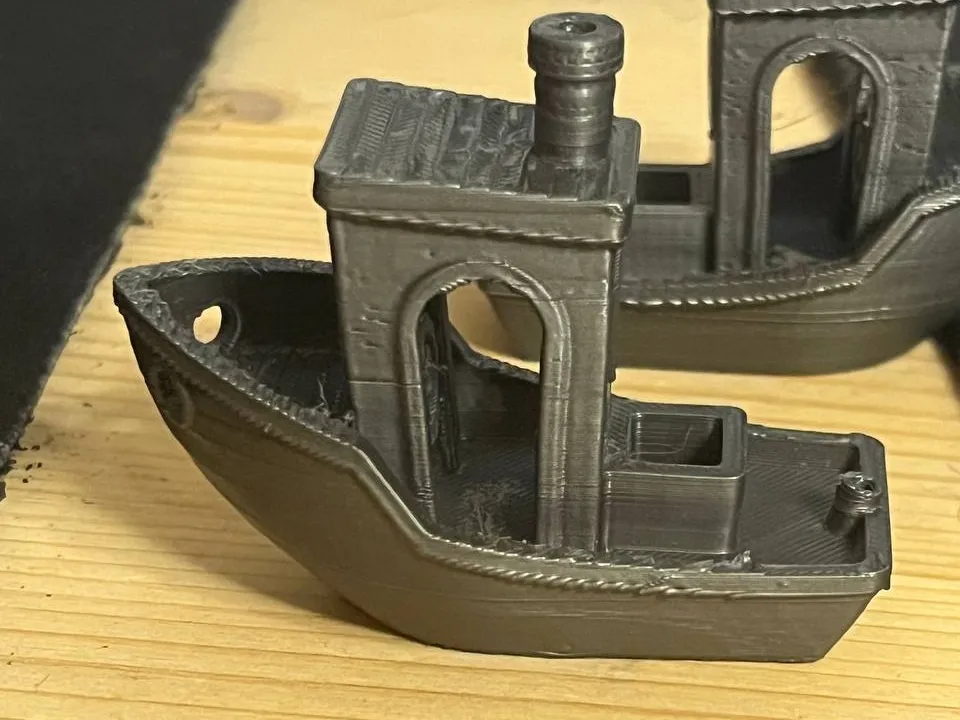
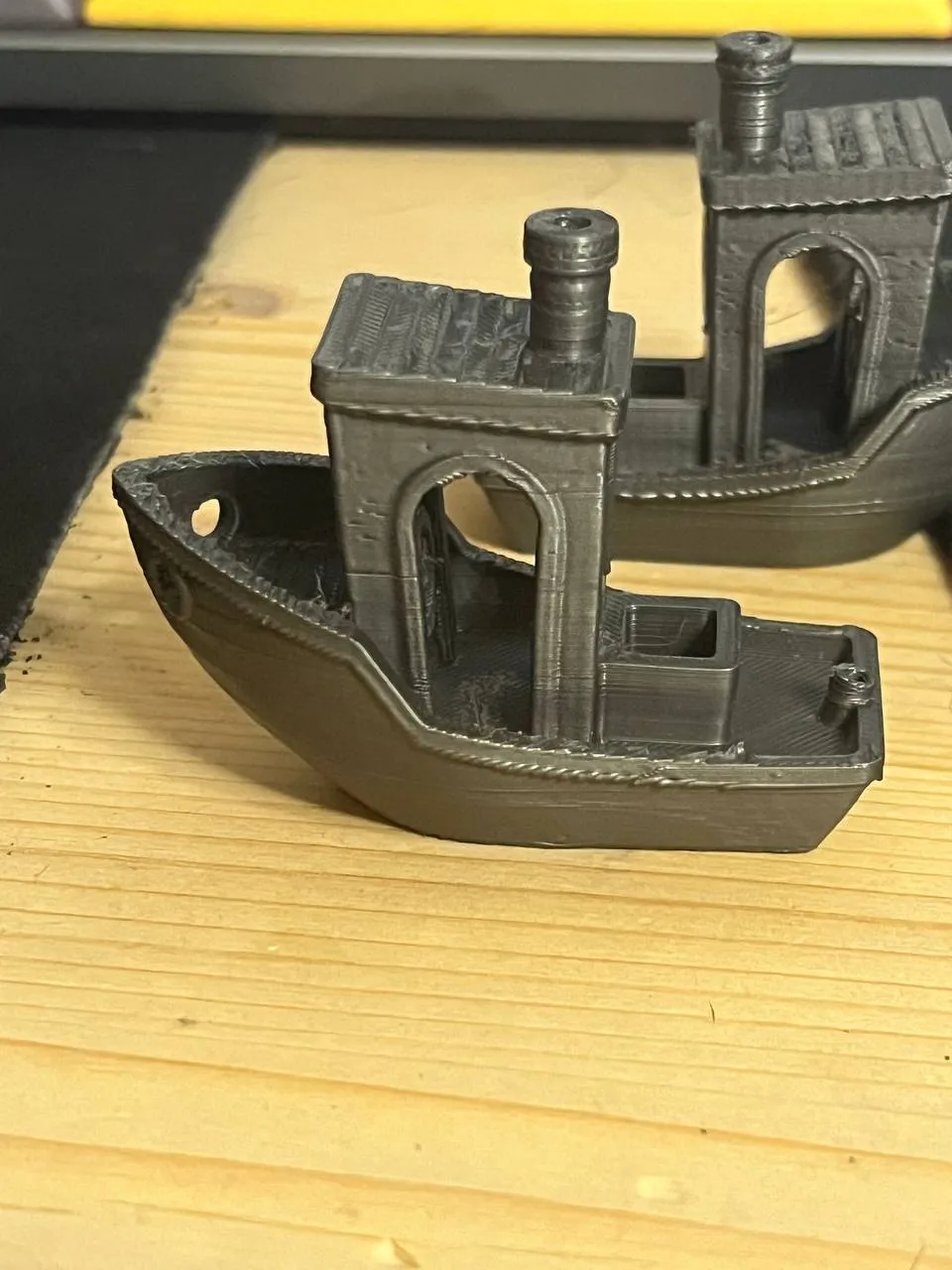
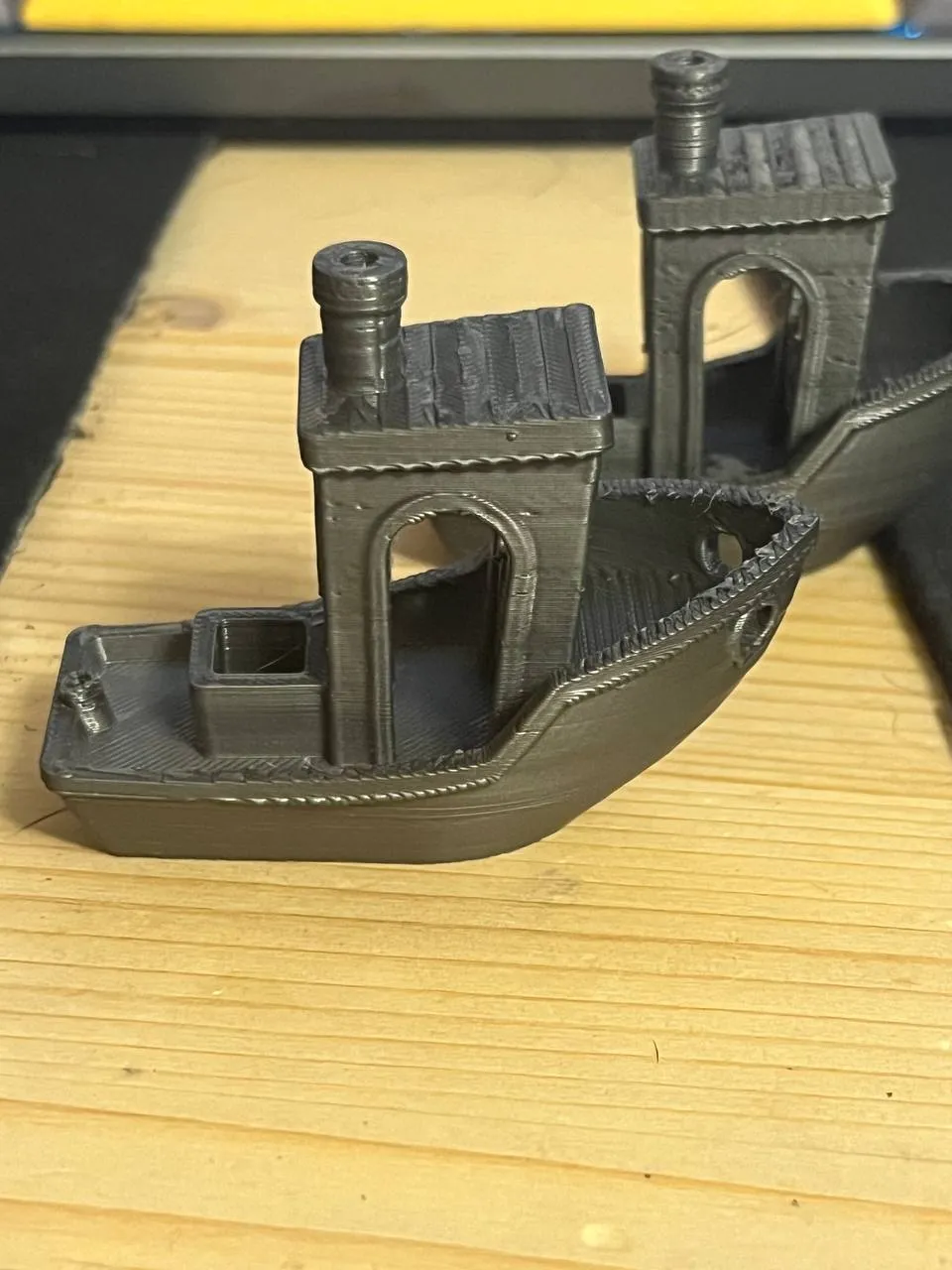
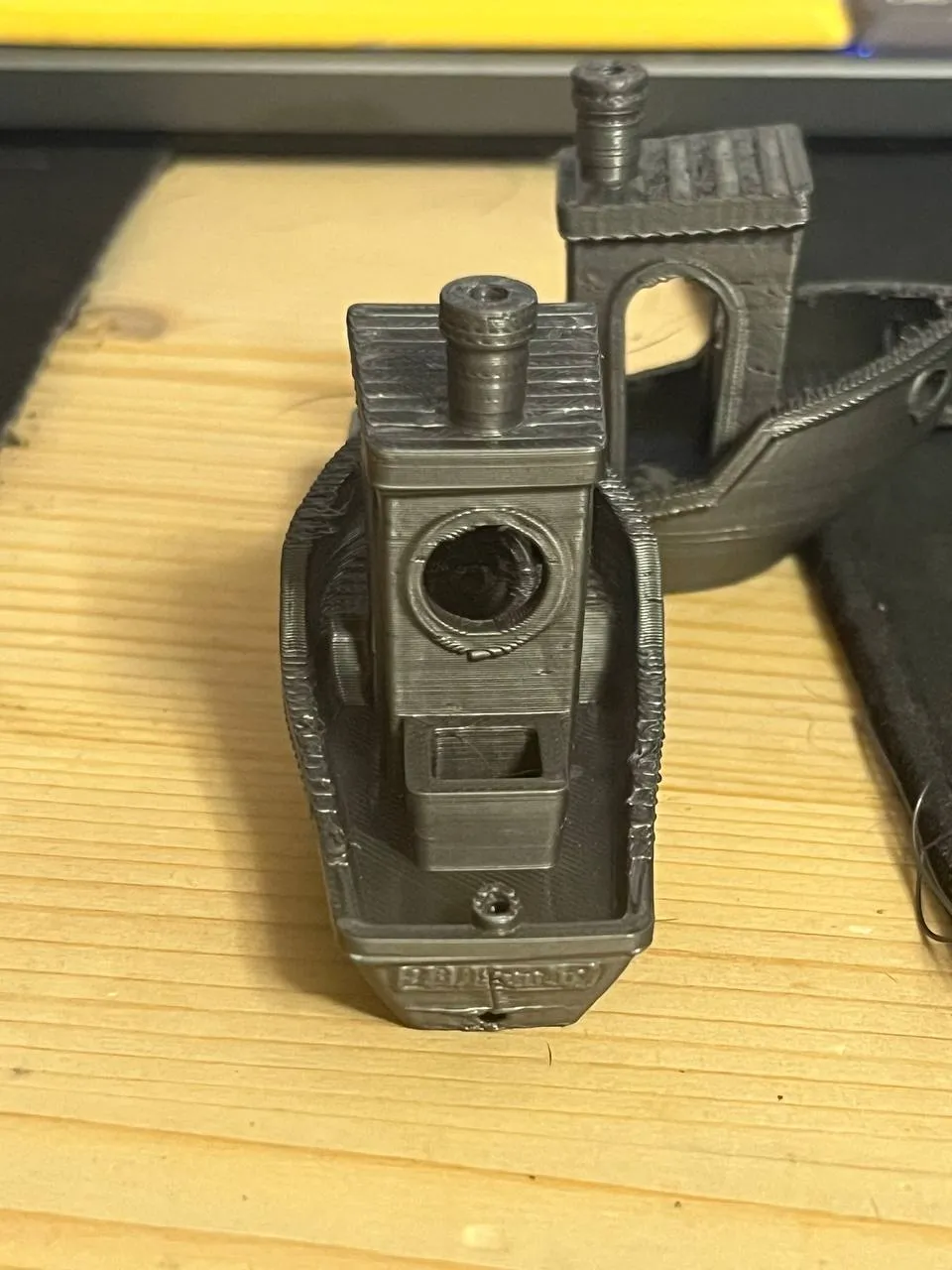
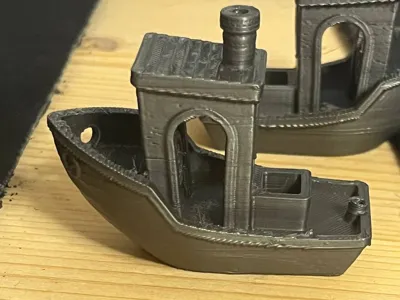
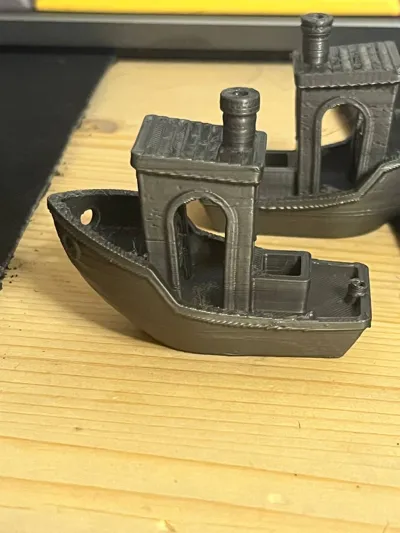
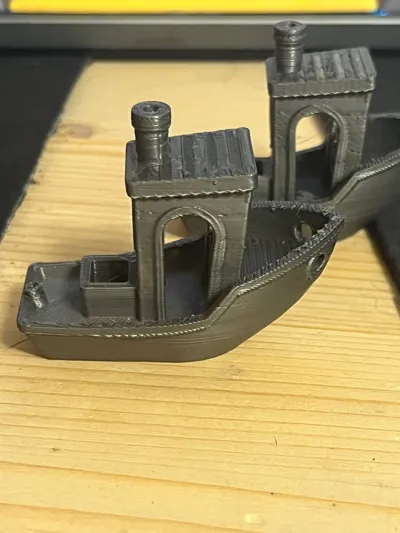
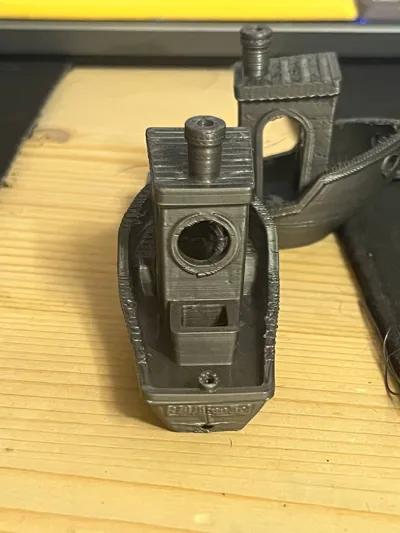
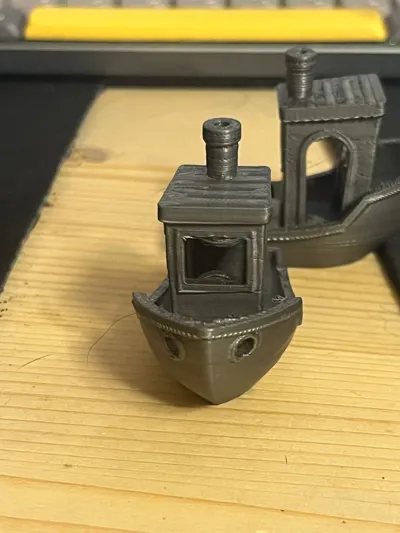
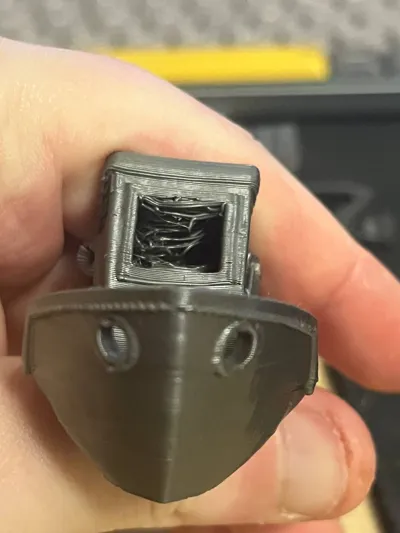
The boat benchmark turned out to be almost perfect. There are some minor flaws only on the top of the ribs, but overall it looks great for such a soft filament and speed. The only problem is that the bridges are not very good, but I think I will be able to fix this problem later.
To print with such a soft material without problems, you need to feed the filament directly into the extruder head without any obstacles or efforts, so that the filament does not have the opportunity to shrink inside the head, since it is very soft.
For the Bambu x1/p1, I additionally developed an upper spool holder on standard bearings, so that the resistance is minimal. You can look in my profile or at the link
If suddenly, for some reason, the filament stops extruding or is wound inside the head, then do not worry:
1. Use your hands to forcefully press the lever that cuts the filament
2. Heat the hotend to 250 degrees Celsius
3. Take hold of the rod sticking out of the extruder head and pull it up well
4. Without loosening the tension of the filament, press the feed button (down arrow) of the filament on the printer screen 2-3 times and then the rollback button (up arrow) of the filament also 2-3 times. As soon as you feel that the filament begins to rise, press the rollback a few more times and you will be able to pull out the filament without problems.
License



Comment & Rating (10)