
Multicolor Pin Art - Medium size (4"x4") - No AMS
Print Profile(1)

Description
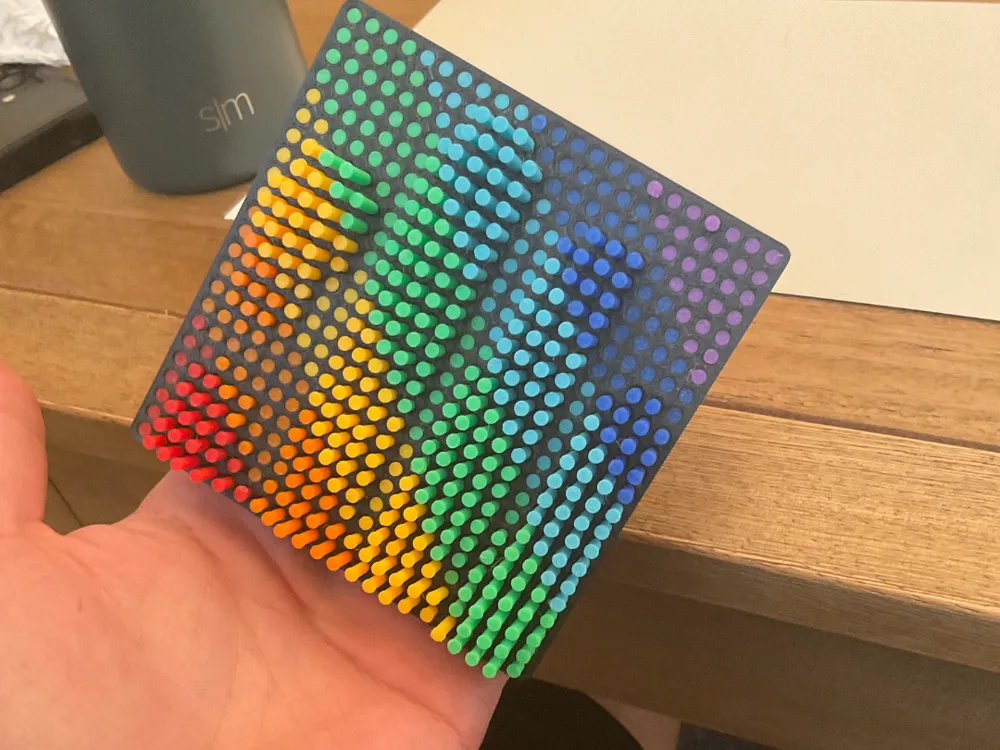
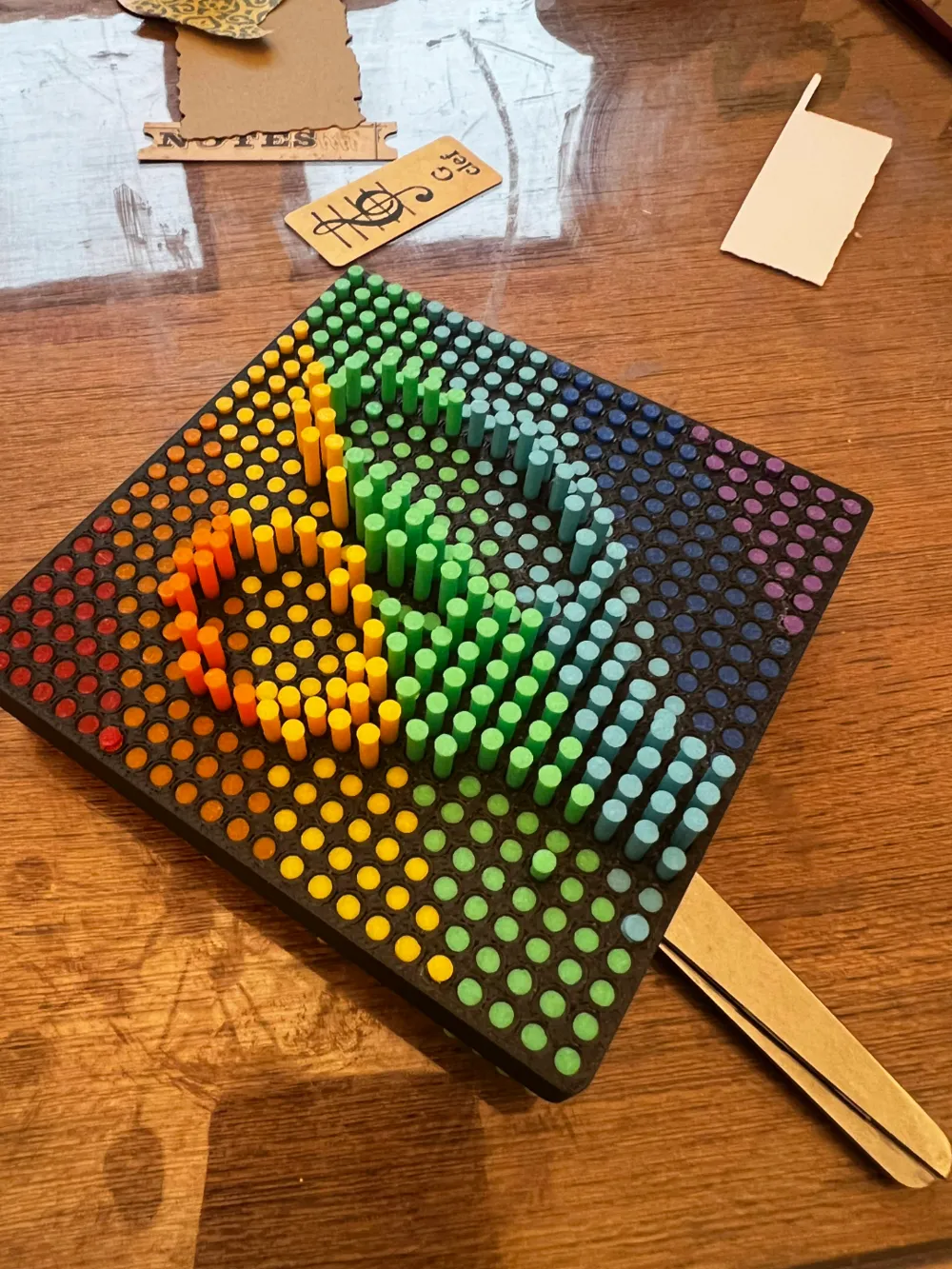
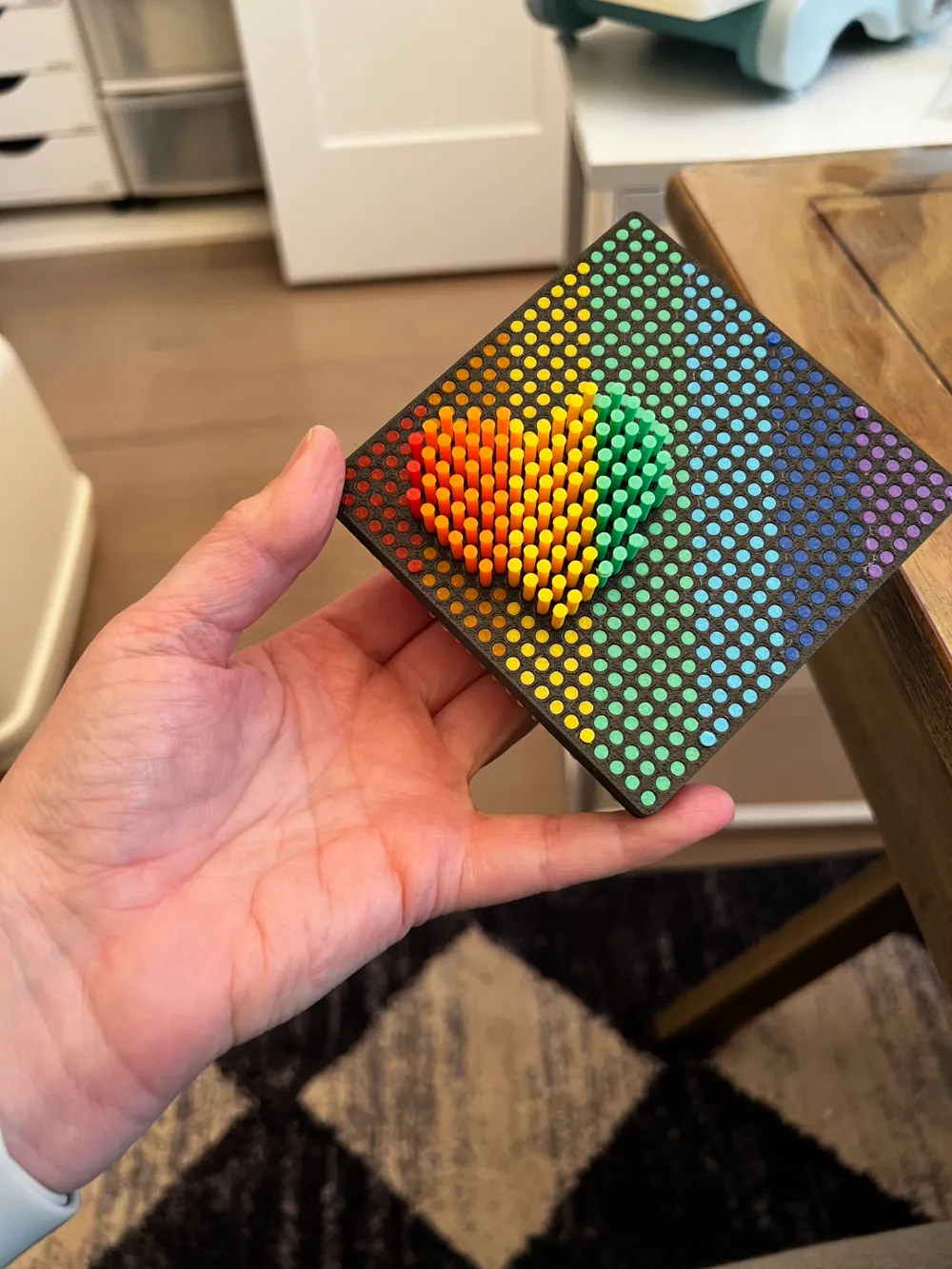
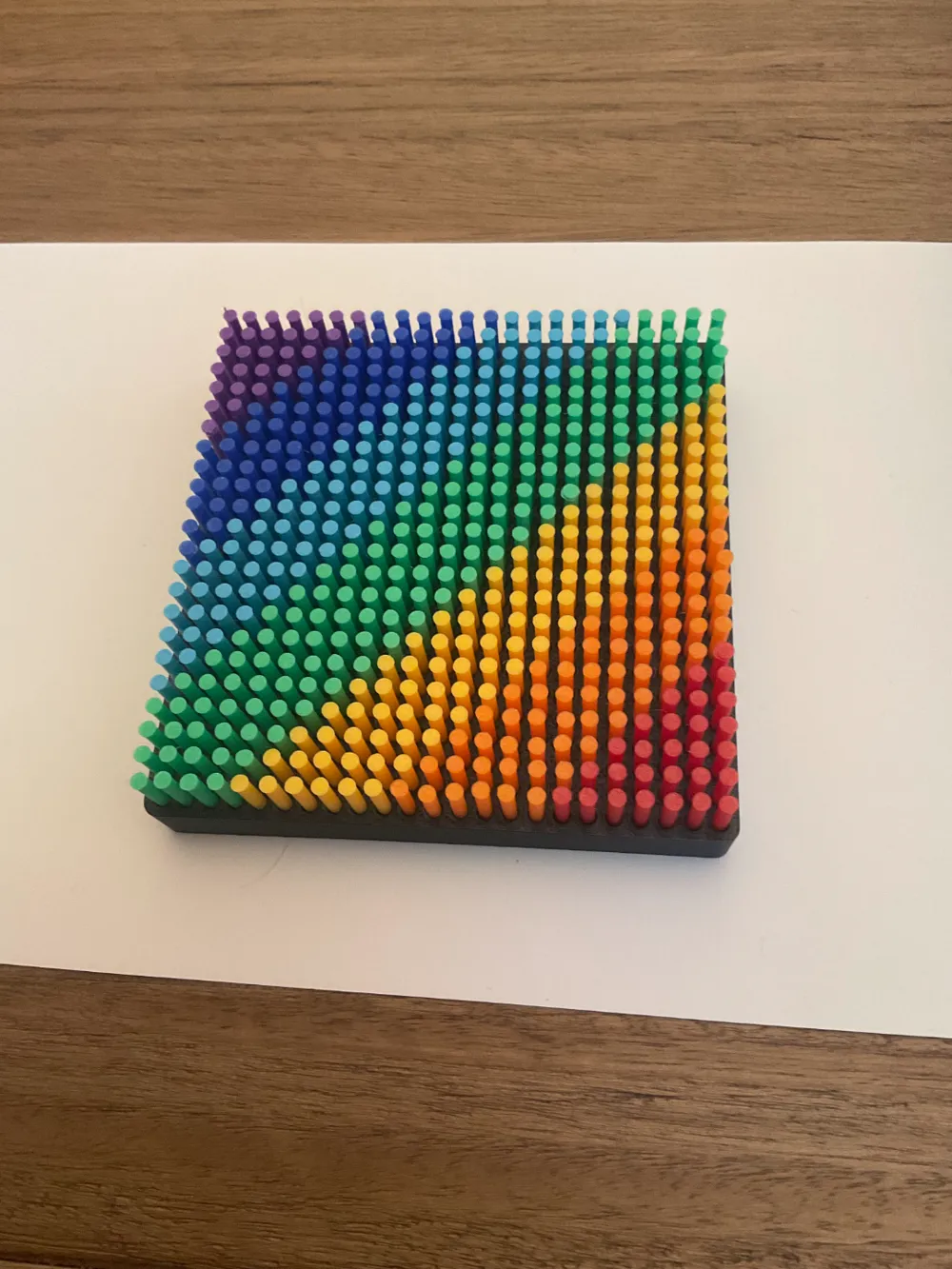

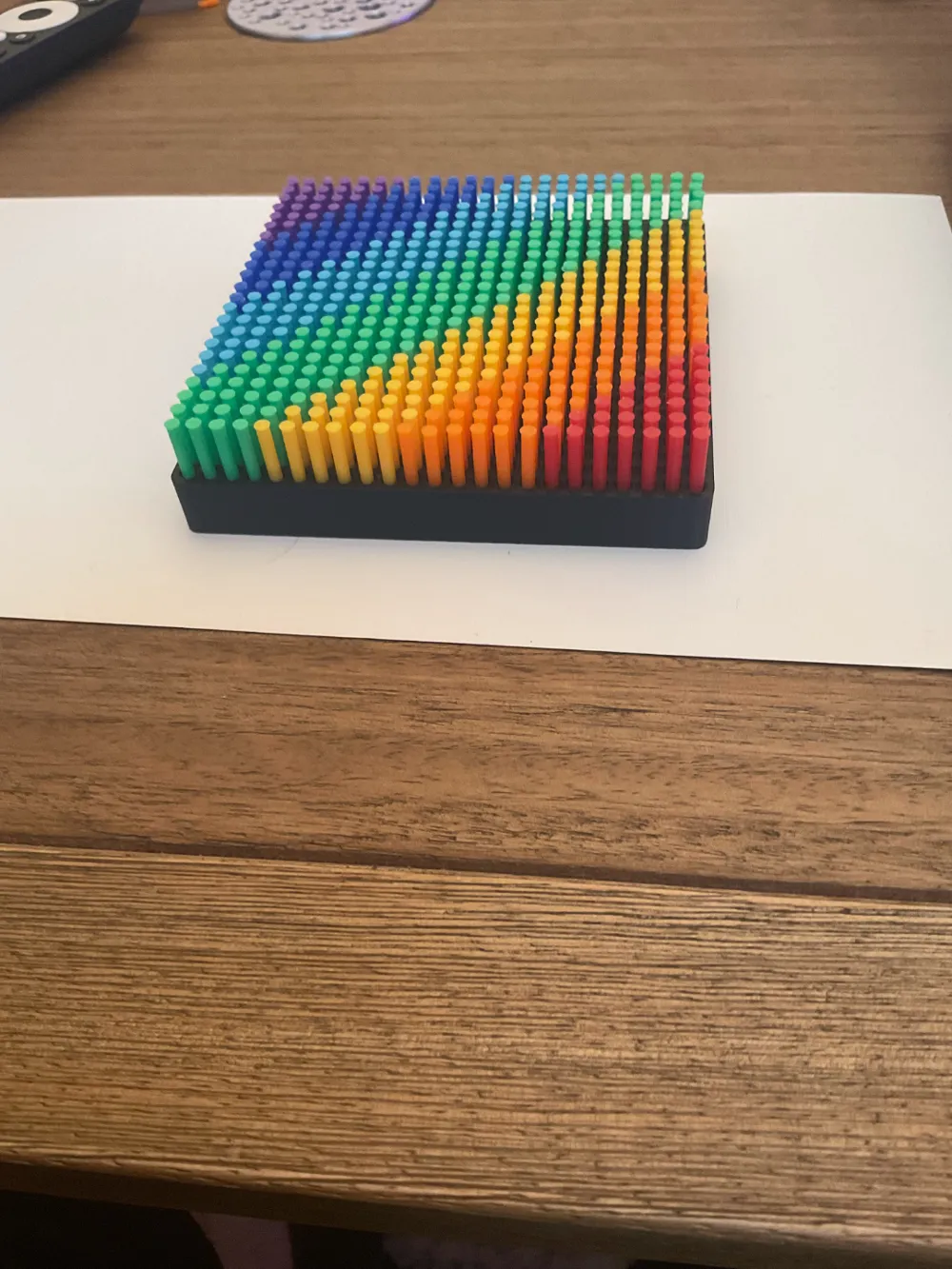
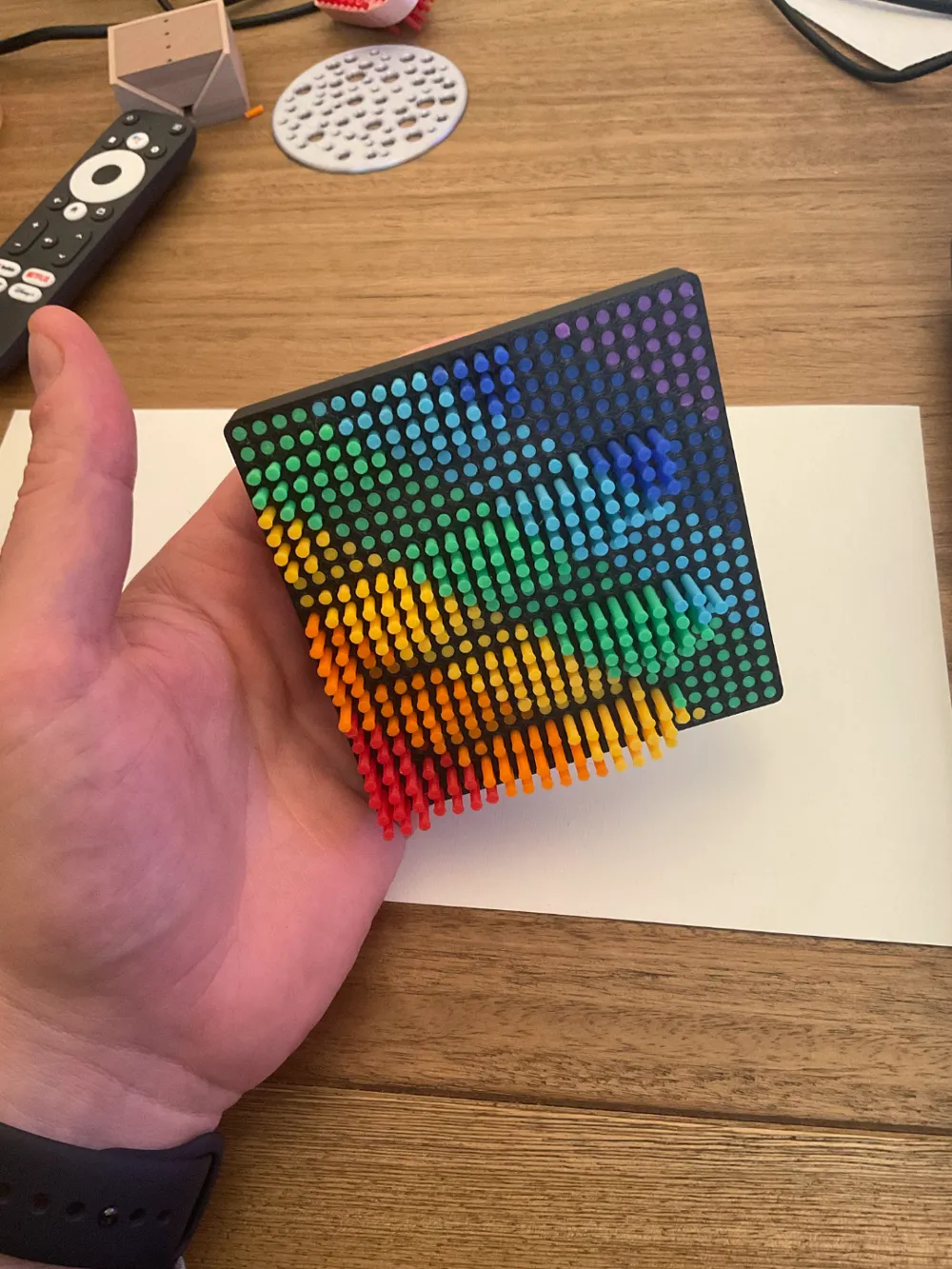
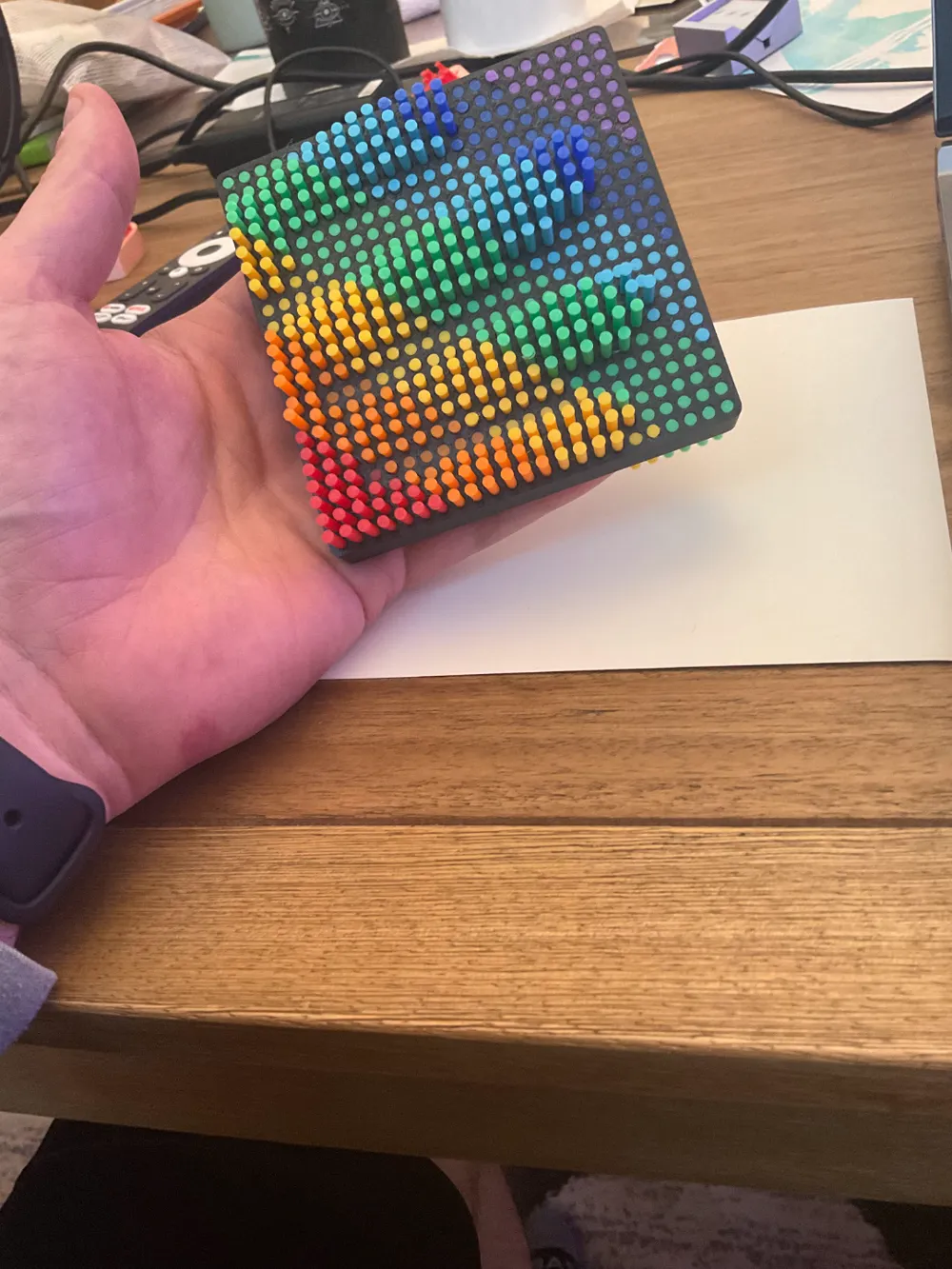
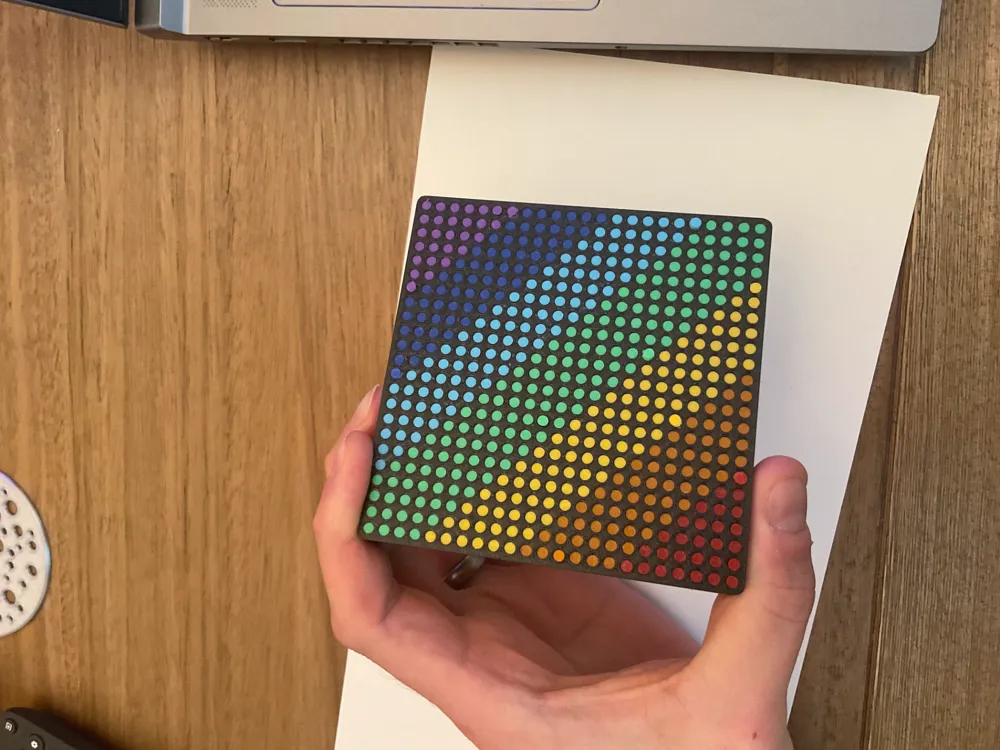
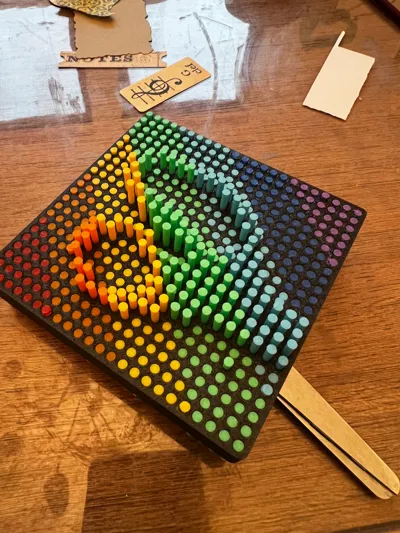
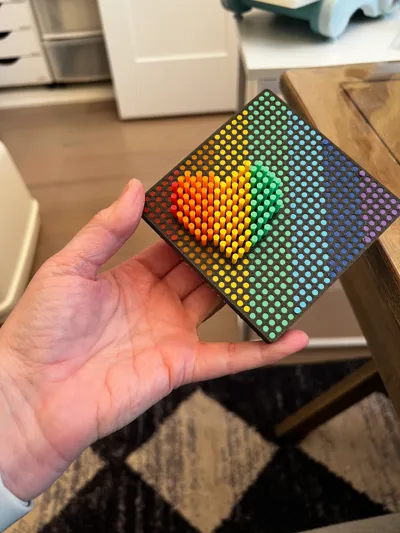
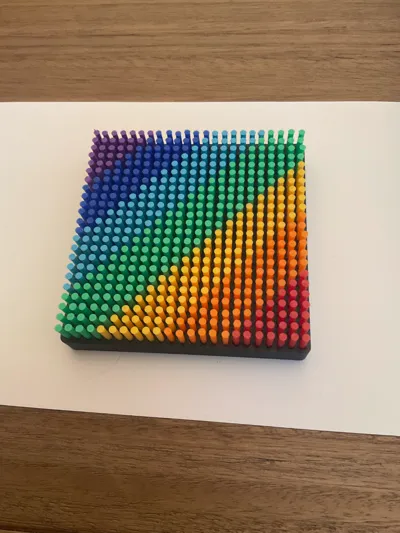
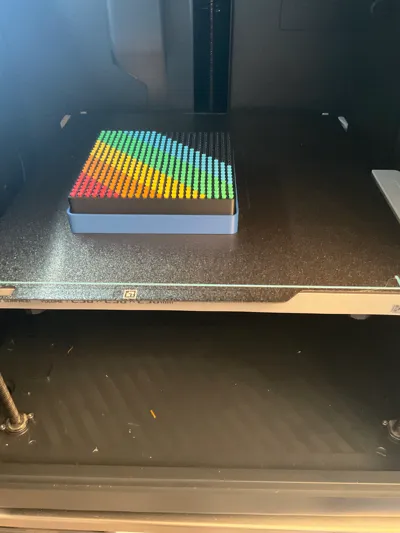
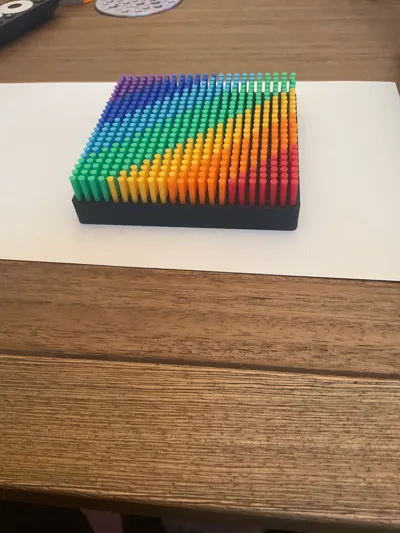
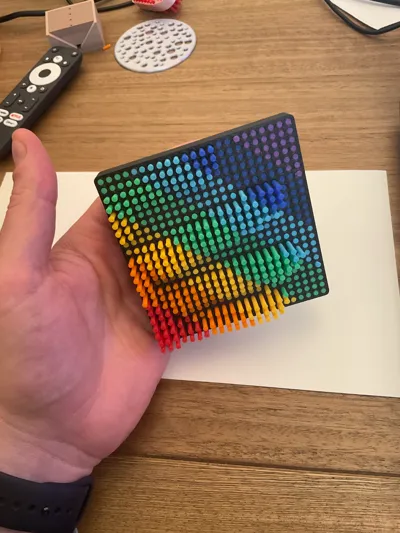
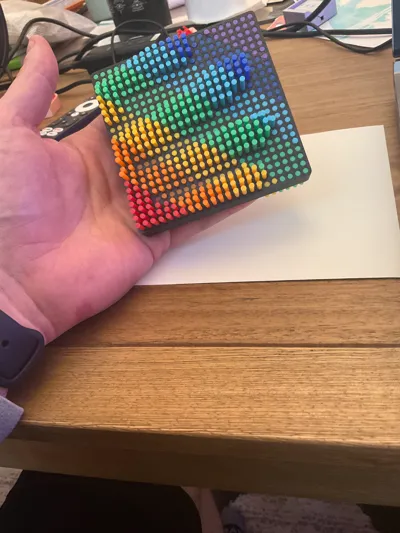
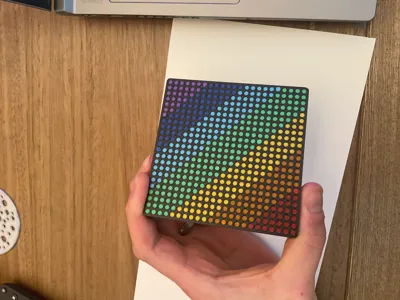
Made this medium size (4"x4") Rainbow/Multicolor pin-art fidget toy because I wanted thinner, longer pins than the pin art toys available and wanted it to print in separate plates for easy color change/contrast without wasting a lot of print time and filament. It took a lot of testing to get this to work but the end result feels and sounds so satisfying when you play around with it. I printed with colors of the rainbow but could be any colors that you like.
Update 2/2/25 - Increase the heads on the pins to make it less sensitive to different tolerances of different machines or materials.
About the print itself:
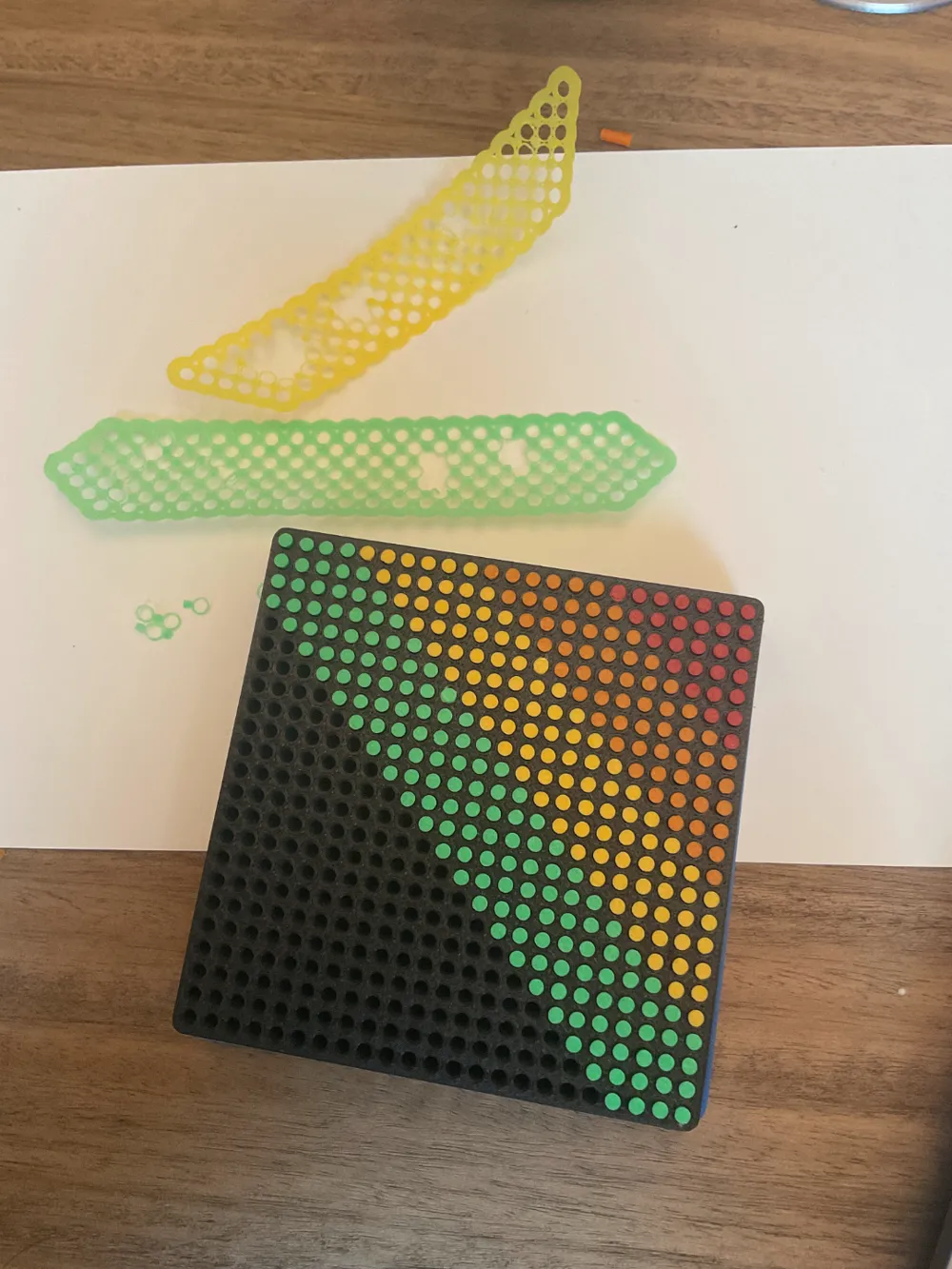
- Print the first plate with the base first. (Very important: for the enclosed printers make sure Aux fan is off so it doesn't warp)
- Print the second plate with the base lifter (Very important: for the enclosed printers make sure Aux fan is off so it doesn't warp)
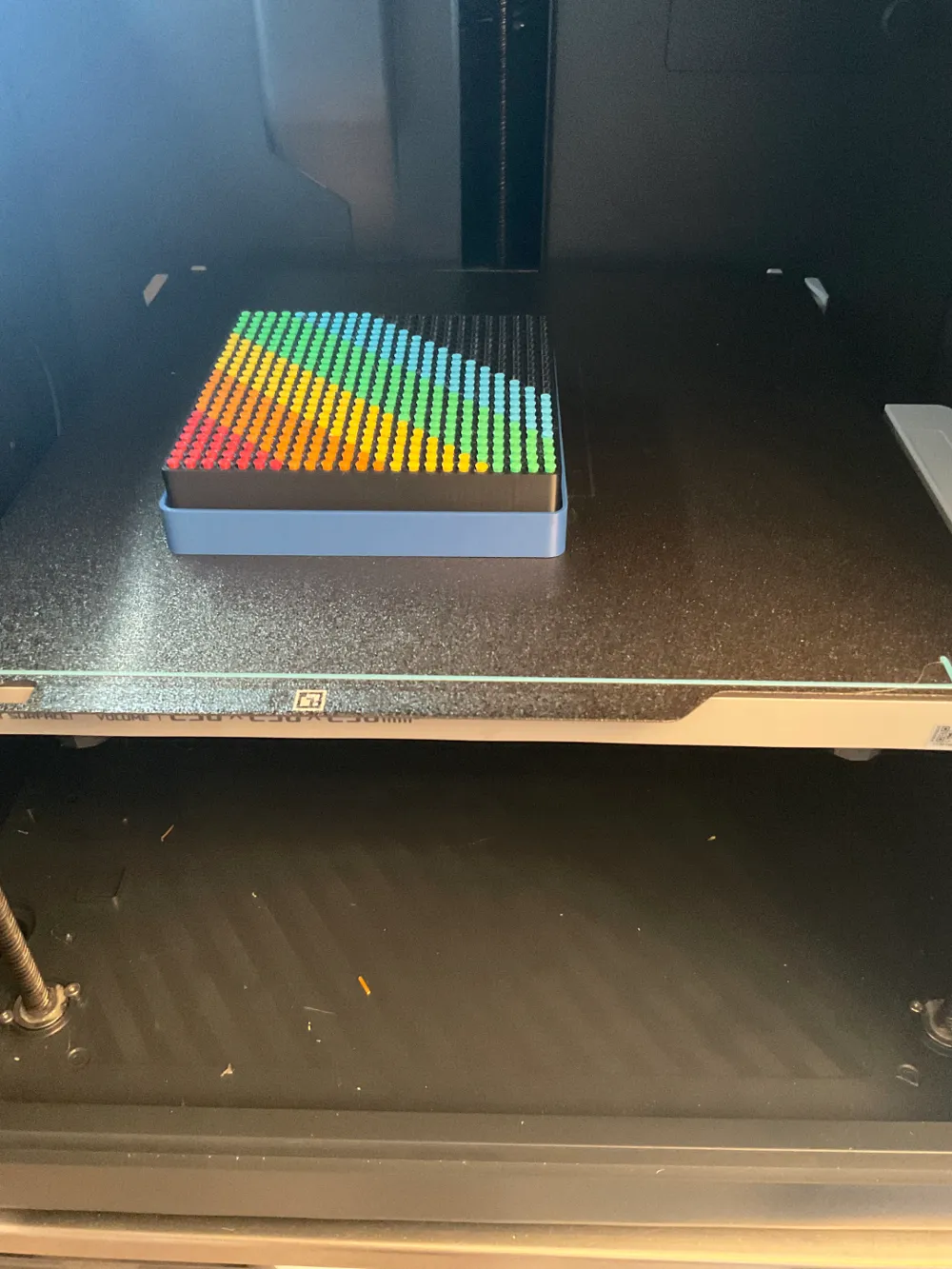
- Choose one of the plates with the pins and choose a color (I recommend starting from a corner and working towards the center).
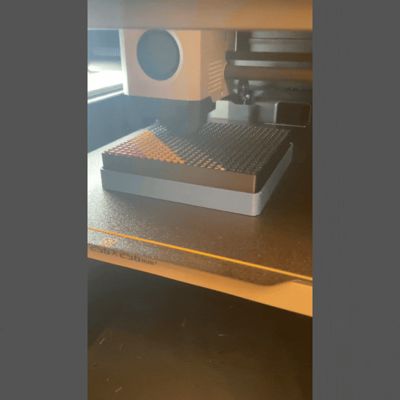
- Printer will automatically pause at Layer 117
- Carefully slide the lifter and base onto the pins until the base sits inside of the recess of the lifter and everything is seated down
- Resume the print
- Some hand peeling will be required to remove the brim on the bottom (I know that it is annoying but adhesion was important for this one). Update 1/25/25- Brim was modified to 0.15mm spacing making it much easier to peel off (trust me it is sooooo much better than earlier versions)
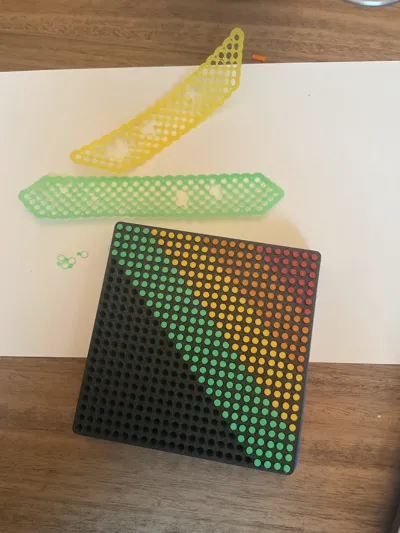
There may be one pin that doesn't move without some help ( I think the first one that gets printed after resume). to fix this take pliers to lightly twist from the short side of the pin.
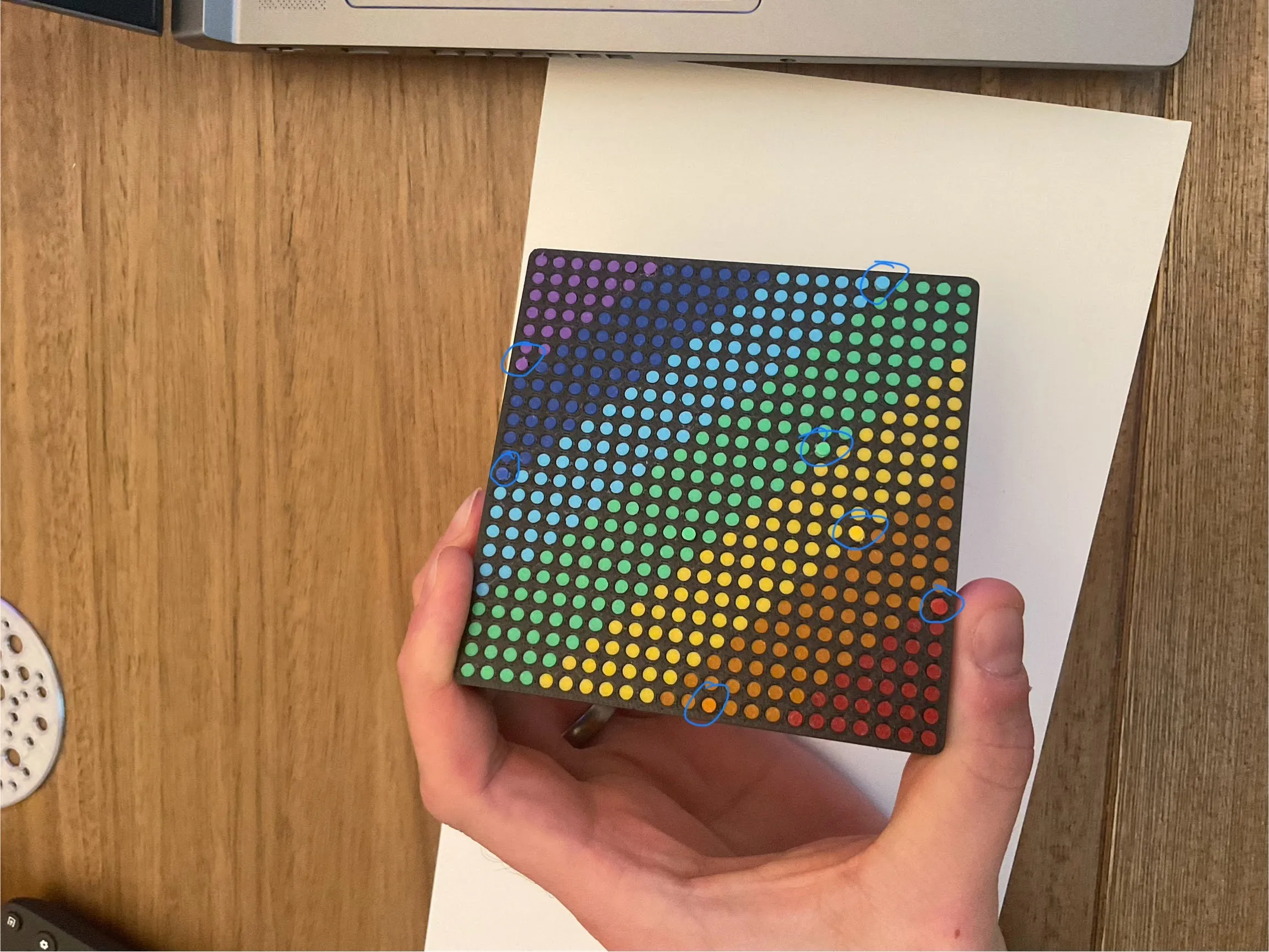
My stuck pins were in these locations. A light turn freed them right up but it sits a little high - Repeat step 3-8 until you fill the whole square.
*Note: Cleaning the plate with dish soap and water before the print can help adhesion if you have any issues.
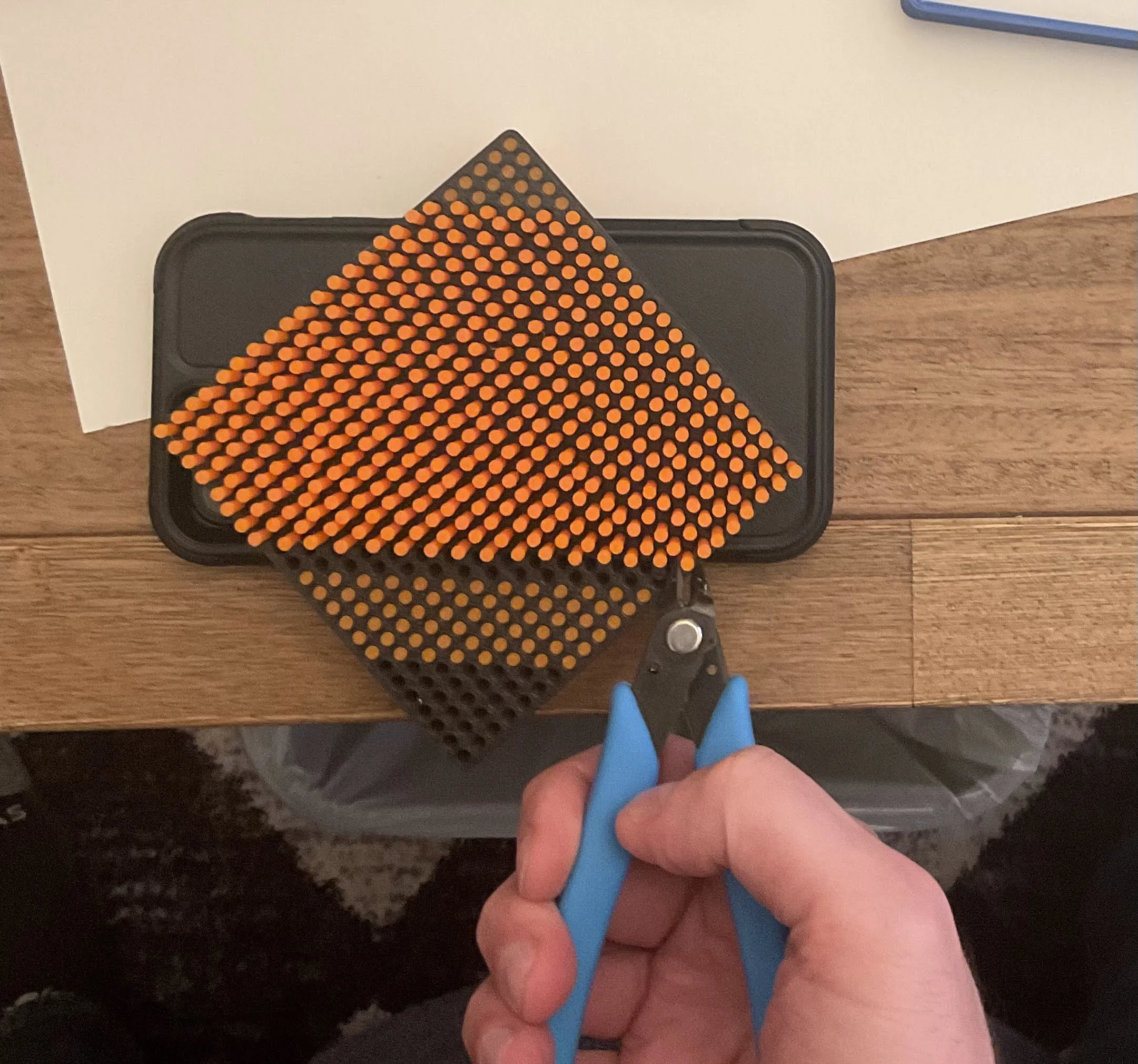
**Note 2: if you damage any pins or want to change colors you can cut off that row/rows and reprint with the same process. or if you printed the single color 4"x4" base already you can use that by snipping out the sections that you want to change color.
 I also have a single color pin version here ( https://makerworld.com/en/models/1033916#profileId-1017881 ). I'm planning to make larger versions soon but let me know if there is something specific that you want to see.
Boost Me (for free)
Boost and comment if you want to see more projects like this!
License

You shall not share, sub-license, sell, rent, host, transfer, or distribute in any way the digital or 3D printed versions of this object, nor any other derivative work of this object in its digital or physical format (including - but not limited to - remixes of this object, and hosting on other digital platforms). The objects may not be used without permission in any way whatsoever in which you charge money, or collect fees.


Comment & Rating (4)