Search models, users, collections, and posts

Skulls N' Roses - Bookmarks Set

IP Report

Print Profile(4)

All
P1S
P1P
X1
X1 Carbon
X1E
A1
A1 mini
H2D
H2D Pro
H2S
P2S
H2C
X2D
A2L

0.4mm NOZZLE, 5COLORS, AMS - FASTER PRINT
Designer
3.8 h
1 plate
5.0(145)

0.2mm NOZZLE, 5COLORS, AMS - BEST QUALITY
Designer
7.6 h
1 plate
4.9(11)

NO AMS, 0.2mm NOZZLE, 5COLORS - BEST QUALITY
Designer
7.3 h
1 plate
5.0(6)

NO AMS, 0.4mm NOZZLE, 5COLORS - FASTER PRINT
Designer
3.7 h
1 plate
5.0(5)

Open in Bambu Studio
Boost
3444
7621
219
181
2.7 k
1.2 k
Released 

Description

If you want to sell prints of this model, as well as all of my models - future and past
Subscribe to My Patreon:
Or Subscribe for a commercial License Directly in Maker World:
 

Membership

C3D Commercial Membership - Authorized Merchant

Join


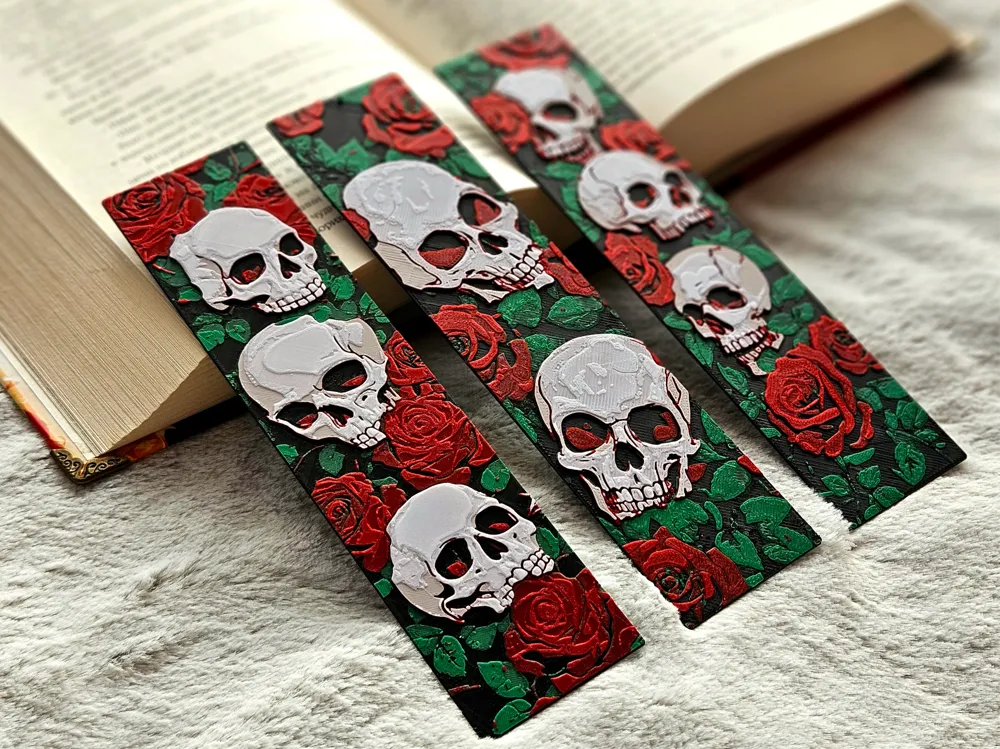
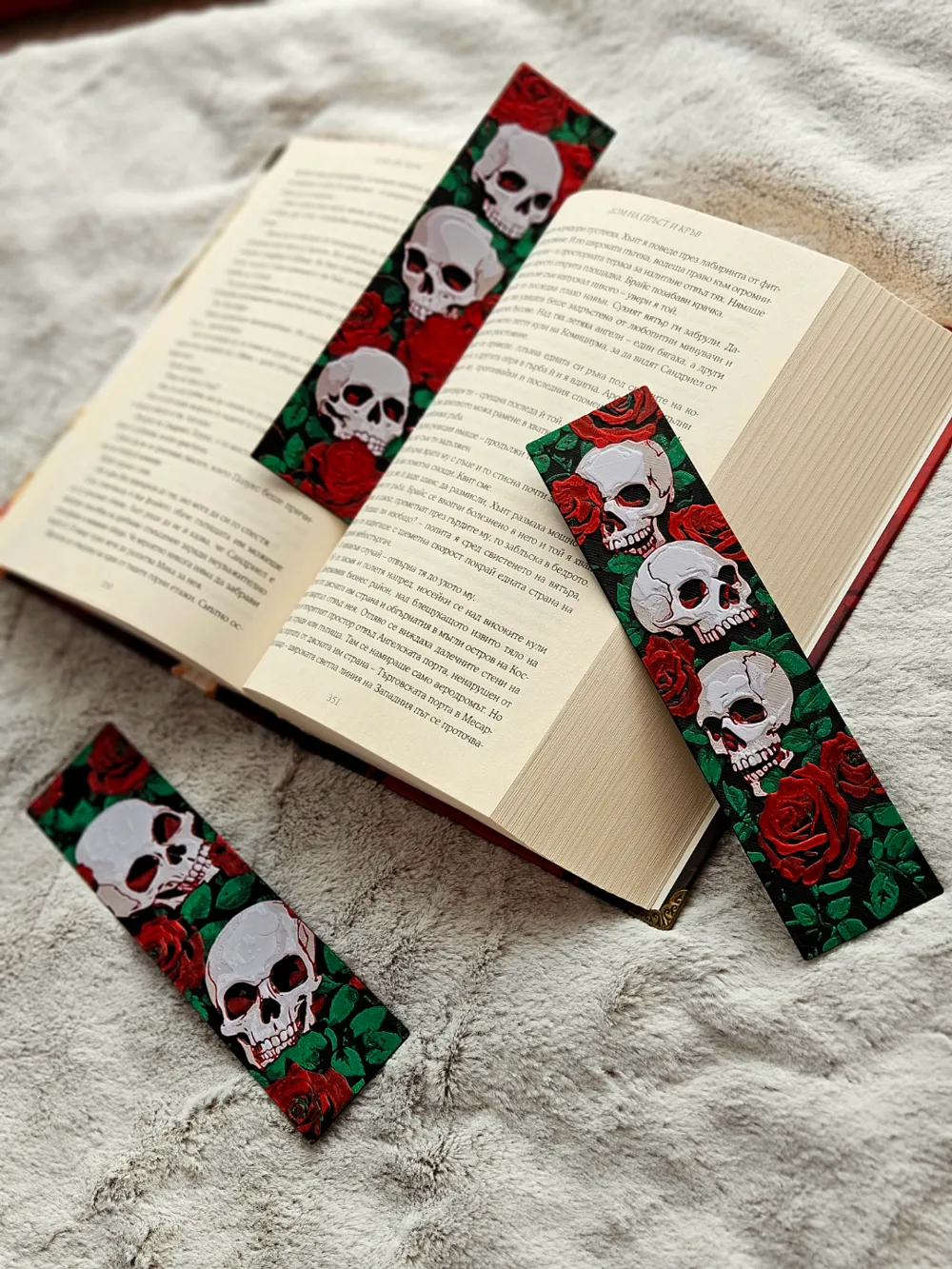
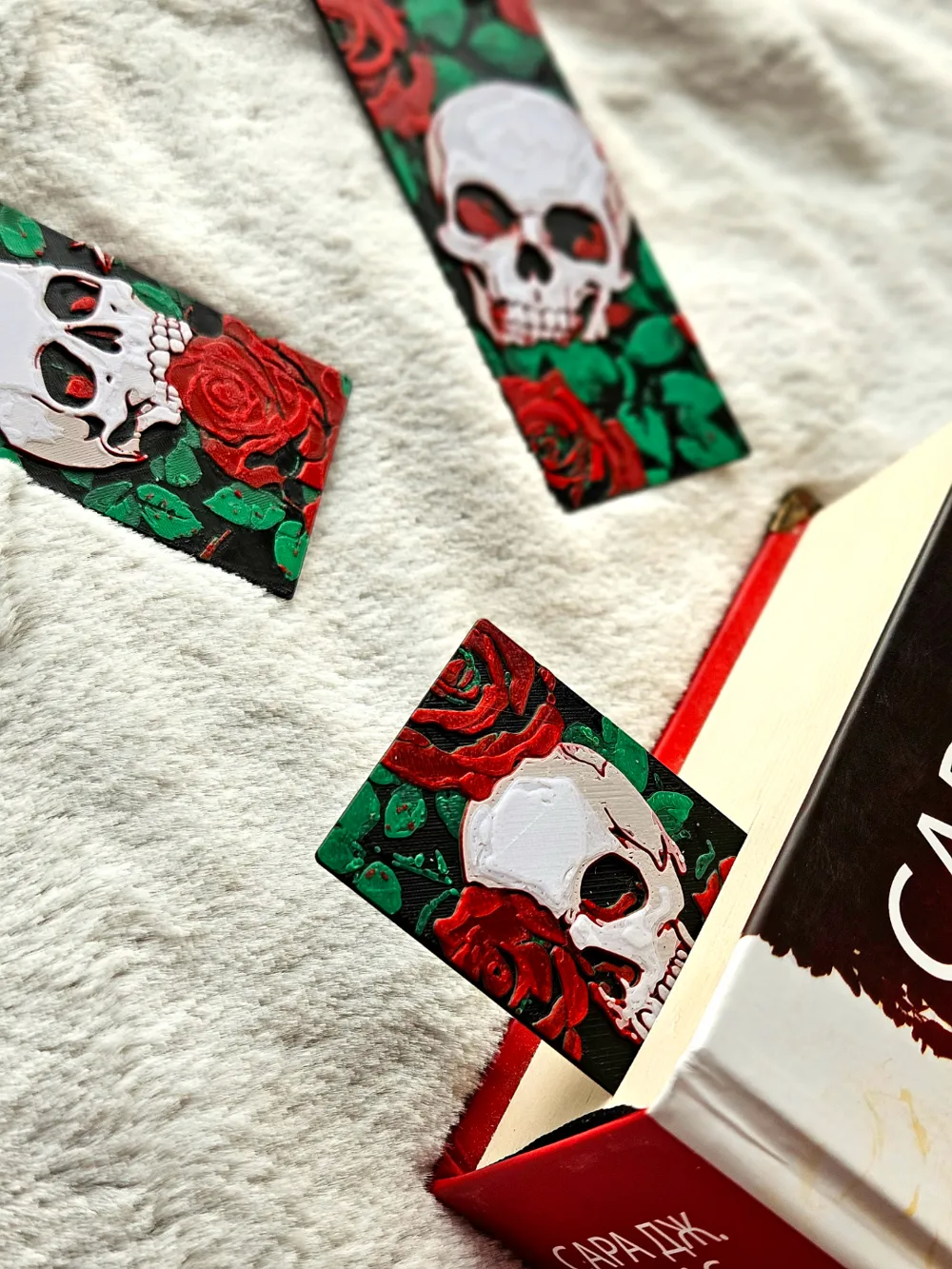
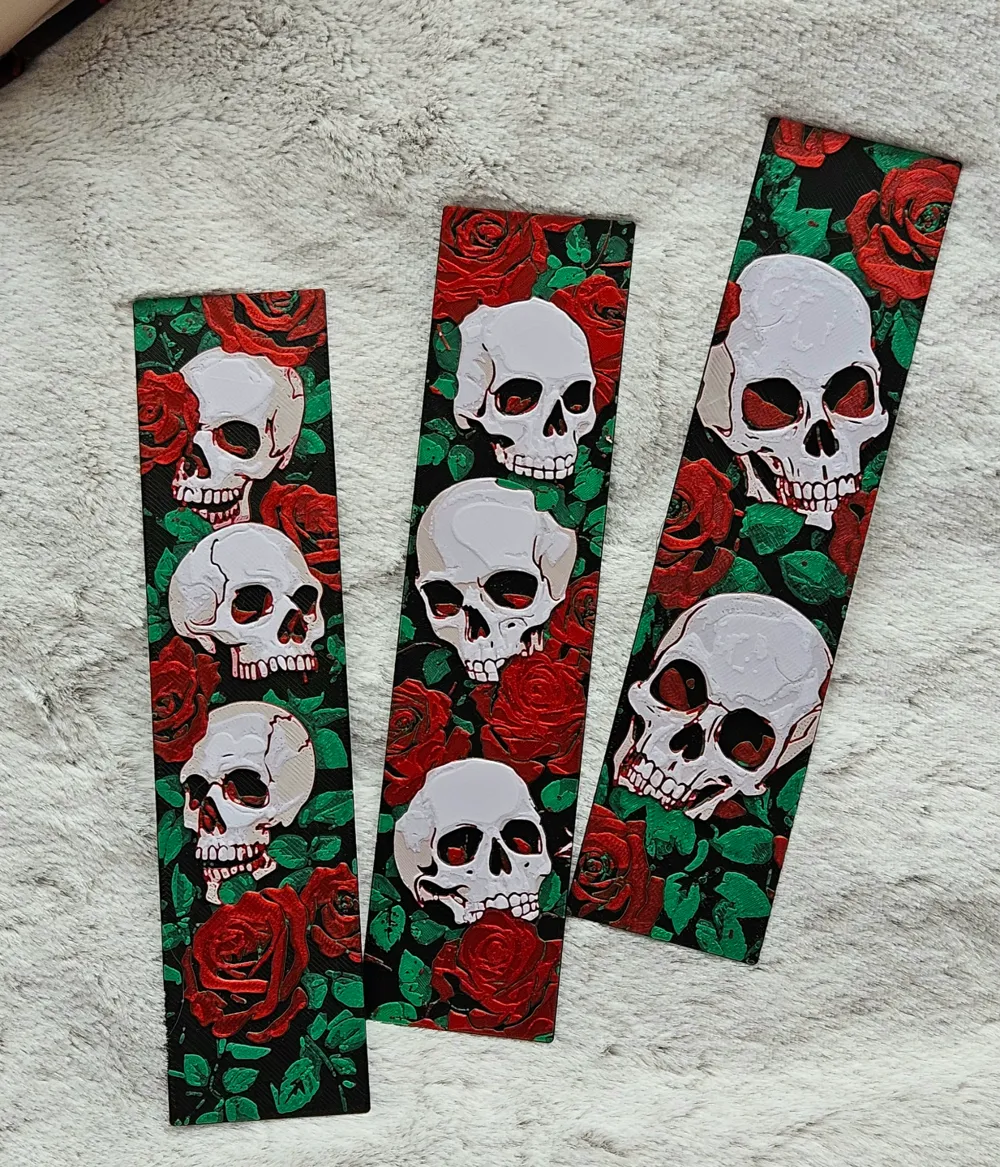
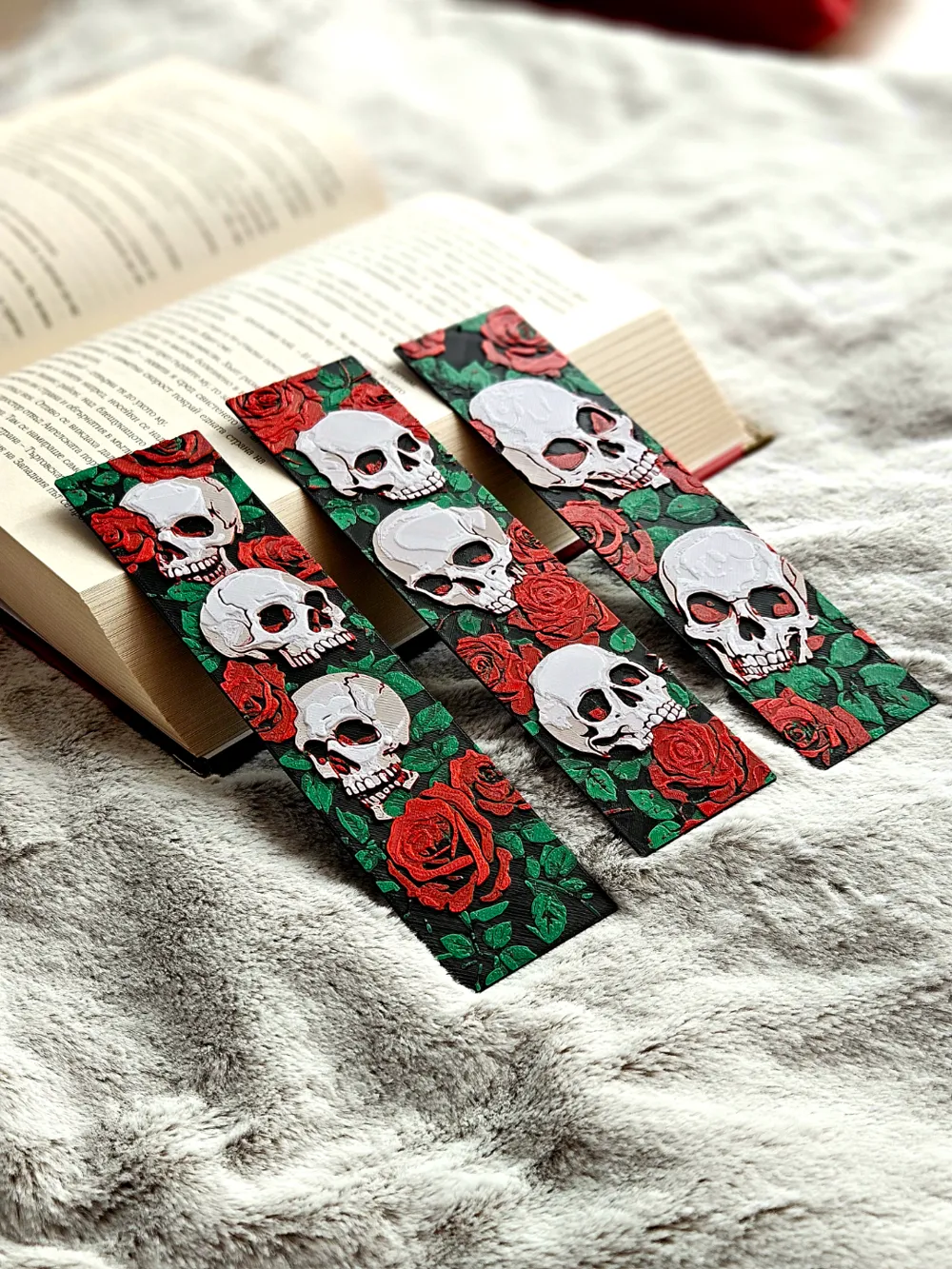
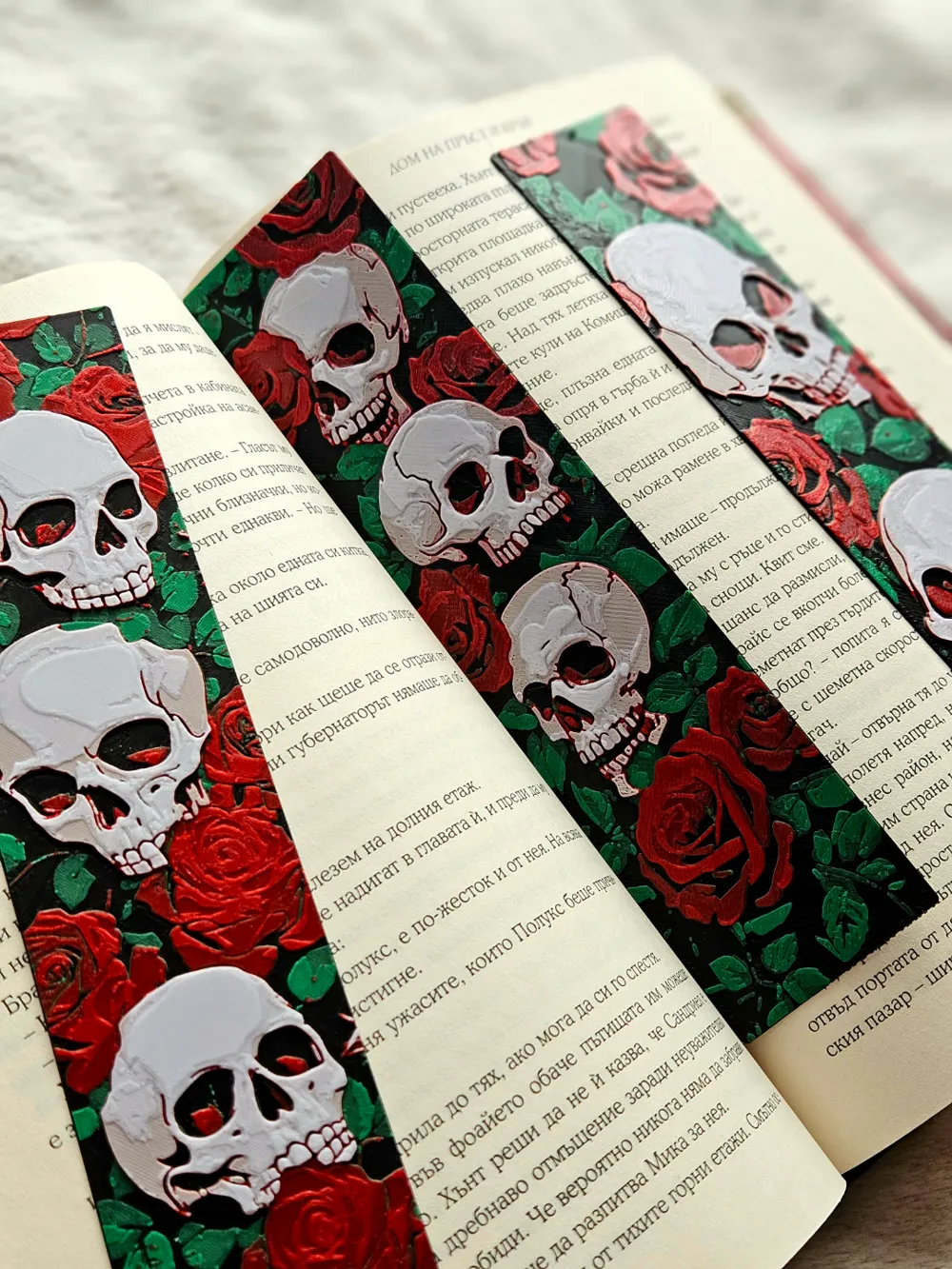
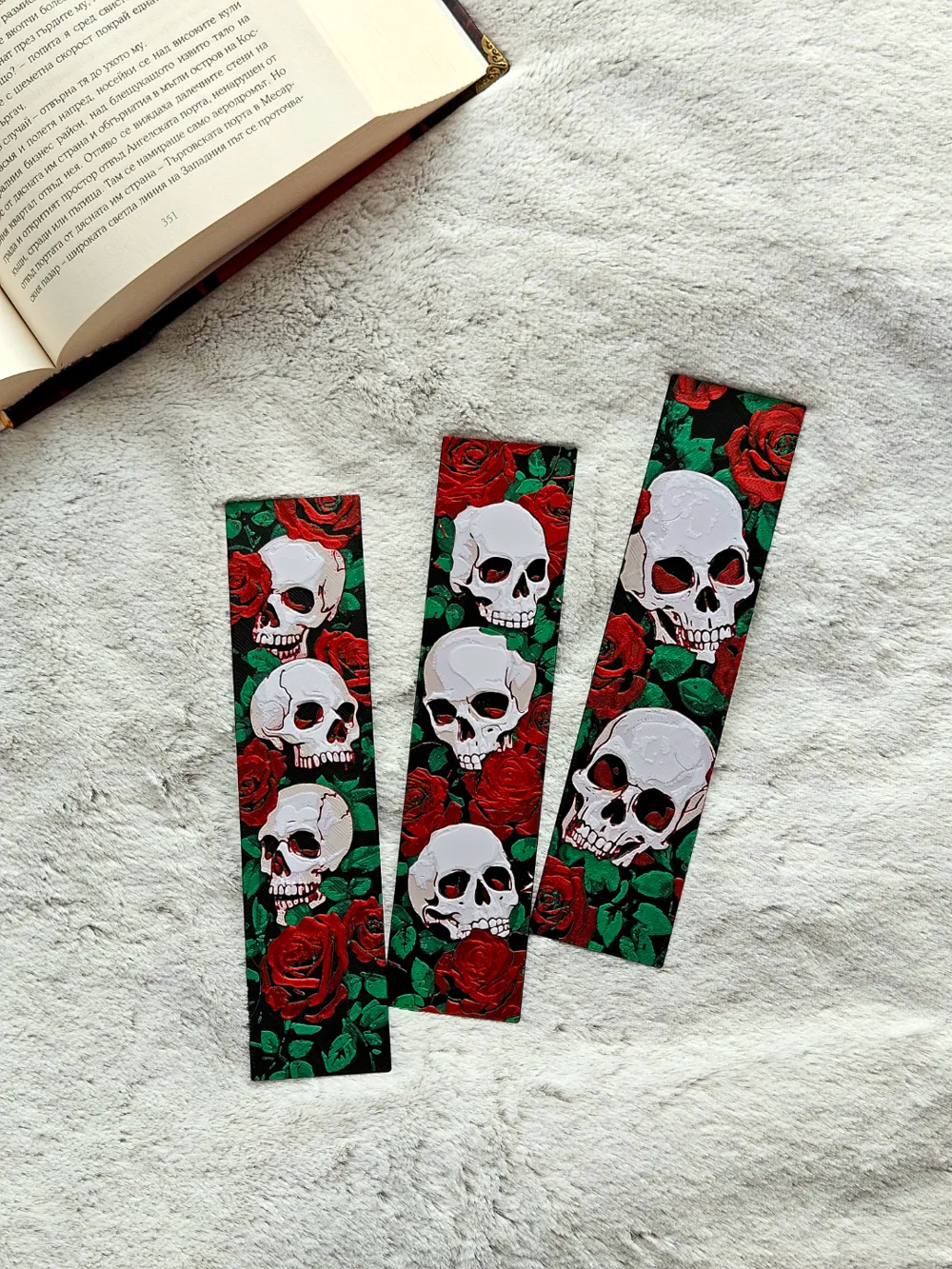
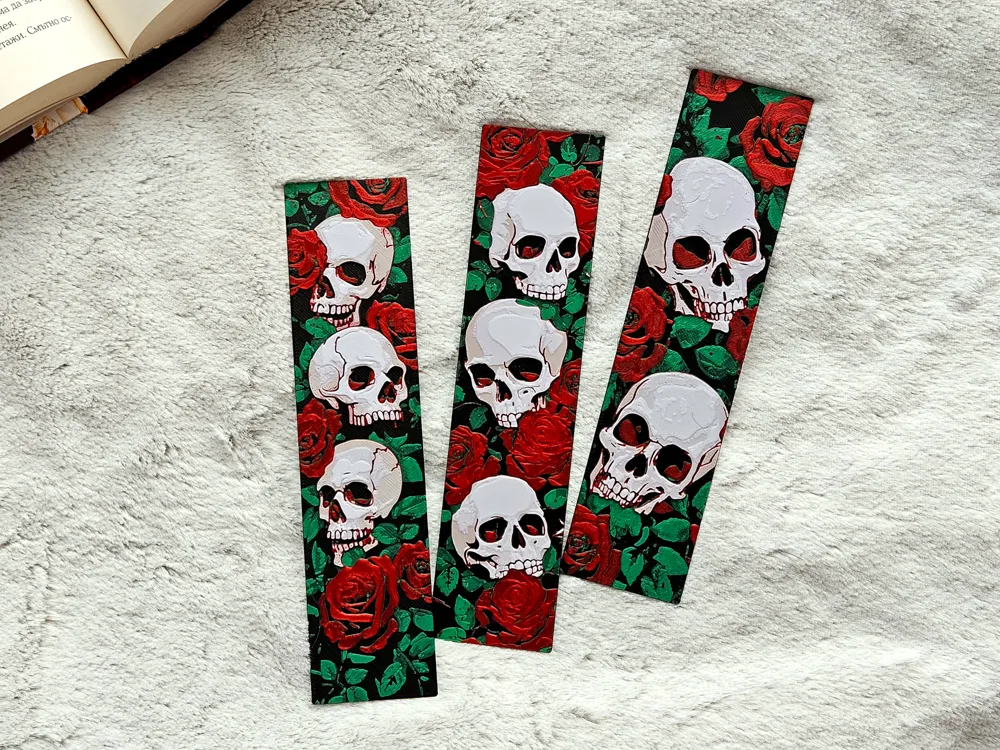
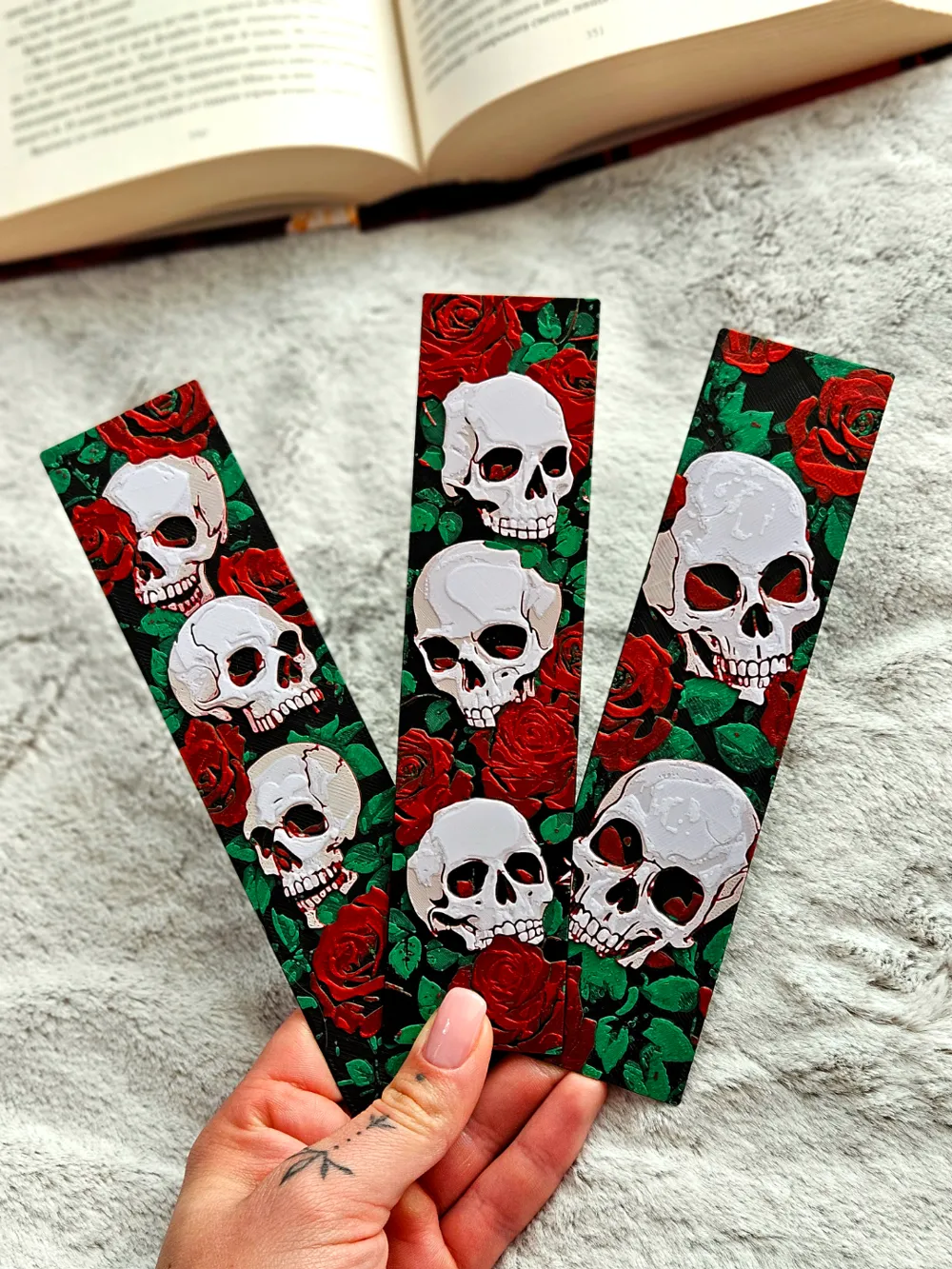
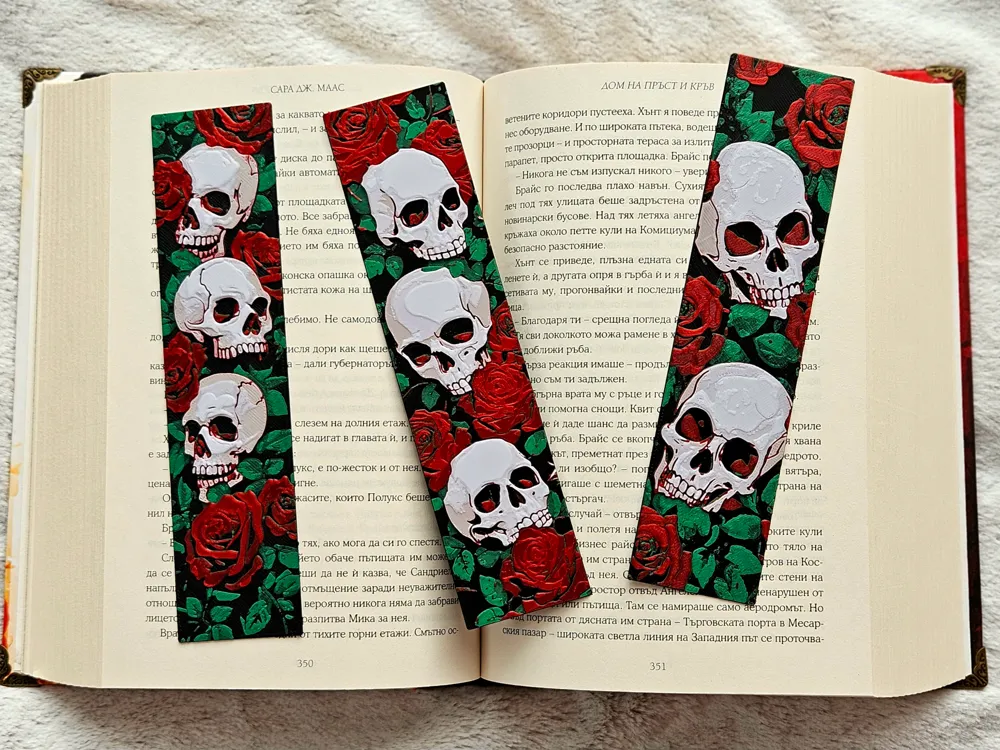
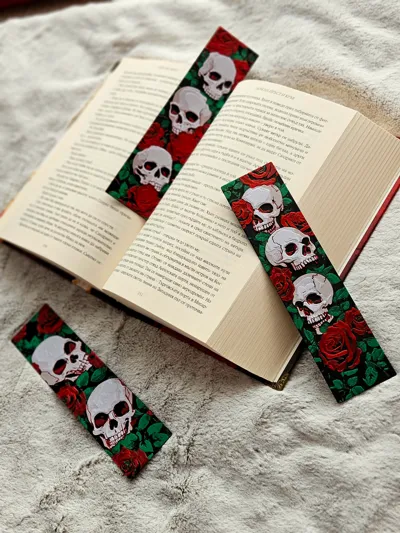
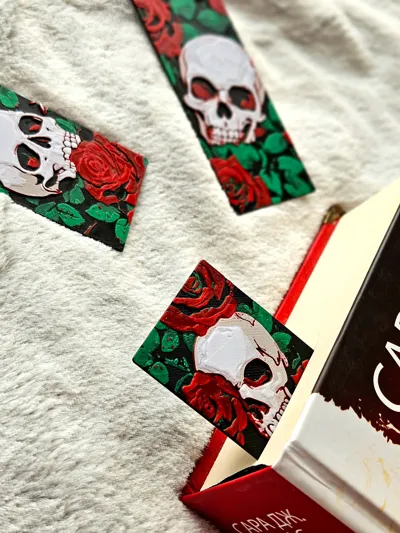
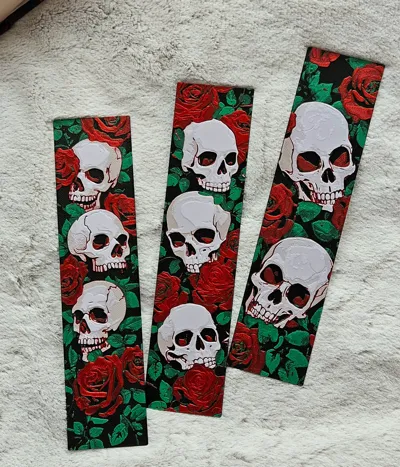
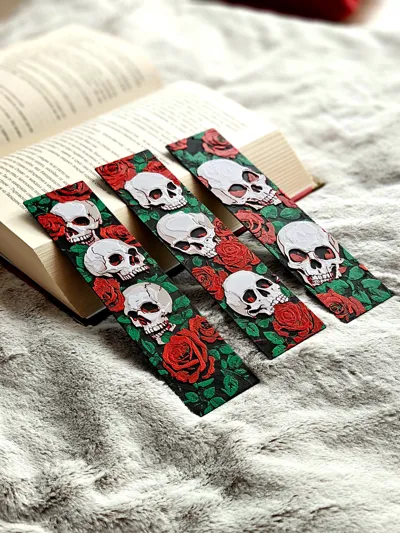
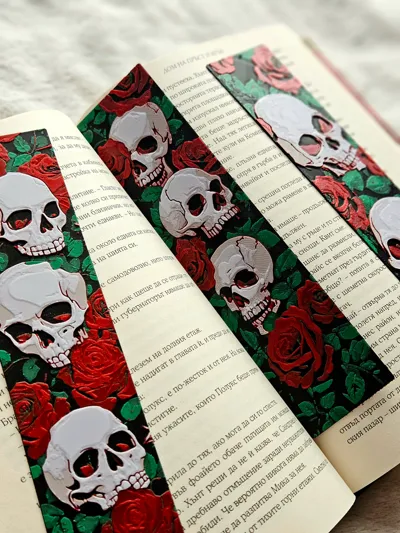
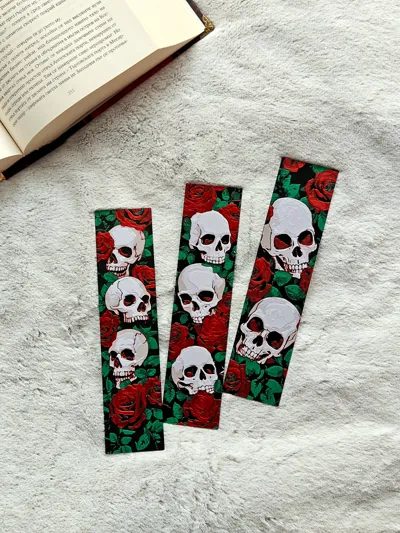
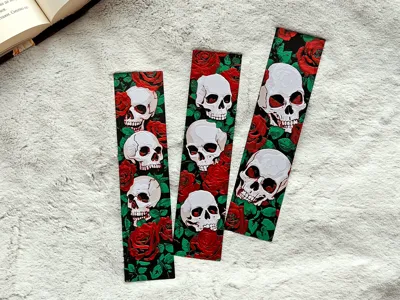
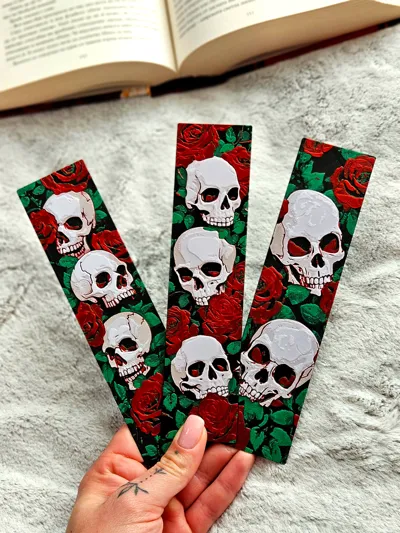
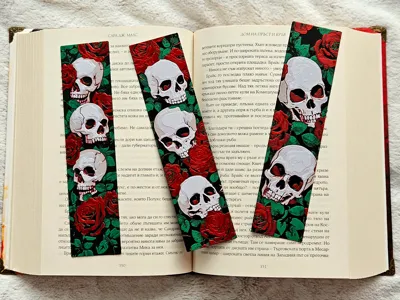
Introducing Skulls N' Roses, a bold and striking bookmark set that's easily one of my all-time favorites! 🌹💀 These bookmarks combine intricate skull designs with vibrant red roses and lush green leaves, creating a perfect balance of edgy and elegant.

Not gonna lie—this set was the hardest and most time-consuming bookmark project I’ve ever made. From the fine details in the skulls to the vibrant layering of colors, each bookmark feels like a little piece of art.
 

Oh, and if you're wondering—yes, the name is a nod to Guns N' Roses. Except these won't "rock you like a hurricane," but they might rock your books! 🎸📖
 

Whether you're into gothic vibes or just love a dramatic flair, these bookmarks will definitely make your reading time unforgettable. What do you think? 😊


For best results use 0.2 nozzle if possible, but 0.4 is also works great (The pictures show a model printed with a 0.4 nozzle)
The design allows for printing with simple color changes at layer, which saves a lot of filament!

  • NOW WITH 0.2 NOZZLE PROFILE READY FOR DOWNLOAD - USE FOR BEST RESULTS
     

USE A LIGHTER! - a quick pass with a torch on the printed parts will get rid of the inevitable stringing that comes with this type of models.



Print at 100% infill with a layer height of 0.08mm with a base layer of 0.16mm

Filaments Used:
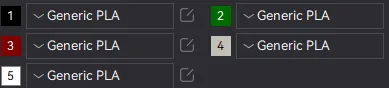
PLA Jayo Black Transmission Distance: 0.3 / Amazon
PLA BambuLab Basic Green Transmission Distance: 2 
PLA EryOne Rose Red Transmission Distance: 2.2 / Amazon
PLA Geetech Matte Light Gray Transmission Distance: 0.8 / Amazon
PLA KINGROON WHITE Transmission Distance: 6.9 / Amazon


Color Pallete:

Swap Instructions:

Start with Black
    At layer #8 (0.73mm) swap to Green
    At layer #10 (0.89mm) swap to Rose Red
    At layer #15 (1.29mm) swap to Light Gray
    At layer #17 (1.45mm) swap to WHITE for the rest.


Boost Me (for free)

Enjoying this model? Give it a boost! 🌟 Your support helps my creations reach more makers—thank you for keeping the magic alive! ✨🚀

How to do more than 4 colors on a single AMS?


To use more than 4 colors with a single AMS is pretty simple when it comes to HueForges.

Always start the print from either Bambu Studio or Bambu Handy App - This will allow you to map the rolls of filaments to a certain slot in the AMS:
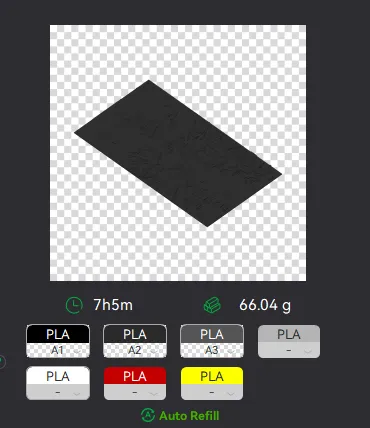
Now map the first 4 colors (which should already be inserted in the AMS to Slots 1 - 2 - 3 - 4
Once thats done move to maping colors 5 - 6 - 7 - 8 to respectively AMS Slots 1 - 2 - 3 - 4 again!
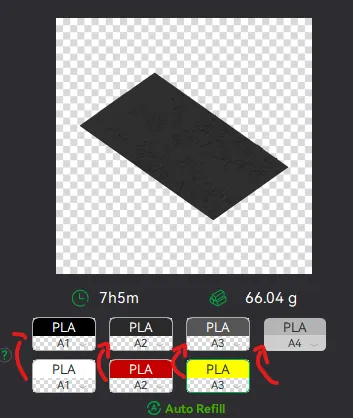
This will allow you to Change the rolls of filament once the printer is done with that color.
For example, in the picture above once we are done with the Black color (Which is usually first) we are going to remove the black roll (you can do that while printing) with White, then once Charcoal Black is done we are going to change that to Red, Dark Gray to Yellow and we are done. ~ You can do that with as many colors as you need!
YOU CAN PLACE A PAUSE ON THE LAST LAYER OF COLOR 4 TO AVOID HAVING TO BABYSIT THE PRINTER. ONCE PAUSED CHANGE 1-2-3 WITH 5-6-7 AND RESUME. IF YOU NEED MULTIPLE PAUSES YOU CAN DO THAT TOO


Drop me a follow!🤜🤛

Comment & Rating (219)

(0/1000)

Print Profile
0.4mm NOZZLE, 5COLORS, AMS - FASTER PRINT
A truly magnificent design :)
The profile uploader has replied
Show original
profile
2
Reply
Thanks for posting your results! Looks like you could have made use of a matte or more non-transparent gray but my guess is you didn't have access to that. Those look amazing regardless and honestly I am quite happy to see that!
0
Reply
It is a matte gray
(Edited)
Show original
profile
2
Reply
Replying to @weinecksholzgra :
Interesting, what brand?
0
Reply
Great design swapping filament while pause in the AMS at the end (layer 17) gave an error message, though can be ignored, finalised superb!
The designer has replied
0
Reply
Thats really strange, I've never seen that. Glad it worked out regardless! Would love to see a picture of the results!
0
Reply
Replying to @zhakryuu :
i had same thing happen to me ,theres a pause on layer 17 that dosnt need to be there
0
Reply
Replying to @mcriver :
It does, the pause is there to let you change the filaments and add the 5th color.
0
Reply
Ok. So I imported your 3MF and the colors aren't mapped to spools at all. It's just a solid black print. Did I do something wrong?
The designer has replied
0
Reply
My models (most of them) are painted by changing colors on certain layers. This allows the models to be printed in color even by people that do not have AMS. You need to slice the model first. If you change the "Color Scheme" to "Filament" you will be able to view the colored model in the slicer. 
0
Reply
Replying to @zhakryuu :
I get that you did it by layers. That makes sense. But it would be nice if the 3MF already had that done so that all you had to do was to sync the color to the layer in the AMS prints. Instead I am going to have to try to figure out the layering, which I'm not good at....hehehe
(Edited)
0
Reply
Replying to @zhakryuu :
There are separate 3MFs for AMS, which is what threw me off. The layers weren't pre-defined in it. No point in having a separate one.
0
Reply
Boosted
The print looks insanely good, even when using the 0.4mm nozzle.
designer
3
Reply
Print Profile
0.4mm NOZZLE, 5COLORS, AMS - FASTER PRINT
Printed without flaw. really nice design. Good thickness. The shadowing in the skulls is done really well.
The profile uploader has replied
1
Reply
Thanks pal, i did put a ton of effort in this set, I am glad its appreciated!
(Edited)
1
Reply
Print Profile
0.4mm NOZZLE, 5COLORS, AMS - FASTER PRINT
🤩
(Edited)
1
Reply
Print Profile
0.4mm NOZZLE, 5COLORS, AMS - FASTER PRINT
amazing print.
1
Reply
Print Profile
0.4mm NOZZLE, 5COLORS, AMS - FASTER PRINT
very happy with how these came out
profile
1
Reply
Print Profile
0.4mm NOZZLE, 5COLORS, AMS - FASTER PRINT
LOVE these!!! They look so cool! I’ve printed it three times and given them to a bunch of friends, huge hit! I didn’t add the fifth colour cause I didn’t have anything kinda close to it, but I still think it looks great with just the four
0
Reply
Print Profile
0.2mm NOZZLE, 5COLORS, AMS - BEST QUALITY
Just beautiful!
0
Reply

License

If you want to use this model commercially, please join my membership.
Join Now
This user content is licensed under a Standard Digital File License.

You shall not share, sub-license, sell, rent, host, transfer, or distribute in any way the digital or 3D printed versions of this object, nor any other derivative work of this object in its digital or physical format (including - but not limited to - remixes of this object, and hosting on other digital platforms). The objects may not be used without permission in any way whatsoever in which you charge money, or collect fees.

