
Cute Knitted Meme Duck / Chick With Knife
Print Profile(3)


Description
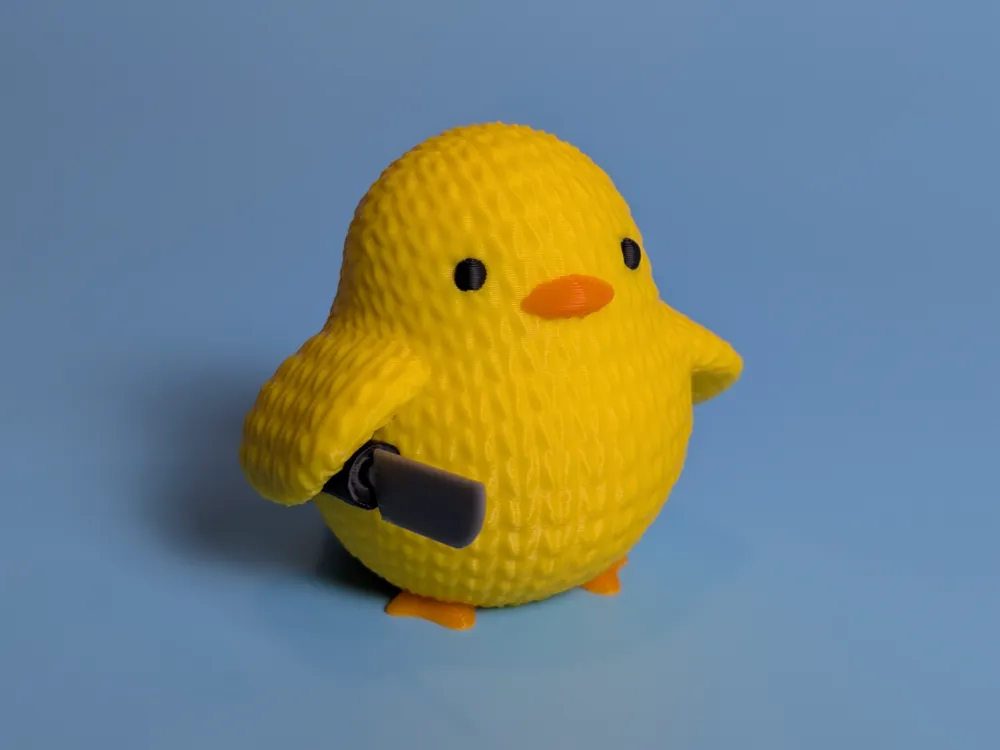
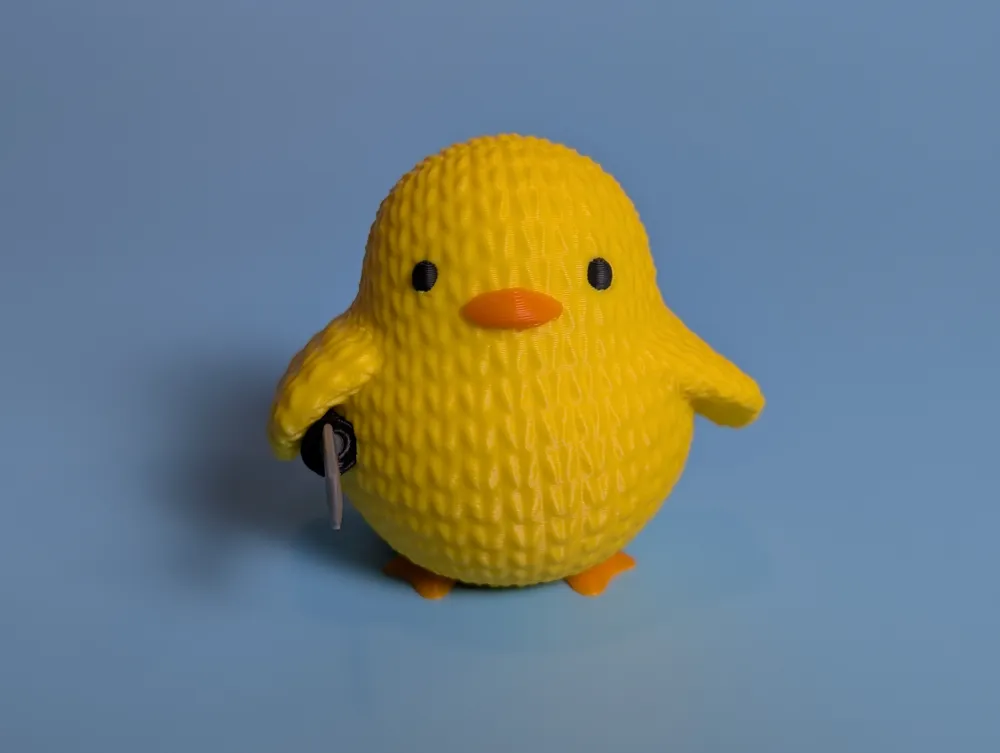
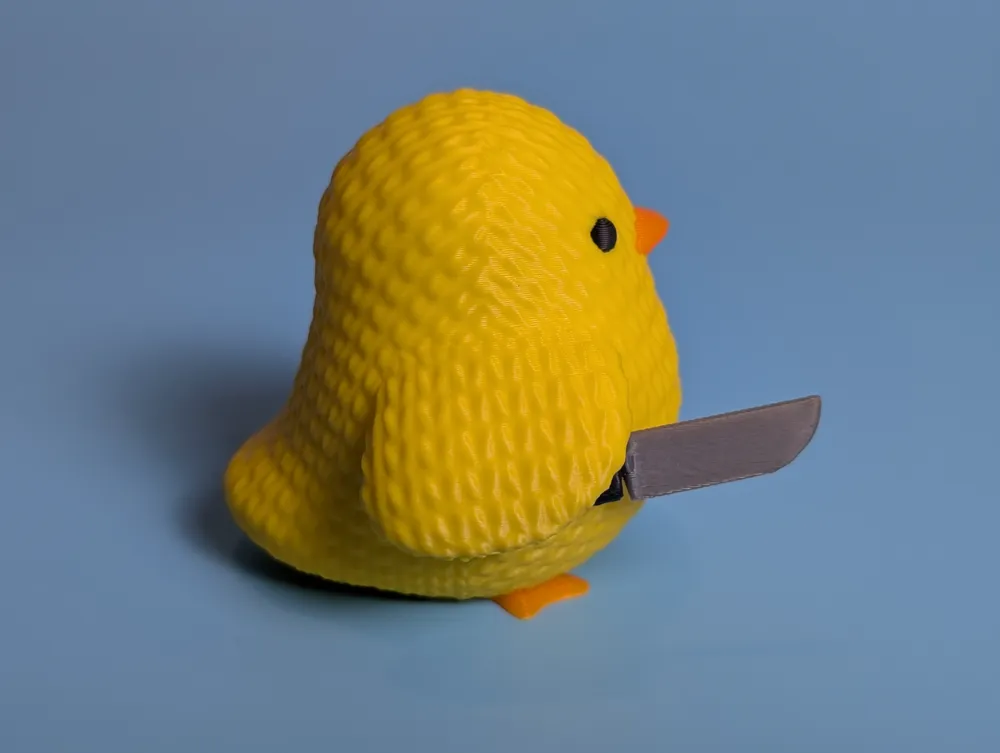
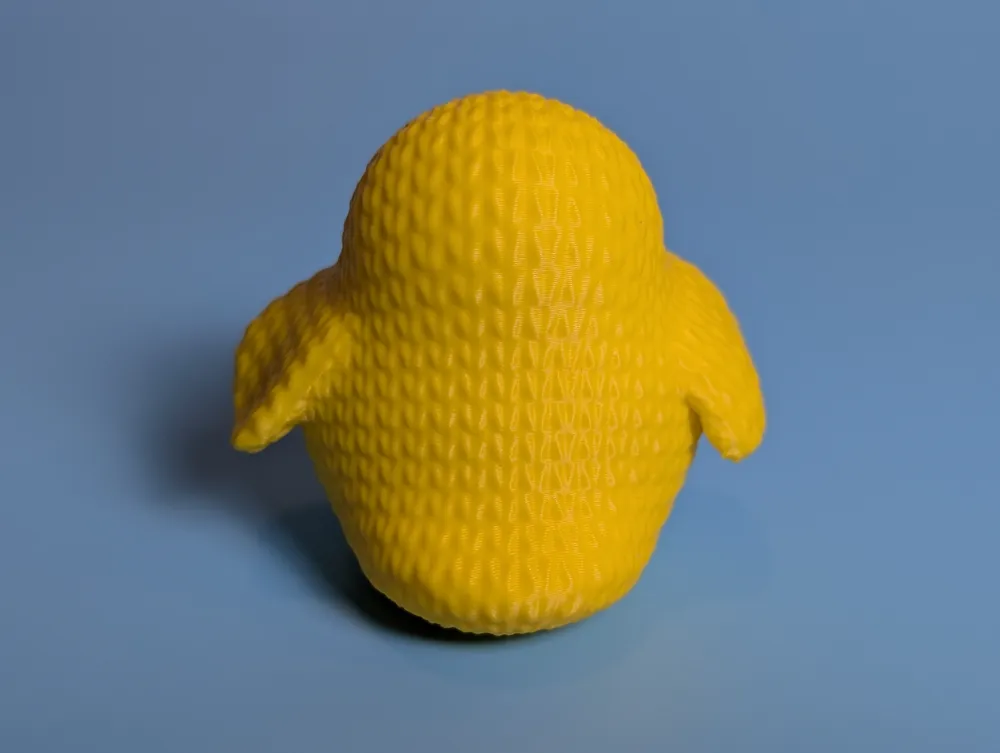
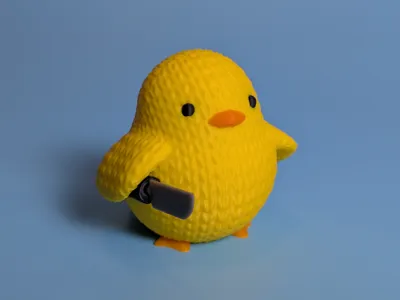
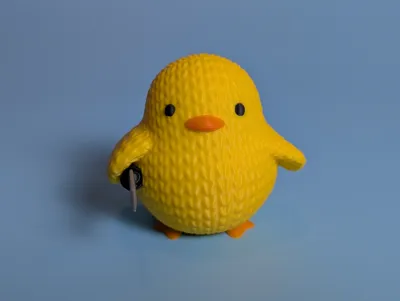
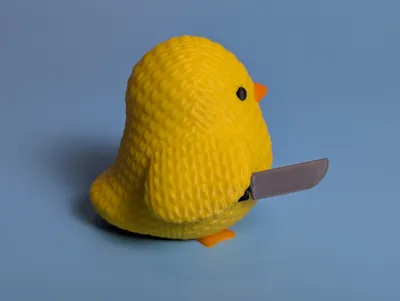
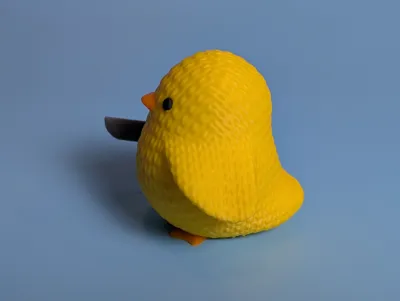
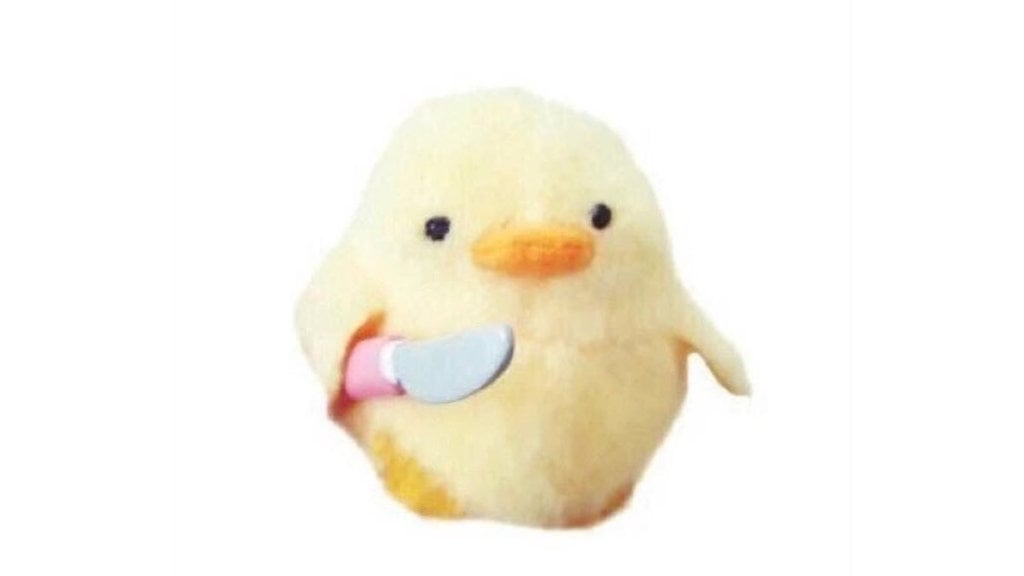
It's everyone's favorite wholesome meme duck with a knife, now with a knitted look!
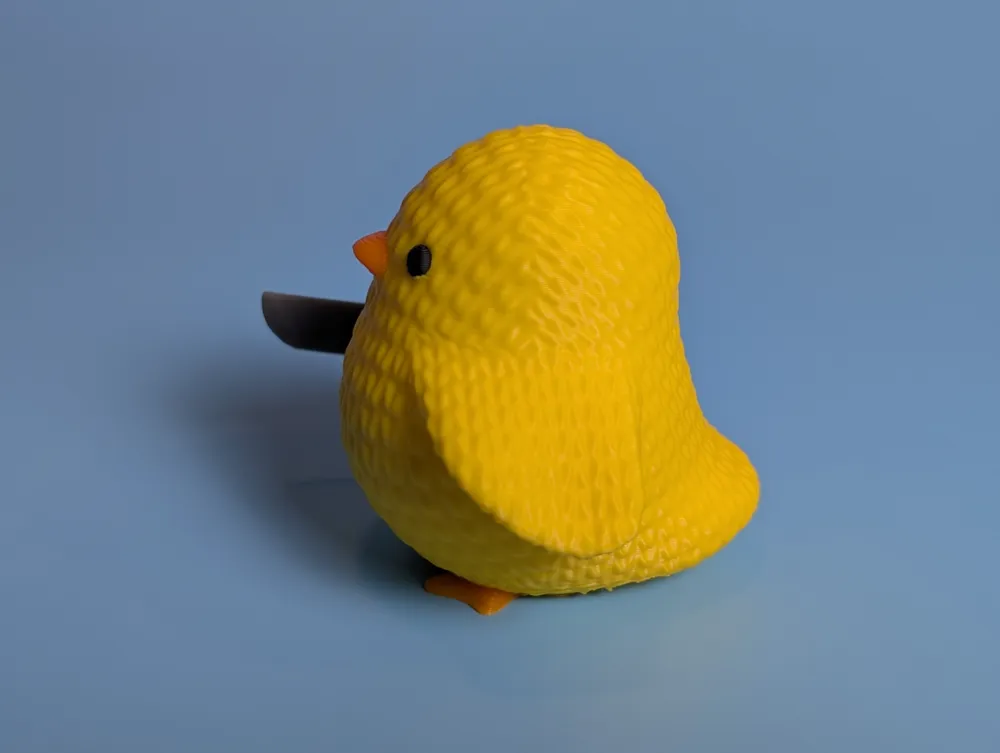
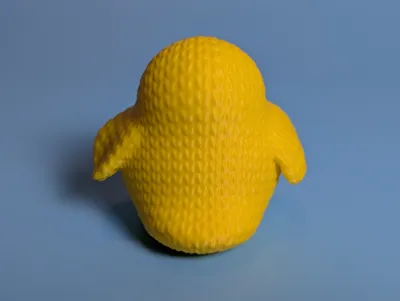
I love knit-style 3D prints, but as an avid knitter it has always bugged me that so few models follow actual knitted geometry. So I tried my hardest to model mine with stitches that run in realistic directions, seams that make sense, and knit stitches that look fairly accurate to real life. I ended up flattening the base of the duck because the knitted texture was making supports really hard to remove without leaving an ugly surface, but I left the tail raised slightly because it didn't look quite right when placed flat on the build plate. The bottom of the tail does look a little rough when the supports are removed, but the model looked worse when I tried leaving it untextured, so I felt like this was a good compromise. Overall I'm very happy with how it turned out!
I also used variable layer heights to make the layer lines on the top of the head and wings less noticeable without adding too much time. It took a bit of experimenting to find support settings that worked well but didn't overly damage the surface, and in the end, slim tree seemed to work the best. It stands about 60mm tall, so you should have no problem printing it on an A1 Mini.
I made three different versions:
Multicolor (AMS enabled, all in one), ~9 hours to print, ~132g of filament. You can also choose to print in one color-- this takes about ~2.1 hours to print, ~28g of filament.
Multicolor (no AMS), each color prints on its own plate, ~2.3 hours to print, ~31g of filament.
Multicolor (AMS, all on one plate, multiple parts), ~2.1 hours to print, ~ 33g of filament. This prints by object, so if you'd rather not spend the time/filament on printing all at once but still want to use your AMS, this one is for you! The multipart versions should have pieces that press fit into place, but they may need a drop of superglue to make sure they stay put. Do not change the raft settings for the eyes unless you're sure you know what you're doing -- they're such itty bitty pieces I found that they had trouble with adhesion, and putting them on a raft seemed to be the most reliable method.
This is my first model I've shared, and I really hope you guys like it! Happy printing!
Feb 13, 2025: Removed single color profile to comply with Makerworld rules-- Please use the all in one AMS profile and change it to print with a single color for that option!
Mar 28, 2025: Changed the “Multicolor print no AMS, different colors on separate plates” profile to be marked compatible with A1/A1mini-- it always has been, but somehow the settings were wrong!
This remix is based on
License

You shall not share, sub-license, sell, rent, host, transfer, or distribute in any way the digital or 3D printed versions of this object, nor any other derivative work of this object in its digital or physical format (including - but not limited to - remixes of this object, and hosting on other digital platforms). The objects may not be used without permission in any way whatsoever in which you charge money, or collect fees.


Comment & Rating (66)