
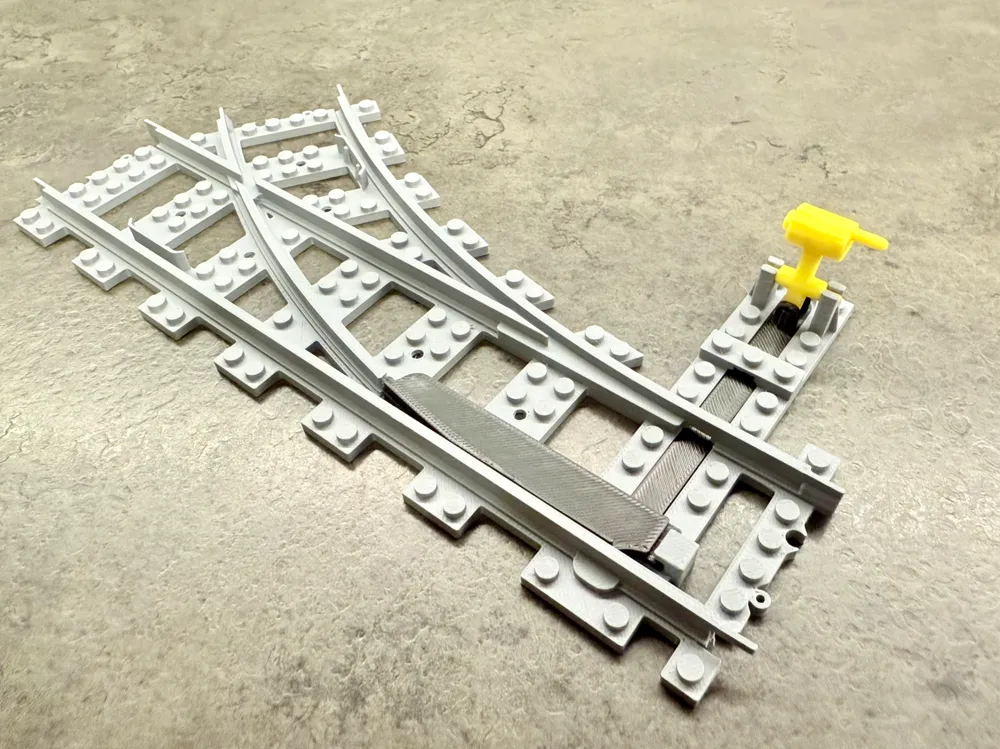
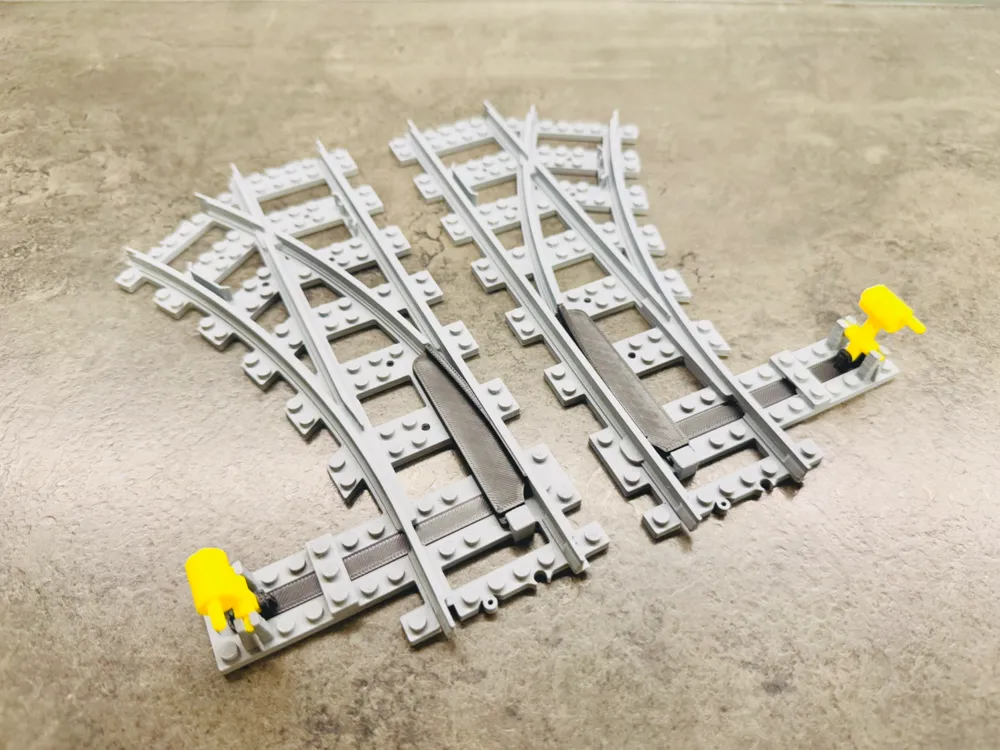
Brick City - train switch right
Print Profile(1)

Description
Boost Me (for free)
If you like my work, please feel free to boost. Thank you
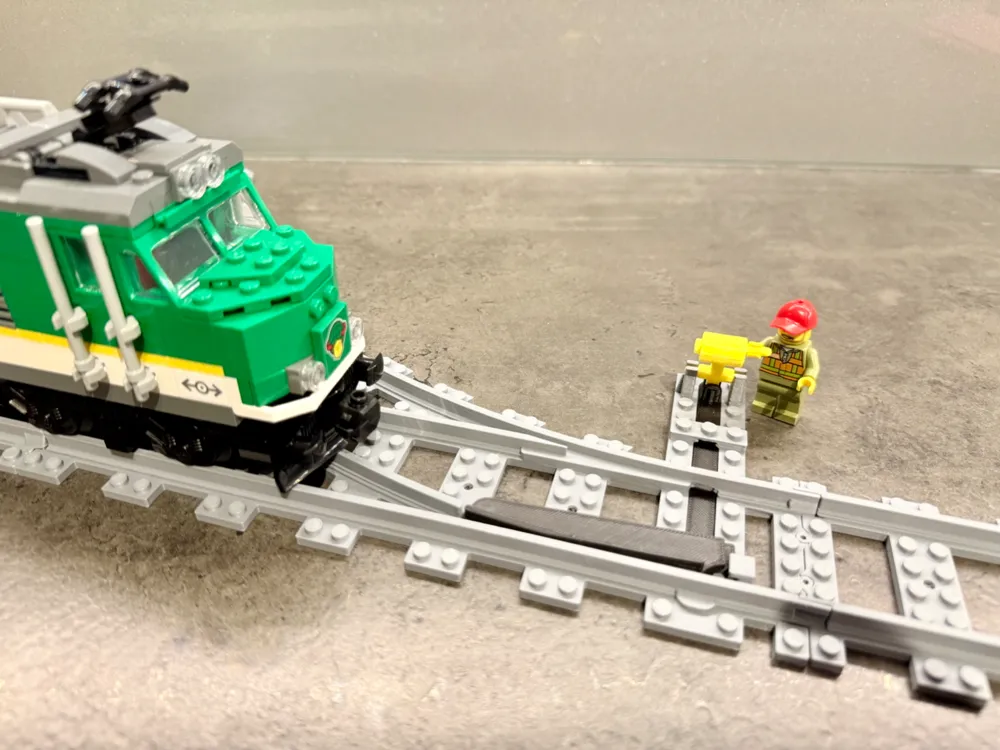
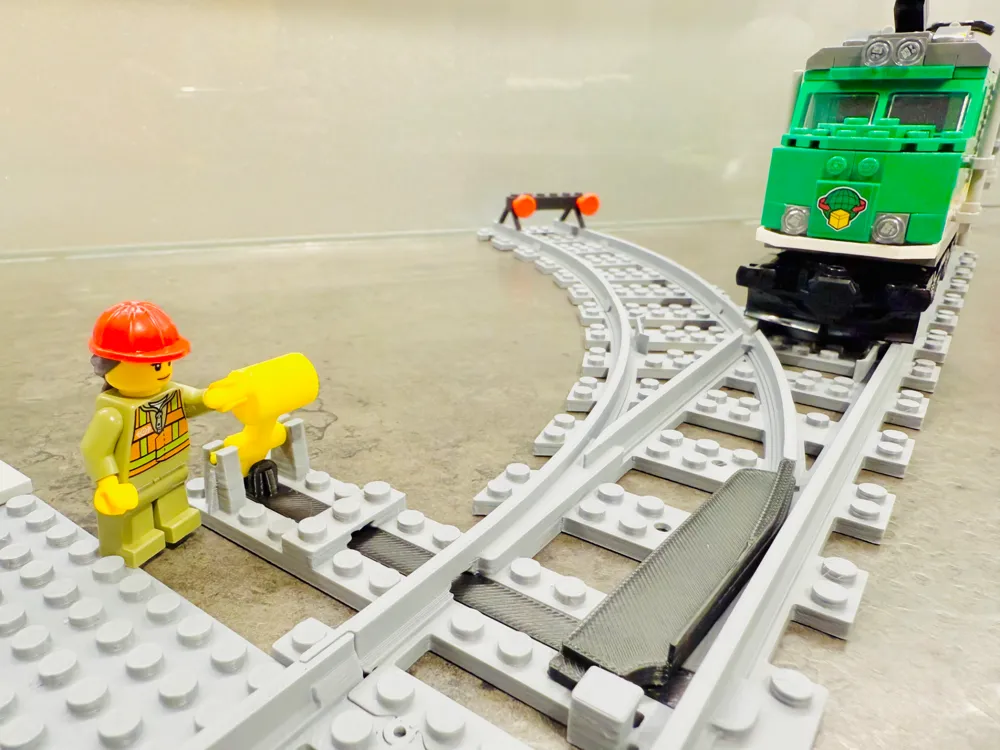
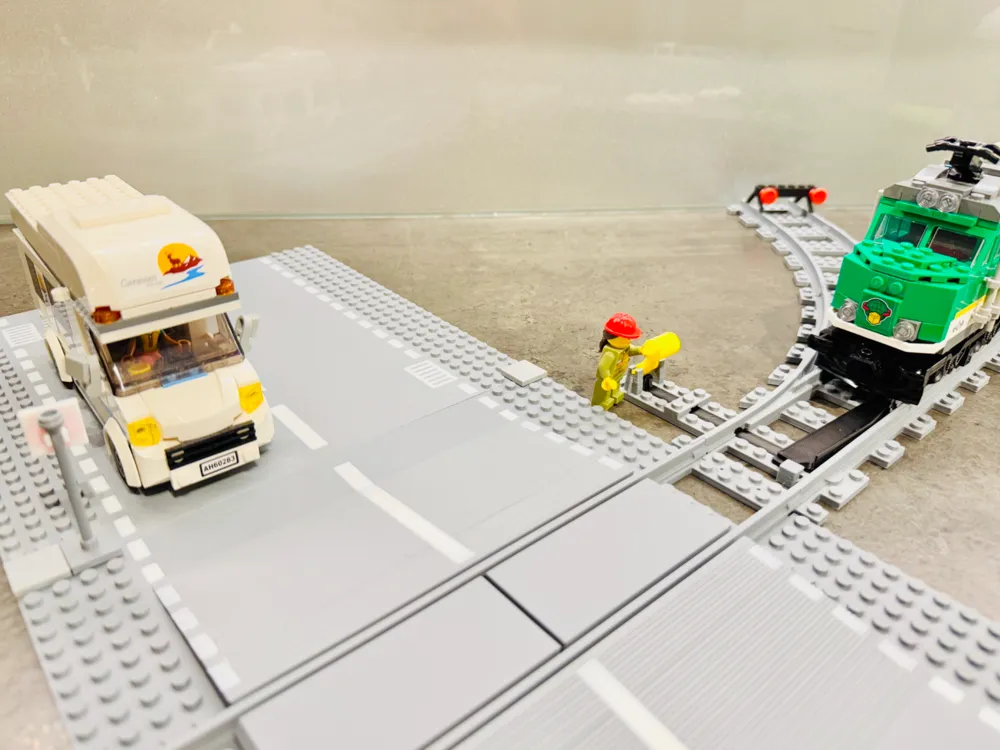
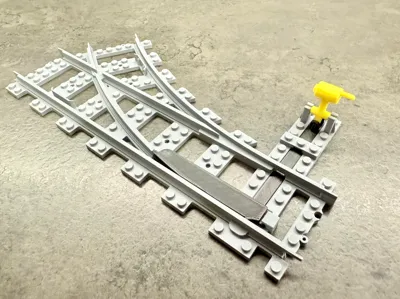
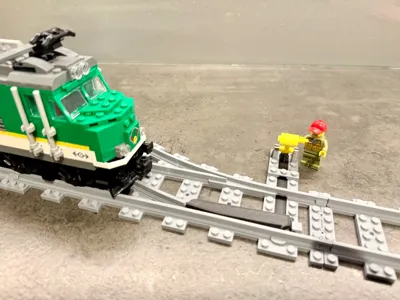
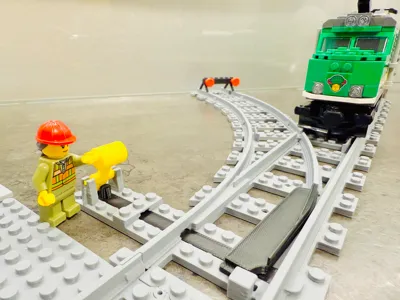
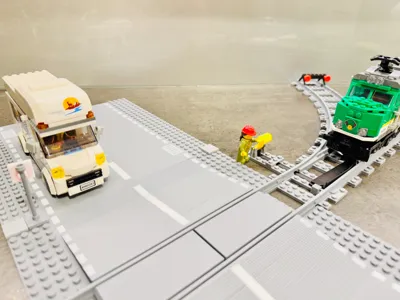
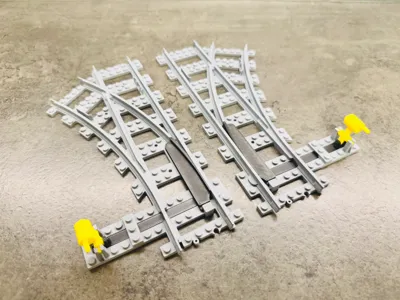
BRICK City 100% compatible - train switch right
- It fits perfectly with the original railway tracks
- Railway tracks wide as the original
- Railway tracks as high as the original
- No screw, magnet or glue needed
I am preparing many more Brick variants.
Thematic collections are here: TRAIN, ROAD, CLASSIC or everything in one place here: BRICK ALL
- One tip:
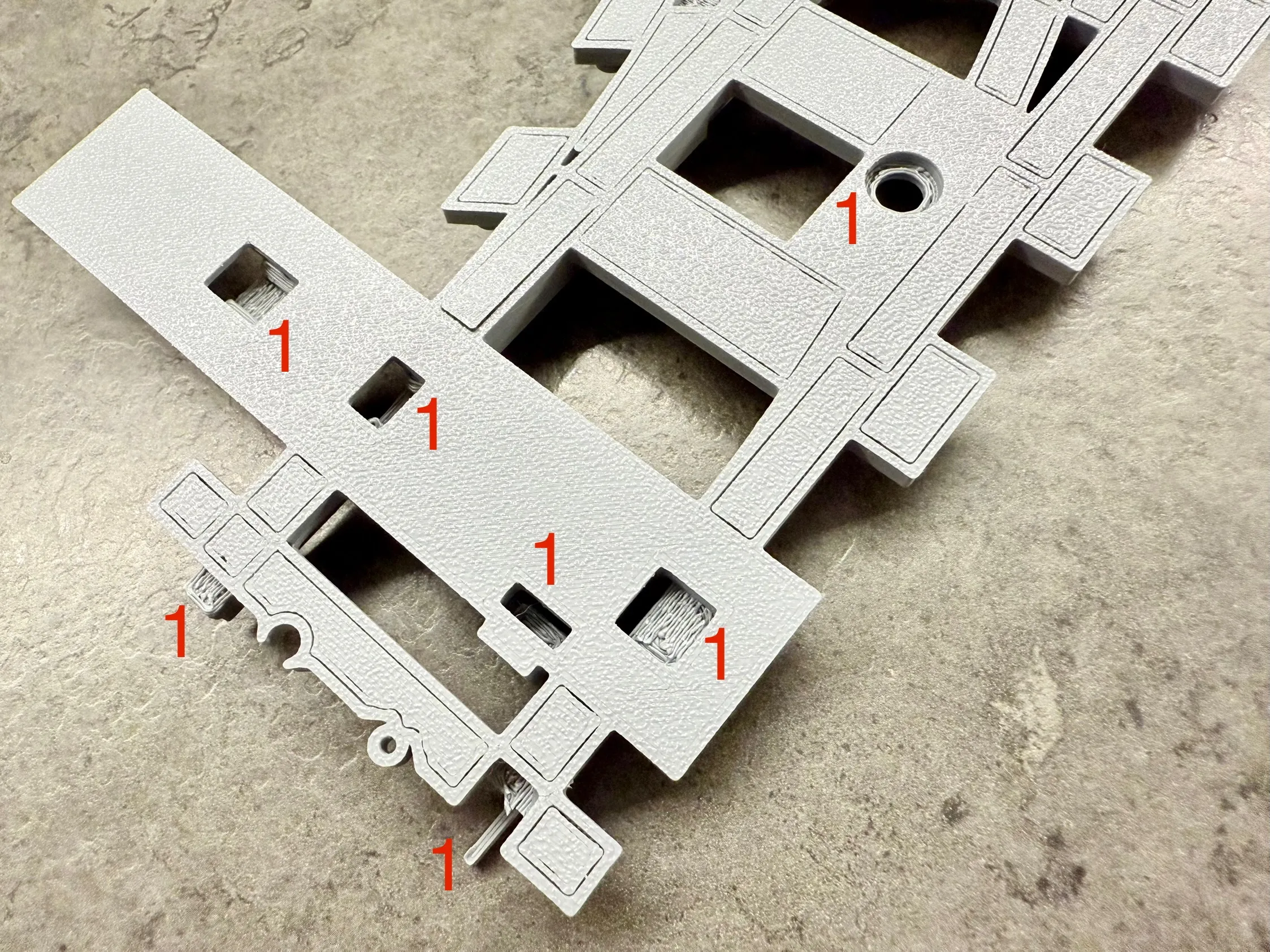
- There is no need to remove all the supports if you dont want
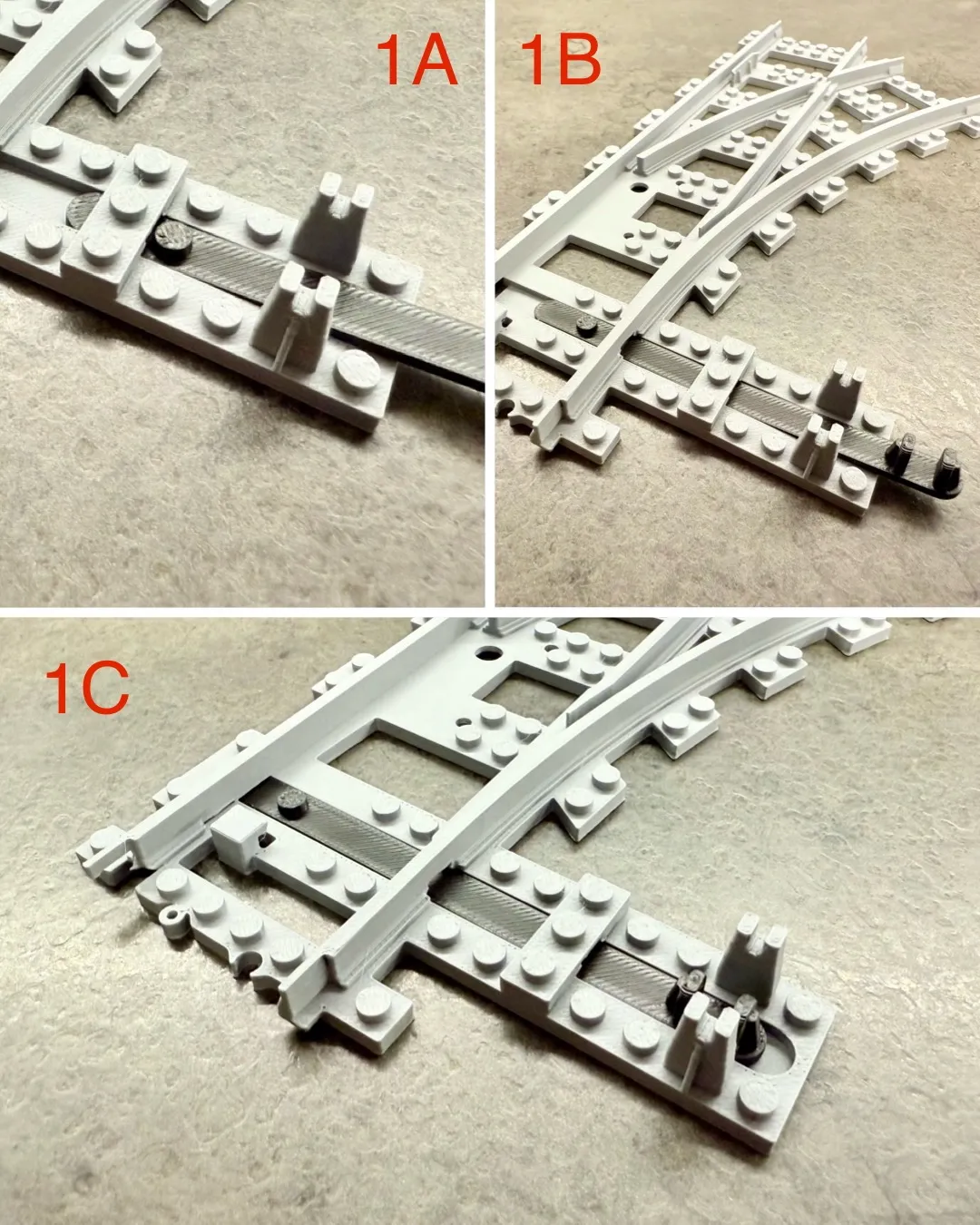
- For proper functionality, simply remove the supports marked with number 1
- Assembly instructions:
- Insert the switch rod (1A, 1B, 1C)
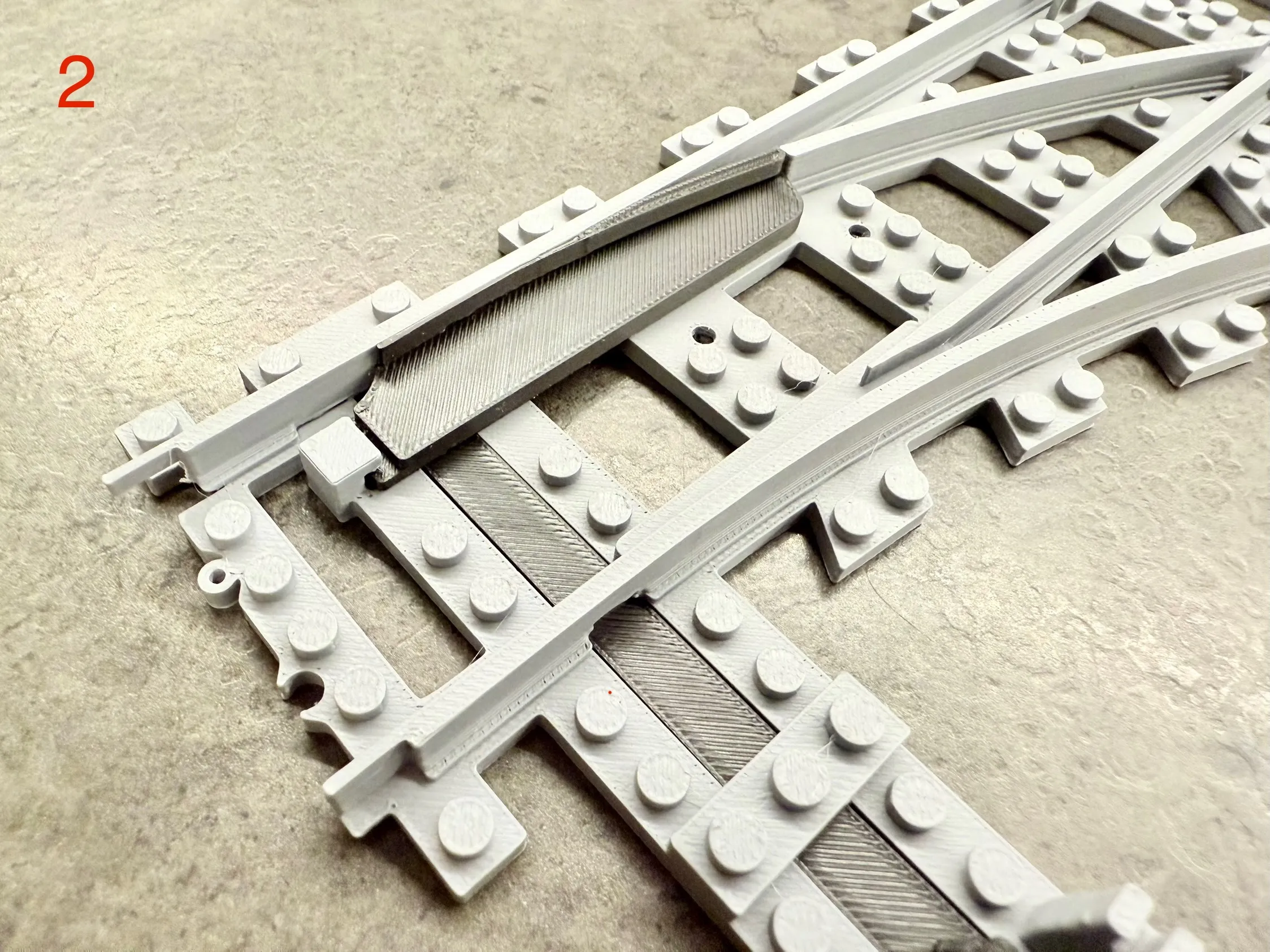
- Install the switch arm (2)
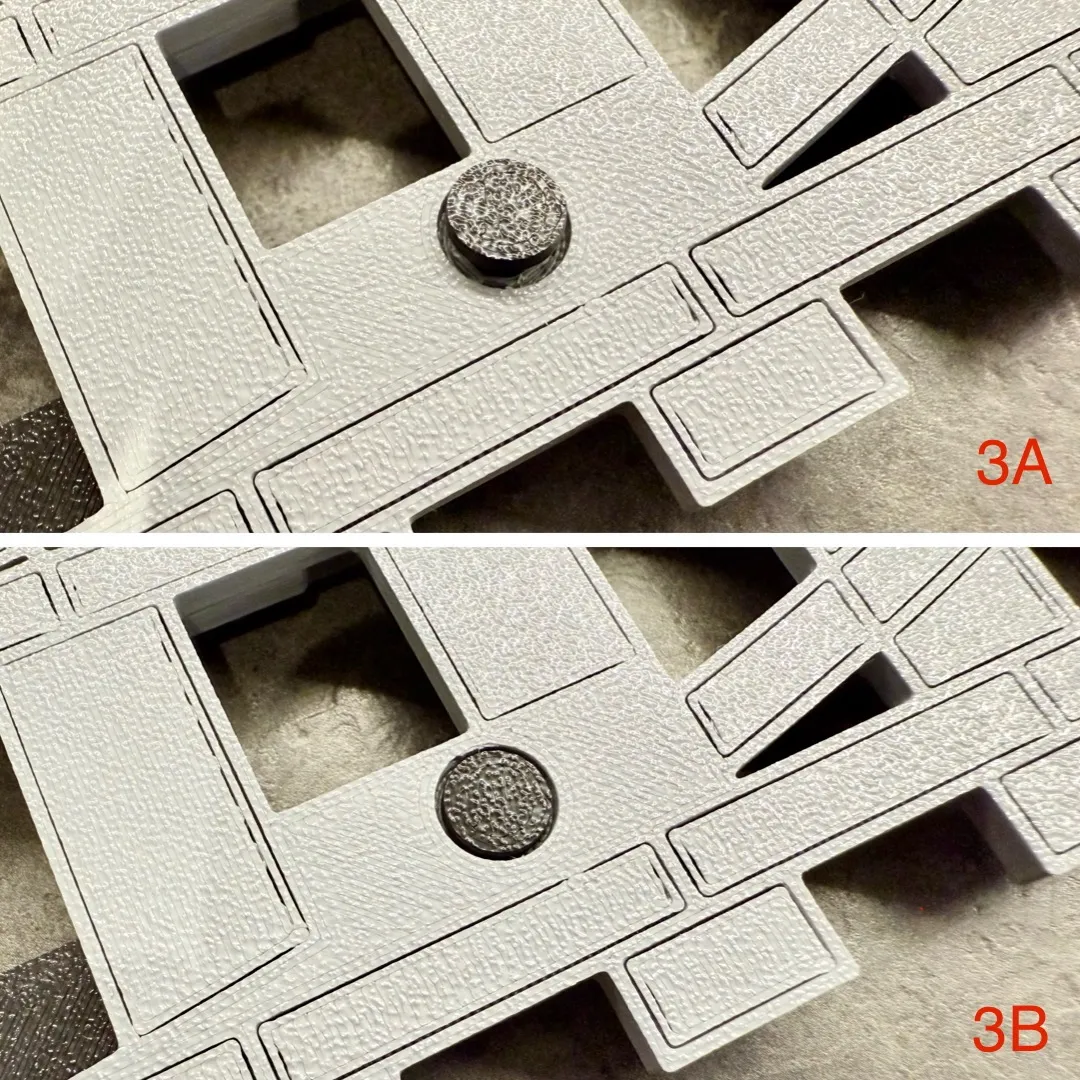
- Turn the train switch and secure with a pin - use force, the pin must be flush with the bottom surface of the train switch (3A, 3B)
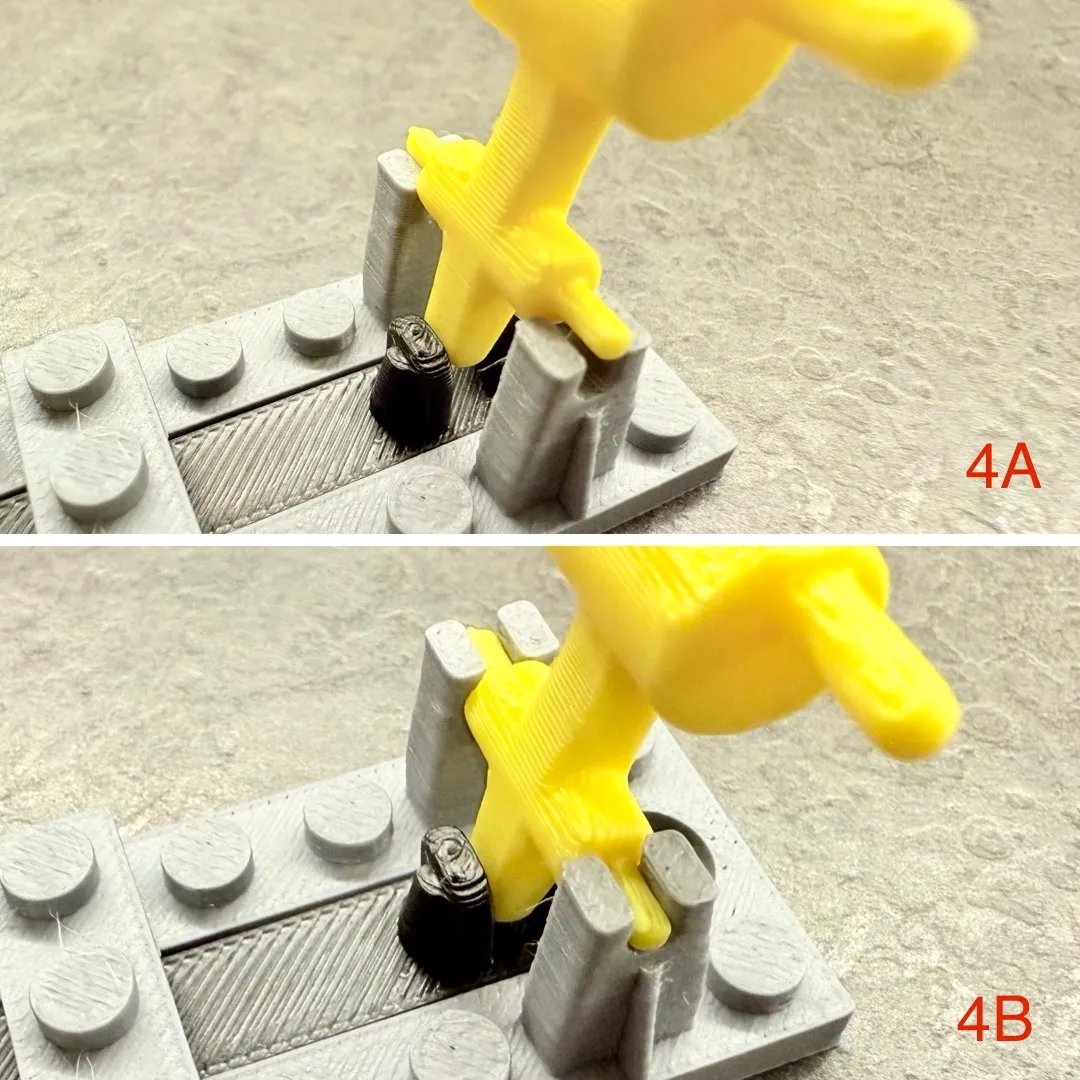
- Turn the train switch back and attach the control handle - the handle must be installed between the rod (4A, 4B)
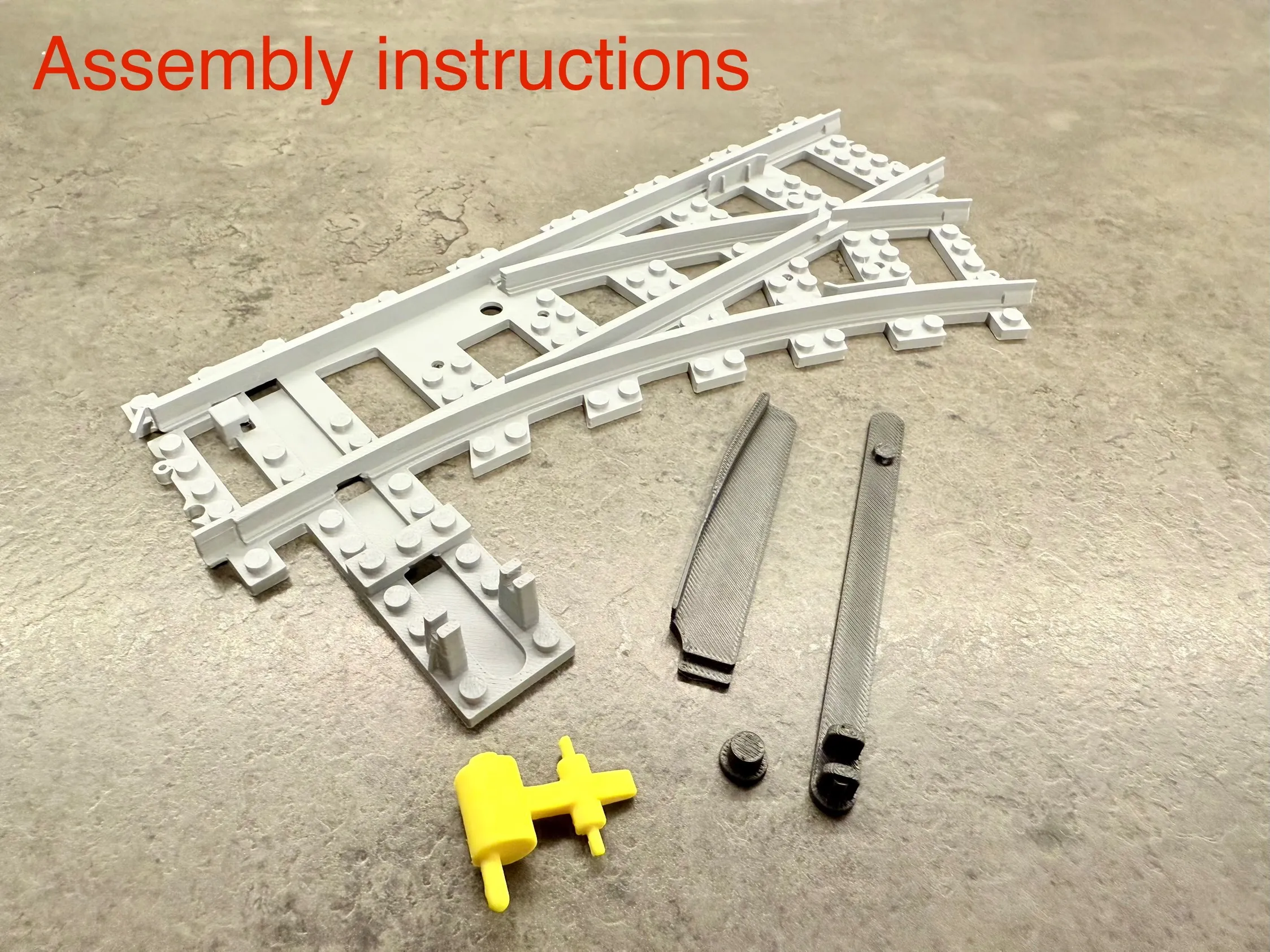
UPDATE 17.3.2025: Improved component for changing train direction - stronger connection that can handle higher train speeds
License

You shall not share, sub-license, sell, rent, host, transfer, or distribute in any way the digital or 3D printed versions of this object, nor any other derivative work of this object in its digital or physical format (including - but not limited to - remixes of this object, and hosting on other digital platforms). The objects may not be used without permission in any way whatsoever in which you charge money, or collect fees.


Comment & Rating (96)