Search models, users, collections, and posts

Compact Hair Tie Keychain
Print Profile(2)

All
X1 Carbon
P1S
P1P
X1
X1E
A1
A1 mini
H2D
H2D Pro
H2S
P2S
H2C
X2D
A2L

0.2mm layer, 4 walls, 15% infill
Designer
45 min
1 plate
4.8(25)

A1 print profile - Larger support brim ears
Designer
55 min
1 plate
4.7(6)

Open in Bambu Studio
Boost
378
1109
67
27
564
421
Released 

Bill of Materials

Maker's Supply Kits and Parts
Select all
25mm Silver Keychain (10pcs) - MA001
Bambu Filaments
Select all
Purple (10700) / Refill / 1kg

Description

Boost Me (for free)

“Think of it as throwing a log on the creative fire"

Boost Me (for free)

Makes a great Valentines Day Gift!


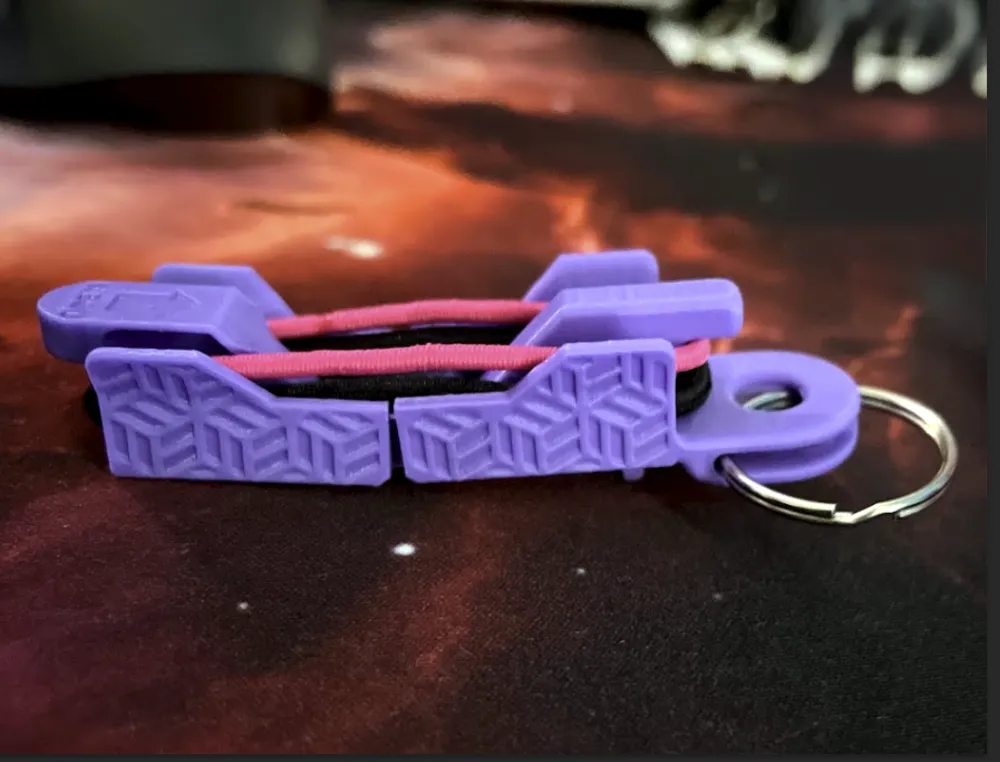
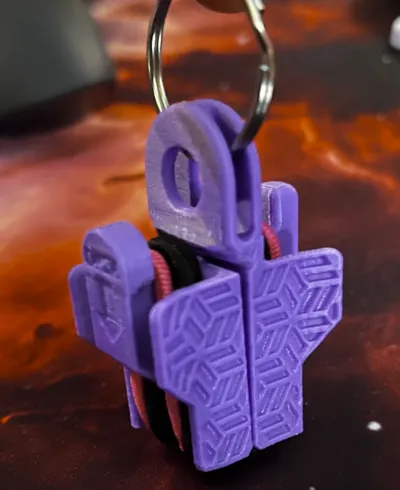
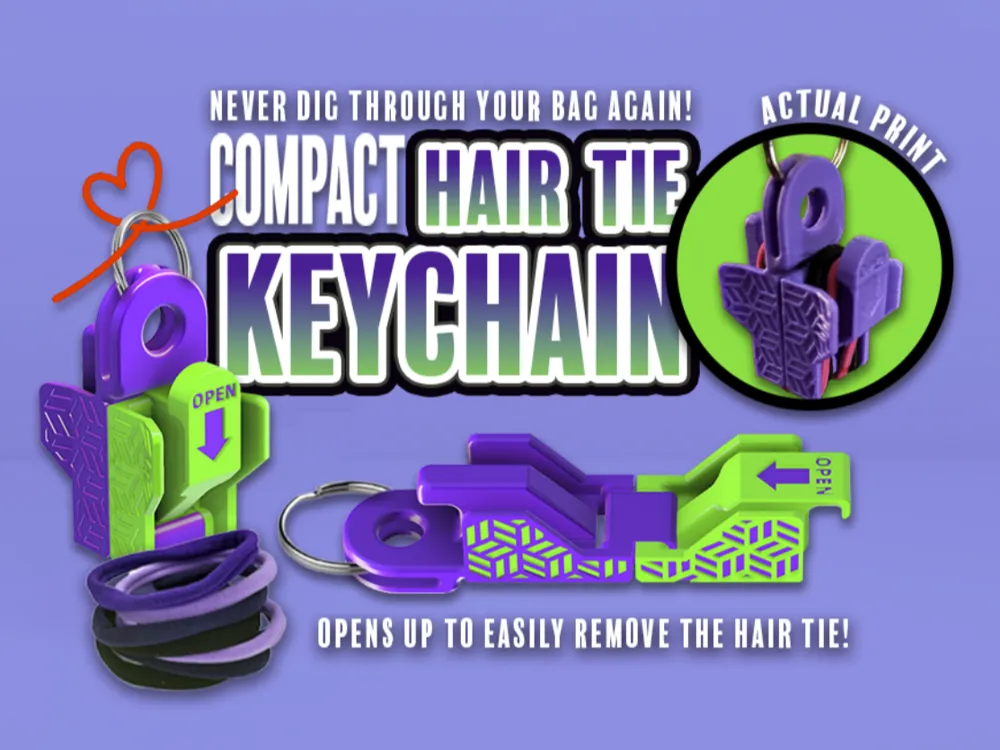
Tired of losing your hair ties? The Compact Hair Tie Keychain is your stylish and convenient solution!
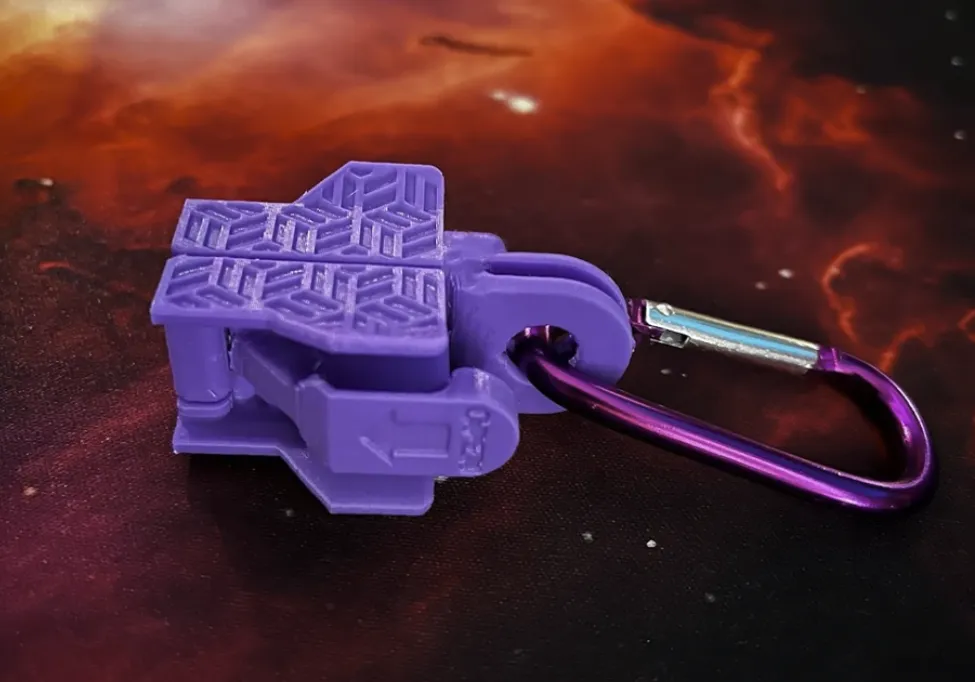
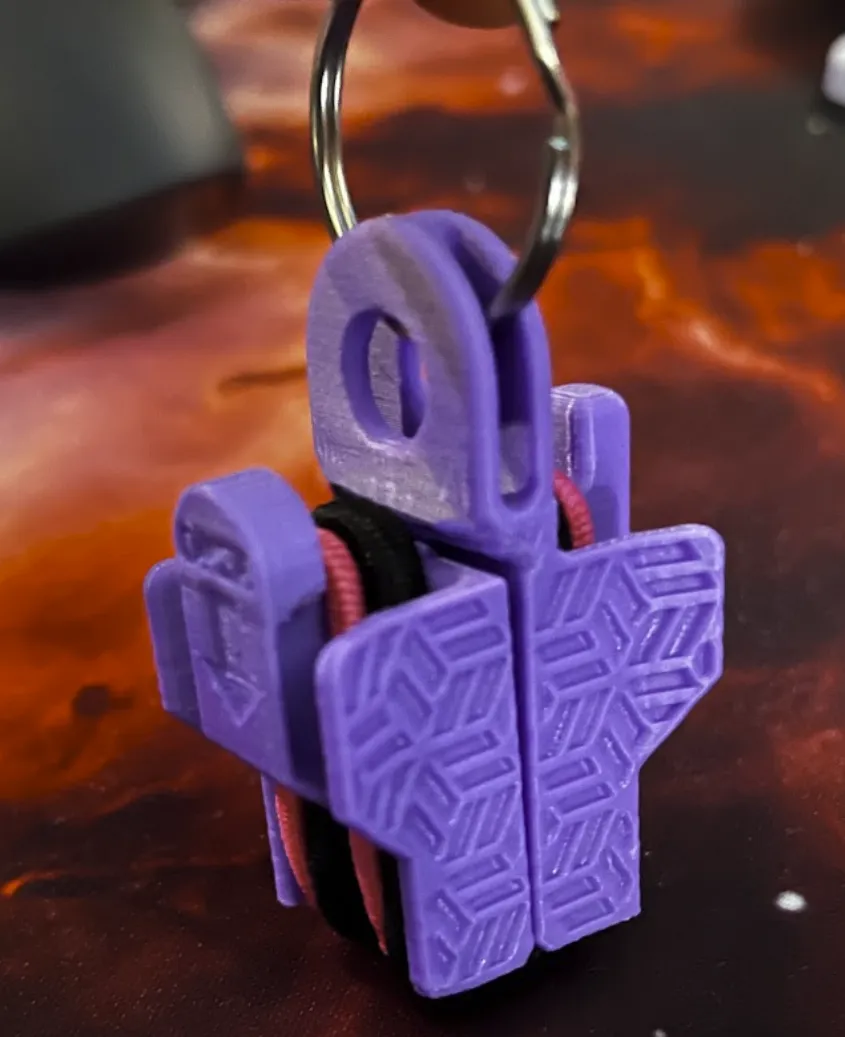
Convenient & Portable – Keep your hair ties easily accessible on your keychain, backpack, or purse.
Easy to Use – The clever design lets you quickly open the keychain and remove a hair tie when needed.
Stylish & Functional – With its sleek grip design makes it easy to grab
No More Lost Hair Ties! – Say goodbye to losing hair ties at the bottom of your bag or in random places.

Perfect for students, athletes, busy professionals, and anyone on the go!  🚀


Materials:

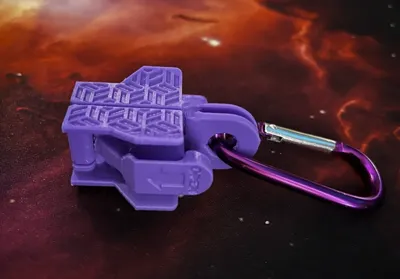
  • Keychain ring or Carabiner
  • PETG or PLA - Would recommend PETG if used outside or left in a hot car

Directions: 

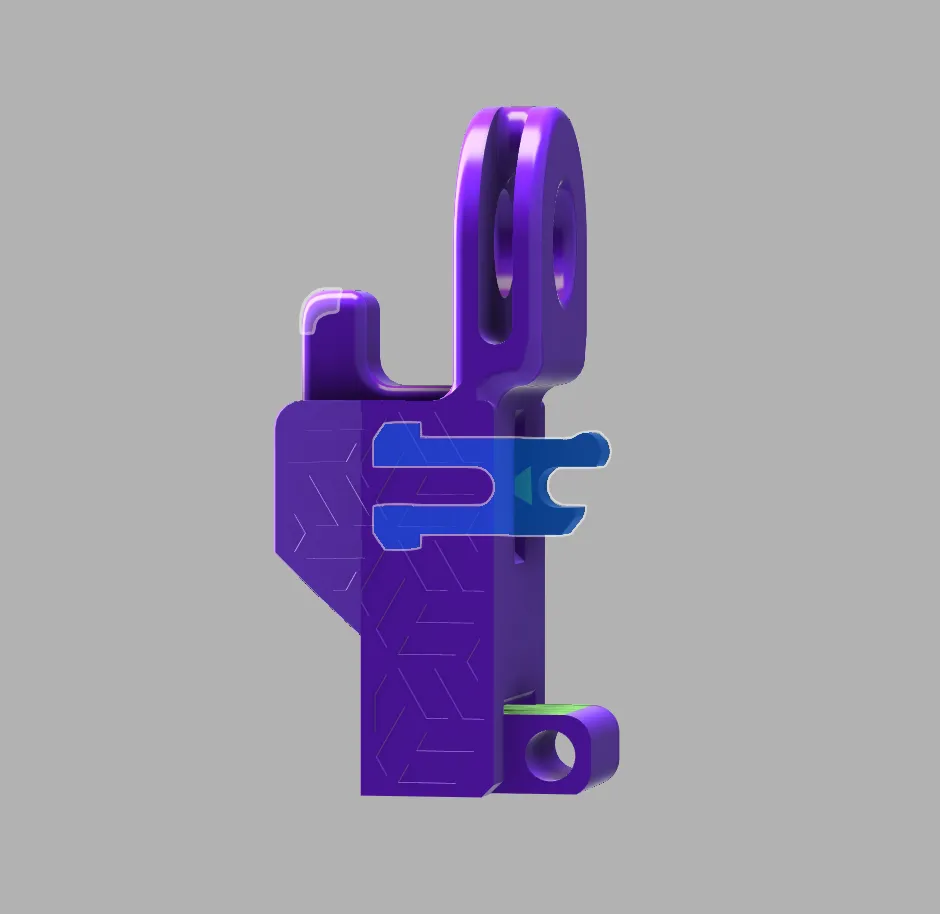
  1. Insert the CLIP into the part ( see photo ) (Look for the arrows on the part and the clip to make sure the connection is right)
    1. Keep in mind this is a tight fit
  2. Shut the part carefully (again this will be a tight fit until it breaks in)

Membership

Join

Comment & Rating (67)

(0/1000)

Print Profile
0.2mm layer, 4 walls, 15% infill
Great print with clear directions. I love the added design on the side.
The profile uploader has replied
0
Reply
Thanks for the feedback!
0
Reply
didn’t work, I tried to print with PETG but it just clumped up. Any tips??
(Edited)
The designer has replied
0
Reply
I would clean your build plate with soup and water. If it still messes up please send a picture and I can tell what's going on.
0
Reply
Replying to @AskNinjaTom :
I’ve tried it with 3 different filaments, did a calibration, and cleaned the printer bed.
(Edited)
0
Reply
Replying to @AskNinjaTom :
I found your other model, I hope this one works better
0
Reply
Print Profile
0.2mm layer, 4 walls, 15% infill
Printed Silk PLA came out great
The profile uploader has replied
0
Reply
Great! hope it works well for you!
0
Reply
Boosted
This is great! Printed nicely in petg.
The designer has replied
0
Reply
Thanks for the comment!!!
0
Reply
Print Profile
0.2mm layer, 4 walls, 15% infill
Not really worth the time or filament. Doesnt print well and doesnt assemble well.
The profile uploader has replied
0
Reply
Sorry you had a hard time with it. Can I ask what printer and filament you are using?
0
Reply
Replying to @AskNinjaTom :
Kingroon PLA.
0
Reply
Replying to @user_3017713207 :
I've had a lot of issues with Kingroon in the past, diameter size is inconsistent and it lead to a bunch of failed prints. I stopped using them and switched to using Sunlu or Bambu and my problems went away. Kingroon is super cheap for a reason but maybe its better now. Back in 2022 I was measuring the diameter on mine ranged from 1.65mm - 1.95mm with random blobs.
(Edited)
1
Reply
Print Profile
0.2mm layer, 4 walls, 15% infill
not sure why app is saying this was cancelled as it finished printing would absolutely give 5 stars - just the app wouldn't let me. such a cool design and SOOOO useful (for a mother of a daughter with so much hair and nurse working 11 hour shifts!)
The profile uploader has replied
2
Reply
Lol, no worries, I appreciate the explanation. Take care!
0
Reply
This is the fourth time I've printed it and the same thing happens to me when it's about to close the hole for the little ring the nozzle drags the object and it detaches from the bed I already enlarged the raft I increased the Z-hop but the same thing happens to me Has this happened to anyone else to know how to solve it * update: I enlarged the raft I changed its type and the same thing always happens at layer 220 of Z it detaches the parts
(Edited)
The designer has replied
Show original
0
Reply
Do you level the print bed before each print
Show original
0
Reply
Replying to @AskNinjaTom :
Yes always
Show original
0
Reply
Print Profile
0.2mm layer, 4 walls, 15% infill
Nice design, printed flawlessly, thank you
The profile uploader has replied
Show original
0
Reply
Thanks!
0
Reply
Print Profile
0.2mm layer, 4 walls, 15% infill
had to add brim. first one failed. after adding brim it printed no problem.
The profile uploader has replied
0
Reply
Thanks for the feedback!
0
Reply
Print Profile
0.2mm layer, 4 walls, 15% infill
Lovely print. Works perfect. Have made a few for my girlfriends for their keys. Thank you.
The profile uploader has replied
0
Reply
Good to hear! Thanks for sharing them!
0
Reply

License

If you want to use this model commercially, please join my membership.
Join Now
This user content is licensed under a Standard Digital File License.

You shall not share, sub-license, sell, rent, host, transfer, or distribute in any way the digital or 3D printed versions of this object, nor any other derivative work of this object in its digital or physical format (including - but not limited to - remixes of this object, and hosting on other digital platforms). The objects may not be used without permission in any way whatsoever in which you charge money, or collect fees.