
V1 TF SD Card and USB Flash Drive Organizer
Print Profile(2)

Description
Boost Me (for free)
If this model meets with your approval, esteemed creators, might I humbly request your support? Even a positive review would be greatly appreciated!
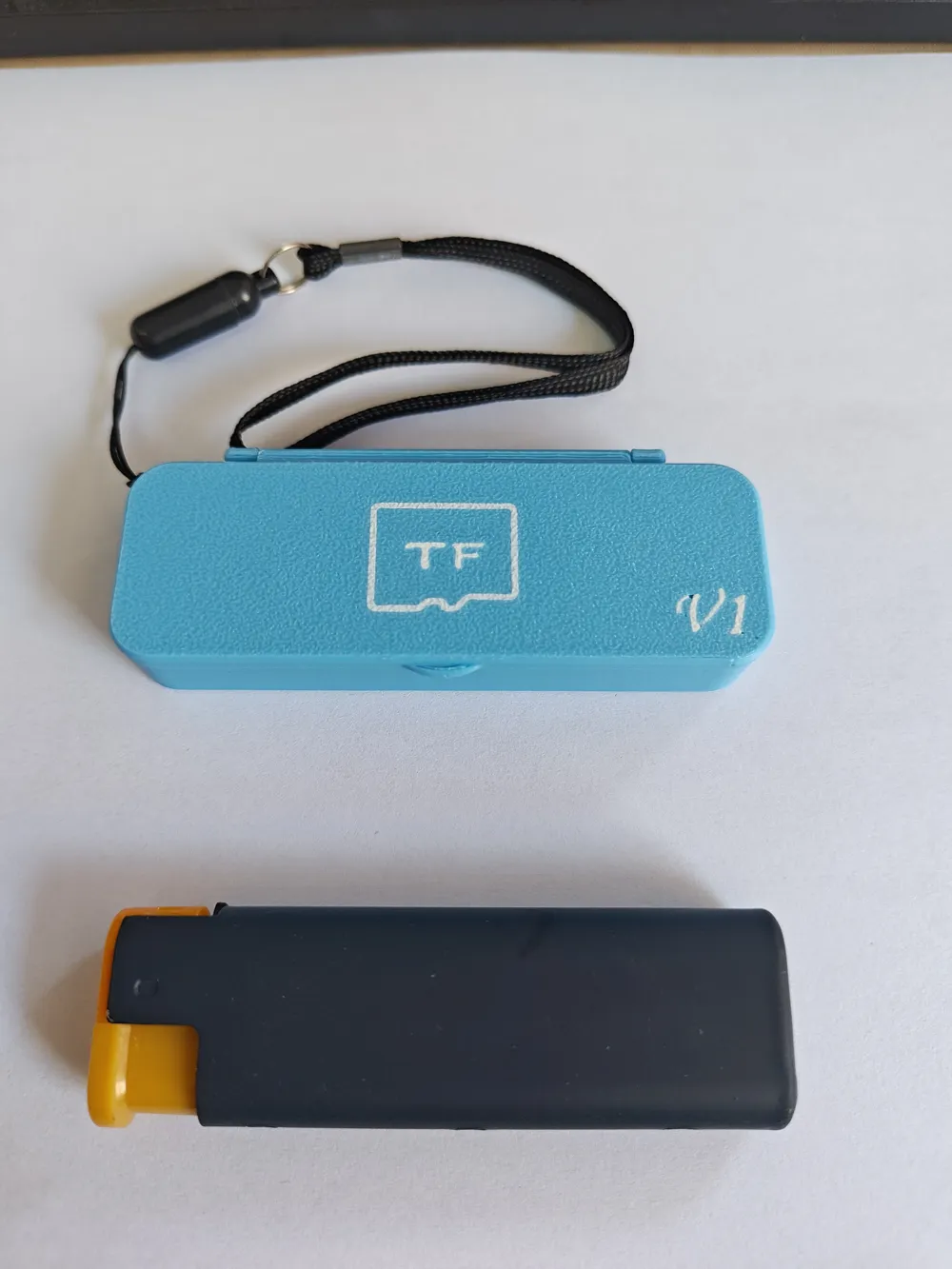
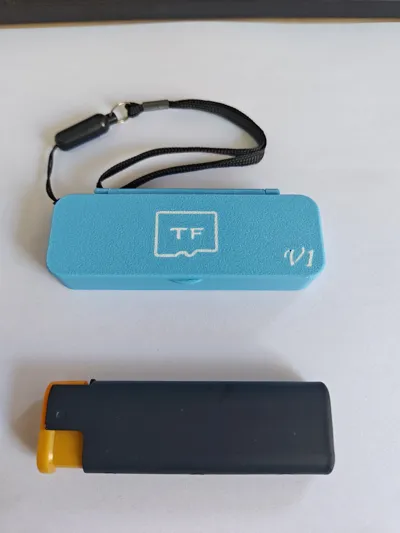
Updated 25/5/13: 1. Added a lanyard hole version (print configuration 1). 2. Added a multicolor version with icons to the lanyard hole version (print configuration 2).
Note: The previous version is also retained (print configuration 3).
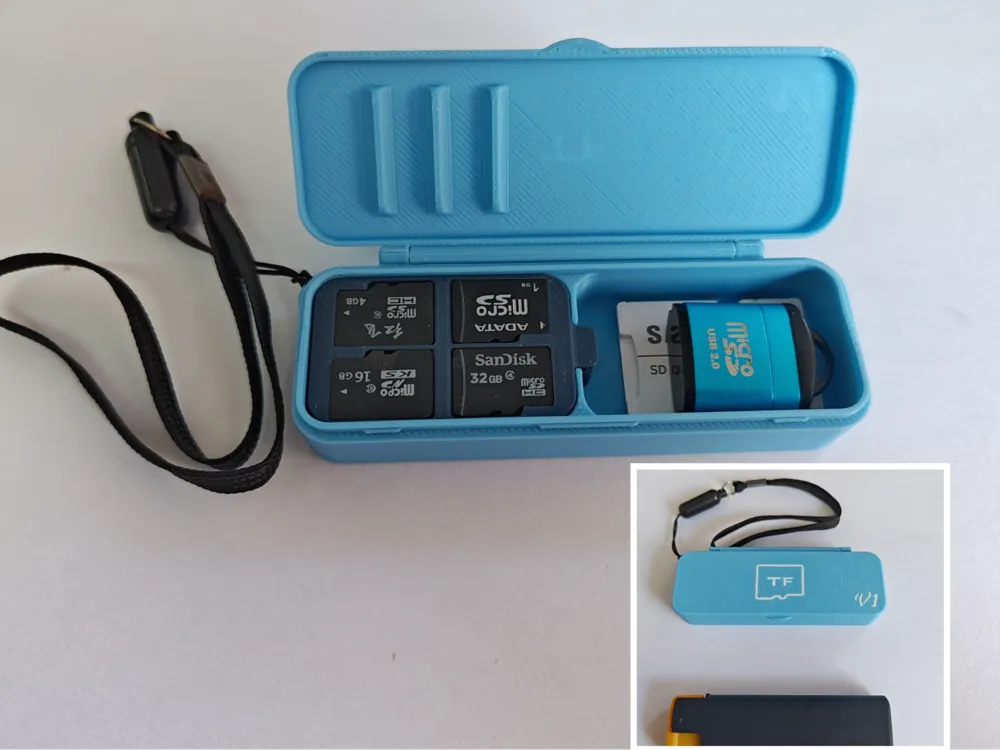
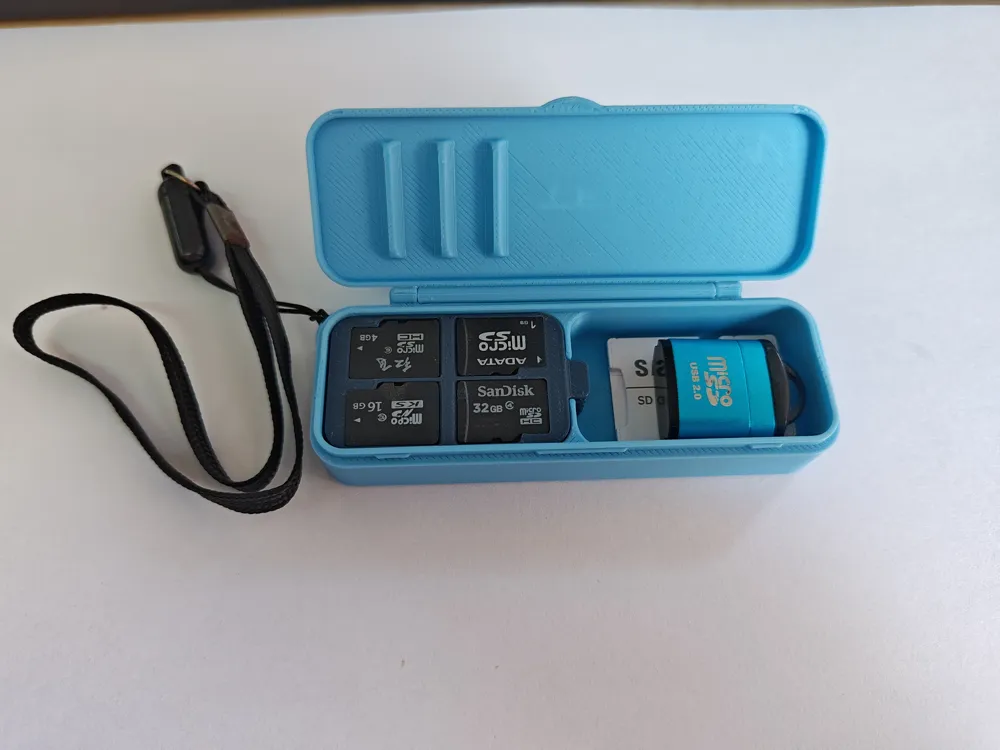
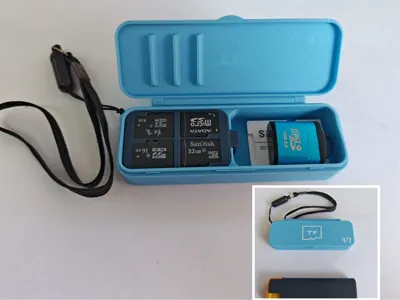
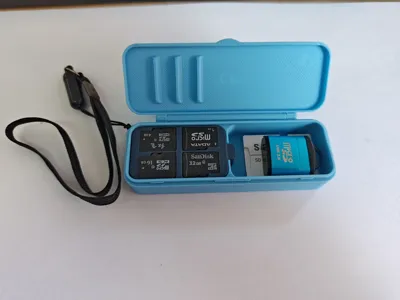
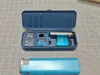
A refined, compact, and remarkably capacious portable TF memory card case. Simple assembly, economical material usage, and no hardware required. When installing the hinged lid, align one side first and insert it, then firmly press the other side in from the bottom upwards.
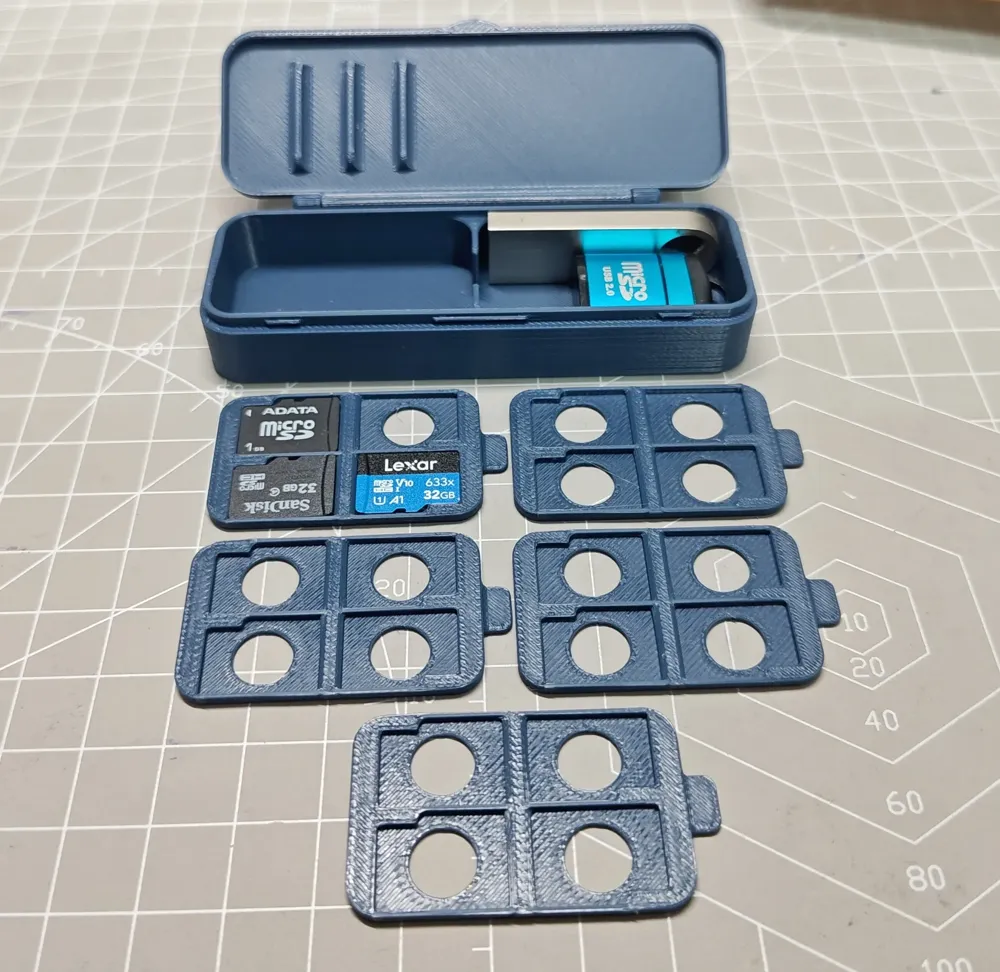
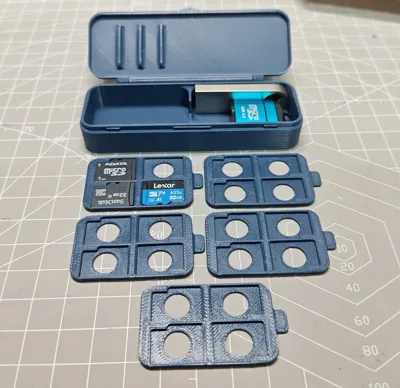
The left side houses the card holder area, with a total of five layers, each capable of holding four TF cards, for a total capacity of 20 TF cards. To prevent cards and card holders from shifting and colliding, the lid incorporates a clamping mechanism. Therefore, when placing TF cards, ensure they are fully seated in the slots!!! Otherwise, closing the lid may damage the TF cards!!!!!!!!!!!!!!!!!!!
The right side is designed for USB drives or card readers, with dimensions of: 41mm long * 25mm wide * 12.5mm high
(Regarding the three clamping bars on the lid, the central one protrudes slightly more than the others. Therefore, provided the TF cards are correctly positioned, the force exerted by the lid will not affect the TF cards. I personally recommend, where space allows, placing TF cards on the second layer or below for added safety.)
Important Note: After printing, check for any residual material inside the slots, ensure that the trays are level and that there are no abnormalities such as cards being compressed or protruding!! This is crucial for ensuring your cards are safe. Before closing the lid, also check that everything is properly aligned. The design includes some margin for error; if you encounter excessive resistance when closing the lid, do not force it! Cards have value, data is priceless, please exercise caution!
License

You shall not share, sub-license, sell, rent, host, transfer, or distribute in any way the digital or 3D printed versions of this object, nor any other derivative work of this object in its digital or physical format (including - but not limited to - remixes of this object, and hosting on other digital platforms). The objects may not be used without permission in any way whatsoever in which you charge money, or collect fees.


Comment & Rating (30)