
Wifi NFC connection tag


Print Profile(2)


Description
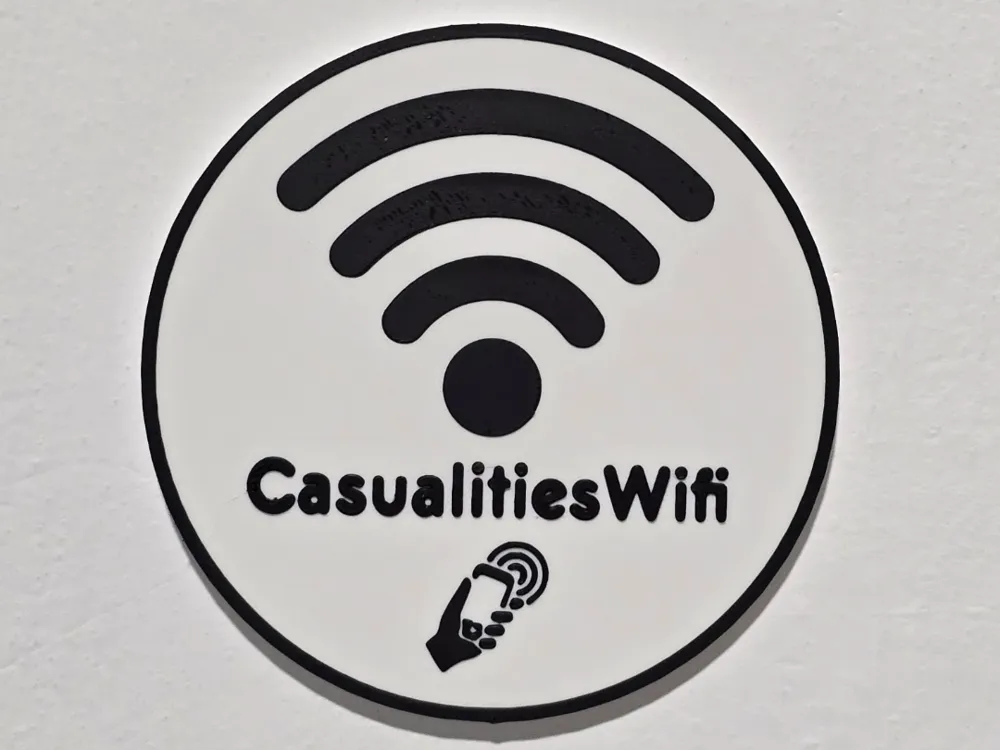
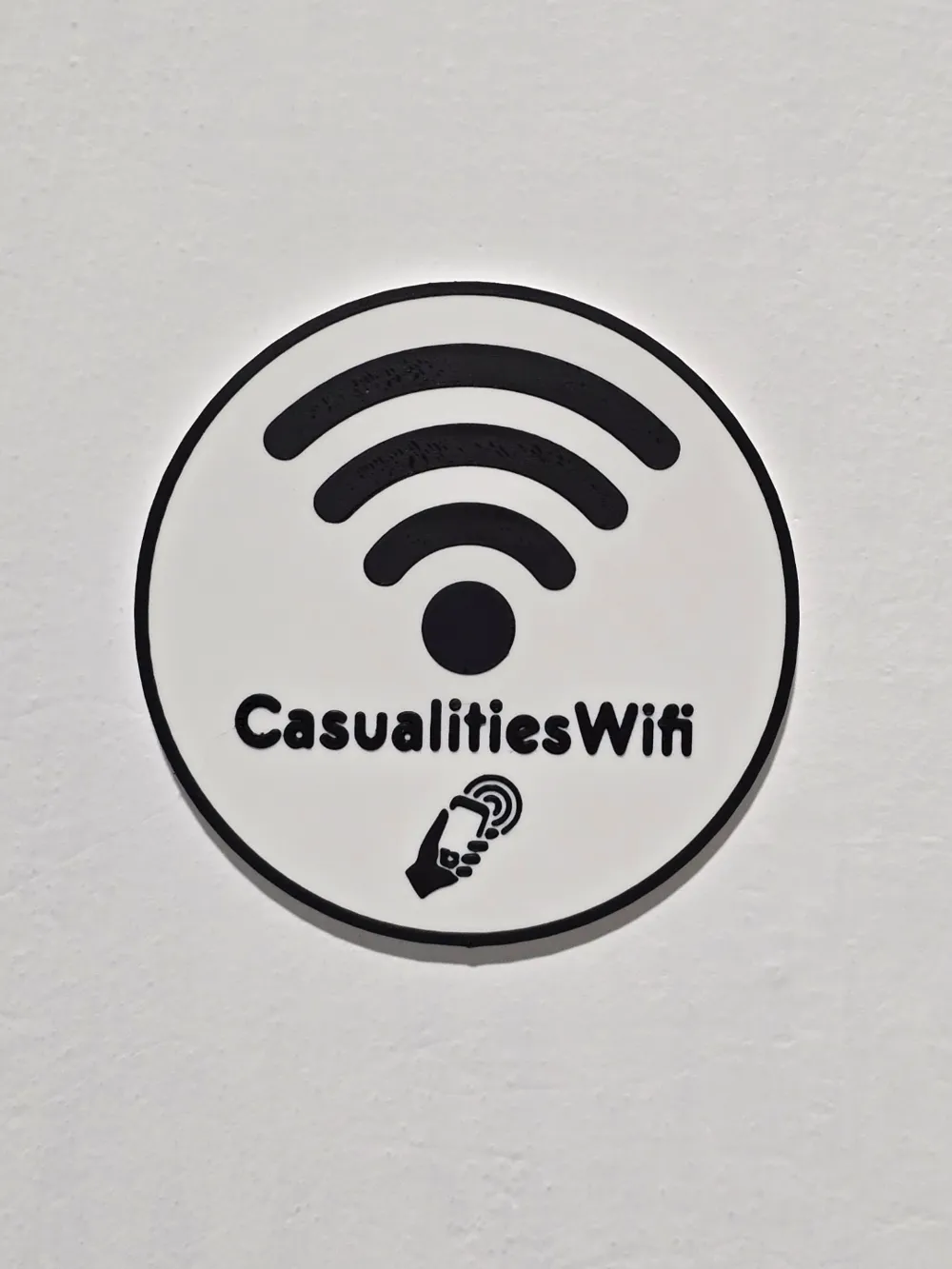
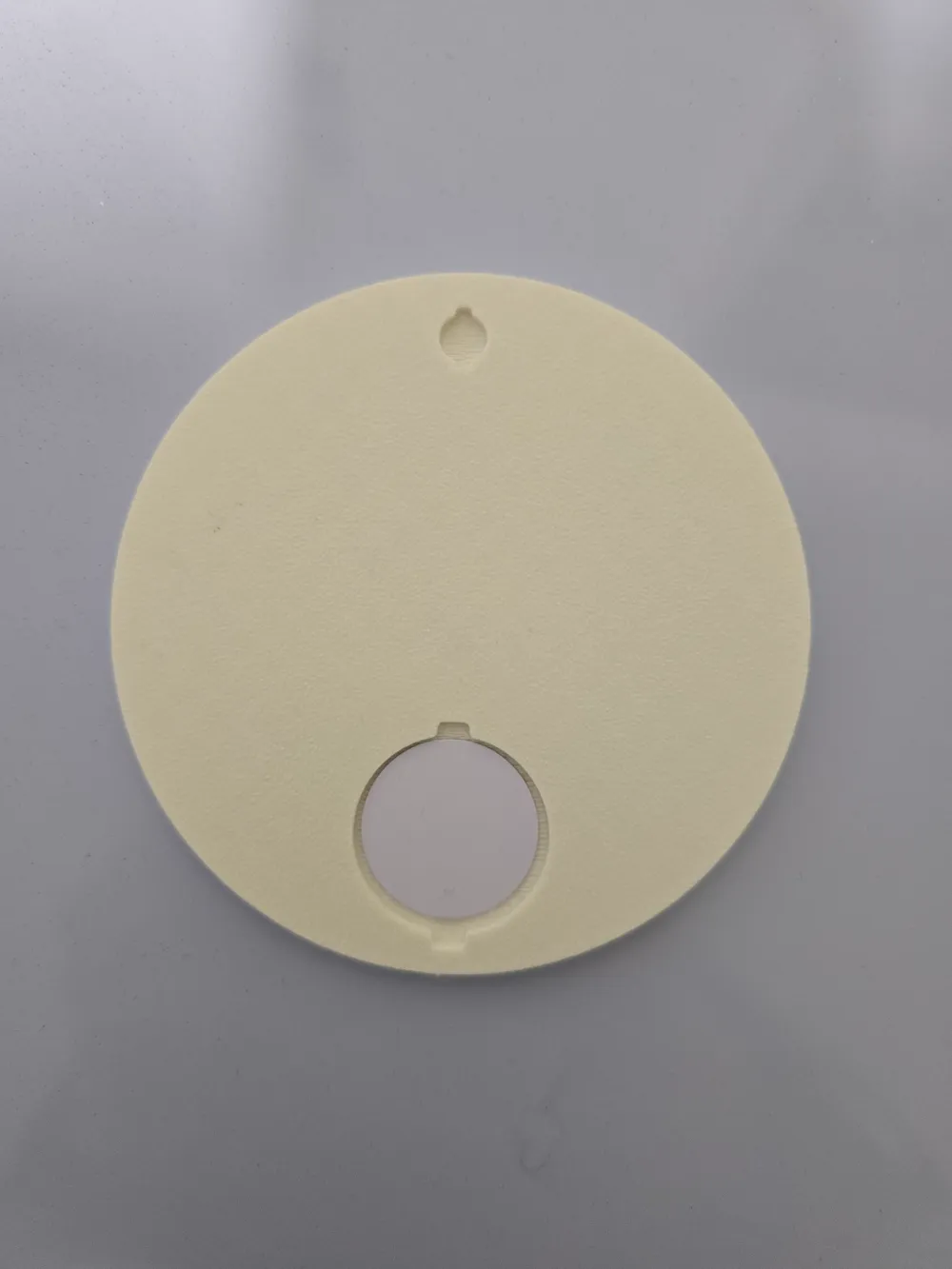
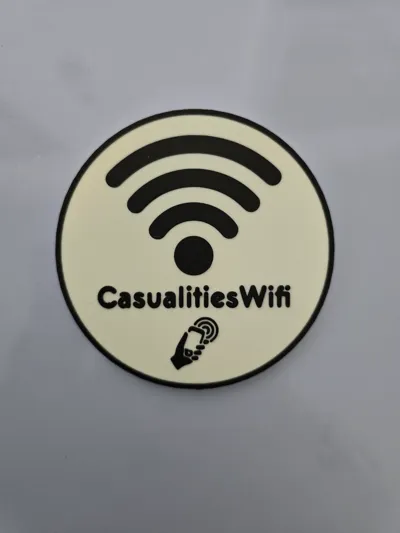
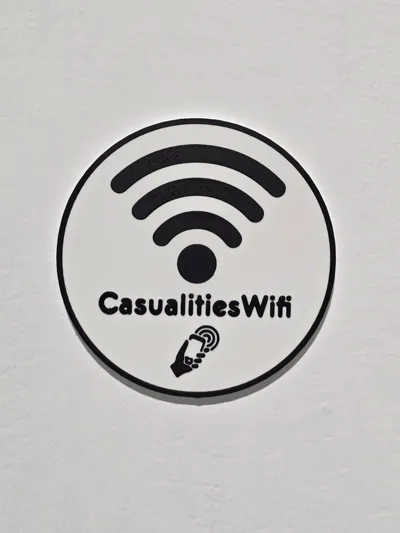
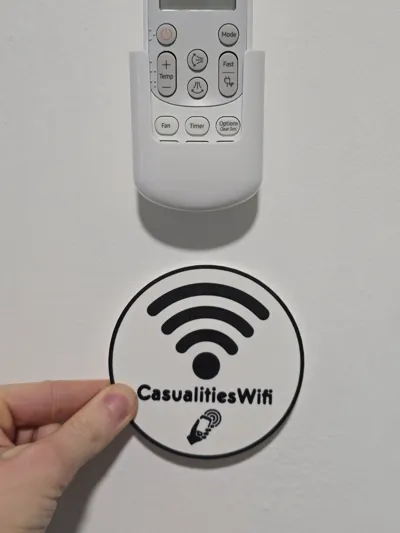
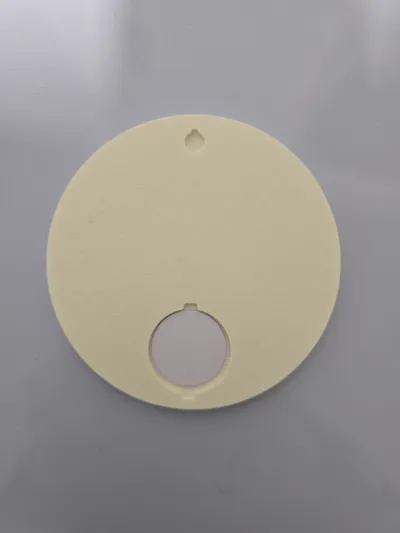
Wifi connection tag with NFC housing on the back as you can see from the picture.
I have uploaded two print profiles with the words House Wifi and Office Wifi, feel free to contact me if you want other words.
On the other back side there is also a hole to hang the tag on the wall.
For writing the NFC tag I used the app NFC tools, to configure it then just follow these steps:
Open NFC Tools:
- On the main screen, go to Write > Add a record.
- Add a Wi-Fi network:
- Select Wi-Fi or a similar option (may vary depending on the app).
- Enter the following information:
- Network name (SSID): The name of your Wi-Fi network.
- Security type: Eg. WPA/WPA2.
- Password: The network password.
- Program the tag:
- Tap the button to Write on the NFC tag.
- Bring the NFC tag close to the back of the phone to program the data.
License

You shall not share, sub-license, sell, rent, host, transfer, or distribute in any way the digital or 3D printed versions of this object, nor any other derivative work of this object in its digital or physical format (including - but not limited to - remixes of this object, and hosting on other digital platforms). The objects may not be used without permission in any way whatsoever in which you charge money, or collect fees.


Comment & Rating (0)