
Trench Terrain - Updated!
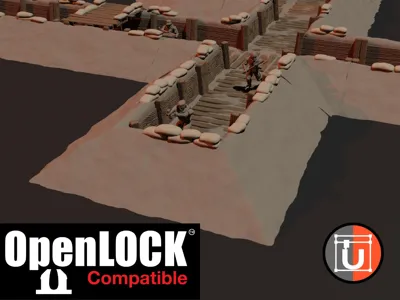
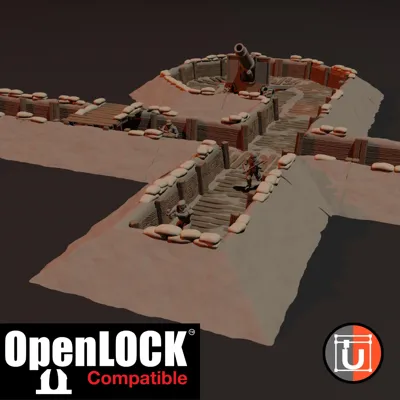
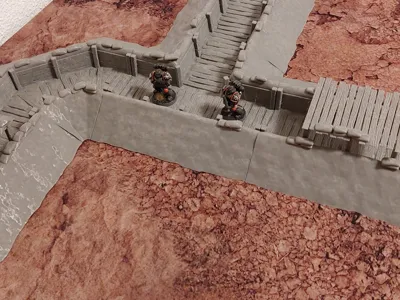
Print Profile(8)


Description
Warning - this design is outdated! Check out the new, seamless variant here: https://cults3d.com/en/3d-model/game/trench-terrain-seamless
Updated! I rescaled everything to fit a 6" grid, instead of a 150mm grid. if you want these compatible with the old set, scale them down to 98.43%. If you want the old set compatible with this, scale the old set up to 101,6%.
Additionally, I added OpenLOCK connectors! No more separating parts on the table! I added the clip, but you can download it also from here: https://www.printablescenery.com/product/open-lock/
Link to the OpenLOCK license for my designs: https://www.printablescenery.com/2025/01/07/udos-3d-world/
The big problem is: Only Cults3D handles big amounts of files well.. therefore, this is only a super small selection of the parts, but you can download the full set for free on Cults3D: https://cults3d.com/en/3d-model/game/trench-terrain-updated
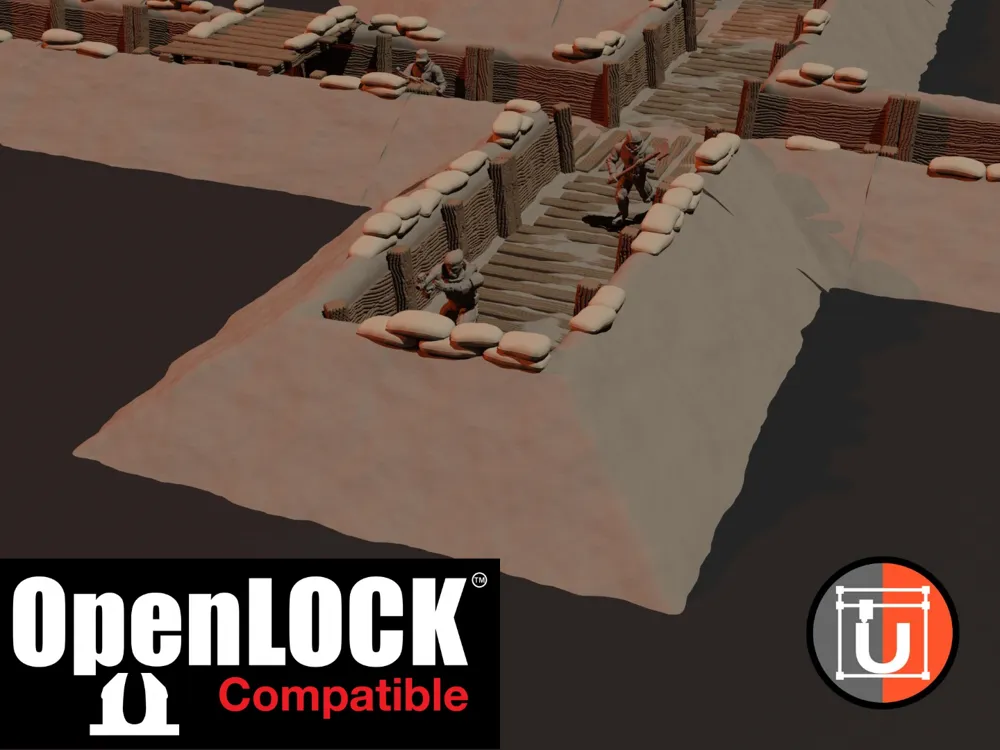
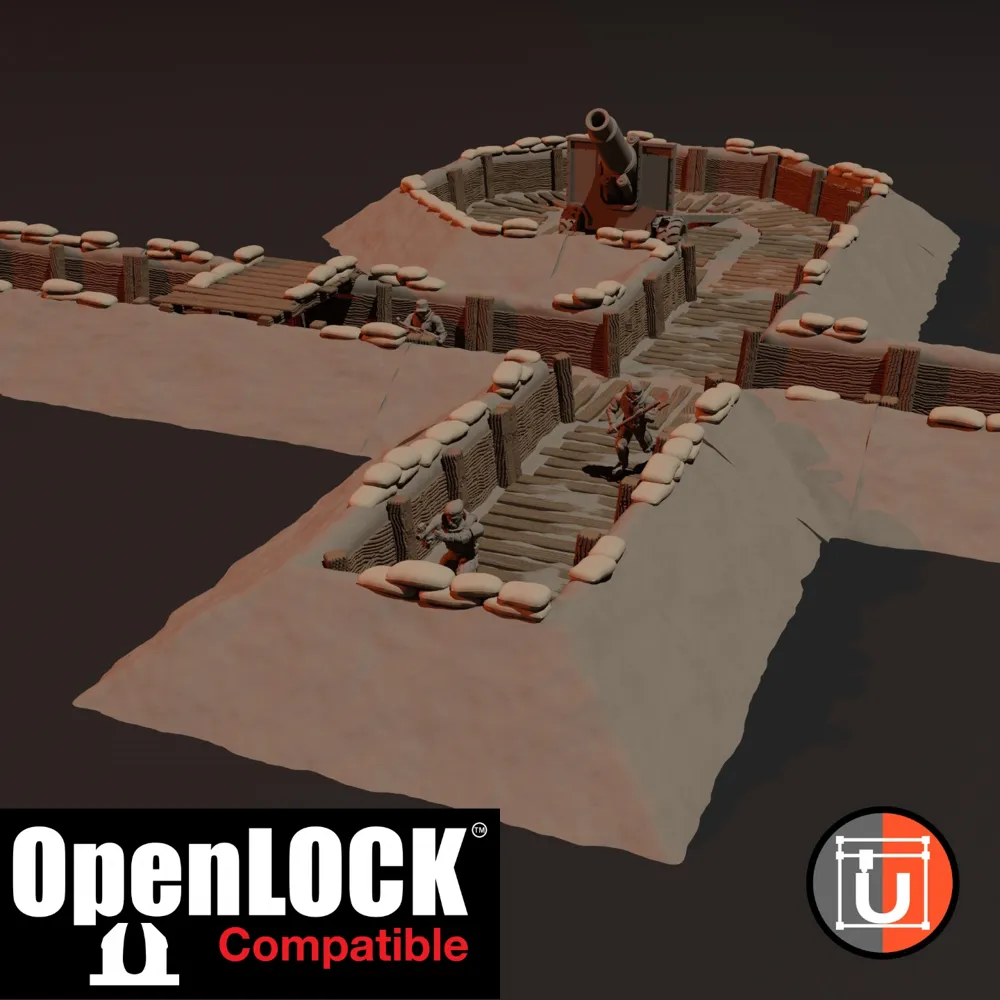
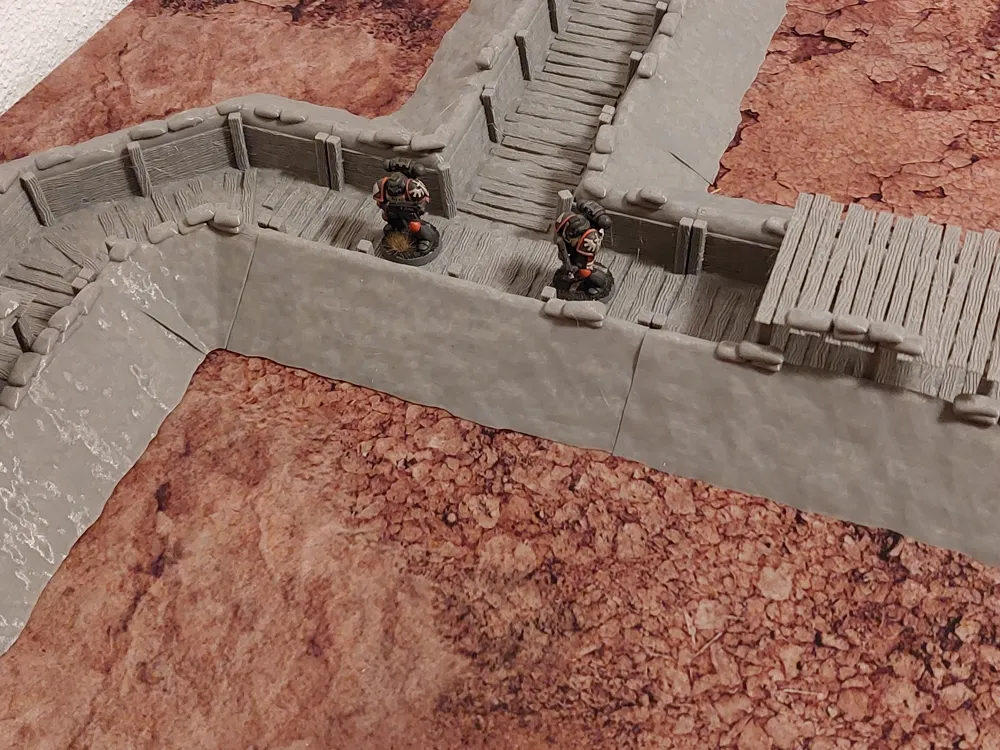
This was a huge project of mine, and probably still isn't finished yet. I created a trench terrain that you can put on top of your table (and don't need to create an explicit trench board with the trenches dug into the ground). I feel like all approaches have their pros and cons, and I felt that "place on top" trench terrain offers a great flexibility, since you can use it with any table. If you don't like this approach (and the look of that), there are several other designers out there that offer other solutions. For now, you'll only get the place on top variant from me.
There are 26 different variants, with 8 different models each.
I, T, X, L are the 4 basic types, representing a shape like the letter. TK has a small shrine added in the intersection.
O and E are end pieces, open and closed, and OT being a T intersection with one open side. OE is an end piece with an open side, so just a single element you can't combine.
HL, HI are just half elements of the L and I elements.
BrS and BrL are bridges (small and large). I also separated the bridges from the base for better printing.
B1 and B2 are bunkers.
D is a defensive position with a roof, and ED is an end piece with a roof.
The 9 missing parts are aimed at an open area, where you could place artillery.
BXT: X intersection with one open corner.
BT, BTM: T intersections with one open corner.
BS: Mostly open with just one trench corner.
BO, BC: Mostly open with two trench corners.
BL, BI: like the L and I pieces but with one open side.
BF: Just a flat open area.
For rendering, I added some other models:
https://cults3d.com/en/3d-model/game/interstellar-army-field-artillery-carriages
https://cults3d.com/en/3d-model/game/interstellar-army-field-artillery-weapons
https://cults3d.com/en/3d-model/game/rebel-guerrillas-army-for-grimdark-future-firefight
License



Comment & Rating (44)