
Amazon Fire 10 HD tablet (2023) wall mount
Print Profile(1)

Description
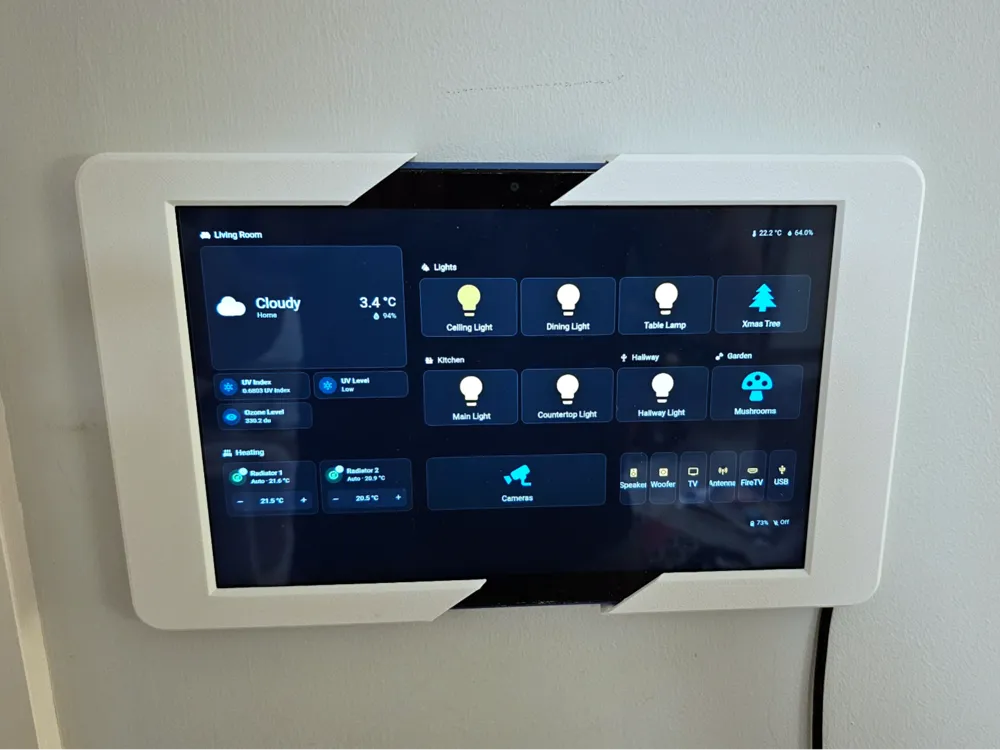
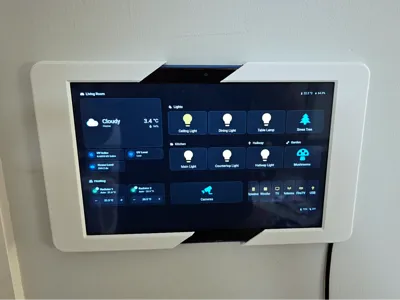
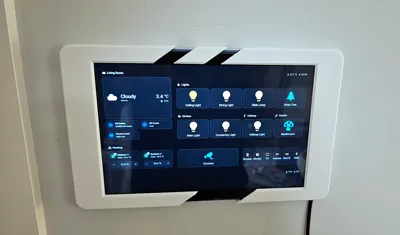
This is an Amazon Fire 10 HD tablet wall mount that I have designed to use as a kiosk display for my living room using ‘Fully Kiosk’ and Home Assistant.
Fits the 2023 model (THIS) very well, the tablet doesn't fall out, but it isn't too tight either.
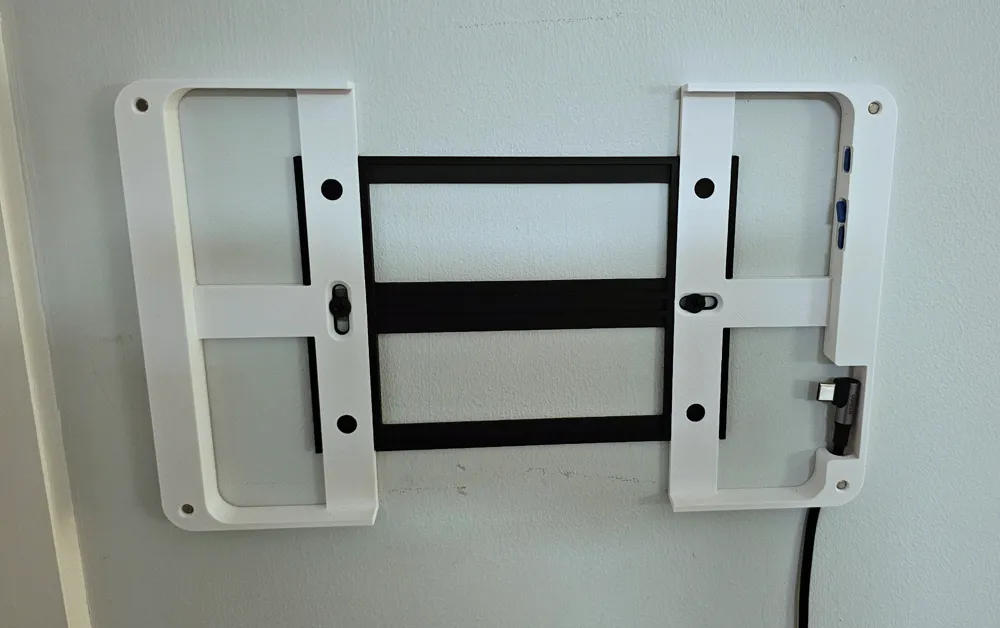
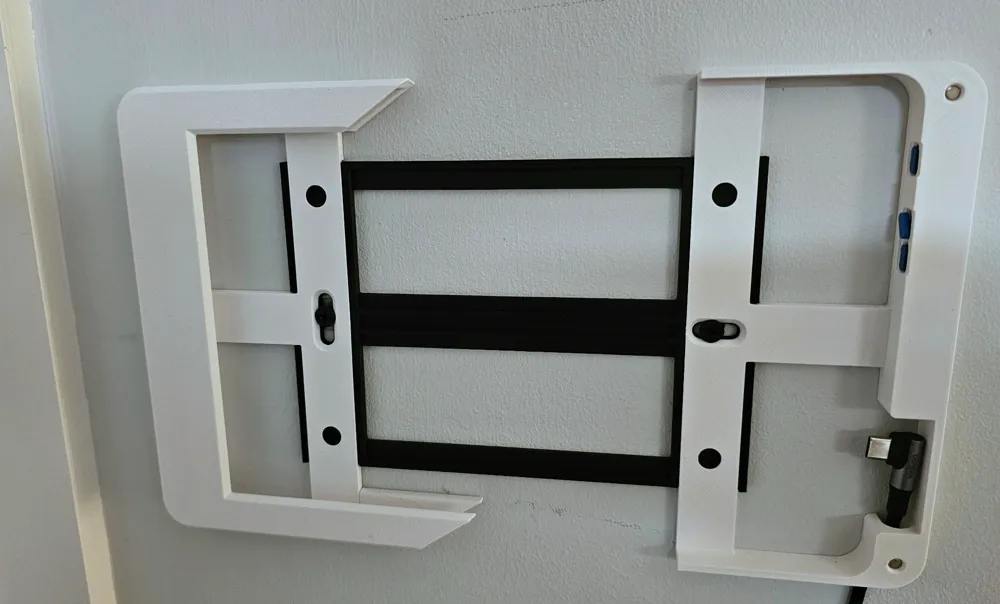
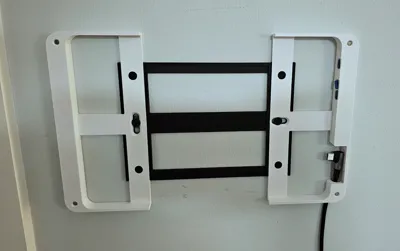
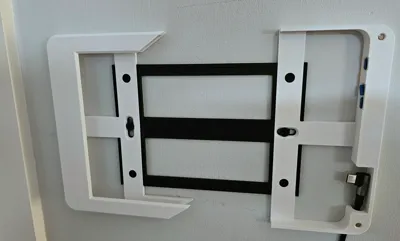
It can accommodate the USB cable coming out of the wall, or if like me you don't want to drag cable through walls, the cable can come out from the bottom corner of the mount.
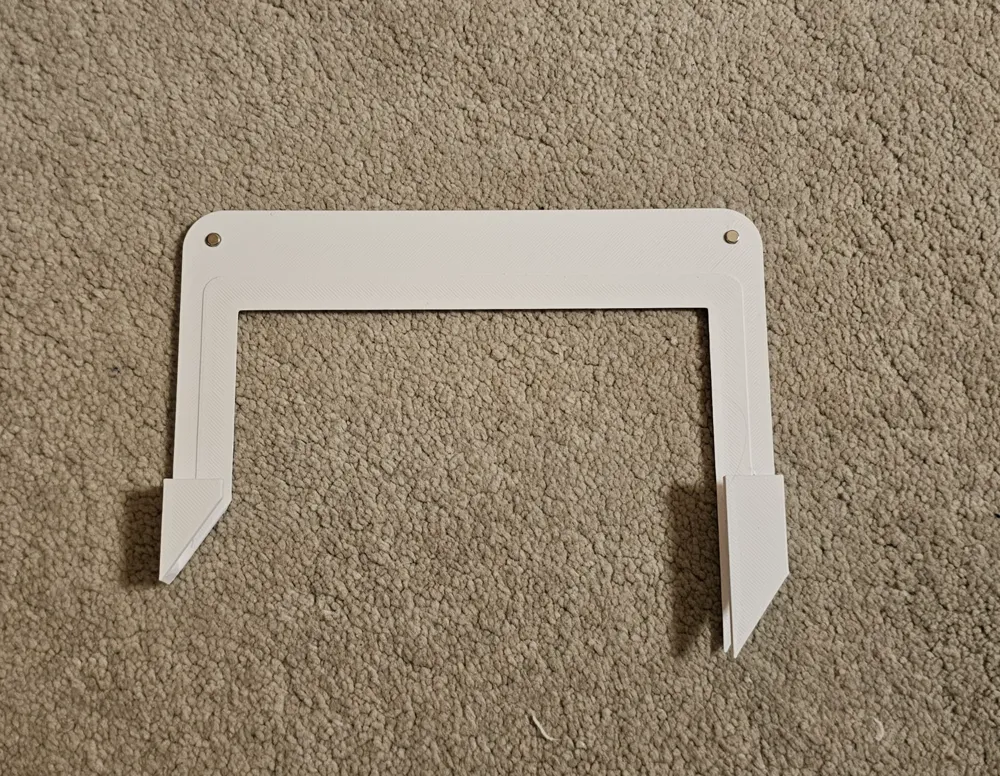
The front cover slides onto the tablet and is held in place with 4 small magnets.
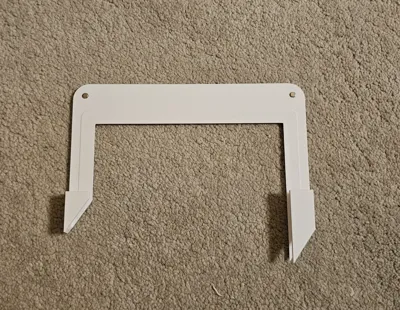
Wall mount portion consists of 3 elements, I highly recommend gluing them together.
By default there are gaps in the middle on top and bottom of the tablet which enable few options:
- leave it with the gaps (which is my favourite)
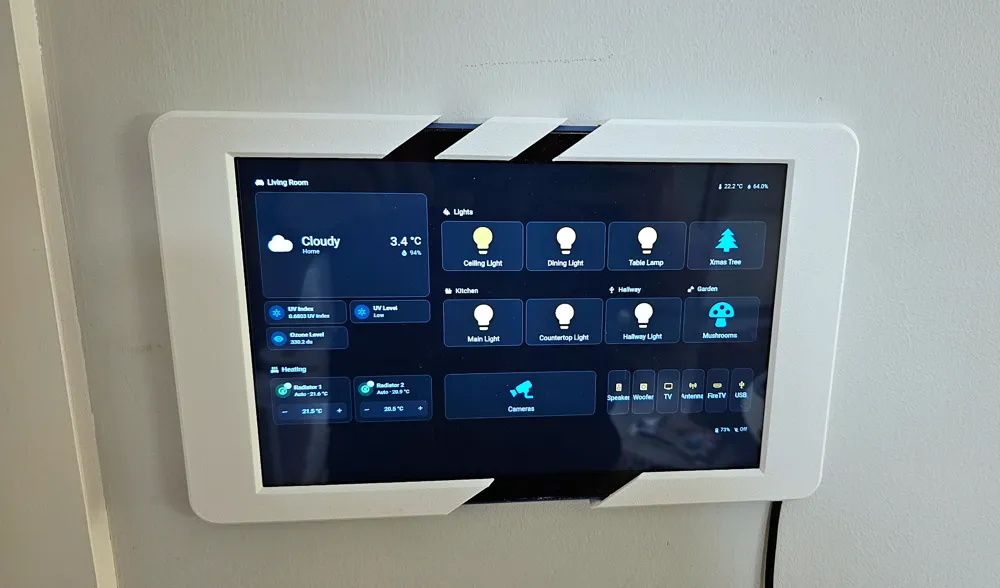
- use ‘camera cover.stl’ which can slide on top to hide the camera
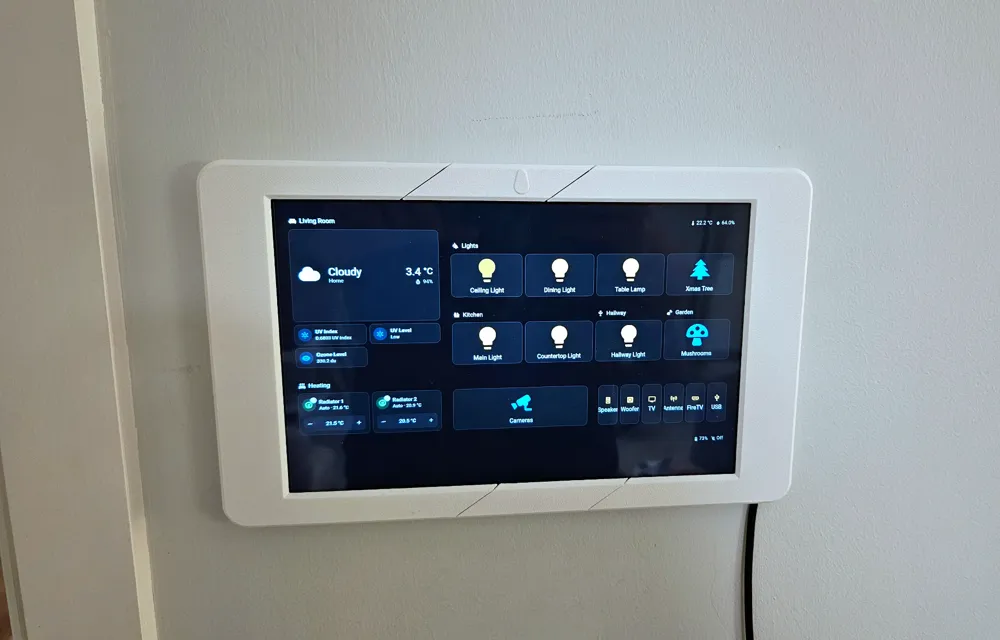
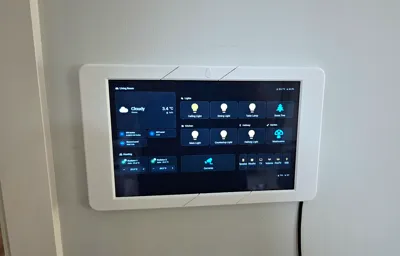
- use ‘front cover middle.stl’ on top and bottom to complete hide the gaps and the camera
- use ‘Front Cover Middle - with camera hole.stl’ on top to hide the gaps but still enable camera motion detection
- use ‘Front Cover Middle - with camera hole & privacy cover.stl’ to hide the gaps and have camera hole, but keep the option to cover it when required.
I printed mine from PETG but will work just fine in PLA as well.
Printing notes:
I only recommend printing with a mix of PETG and PLA where one of the materials is used for support interface, otherwise it's going to be extremely painful to remove them. Even with the ‘easy to peal’ interface layer removing supports is not easy, what I would recommend it to use a dremel tool or smt similar and cut through the middle, then it goes out nicely:
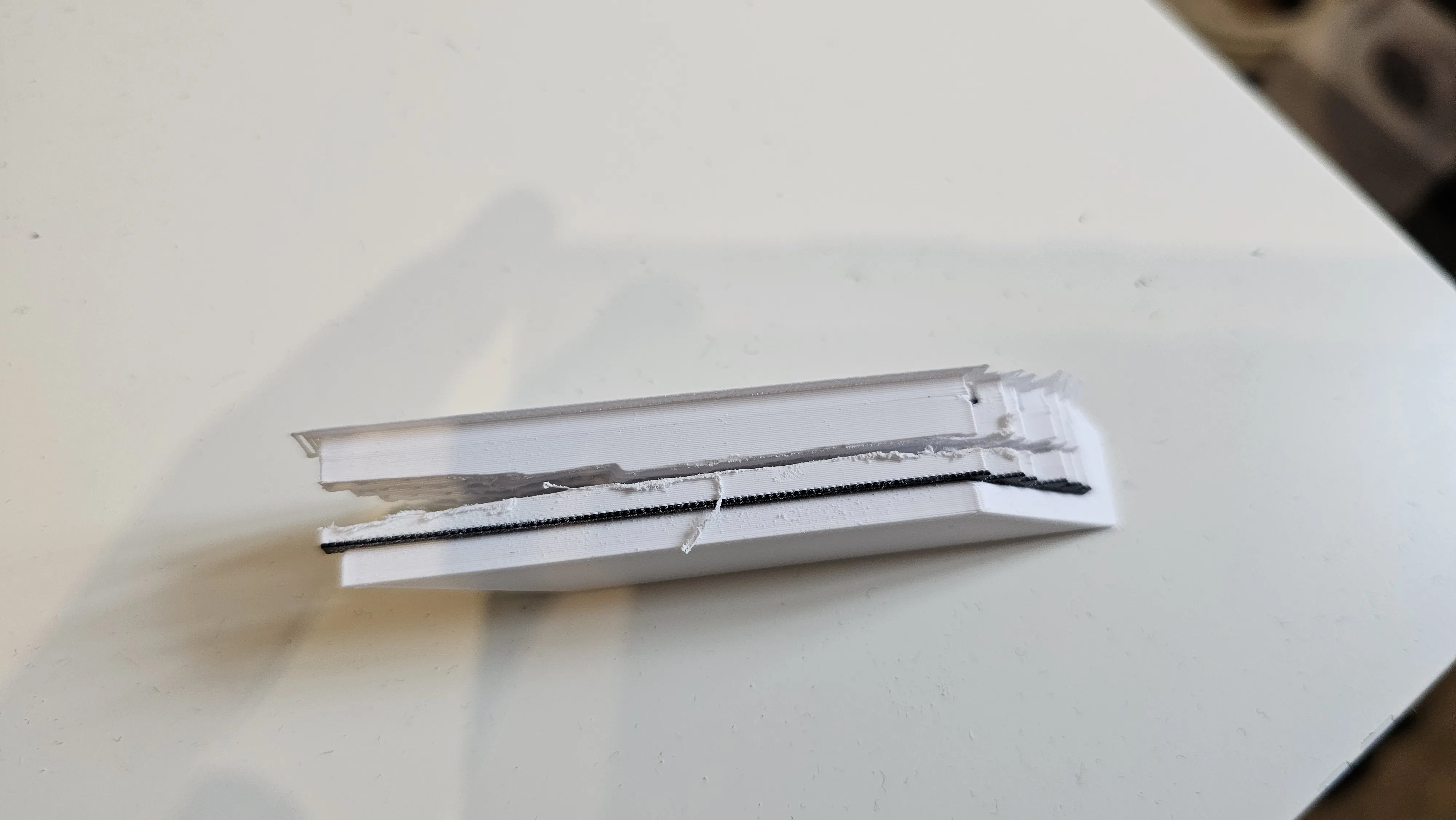
It might happen, that during supports removal the part will break, the layer adhesion on PLA/PETG cannot withhold much force unfortunately, but don't worry, no need to reprint it, simply use a super glue to put it together, it won't be visible from the outside.
Hardware required:
- 8x 4mm (d) / 2mm (h) round magnets
- 90 degrees usb type C cable (I used THIS one)
Boost Me (for free)
Give it a BOOST! it's free for you and will help me out :)
License

You shall not share, sub-license, sell, rent, host, transfer, or distribute in any way the digital or 3D printed versions of this object, nor any other derivative work of this object in its digital or physical format (including - but not limited to - remixes of this object, and hosting on other digital platforms). The objects may not be used without permission in any way whatsoever in which you charge money, or collect fees.


Comment & Rating (8)