
Snap-On Screwdriver Handle Multi Use W or W/O AMS
Print Profile(2)


Description
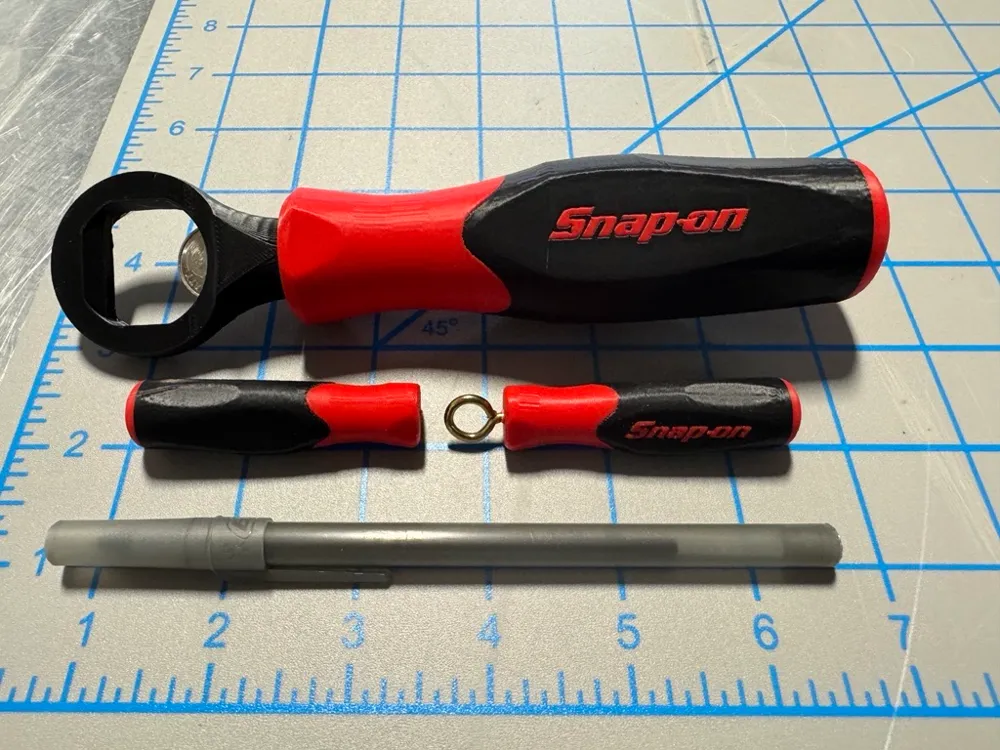
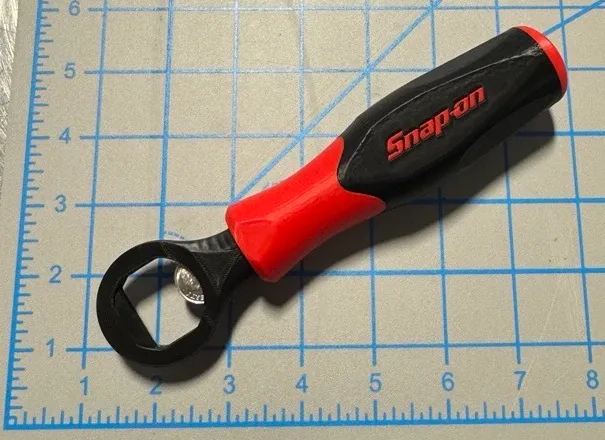
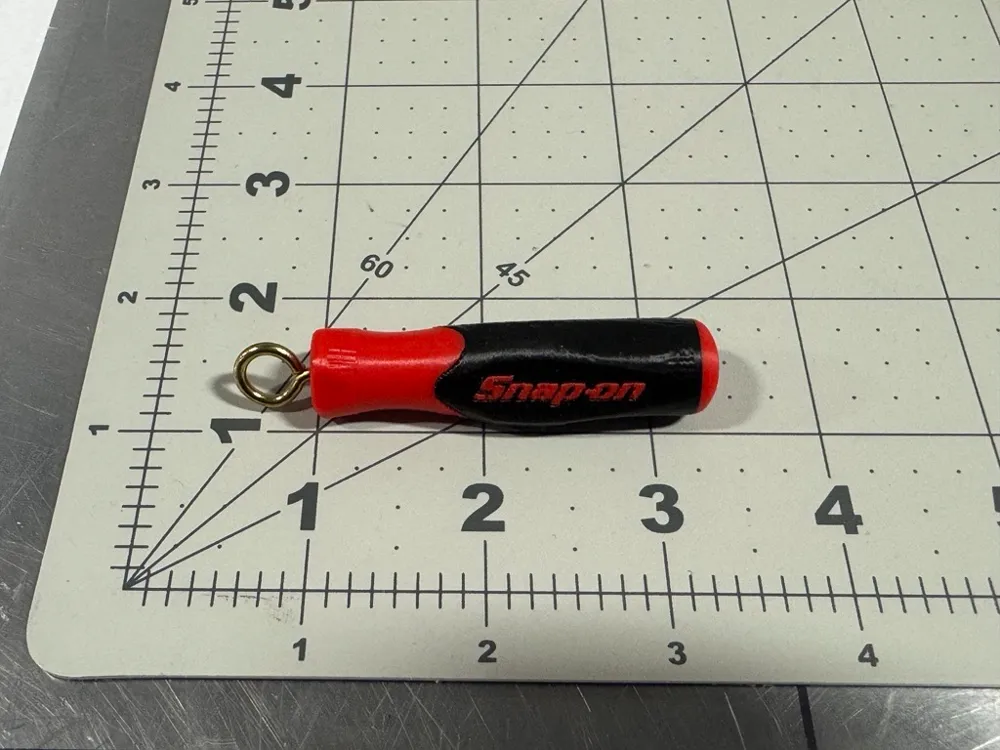
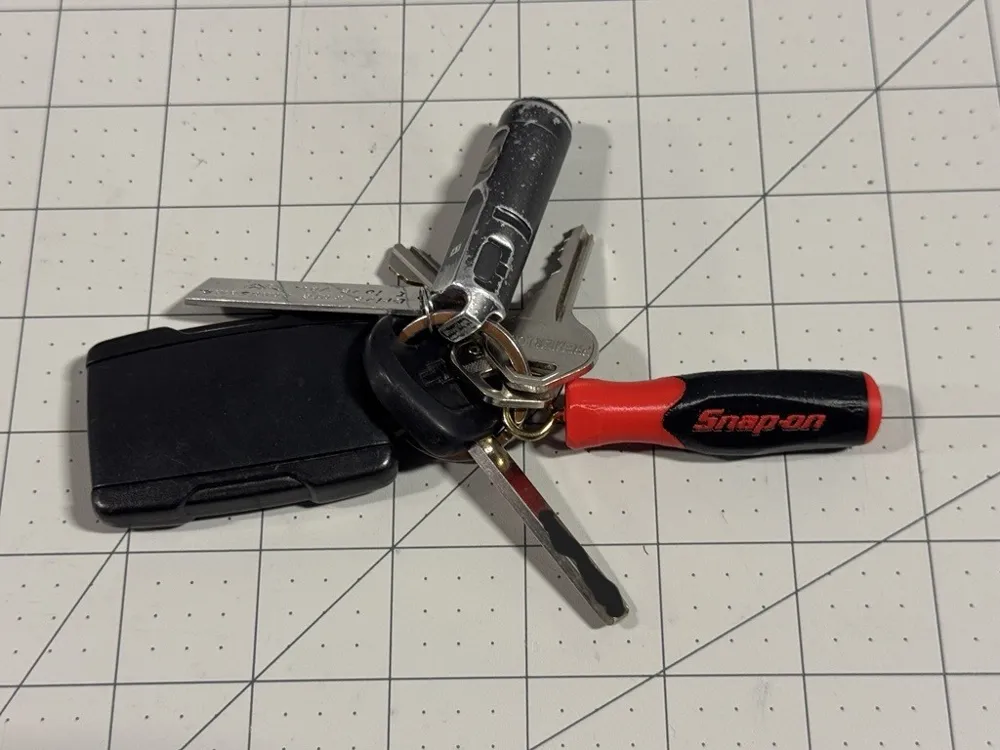
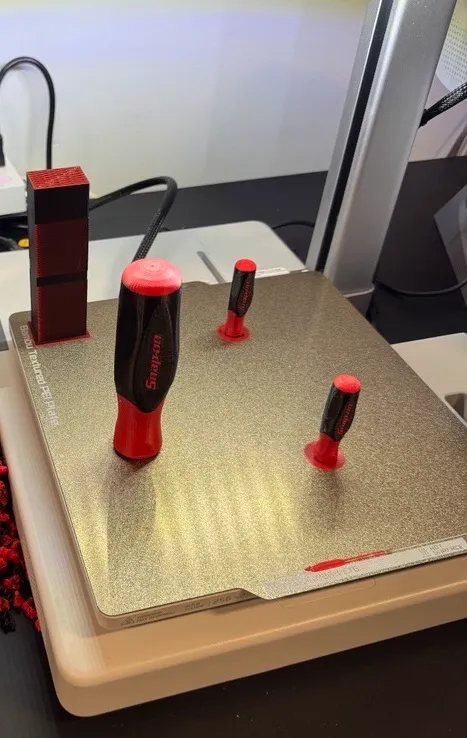
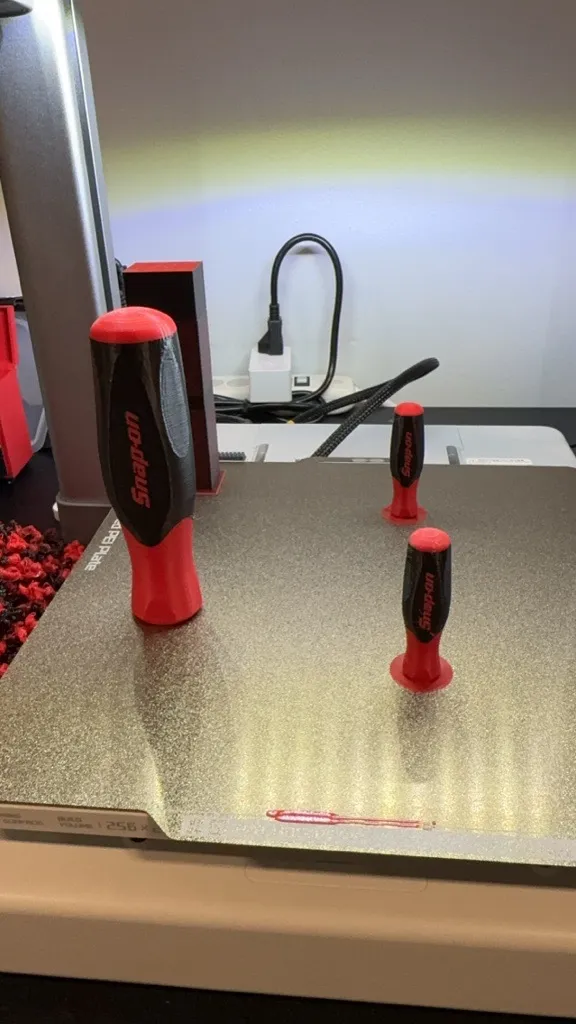
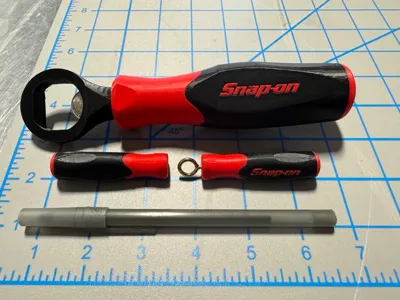
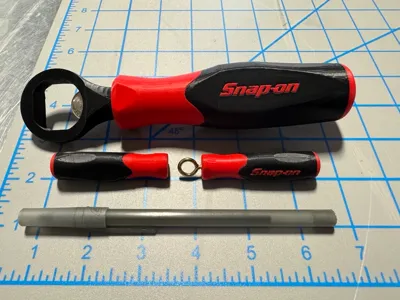
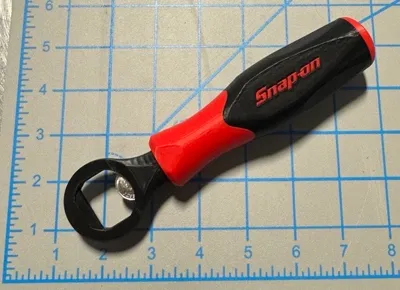
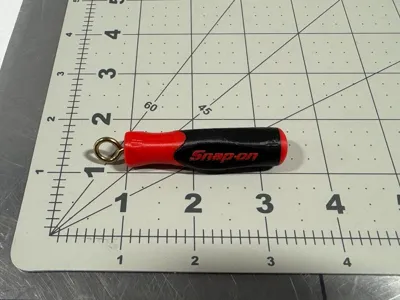
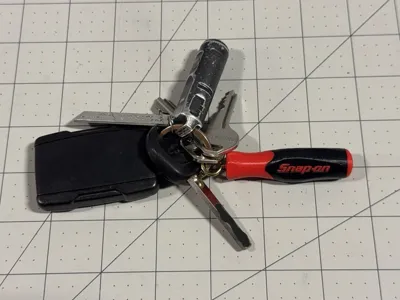
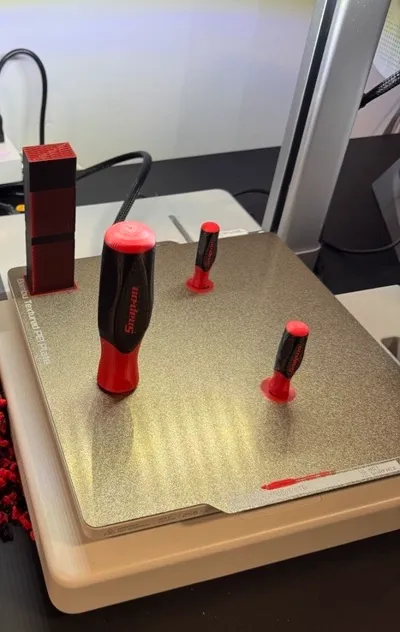
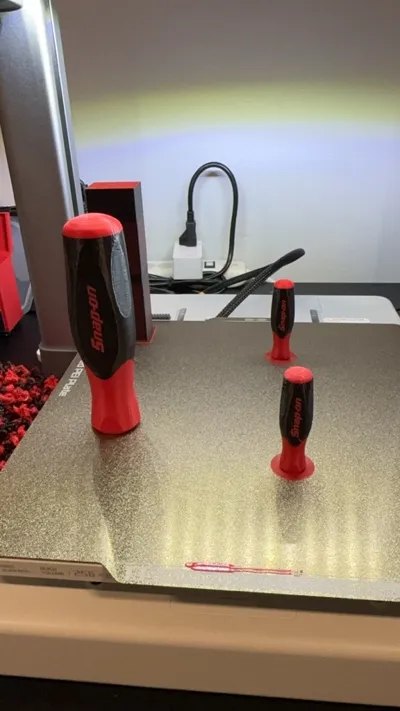
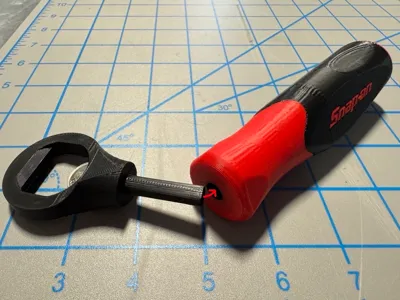
I made a couple different configurations of this Snap-On Screwdriver Handle for different uses! One design is meant to be a bottle opener (Plates #2 & #4), the other is a small keychain (Plates #3 & #5), and there is also a handle with a hole for a hex bit driver! (Plates #7, #8 & #9) All 9 plates can be modified to be used for tons of projects!
How To Modify The Size: You can easily adjust the size of the screwdriver handle and the “Negative” hole on the bottom of the handle to allow you to use this for any project you might have, like a shift knob for your car, a tap handle for your bar, a handle for your fishing pole, a handle for your umbrella or anything that you just want a cool looking handle for! Just re-scale the model in Bambu Studio to the size of your liking so it can fit the scale of your project by selecting the object in the “Objects” tab, and using the “Scale” feature to adjust the size of the object and/or the negative hole.
How To Modify The Colors: You can also easily change the colors in Bambu Studio by just changing the filament colors in the top left “Filament” section to the color of your choice.
If you have an idea in mind and want a modified version of this model, let me know and I will try my best to make it!
Plate Descriptions:
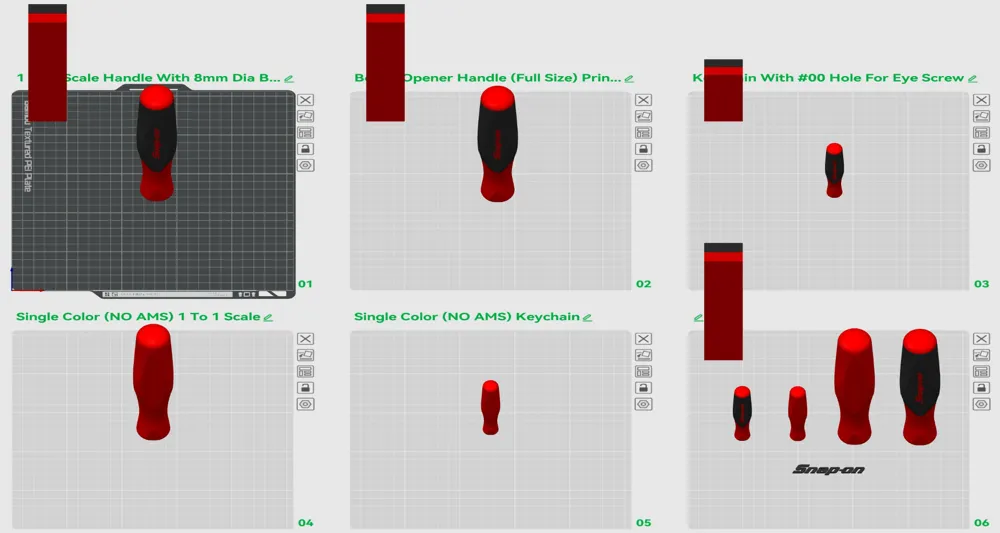
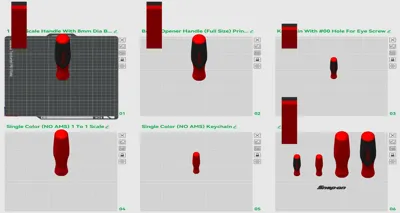
•Plate #1 is the full size (1:1 scale) “generic” handle that is meant for you to play around with and adjust to any size you need to fit your project.
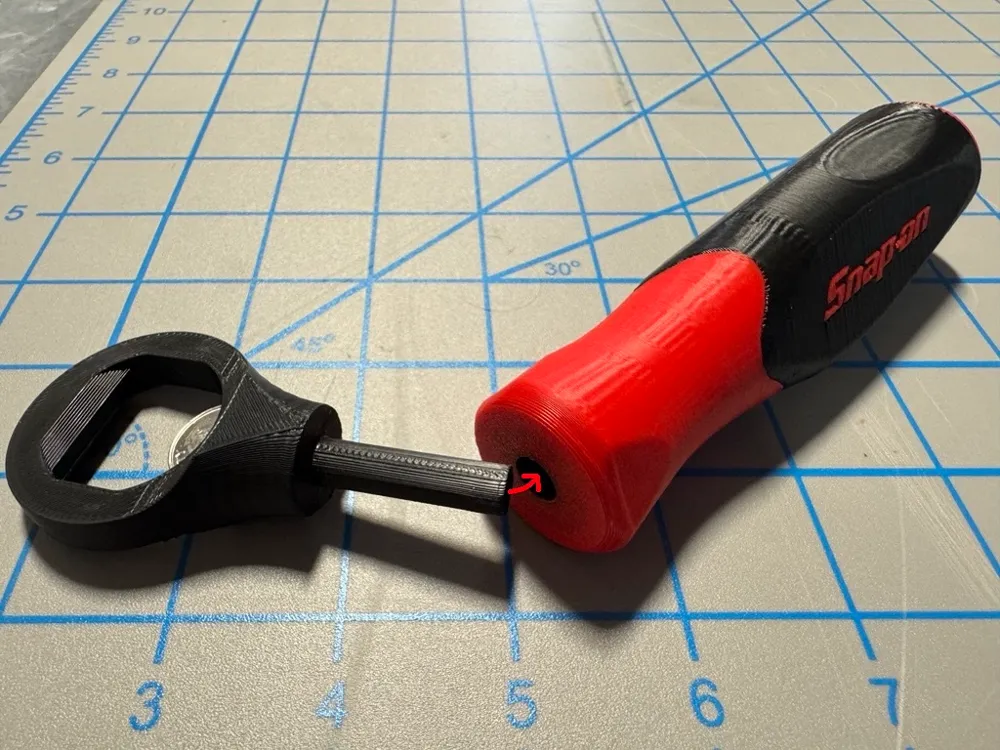
•Plate #2 is designed to work with the “Bottle Opener End” that I designed to make it into a functional bottle opener! You will just need to print the bottle opener separately and insert it into the handle of the screw driver!
-Bottle Opener Link: https://makerworld.com/en/models/1021659#profileId-1003139
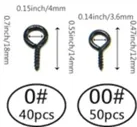
•Plate #3 is scaled down so it can be used as a keychain! This configuration of the handle is only 60mm long by 17mm thick, and has a small hole on the bottom that you can screw an eye screw into it and make this into a keychain! (The hole is meant for the #1 eye screw from the Amazon kit listed below) Or you can adjust the hole size on the bottom to make it fit a bigger eye screw or other keychain mount.
•Plate #4 is identical to Plate #1, but it is only 1 color so it can be printed without an AMS system.
•Plate #5 is identical to Plate #3, but it is only 1 color so it can be printed without an AMS system.
•Plate #6 is just a plate full of duplicate pieces from all the other plates so you can just modify and tinker with them however you want.
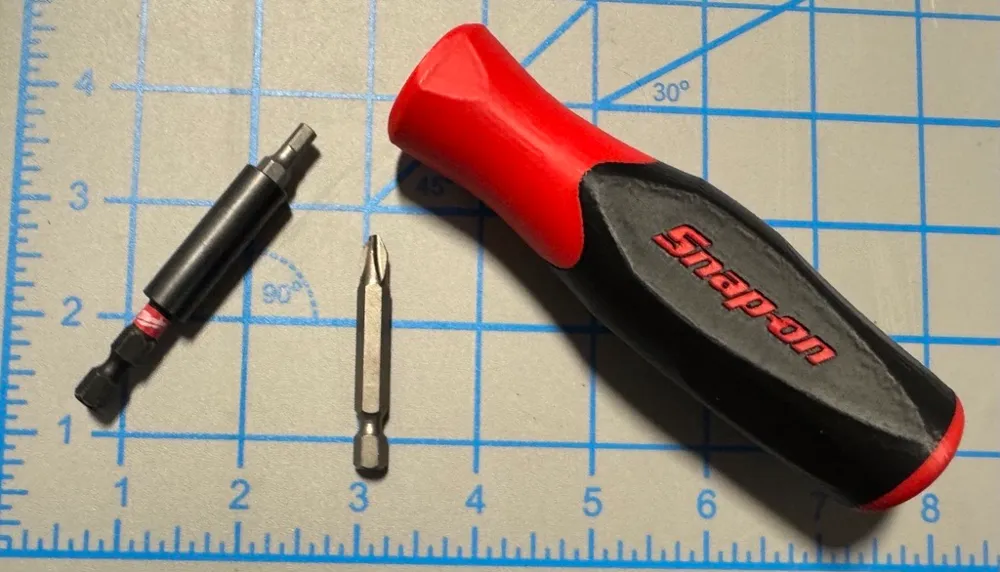
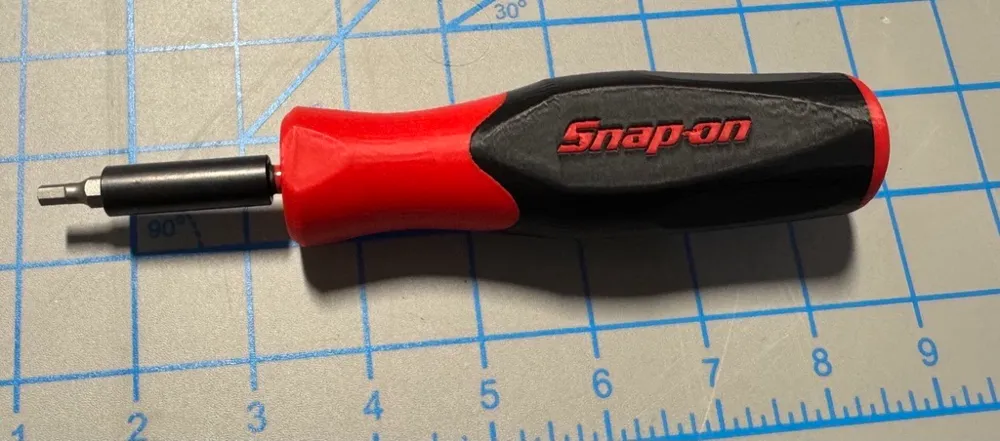
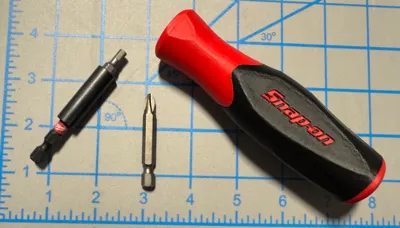
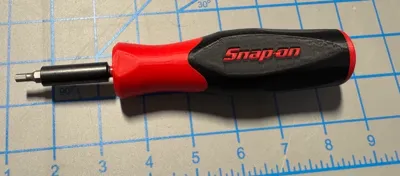
•Plate #7 is a handle with a hole for a hex bit driver.
NOTE: PRINT PLATE #9 FIRST to test hole size! The hole for the hex bit is intentionally tight to allow you to press in a hex bit extension and it will not move. Then you can insert your bits into the extension for easy bit changes.
•Plate #8 is identical to Plate #7, but it is only 1 color so it can be printed without an AMS system.
•Plate #9 is a test print for Plates #7 & #8. The hole for the hex bits is made with a tight tolerance, so test print this part first to see if your printer will allow a hex bit to be inserted without being too small or too big. This hole size is perfect for my printer’s tolerances (A1) so it may need to be adjusted for your specific printer. (Or just trim a small amount out of the hole with a knife after printing haha)
Update #1 2/11/2025: Added Plates #7, #8 & #9 for a handle with a hole for a hex bit driver.
Print Settings:
•0.2 Layer height
•5 Wall Loops
•20% Infill
•Infill Pattern: Grid
•Seam Position: Back
•NO Supports
•Brim Type: Auto (I printed the full sized handle with no brim and it printed perfect. I printed the small keychain handle and that was printed WITH a brim, and printed perfect.)
License



Comment & Rating (19)