

Fidget Medal Trophy (customize and spin!)




Print Profile(5)

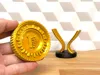



Description
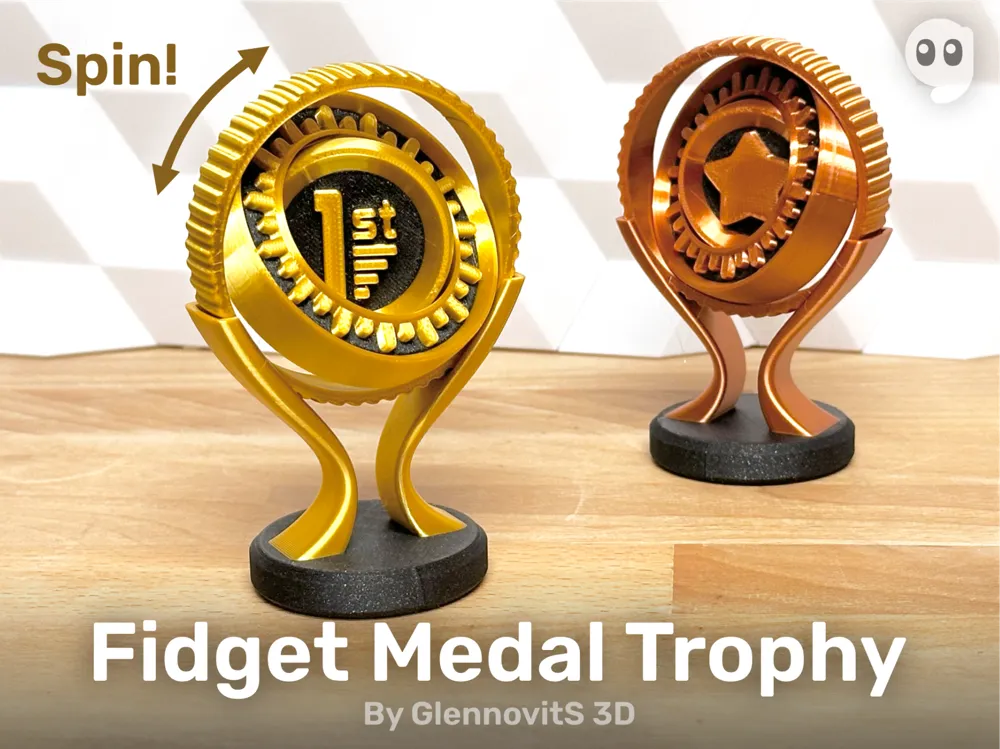


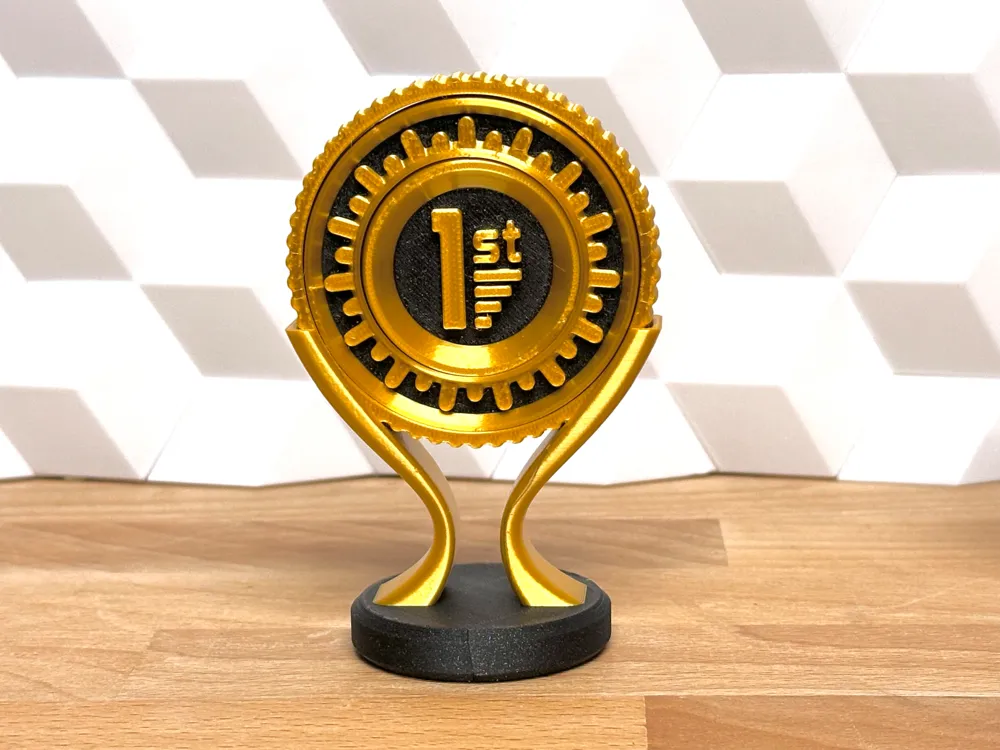
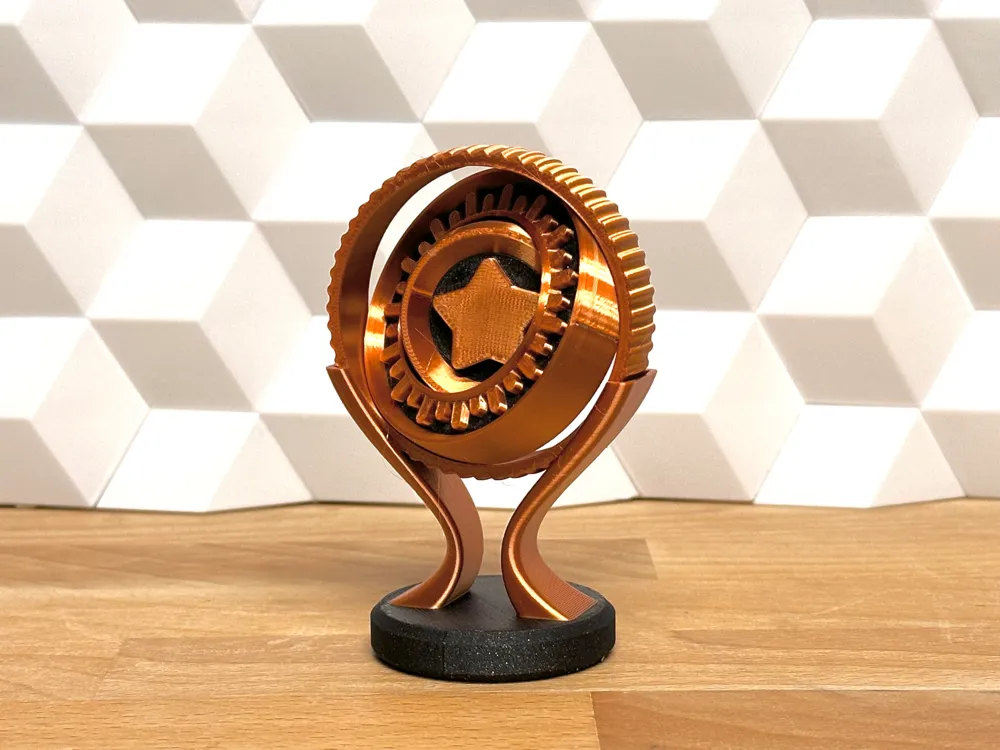
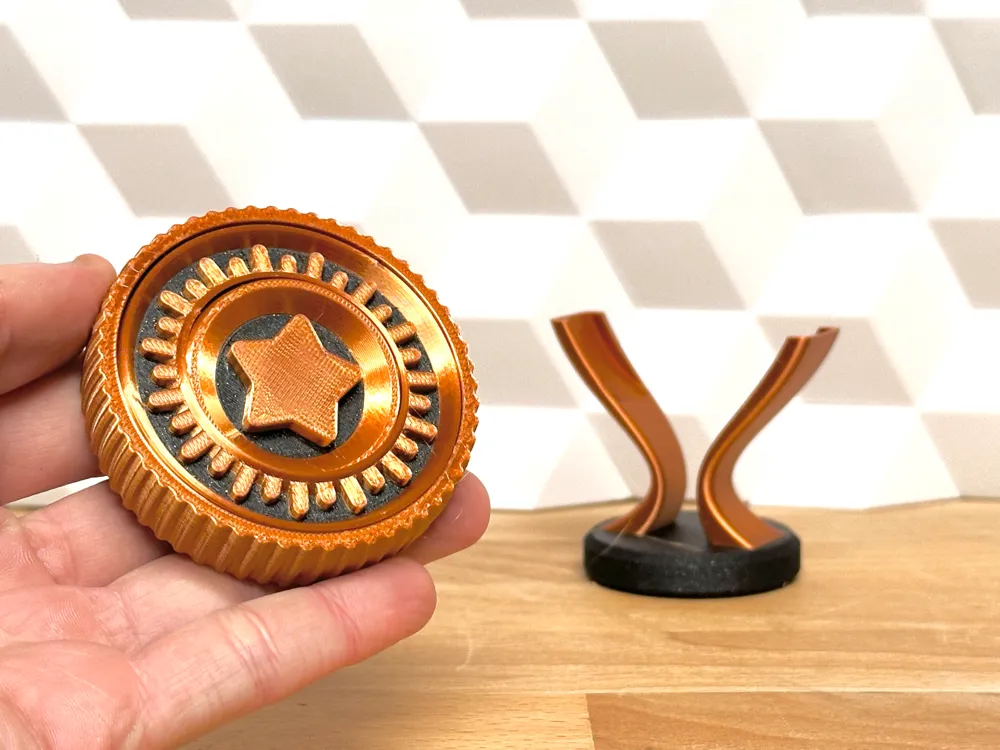
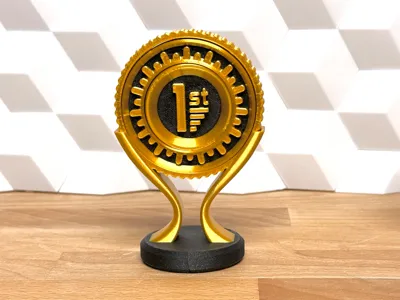
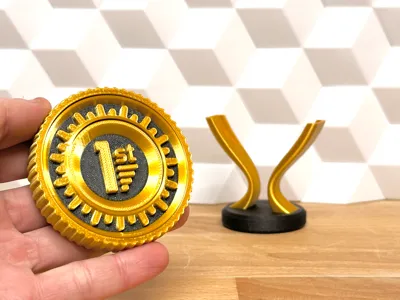
You can print a boring static trophy - OR you can print this one! It’s fun, new and unique! It prints in place, and spinslike the popular Tactile Fidget Rings right of the buildplate! And that allows it to be posed in creative positions on the stand - including a more flat traditional position. Enjoy the special look on the shelf!
Overview
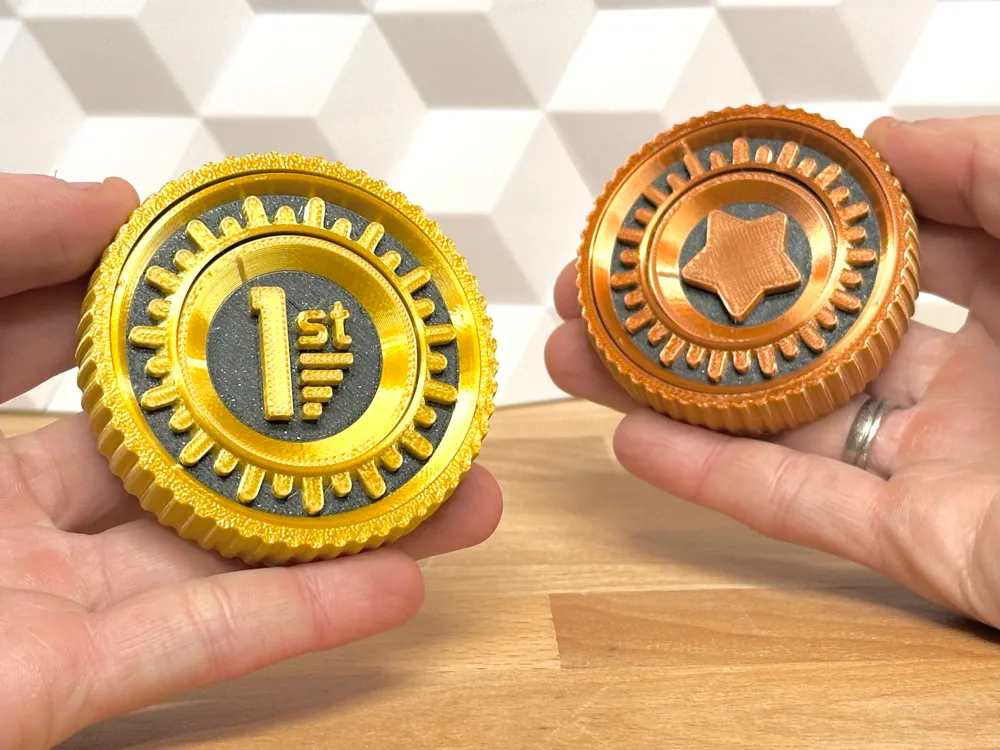
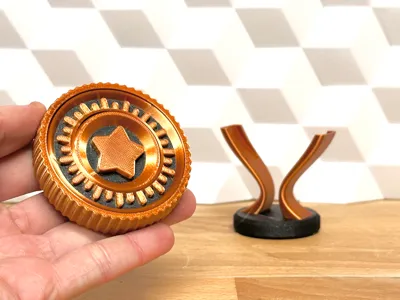
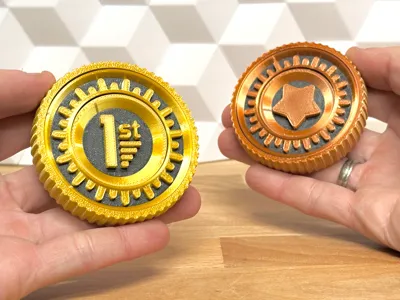

The medal part of the trophy comes in multiple versions. For now it comes in these versions:
- 1st (first price!)
- Star
- Blank (you can add custom text/icons in Bambu Studio or Prusaslicer)
(If you searched for another icon/text, and dont want to customize it yourself, please leave a comment - and ill consider adding it to the collection here)
Add custom text
Here is how to add custom text to the medal (in Bambu Studio):
- Import the Blank version to the buildplate
- Select the Medal
- Click the Text button in top right (T)
- Write the letter/word in the Input Text field
- Set the Thickness to 3 mm
- Click on the Medal where you want it placed
Edit custom text
Here is how to edit custom text on the medal (in Bambu Studio):
- Click on the Fidget Medal with the ‘Custom’ text on
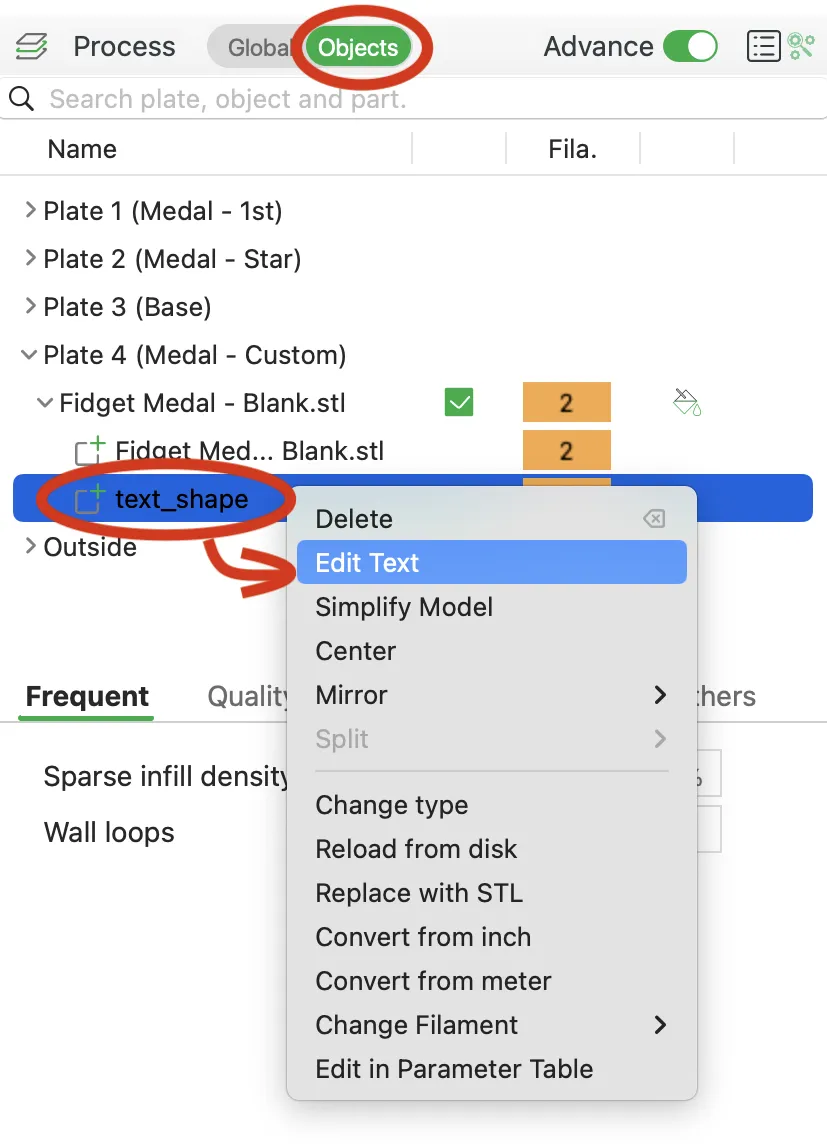
- In the side-panel on the left, click on Objects (next to Process / Global)
- Expand the Fidget Medal - Blank by pressing the little arrow
- Right click on text_shape and press Edit text
- Adjust text and size to your liking
Assembly
None! The medal prints in place flat on the buildplate, and is ready to place on the stand - no glue needed!
Print instructions
As most of my models this is pretty straight forward. But here is a few tips:
- Orientation: As the model files i oriented (medal flat, stand on the bottom)
- Walls/perimeters: 2 for the medal part - 3 for the base stand
- Supports: No - not needed. (The medal has some bridging - printed just fine on my Bambu Lab P1S)
- Colors: It can be printed in a single color, but within Bambu Studio you can print the parts you like - would love to see you creative prints!
Happy printing!
Want to show your support?
You can see all my designs on Printables - and you can become an active supporter. I would really appreciate it!
License

You shall not share, sub-license, sell, rent, host, transfer, or distribute in any way the digital or 3D printed versions of this object, nor any other derivative work of this object in its digital or physical format (including - but not limited to - remixes of this object, and hosting on other digital platforms). The objects may not be used without permission in any way whatsoever in which you charge money, or collect fees.


Comment & Rating (890)