Search models, users, collections, and posts

Russian ACzS-1 (АЧС-1) aviation clock
IP Report
GIF

Print Profile(2)

All
P1S
P1P
X1
X1 Carbon
X1E
A1
H2D
H2D Pro
H2S
P2S
H2C
X2D
A2L

0.2mm layer, 2 walls, 15% infill
Designer
9.4 h
7 plates
5.0(4)

0.2mm layer, 2 walls, 15% infill
Designer
3 h
1 plate
5.0(1)

Open in Bambu Studio
Boost
75
146
13
9
80
22
Released 

Bill of Materials

Bambu Filaments
Select all
Black (10101) / Refill / 1kg
Silver (10102) / Refill / 1kg
Red (10200) / Refill / 1kg
Brown (10800) / Refill / 1kg
Glow Yellow (15400) / Filament with spool / 1 kg
Jade White (10100) / Refill / 1kg
List other parts
  • Clock Components Kit MH011 x 1: https://eu.store.bambulab.com/en-pl/collections/makers-supply/products/clock-components-kit-011

Description


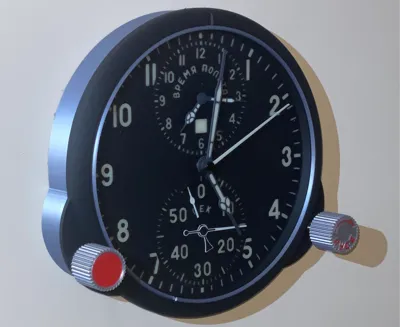
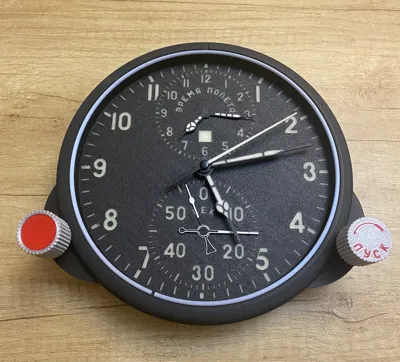
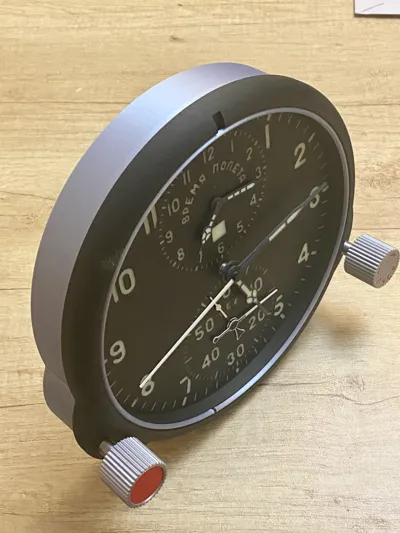
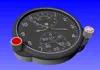
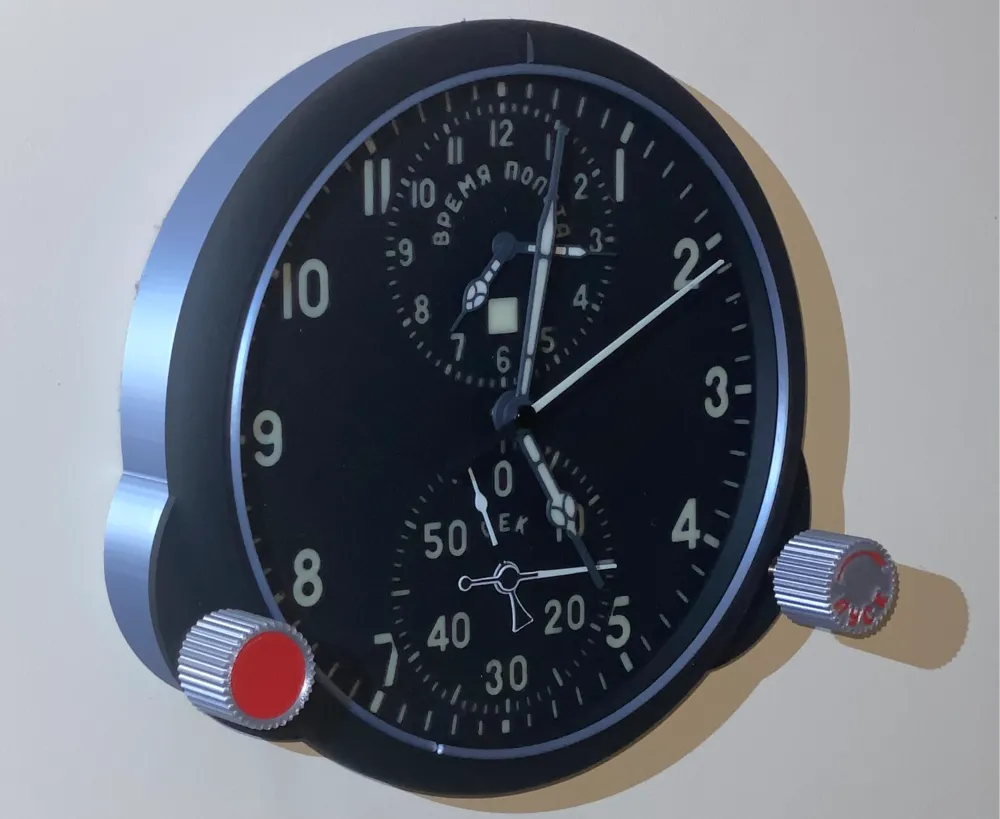
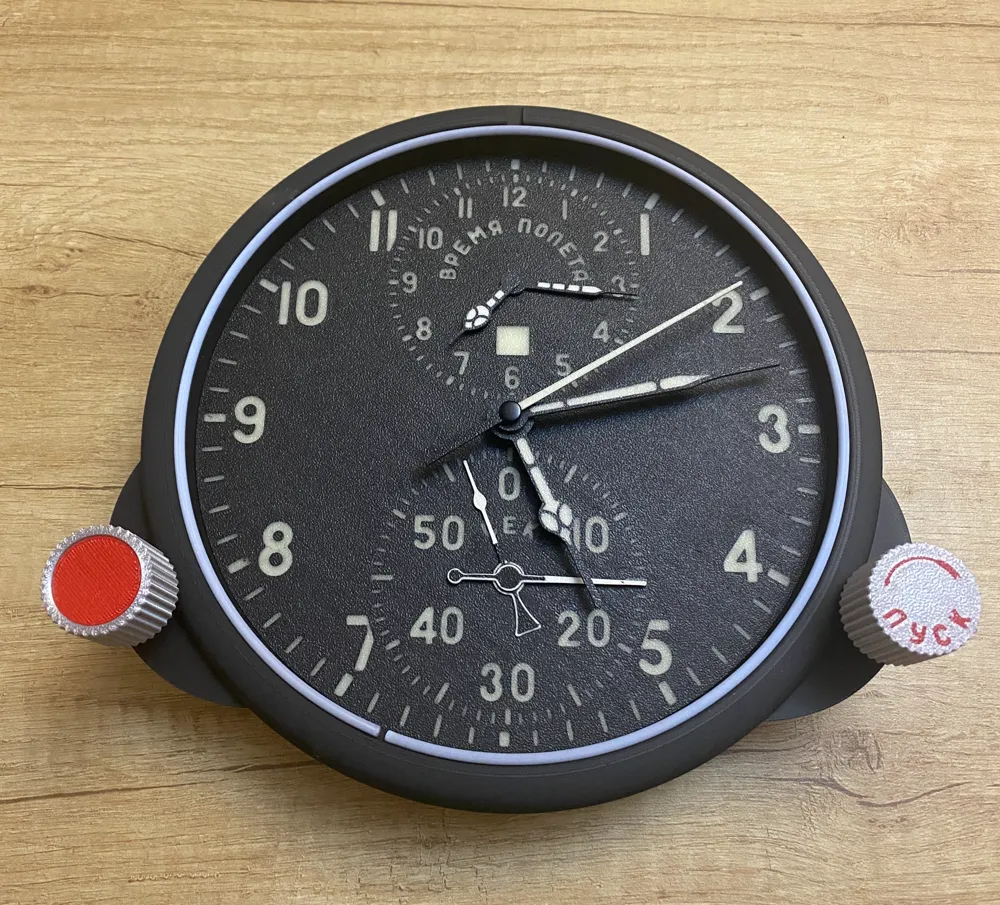
Russian ACzS-1 (АЧС-1)  aviation clock
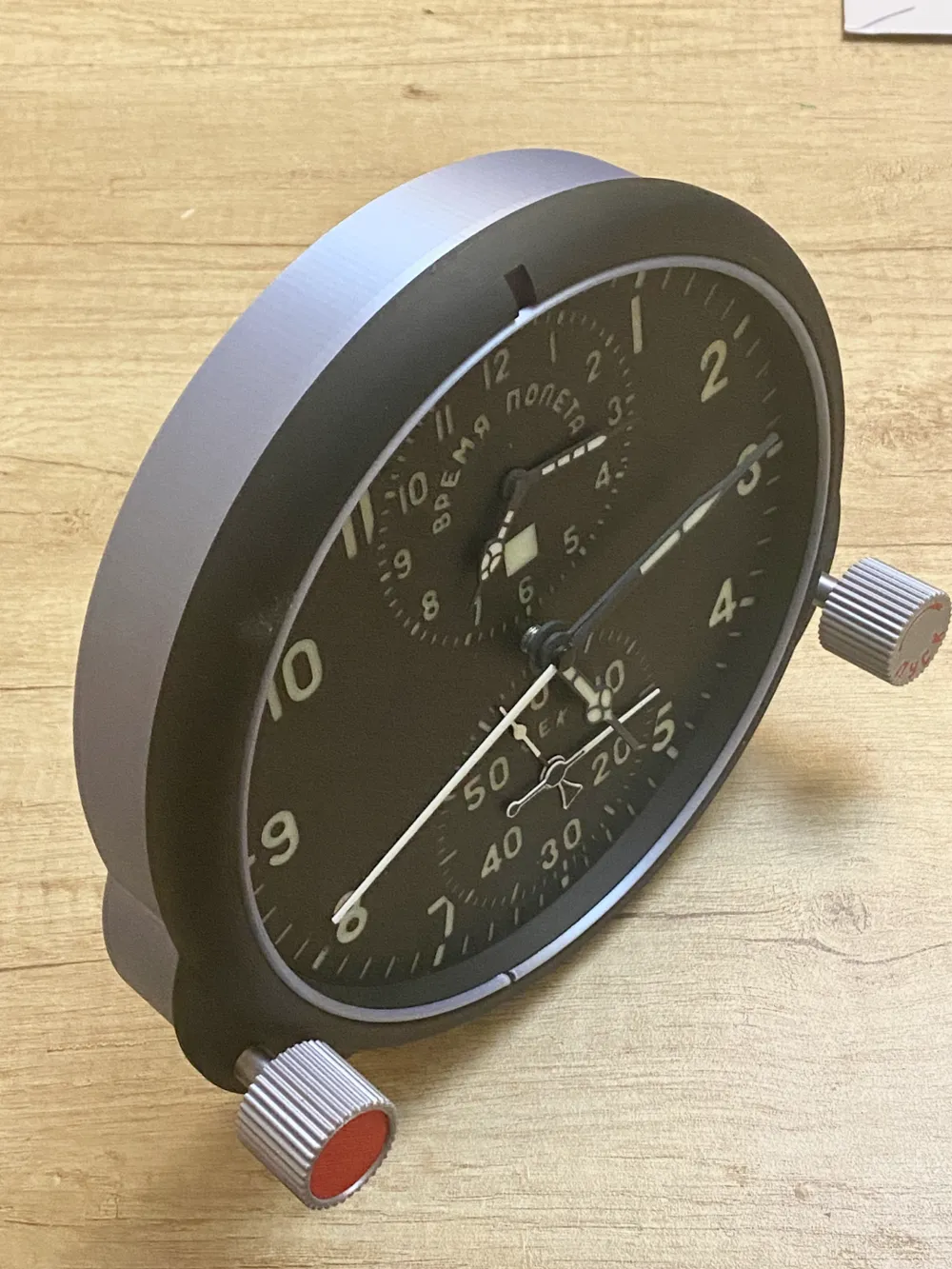
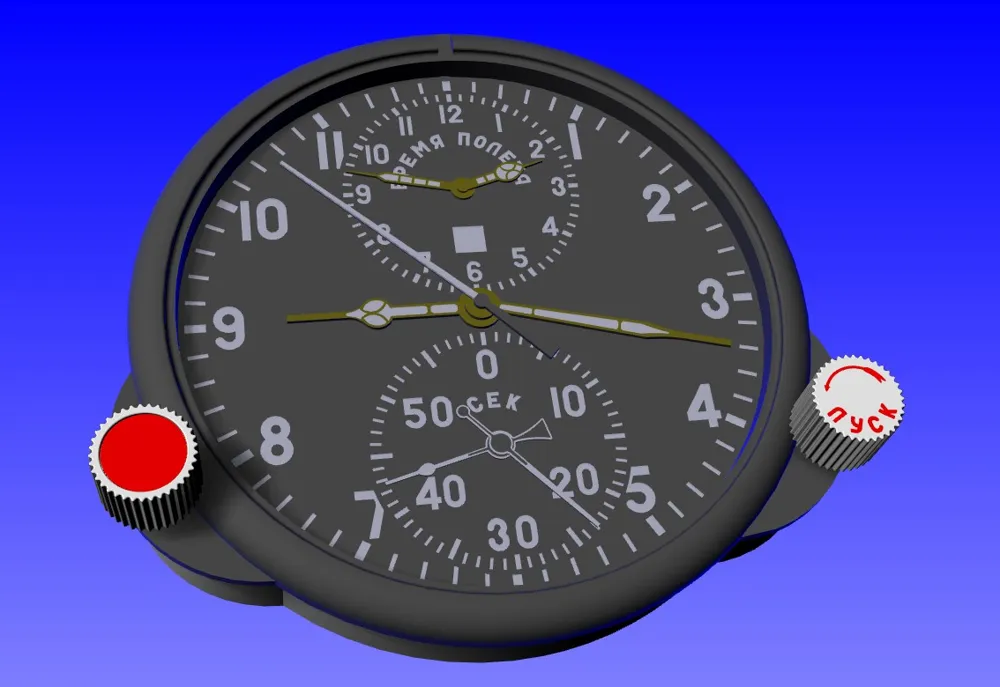
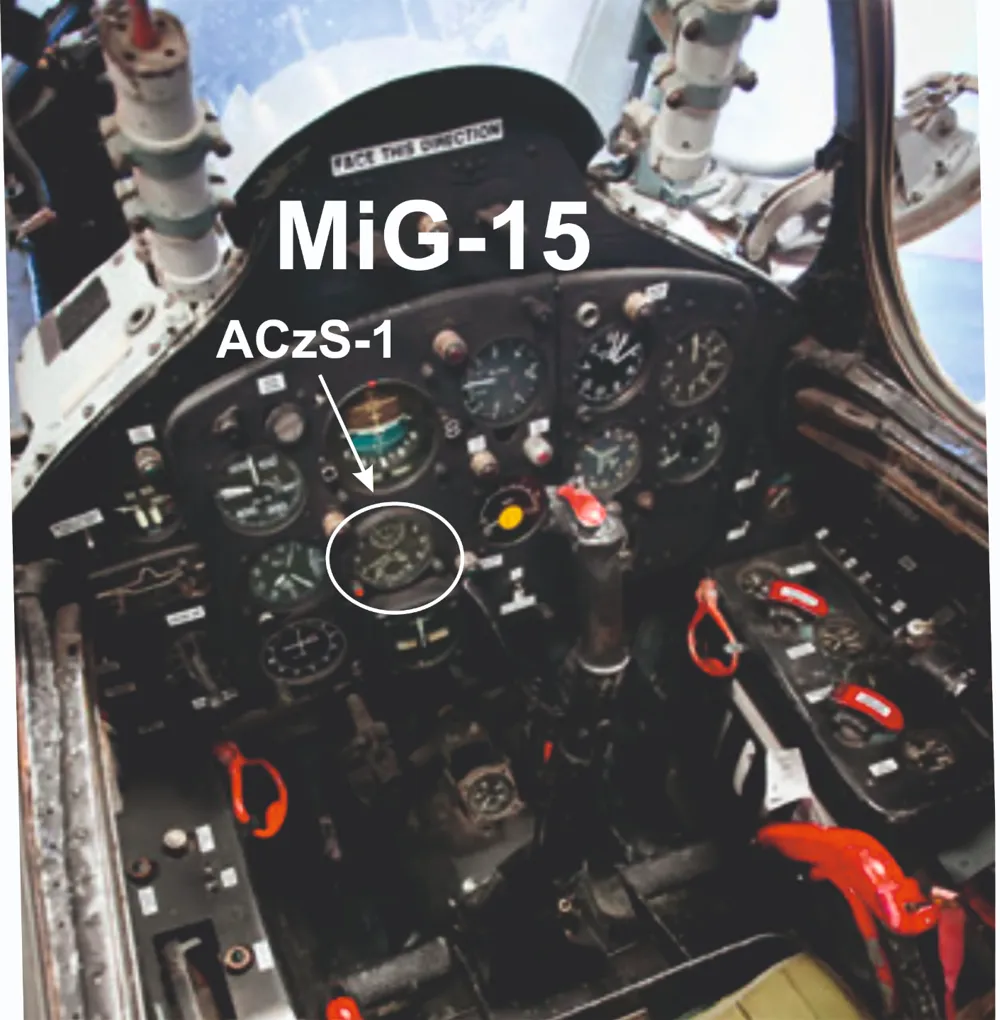
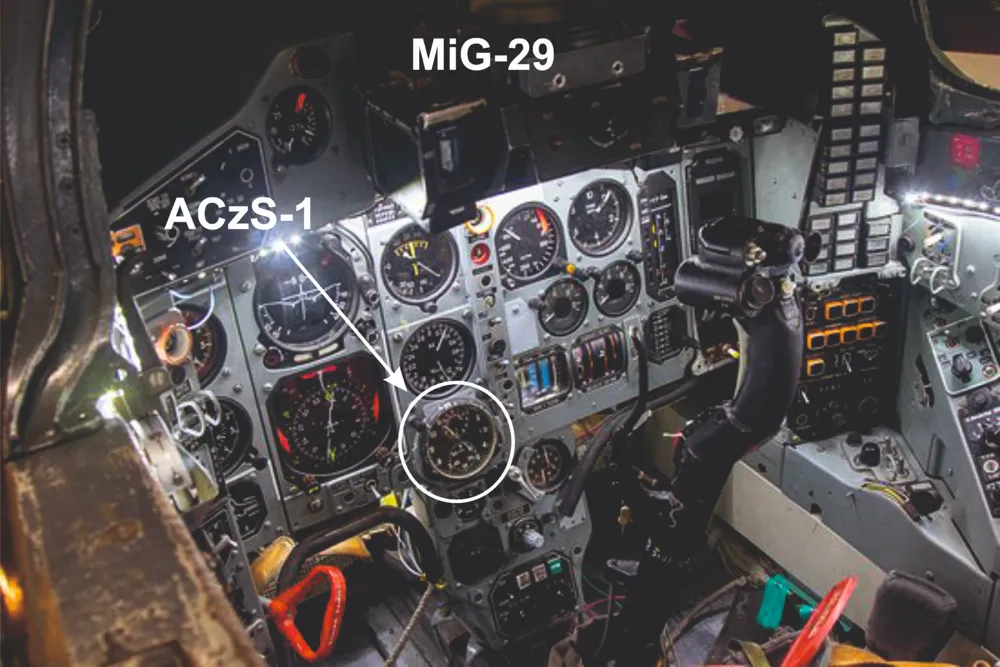
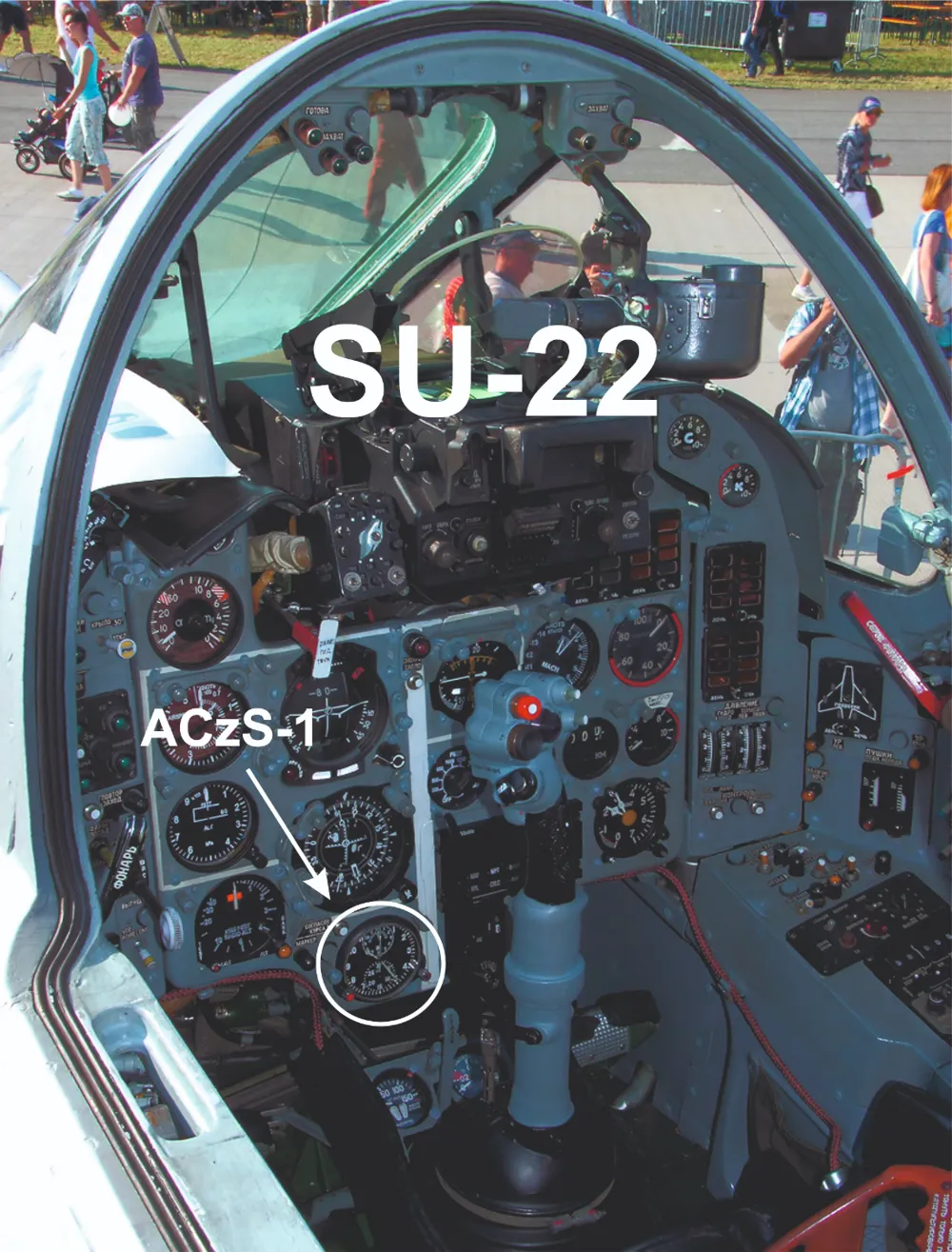
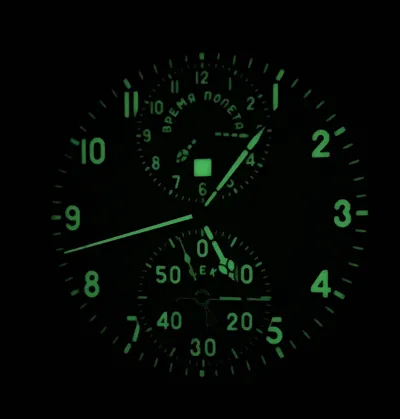
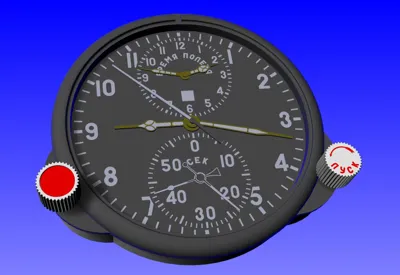
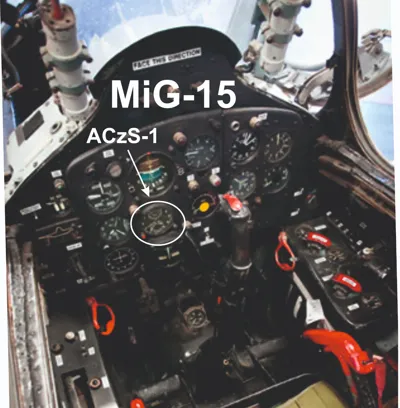
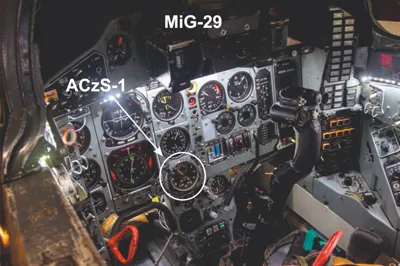
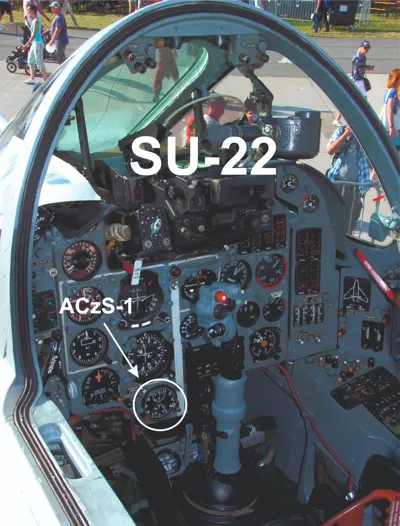
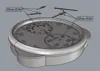
This is an enlarged version of the clock that was installed in all aircraft in the former Eastern Bloc. The original clock was mounted in the cockpit along with other gauges and was of a standard size. In one of the photos I present such a clock.

To make an enlarged copy in the form of a wall clock, you will need a few things and the right time. Printing will be made easier for you with the reliable and wonderful Bambu P1P / P1S / X1C printer. It will be easier for you if you use AMS. 

You can find all the necessary materials to build the clock on the Bambu website.

You will need:

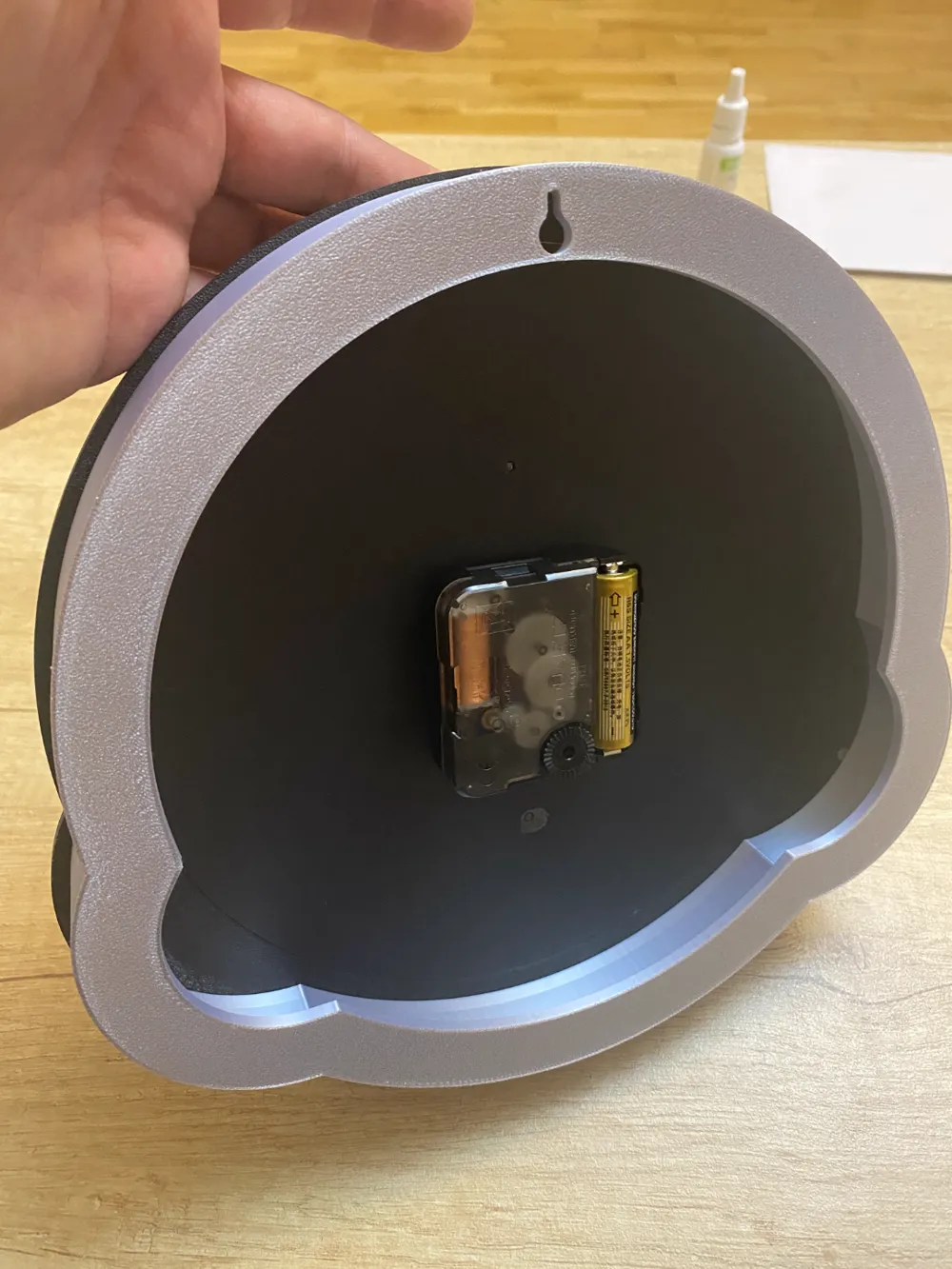
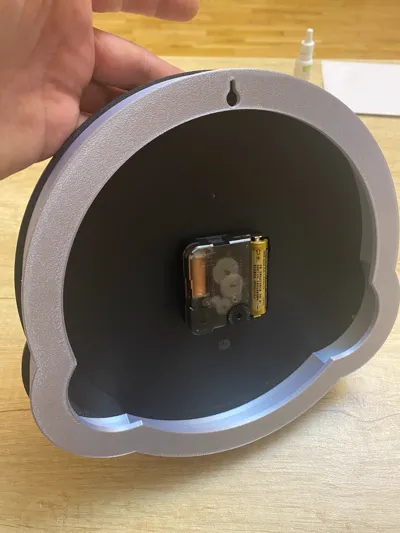
1. Clock mechanism

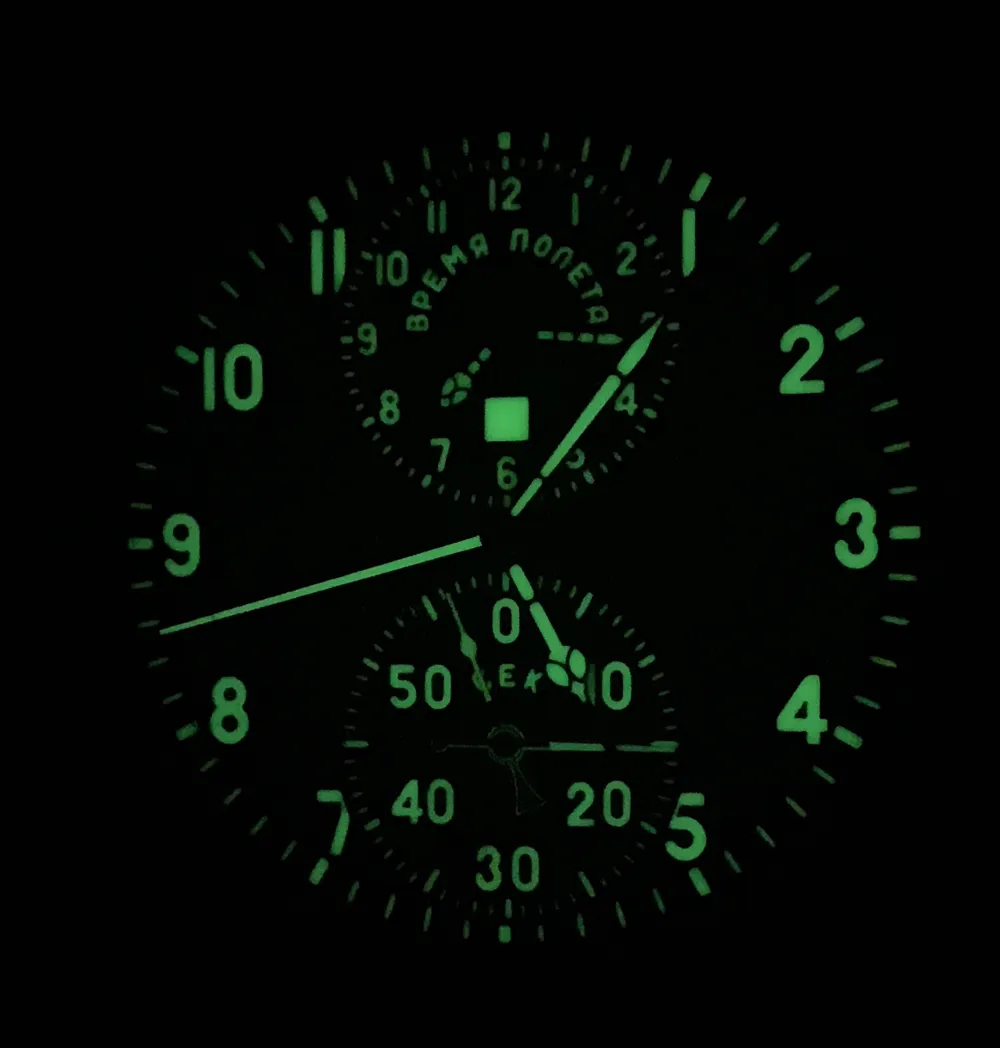
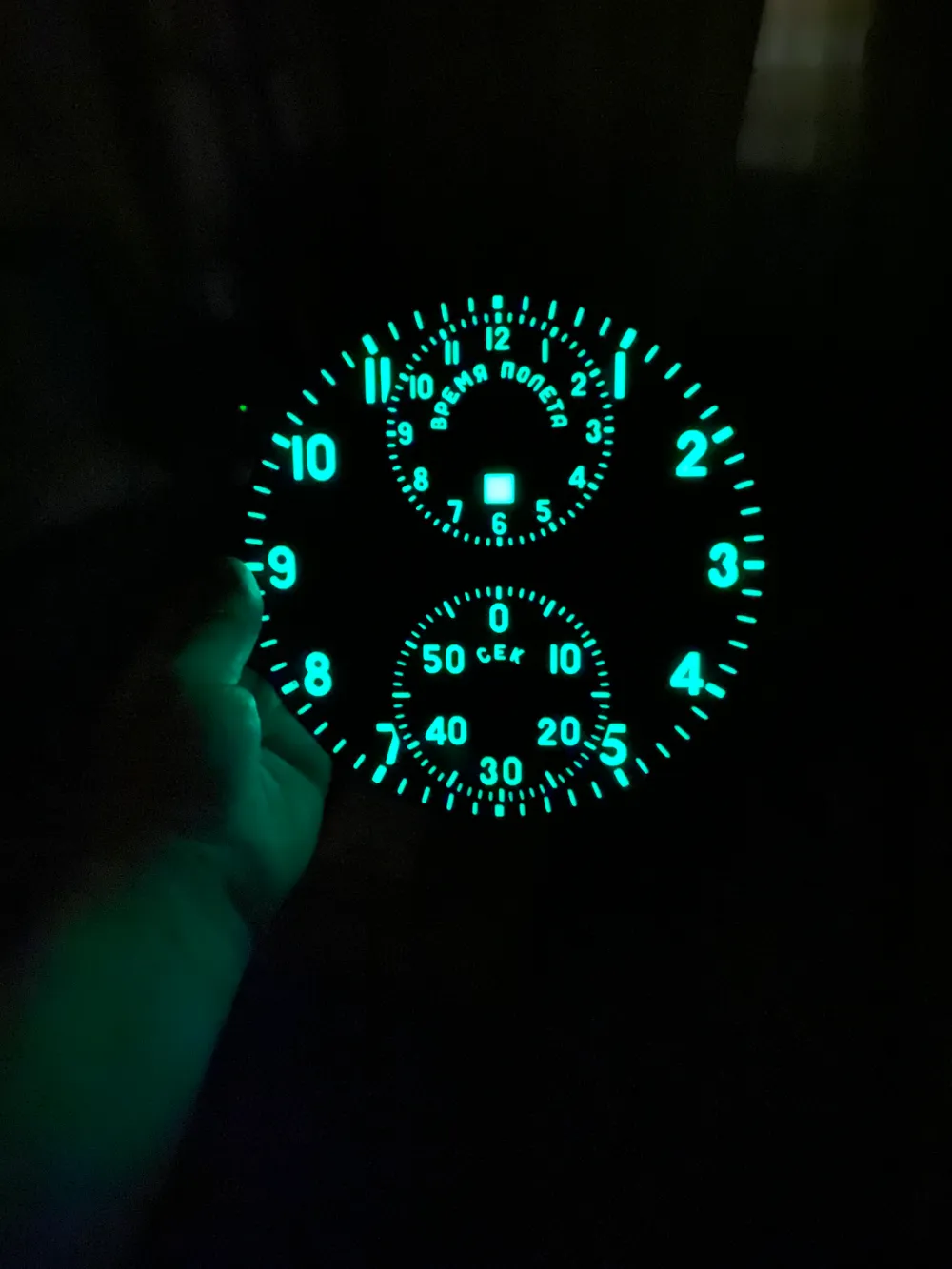
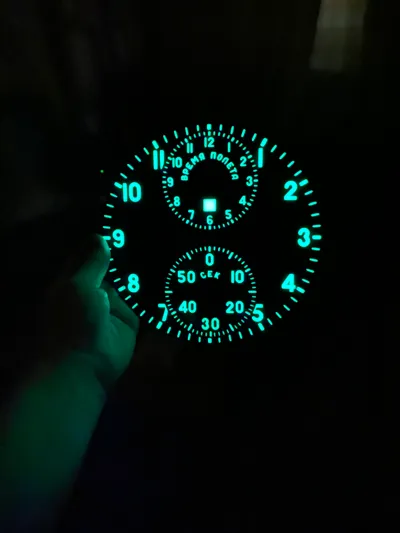
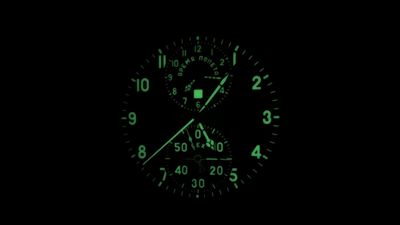
2. Several colors of PLA filament, including one PLA Glow so that the numbers and clock hands can glow for a moment in the dark. The effect is visible in the photos.

Of course, if you don't want Glow, you can use regular filament.

Attention:

- PLA Glow filament is not white! It is slightly transparent and therefore the project includes adjacent elements printed from white PLA. The idea is to brighten the PLA Glow filament.

The printing profile is selected so that you can easily print your clock. However, if you want to modify something - don't hesitate and do it. For this purpose, I have included a file in the STEP format that will allow you to modify the project. If you have a printer other than Bambu and use an unusual slicer, I have also included STL files. However, these are raw files and you must make the settings according to your needs.

The printed elements will need to be glued. Use cyanoanryl glue for this. To speed up the bonding process, use CA glue activator.

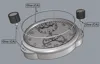
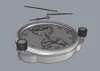
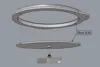
The only mechanical thing you need to take care of is removing the sleeve from the original seconds hand and placing it in the printed second hand. Press it in without using glue.


Documentation (7)
Assembly Guide (7)
001.jpg
002.jpg
003.jpg
004.jpg
005.jpg
006.jpg
bushing.jpg

Comment & Rating (13)

(0/1000)

Print Profile
0.2mm layer, 2 walls, 15% infill
Remarkable results. Love the print. I couldn’t get the printer to print the numbers as pictured. It skipped the glow phase and just used the light blue filament I had in the AMS. I tried it 2 times both times the glow filament didn’t work. Any suggestions as to what I may be doing incorrectly? Thank you for sharing your hard work!
The profile uploader has replied
profile
1
Reply
Hello.! :) The project uses glow filament. You can not use it, but you need to use another filament instead, because one number/letter consists of two layers with 2x100% filling. Today I will try to post a shield that has numbers/letters made of one layer.
(Edited)
1
Reply
Replying to @walbart1973 :
Thank you!
0
Reply
Replying to @LoneWolfer :
Download clock face ver.2 Here you have simplified numbers and letters. Now the digit is as one element. (In the main file, one digit consisted of two parts - white and glow)
(Edited)
1
Reply
Print Profile
0.2mm layer, 2 walls, 15% infill
This is awesome! Looks amazing! Thanks so much!
0
Reply
Hello. please tell which mechanism to use. Can you tell us more about the assembly?
The designer has replied
0
Reply
Hi. I used exactly this clock mechanism: https://eu.store.bambulab.com/pl/products/clock-components-kit-011?id=47743175819612 The reason is obvious - very high quality and smooth running seconds hands.
0
Reply
Hello! Is it possible to create a file for the A1 mini?
0
Reply
Print Profile
0.2mm layer, 2 walls, 15% infill
0
Reply
Print Profile
0.2mm layer, 2 walls, 15% infill
0
Reply
Print Profile
0.2mm layer, 2 walls, 15% infill
(Edited)
0
Reply
No more