
Parametric Multiboard/openGrid Drawers


Print Profile(1)
Description
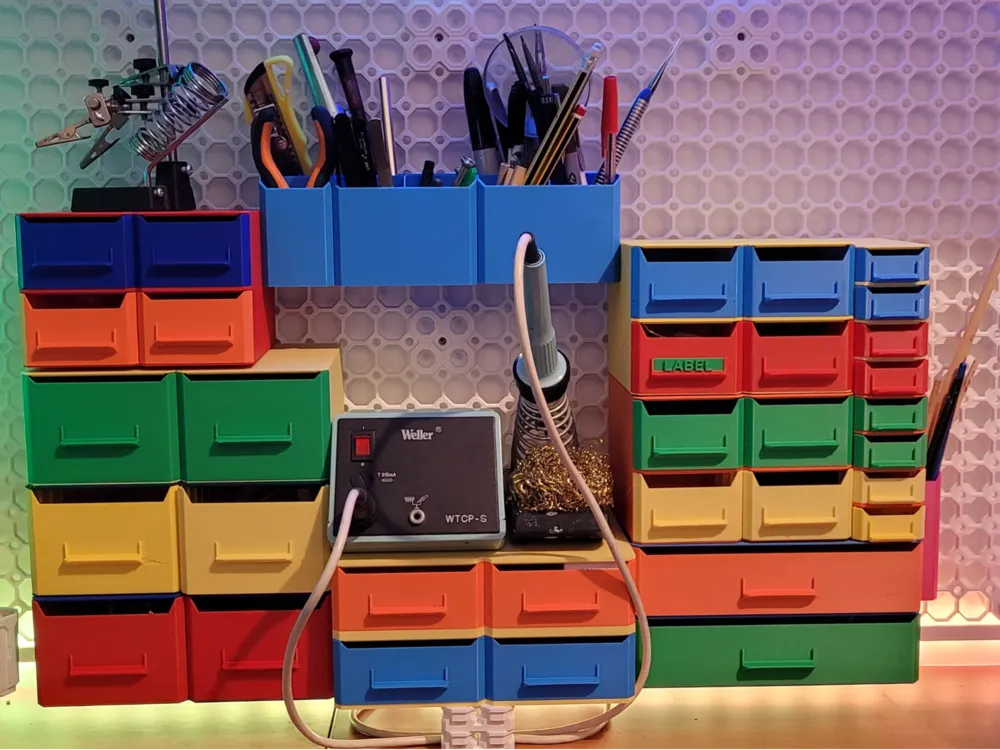
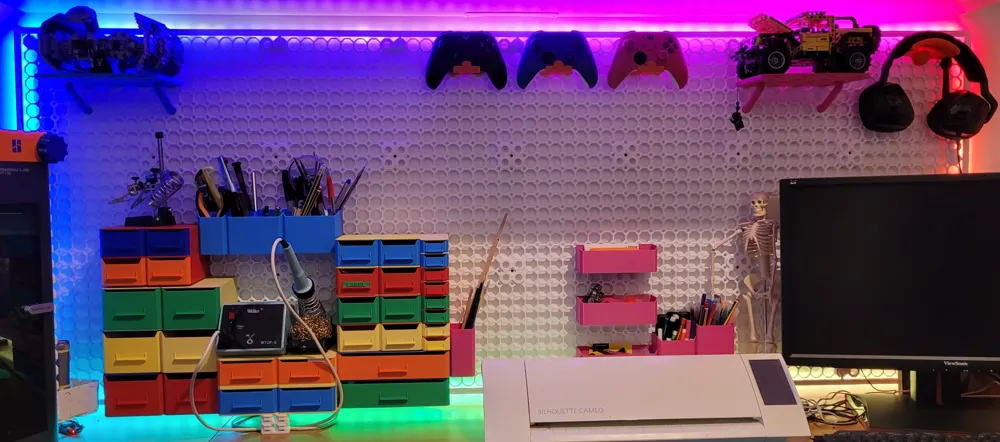
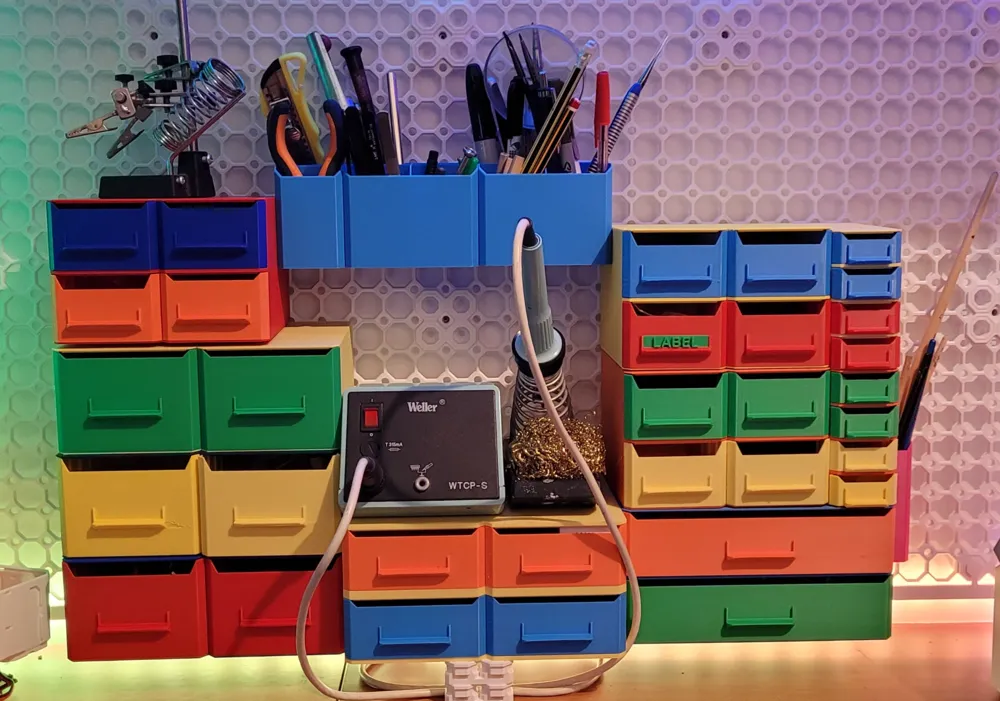
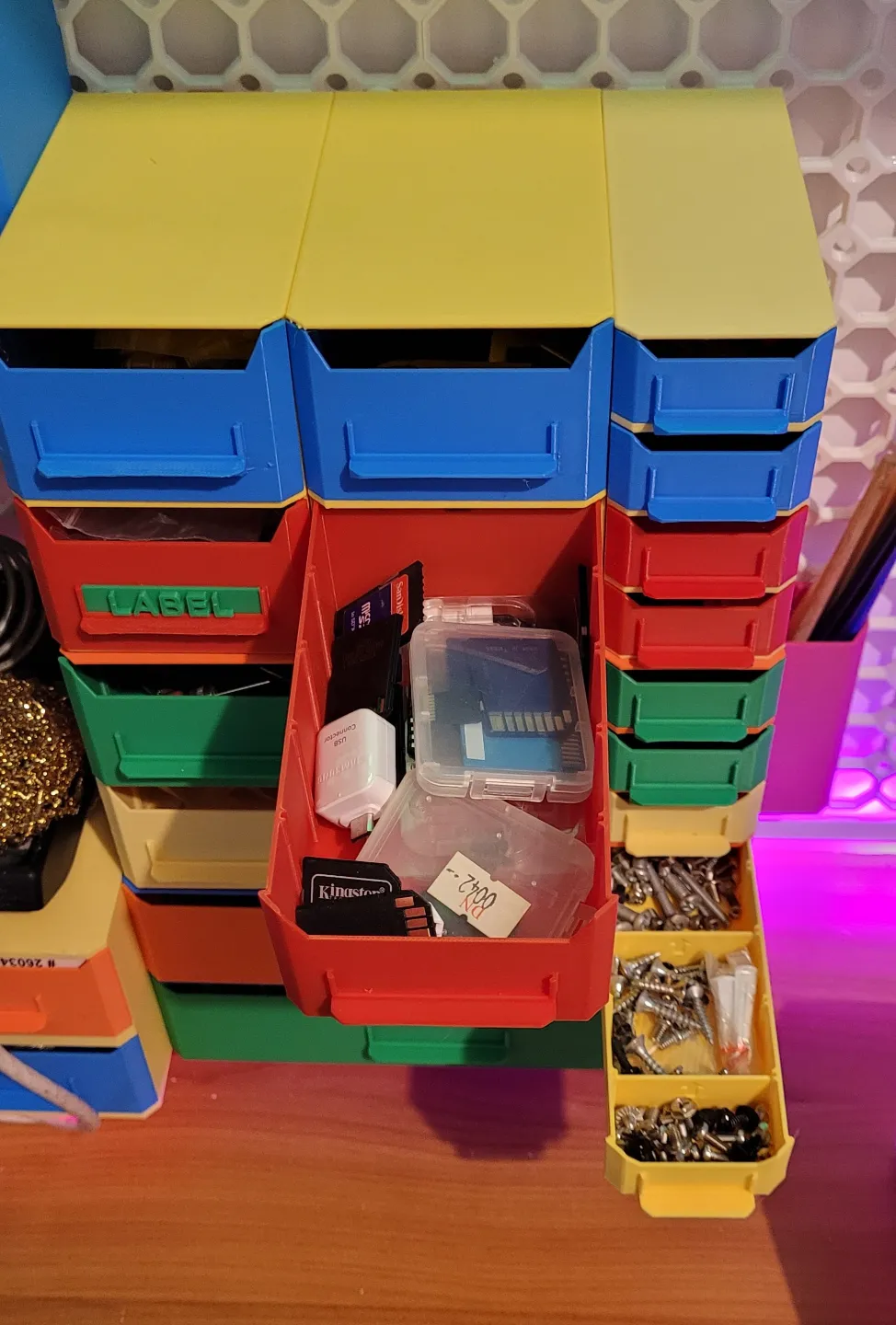
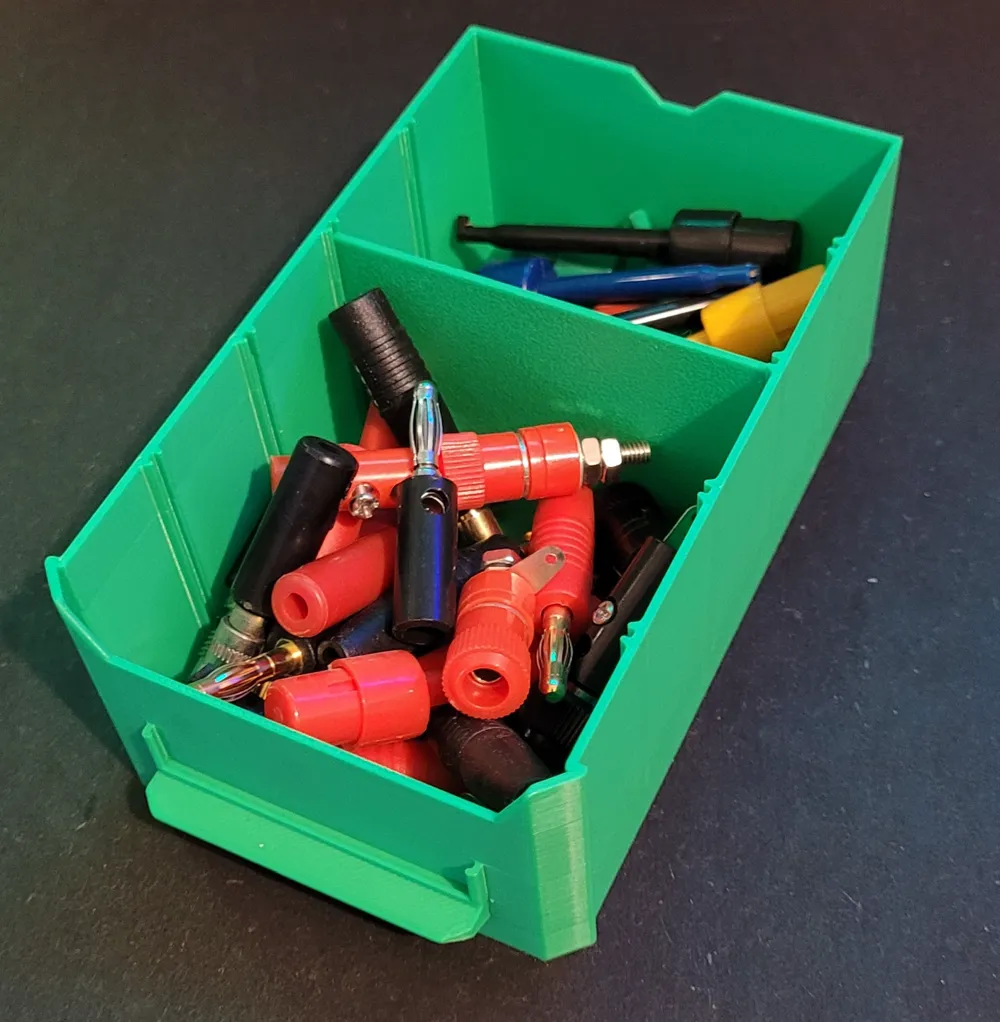
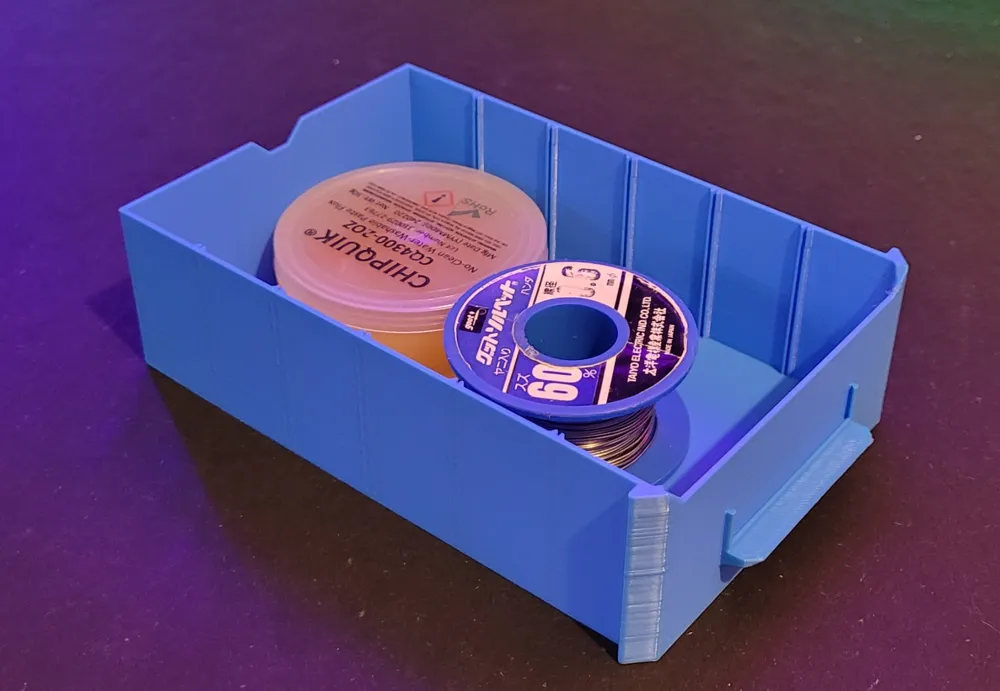
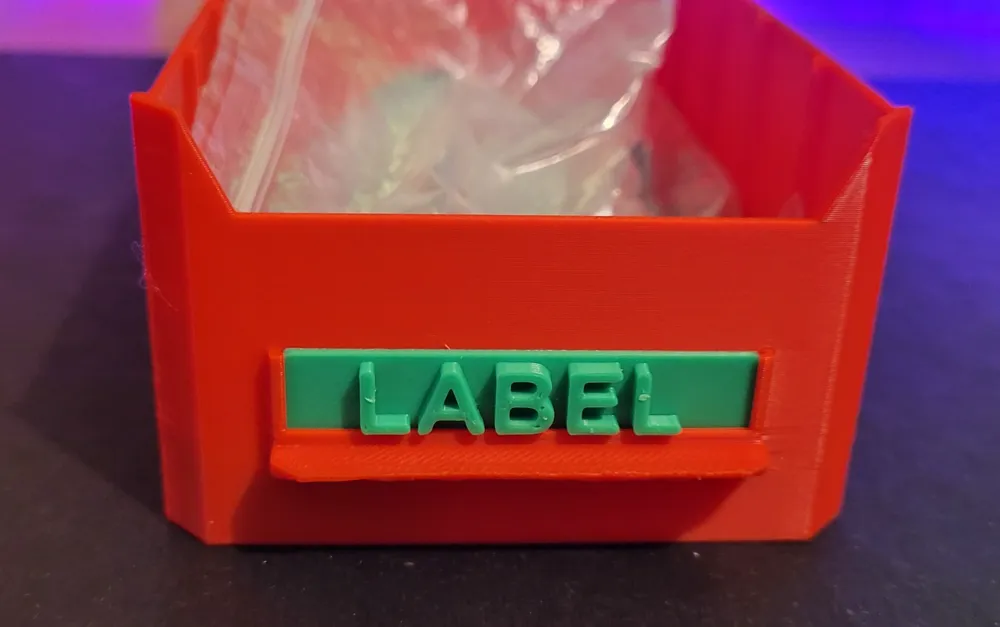
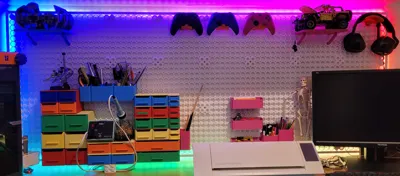
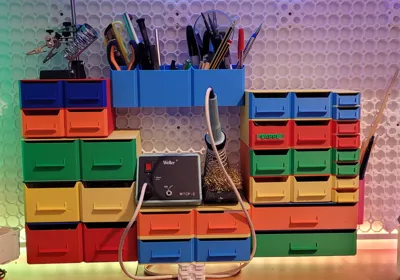
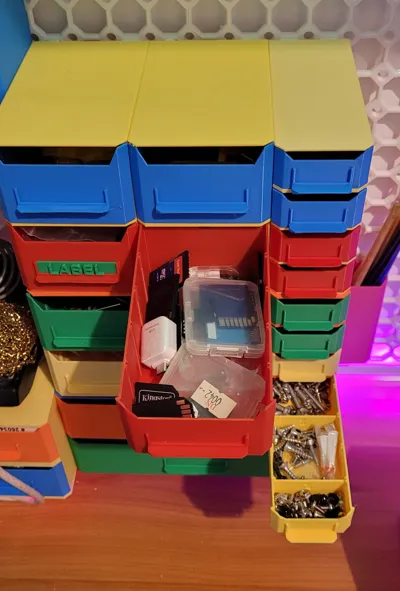
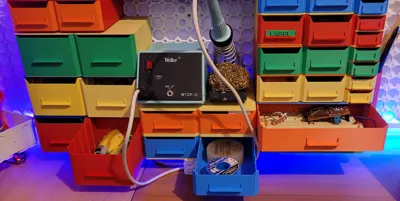
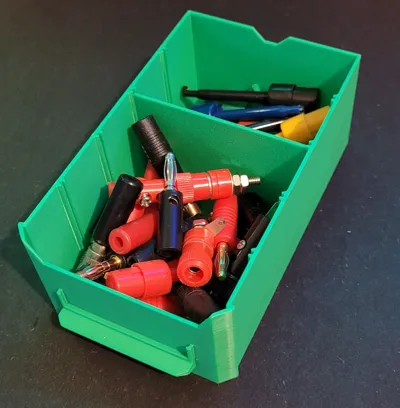
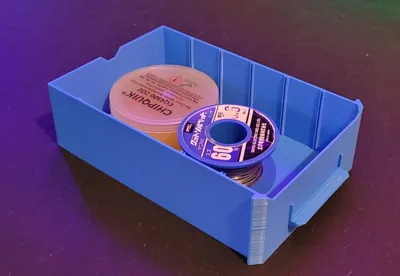
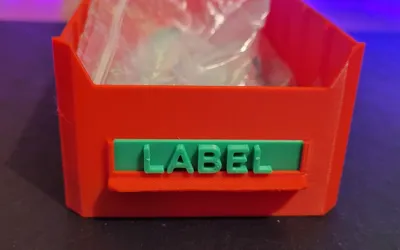
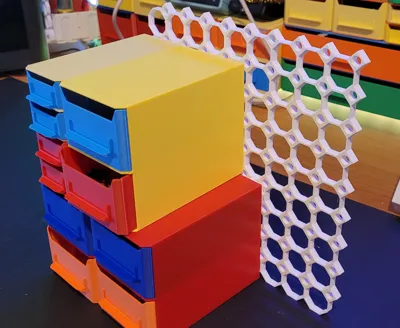
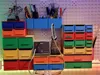
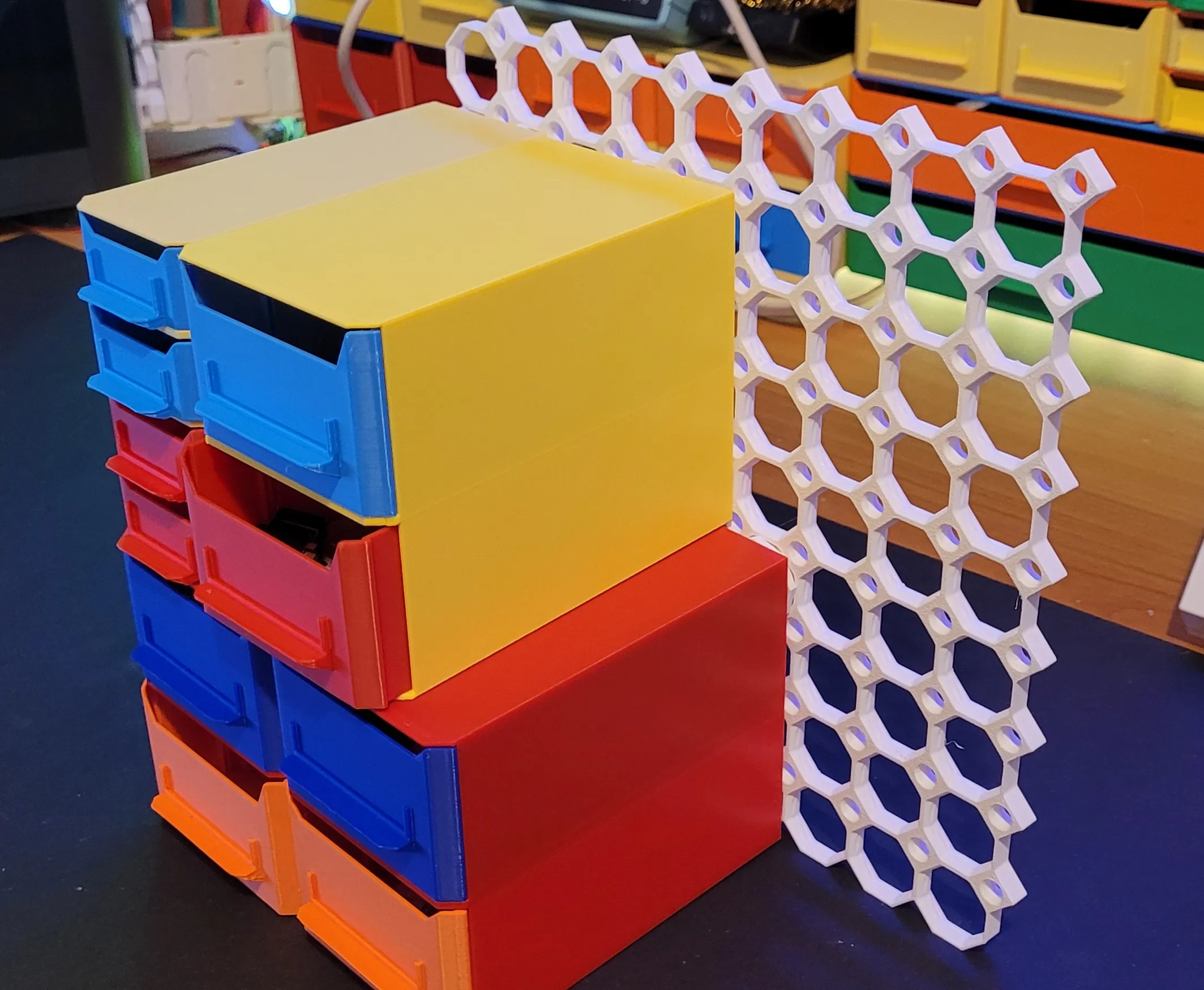
I have recently installed multiboard on my wall and needed some drawers. I didn't want to go with the original multiboard drawers since i needed some to be smaller than what was available. So here is my attempt at making customizable drawers. This script will generate the drawer, the drawer frame, dividers so you can dividers in the drawer and a label which you can add text to it through Bambu Studio.
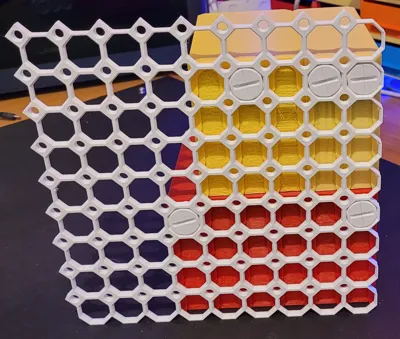
I have added the project files for some of the prints you see in the pictures but you can always generate your own to fit your setup.
Also check out my parametric bins for multiboard/openGrid here: Multiboard/openGrid Multipoint Parametric bins
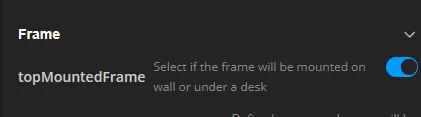
With V3 the option to mount it under a desk is also available.
Printing instructions
All the objects can be printed in the orientation that are generated without supports.
I would recommend to add brim for the frames because with larger frames one of the edges might deform a bit. I have enabled the brim in the provided profiles for the frames.
Mounting
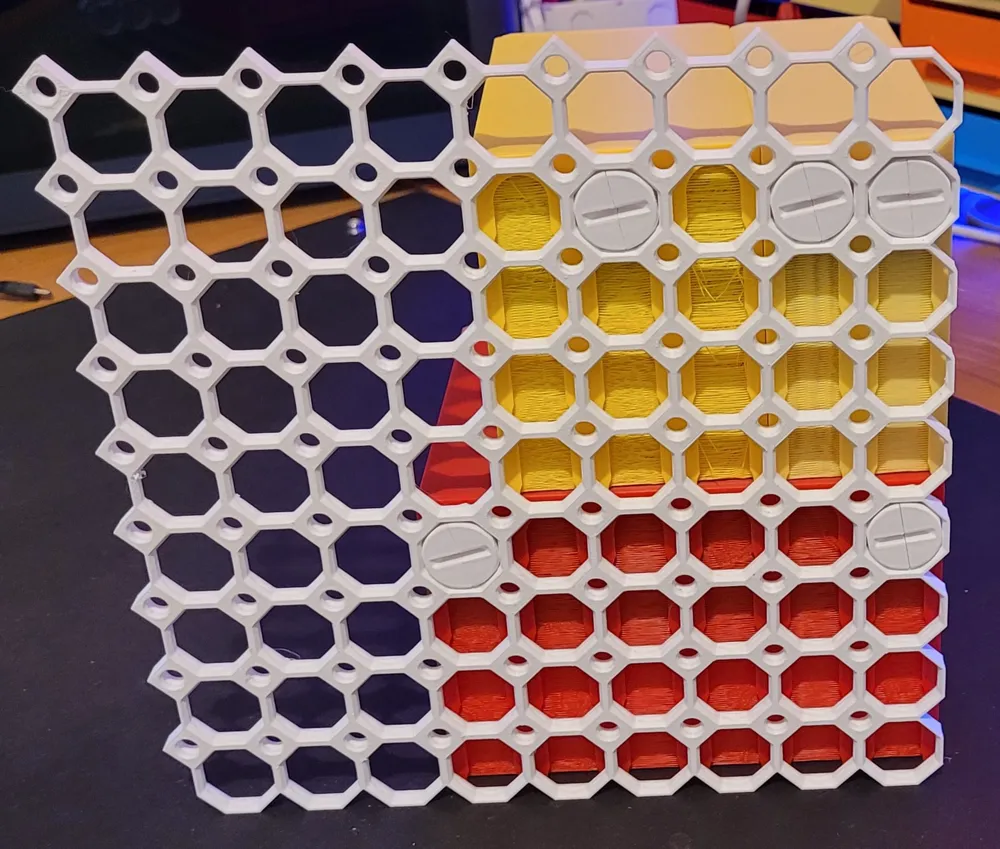
In order to mount them you will need multipoint found here Multipoints — Multiboard (Note: Only select one of the multipoints not the rails from the link since they are not compatible with this design)
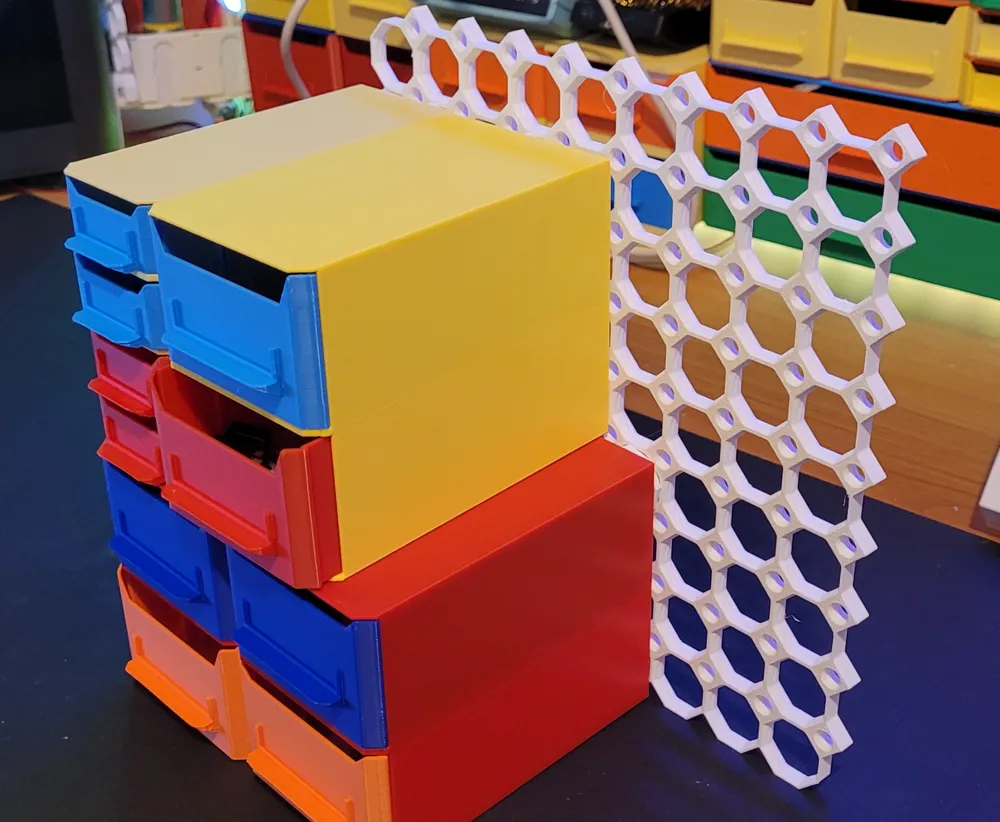
If you don't have multiboard you can always use them as standalone or just print a corner tile (Tiles — Multiboard) with the desired size and attach the drawers to use it as standalone as shown in the pictures below.
I also have a similar design drawers that are standalone and can be stacked here: Stackable & Customizable Drawers
openGrid Support:
In order to use with openGrid you will need to change the tileSize parameter to 28mm in the customizer. You can then print the appropriate opengrid - multiboard snap and also print the corresponding multipoint (small, mid or big thread) without any other changes.
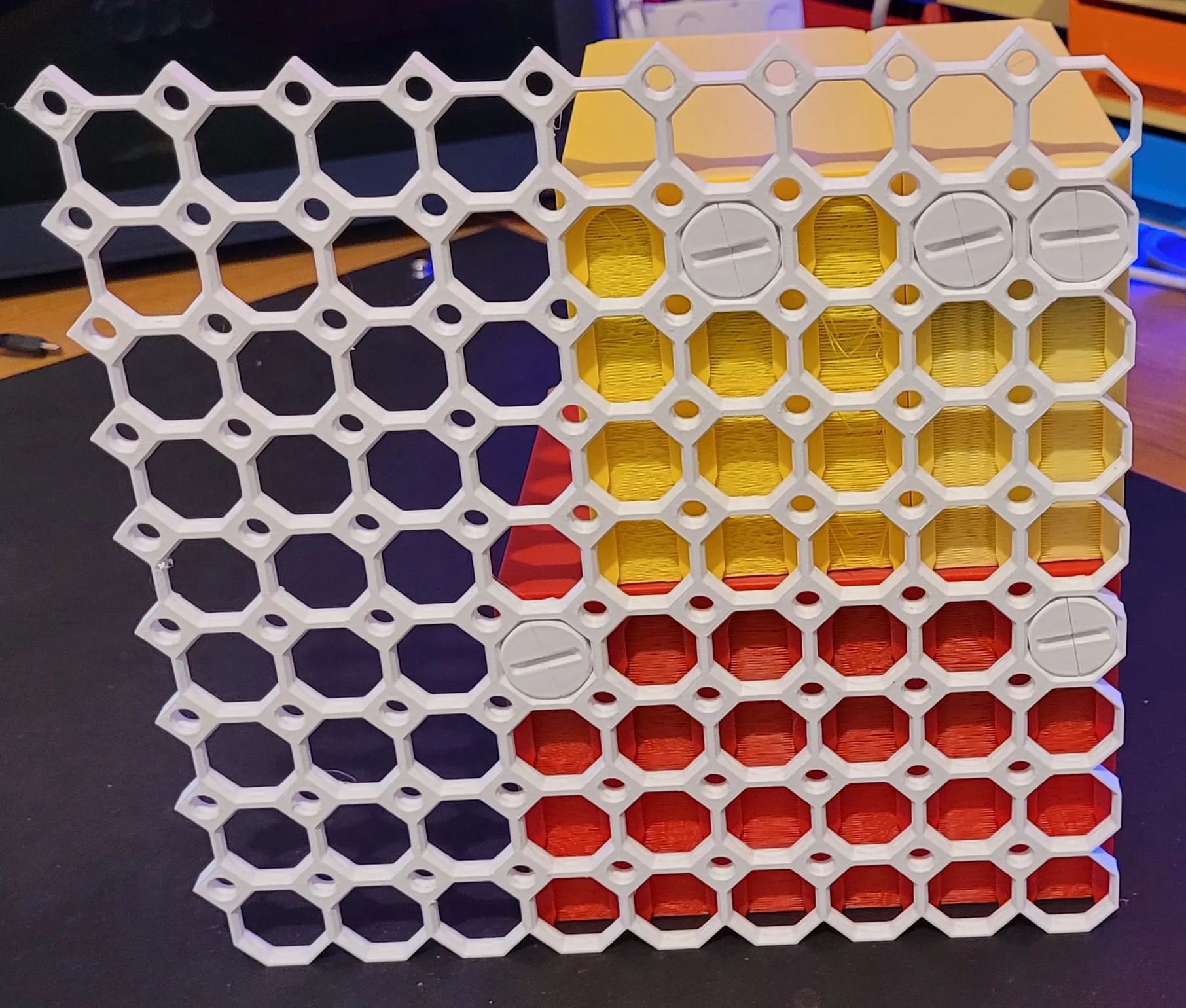
The model is customizable using OpenSCAD or through the browser on makerworld.
Table of model parameters
| drawerFrameWidth | Specifies how wide (left to right) should be the frame of each drawer. Defined in multiples of one octagon of the multiboard grid (default 25mm). Use an integer value |
| drawerFrameLength | Specifies how long (front to back) should be the frame of each drawer. Defined in multiples of one octagon of the multiboard grid (default 25mm). Use an integer value |
| drawerFrameHeight | Specifies the height of the frame for each drawer. Defined in multiples of one octagon of the multiboard grid (default 25mm). Use an integer value |
| drawerWallThickness | Defines the drawer wall thickness. Default is 1.2mm |
| numberOfDrawersAlongWidth | Define how many drawers will be placed along the width of the frame |
| numberOfDrawersAlongHeight | Define how many drawers will be placed along the height |
| frameWallThickness | Frame wall thickness in mm. 1.2 is a reasonable value. If you want something more sturdy increase this value |
| chamferSides | Chamfer size for the left and right sides of the drawer/frame |
| chamferDrawerCutout | Defines the vertical opening in the front of the drawer |
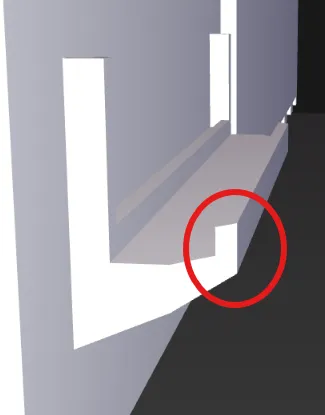
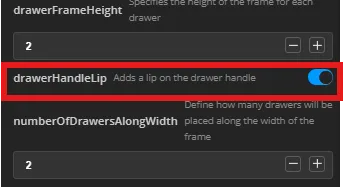
| drawerHandleLip | Adds a lip to the drawers for better grip. Available in V2 |
| topMountedFrame | If enabled then the slots are placed on the top side of the frame so it can be mounted under a desk. Available in V3 |
To customize:
- Specify the drawer size using: drawerFrameWidth, drawerFrameLength, drawerFrameHeight
- Define the wall thickness for both the drawer and the drawer frame: frameWallThickness, drawerWallThickness
- Define how many drawers of the same type you want the frame to hold: numberOfDrawersAlongWidth, numberOfDrawersAlongHeight
- Define the chamfer parameters to change the look if required.
- To customize the text for the label use the text shape option in Bambu studio. You can also print blank labels and use a marker to add text.
If you think there is something that can be improved please send me your feedback.
**V3 Customizer Changes
- Added option for top mounted drawers (mounted under a desk). This is still in BETA so print something small to test and report any issues.
- Changed customizer layout for better organization of options
** V2 Customizer Changes
- Added a lip option on the drawer handle
License



Comment & Rating (44)