
Sinclair Spectrum 48K Miniature
Print Profile(1)

Bill of Materials




Description
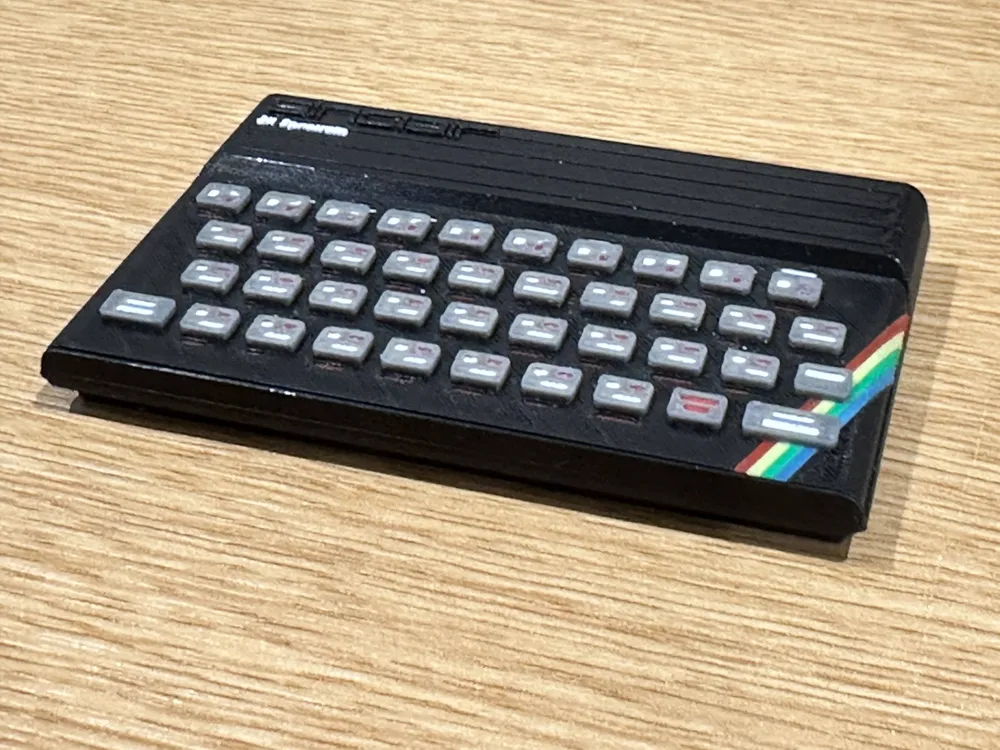
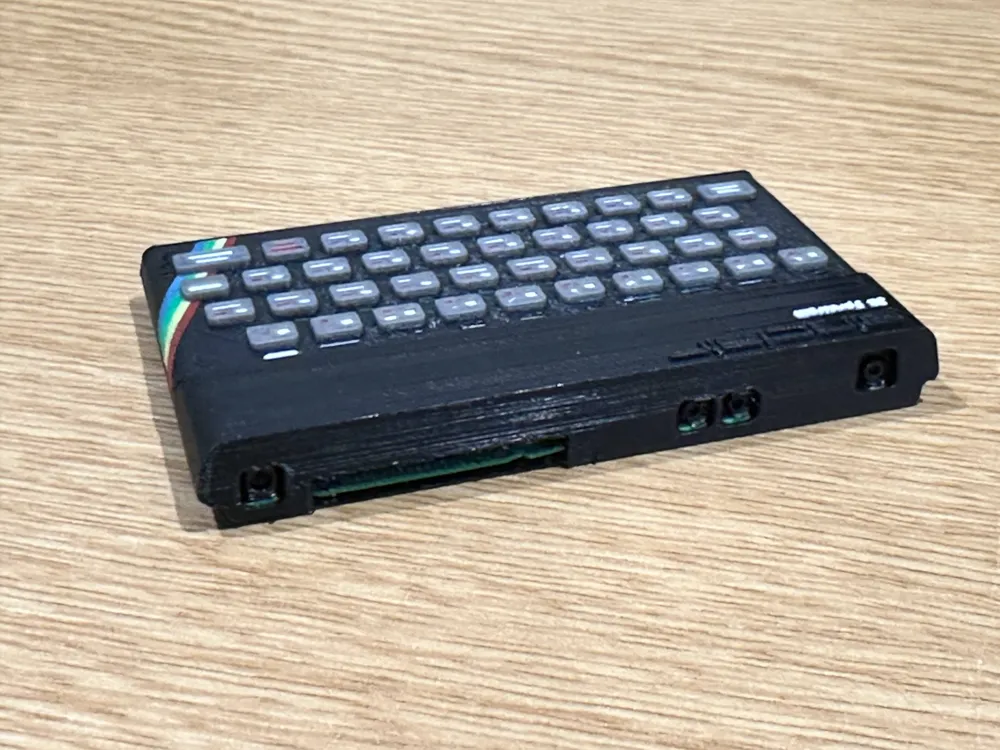
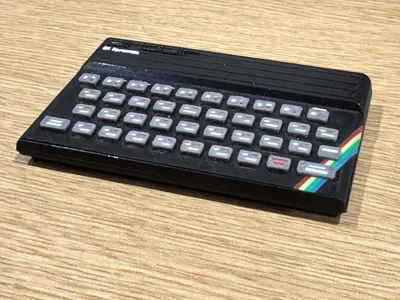
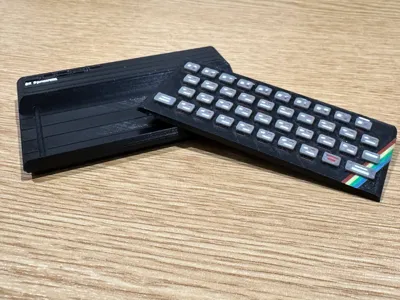
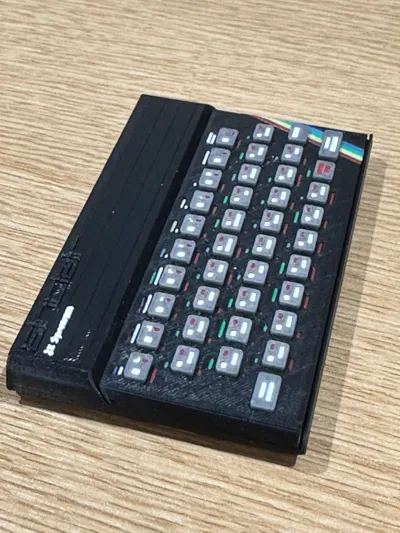
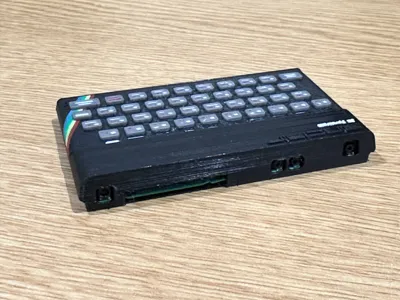
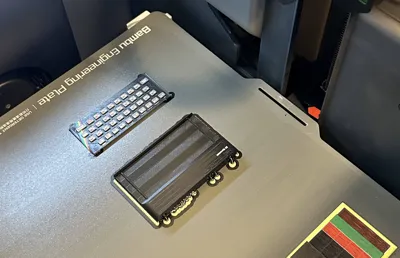
Presenting the Sinclair Spectrum 48K. A little more computing nostalgia in miniature form!
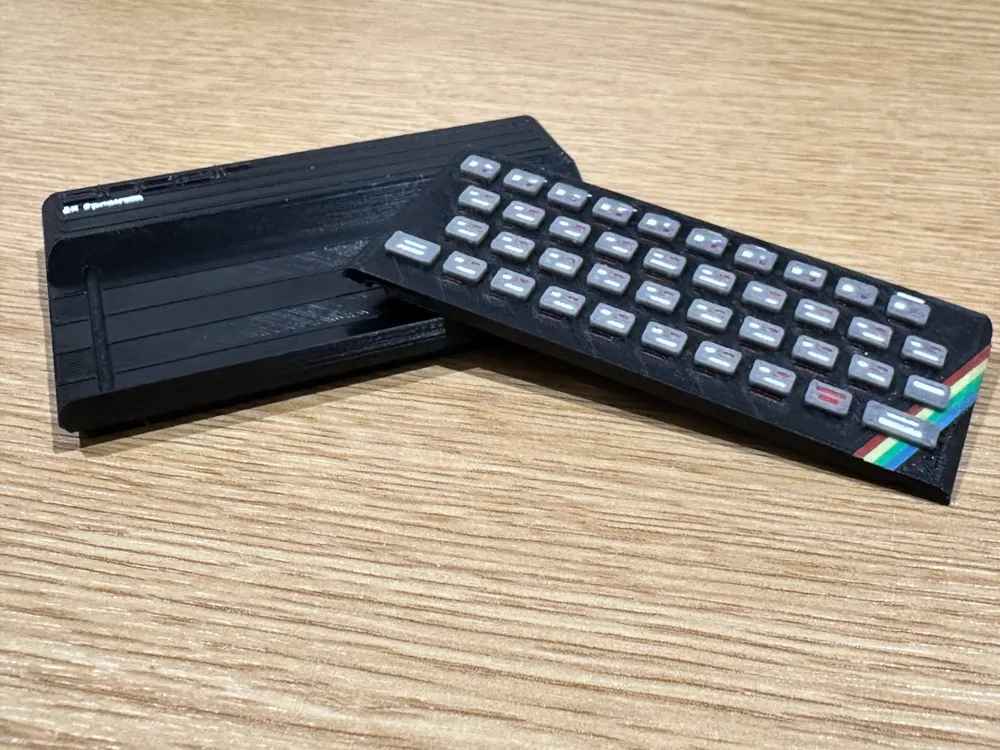
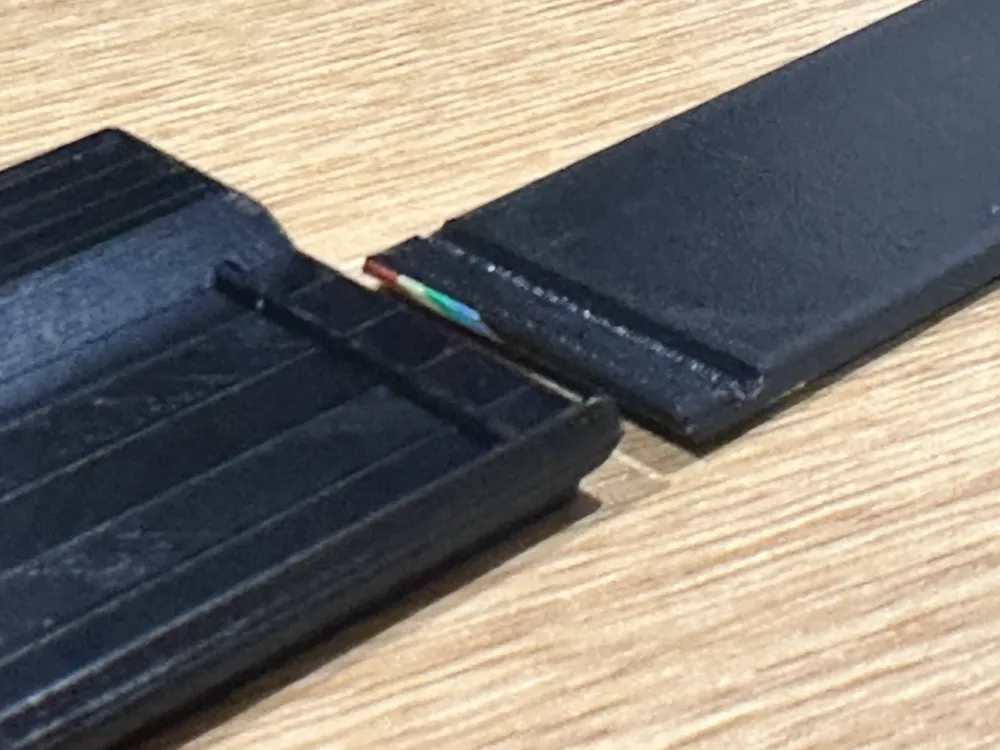
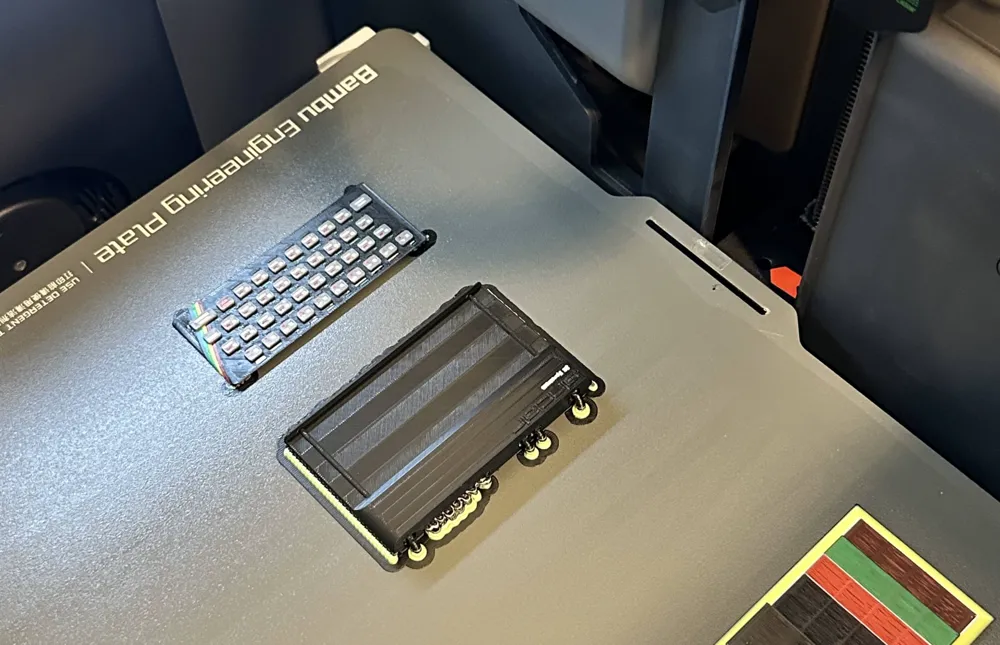
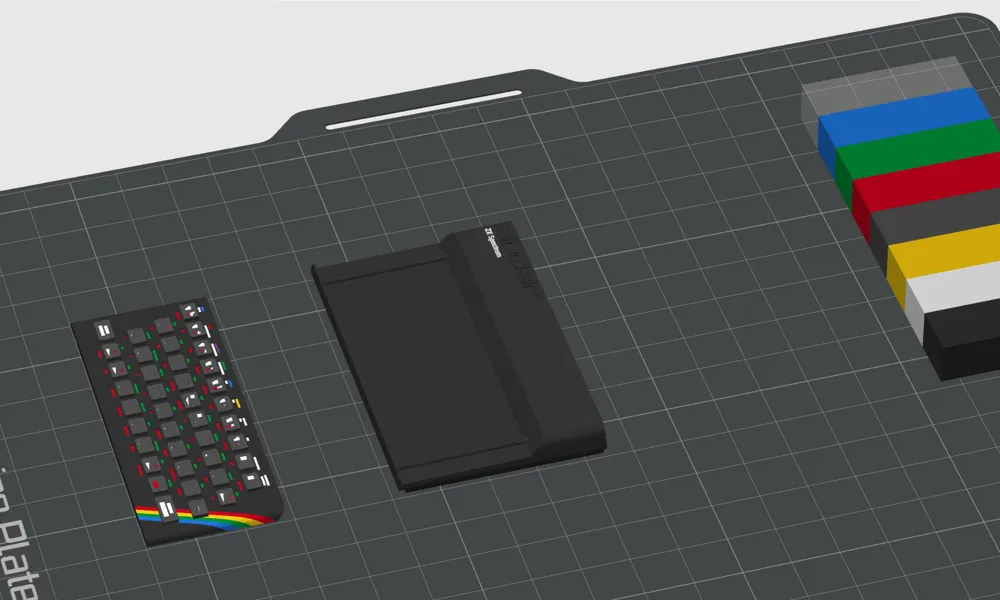
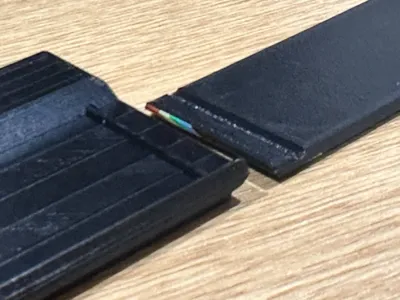
I've separated the slightly inclined keyboard from the base, such that the keyboard is printed flat. This avoids unsightly stepping marks in the keyboard keys and legends. The incline remains in the base, where the steps can be hidden.
Is it optimised for printing with 0.2mm nozzle.
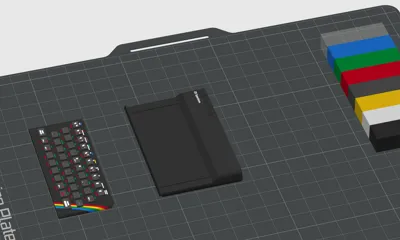
The shown, printed, model uses seven colours plus support, so needs two AMS units for best effect. Nine colours plus support is ideal, but definitely not necessary for good results.
Two AMS summary colour count / assignment:
1.Black : Base unit
2.Dark Grey : Keys
3.Red, 4.Yellow, 5.Green, 6.Cyan : Stripes
3.Red, 5.Green, 7.White : Key legends / Labels / ZX Spectrum logo
5. Green, White : Exposed PCB & PCB Connections
8.Support
Three AMS setup would add:
9.Blue : Key '1' colour 'Blue' legend.
10.Magenta : Key '3' colour 'Magenta' legend.
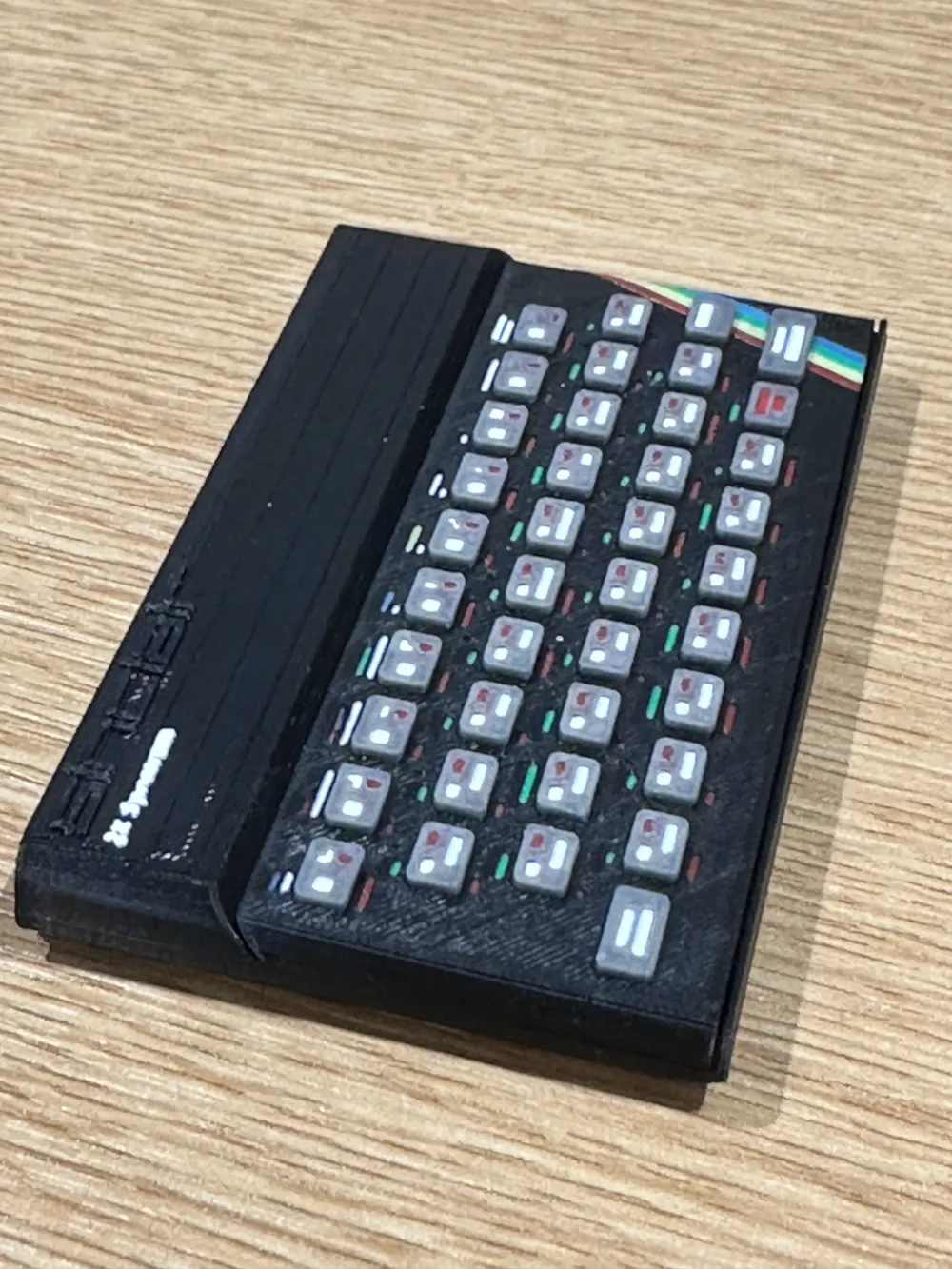
The colour legends on the keyboard over keys 1-7 are obviously very small, so not using the ideal colour doesn't detract from a decent outcome. In a perfect world they can be assigned with the correct colours: blue, red, magenta, green, cyan, yellow, white respectively - meaning nine colours in total (including the black and grey) plus support.
I have experimented with dithering some of the colours to give the appearance of the ideal colour, using selected (ideally) primary colours. The 3mf model has the ideal and 'backup' colours all noted.
For the key legends (only), magenta, cyan and yellow are dithered, using two stripes which can be assigned either; the same colour - if available, or two existing colours, forming some alternating stripes and giving the appearance of another colour.
So, if magenta is not available, blue and red can be specified (I've used cyan and red on my print, and used cyan for blue.) Backup colours for cyan are; green and blue, and for yellow; red and green. However, I prioritised the correctness of the Spectrum strips' colours, requiring genuine yellow and cyan, so only needed to dither magenta, and accept cyan for 'Blue'.
Enjoy!
Boost Me (for free)
Thanks to all who print, rate and/or Boost this model. Much appreciated!
License

You shall not share, sub-license, sell, rent, host, transfer, or distribute in any way the digital or 3D printed versions of this object, nor any other derivative work of this object in its digital or physical format (including - but not limited to - remixes of this object, and hosting on other digital platforms). The objects may not be used without permission in any way whatsoever in which you charge money, or collect fees.


Comment & Rating (4)