
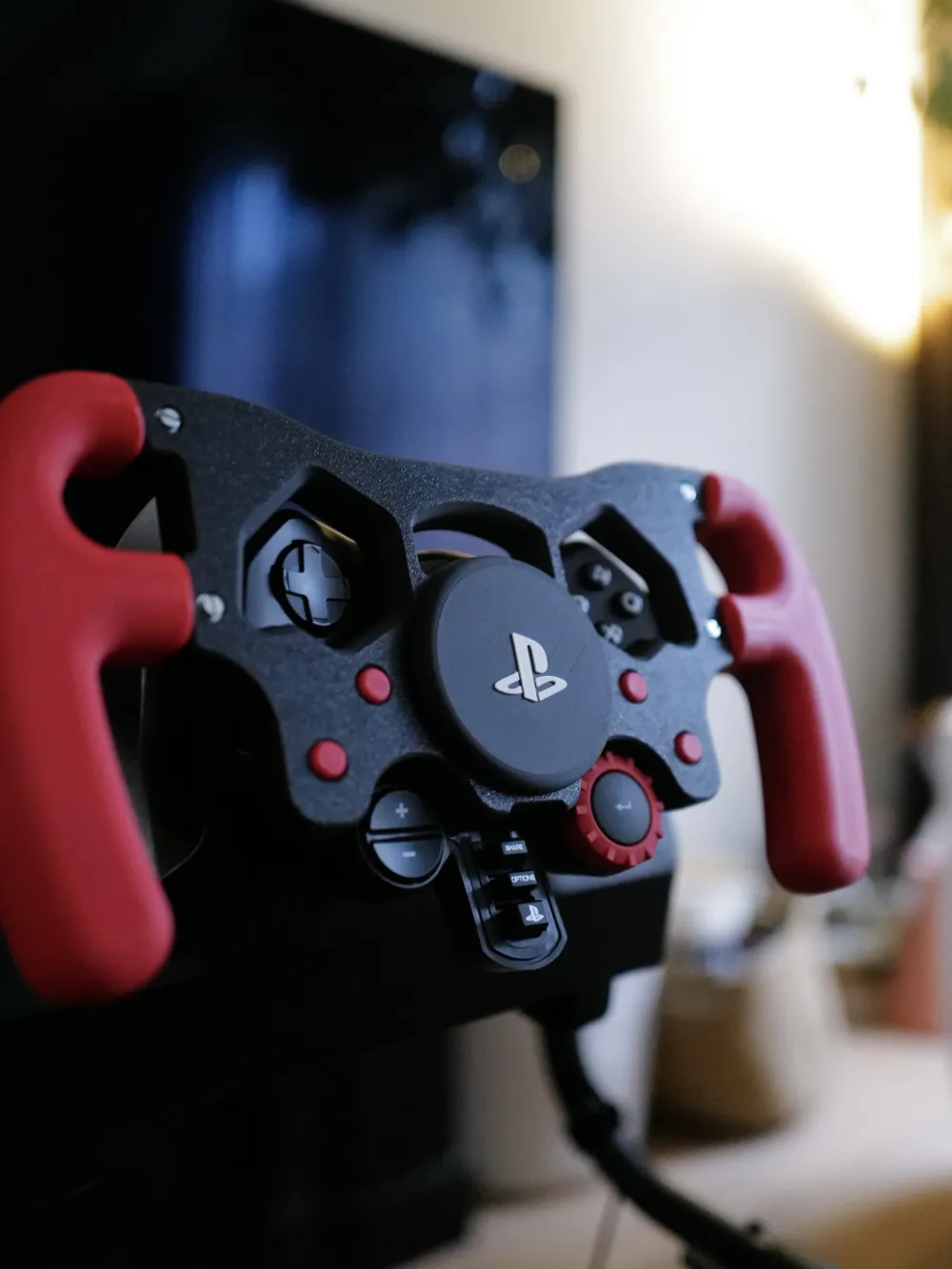
F1 Style Wheel Rim for Logitech G29
Print Profile(1)

Description
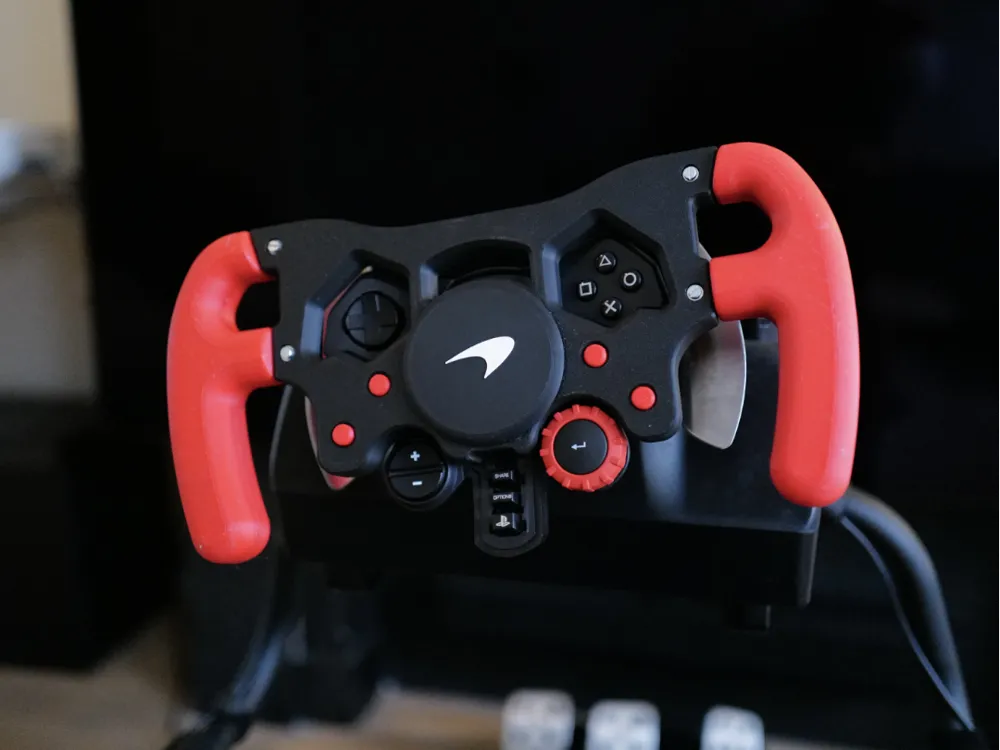
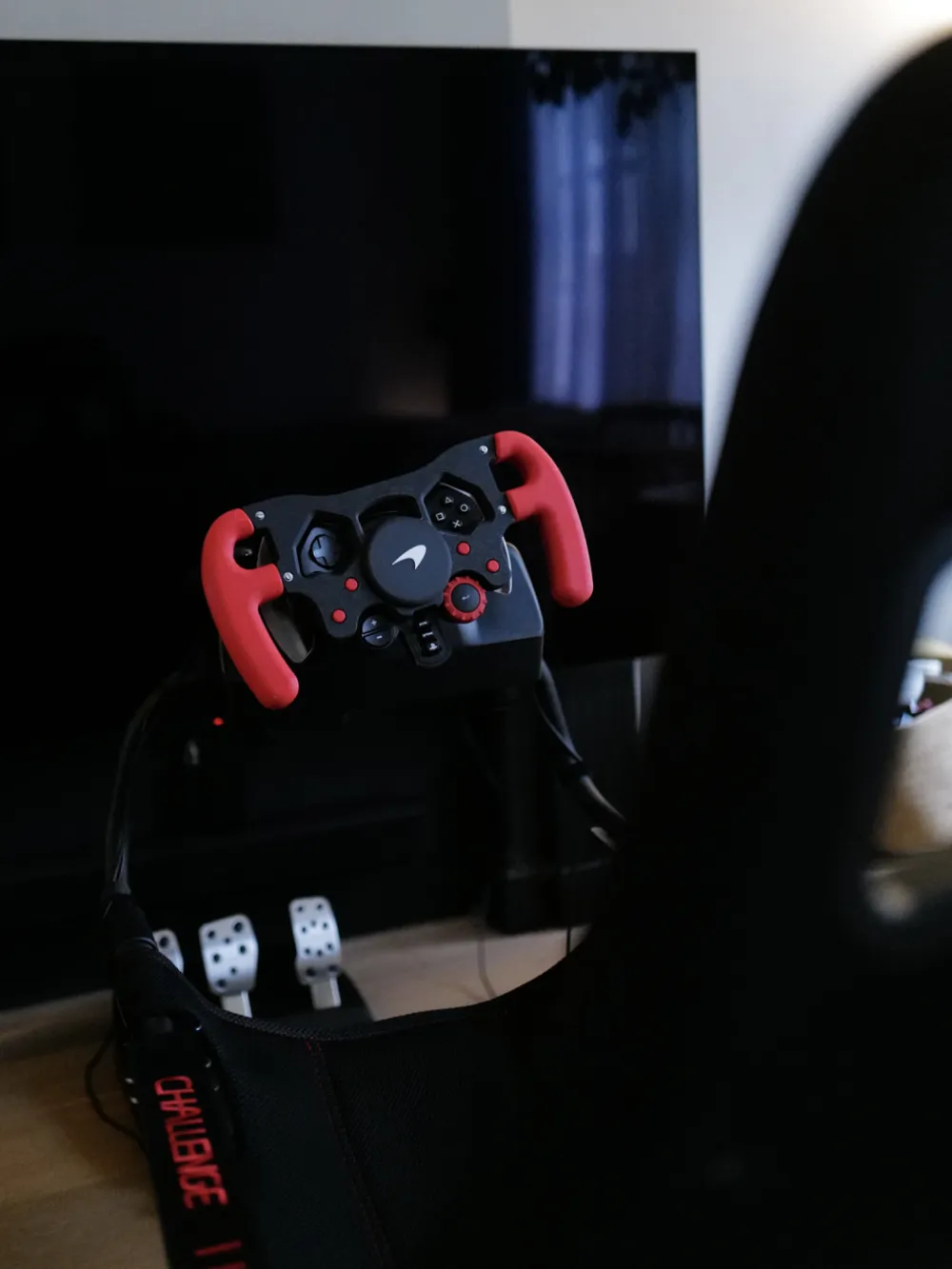
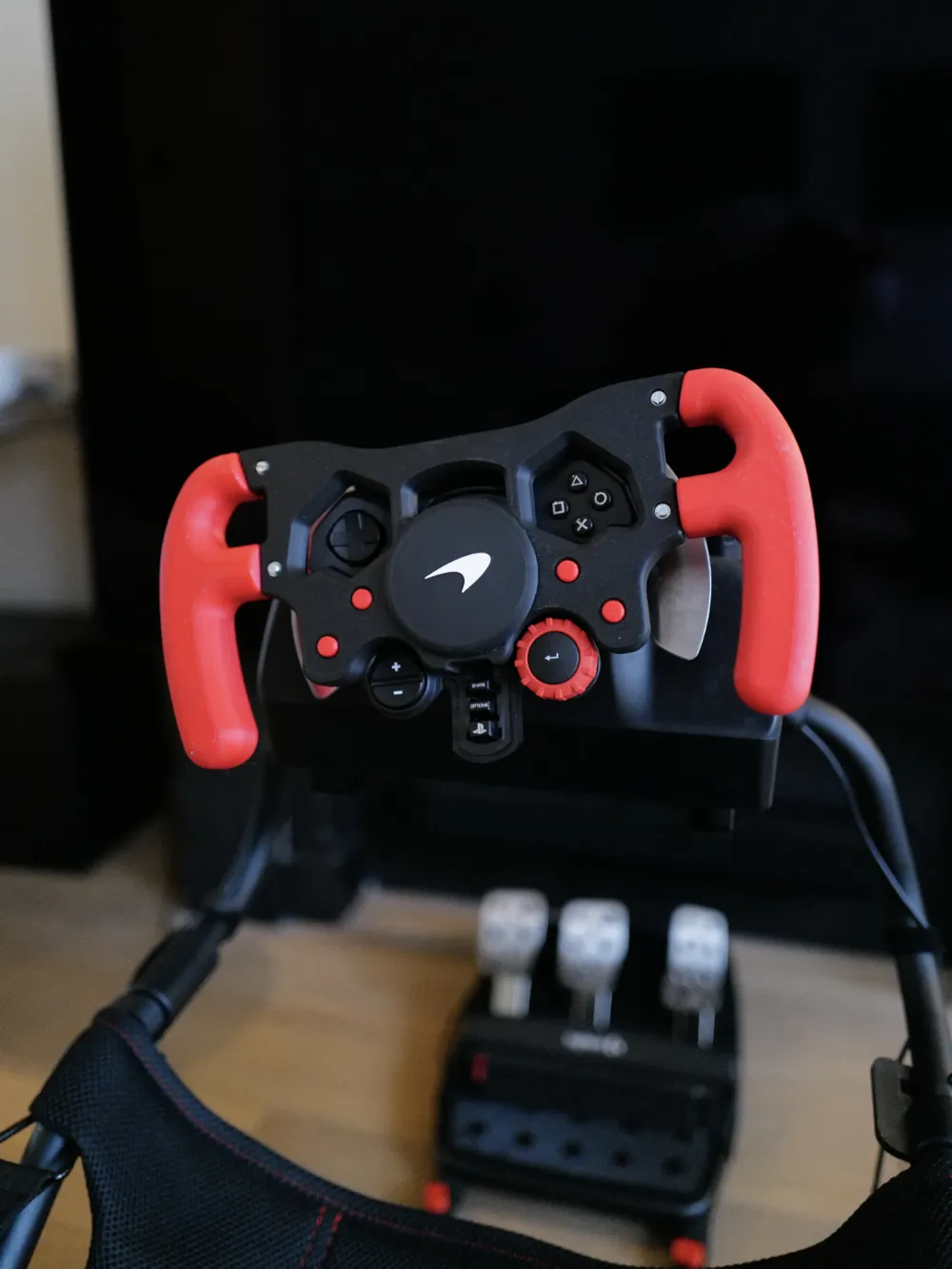
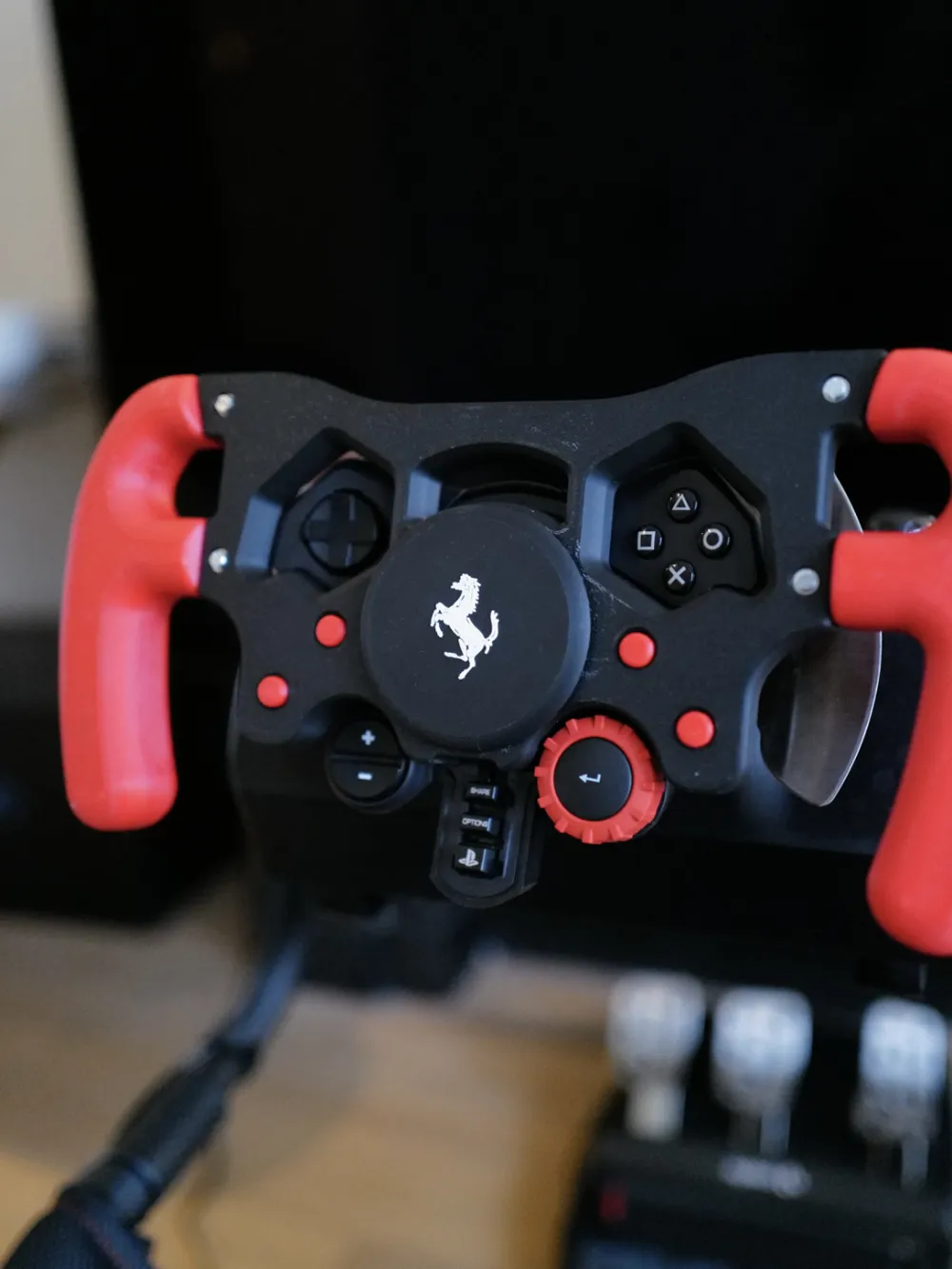
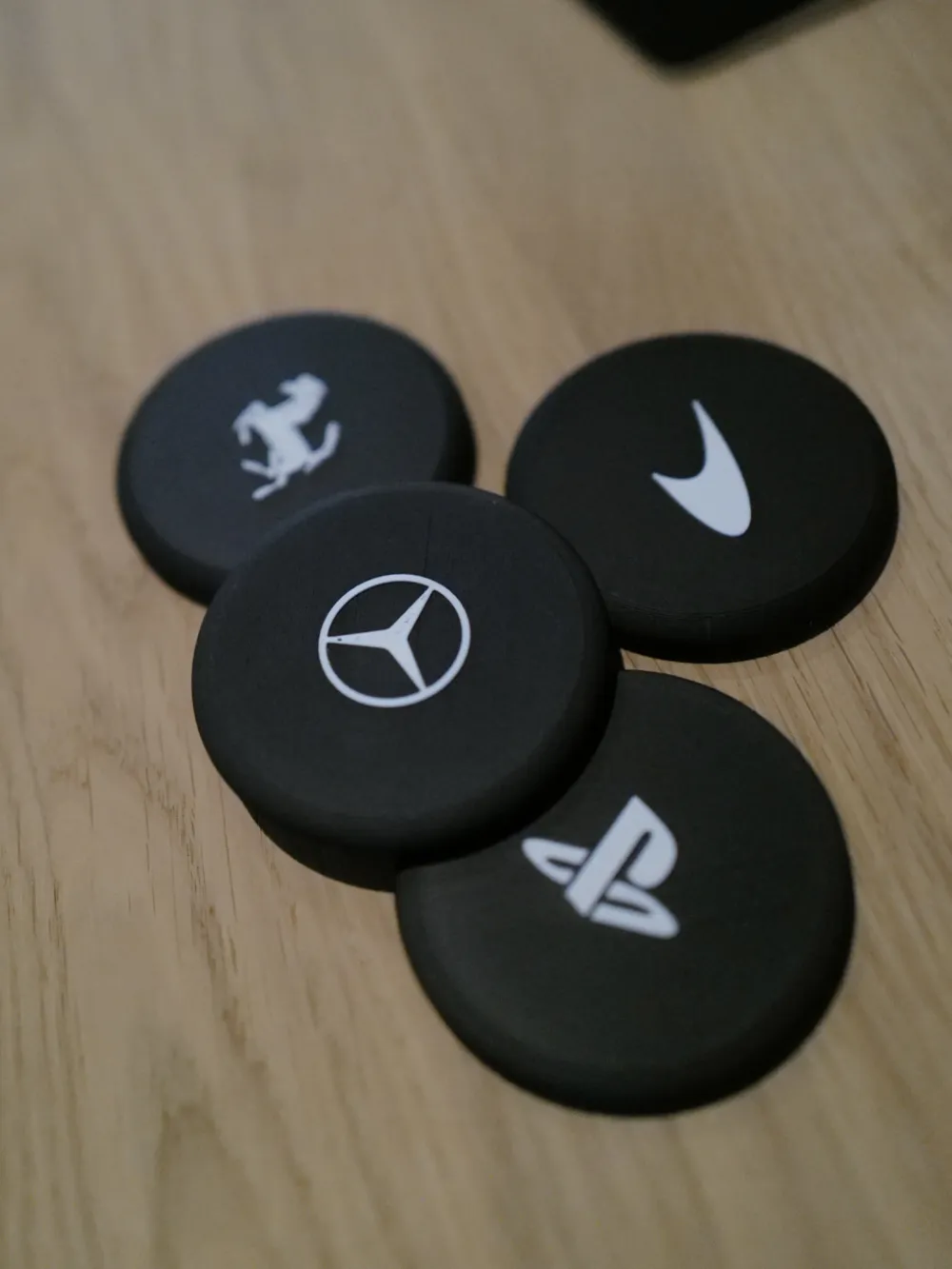
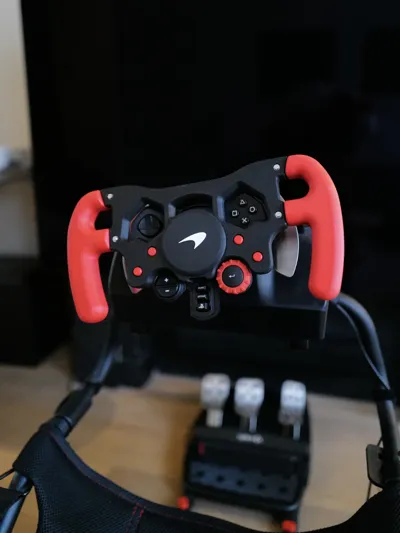
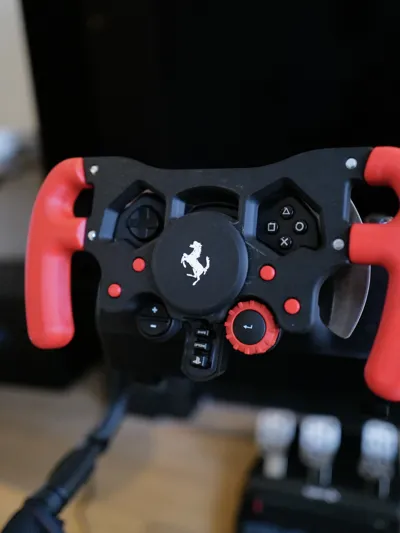
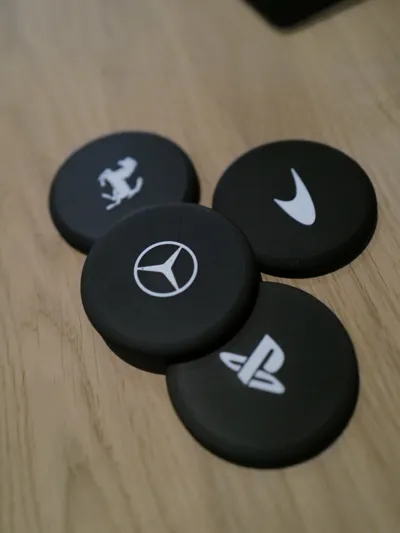
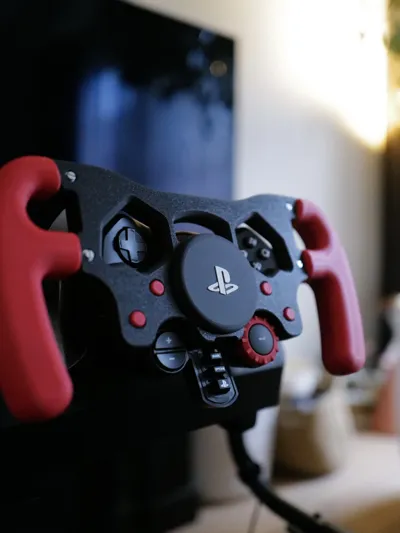
I've added custom plates with some of my favorite F1 team logos to pcrowlz's amazing print (see the original for more information).
Preparing the stock wheel
It's easier to search YouTube for instructions, but TL;DW you simply have to remove all 8 (?) screws from the back of the wheel (2 of them are only for securing the L2/R2 buttons, which we won't need, keep them in a secure place somewhere), opening it up (I know, scary scary but it's quite easy I promise), carefully remove the cable (it might require some force), remove the wheel rim, and reattaching the front cover. After that you reattach it back in the wheel base with those first screws you removed, and then you mount your shiny new wheel rim using those 6 screws in a circular patter in the center.
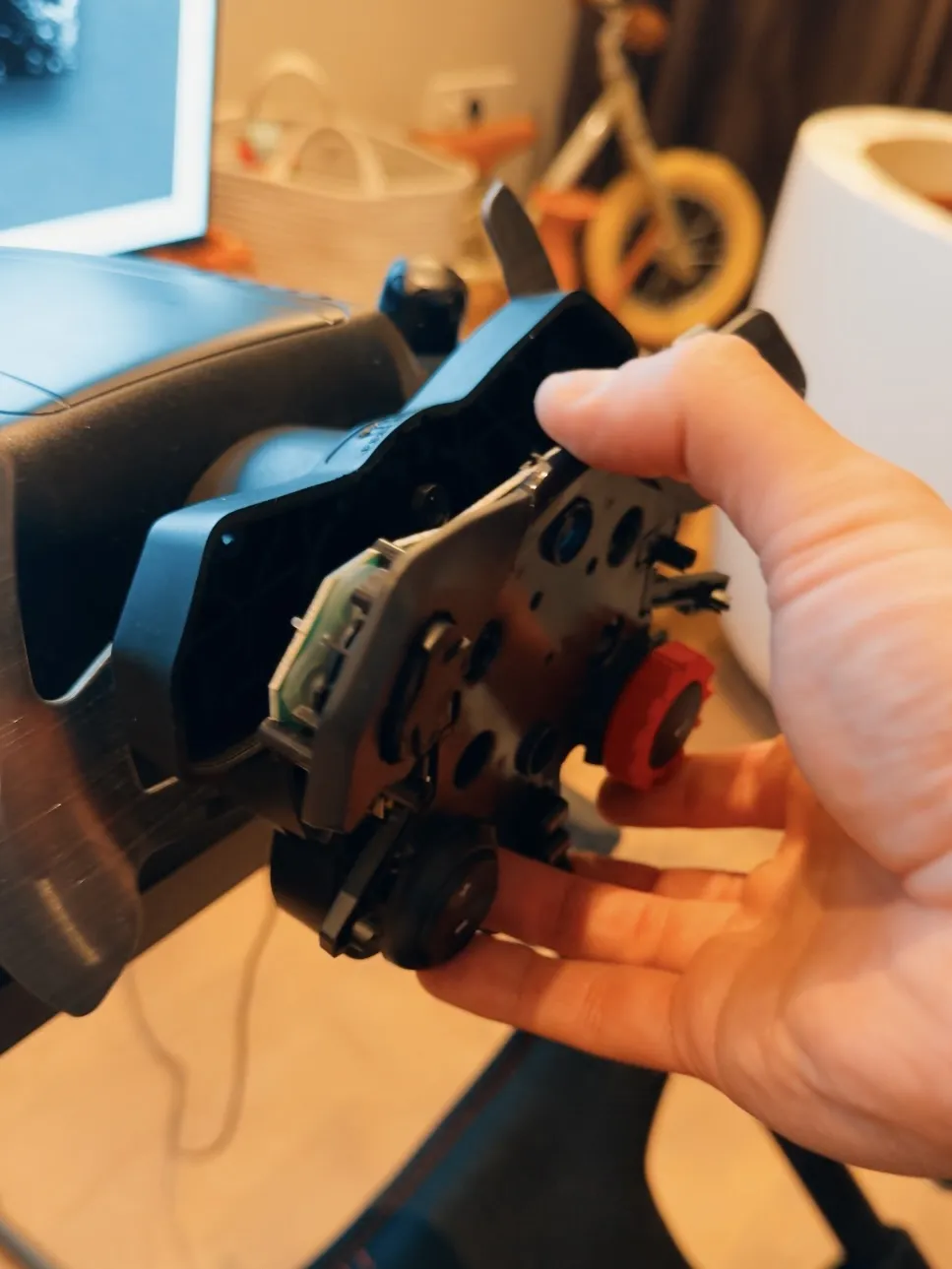
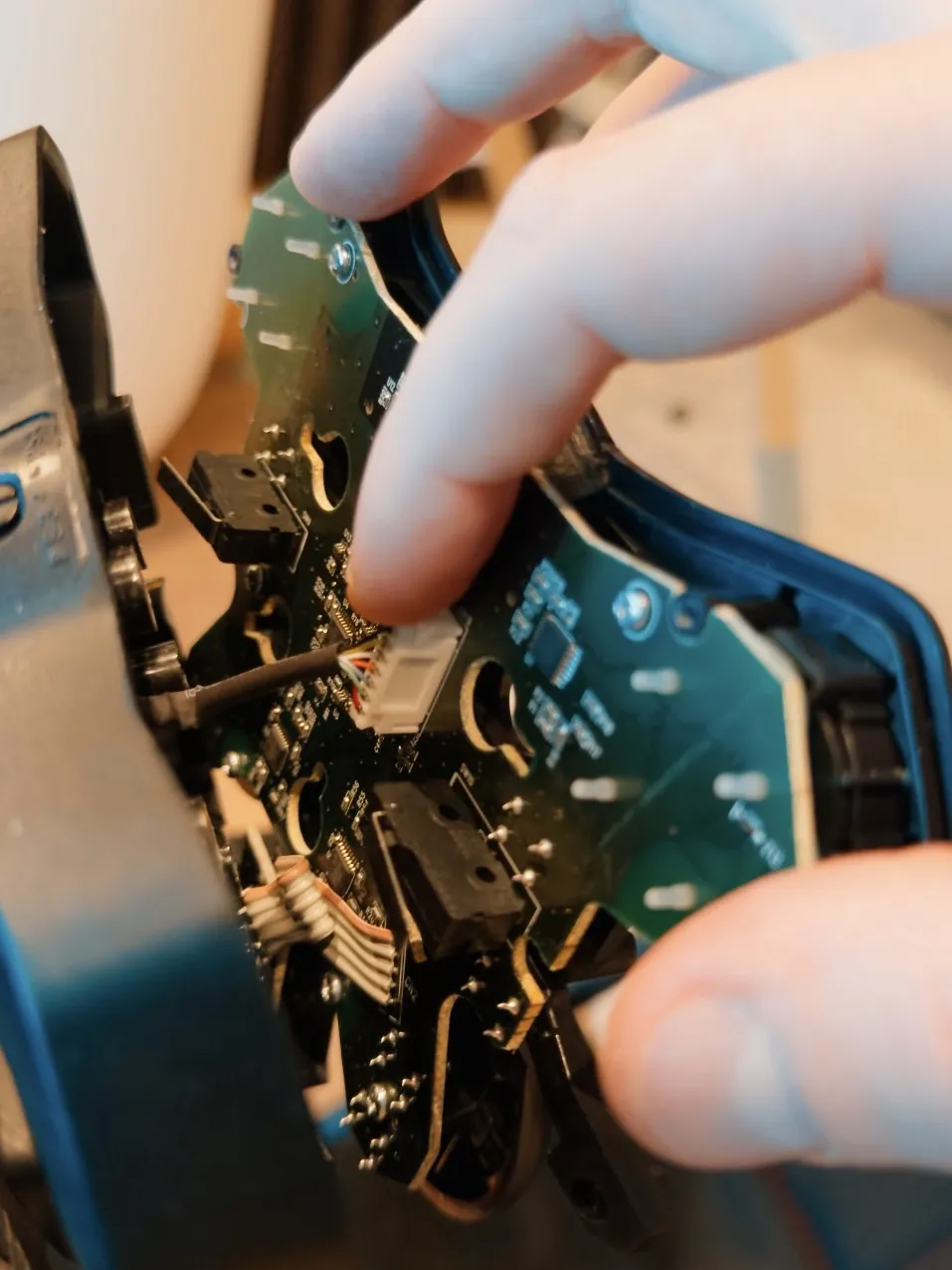
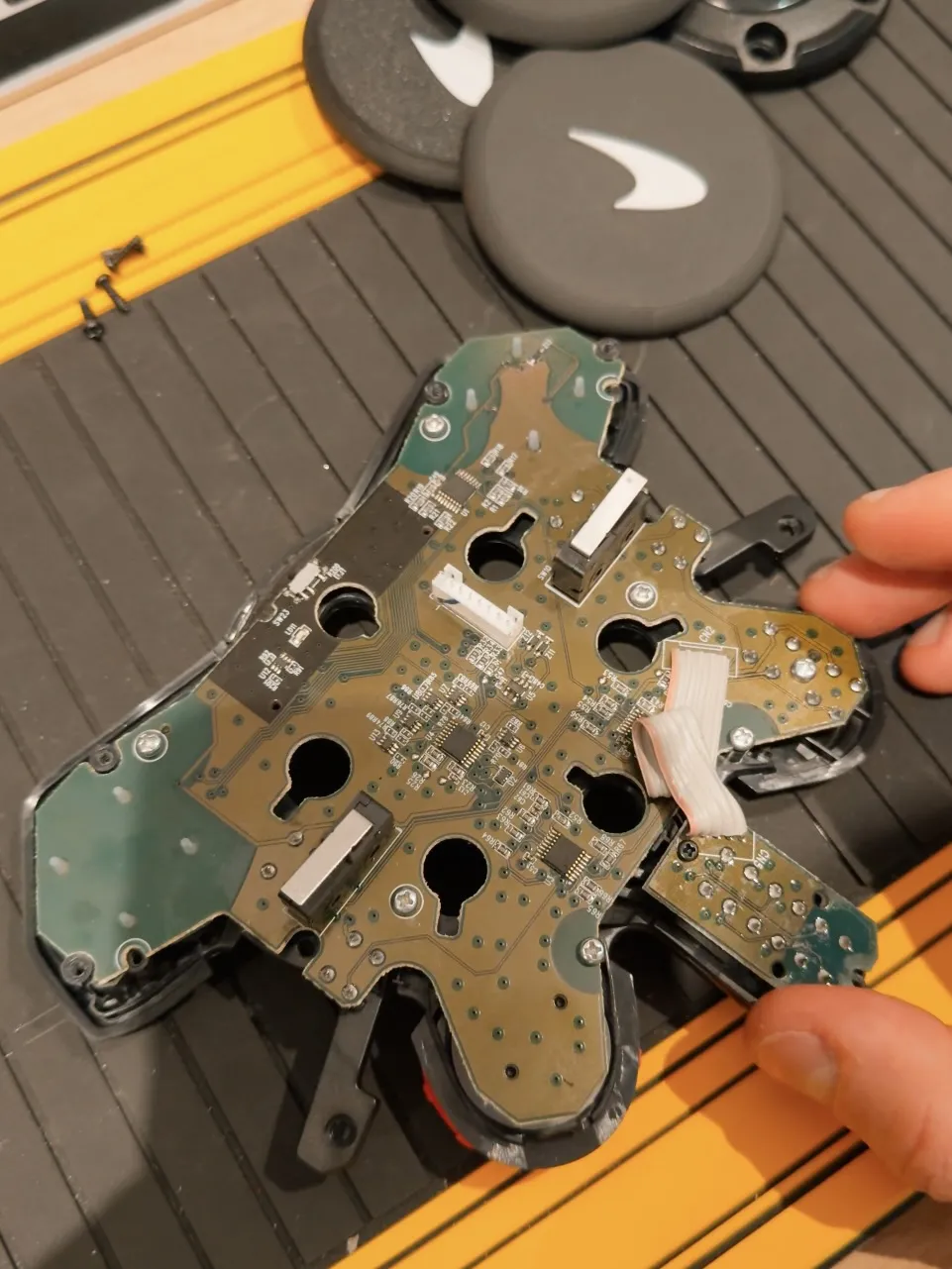
Again, search YouTube 😅
Print and Assembly
I personally printed mine using PETG for the handles and PLA for the frame and plates, but again see the original post for more information.
For assembly, I've used a bit of super glue to merge the two halves of each handle, and I've attached them to the frame using 4 M3 bolts/nuts/washers — they do come a bit loose after long play sessions, but it's super easy to just tighten them again when necessary.
For the plates, I've added each plate in its own printing plate so you can print only the ones you want, as well as a single printing plate with the complete set. To assemble the plates, add half a drop of super glue in the dimples located in the back, and insert all six studs with the flat part facing the plate. After assembling the wheel, you can easily use the holes from the main screws to plug the plate (are also easily swappable).
Boost Me (for free)
This is my first model uploaded to Maker World — I'm not 100% sure what boosts are, but I'd love some if you find this useful!
This remix is based on

License



Comment & Rating (50)