
Flush Text Test with Modifier Top Bottom & Side
Print Profile(1)





Description
Test the capability of your machine.
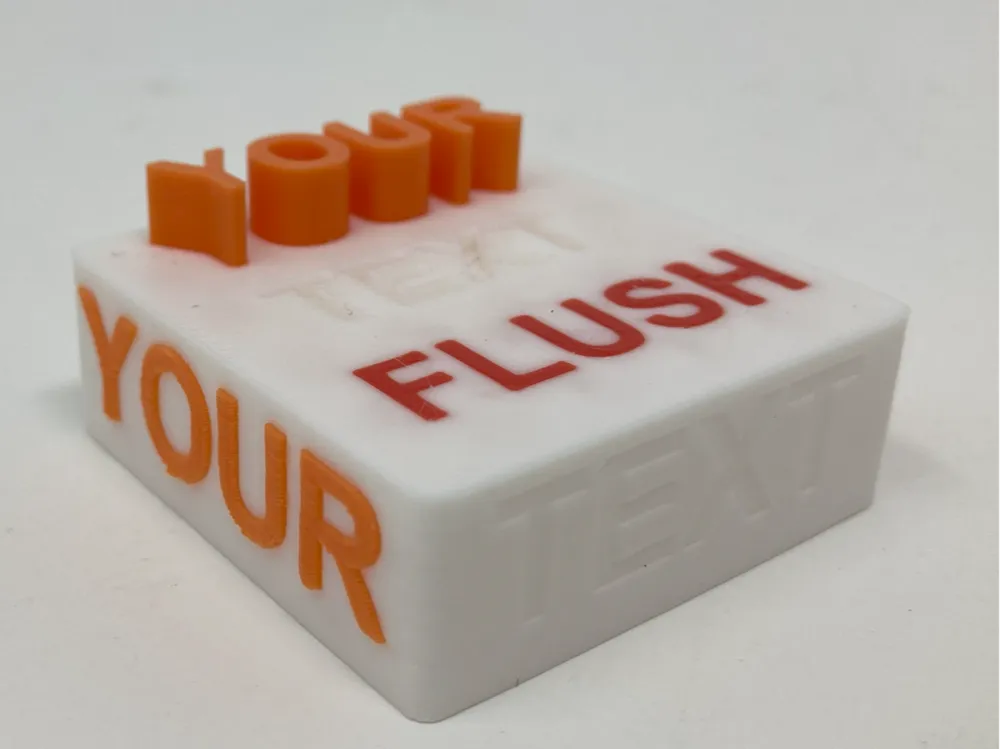
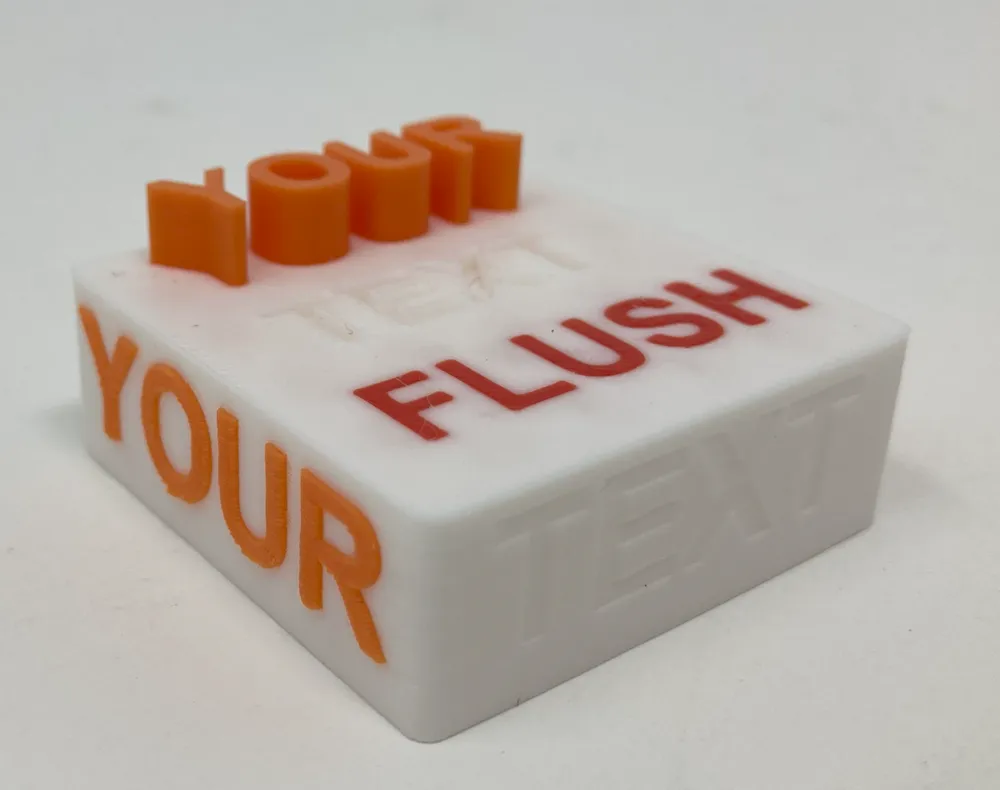
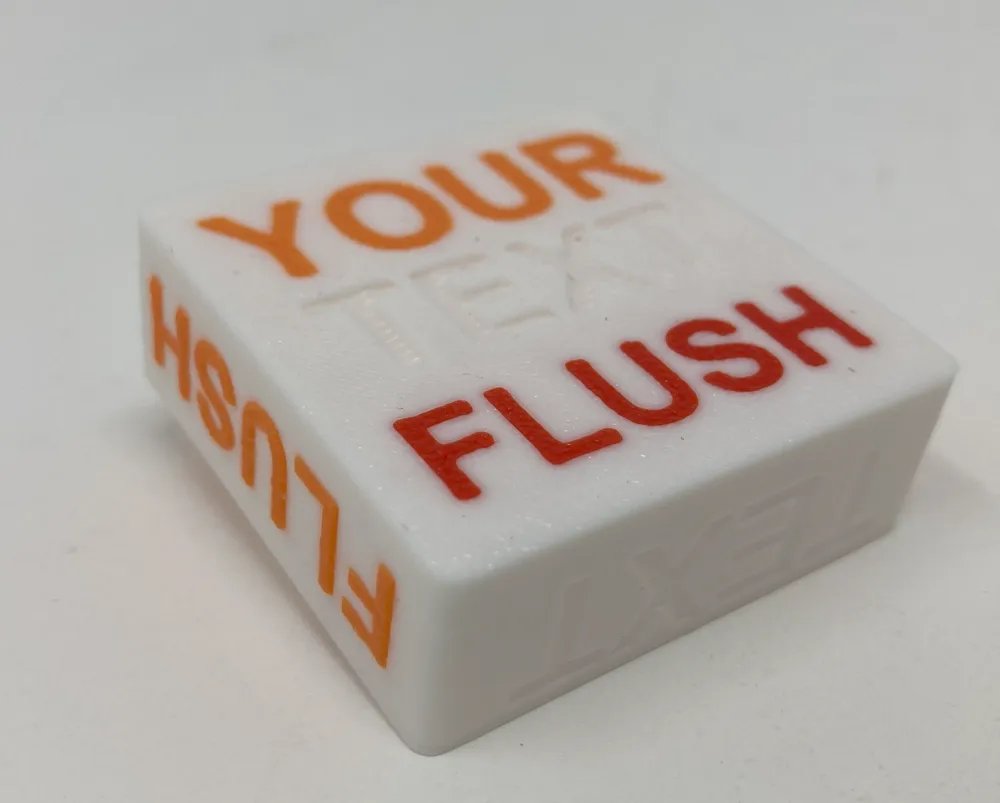
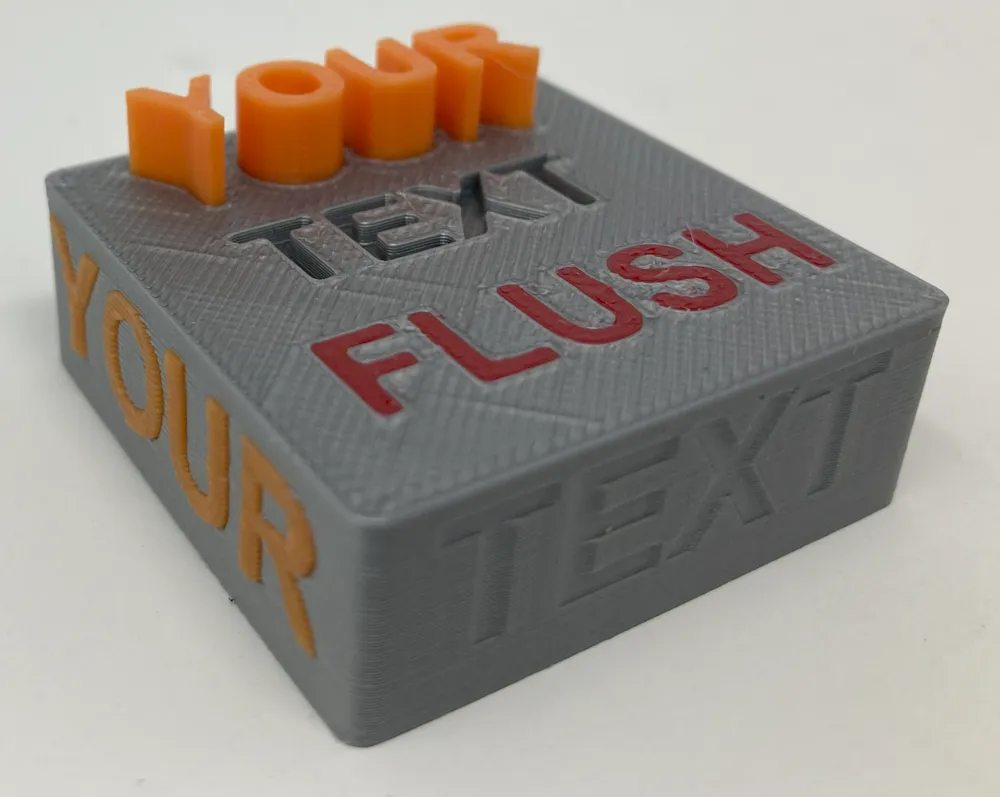
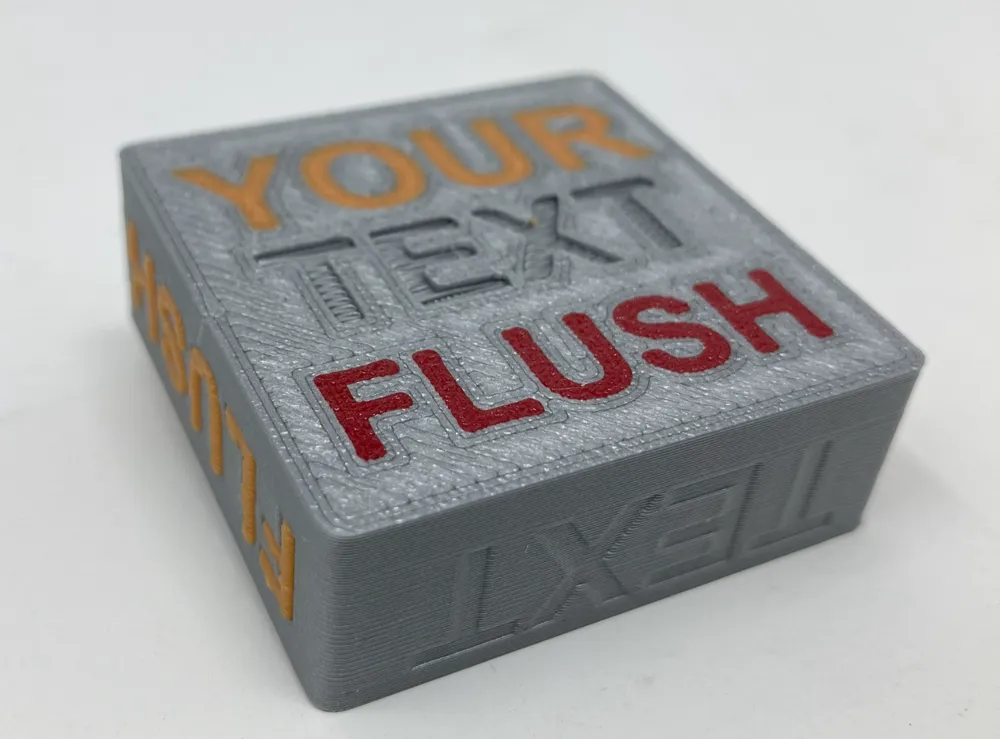
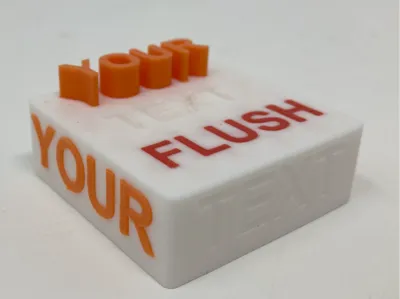
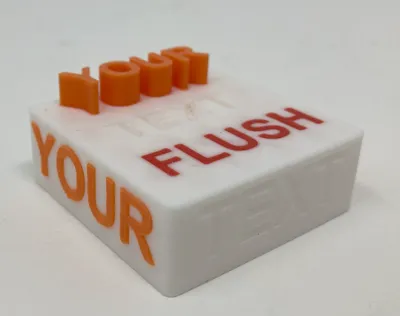
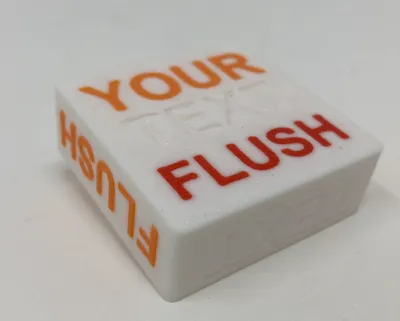
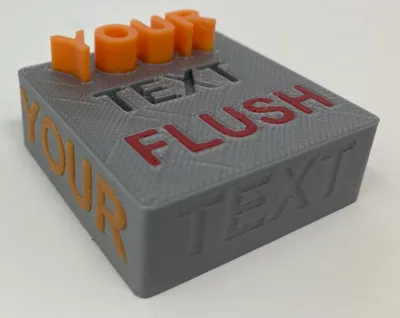
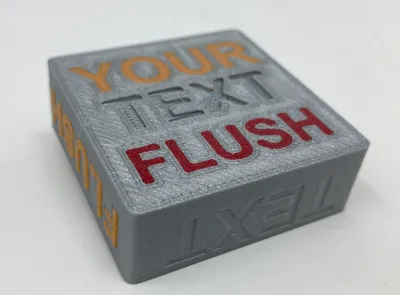
This sample will print text on 5 different surfaces of the rectangular 3D shape. Each surface has text that has been changed using a modifier - Positive, Negative, Modifier. Positive modified means text will protrude past the surface, negative means the text will cut into the surface and modifier means it will create the text flush to that surface.
In this model the top has all three modifiers to test your printers capability. Three sides are used to test the side printing of the same modifiers and lastly the bottom has all three modifiers. On the bottom the positive text height is set to 0.1mm because if it were to protrude then the rest of the part would have to be held by supports and no one likes printing supports.
Test your Bambu studio skills
This entire part was created and edited in Bambu studio. All the text sizing, embedded depth, font is all built into Bambu studio. Feel free to modify as needed and retry the print.
This is meant for units with AMS only, unless you manually want to change filament 10x or so for the print.
Plate 1 - Many filament swaps due to the side text. (~63 filament swaps)
Give it a shot, just to see what is capable.
Plate 2 - only a few filament swaps due to removing the side text (~19 filament swaps)
If you want to save time on filament swaps just print plate 2, and it will show the difference between the top and bottom, the side will just be the same as before. But it prints much faster and creates much less poop.
Instructions
Please go to this link and review the post, as some of the directions are there with screenshots.
https://forum.bambulab.com/t/flush-text-in-bambu-studio/112730/2
Color differences.
I would encourage everyone to play around with the depth of the text with various colors. Printing anything on a black background you will need to ensure that the embedded depth is at least 3 layers deep otherwise you will not get the color you are expecting.
I printed white PLA as main just to highlight the colors, however run this test if you plan on doing a large print with a dark background color compared to the text.
Please enjoy the model and feel free to comment! I have received so much help in this community I would like to give back a bit with this model. I would love to see other folks prints, and modifications of this 3D print.
Happy Printing!!!
Boost Me (for free)
Enjoy the sample. If you feel compelled then please boost the model.
License



Comment & Rating (9)