
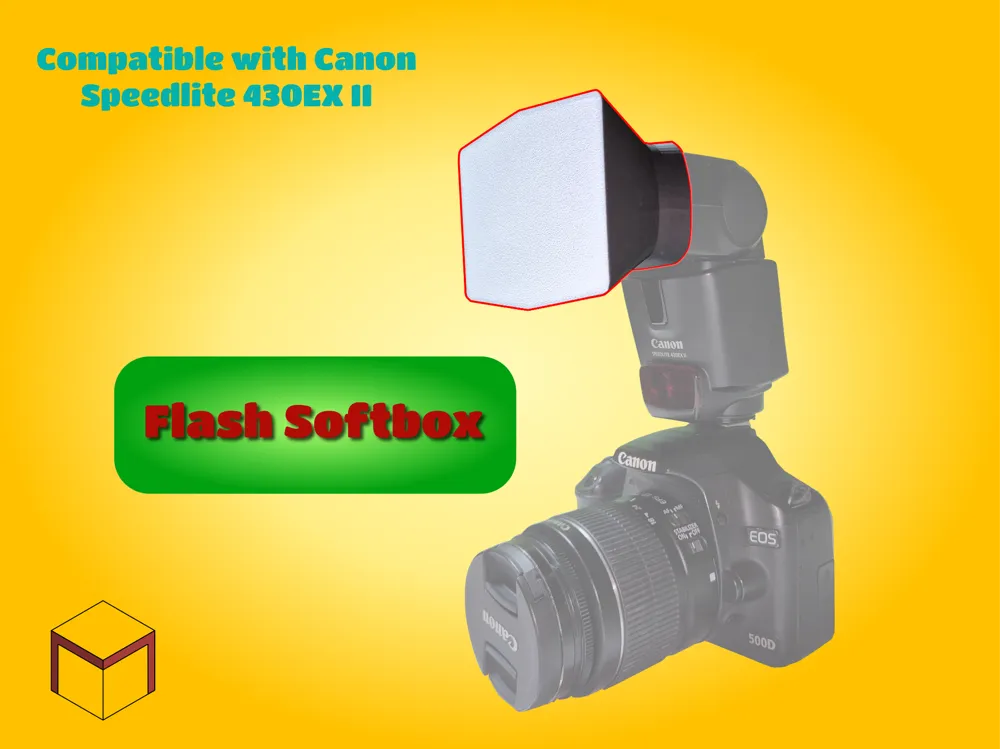
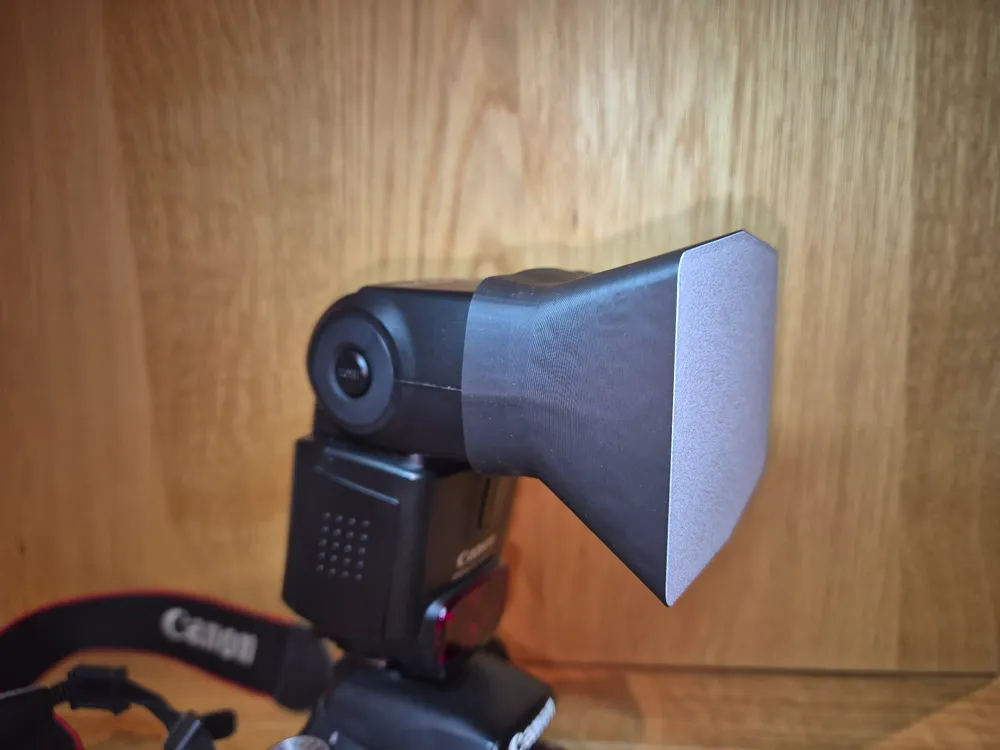
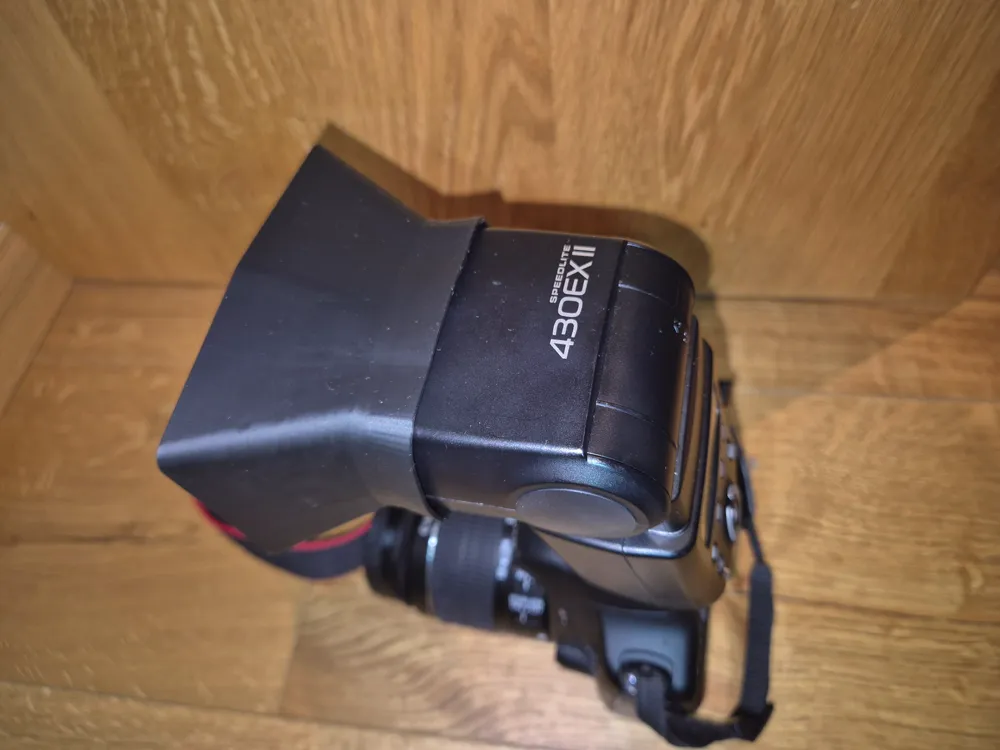
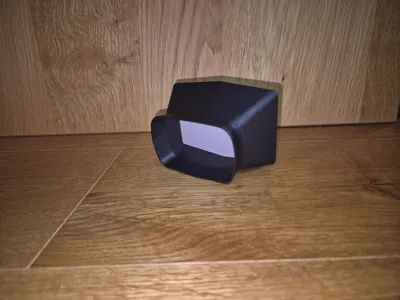
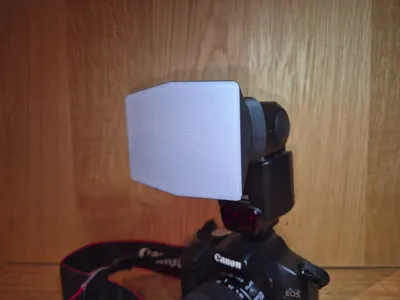
Softbox for Canon SPEEDLITE 430EXII
Print Profile(1)

Description
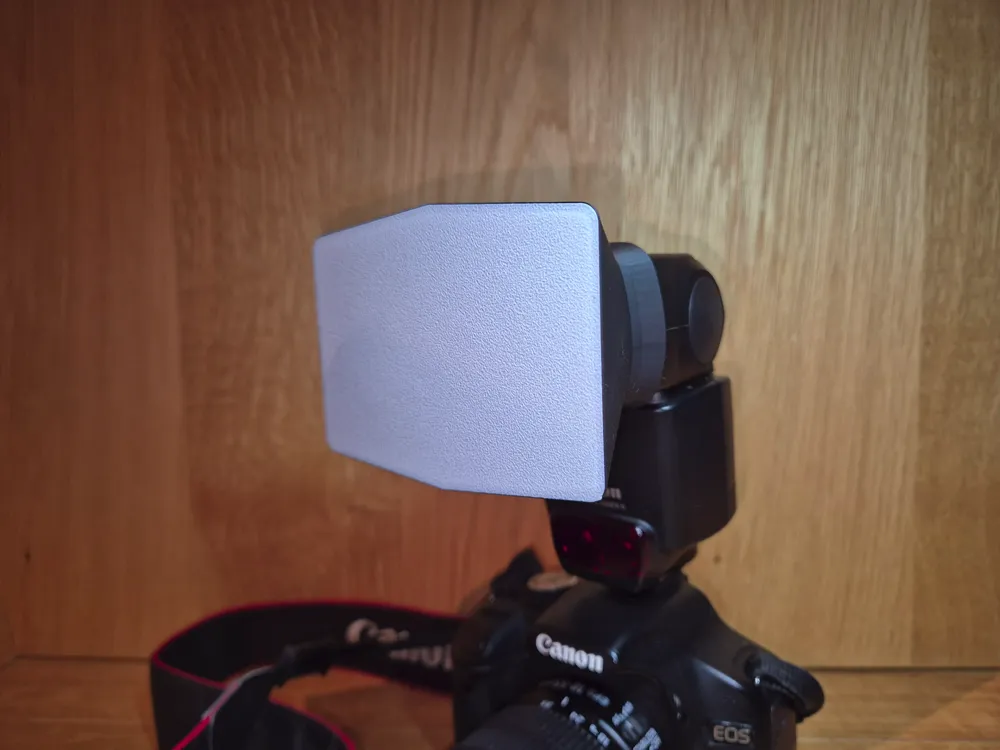
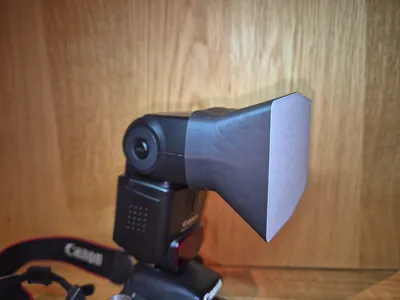
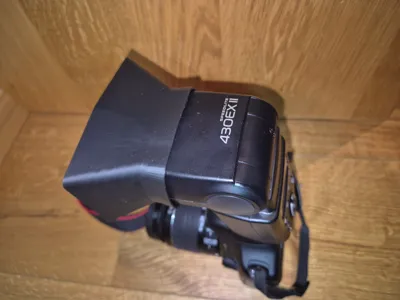
Softbox for Camera Flash
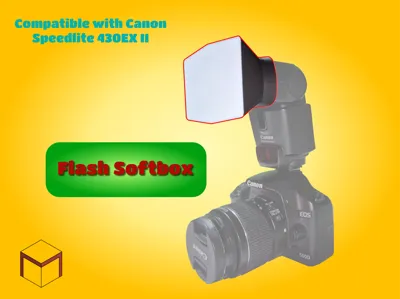
This Softbox is designed for the CANON SPEEDLITE 430EX II Flash for digital cameras.
A softbox is used to spread the light of the flash out more evenly.
You could use a softbox to reduce the sharp shadow edges occuring when shooting a subject with a flash.
With the softbox, the shadow looks more soft.
No AMS?
If you don't own a AMS Unit, you could just set the first layer to be white and add a pause on the second layer.
When the print pauses, change the filament to black and resume printing. Make sure to use the same filament type.
IMPORTANT!!
Be very careful when removing the print from the build plate.
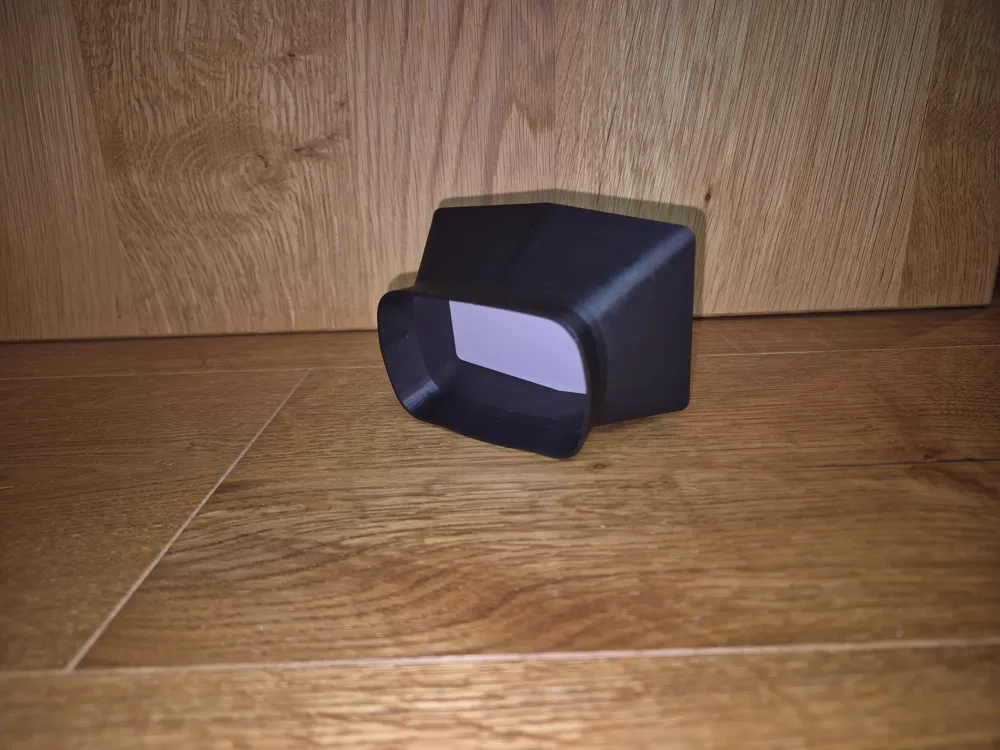
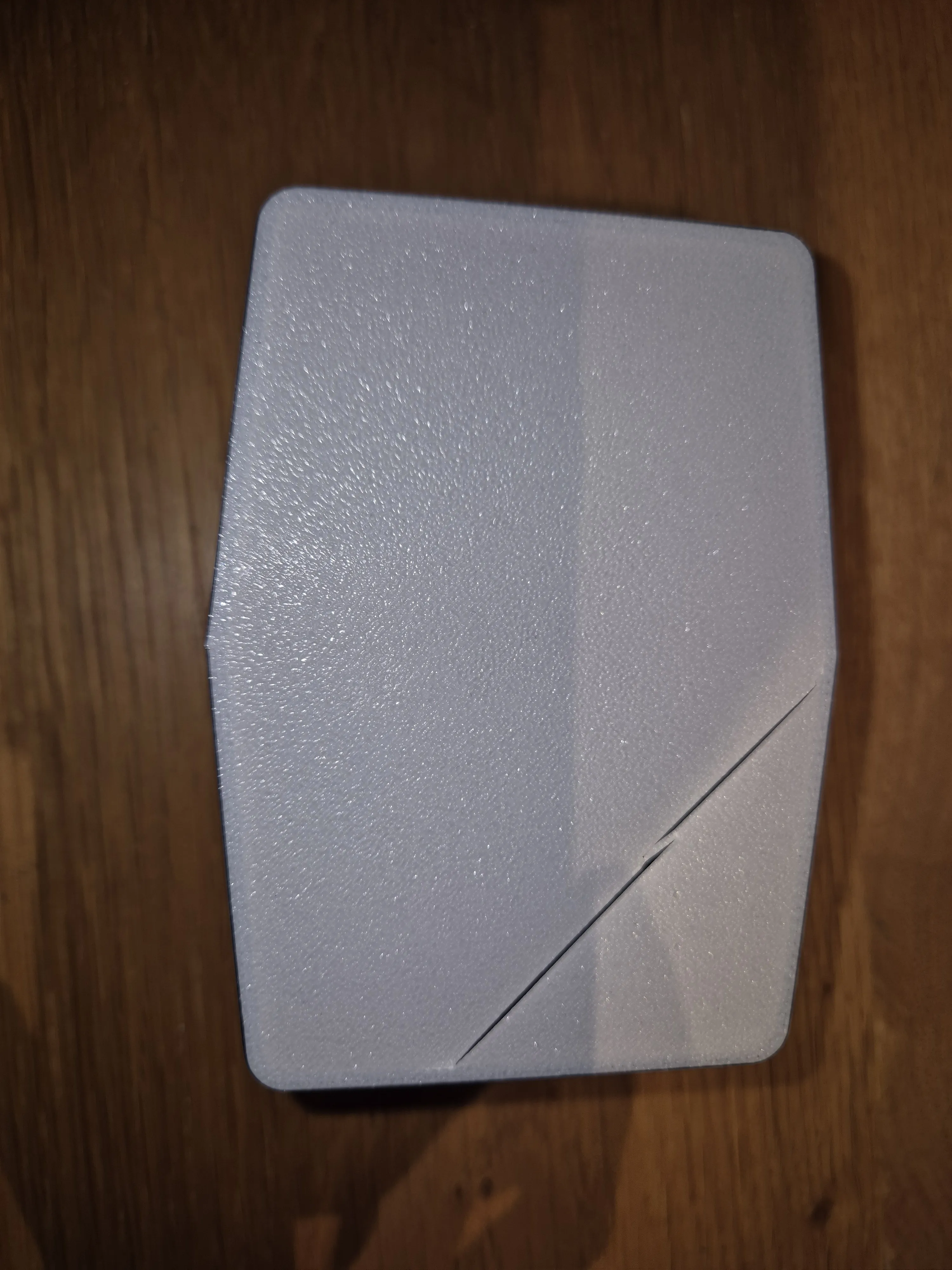
The diffusion plate, which is on the bottom and therefore directly on the plate, is only
one printing layer thick. It can rip easily, if not removed with caution.
Using something like a plastic scraper worked best for me.
Once it is removed, it is pretty rigid though.
(I managed to break my first test print, don't make the same mistake)
Also, if you like this model, concider boosting it (it's free!)
Boost Me (for free)
You like the model? Please concider boosting
License



Comment & Rating (6)