Search models, users, collections, and posts

Probe Holder
IP Report
Print Profile(1)

0.2mm layer, 3 walls, 15% infill
Designer
1.7 h
1 plate
Open in Bambu Studio
Boost
34
64
5
4
25
10
Released
Bill of Materials
List other parts
- Header pins x 1: https://www.amazon.com/whiteeeen-Break-Away-Header-Straight-Connector/dp/B0B75RKMD2
Description
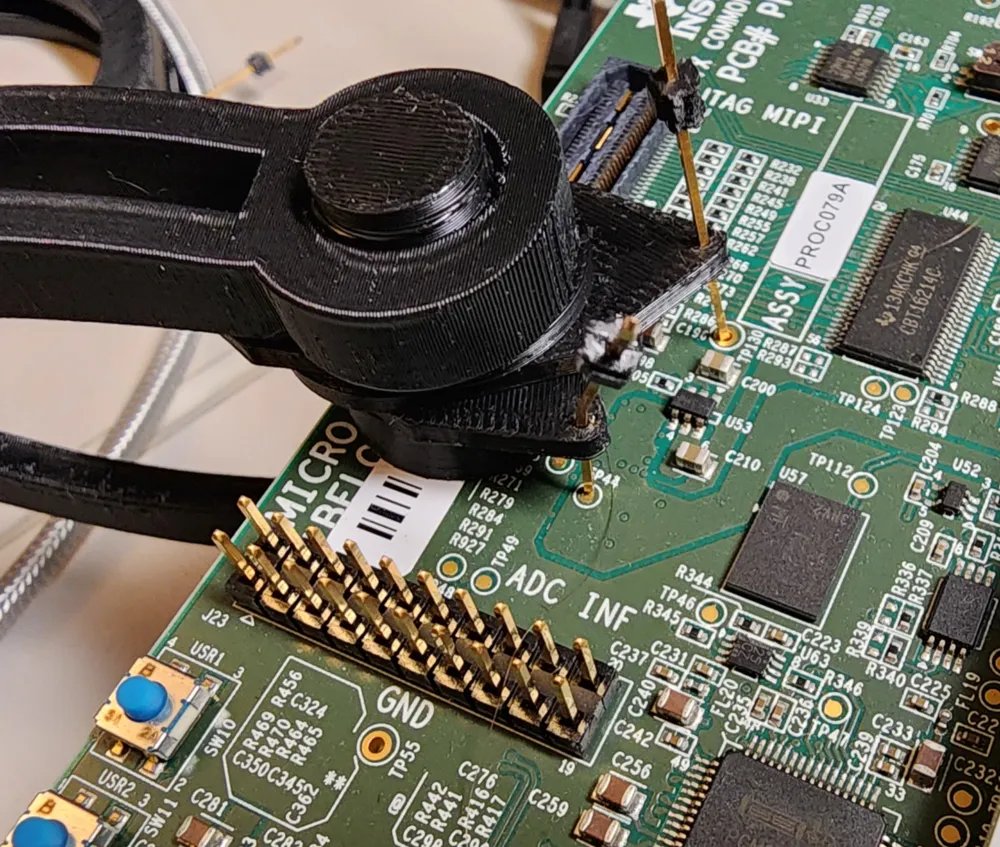
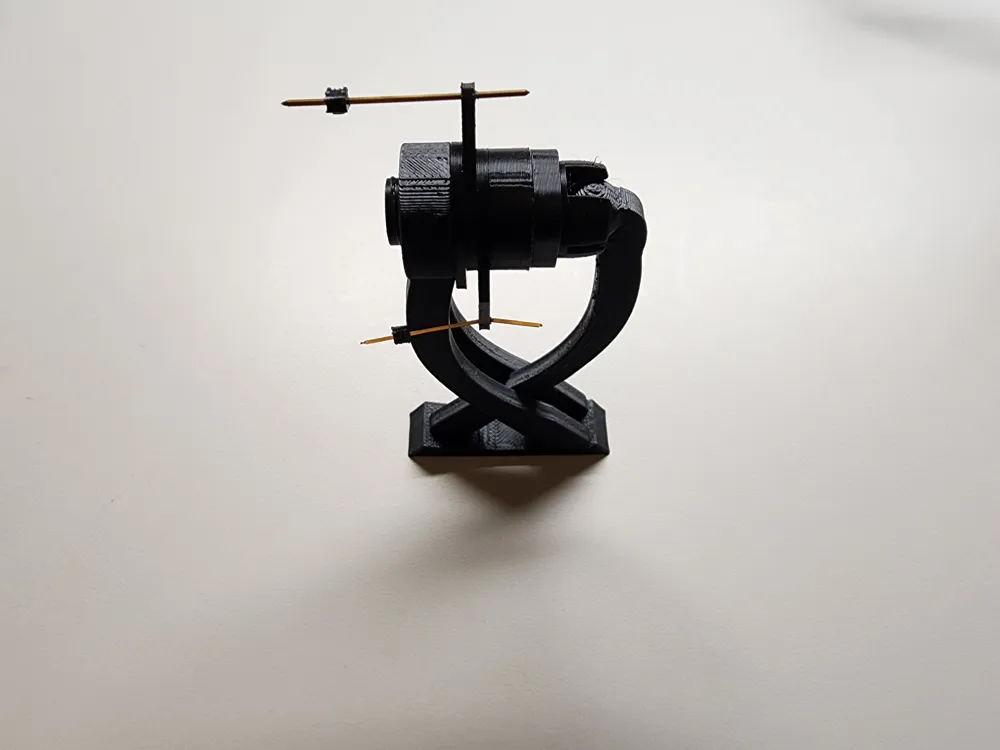
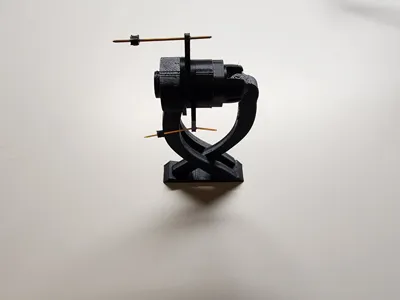
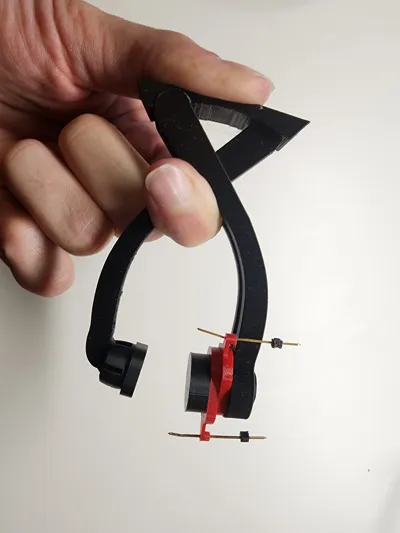
Have you ever needed to measure multiple test points on a PCB at once, but didn't have enough hands to hold the probes in place and operate the oscilloscope? This can help considerably. Print one of these, use the built-in tension to hold it in place on the PCB, and position the probes to touch the test points.
Assembly instructions:
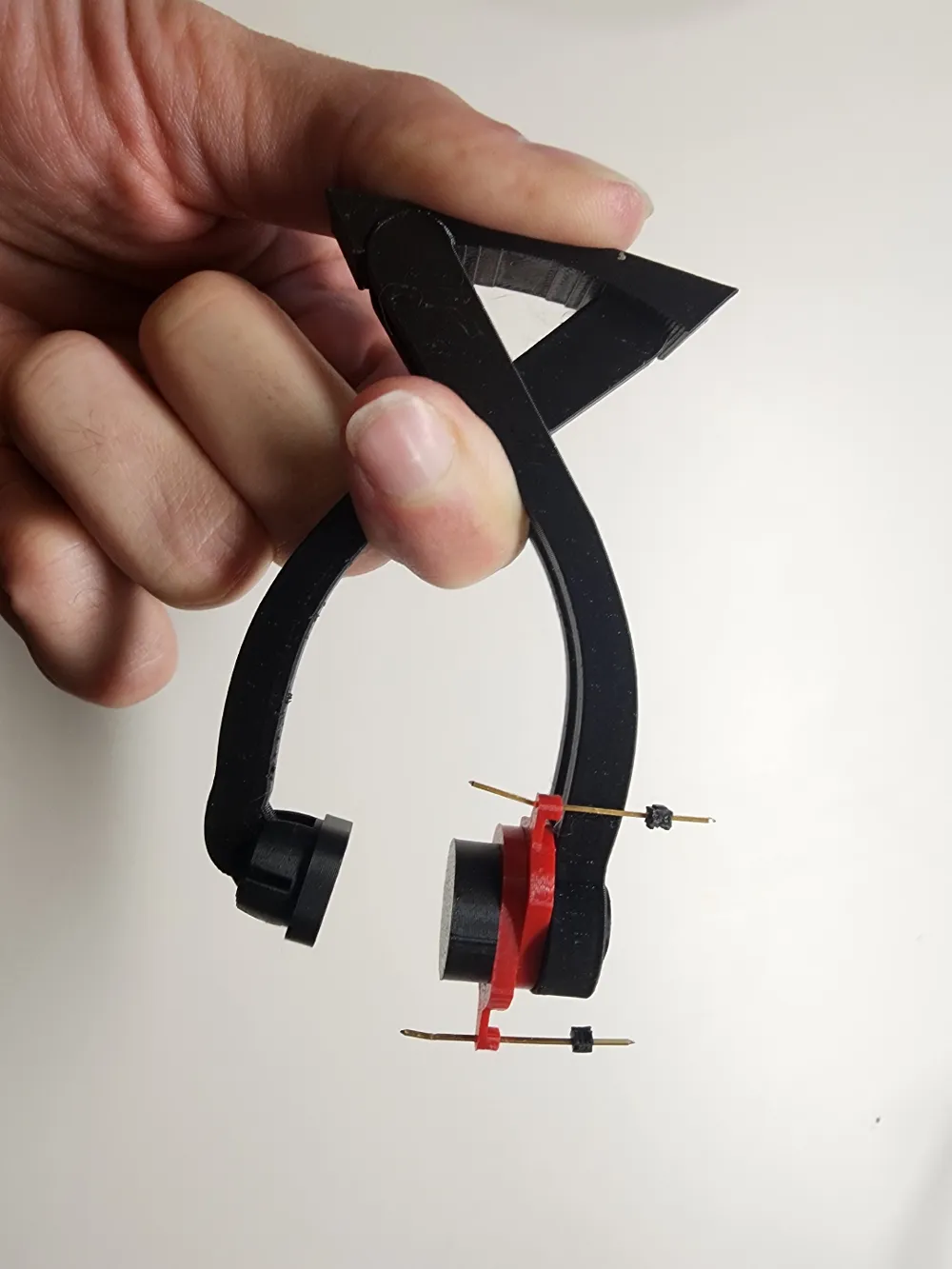
- Snap the movable foot to the ball on one side of the clamp
- Place a couple of the probe holder ends on the screw, and thread it into the other side of the clamp
- Adjust the tension of the screw such that the probe holders are movable with some resistance
Usage instructions:
- Grip the clamp as shown to open it and place it on the PCB
- Fine-tune the position of the probe points. You may need to push the probe pins a little further through the holder so that they put some pressure on the test point they are set up to touch.
- Attach your scope to the probe pins, and measure away!
Alternatively, a power supply could be attached to the pins to inject voltage.
Makerworld doesn't appear to be letting me link to the required header pins. Here is an example that should work though:
https://www.amazon.com/whiteeeen-Break-Away-Header-Straight-Connector/dp/B0B75RKMD2
License

This user content is licensed under a
Creative Commons Attribution-Noncommercial-Share Alike


Comment & Rating (5)