Search models, users, collections, and posts

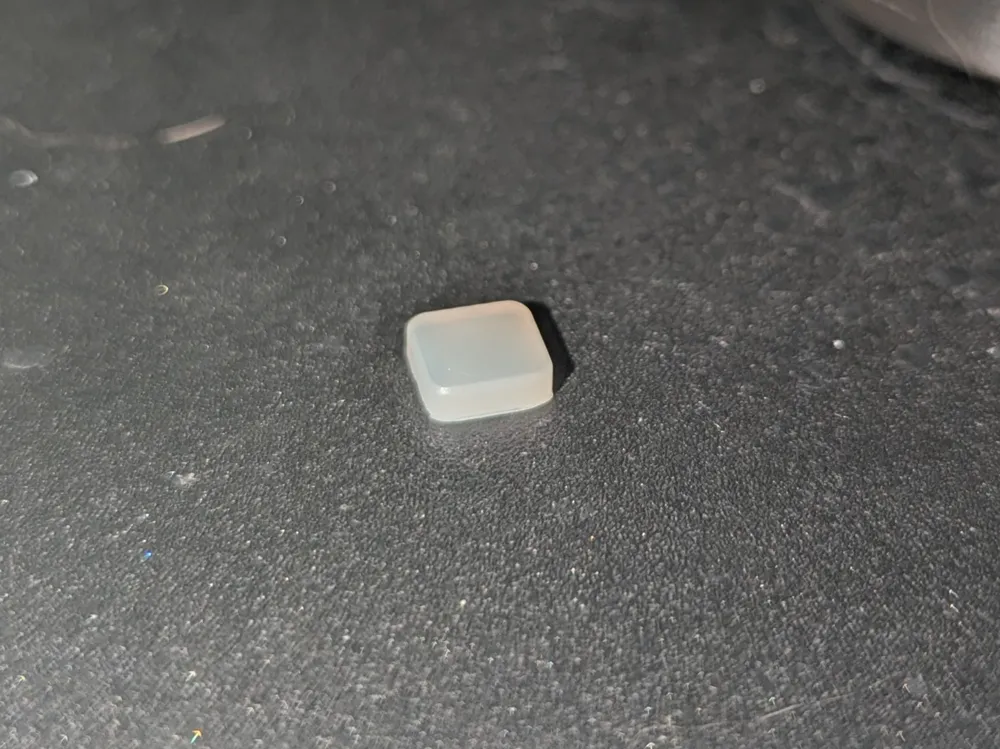
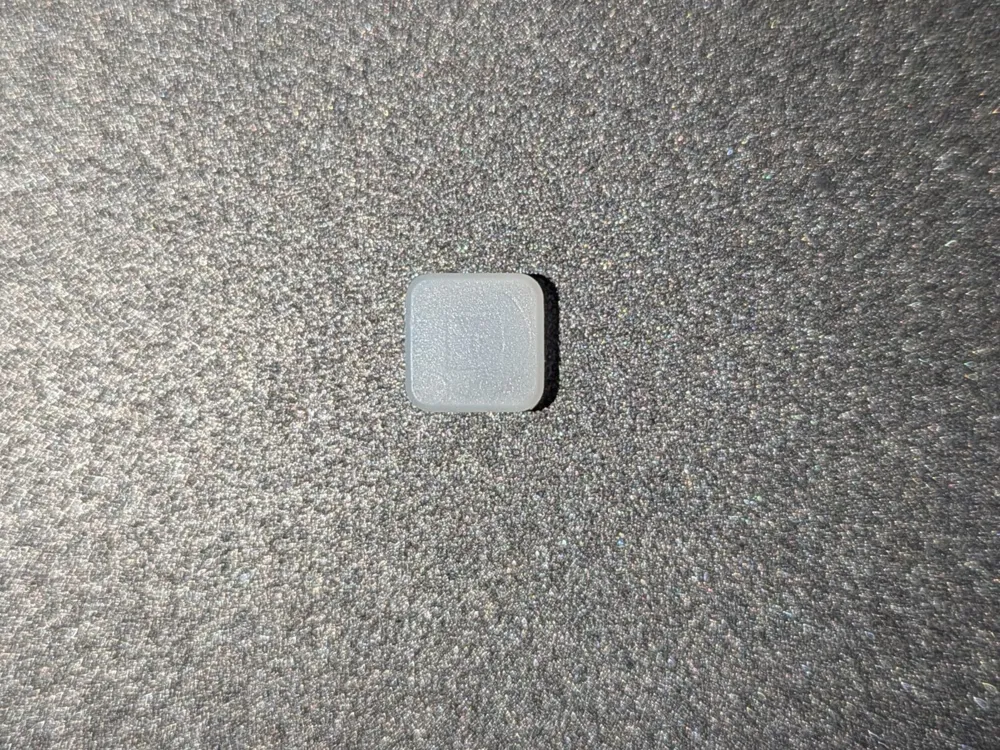
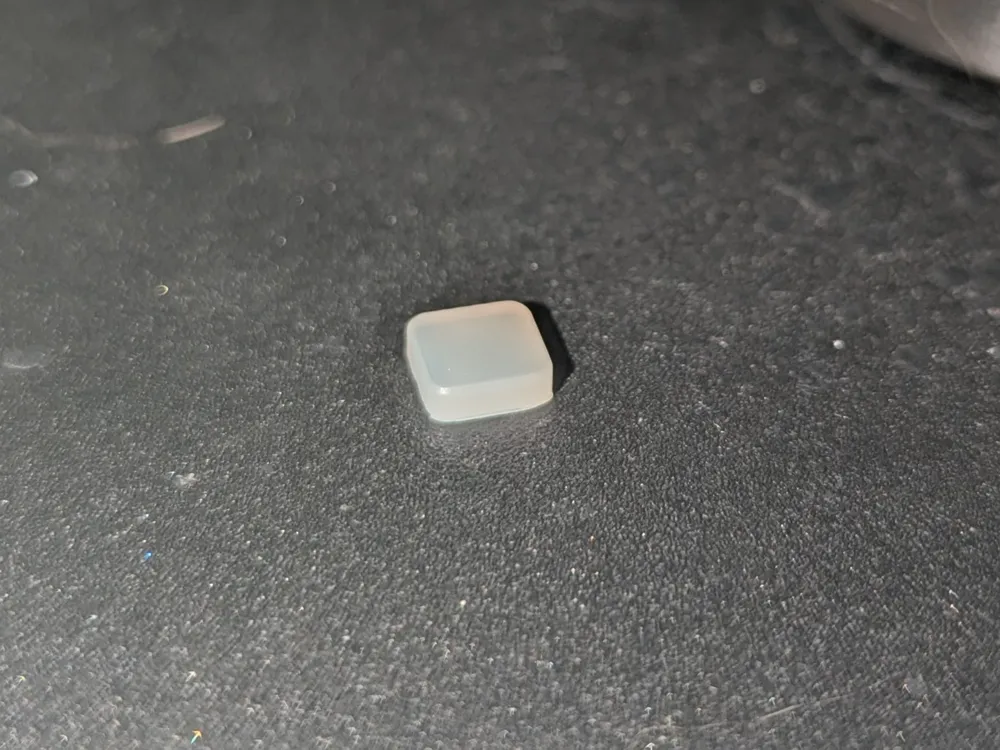
Uni Pro Button Replacement
IP Report
Print Profile(0)
Add the first print profile to earn points
Boost
0
0
0
0
0
0
Released
Description
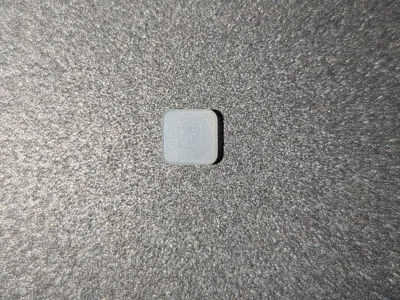
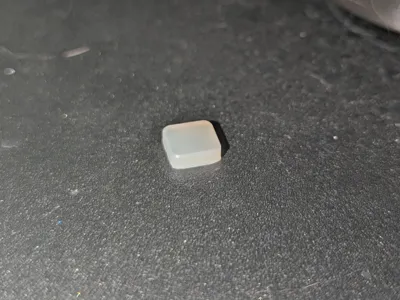
Replacement part for the Yocan Uni Pro
Remove 2 screws on outer shell and open the device, be careful not to lose any parts. Use tweezers to remove rubber insert underneath the fire button, and replace with printed part. Carefully reassemble
License

This user content is licensed under a
Creative Commons Attribution-Noncommercial


Comment & Rating (0)