
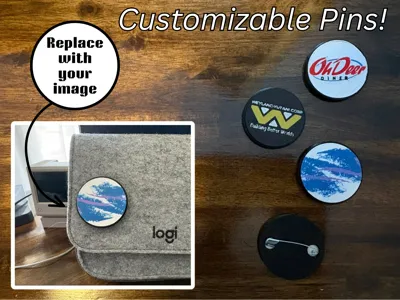
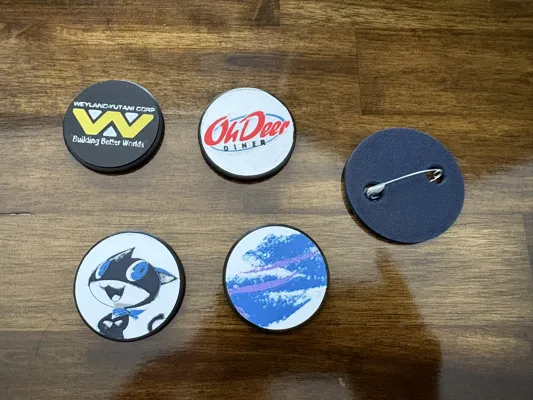
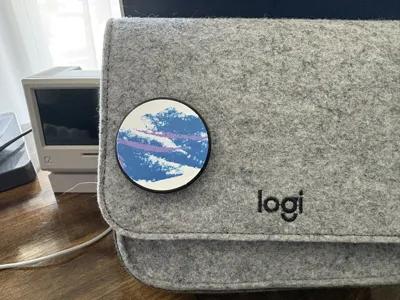
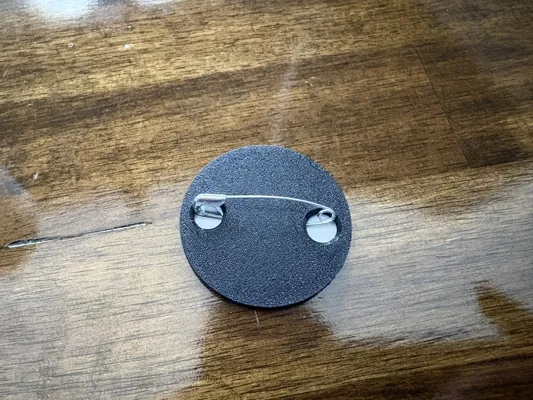
Customizable Pin
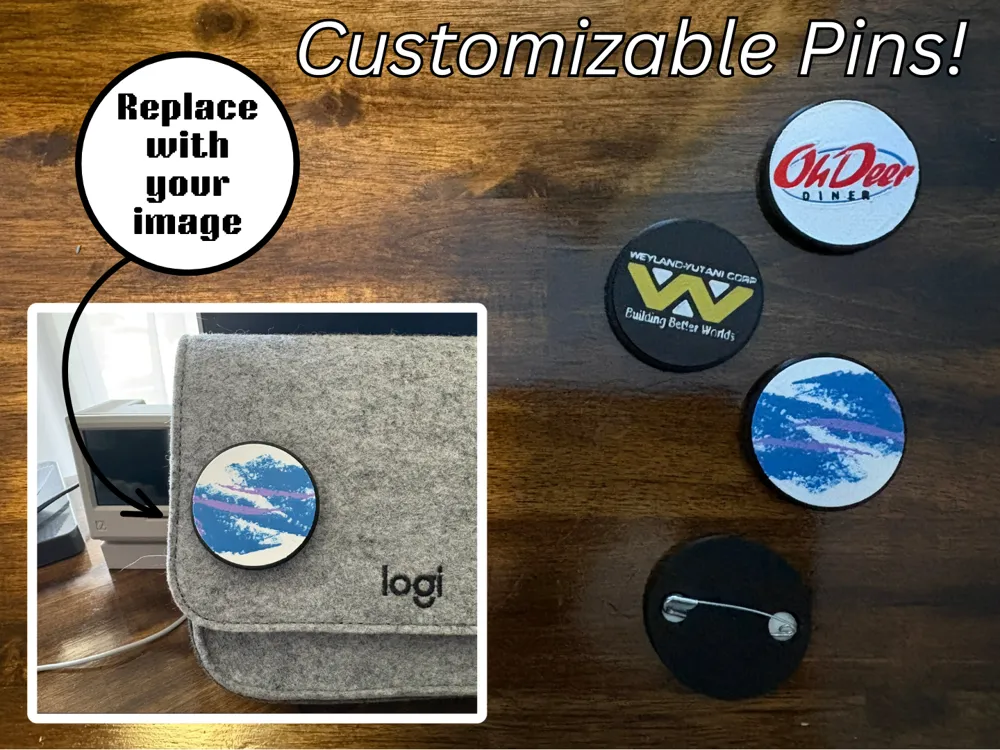
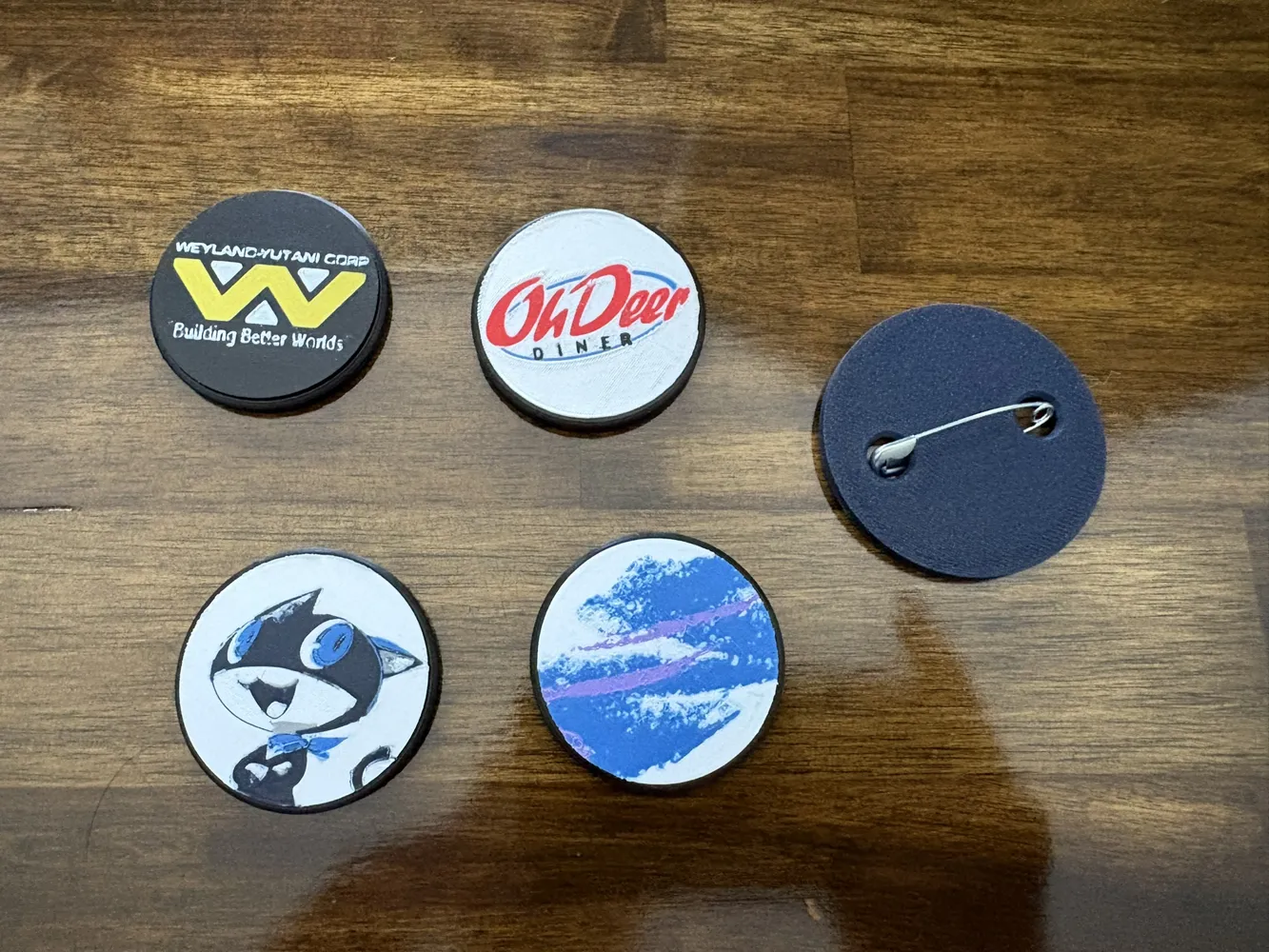
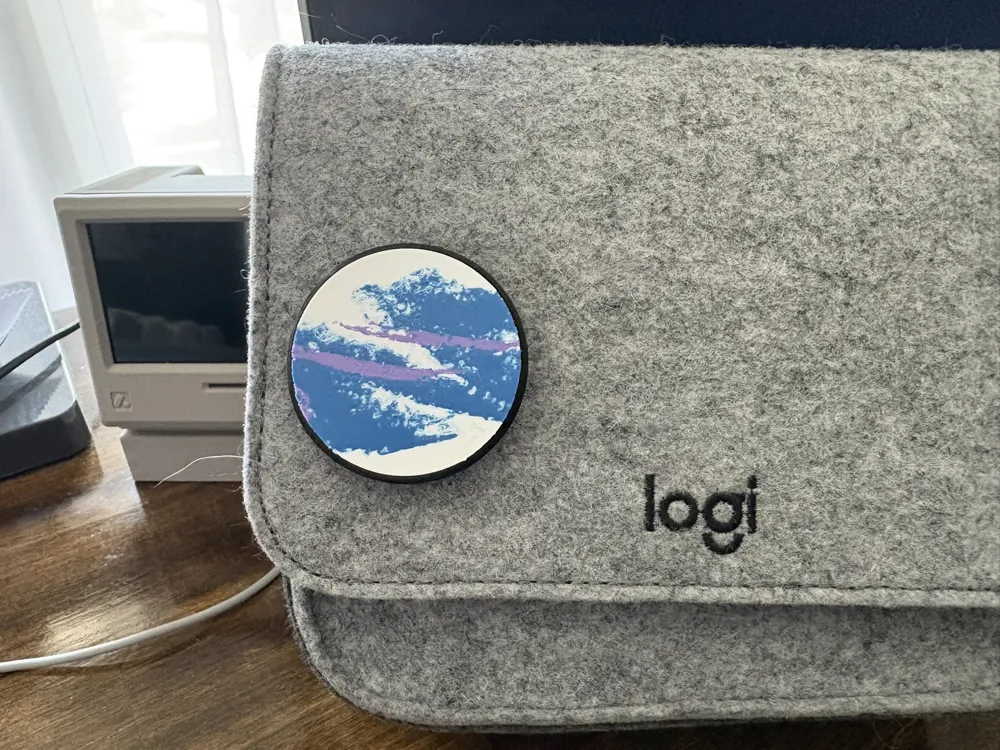
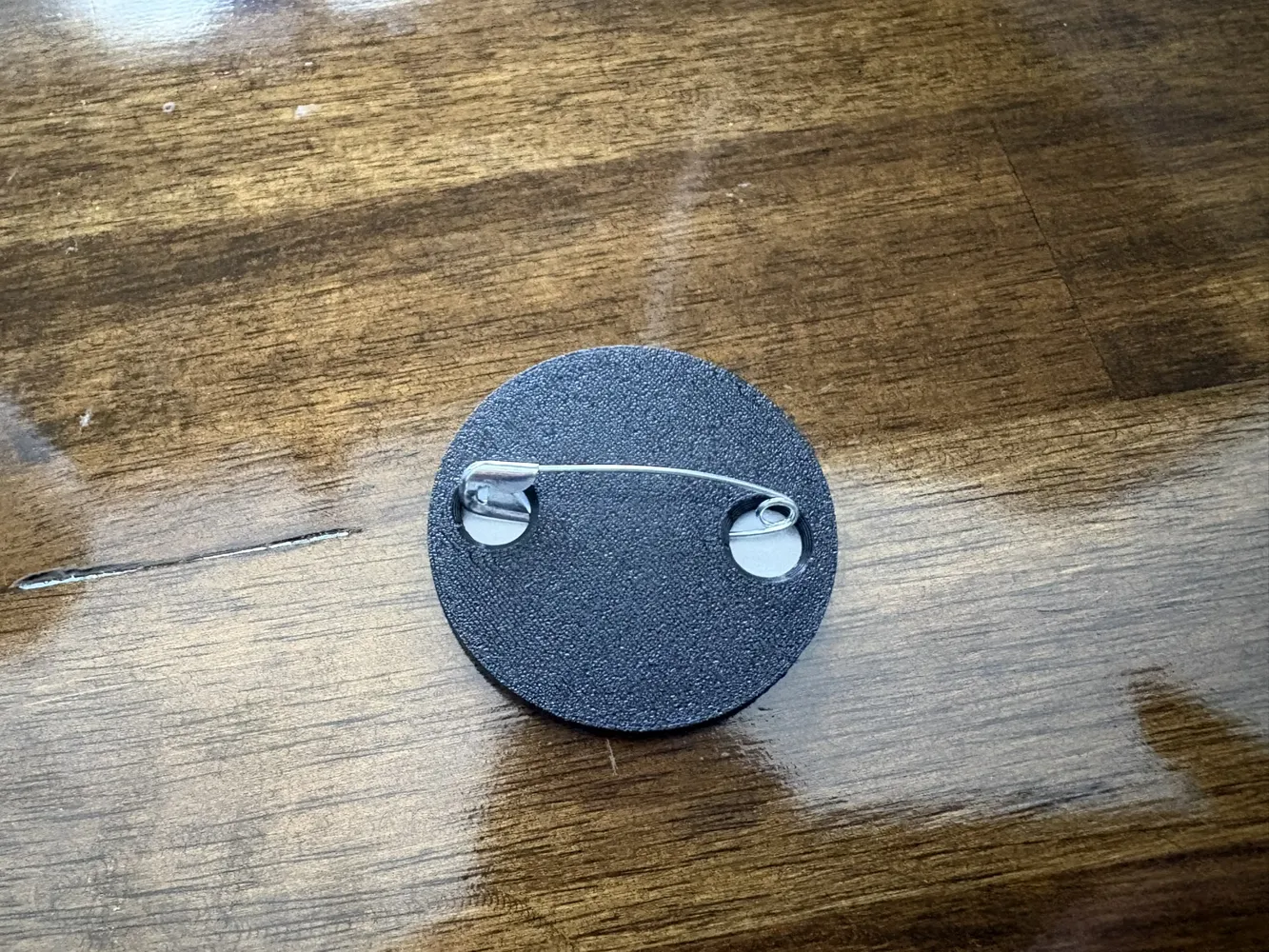
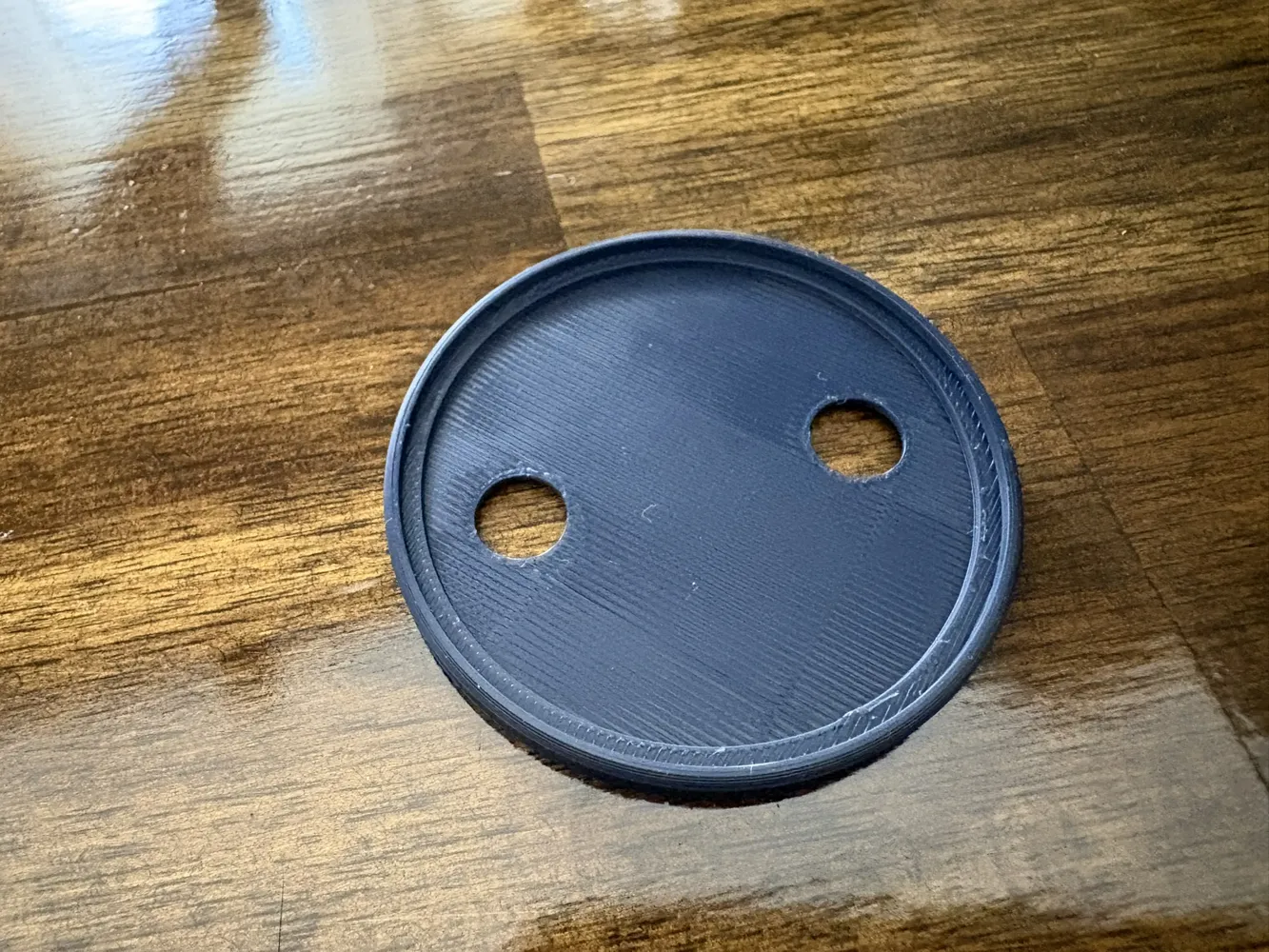
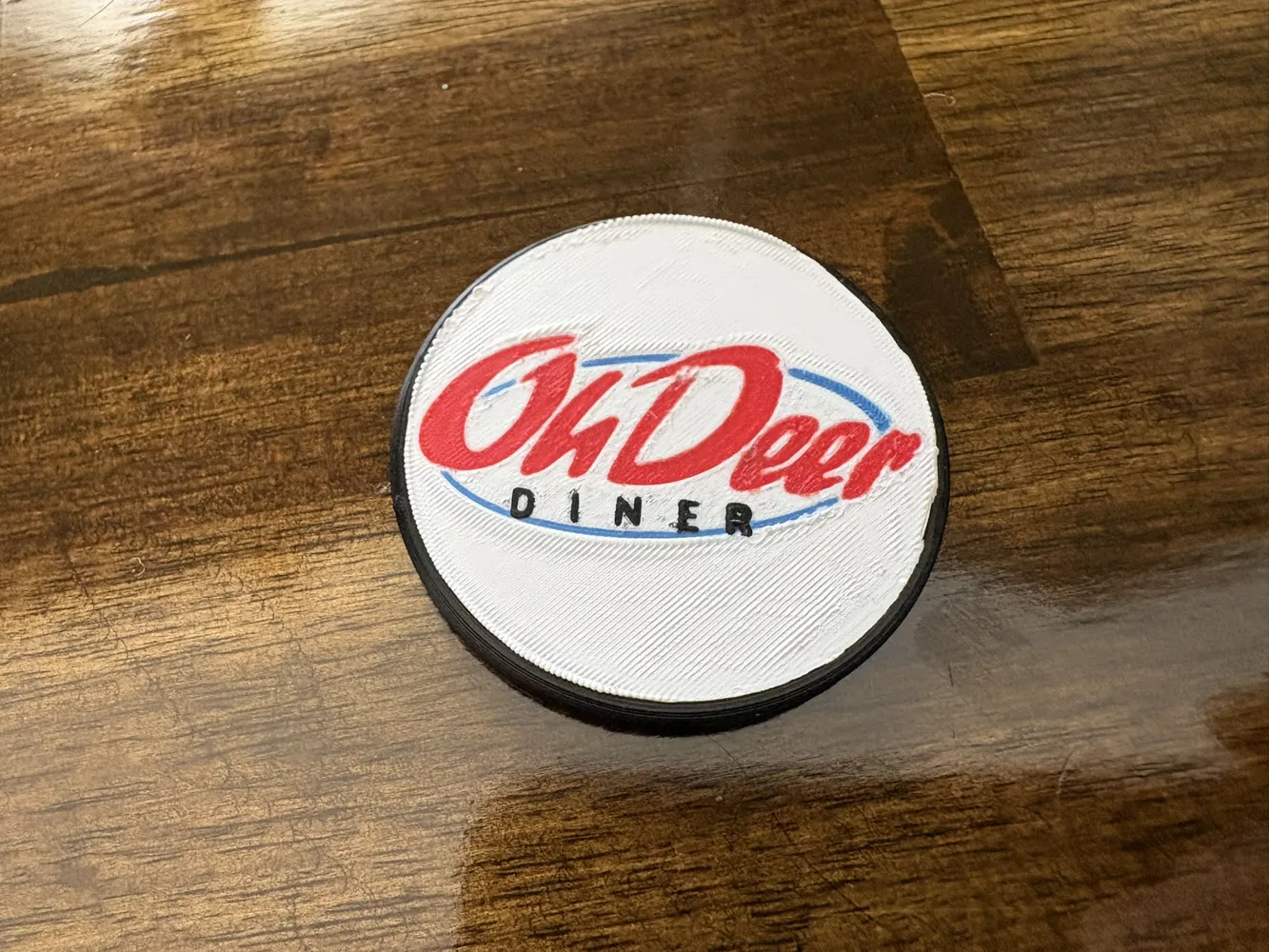
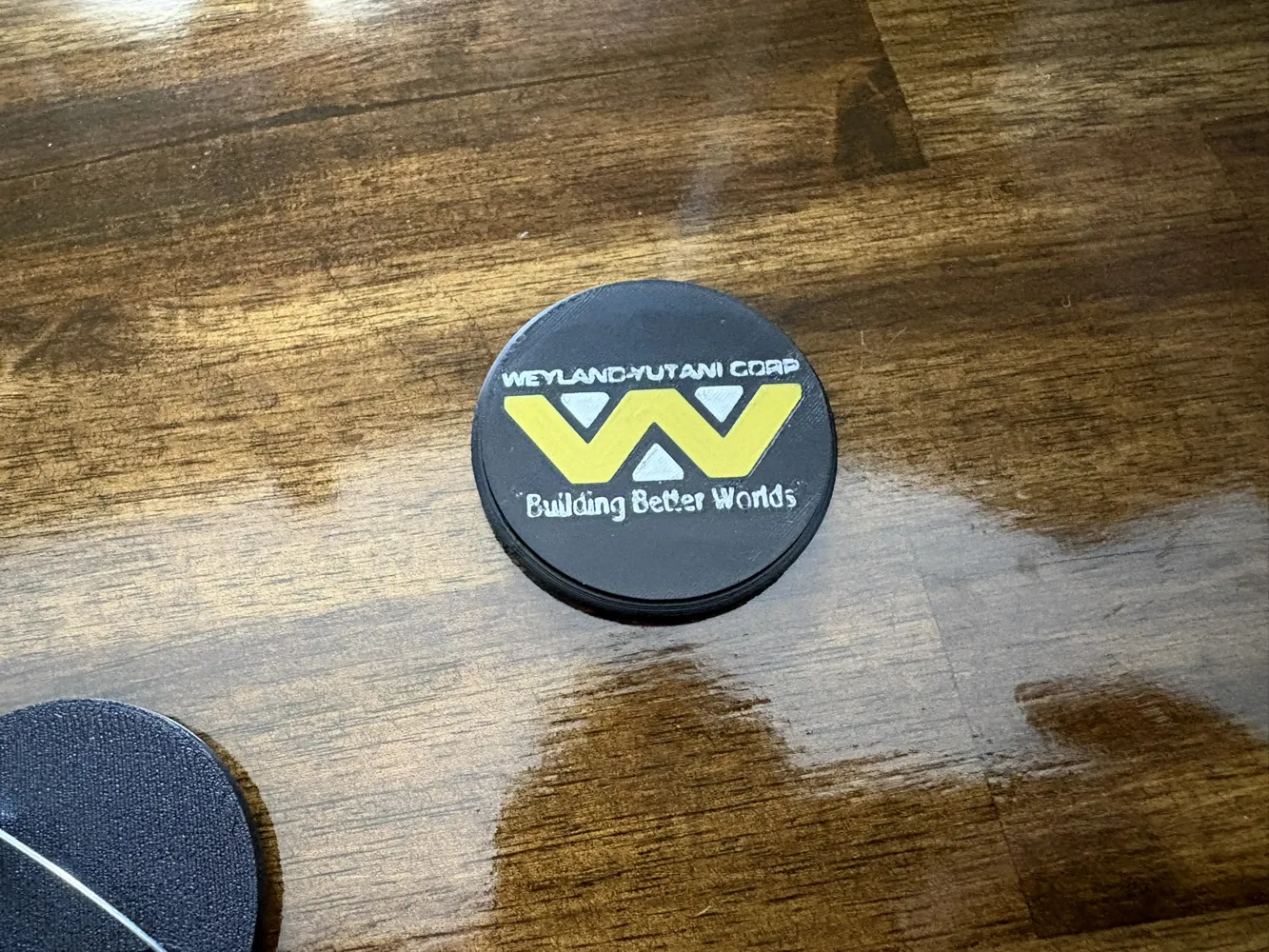
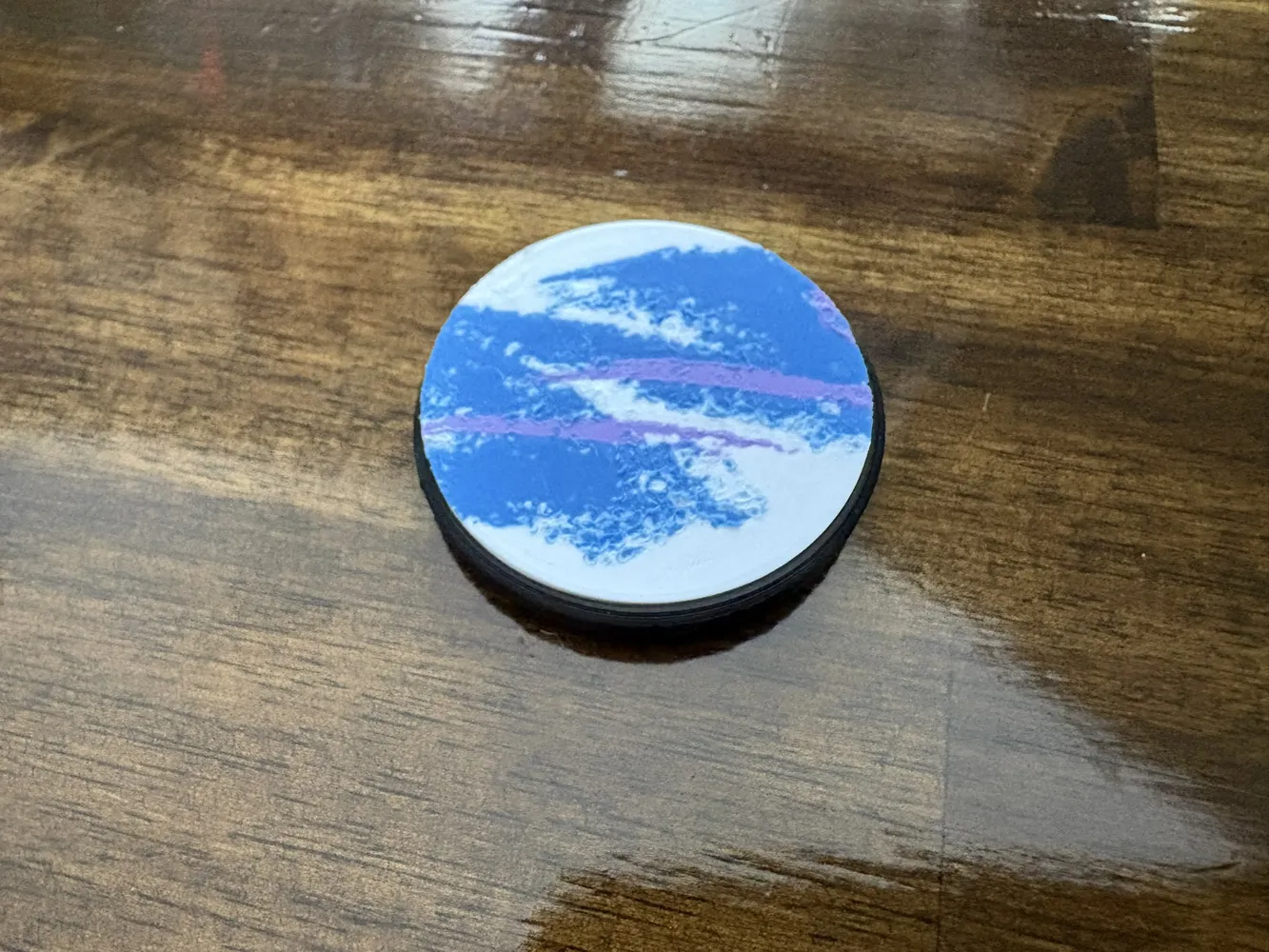
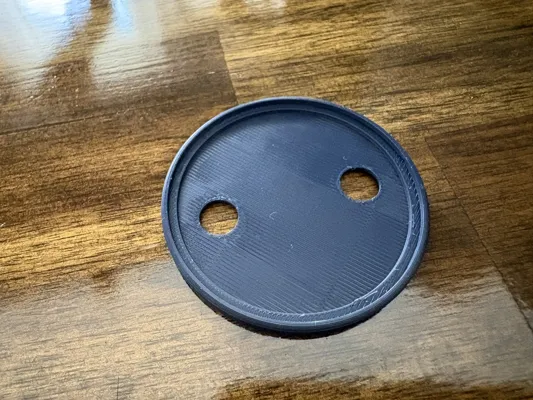
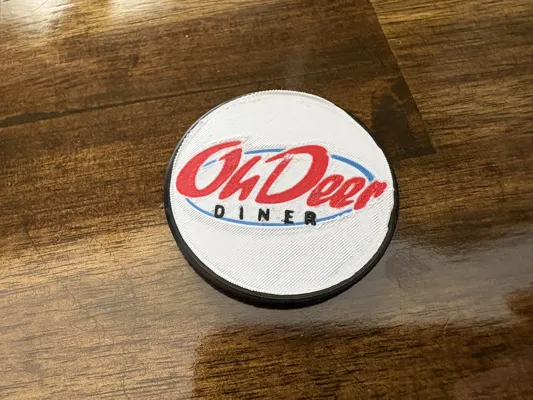
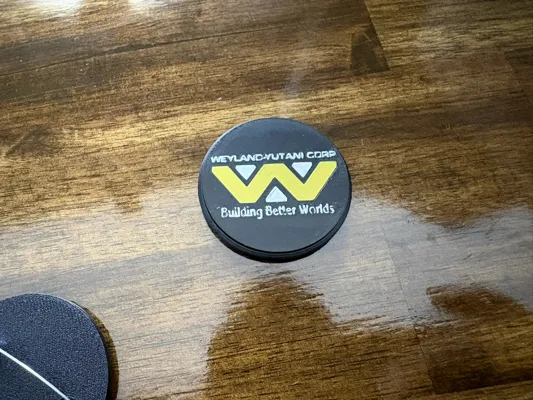
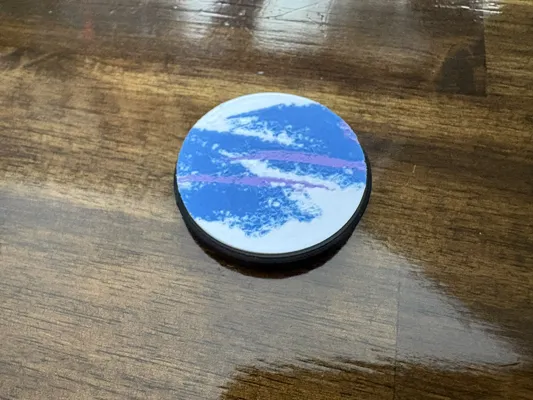
Print Profile(5)


Description
How to Customize Your Pin
Follow these simple steps using Bambu Lab's MakerLab "Image to Keychain" tool to create your own custom pin.
Powered by MakerWorld-Image to Keychain (https://makerworld.com/makerlab/imageToKeychain)
Step 1: Image Preprocessing
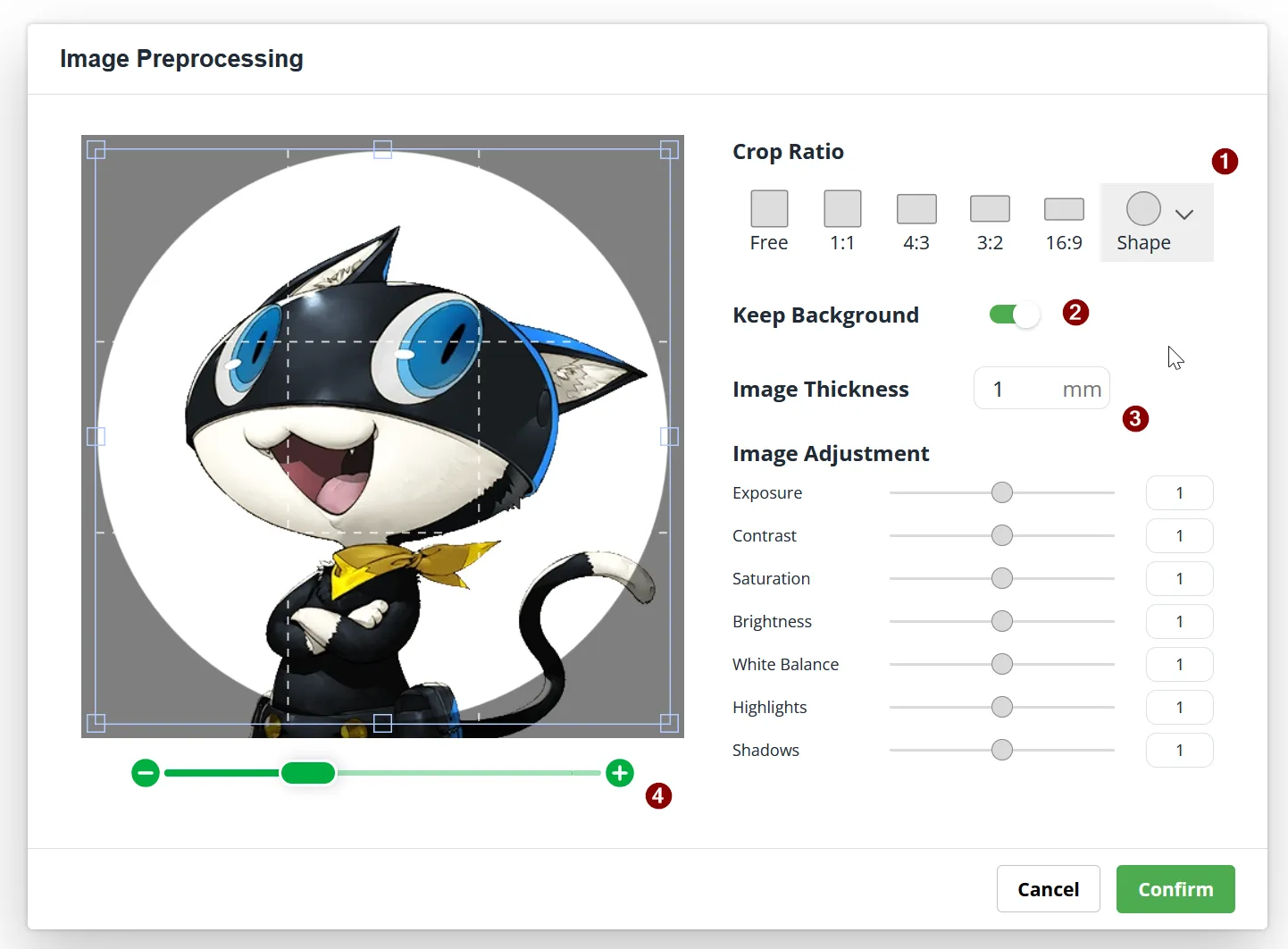
Upload your desired image and adjust the crop and background options.
- Change the Crop Ratio to Shape and select the circle icon ❶.
- Toggle Keep Background to ON ❷.
- Set the Image Thickness to 1 mm ❸.
- Use the slider ❹ to adjust the zoom and center your character within the circle.
Step 2: Fine-Tune the Plate & Thickness Settings
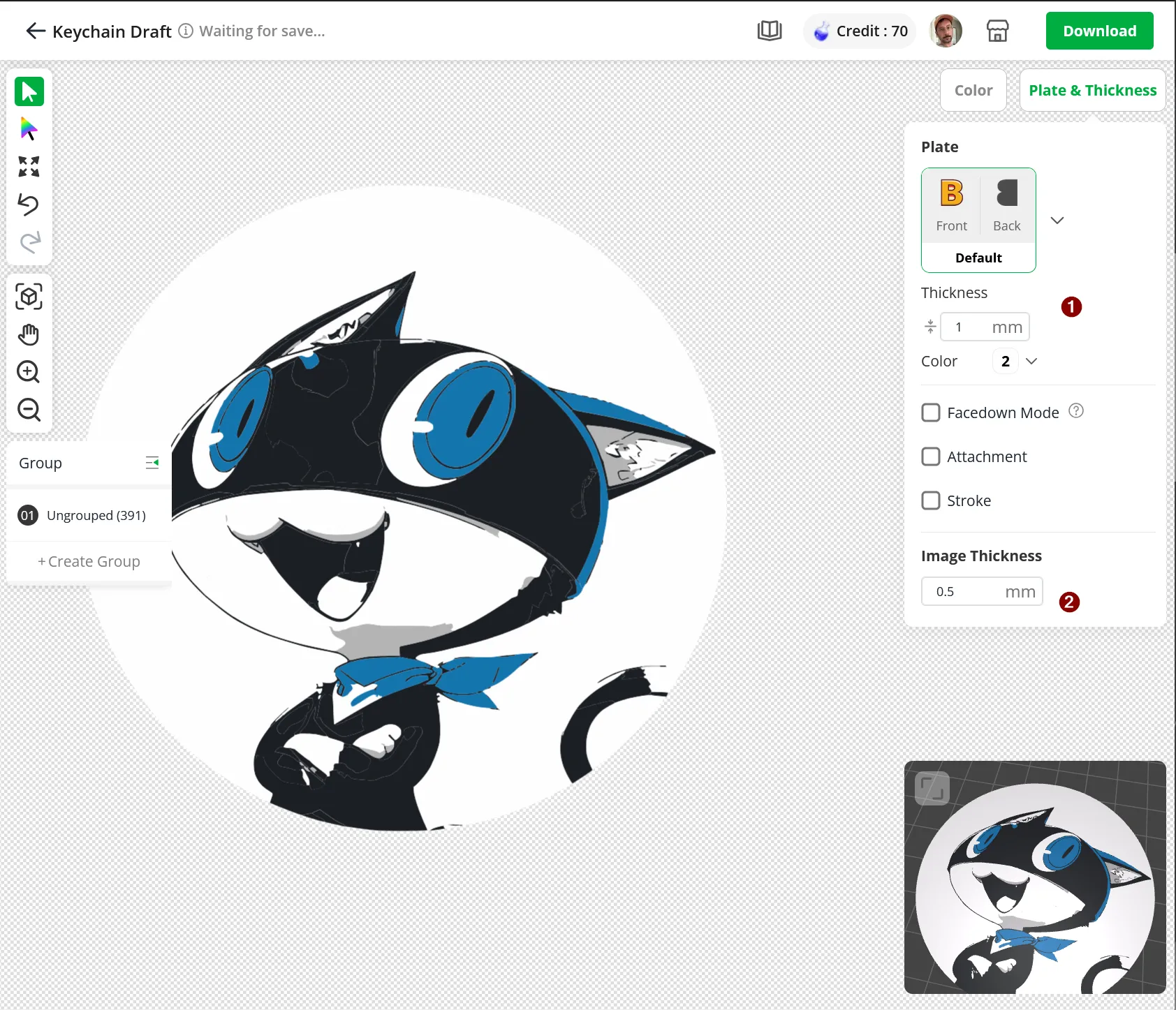
Once inside the editor, navigate to the Plate & Thickness tab on the right side of the screen.
- Set the Plate Thickness to 1 mm ❶.
- Set the Image Thickness to 0.5 mm ❷.
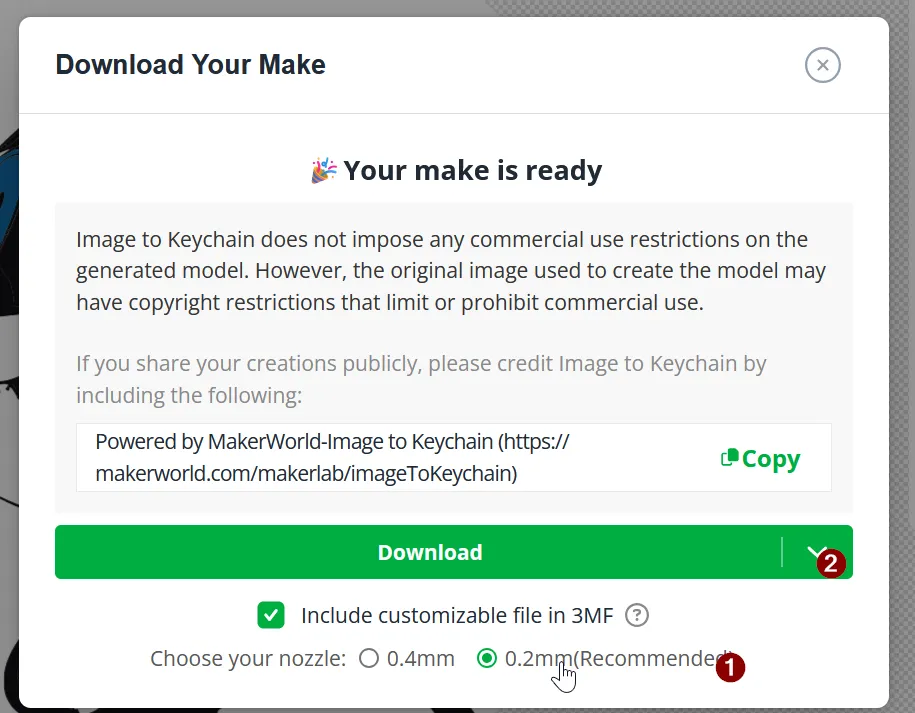
Step 3: Choose Your Nozzle & Download
Click the green Download button in the top right, which will bring up the download prompt.
- Under "Choose your nozzle", select 0.2mm (Recommended) ❶.
- Click the final green Download button ❷ to grab your customized .3MF file.
Step 4: Import and Adjust Colors in Bambu Studio
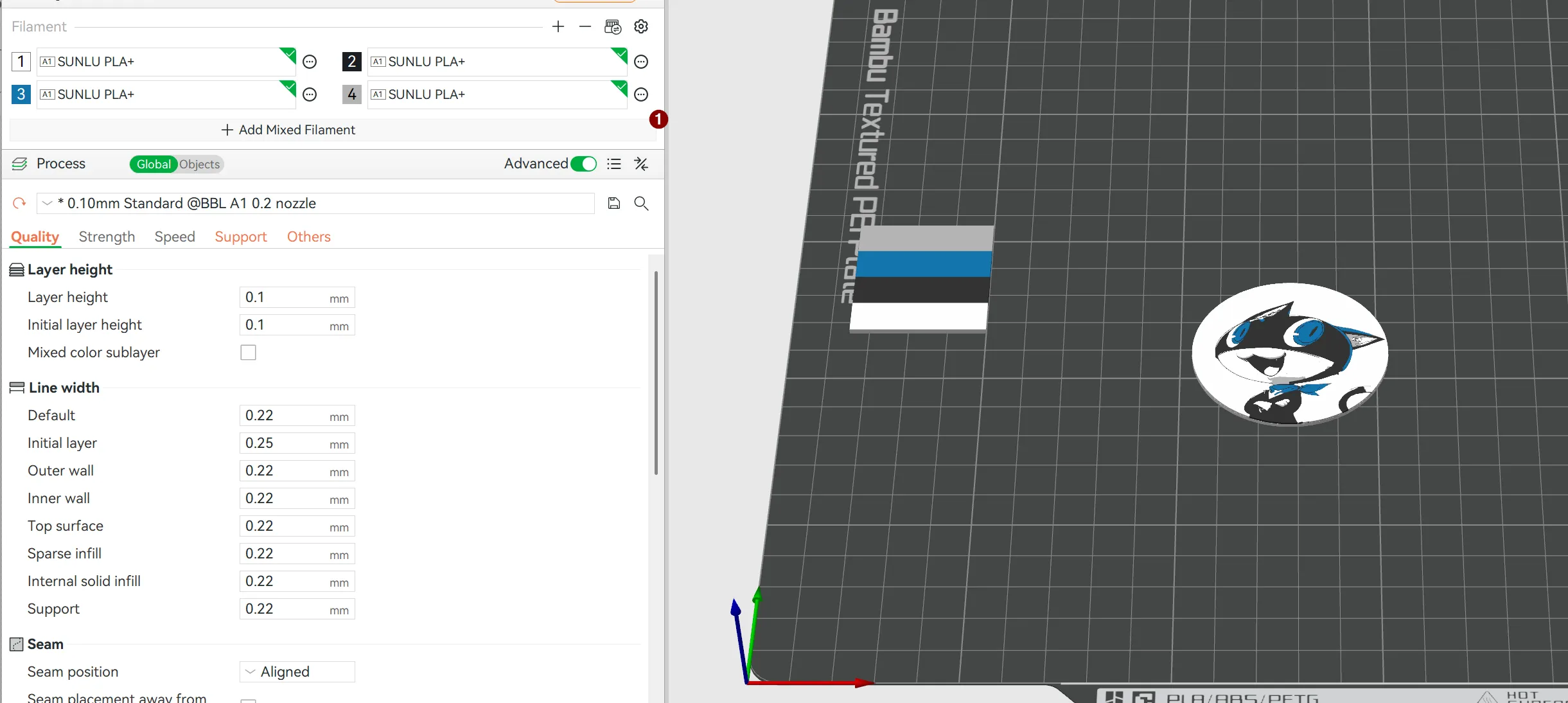
Open the downloaded file in Bambu Studio.
- Map your AMS filament slots ❶ to match the colors of your design.
- Tip: For crisp details on small pins, the recommended 0.10mm Standard layer height layer profile with a 0.2mm nozzle yields the sharpest results!
Recommended Print Settings
- Nozzle: 0.2mm (Highly recommended for fine text/details)
- Layer Height: 0.10mm
- First Layer Height: 0.10mm
- Infill: 100% (Grid or Monotonic)
- Note: You may have to play with settings to get best final results. For instance, adding a modifier to slow the print speed down for the image or disabling ironing.
License

You may create derivative works based on this object, provided that all such derivative works are published exclusively on the MakerWorld platform and include proper attribution to the original creator. You may not share, upload, host, distribute, or publish this object—or any derivative work of this object—on any other digital platform, marketplace, or distribution channel. Commercial use of this object and any derivative works is strictly prohibited. This includes, but is not limited to, selling, renting, sublicensing, or using the object in any context in which you receive monetary compensation or other financial benefits.


Comment & Rating (0)