
Desk Stabilizer
Print Profile(1)
Description
Update June 12, 2026:
Replaced customization file to work better with very thick tables. Please note to enter the thickness in mm. Minimum wall distance is 51 mm and minimum table thickness for customizer is 36 mm but if your desk is thinner than that just print a longer bolt. The maximum size of the bolt needed is 53 mm.
Update June 3, 2026:
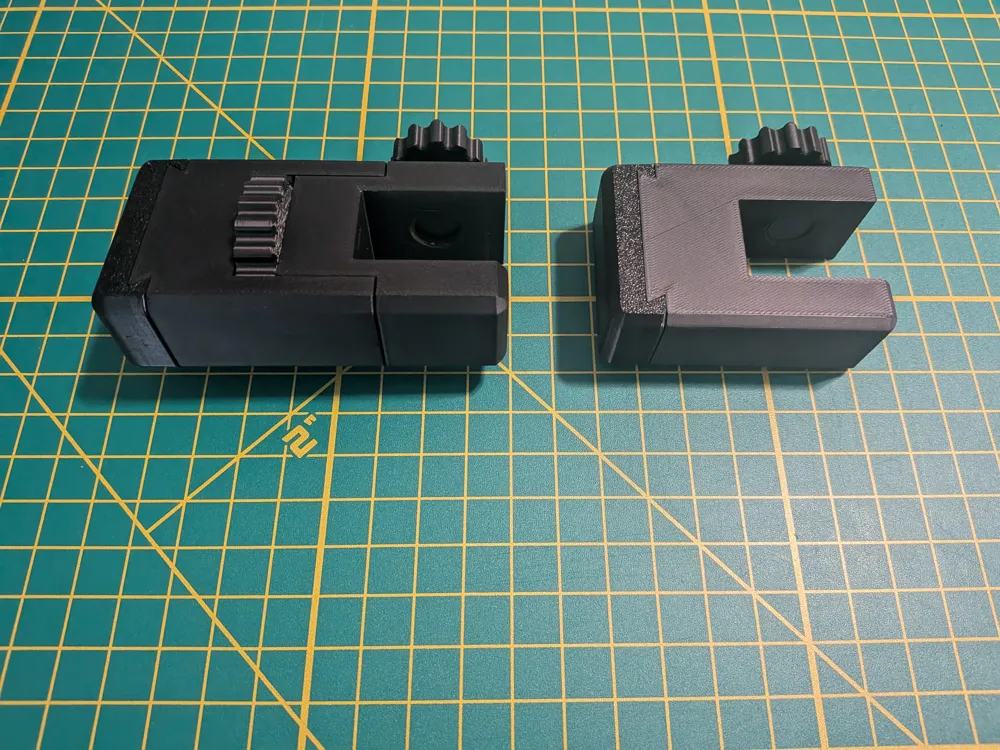
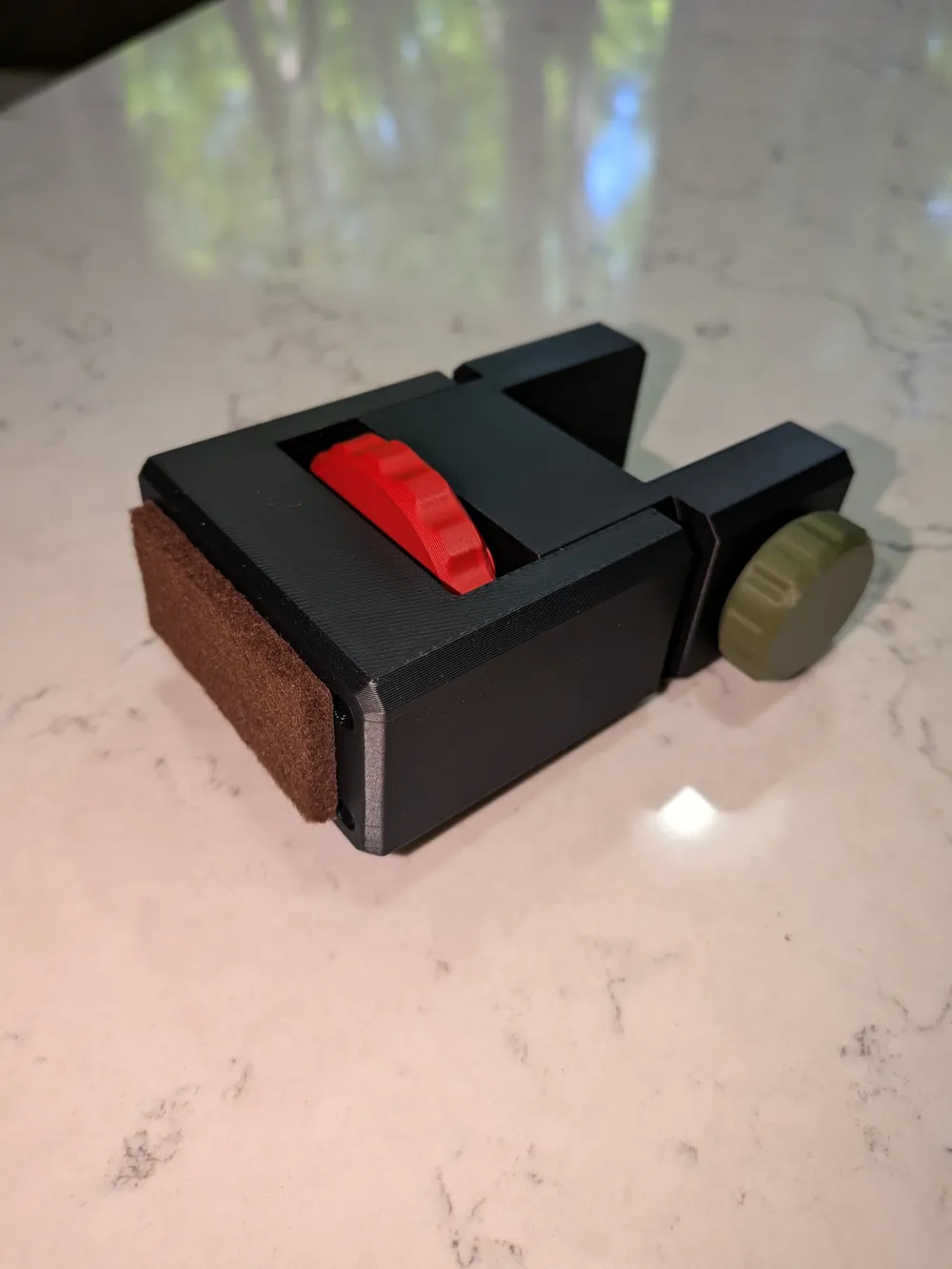
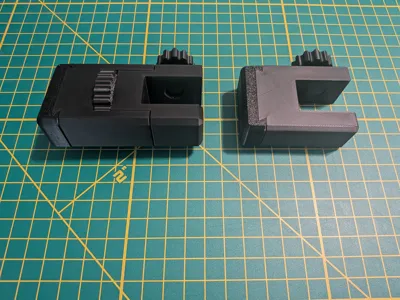
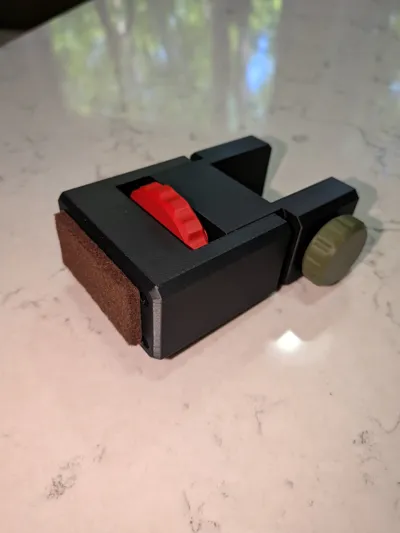
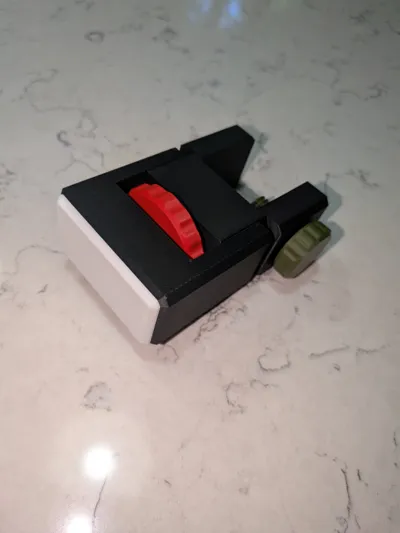
I updated the model and made it parametric so that you can adjust the opening for the thickness of your desk and I made the length adjustable if your desk needs to be further from the wall. I also included a fixed length short version. The new models have an optional tpu bumper because some people can't print tpu or they would rather use a felt pad to protect the wall. The original model is still available on plates 3 and 4.
Model Description:
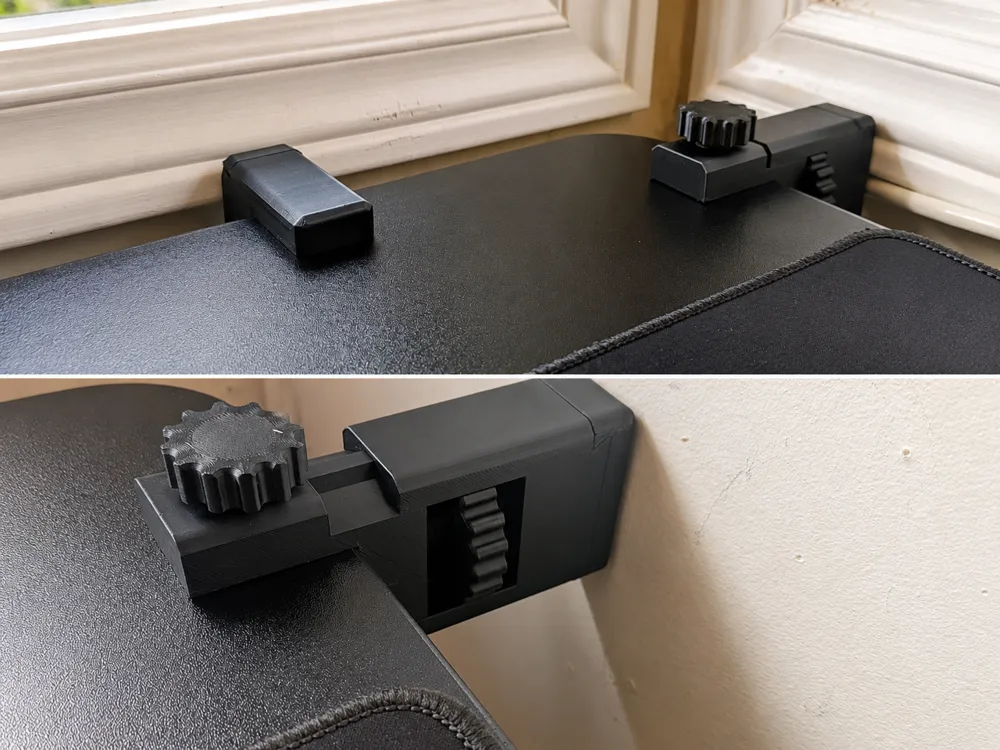
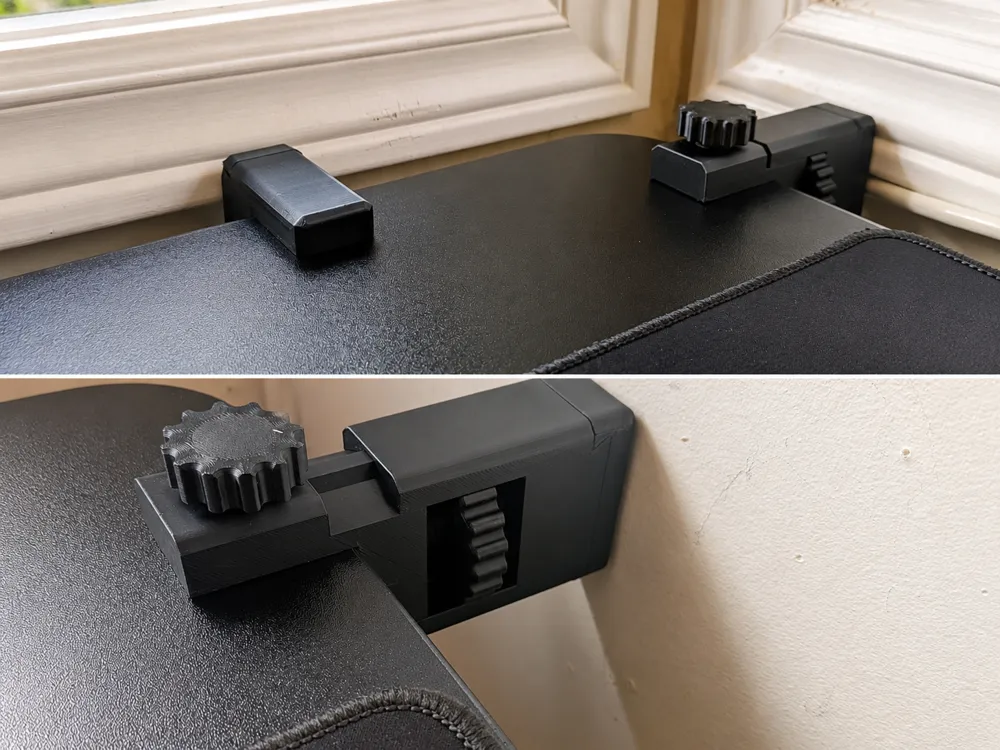
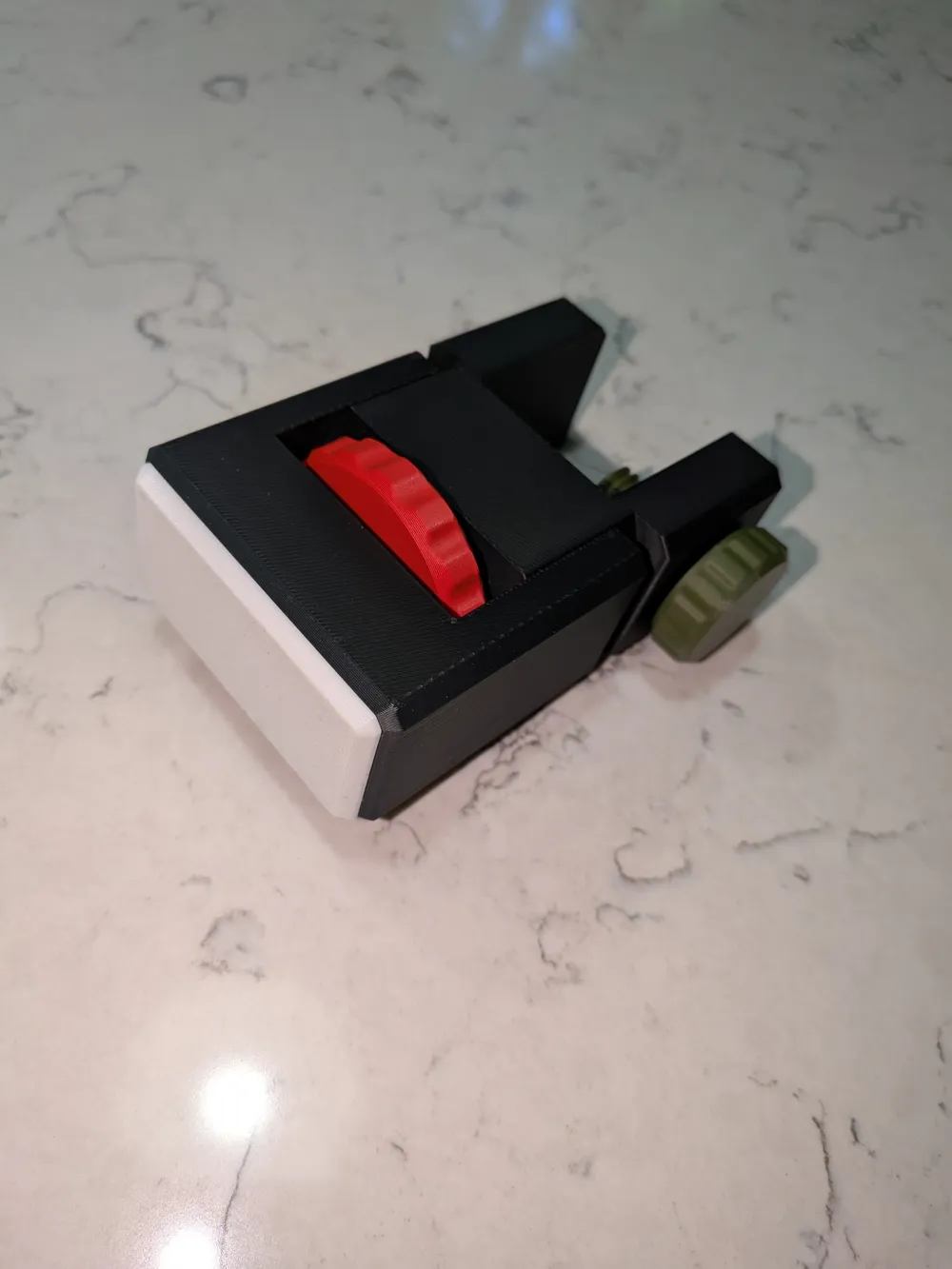
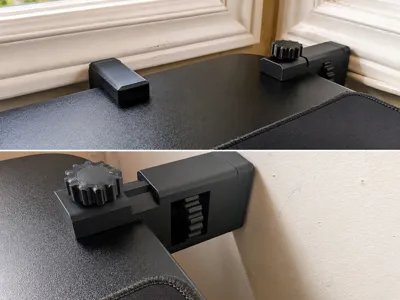
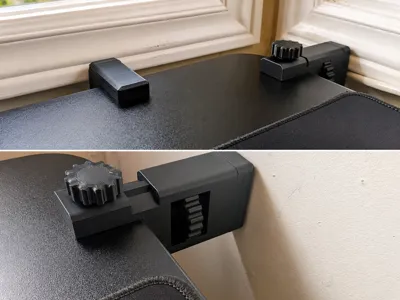
This is an adjustable desk stabilizer that keeps your desk from shaking when using your mouse, printer, etc. My stand-up desk likes to move around a lot when I am working and it shakes the monitors too much. These stabilizers have a wheel that you can rotate to extend the stabilizer towards the wall which helps to stop it from moving. When you want to lower or raise the desk, just turn the wheel to retract the stabilizer. The new models can accommodate a desk thickness of 36 mm without having to use the customizer.
The optional part that touches the wall should be made from TPU so that it does not damage the wall. The TPU also provides more friction to stop the desk from moving. If you don't want to print the TPU part, you can use a piece of stick on felt to protect the wall.
Customization Directions:
For those of you that want to customize the model:
- Push the customization button and enter the table thickness and the distance you want your table from the wall. There is also a bolt height that you can adjust but It is only necessary if you have a very thin table. Use the optional customization button for the bolt.
- Push the Blue Generate button and then download the file in whatever format you like.
- Open the original print profile by the Open in Bambu Studio button. You will see various plates that have the 36mm options on plates 1 and 2. You will also see the original model on plates 3 and 4.
- Create a new plate and import the file you customized.
- Select the model on the new plate and then right click on the model and split it into objects.
- Use the Auto Orient Objects on new plate button and then push the arrange objects on new plate button. You may want to put the bumper on a different plate so that you can print it in tpu.
- To adjust the bolt size use the customize button and select the bolt to customize.
For people that have a standing desk that they like to move up and down and not have to worry about retracting the stabilizer I have designed a model that utilizes rollers that will keep pressure on the wall as the desk moves up and down. Here is the link:
License

You may create derivative works based on this object, provided that all such derivative works are published exclusively on the MakerWorld platform and include proper attribution to the original creator. You may not share, upload, host, distribute, or publish this object—or any derivative work of this object—on any other digital platform, marketplace, or distribution channel. Commercial use of this object and any derivative works is strictly prohibited. This includes, but is not limited to, selling, renting, sublicensing, or using the object in any context in which you receive monetary compensation or other financial benefits.


Comment & Rating (45)