
Rover
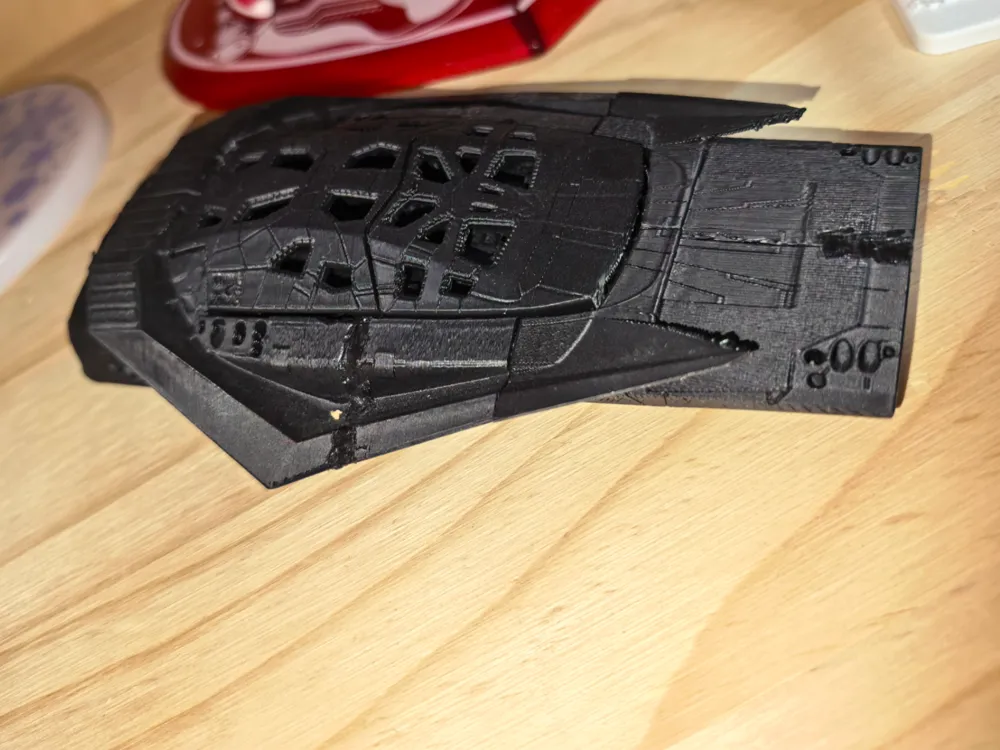
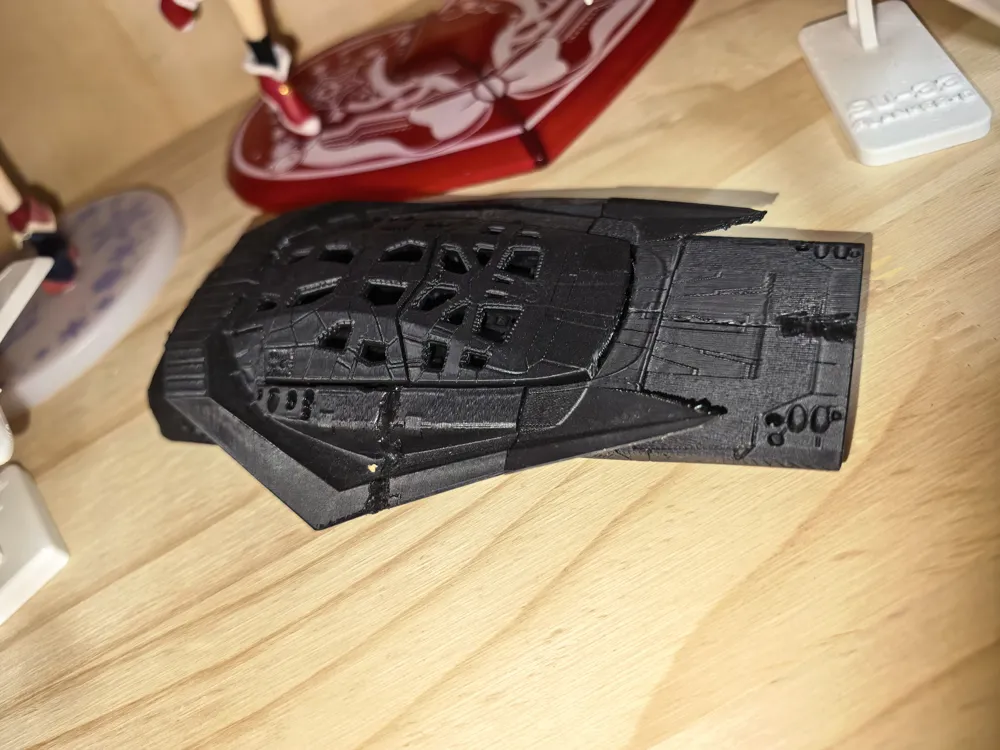
Print Profile(2)
Description
The original model has been pre-arranged and optimized for printing
Related settings parameters:
Layer height
Layer Height
0.12 - 0.20 mm
For better quality use 0.12 mm layer height, for fast printing use 0.2 mm layer height. For pins and the Ge connectors, use 0.2 layer height.
First layer height
0.20 - 0.28 mm
120-150% of your Layer Height
Line width
Default:
0.42 mm
Initial Layer
0.50 - 0.60 mm
Outer wall
0.40 mm
Inner wall
0.45 mm
Top surface
0.45 mm
Sparse infill
0.45 mm
Internal solid infill
0.42 mm
Support
0.42 mm
Seam
Seam position
Aligned
But you can paint the seam if you want.
Smart scarf seam application
✔
Scarf application angle threshold
155.0 °
Scarf steps
10.0
Scarf joint for inner walls
✔
Role-based wipe speed
✔
Precision
Slice gap closing radius
0.0490 mm
Resolution
0.0120 mm
Arc fitting
✔
X-Y hole compensation
0.010 - 0.050 mm
You have to calibrate this parameter
X-Y contour compensation
0.010 - 0.050 mm
You have to calibrate this parameter
Elephant foot compensation
0.10 - 0.20 mm
You have to calibrate this parameter
Wall generator
Classic
Wall transitioning threshold angle
10.0 °
Wall transitioning filter margin
25.0 %
Wall transition length
100.0 %
Minimum wall width
85.0 %
Minimum feature size
25.0 %
Order of walls
inner/outer
Bridge flow
0.85
Only one wall on top surfaces
Top surfaces
Smooth speed discontinuity area
✔
Smooth coefficient
80.0
Detect thin wall
Disabled for vehicles and enabled for characters
Top/bottom shells
Top surface pattern
Monotonic
Top shell layers
5
For 0,2 Layer Height
Top shell thickness
1.00 mm
Top paint penetration layers
5
Bottom surface pattern
Monotonic
Bottom shell layers
5
Bottom shell thickness
1.00 mm
Bottom paint penetration layers
5
Internal solid infill pattern
Rectilinear
Sparse infill
Sparse infill density
6.0 %
Sparse infill pattern
Triangles
Length of sparse infill anchor
400.0 %
Maximum length of sparse infill anchor
20.0 mm
Advanced
Infill/Wall overlap
15.0 - 25.0 %
Infill direction
45.0 °
Bridge direction
0.0 °
Minimum sparse infill threshold
10.0 mm²
Detect narrow internal solid infill
✔
Ensure vertical shell thickness
Enabled
Detect floating vertical shells
The parameters in this tab vary greatly, it all depends on the quality of your printer. For example, if you have a classic Ender3, stick to the minimum parameters, but if you have a newer printer, for example Anycubic cobra 3 v2, you can select the maximum recommended values
Initial layer speed
Initial layer
15.0 - 45.0 mm/sec
Initial layer infill
35.0 - 75.0 mm/sec
Other layers speed
Outer wall
30.0 - 150.0 mm/sec
Inner wall
30.0 - 250.0 mm/sec
Small perimeters
50.0 %
Small perimeter threshold
0.1 mm
Sparse infill
50.0 - 250.0 mm/sec
Internal solid infill
50.0 - 200.0 mm/sec
Vertical shell speed
80.0 %
Top surface
25.0 - 150.0 mm/sec
Slow down for overhangs
✔
Overhang speed
Overhang speed 10%
0.0 mm/sec
Overhang speed 25%
40.0 mm/sec
Overhang speed 50%
20.0 mm/sec
Overhang speed 75%
10.0 mm/sec
Overhang speed 100%
10.0 mm/sec
Bridge
20.0 - 40.0 mm/sec
Gap infill
30.0 - 150.0 mm/sec
Support
30.0 - 100.0 mm/sec
Support interface
30.0 - 60.0 mm/sec
Travel speed
Travel
80.0 - 350.0 mm/sec
Acceleration
Settings for advanced users, change these parameters only if you have sufficient 3D printing expertise
Normal printing
2,500.0 - 4,000.0 mm/sec²
Travel
2,000.0 - 7,000.0 mm/sec²
Initial layer travel
700.0 - 5,000.0 mm/sec²
Initial layer
300.0 - 500.0 mm/sec²
Outer wall
500.0 - 3,000.0 mm/sec²
Inner wall
500.0 - 4,000.0 mm/sec²
Top surface
500.0 - 2,500.0 mm/sec²
Sparse infill
100.0 - 100.0 %
Support
Enable support
✔
Enable this parameter if your model requires supports
Type
Tree (auto)
Style
Default
Threshold angle
10.0 - 60.0 °
We also recommend placing and removing supports manually in some places using special button
Remove small overhangs
✔
Raft
Raft layers
0 layers
Advanced
Initial layer density
90.0 %
Initial layer expansion
-1.0 mm
Support wall loops
-1 - 2
1-2 loops for more thick support
Top Z distance
0.20 - 0.25 mm
Top Z distance = 1-1.3 layer Height. If the supports are hard to remove, try increasing this setting by 0.1-0.4 mm
Bottom Z distance
Bottom Z distance = 1-1.3 layer Height. If the supports are hard to remove, try increasing this setting by 0.1-0.4 mm
Base pattern
Rectilinear
Base pattern spacing
2.50 mm
Pattern angle
0.0 °
Top interface layers
2 - 3 layers
Interface pattern
Concentric
Top interface spacing
0.00 - 0.50 mm
You have to calibrate this parameter which one is better for your filament
Normal Support expansion
0.00 mm
Support/object xy distance
0.35 - 0.80 mm
Increase this parameter if the supports are hard to remove from walls
Support/object first layer gap
0.35 mm
Max bridge length (only for tree supports)
1.0 mm
Independent support layer height
✔
Tree Support (only for tree supports)
Branch distance
5.0 mm
Branch diameter
2.0 mm
Branch angle
45.0 °
Branch diameter angle
5.0 °
Bed adhesion
Skirt loops
0
Skirt height
1 layers
For PLA and PETG filament types
Brim type
Outer and inner brim
Brim width
5.00 mm
5-8 mm is optional for small prints that have bad adhesion to the build plate
Brim-object gap
0.01 - 0.12 mm
Prime tower
Enable
✔
Skip points
✔
Width
35.0 mm
Max speed
90.0 mm/sec
Brim width
3.0 mm
Infill gap
150.0 %
Rib wall
✔
Rib width
8.0 mm
Fillet wall
✔
Flush options
Flush into objects support✔
Special mode
Slicing Mode
Regular
Print sequence
By layer
Timelapse
Traditional
G-code output
Reduce infill retraction✔
Documentation (1)
This remix is based on

License

You shall not share, sub-license, sell, rent, host, transfer, or distribute in any way the digital or 3D printed versions of this object, nor any other derivative work of this object in its digital or physical format (including - but not limited to - remixes of this object, and hosting on other digital platforms). The objects may not be used without permission in any way whatsoever in which you charge money, or collect fees.


Comment & Rating (0)