
Flexi Join Cutter
Print Profile(1)

Description
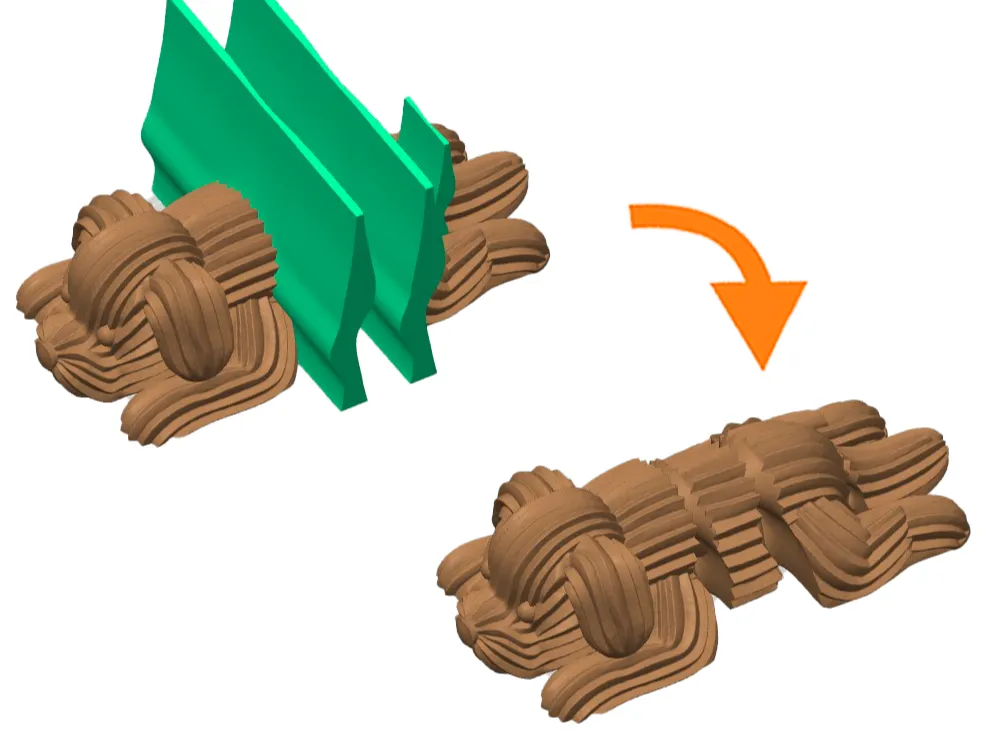
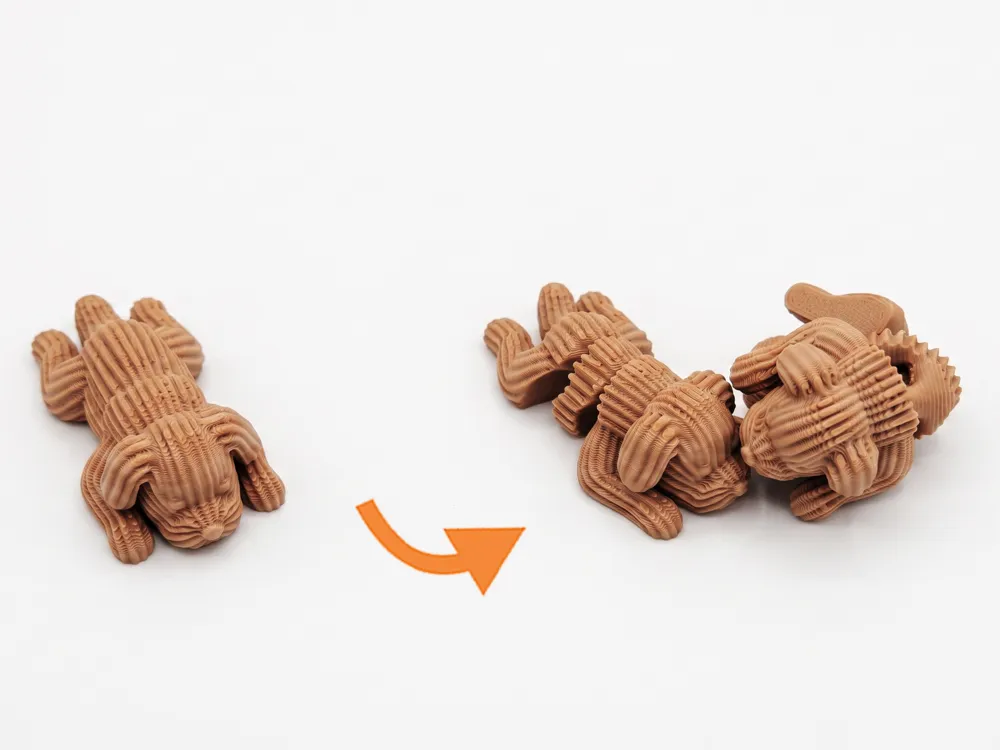

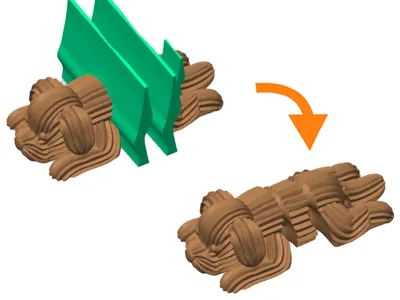
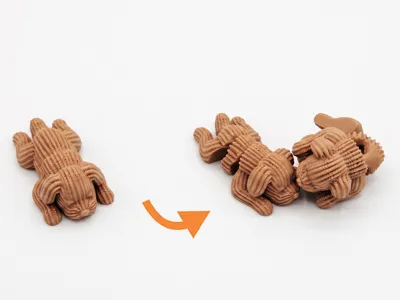
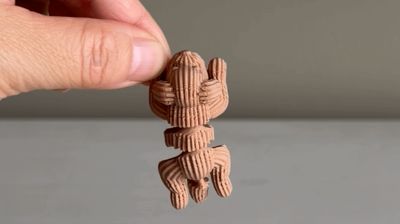
This ready-to-use Joint Cutter is optimized for Boolean subtraction directly in your slicer. It creates an interlocking double-loop mechanism inside a socket, allowing you to turn your static model into an articulated print-in-place "Flexi" without any complex 3d modeling software.
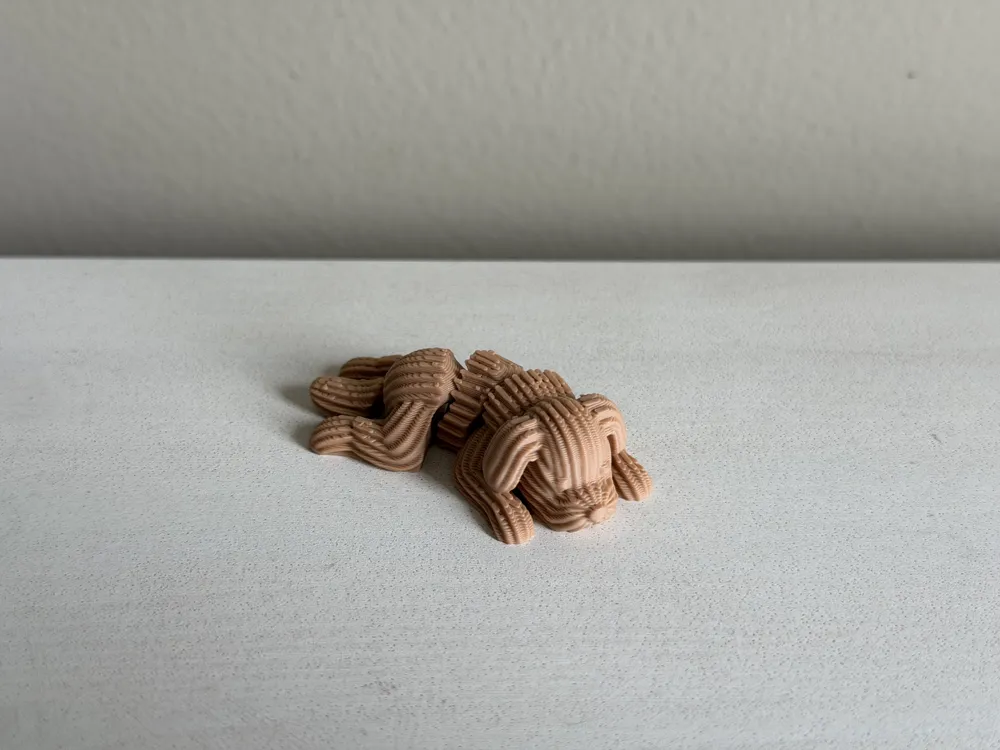
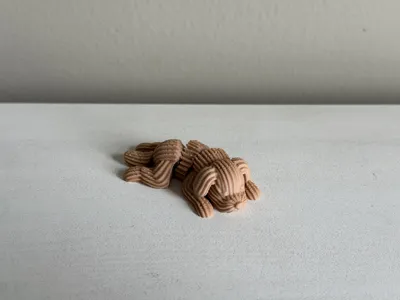
It’s the exact same joint cutter I used to create my Flexi Creamy Puppy.
How to use:
- Download: Get the Flexi Joint Cutter STL file from this page.
- Import: Drag your target model and this cutter STL into your slicer (Bambu Studio, OrcaSlicer, etc.).
- Position: Scale and place the cutter exactly where you want the joint to be.
- Boolean: Merge the objects and use the "Mesh Boolean - Subtract" function (Set your model as the base and the cutter as the tool).
- Print: Slice it and enjoy your new flexi creation!
Boost Me (for free)
Love the model? A Boost goes a long way in supporting my work!
And I love hearing your ideas, so let me know what to model next!
Check out the full workflow here:
License

You shall not share, sub-license, sell, rent, host, transfer, or distribute in any way the digital or 3D printed versions of this object, nor any other derivative work of this object in its digital or physical format (including - but not limited to - remixes of this object, and hosting on other digital platforms). The objects may not be used without permission in any way whatsoever in which you charge money, or collect fees.


Comment & Rating (29)