Search models, users, collections, and posts

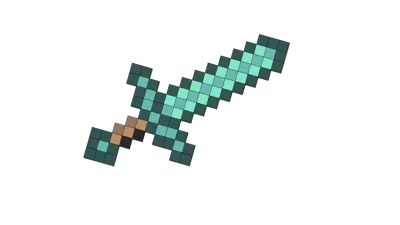
Minecraft Diamond Sword

Print Profile(1)

0.12mm layer, 2 walls, 5% infill

40 min
1 plate
Open in Bambu Studio
Boost
171
316
10
11
465
45
Released
Description
You have to print every pixel in the "desired" color. For easier printing they are named accordingly to a color. In addition you can see the "type" of block in the name as well as the number of blocks you have to print from this type and in this color.
E.g.: “Light grey x4_38”
This transfers to:
- Color: Light grey
- Type: 4x connections
- Number: Print 38 pieces of this connector in the color light grey.
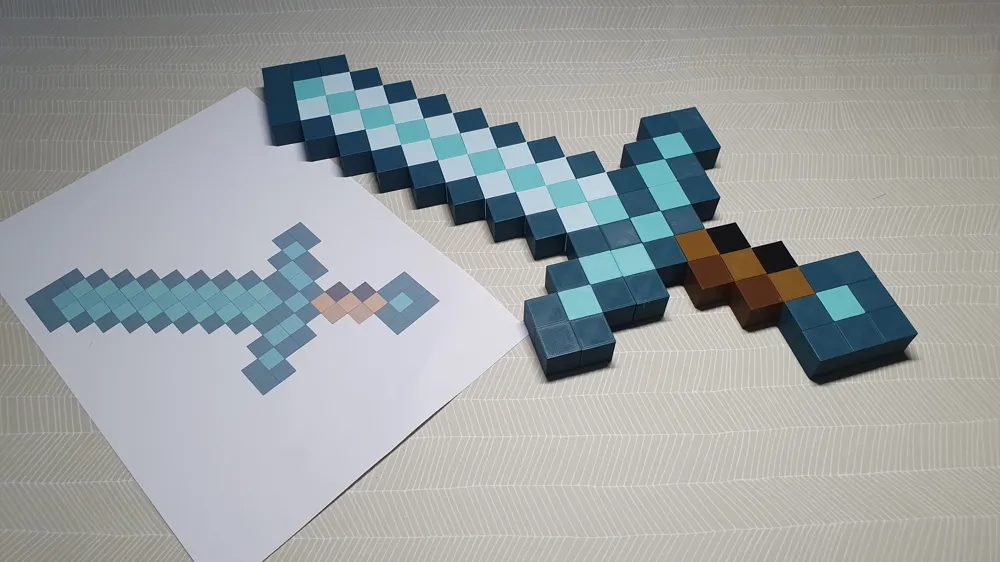
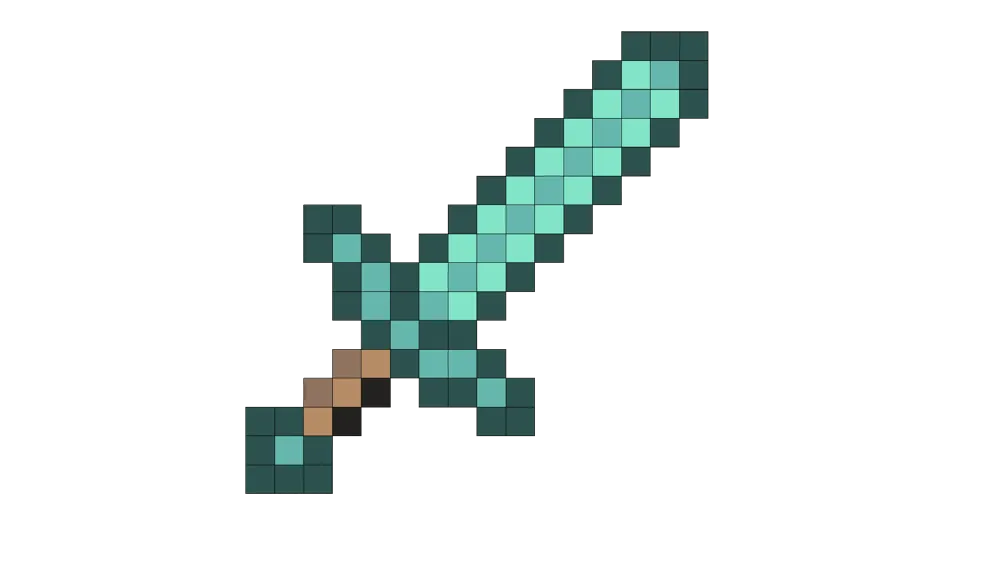
Use the image as a reference for building your pixelart. It took me around 0,5h to assemble and only ~ 40 hours to print. I recommend laying out all Pixels first and assembling it after you arranged all pixels. :)
I recommend printing a bunch more snap fits. Because you will have to break them if you made an error during assembly. ;)
I also made one which you can see here:
License

This user content is licensed under a
Creative Commons Attribution-Noncommercial-Share Alike


Comment & Rating (10)