
Print Profile(0)
Description
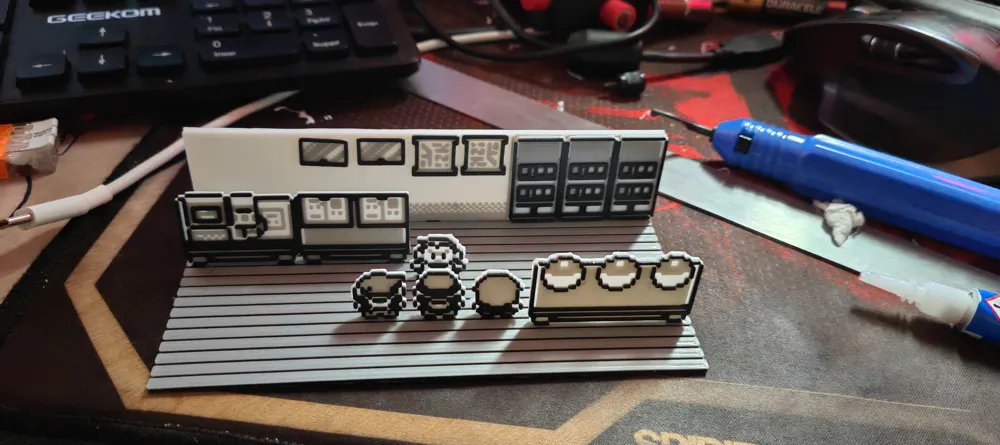
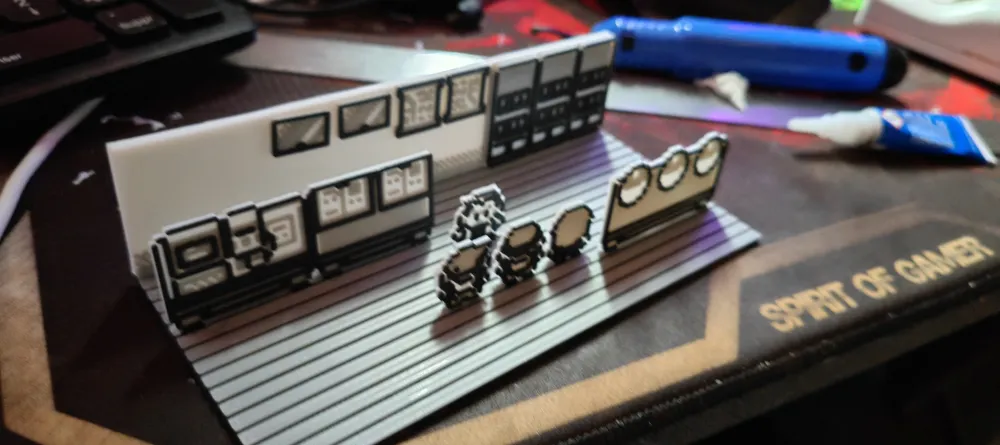
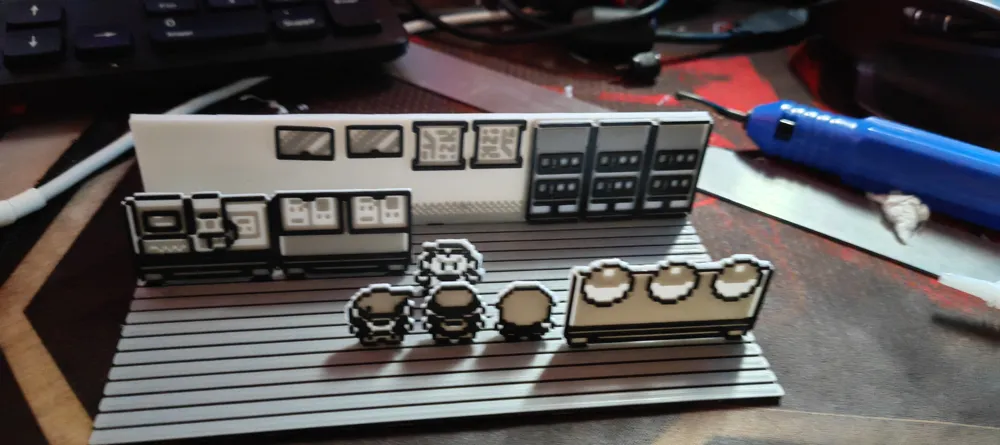
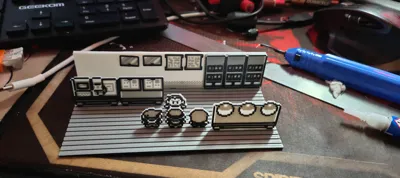
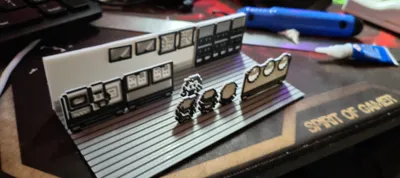
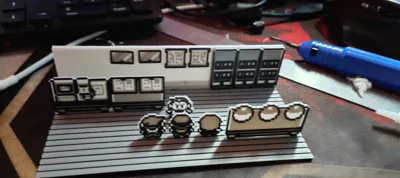
Hello, I created this diorama with my Neptune 4.
I set my printer to 0.1mm and activated the filament change option to print in different colors.
Each color is 0.6mm thick, so when you set the color change, logically you need to apply it every 6 layers so that each pixel has the correct color.
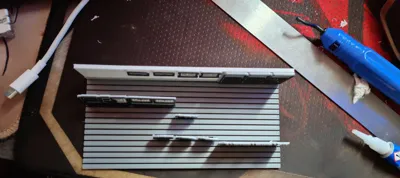
The only exception will be for the floor and wall files; to have a good base, I made the first layer thicker, so you will need to change the color 6 layers before the end of the print since they are two-tone.
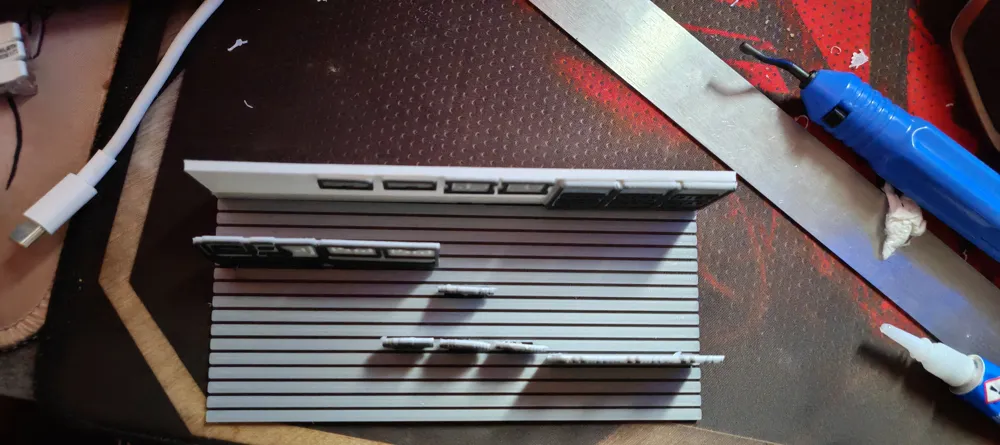
Small holes were modeled into the floor to embed the characters; these allow them to be correctly positioned for this diorama, but they will need to be glued with super glue to hold them in place
The provided G-codes are designed for a Neptune 4 with a filament change set for each color change
License



Comment & Rating (0)