
Tiny Imagination Machine - Handheld games console
Print Profile(1)

Description
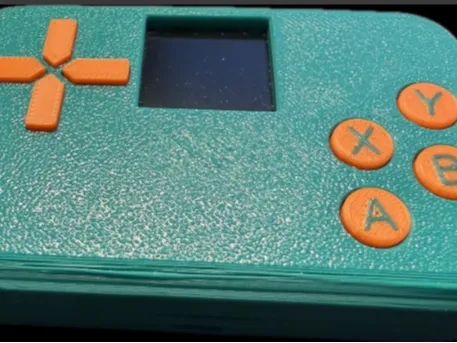
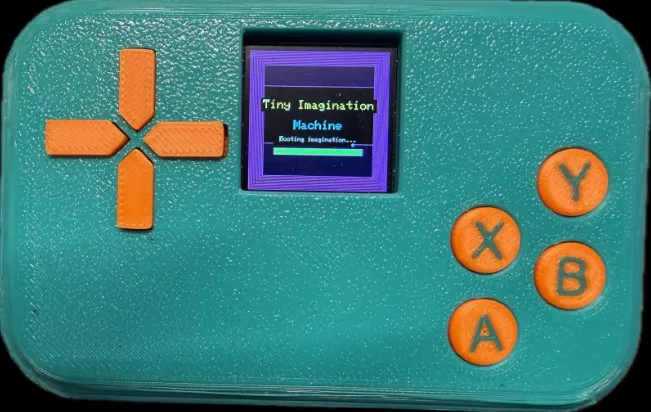
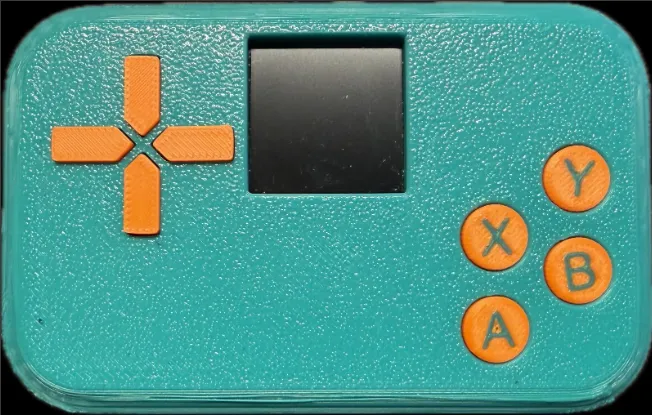
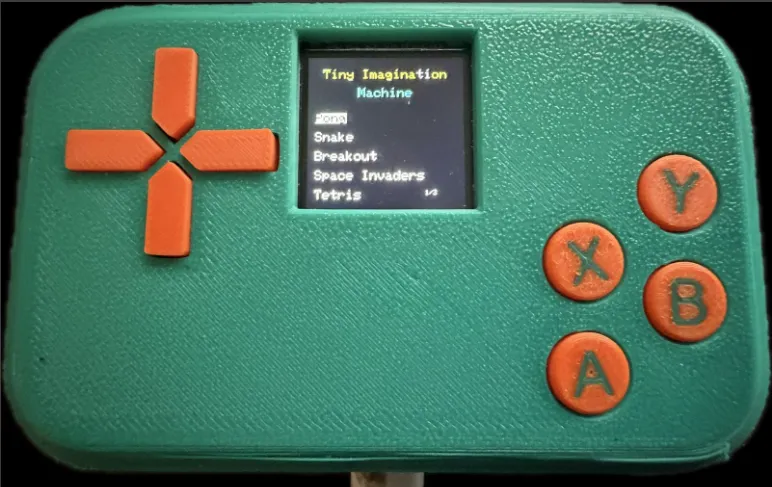
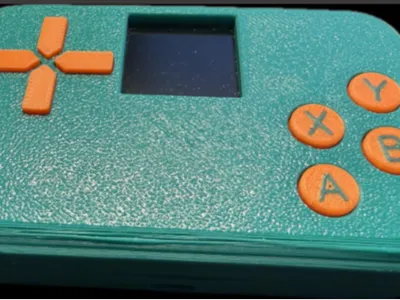
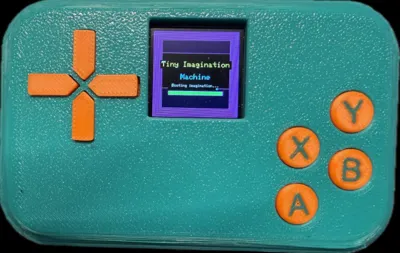
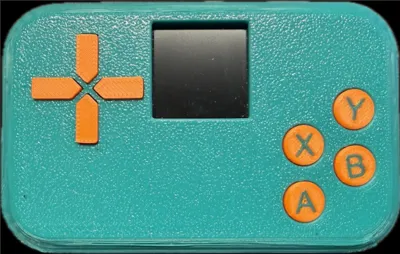
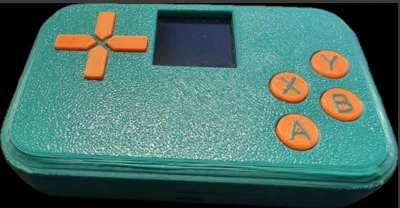
The Tiny Imagination Machine came about as I wanted to make use of an ESP32 and ST7789 TFT Display.
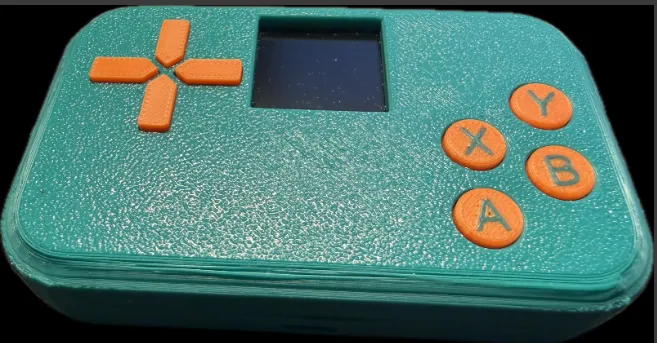
This is a tiny little handheld games console that I have made using these parts, you don't need many parts at all, an you can pick them all up for less than £5 in total from Amazon or AliExpress, list of required parts below.
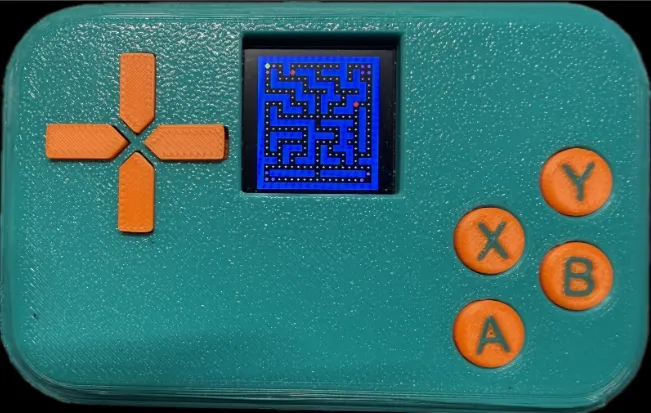
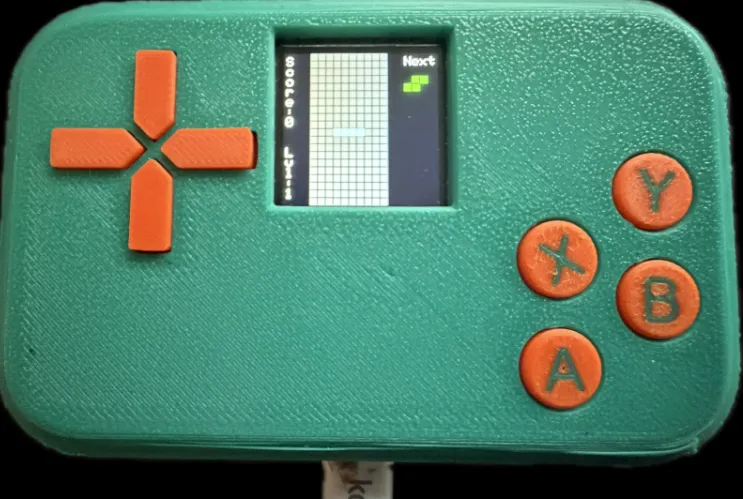
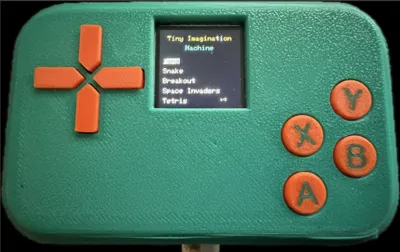
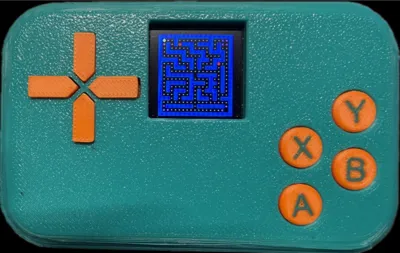
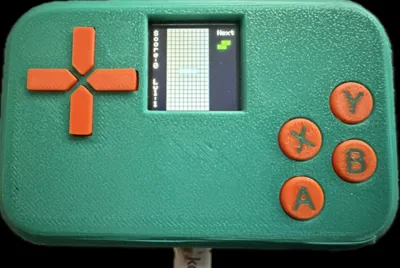
The games so far include Pong, Snake, Breakout, Space Invaders, Tetris, Frogger, 2048, Memory, Pacman, Maze and Asteroids. I am still working on the sketch to bring more games in the future, this would be an easy upgrade for any made currently as the sketch will always be compatible with this version.
I am also working on an upgraded rechargeable version so there will be a V2 mobile version with rechargeable battery integrated and maybe a larger display at some point.
Feel free to let me know any thought's or ideas, or if you would like an particular games adding.
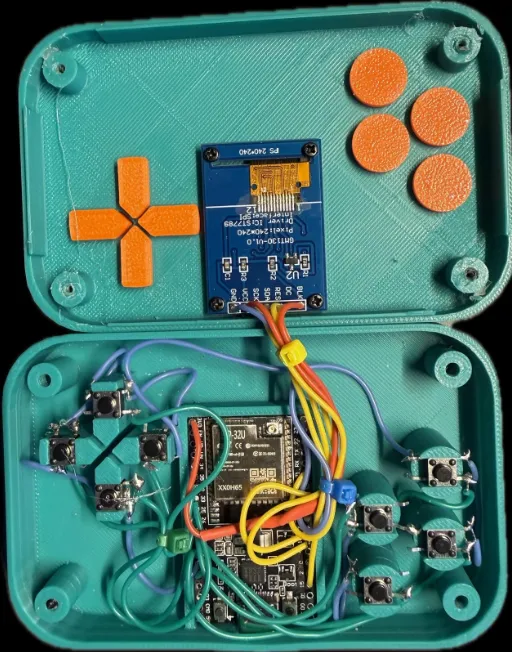
Parts list:
ESP32-DEV
ST7789 TFT Display
8 x Microswitches (6x6x4.3mm)
28 AWG wire (preferably silicone to make it more flexible)
4 x M2 x 10 Screws
All required files can be found in my Github Timhill1984/Tiny-Imagination-Machine: 3d Printed Handheld games console with many retro games, based on ESP32
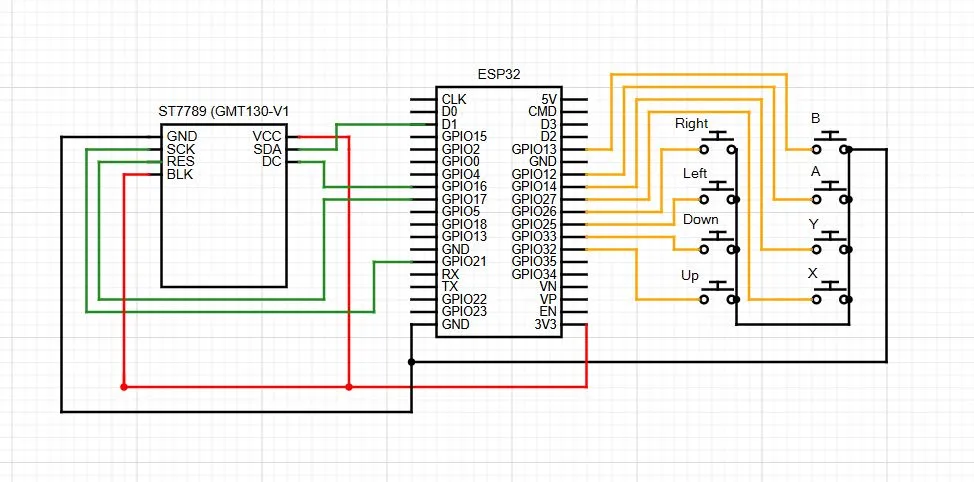
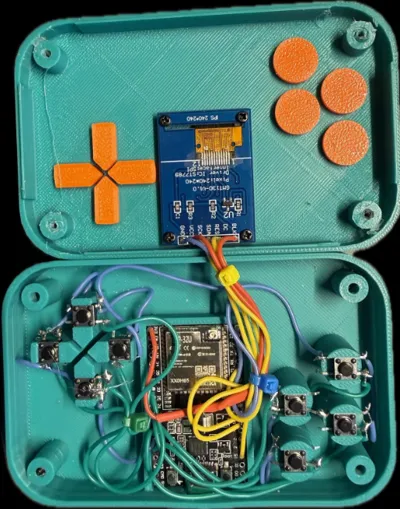
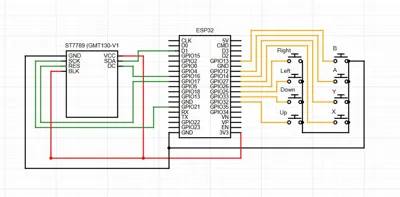
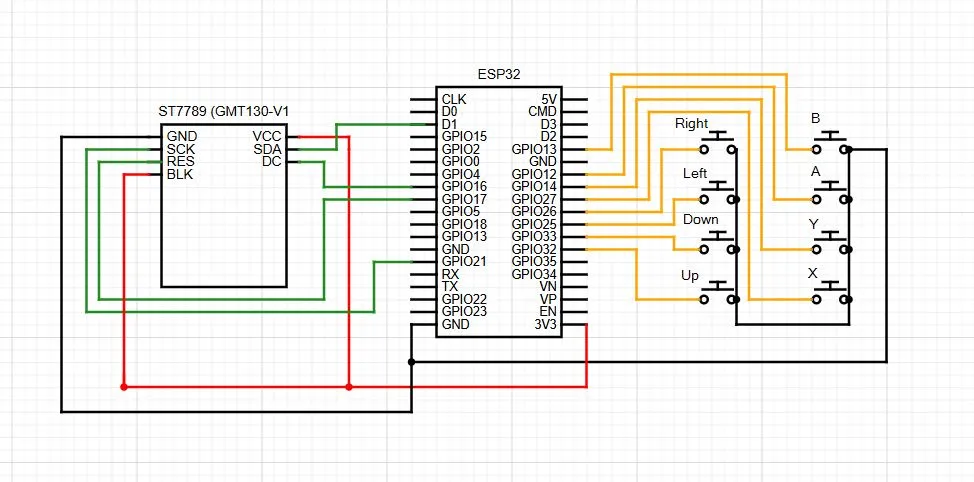
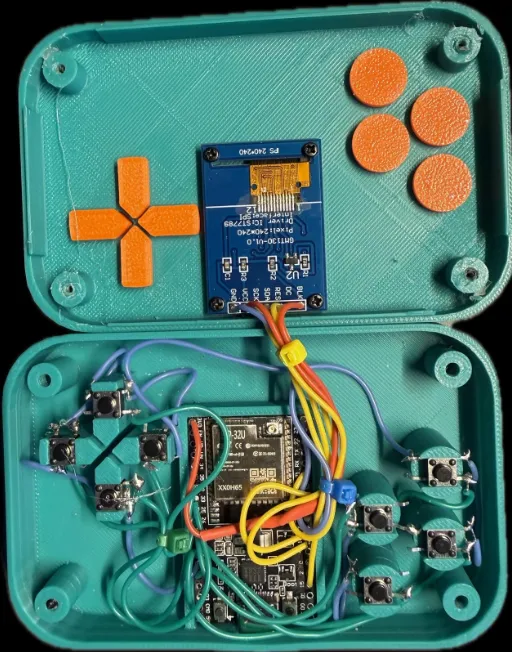
You will need to print all parts of the project, clip the microswitches into place and then solder as the below schematic.
Once built you will need to install the TFT_eSPI libraries in Arduino IDE and copy the User_Setup.h from my github link above into
arduino\libraries\TFT_eSPI
Then you can connect the ESP32 to Arduino IDE, load up TIMV1.ino from my github and flash it to the ESP32.
Playing the games in simple, arrows left and right move you through the menus, A to select the game and then A and B plus directional buttons used to play most games, to exit a game press X and then down to return to the menu.
Any ideas for upgrades or problems please comment.
License

You may create derivative works based on this object, provided that all such derivative works are published exclusively on the MakerWorld platform and include proper attribution to the original creator. You may not share, upload, host, distribute, or publish this object—or any derivative work of this object—on any other digital platform, marketplace, or distribution channel. Commercial use of this object and any derivative works is strictly prohibited. This includes, but is not limited to, selling, renting, sublicensing, or using the object in any context in which you receive monetary compensation or other financial benefits.


Comment & Rating (2)