
Cute Cows
Print Profile(1)
![[original] variable layers, optimised settings](https://makerworld.bblmw.com/makerworld/model/US9887e3aee9e9c6/456640205/instance/2025-10-29_de068651db4728.png?x-oss-process=image%2Fresize%2Cw_100%2Fformat%2Cwebp)
Description
Cute Cows
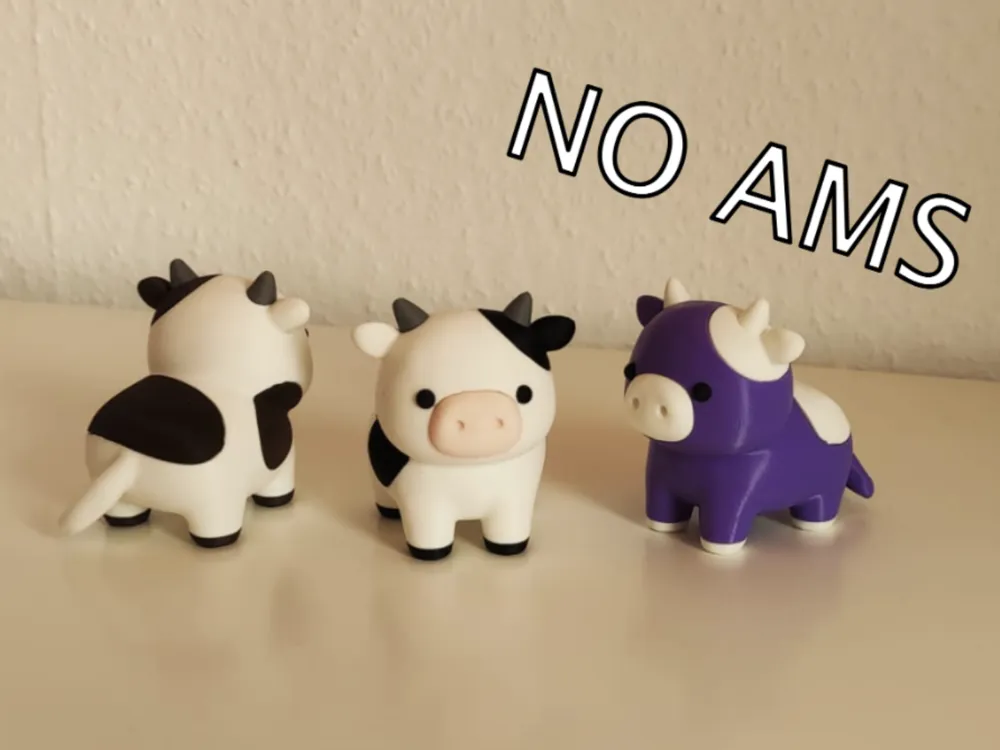
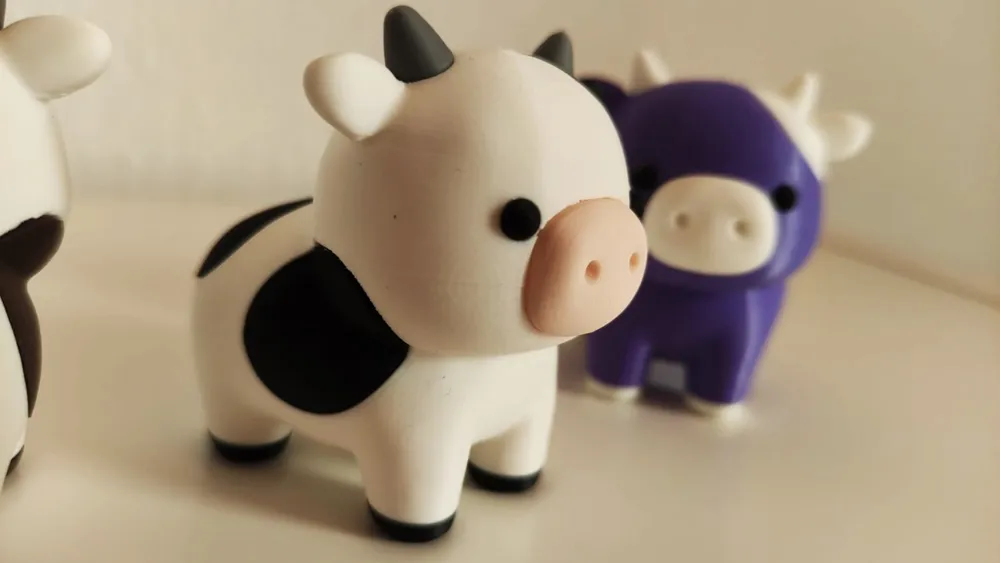
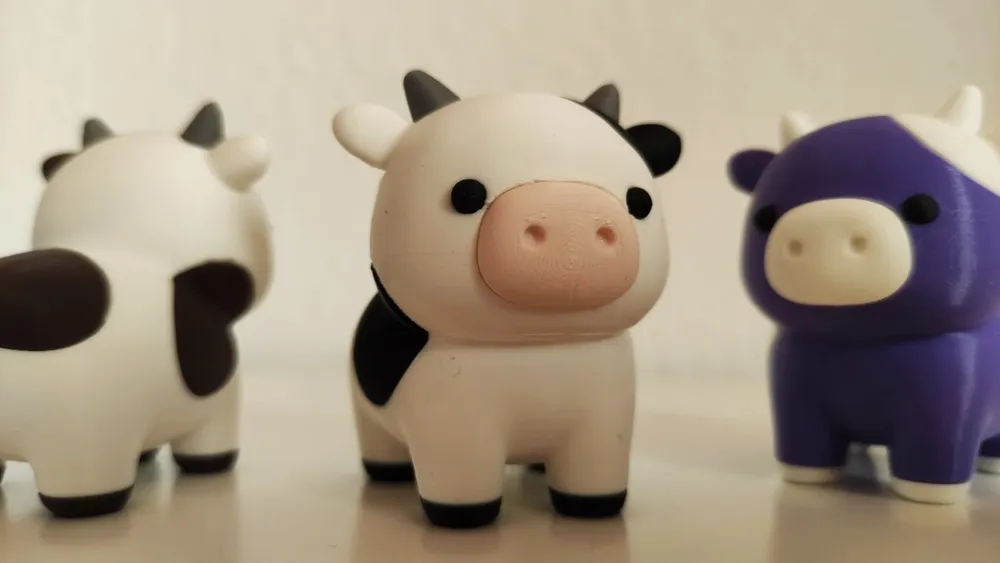
These adorable little cows are the perfect mix of cuteness and simplicity!
Boost Me (for free)
Boosts are fuel for my brain! :)
The smooth, rounded design makes them completely safe for kids, with no sharp edges or small fragile details. Their charming appearance and friendly shapes make them great for children’s playtime, decoration, or as a fun little desk companion. Printing and assembling these cows is satisfying, and a lot of fun — ideal for beginners and families alike. Whether you print just one or create your own colorful herd, these cute cows are sure to bring a smile to everyone’s face!
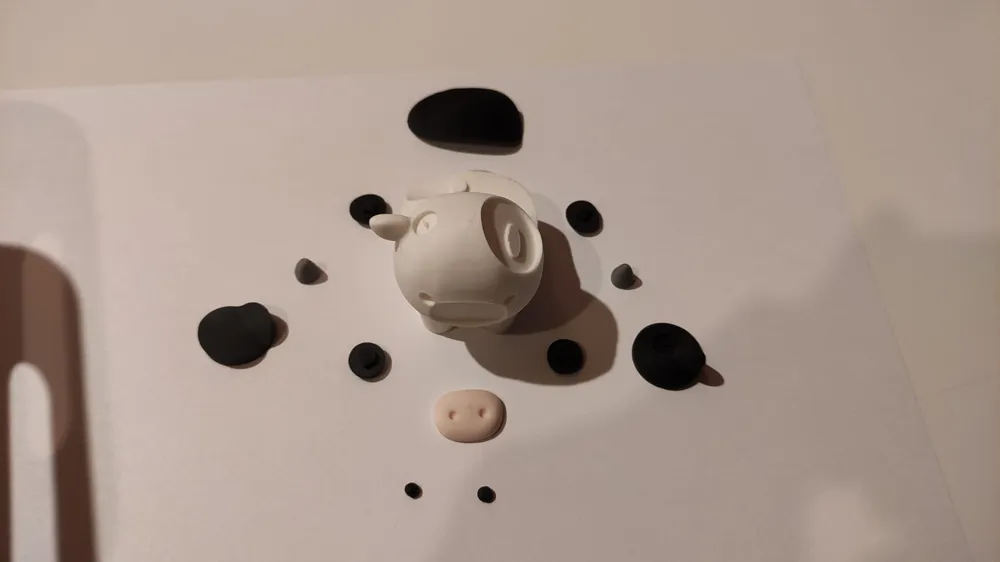
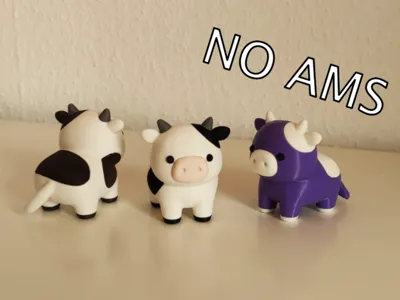
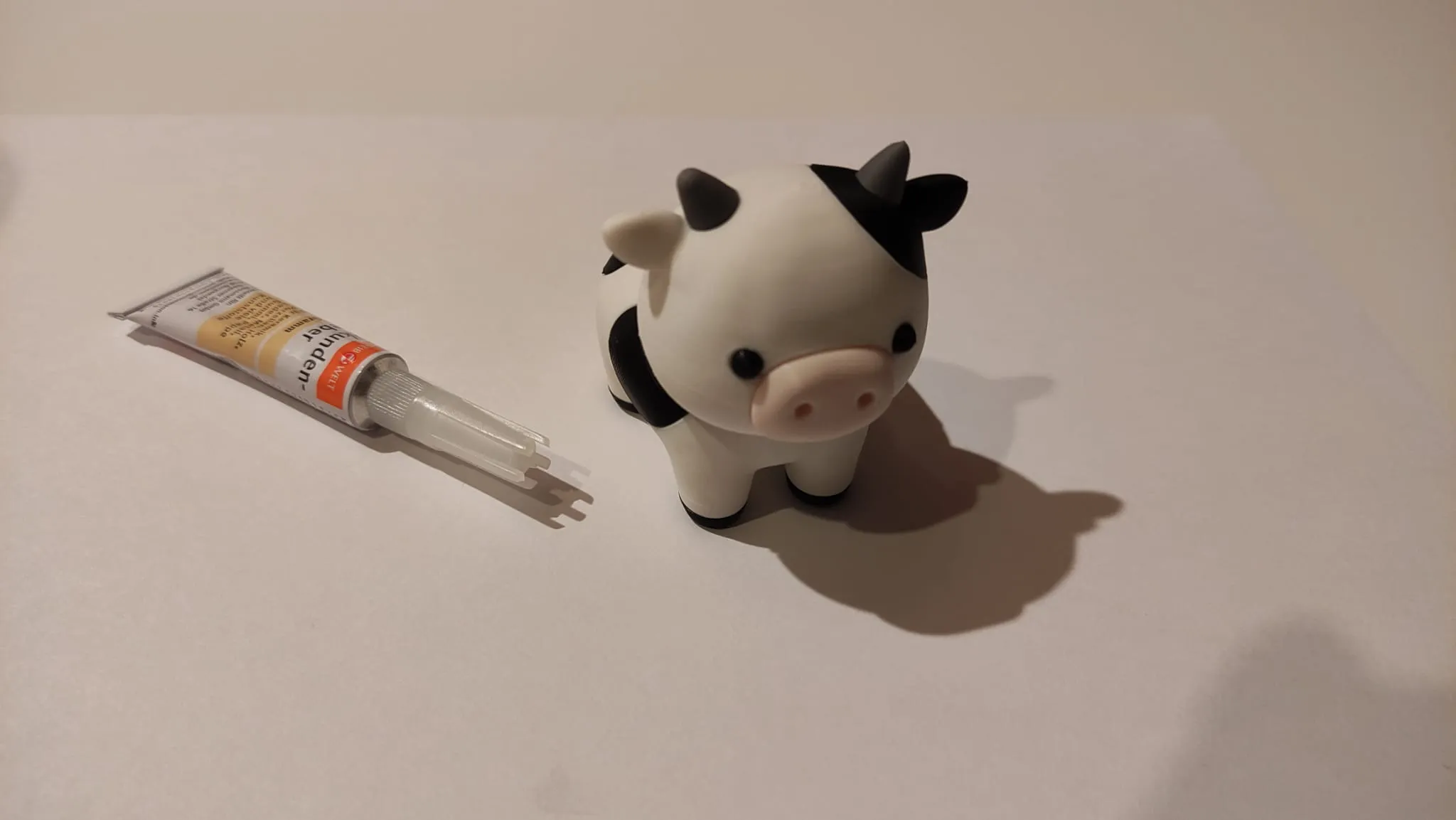
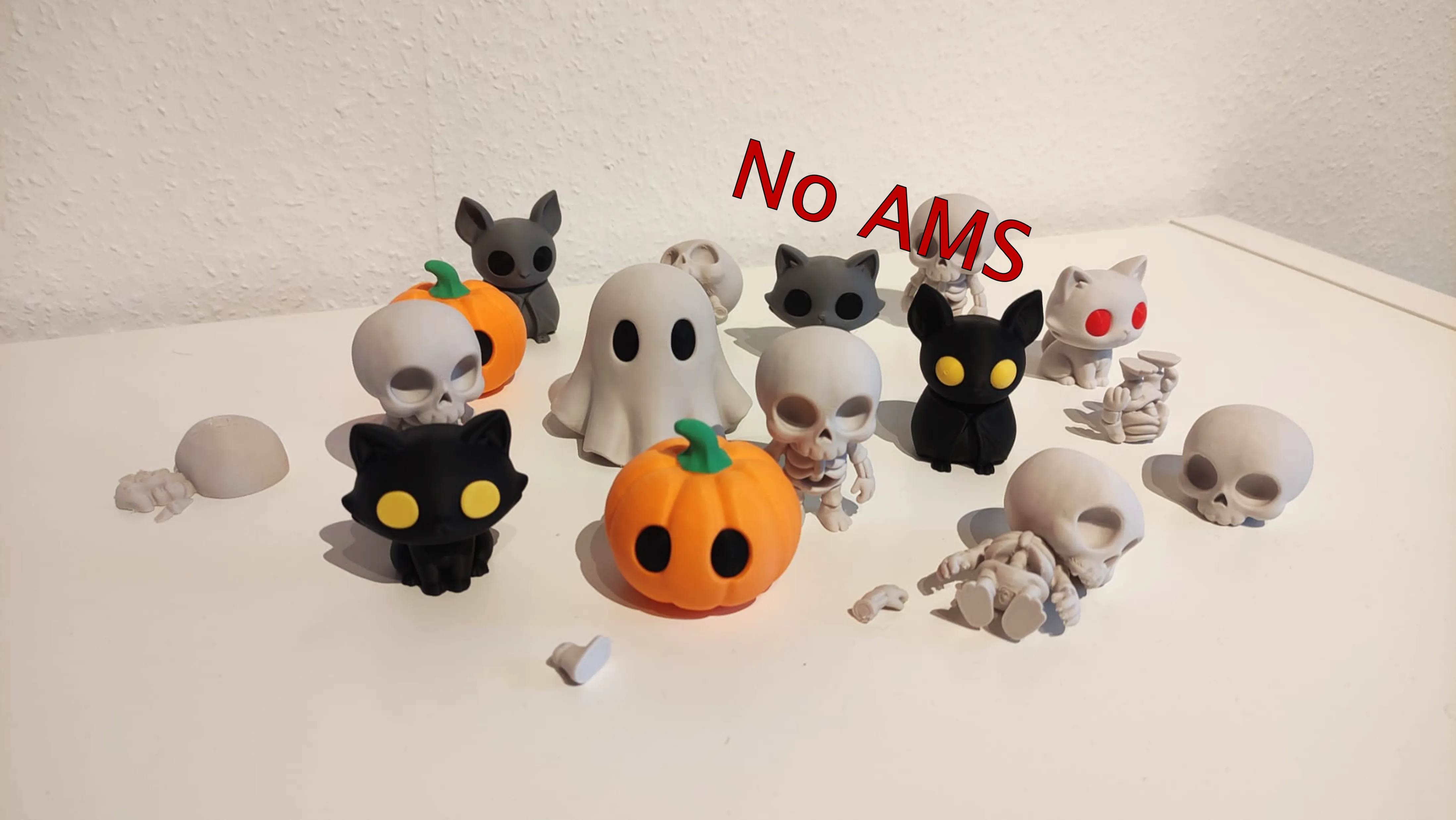
The model stands about 6 cm tall and is designed to be easy to print. No AMS (Automatic Material System) is required — every part is printed separately and then assembled using super glue or PLA-safe adhesive.
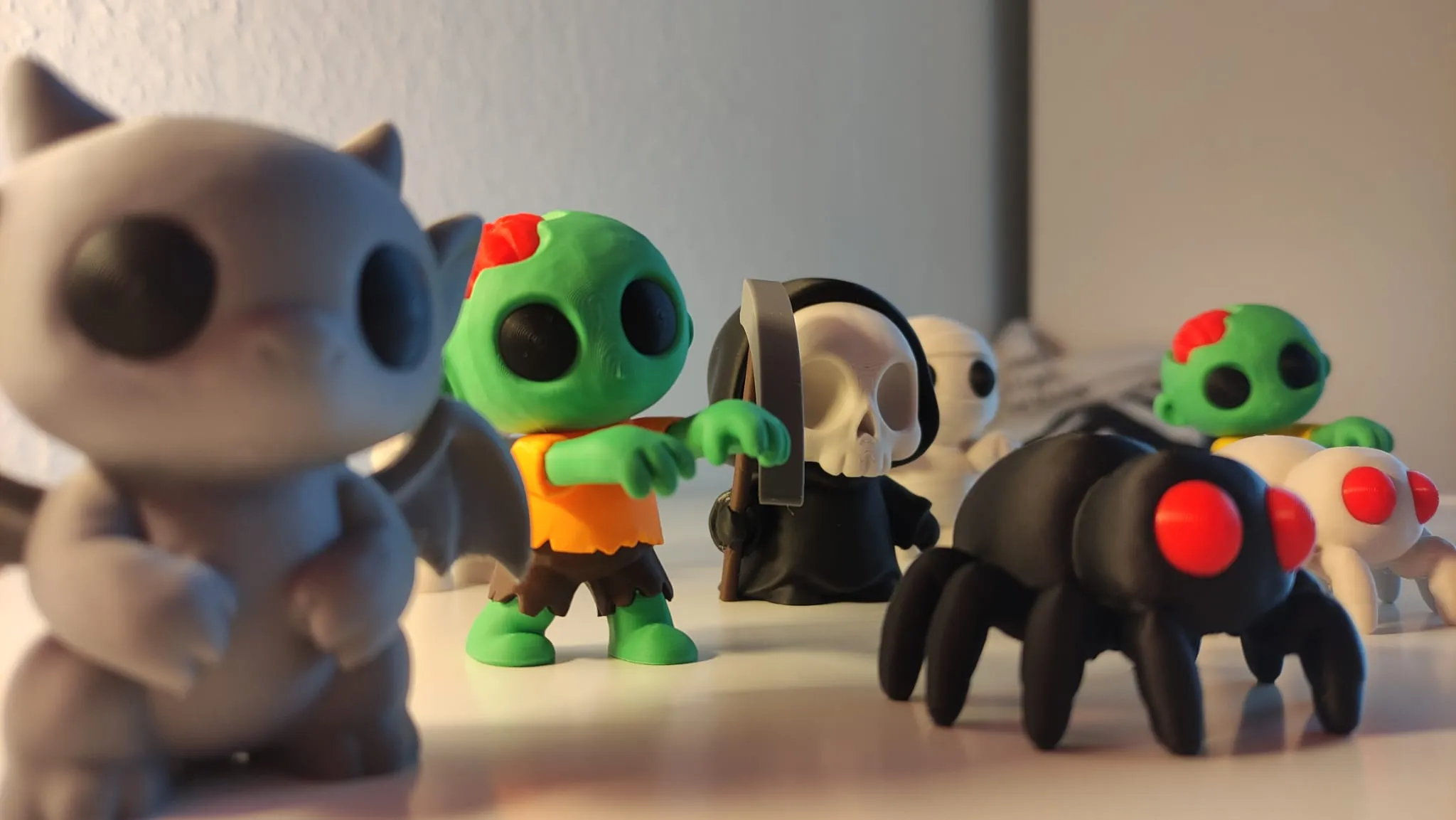
Also check out my other NO AMS required Models:
Please read before printing:
Make sure your print bed is clean and free from dust, grease, or residue to ensure strong adhesion.
Place your printer on a stable, vibration-free surface, and confirm that vibration compensation is correctly calibrated.
Before printing, double-check that your filament profile matches the material and that your bed temperature is properly set.
For more tips on this topic, check out this video on YouTube. video (Youtube).
Print Recommendation:
I recommend printing this Models with the orignal intendet Print Profil: [original] variable layers, optimised settings.
This includes a layer height of 0.12 mm and the layer height is reduced in the flattening sections to 0.08 mm and hidden seams. The variable layer height is already set in the 3MF file.
Support Structures:
Designed with no to minimal supports – easy to remove, no tools needed:
Additional supports and brim have been added to the tail of the cow to minimalize the risk of print errors.
Print Color Recommendation:
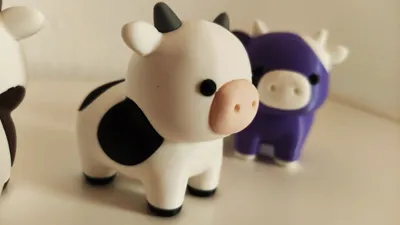
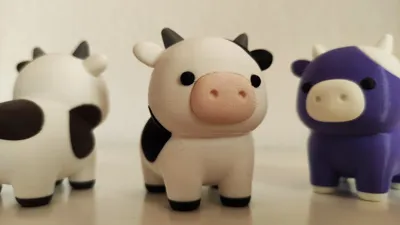
I recommend the colors i used (see pictures), but feel free to use any colors you like. I used PLA Matte except for the purple cow body, there is used PLA Basic.
Assemble:
I am using super glue or PLA-safe adhesive.
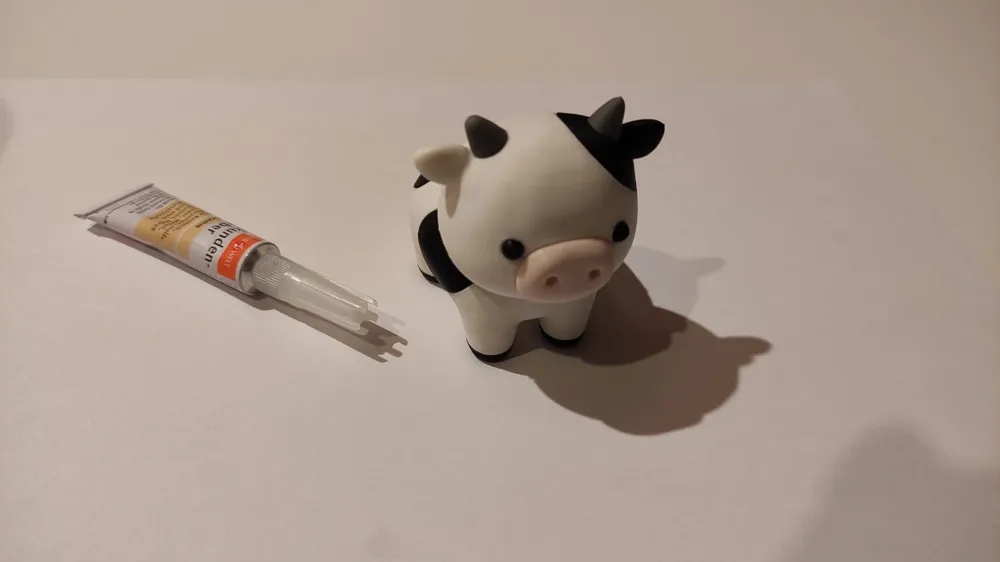
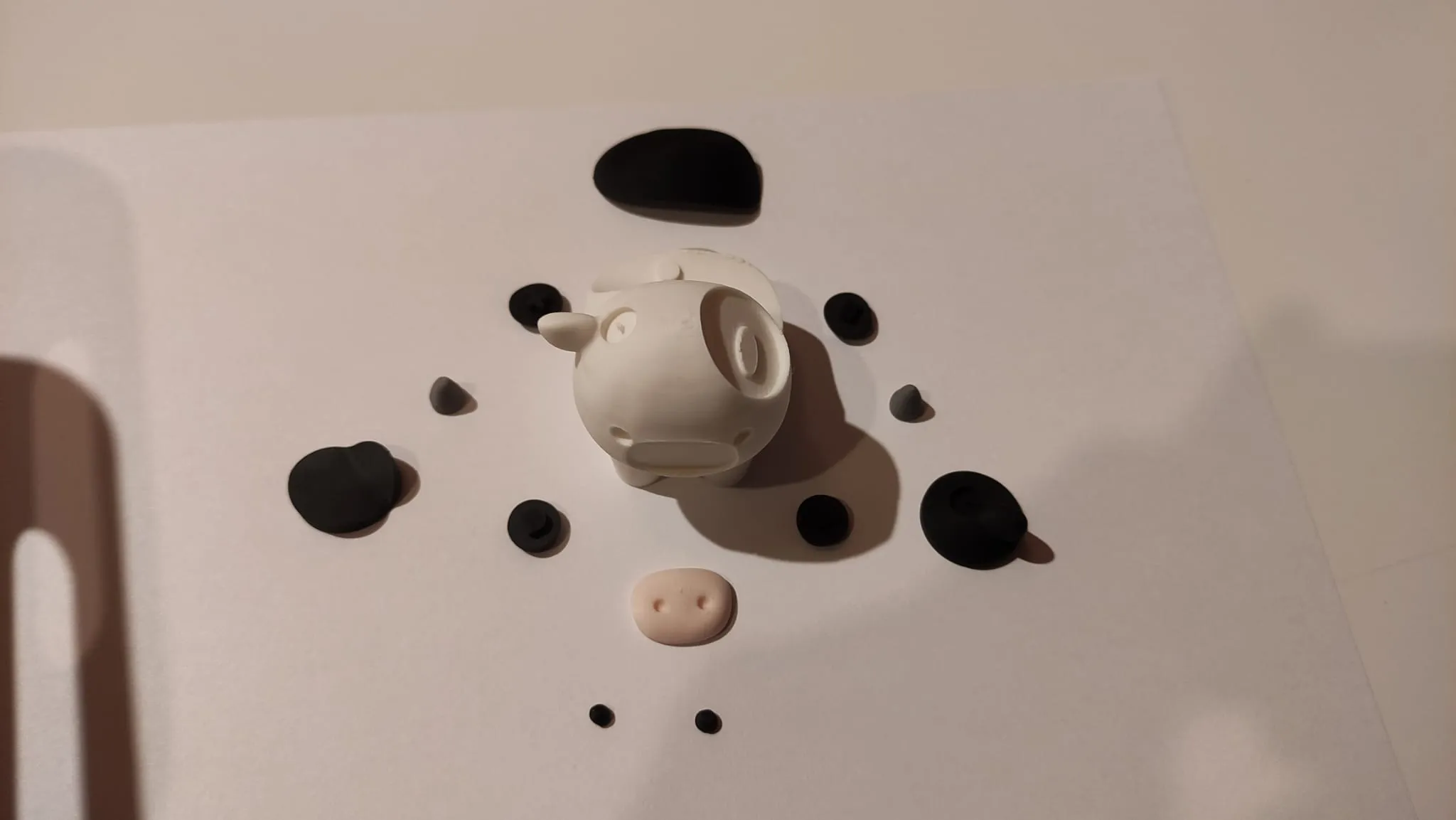
First, attach the cow’s nose by applying glue to the corresponding area and pressing the nose firmly into place. You may feel or hear a small click — that’s how you’ll know the nose is securely attached.
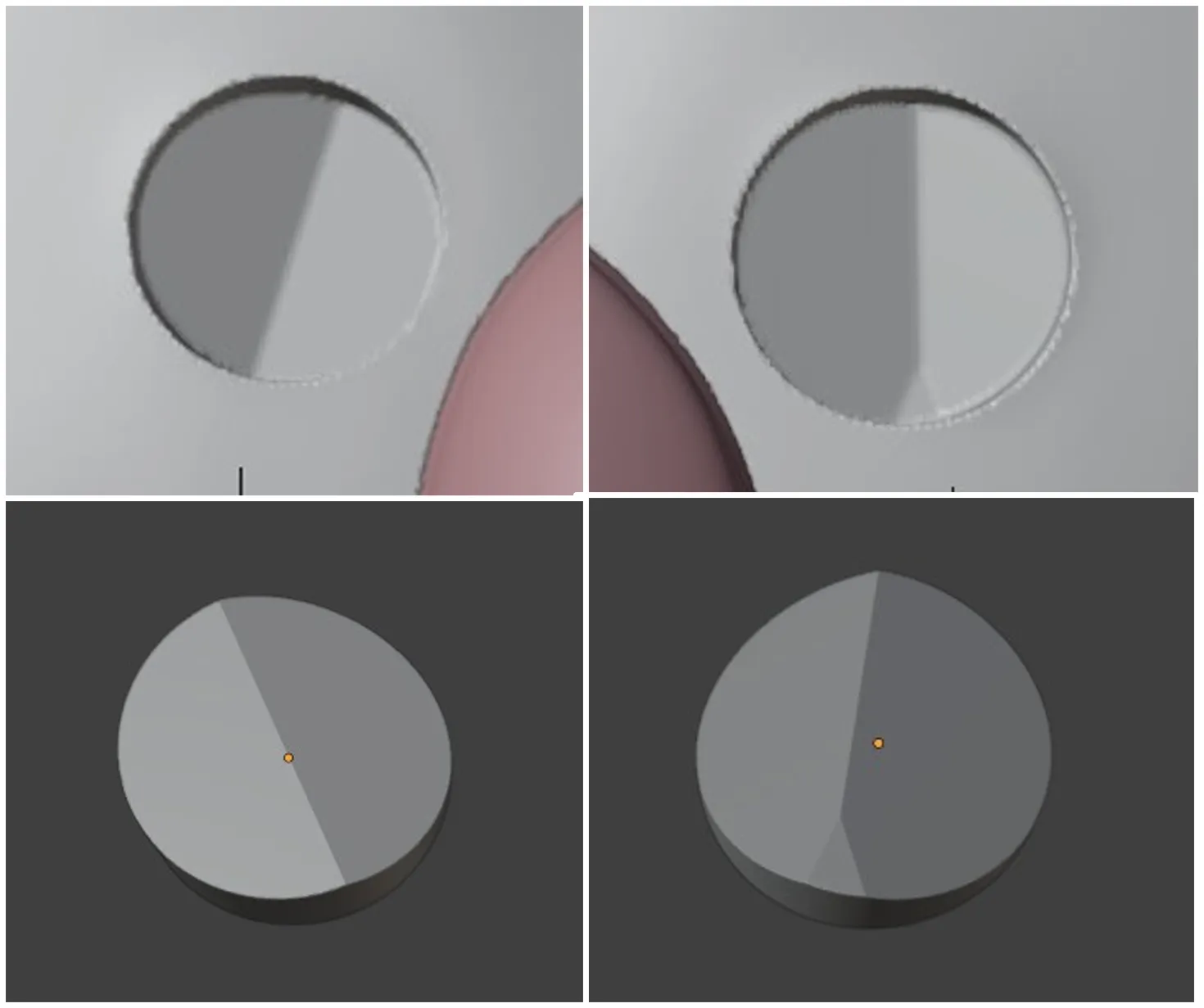
Next, continue with the eyes. Note that the eye sockets have different shapes — please refer to the reference image for correct placement. Take your time with this step. I recommend using tweezers to insert the eyes, although it’s also possible to do it with your fingers. Don’t use too much glue, as the sockets are very small and excess glue may squeeze out on the sides. If you swap the eyes by mistake, don’t worry — the sockets have enough tolerance that it won’t really show.
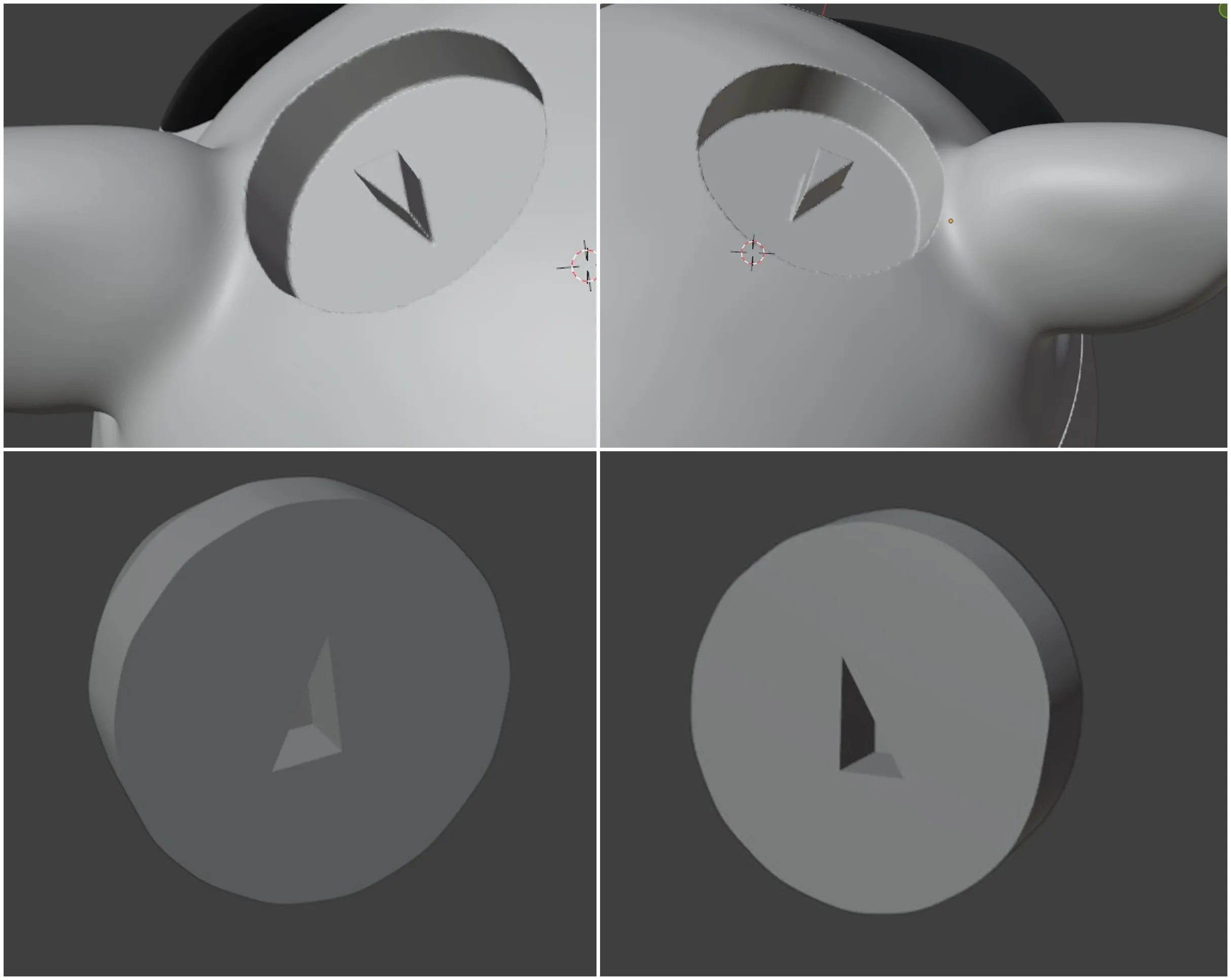
Next, continue with the head. The black (brown or white) ear is very easy to insert. Thanks to the notch, it sits symmetrically to the other ear. Wait until the black ear has dried, then you can continue with the horns. You’ll notice small triangles beneath the horns — use the reference image to see which horn goes on which side. To insert the horn correctly, I recommend placing it onto the small triangle by feel, then gently rotating it slightly left and right until it slides perfectly into place. The pin for the horn is smaller than the opening, so it should naturally slip in. Do not apply too much pressure to avoid breaking the pin.
Now let’s continue with the cow’s spots. The spot on the side can be easily inserted into the hole and glued in place. The spot on the cow’s back also fits perfectly thanks to the pin that goes into the opening. Apply glue and press both parts firmly into position, holding them for a few seconds until the glue dries.
The cow’s feet can now be matched to the legs based on their different shapes. Just make sure the rear feet are oriented correctly — you can tell by comparing the shape of the foot to the shape of the leg. To be sure, you can first insert the foot without glue to check if the orientation is correct.
Have fun printing!
License

You shall not share, sub-license, sell, rent, host, transfer, or distribute in any way the digital or 3D printed versions of this object, nor any other derivative work of this object in its digital or physical format (including - but not limited to - remixes of this object, and hosting on other digital platforms). The objects may not be used without permission in any way whatsoever in which you charge money, or collect fees.


Comment & Rating (29)