
Speed Funnel 3
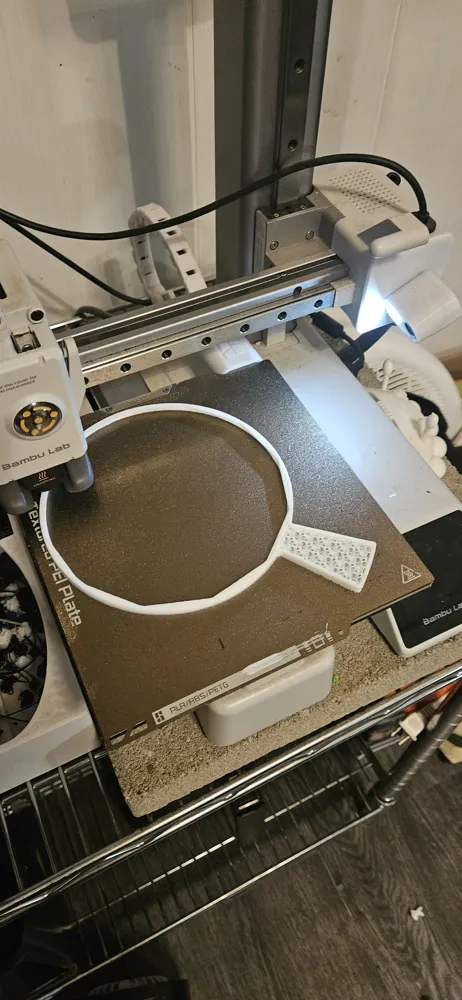
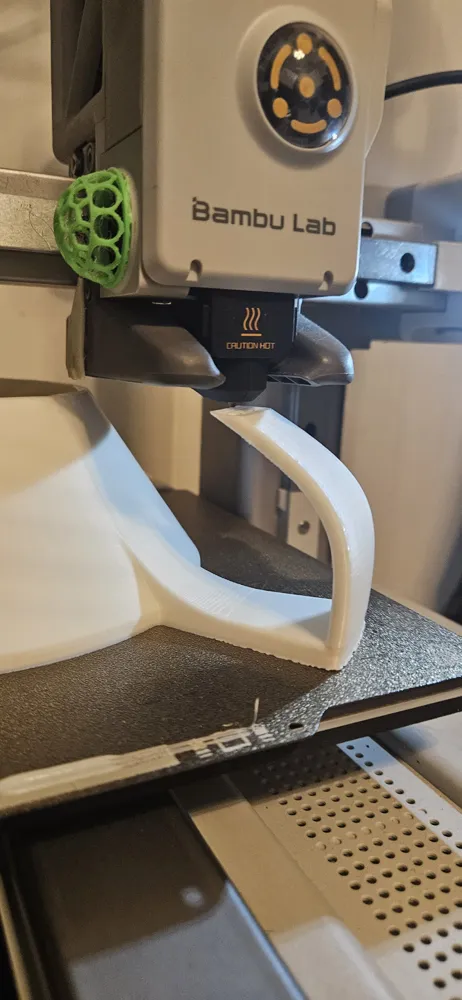
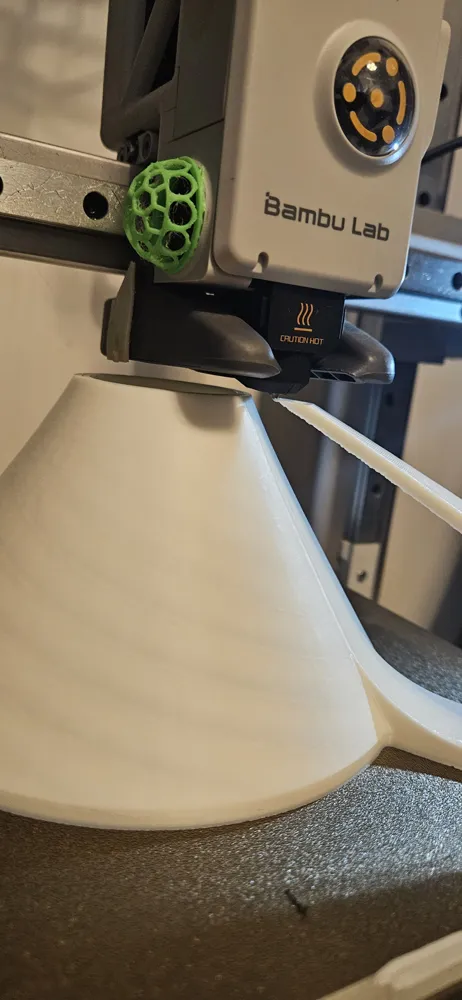
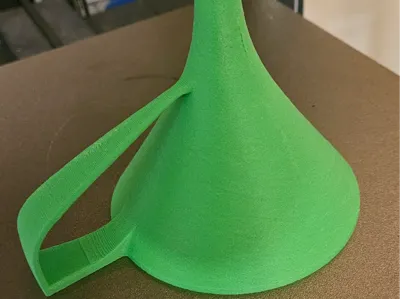
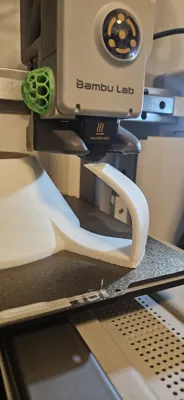
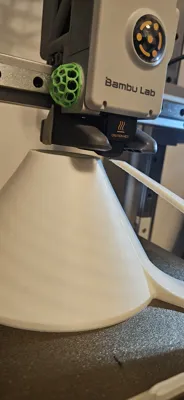
Print Profile(4)


Description
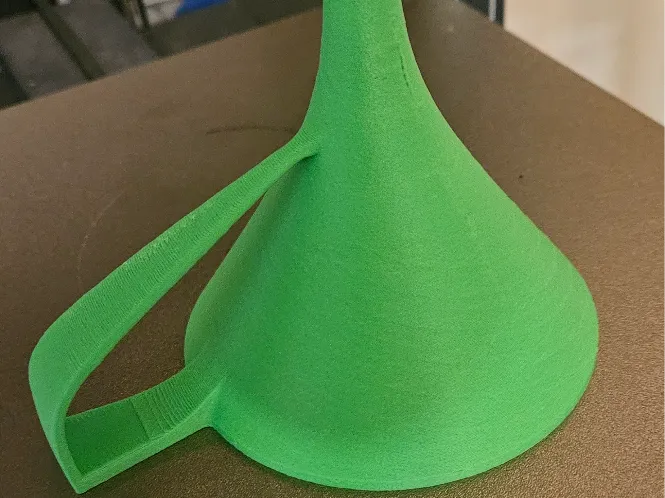
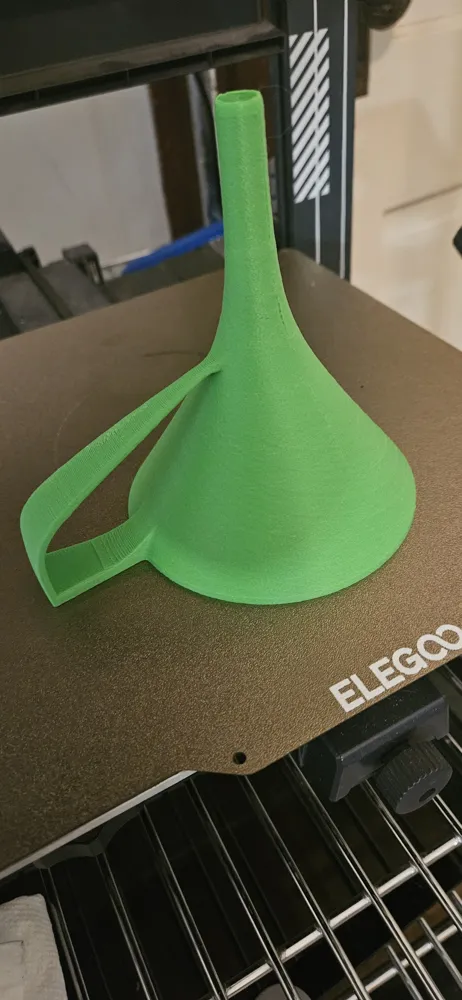
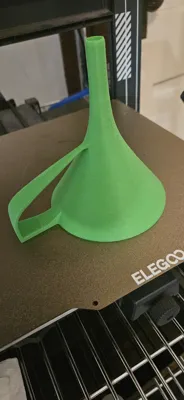
New and Improved Speed Funnel — Redesigned from the Ground Up
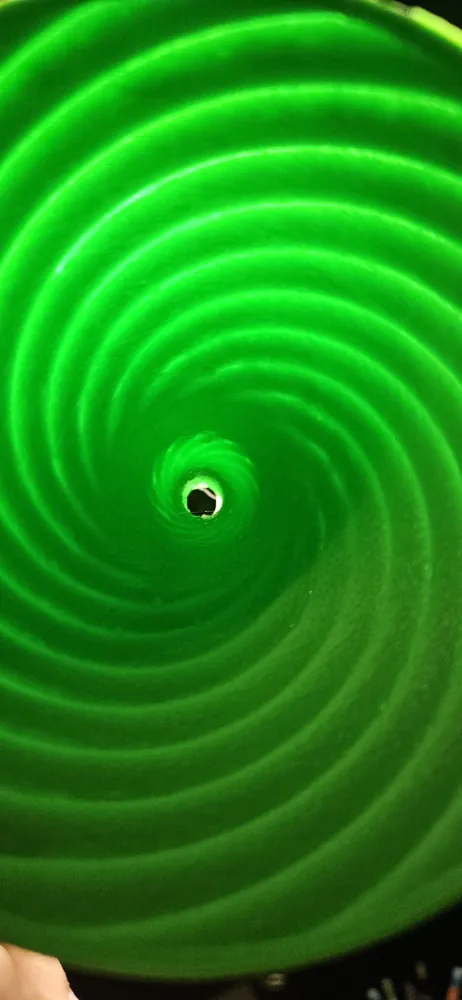
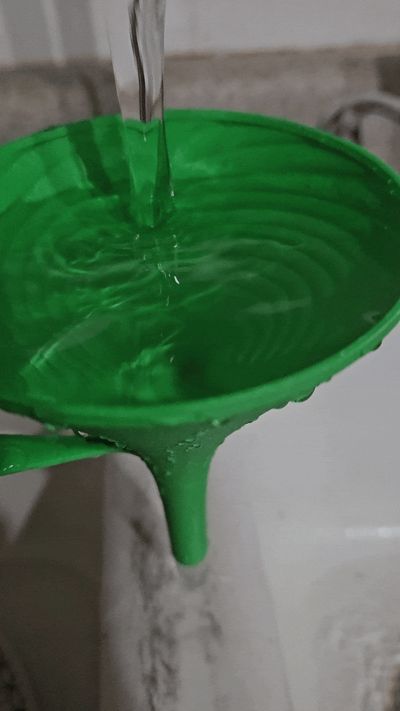
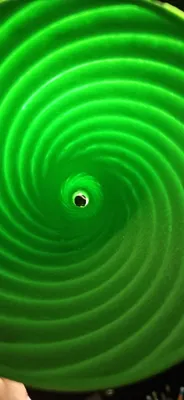
This is the next-generation version of my original Speed Funnel. It keeps the same core concepts but adds an expansion zone and extra rifling in the compression zone for improved performance.
⚠️ These are maxed out in Z height — scale down if needed.
How it Works:

The water spirals until it hits a critical compression point — a smooth zone. Just below that is a second rifled section, designed to compress and "push" the water out of the nozzle with greater force than gravity alone. What started as a fun experiment turned into something surprisingly effective. This version outperforms the original.
Printer Sizing:
- A1 Mini: 180mm tall
- X1/P1/A1 Series: 250mm tall (all use the same size — just convert to the filament you need if I don’t already have it listed)
Available Files:
✔️ PLA
✔️ PETG
✔️ PETG-HF
✔️ PETG Translucent
✔️ ABS
✔️ ABS-GF
✔️ ASA
Material Tip:
Use a material suited for your application — this design works especially well with thick, slow-moving fluids.
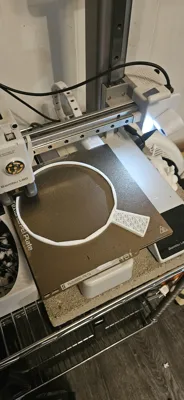
NO SUPPORTS REQUIRED – the profile is already tuned with slowed zones where needed.
--Other material types are in the “download file” section. ( I am waiting on material to finish printing these out, but the profiles are there if you want to print them before I can get to it)
---- Interesting bit of information I learned along the way, it does not matter if it is clockwise or counter clockwise in this funnel. I have made both , and they both work in the Northern Hemisphere. If you want to mirror it, just right click it in slicer, go to mirror, then mirror along the x axis.
License

You shall not share, sub-license, sell, rent, host, transfer, or distribute in any way the digital or 3D printed versions of this object, nor any other derivative work of this object in its digital or physical format (including - but not limited to - remixes of this object, and hosting on other digital platforms). The objects may not be used without permission in any way whatsoever in which you charge money, or collect fees.


Comment & Rating (19)