Search models, users, collections, and posts

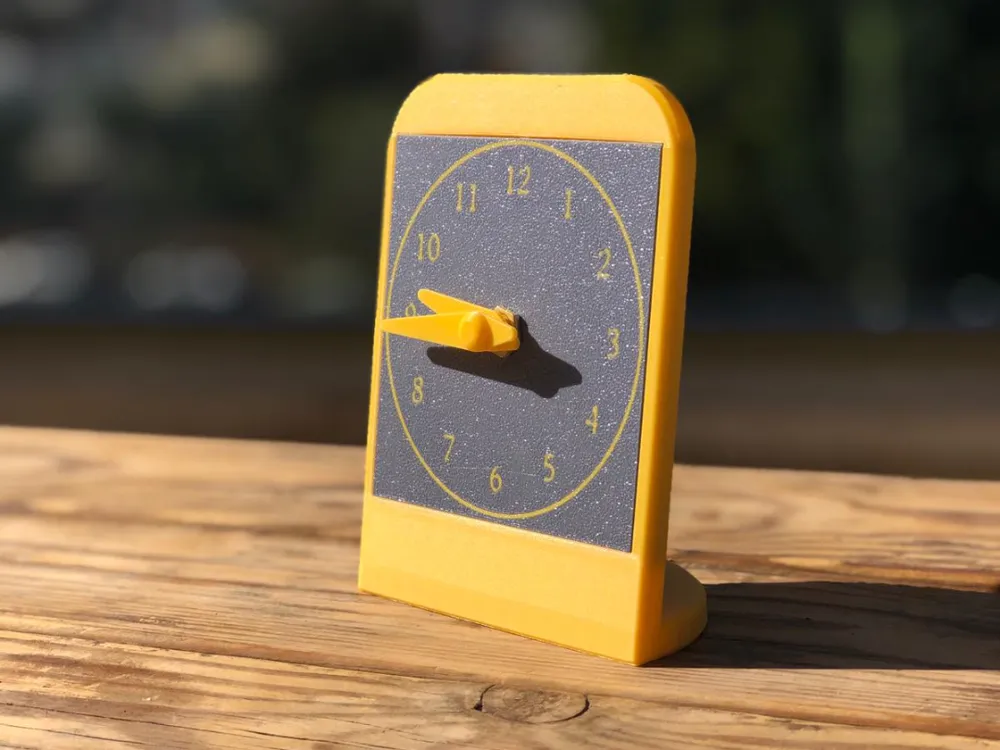
Simple Desk Clock
IP Report
Print Profile(1)

0.2mm layer, 2 walls, 15% infill
Designer
2.9 h
2 plates
Open in Bambu Studio
Boost
10
12
0
2
18
2
Released
Bill of Materials
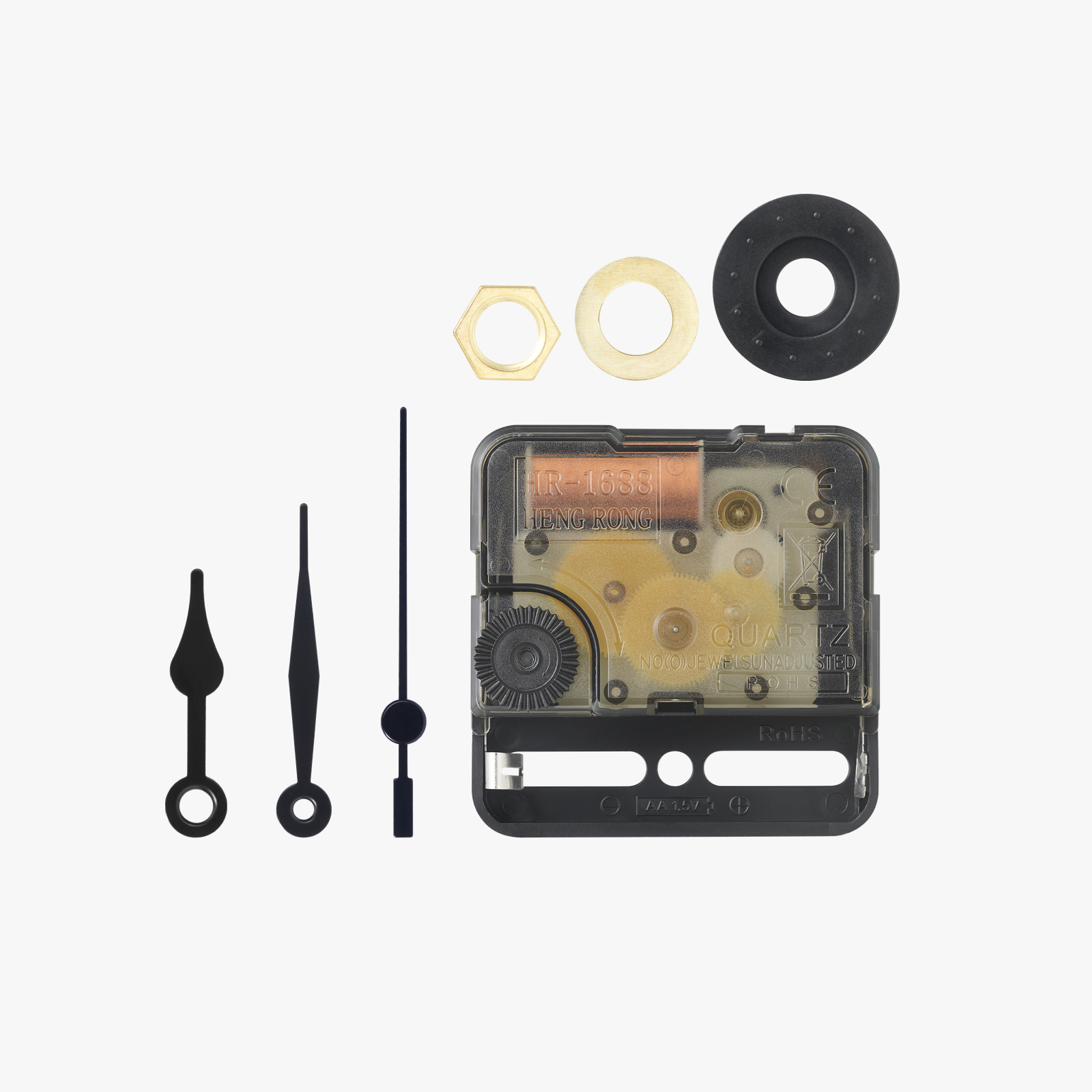
Maker's Supply Kits and Parts
Select all
Description
- Print the First Plate:
- Set up and print the first part using the First Plate feature in Bambu Studio.
- Pause the Second Plate:
- Program the printer to pause during the second plate’s print, right before the first part needs to be inserted.
- Insert the First Part:
- When the printer pauses, carefully place the first part into position. Ensure it fits snugly with no gaps at the bottom.
- Resume Printing:
- Restart the print to complete the second part, which will integrate with the first.
- Check the Result:
- Inspect the finished print to confirm the parts are securely and perfectly aligned.
This simple process ensures a flawless two-part assembly!
License

This user content is licensed under a Standard Digital File License.
You shall not share, sub-license, sell, rent, host, transfer, or distribute in any way the digital or 3D printed versions of this object, nor any other derivative work of this object in its digital or physical format (including - but not limited to - remixes of this object, and hosting on other digital platforms). The objects may not be used without permission in any way whatsoever in which you charge money, or collect fees.


Comment & Rating (0)