
QR-Code Name Tag
Print Profile(0)
Description
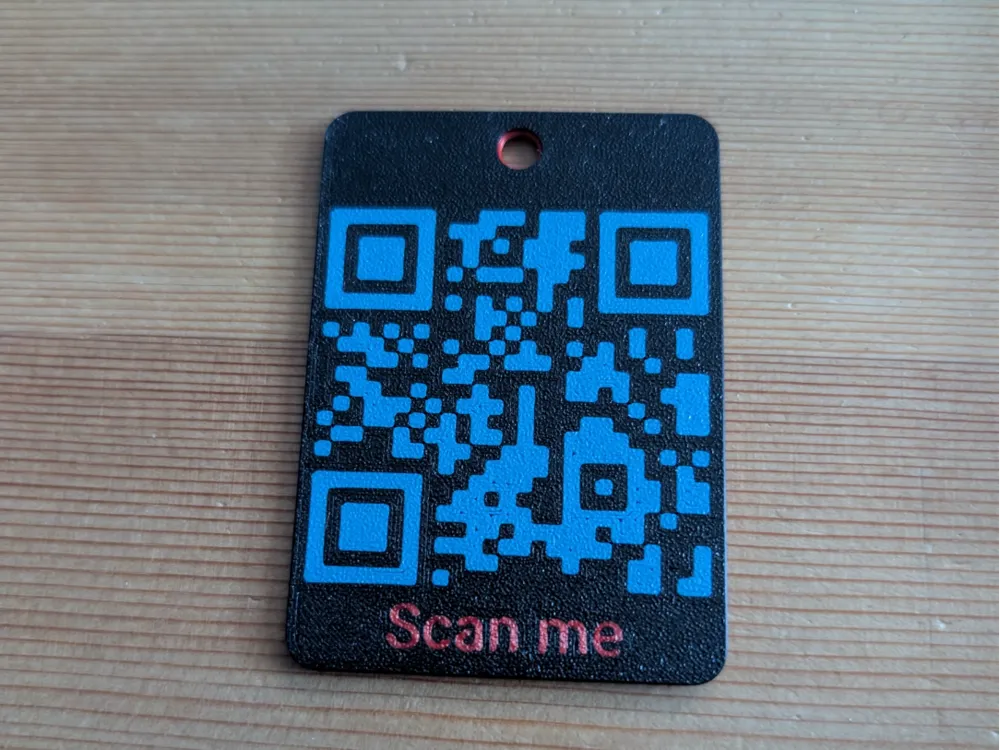
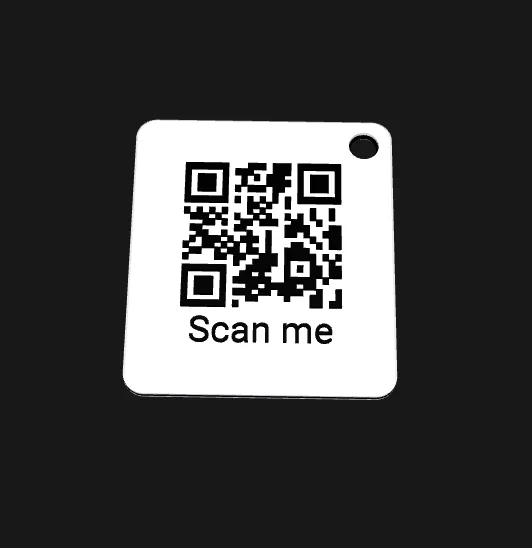
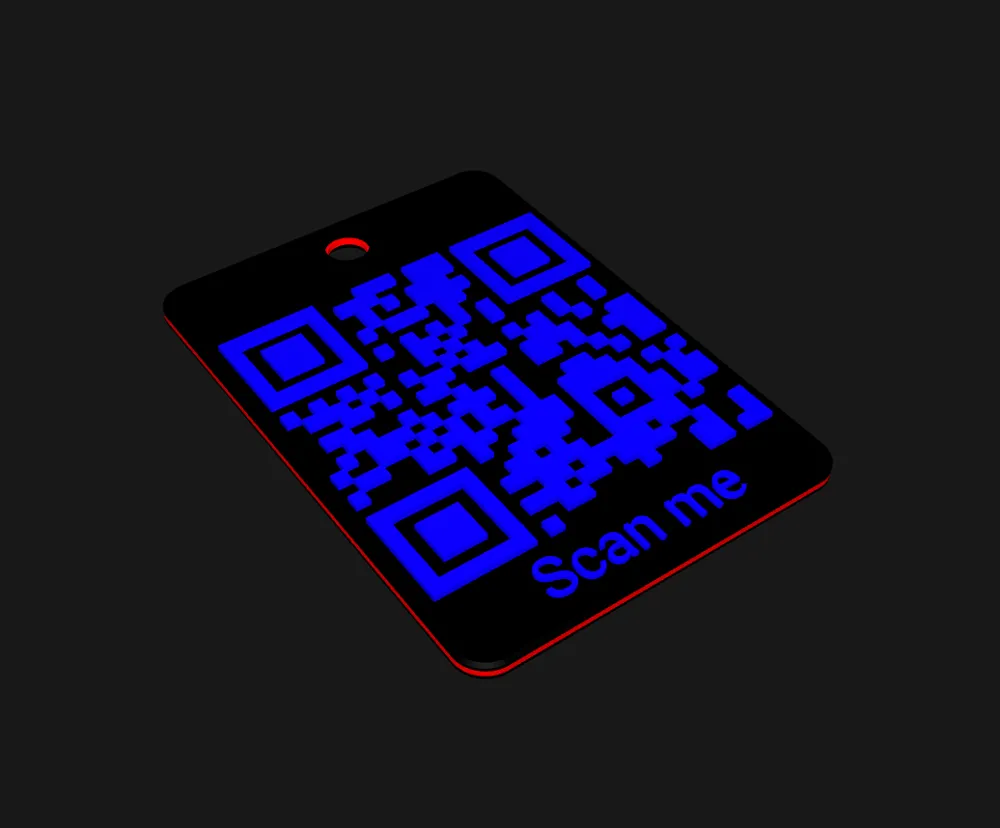
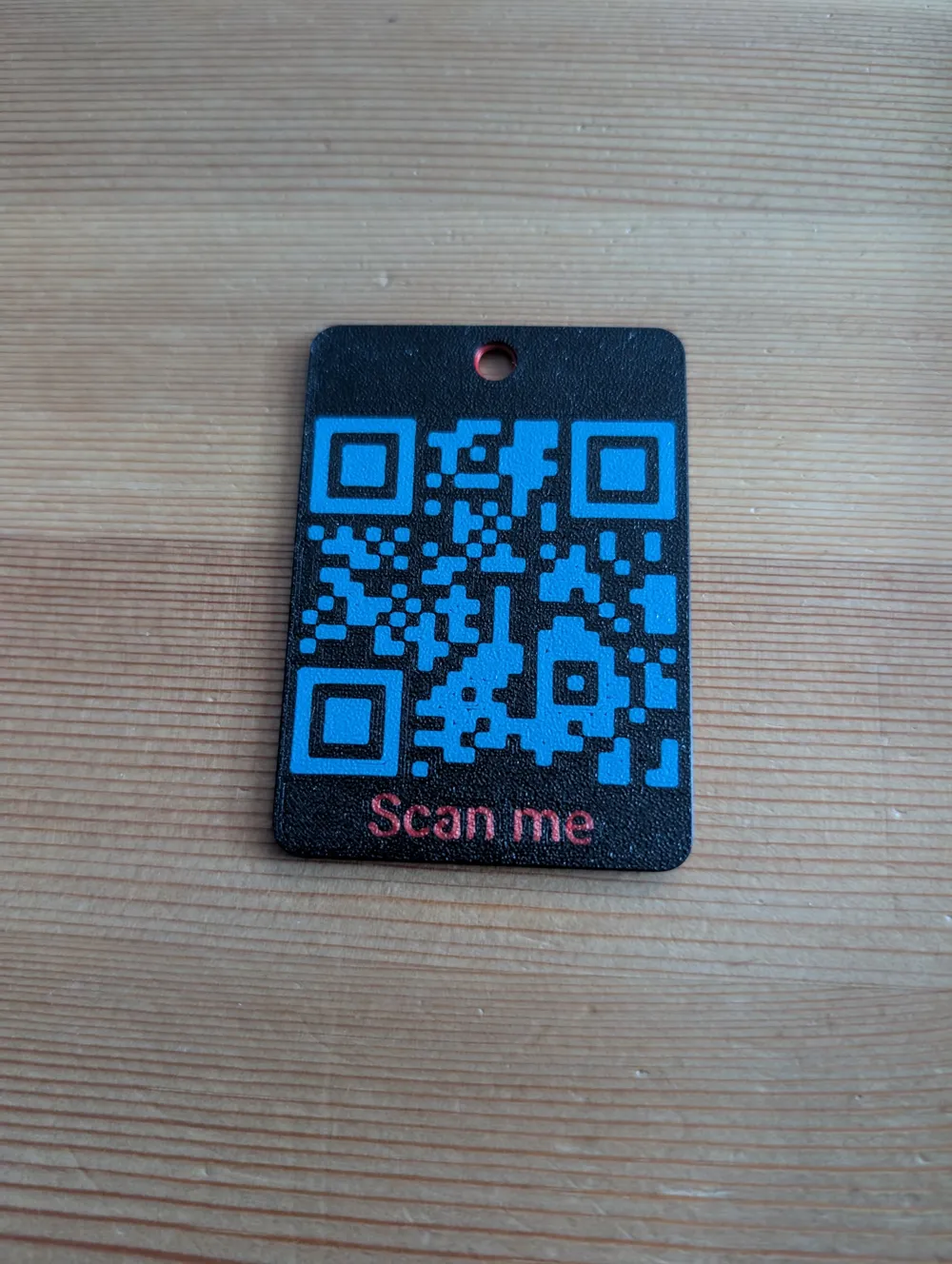
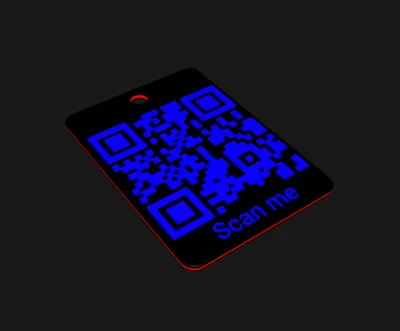
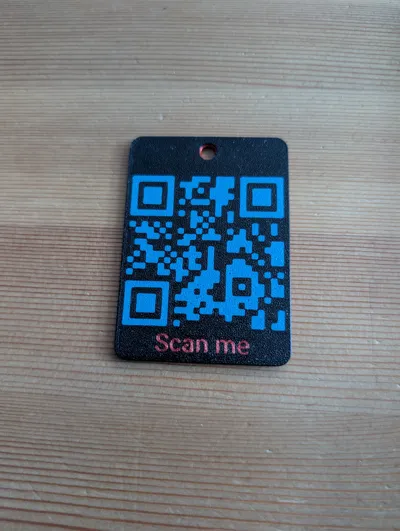
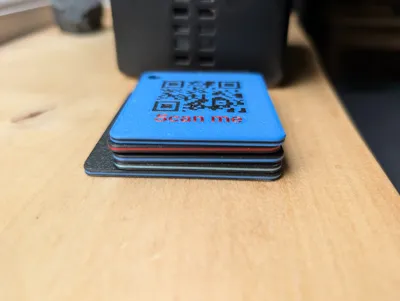
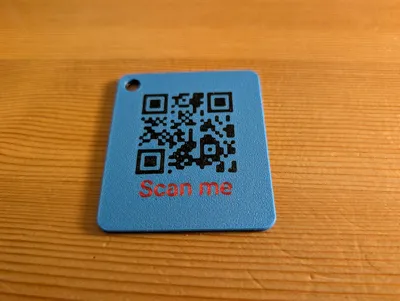
QR-Code Name Tag
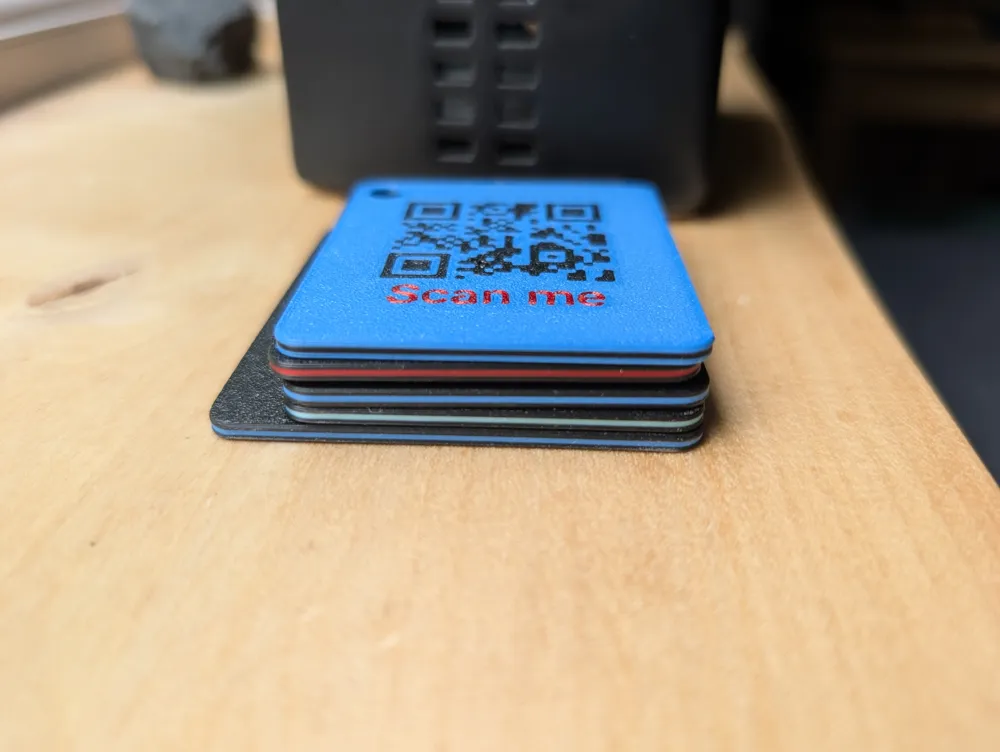
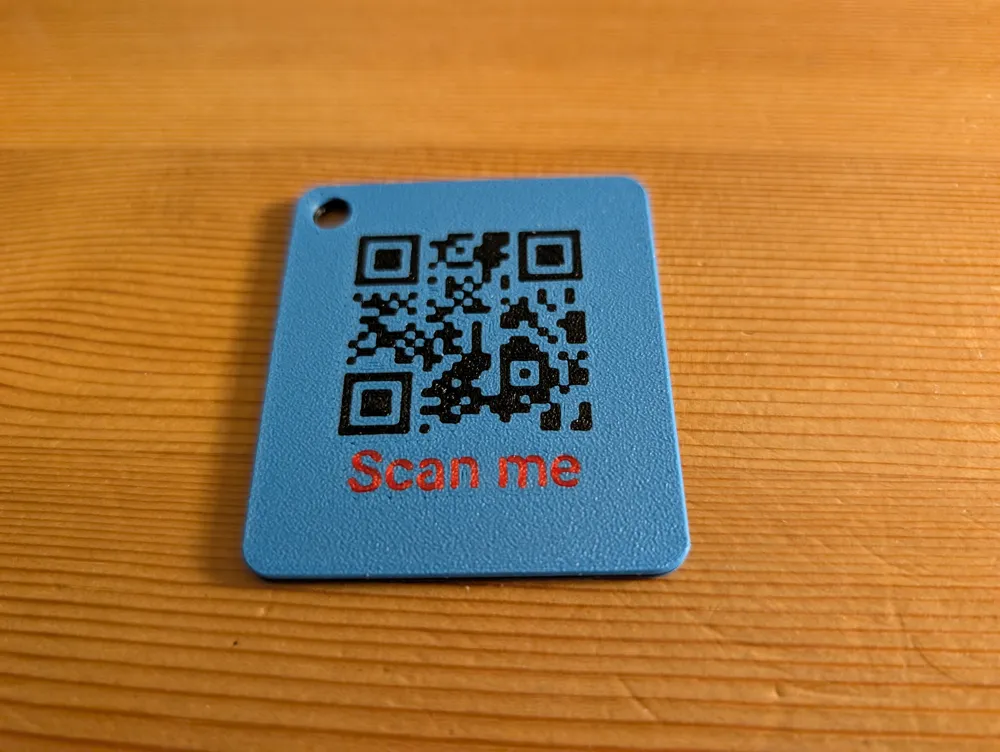
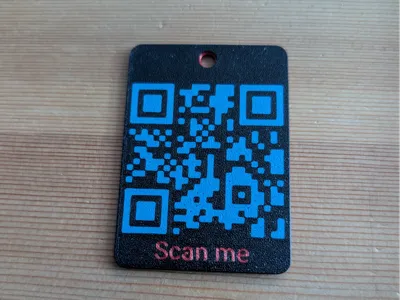
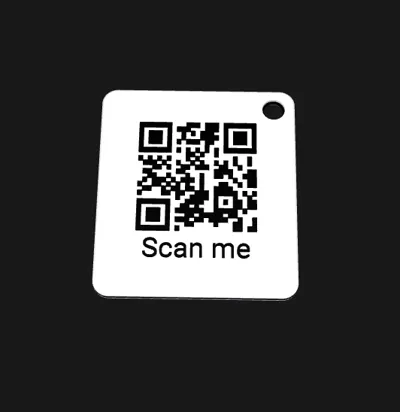
A flat tag with a 3D-printable QR code, optional multi-line text, optional accent stripe, and an optional keychain hole. Customize the URL, the text, the size, the colors, and the orientation — all in MakerWorld's browser customizer.
What you can change
Click Customize on this page to open the editor.
- Size & shape — square or rectangle, 30–120 mm wide, up to 180 mm tall, 1.5–6 mm thick.
- Corners — rounded outline (0–10 mm radius) + softened top/bottom 3D edges.
- QR code — any URL or text you want it to encode. Auto-scales to fit.
- Text label — single or multi-line (use * to start a new line, e.g. Name*Phone*Email).
- Font — picker from MakerWorld's full font catalog.
- Colors — each zone (body, stripe, QR, text) has its own picker. Defaults are clean black & white, but you can mix freely.
- Content placement — raised on top (you can feel it), flush with the top face (smooth), or embedded on the back (smooth both sides). Enable both sides for a double-sided tag.
- Accent stripe — optional horizontal stripe wrapping around the side wall.
- Keychain hole — toggle on/off, diameter 3–10 mm, your choice of corner.
Print settings
- Filaments: 2 by default (body + accent). Up to 6 if you customize each color independently. Single color works too.
- Layer height: 0.2 mm recommended.
- Supports: none.
- Infill: 15% is plenty.
- Estimated print time: 25–60 minutes at the default 50 mm size.
In Bambu Studio import the 3MF and assign filaments to each colored body. The slicer plans the swaps automatically.
Tips
- Short URLs work best. Long URLs make denser QR patterns that can be hard to scan on small tags. Test a scan from your phone before printing a batch, or use a link shortener.
- Flush modes (front flush, back enabled) make a sleek tag with no surface bumps. The QR is part of the bulk material — slightly more durable than raised text that can chip.
- Double-sided — enable both front and back to put the QR on both faces. Great for tags that flip around in pockets.
- Single-color print — set every color to the same filament. The QR is still visible from raised relief or shadow contrast.
License

You shall not share, sub-license, sell, rent, host, transfer, or distribute in any way the digital or 3D printed versions of this object, nor any other derivative work of this object in its digital or physical format (including - but not limited to - remixes of this object, and hosting on other digital platforms). The objects may not be used without permission in any way whatsoever in which you charge money, or collect fees.


Comment & Rating (0)