
MonoLite
Print Profile(1)
Description
Introduction

Welcome to the MonoLite project. I started this project because I want to build a word clock. For that purpose, I needed a generator for the panel. MonoLite will do that and more.
In this project I wanted to learn OpenSCAD and over-engineer the solution (hey, it is a hobby). I set the following design goals:
- Designed for 3D printing
- Perfectly even and diffuse illumination of each individual letter.
- Absolutely no light bleeding between letters.
- High contrast between illuminated and unilluminated letters.
- Automatic optimal spacing and perfect alignment for any font.
- Easy to build, using widely available materials and accessible tools.
- Fully customizable
I poured a lot of time, effort — and filament — into this project, and it is available for free.
If you appreciate MonoLite, consider buying me a coffee.
About MonoLite
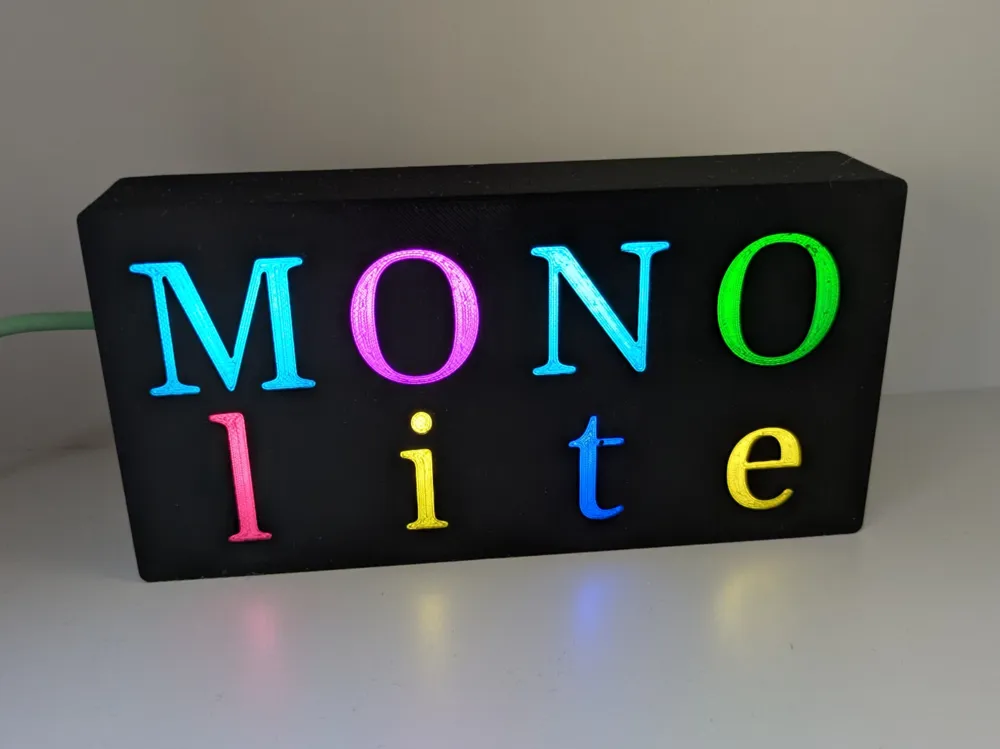
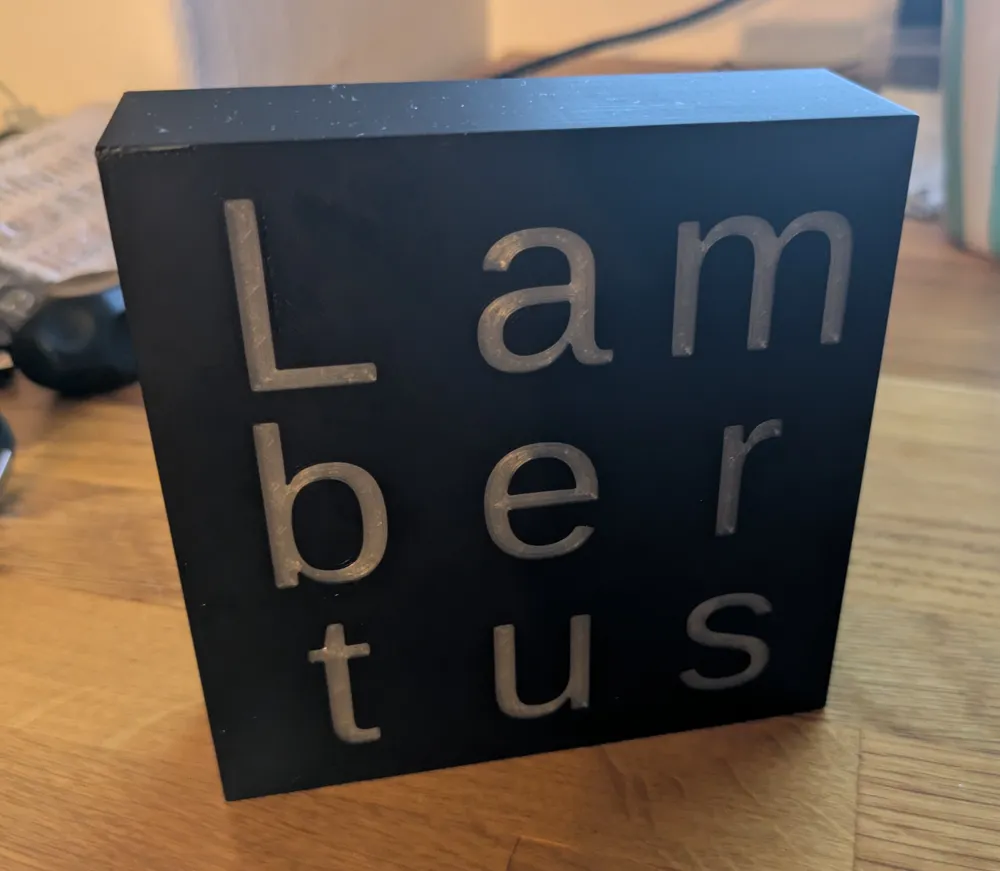
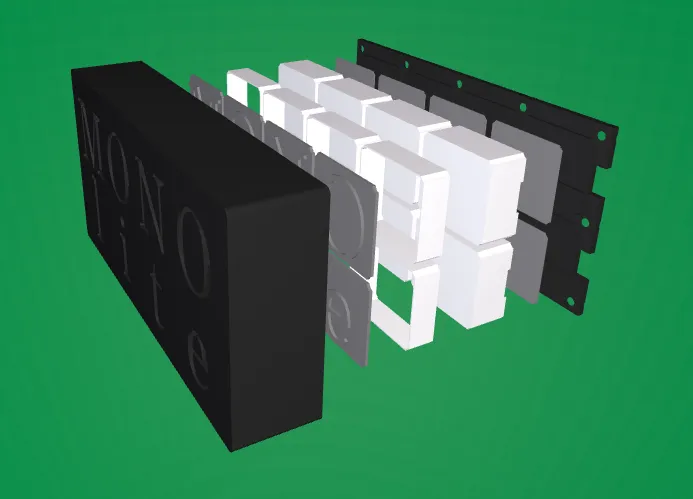
The result is MonoLite: a parametric generator for illuminated text panels. It automatically creates perfectly aligned, evenly lit lettering using LED strips for backlighting — ready for 3D printing.
MonoLite is perfect for creating:
- Illuminated signs
- Custom nameplates
- Word clocks
- Typographic wall art
Enter the text you want to display. Select any font you like and provide the dimensions of your LED strip.
MonoLite automatically calculates the size and position of each letter. It generates the complete assembly and produces models ready for slicing.
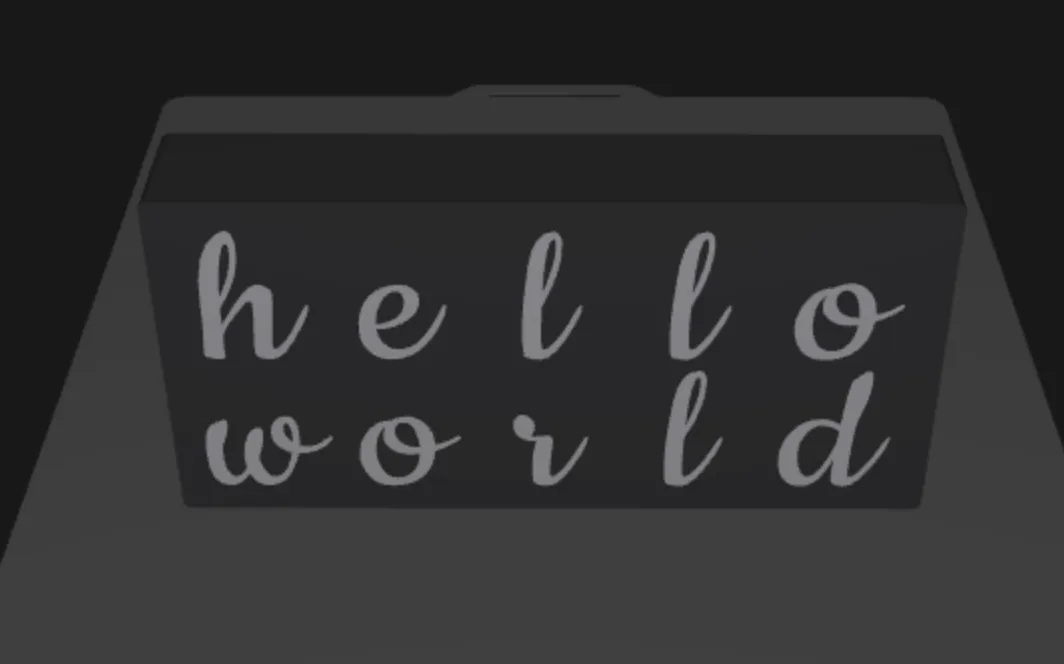
In addition to the basic parameters, many advanced parameters are available for fine-tuning the model.
If you require even further customization, then the generated model can be imported into Fusion 360 for editing.
Materials needed:
- Black (or other color) filament
- White filament
- Transparent filament
- for PLA, I recommend using Sunlu transparent PLA+
- LED strips; 1 LED per letter
- default: 10 mm wide, 30 LEDs/meter
- Fasteners
- default: 3.5 x 20 mm countersunk wood screws
- A power supply to power the LEDs
- Optional: LED controller (only needed when using addressable LED strips)
Tools required:
- 3D printer (MonoLite is designed for multi-material systems, such as AMS or AMS lite)
- A smooth build plate (needed for the diffusers)
- Soldering iron (for connecting the LED strips)
Share your Creation:
Have you built your own MonoLite? I would love to see what you designed and built — please share a photo of your creation.
If you encounter any issues or have suggestions for improvements, feel free to let me know. Feedback is always welcome.
Documentation (4)
License



Comment & Rating (0)