
Multiboard_device_Holders
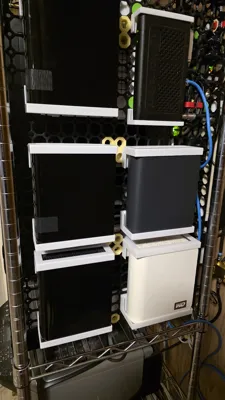
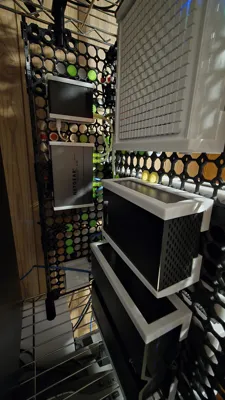
Print Profile(1)

Description
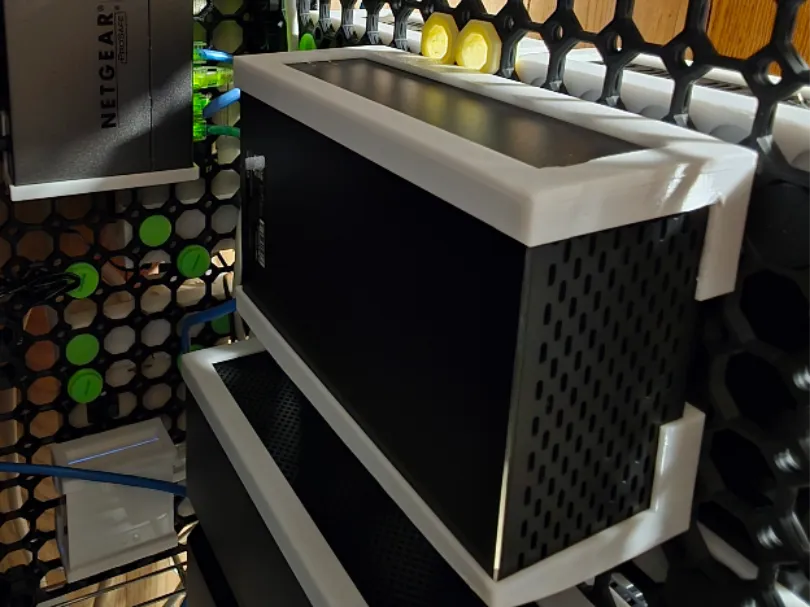
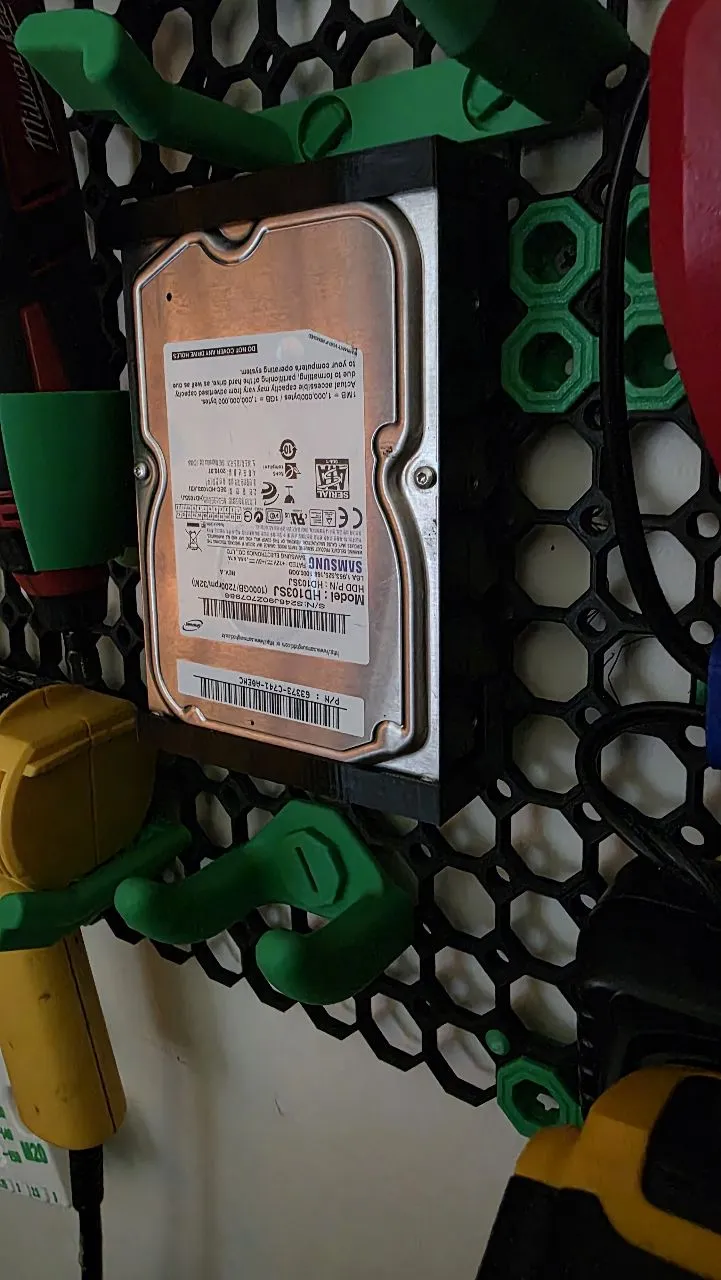
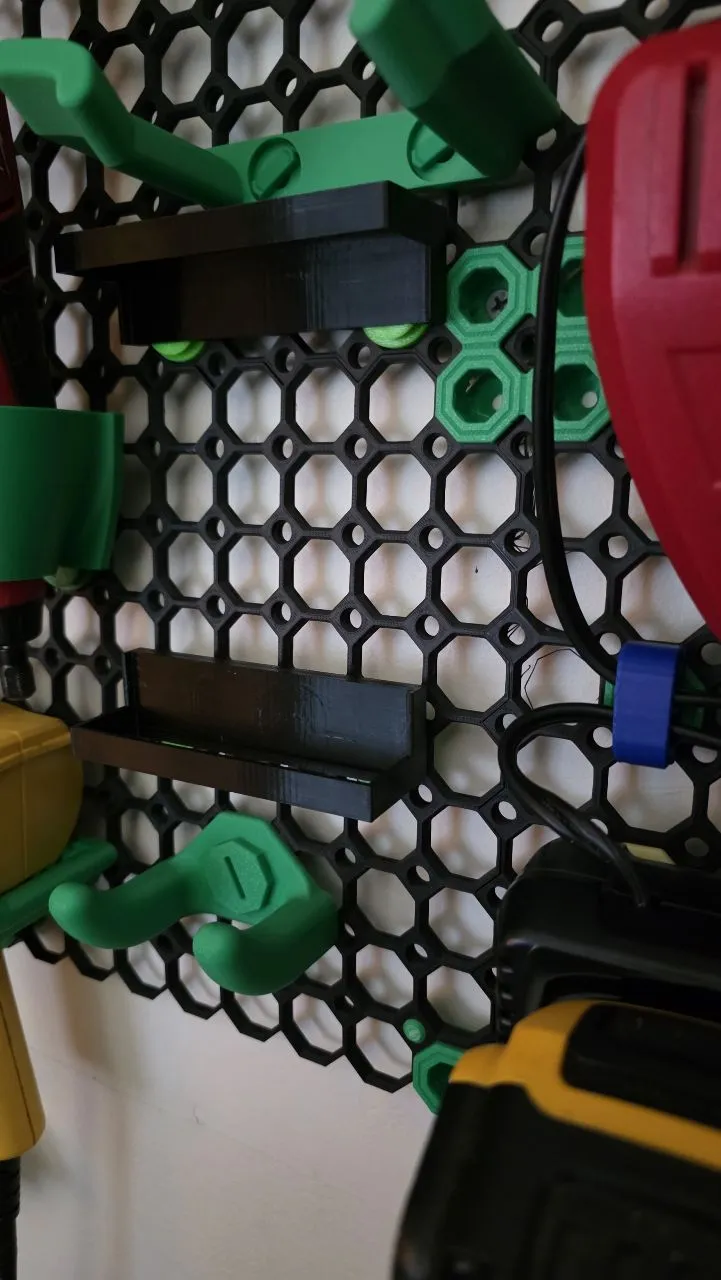
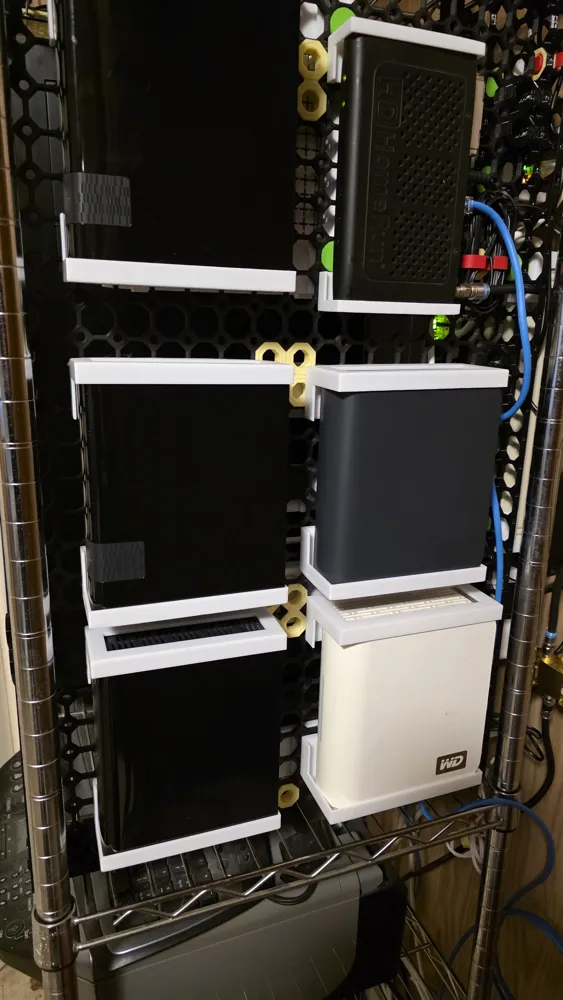
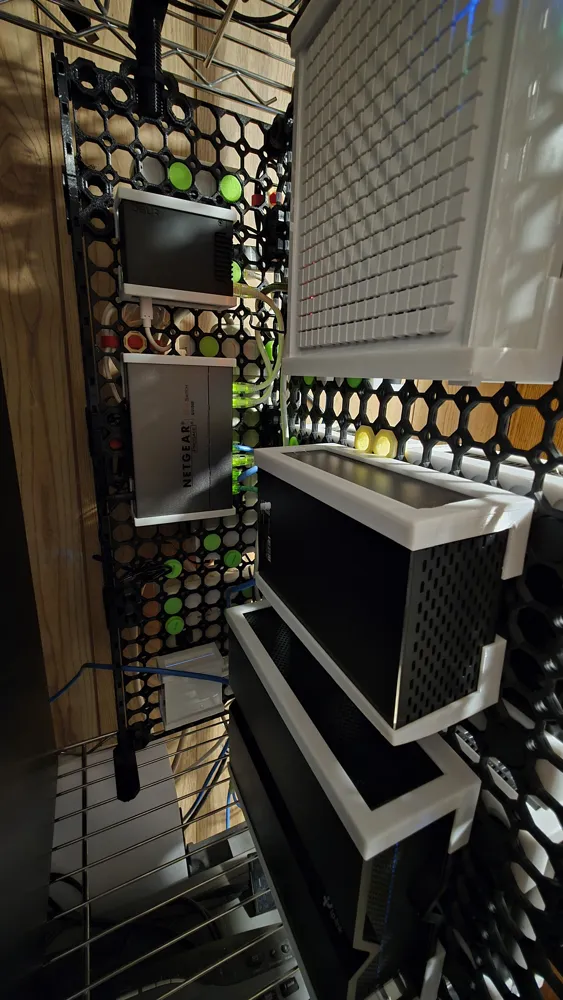
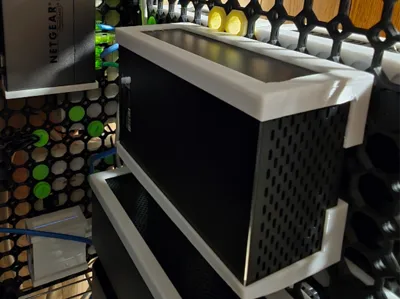
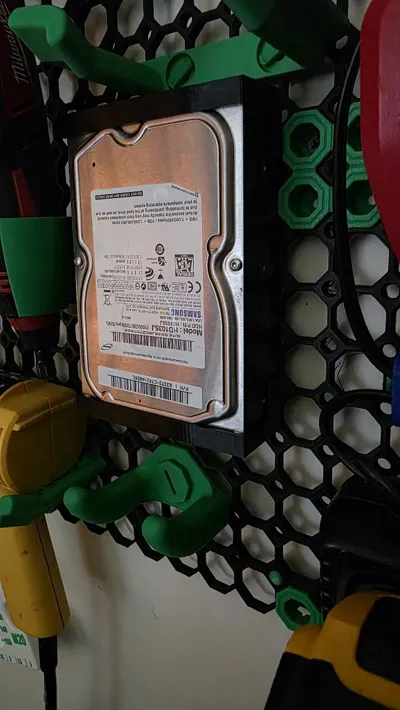
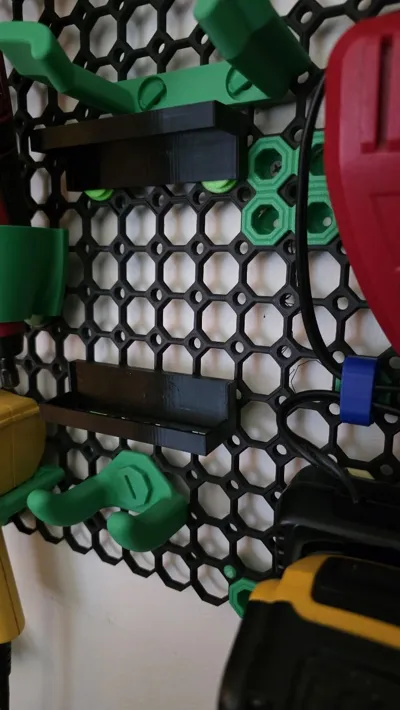
Multiboard Clamshell Device Bins
These device holders were designed using the Multiconnect Part Generator Master Collection
While some of the included bins may be useful as-is, the main purpose of this release is to show you how to create your own custom bins using the generator tools.
A community request based on this design—approved by BlackjackDuck—is currently in progress. Depending on time and priorities, this feature may eventually be added directly to the Part Generator.
If you use or enjoy this design, be sure to boost BlackjackDuck for all his hard work and support his ongoing projects!
Directions
File: VerticalItemHolder.scad
Preset: Default → Multiconnect - MultiBoard
1. Set Internal Dimensions
- internalHeight: 38.0
- Adjust internalWidth and internalDepth to fit your specific device.
2. Configure Cutouts
Enable and adjust the following for larger devices:
- Front Cutout
- Bottom Cutout
- Left Cutout
- Right Cutout
A capture value of 10 works well for larger devices.
For smaller devices, you may want to reduce the capture to 5.
3. Slot Customization
- Enable: slotQuickRelease
- Disable: onRampEnabled
4. Export and Slice
Once your parameters are set:
- Download your generated model.
- Open it in Bambu Studio (or another slicer).
5. Modify the Capture Slots
Use a negative part to remove the capture slots on the front of the device bin.
Tip: Getting the height right can be tricky — once you have it aligned properly, clone or copy/paste the negative part and move it into place as needed. Then Mesh the model to combine everything.
6. Create the Clamshell Design
- Add a plate and clone your model so you have two identical bins.
- Choose one model and use the Cut Tool to make a vertical cut between the mounting slots and the back wall of the bin.
- Make sure “Cut to Parts” is checked in the tool options; otherwise, the slicer may reposition the cut pieces for better orientation.
- Take the piece with the mounting slots and rotate it 180° so the slots face the opposite direction of the other bin.
Done!
You now have a Multiboard clamshell-style device bin ready to print and mount.
Included in this release are:
- Sample bin models
- A large coin-slot connector for attaching bins together
Part of the Multiboard Vertical Server Collection
License

You shall not share, sub-license, sell, rent, host, transfer, or distribute in any way the digital or 3D printed versions of this object, nor any other derivative work of this object in its digital or physical format (including - but not limited to - remixes of this object, and hosting on other digital platforms). The objects may not be used without permission in any way whatsoever in which you charge money, or collect fees.


Comment & Rating (0)