Search models, users, collections, and posts


Print Profile(1)

0.16mm layer, 2 walls, 15% infill
Designer
29 min
1 plate
Open in Bambu Studio
Boost
22
63
8
4
303
121
Released
Description
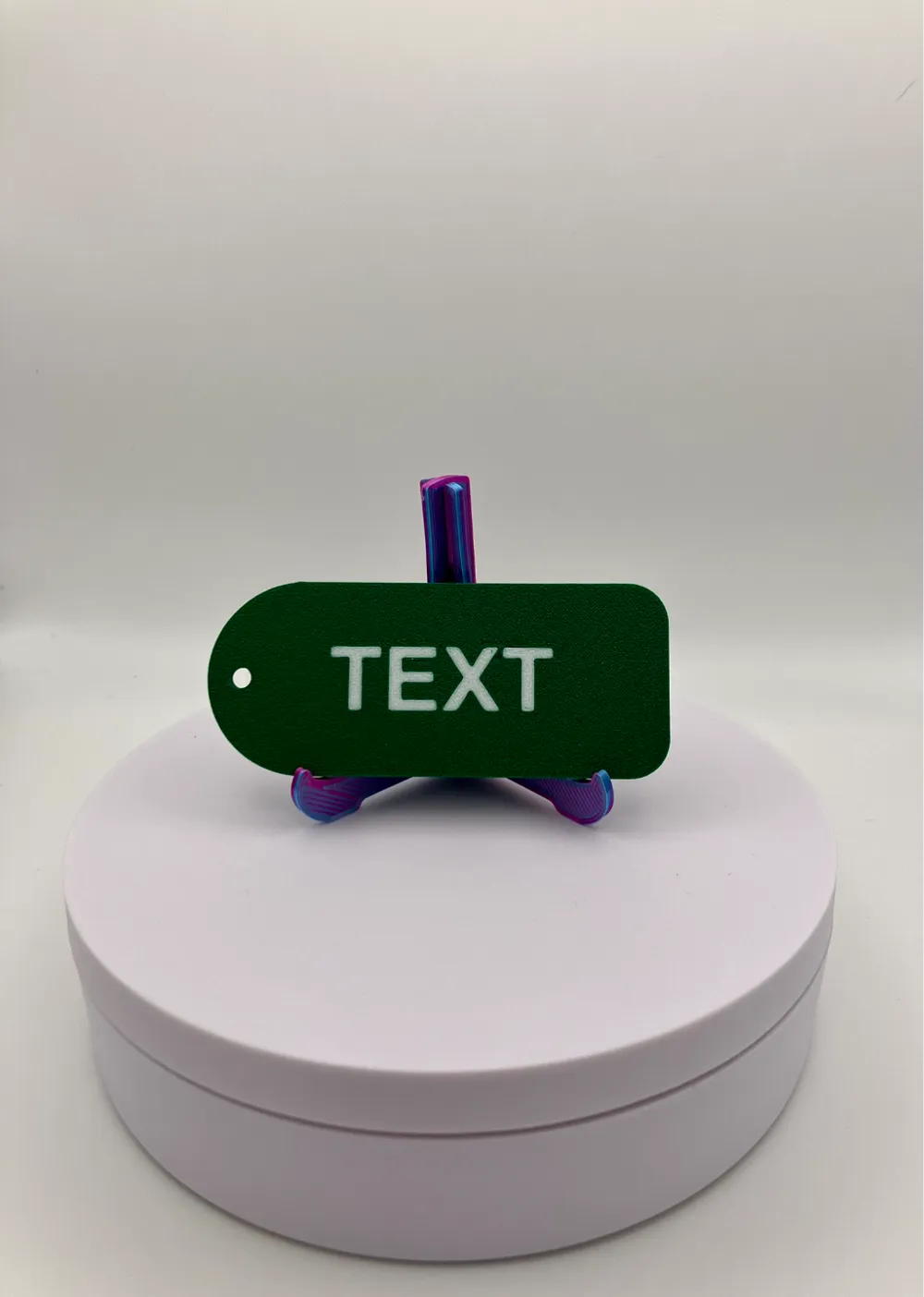
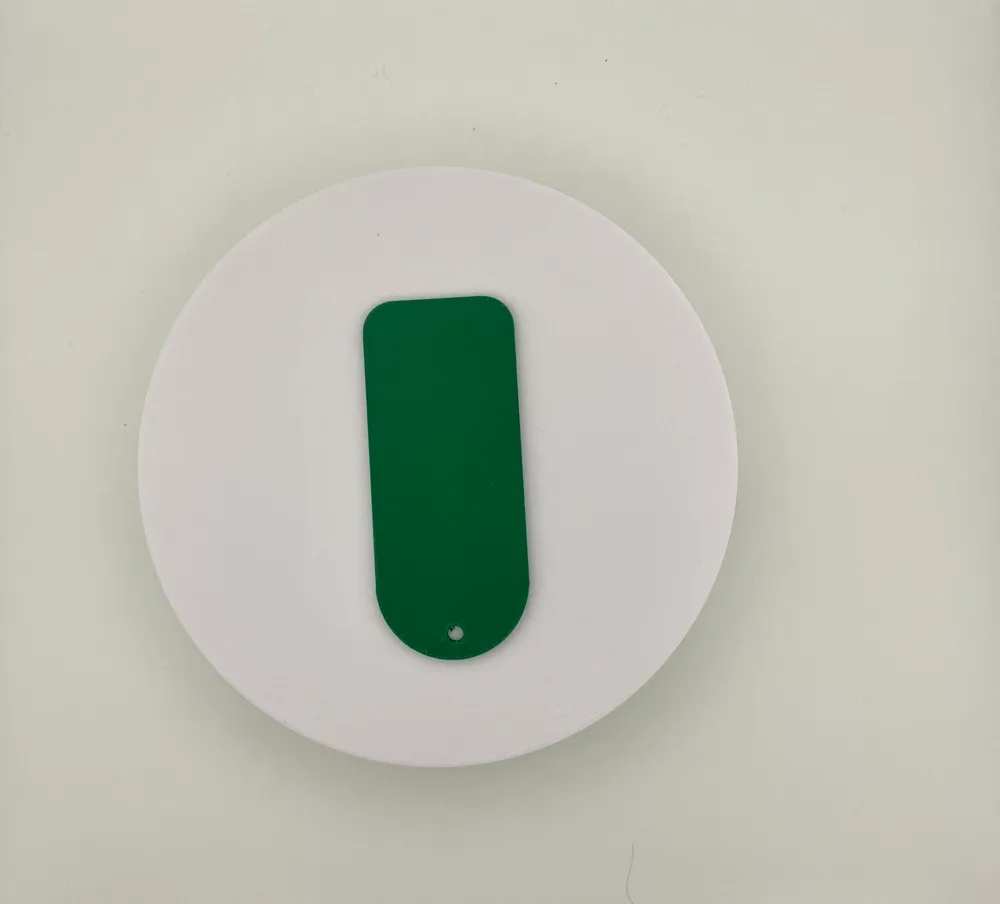
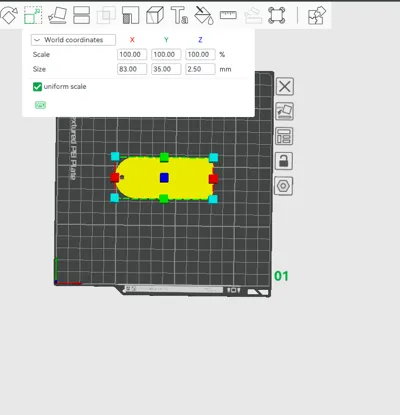
Customizable plain tag, just add your own text, name or symbol to it in the slicer (tested with Bambu Studio and orca slicer)
Just follow the steps bellow:
- download the 3mf or STL file
- open it in your slicer (Bambu Studio or Orca Slicer but it would work with Anycubic Next slicer too)
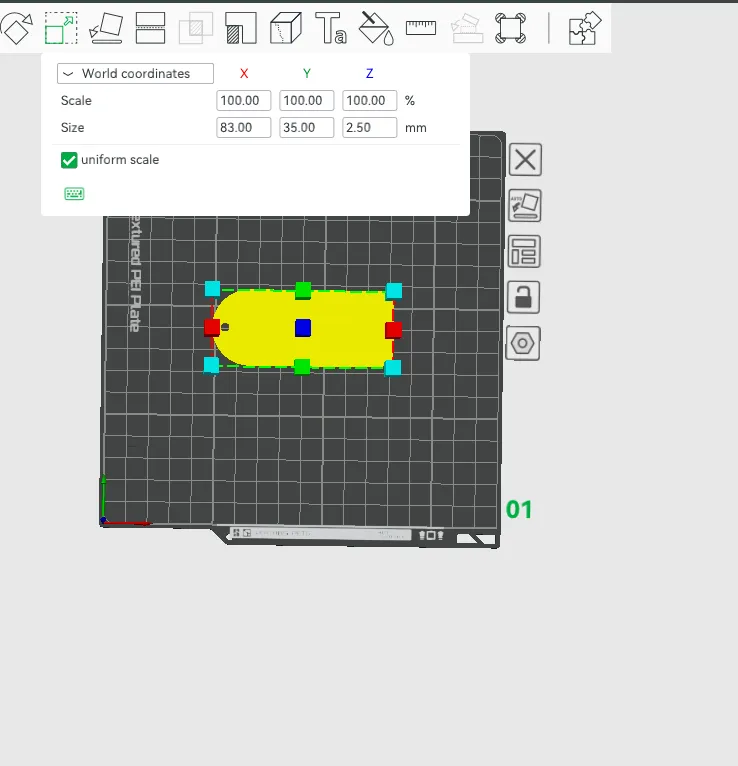
- click on the object and go to “object mode” (check screenshot attached)
- select “text shape” and then right click
- on the pop-up menu select: “edit text”
- another pop-up window comes up (top-middle part of the software, here you write your own text in the “input text” line.
- OPTIONAL: change the size, font type in the same window mentioned above. (do not change the “thickness”)
License

This user content is licensed under a Standard Digital File License.
You shall not share, sub-license, sell, rent, host, transfer, or distribute in any way the digital or 3D printed versions of this object, nor any other derivative work of this object in its digital or physical format (including - but not limited to - remixes of this object, and hosting on other digital platforms). The objects may not be used without permission in any way whatsoever in which you charge money, or collect fees.


Comment & Rating (8)