
Universal Mouse Display Stand
Print Profile(2)


Description
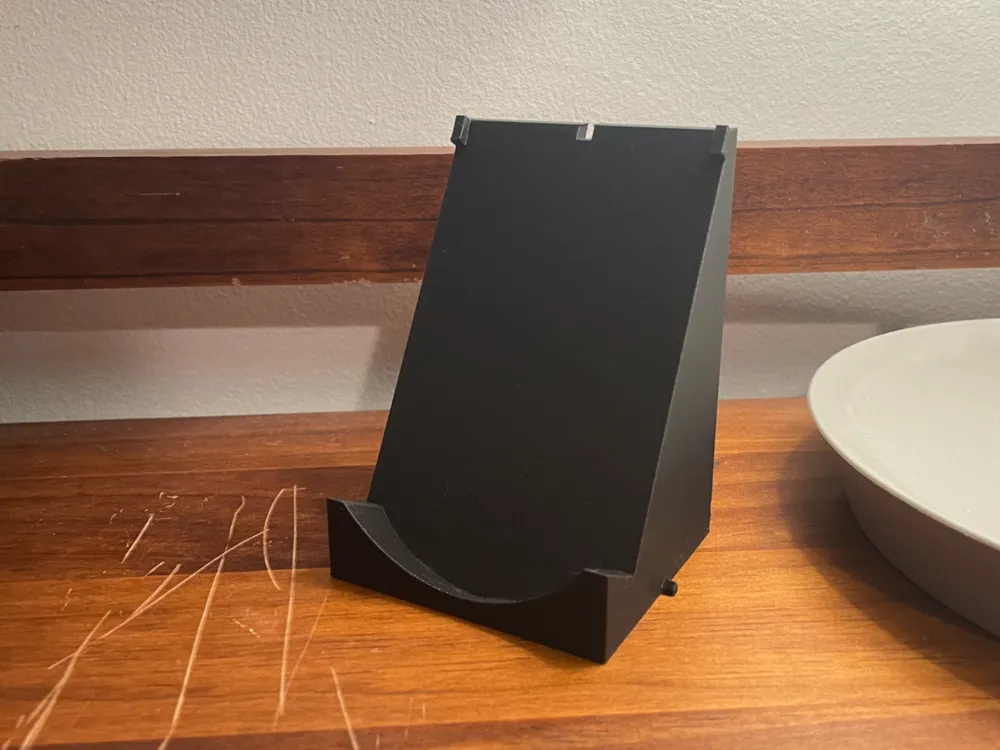
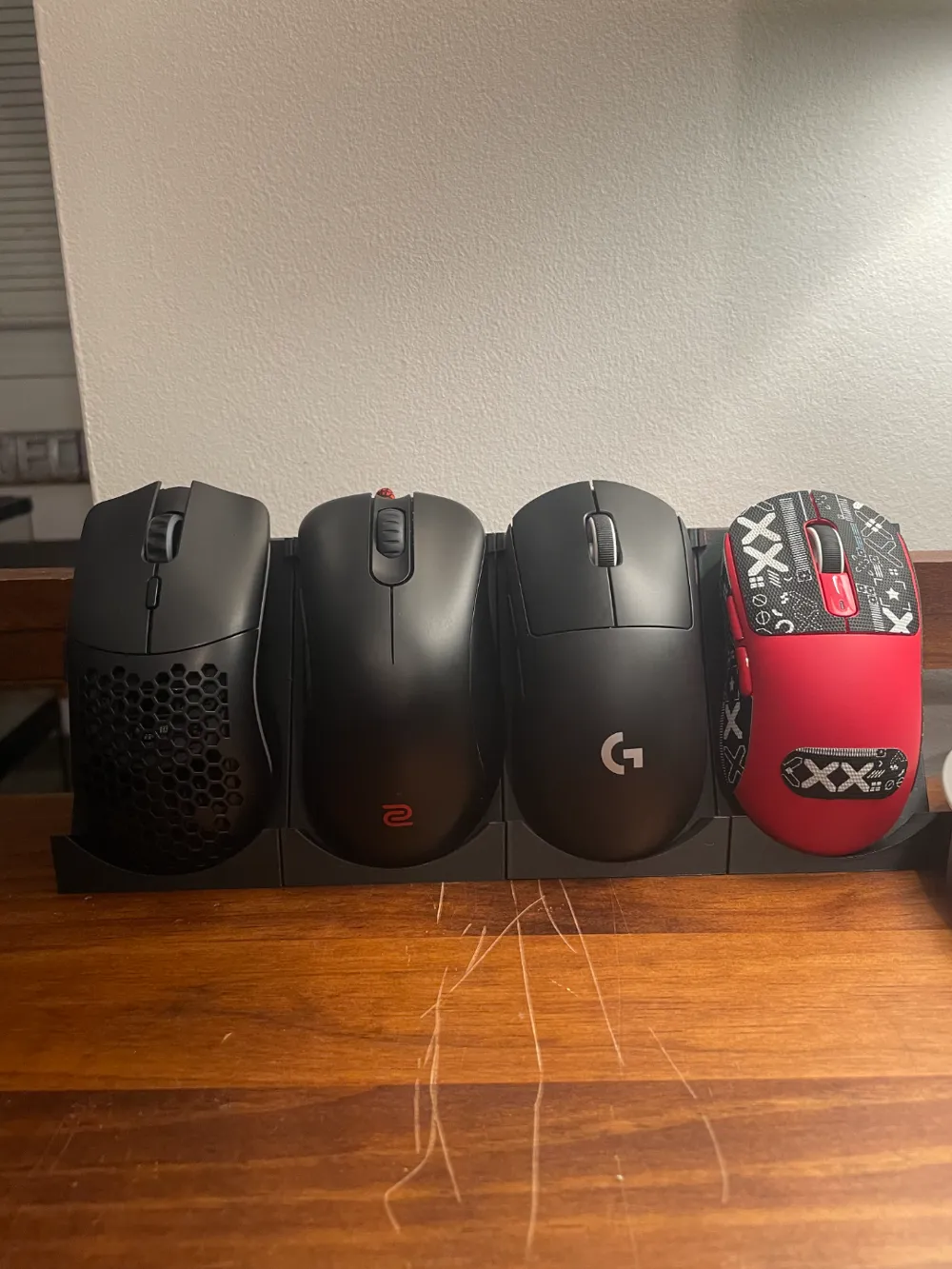
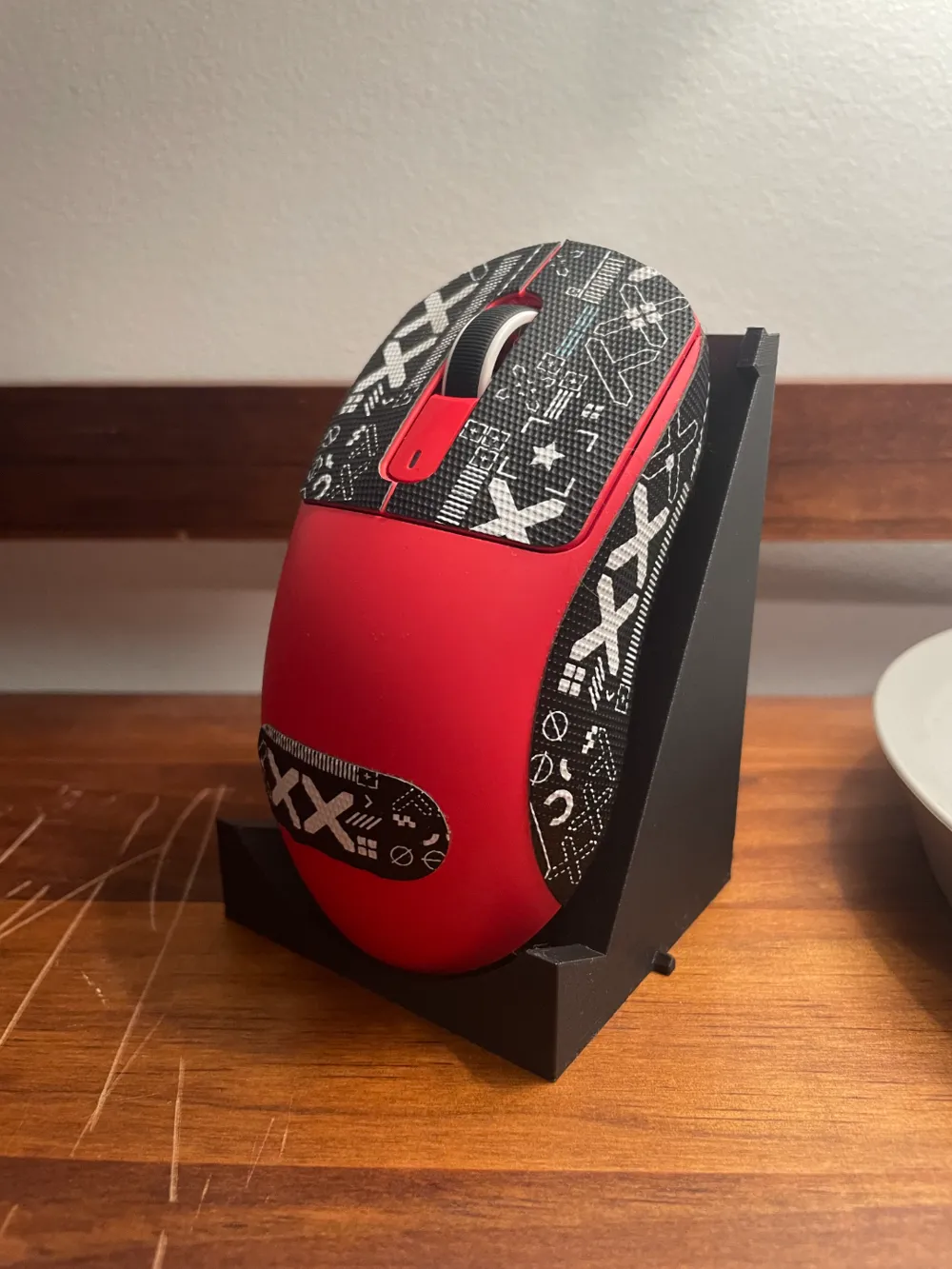
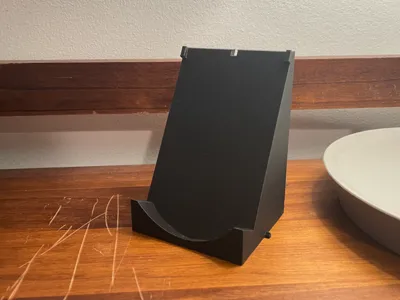
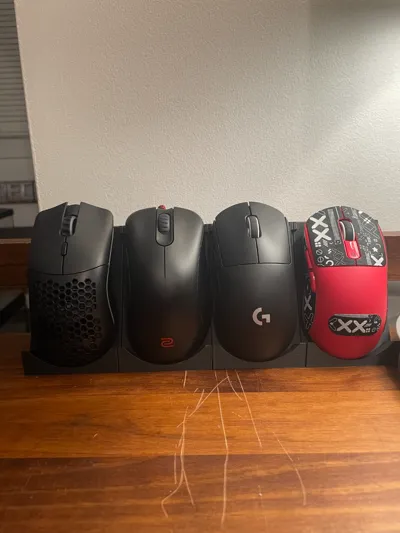
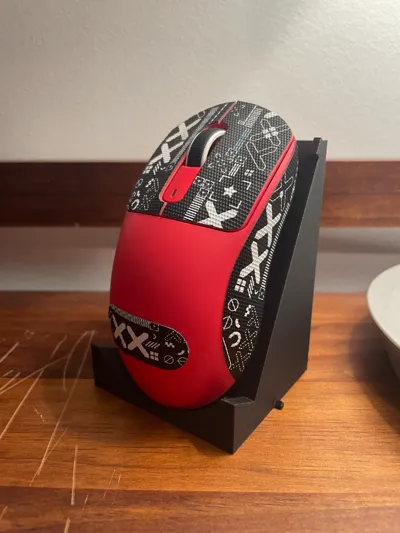
I’ve got a bit of a gaming mouse collection going, so to keep things neat and show them off, I designed a universal display stand.
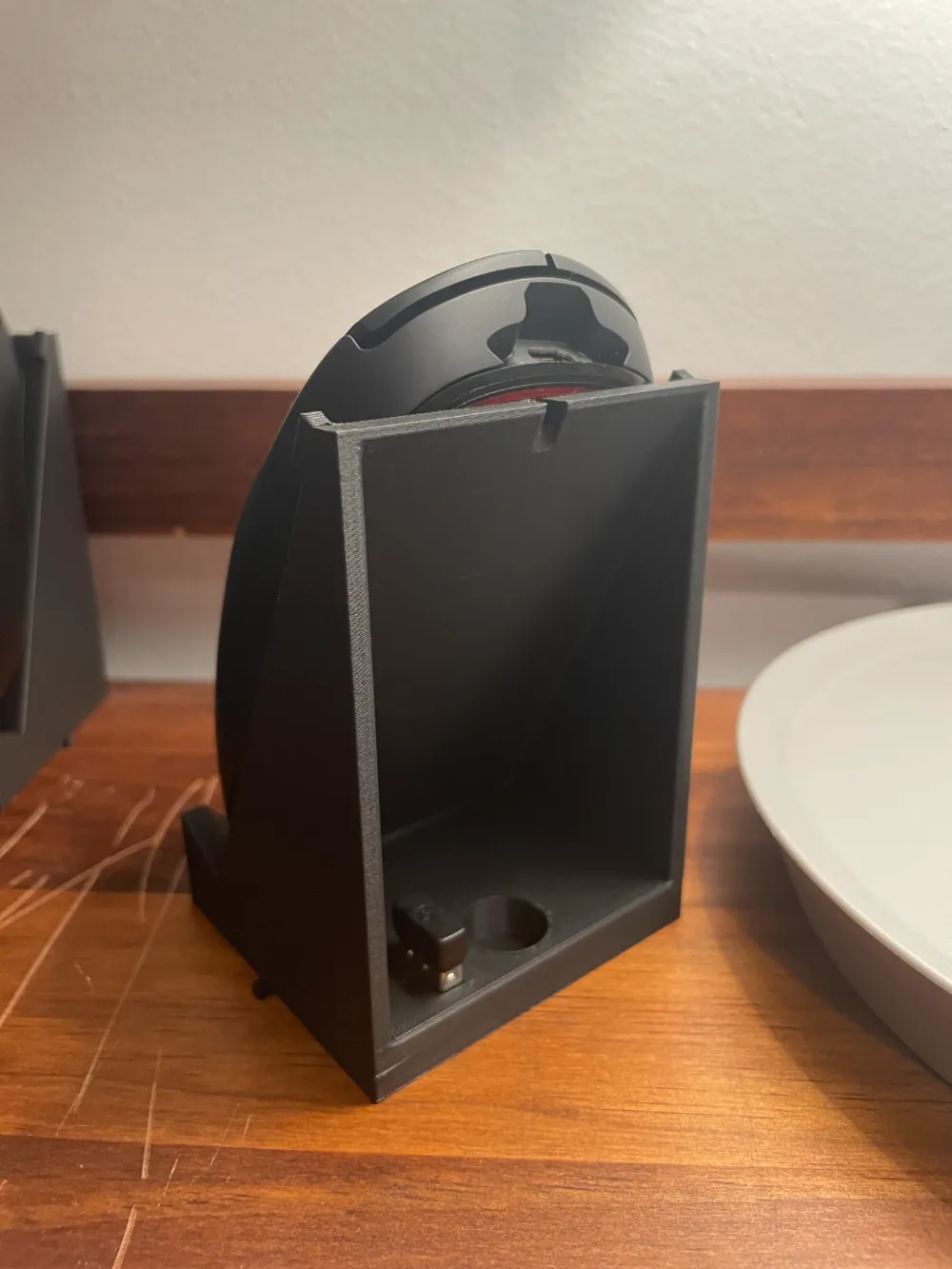
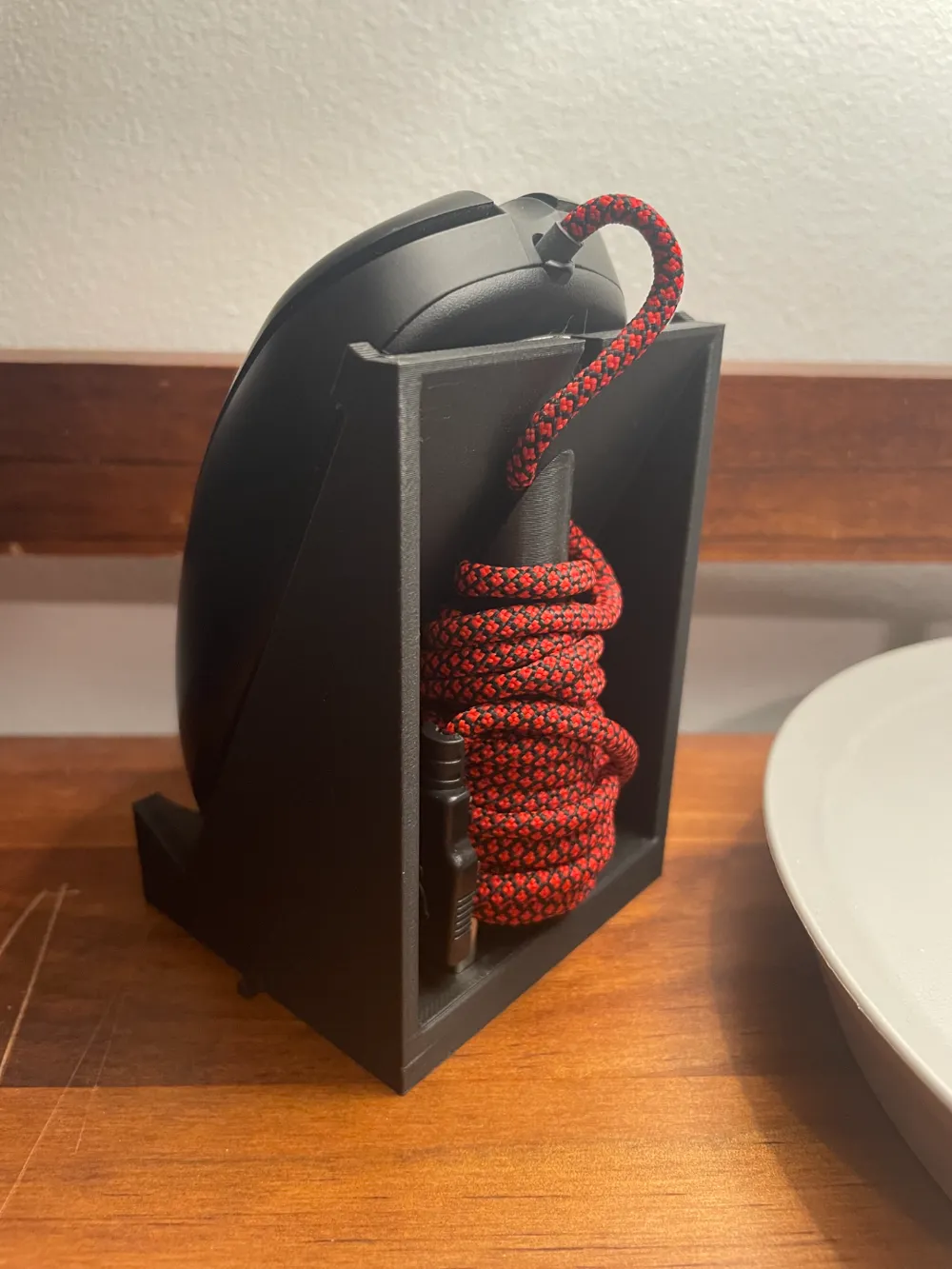
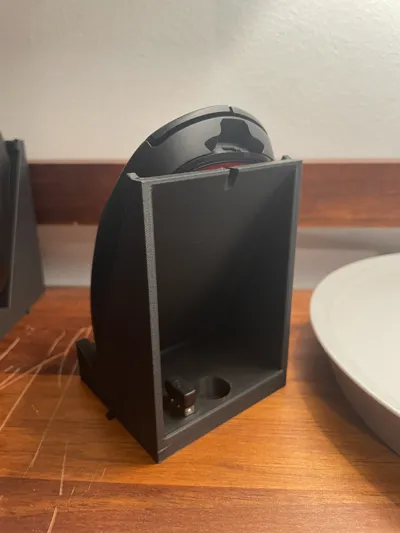
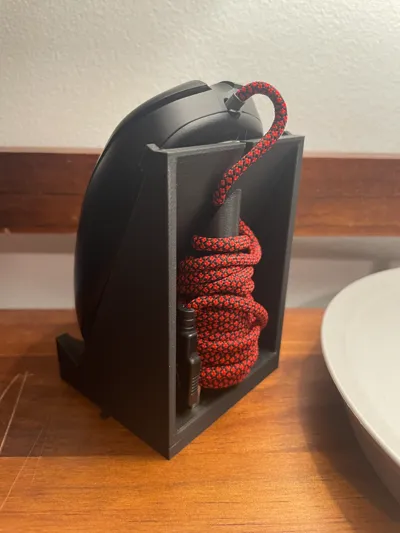
It’s super easy to 3D print (no supports necessary), and the stands slot together so you can expand them for however many mice you have. There’s a slot in the back for a USB dongle if you’re using a wireless mouse, and if you’ve got a wired one, there’s an optional spool you can print to keep the cord tidy (I would probably print the spool with a brim). Additionally, once you've printed the spool put it in and out of the slot a couple of times before you wrap your cord around it.
When wrapping the cord, I like to start with the USB end of the cord at the bottom on top of the edge, then I keep wrapping it around and around until I have just a little extra cord so that the mouse can go over the top. Next, place the spool into the slot (might have to wiggle it a bit) and then plug the USB into its slot. Finally, adjust the position of the mouse to look nice.
License



Comment & Rating (13)