
Desktop rocky clock


Print Profile(1)

Bill of Materials
- Clock core from the following link https://detail.tmall.com/item.htm?abbucket=20&id=671803781489&ns=1&priceTId=215045cb17155181200395963e30d2&spm=a21n57.1.item.1.761a523c0Z9AoH&sku_properties=21433:23920299170 I didn't test with Maker's supply x 1:
Description
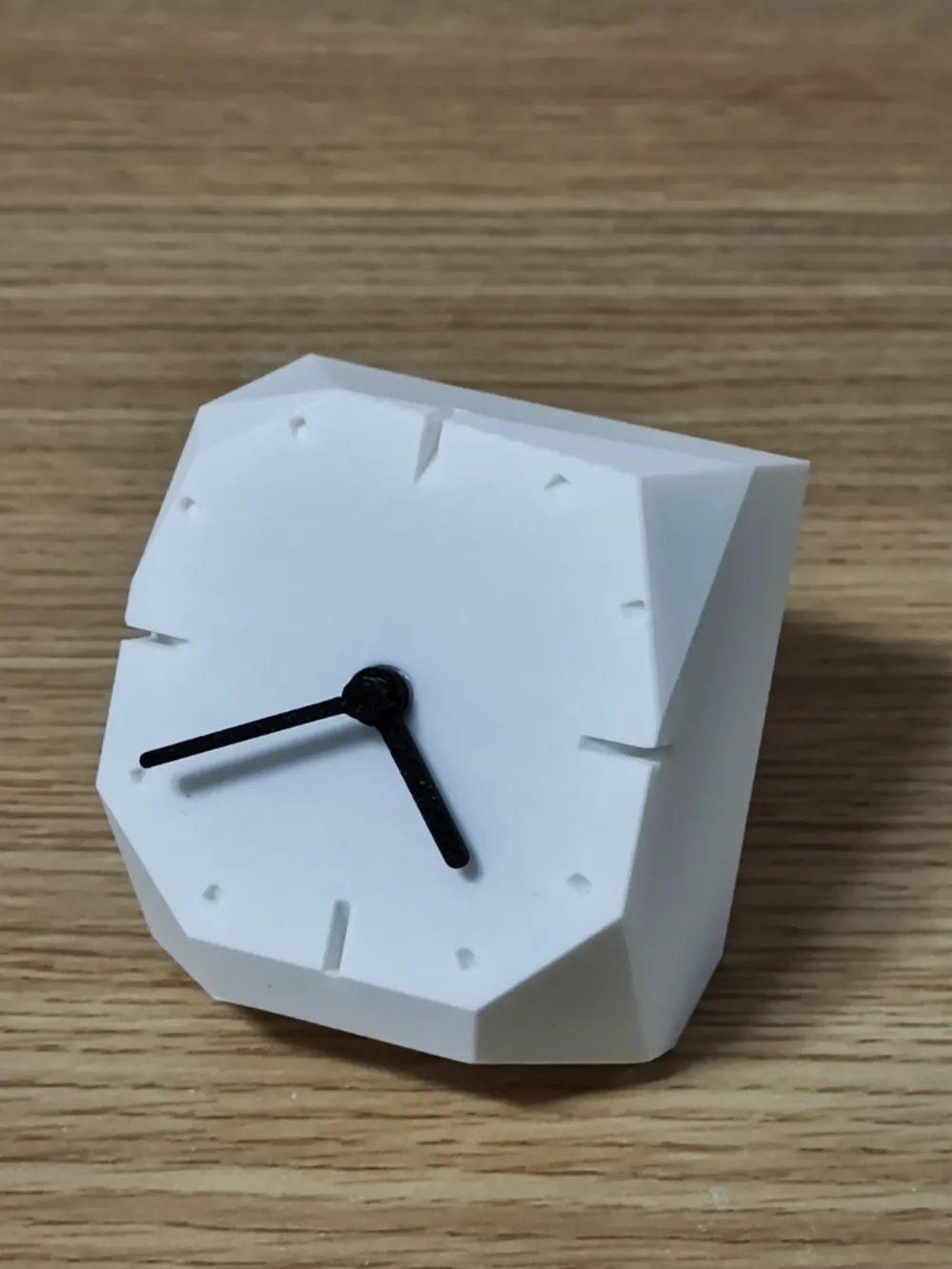
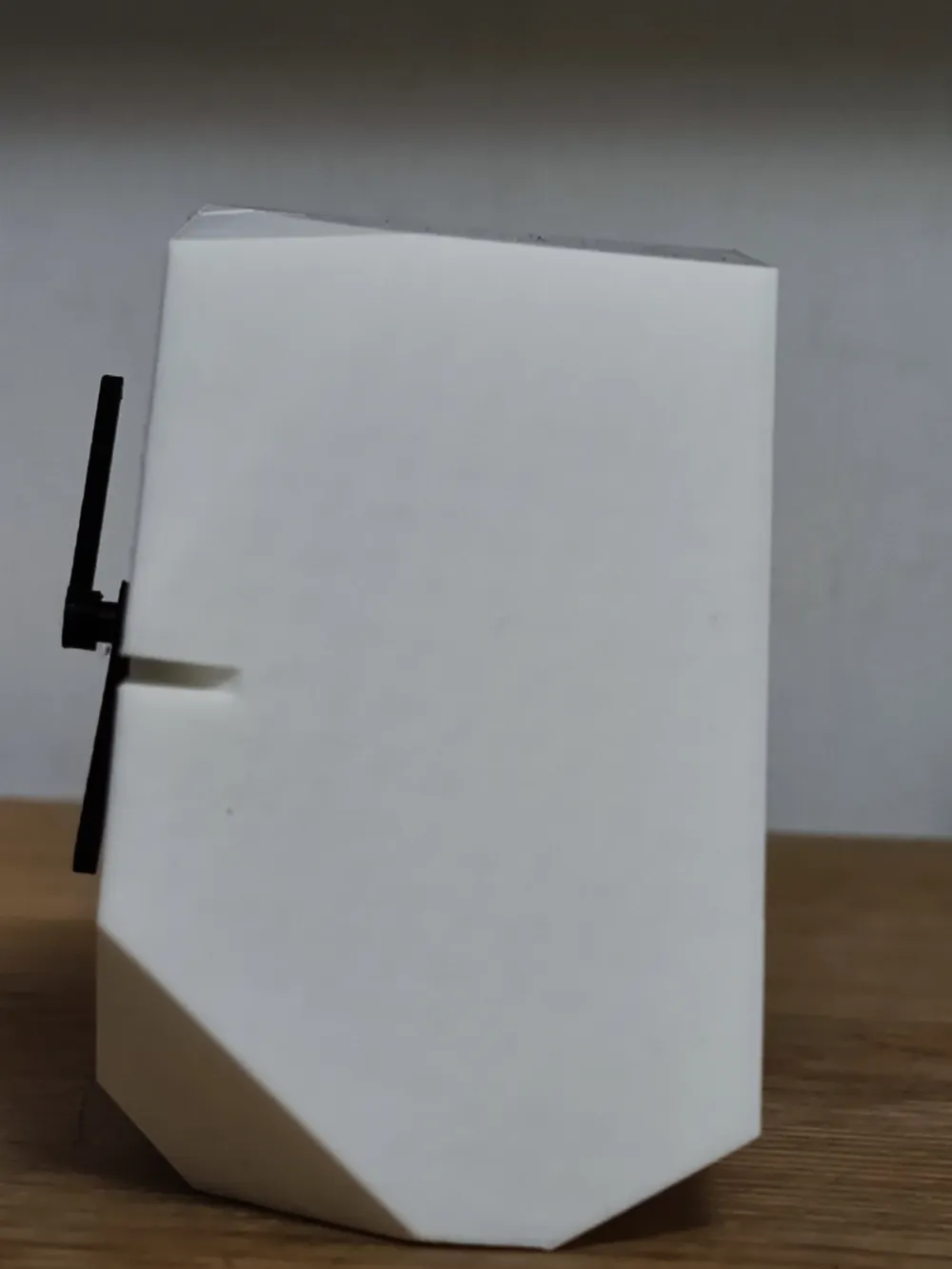
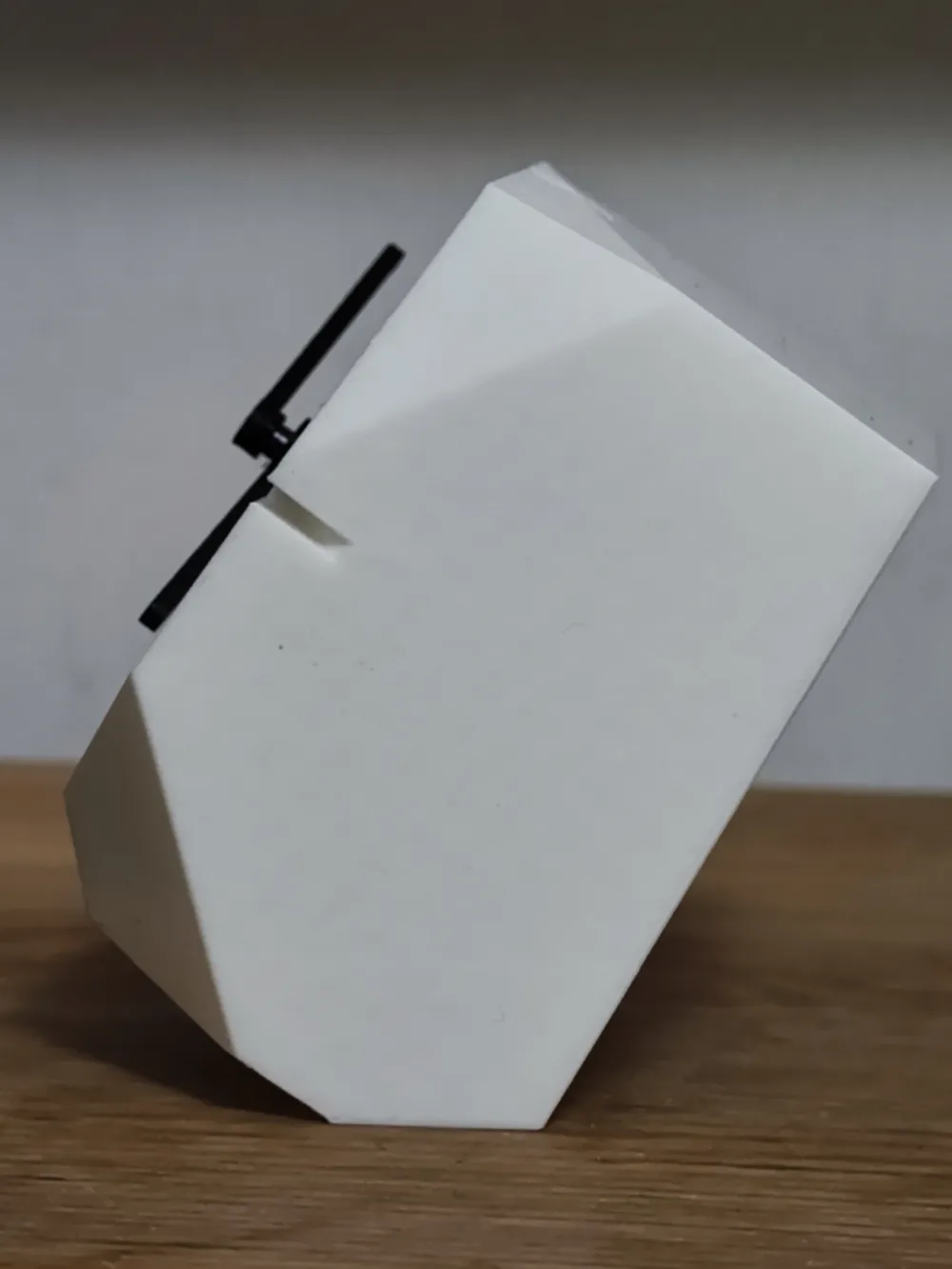
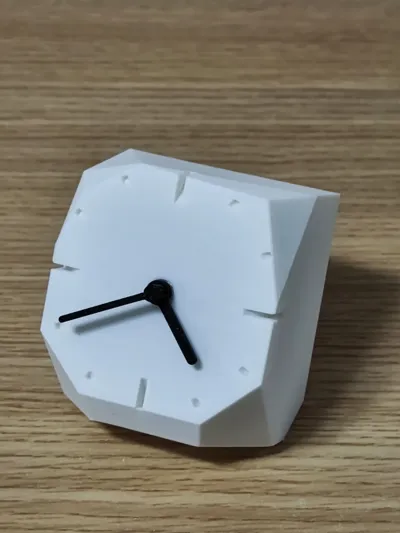
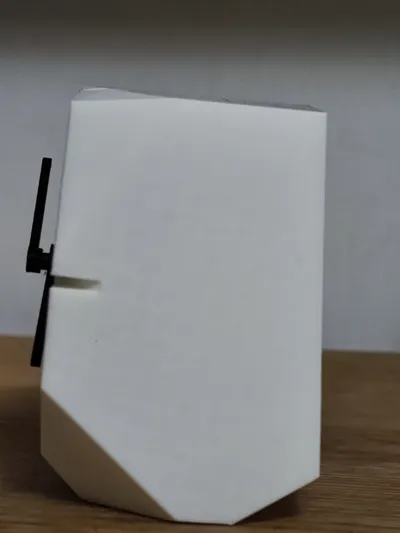
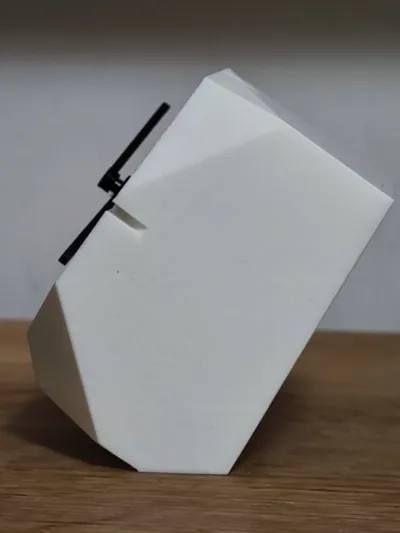
This clock's has a unique design of a thick body, as if cut from a rock. It has two orientations depending on your preferred view angle. The face of the clock is embossed so no AMS system is needed.
Suggest to print the clock body in light color so the shadow of the marks can be clearly seen.
I bought the core from the following link https://detail.tmall.com/item.htm?abbucket=20&id=671803781489&ns=1&priceTId=215045cb17155181200395963e30d2&spm=a21n57.1.item.1.761a523c0Z9AoH&sku_properties=21433:23920299170, (warning the core in the link has automatic time sync and may work in China only). A core with the following dims should work:
- 56mmx56mmx19mm
- 6mm axis
- 5.5mm hour hand hole, 3.6mm minute hand hole
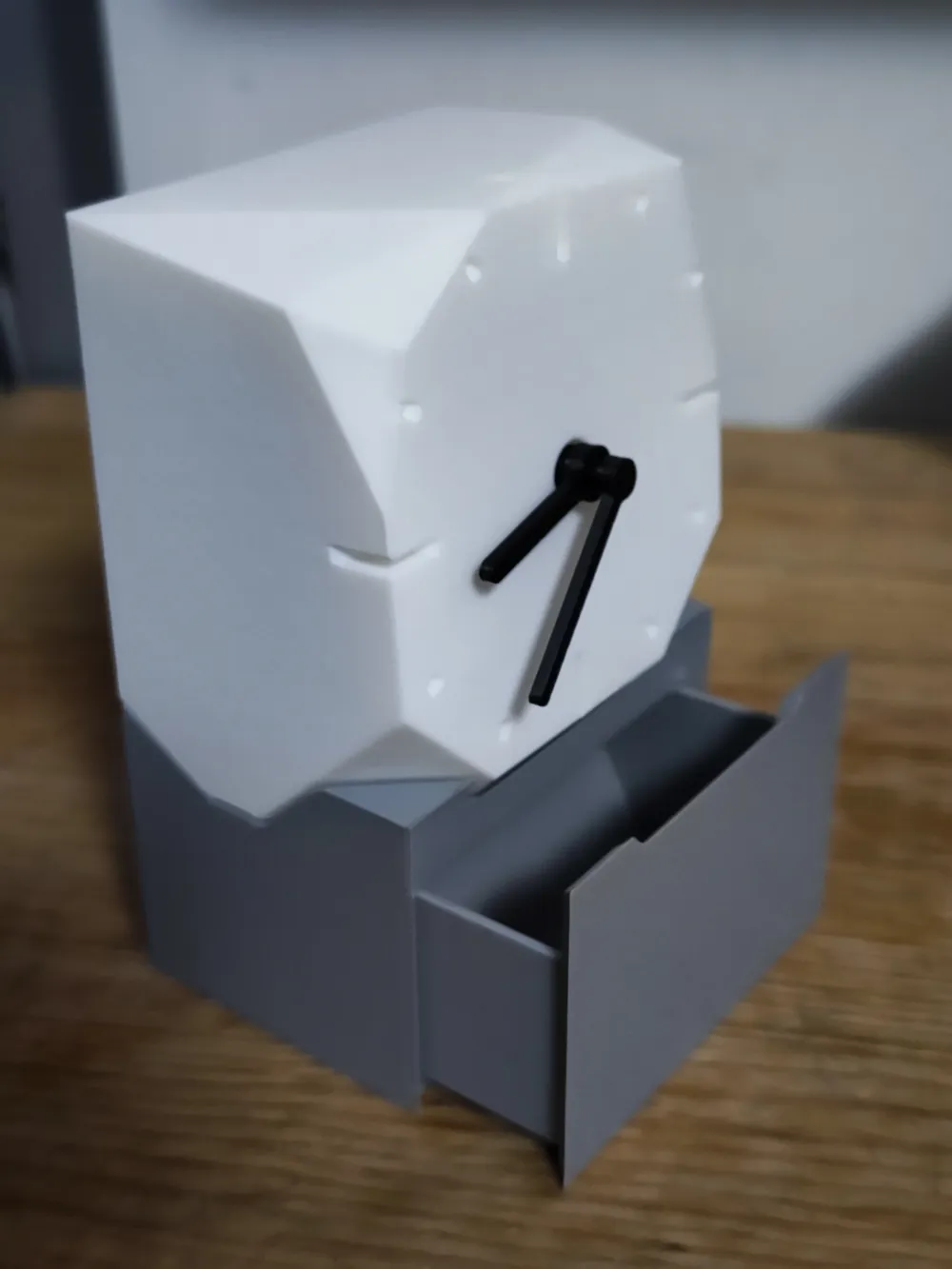
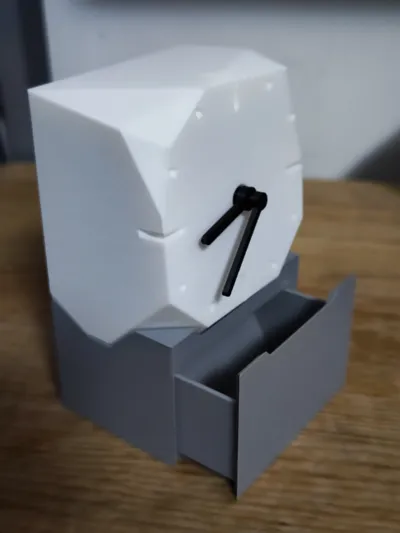
The clock also comes with an optional base, I printed the base to elevated the clock so I can put something in front of it on my desk without blocking the view. The base also double as a drawer so I can stash some small items into it.
Print guide: Drawer should be printed with its face down. Other parts just print as is. No support needed. (if the bridge on body upper part doesn't print well, add support)
Assembly guide:
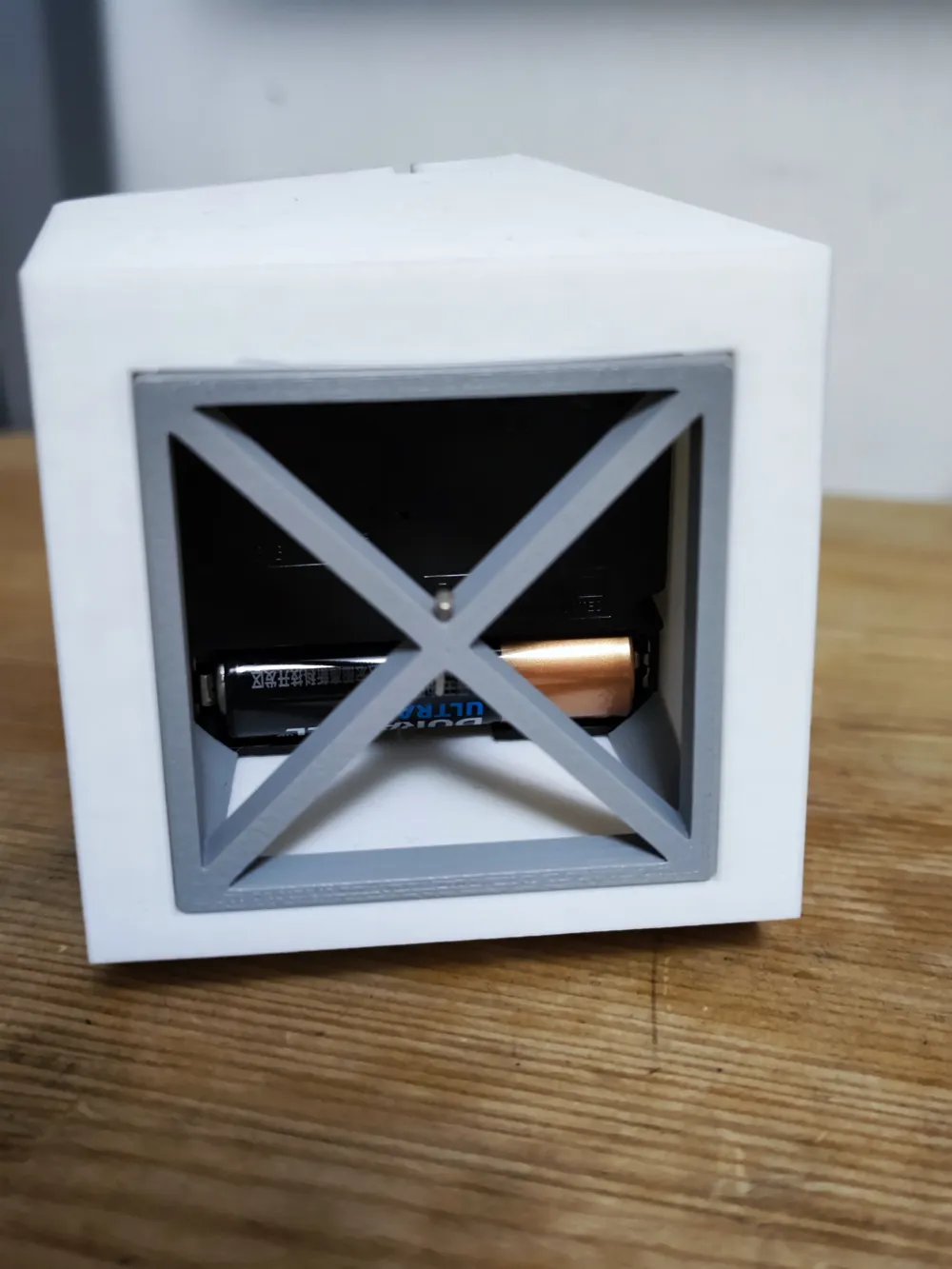
- Put the core you bought into the clock body until the axis can be seen from front.
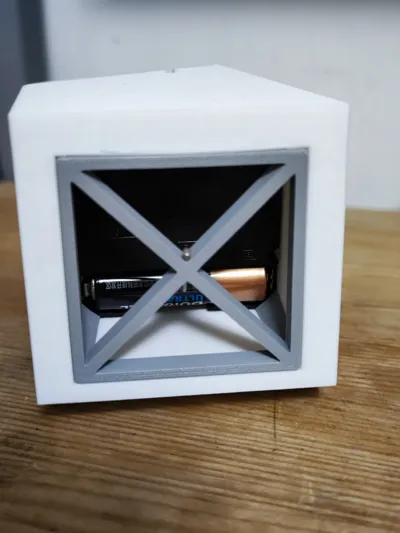
- Put on the needles, unplug the pin on the core, put on the battery.
- Insert the back into body to fix the core in place.
- Insert the pin into the hole on the back for future use.
- (optional) Base is optional, if you need the clock to stand higher, print the base and drawer and assemble them together.
License



Comment & Rating (0)