
Infill speed test
Print Profile(1)

Description
Hello everyone,
here is a small test I conducted to check the maximum infill speed on your 3D prints.
I had some problems where the infill tended to slightly peel off, and with the upper layers, it ended up forming a bigger and bigger blob until the print head started to violently hit the print, and I had to cancel my prints.
So, I reduced my infill speeds to a maximum of 150mm/s. I hardly had any more problems.
So, I wanted to create a test to determine the maximum infill speed without it forming "blobs."
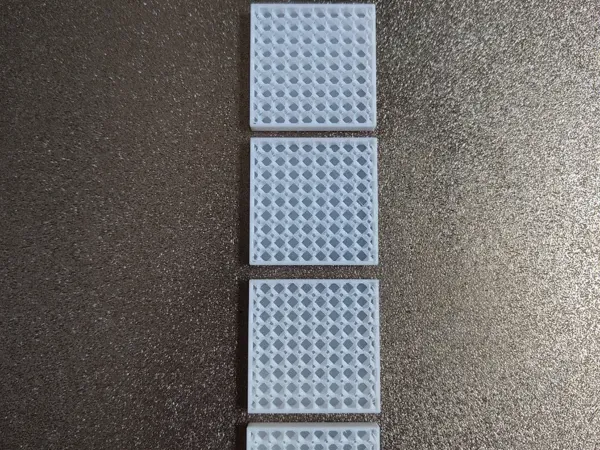
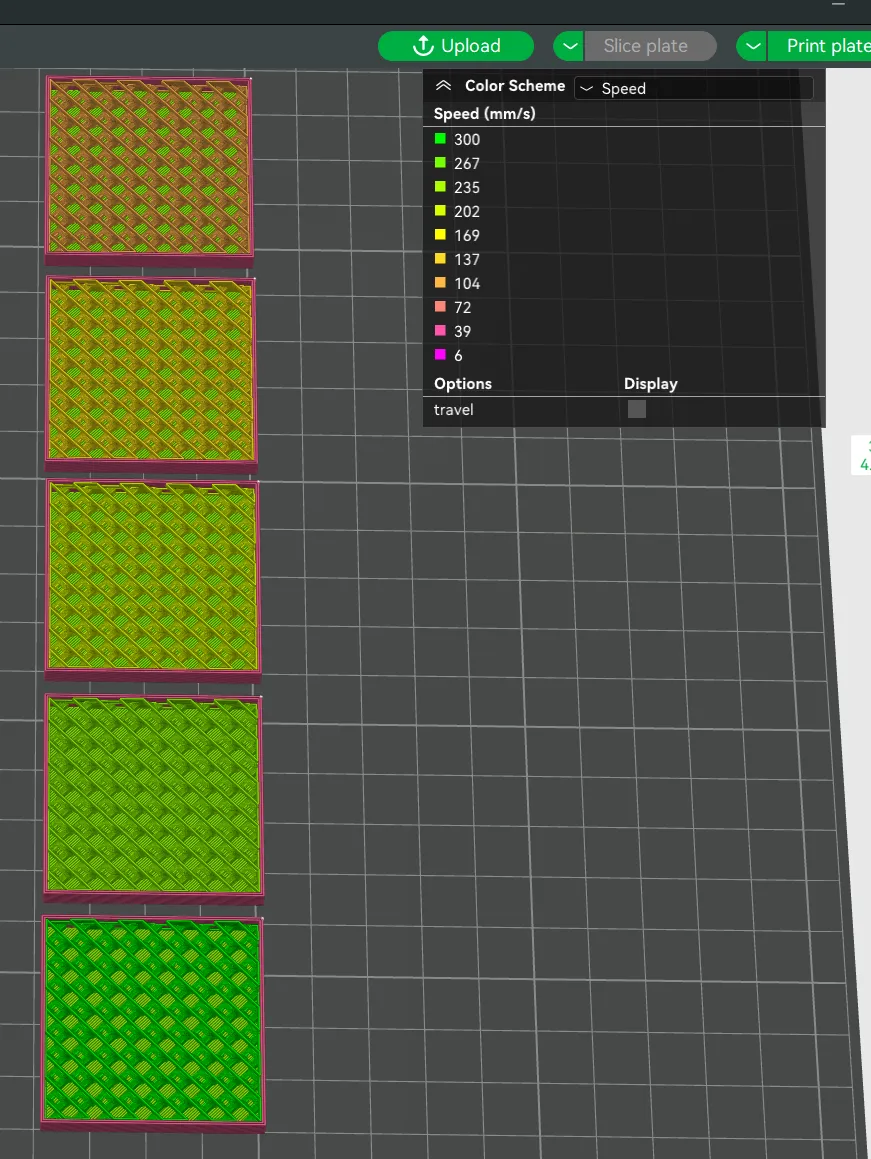
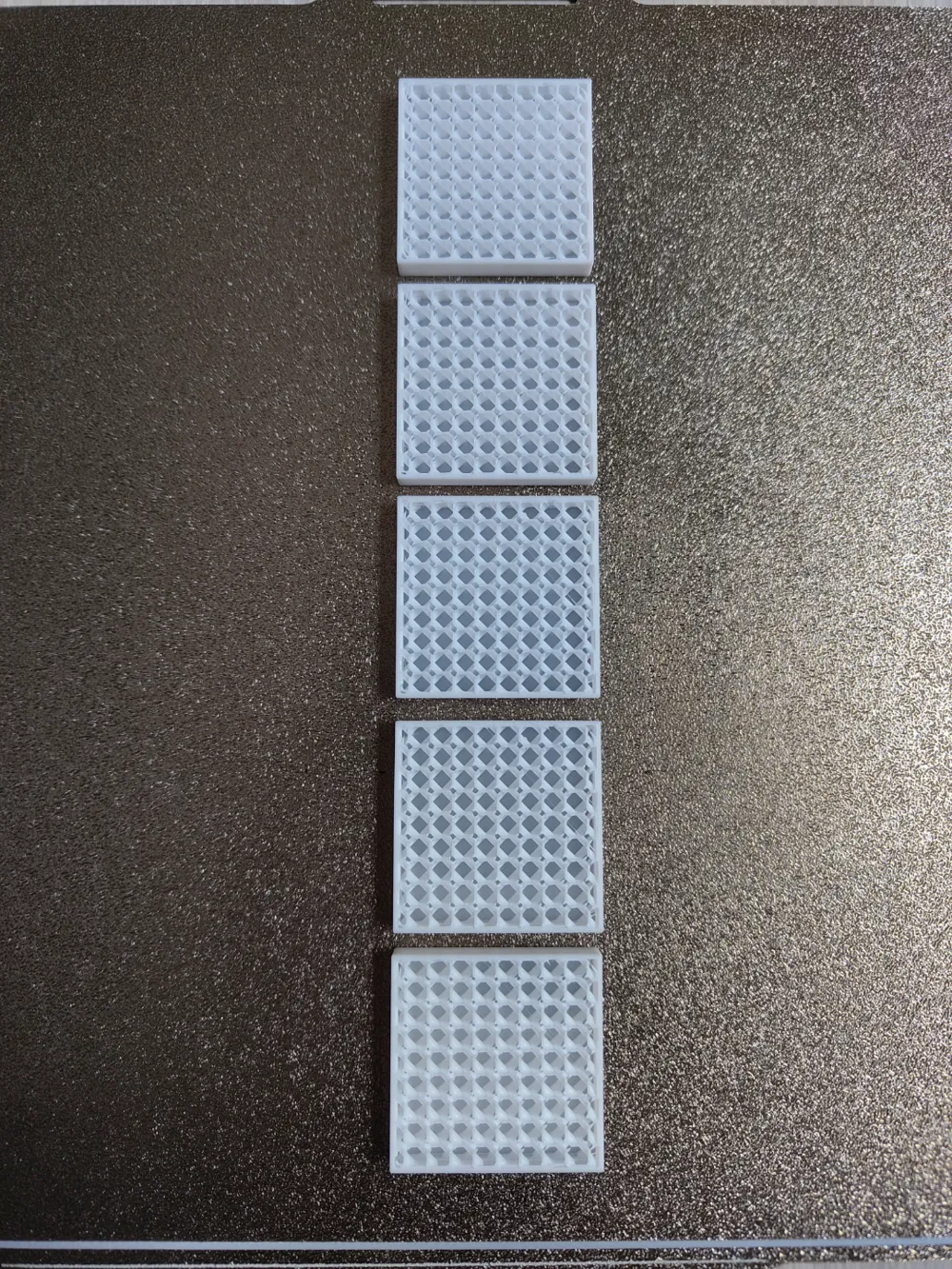
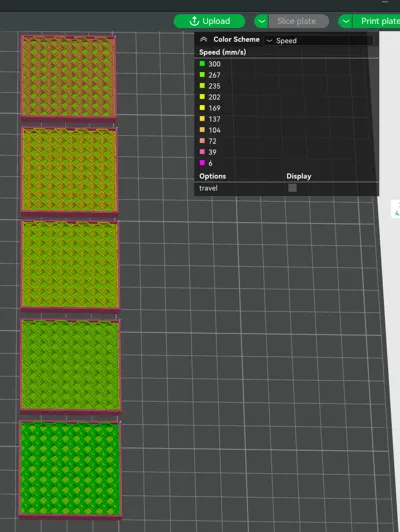
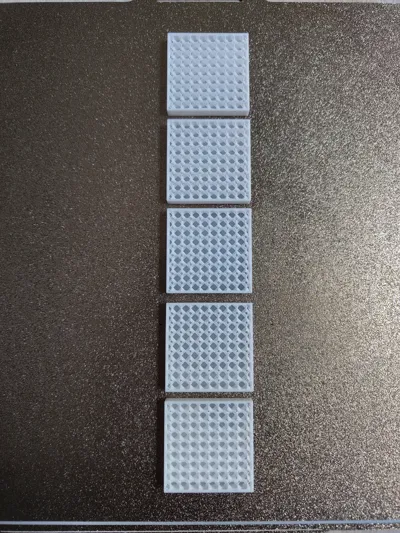
I created these different shapes with different infill speeds, ranging from 100 to 300mm/s in steps of 50mm/s. I also made layer heights of 0.12, why? Because if I reduce my layer height, I can increase the print speed without being limited by the volumetric flow of my filament.
Wall speeds were greatly reduced, which allowed the layer times to increase, giving them enough time to cool properly to avoid being limited by that parameter.
The results showed that despite the fairly fast speed of 300mm/s, the infill quality was up to par. You can see in a photo that a small blob formed, but at lower speeds, it was also present... Probably a retraction problem? Or humidity? Or ... I'm still looking, but the conclusion in this case is that speed does not direct influence the infill quality.
I decided to share this test to allow you to verify it yourselves, but I think it will allow others to add good ideas to improve the test.
Many possibilities, I think...
I hope to have given others ideas for tests and, above all, to be able to test your favorite infill at different speeds.
License



Comment & Rating (0)