
Parametric Name Keychain
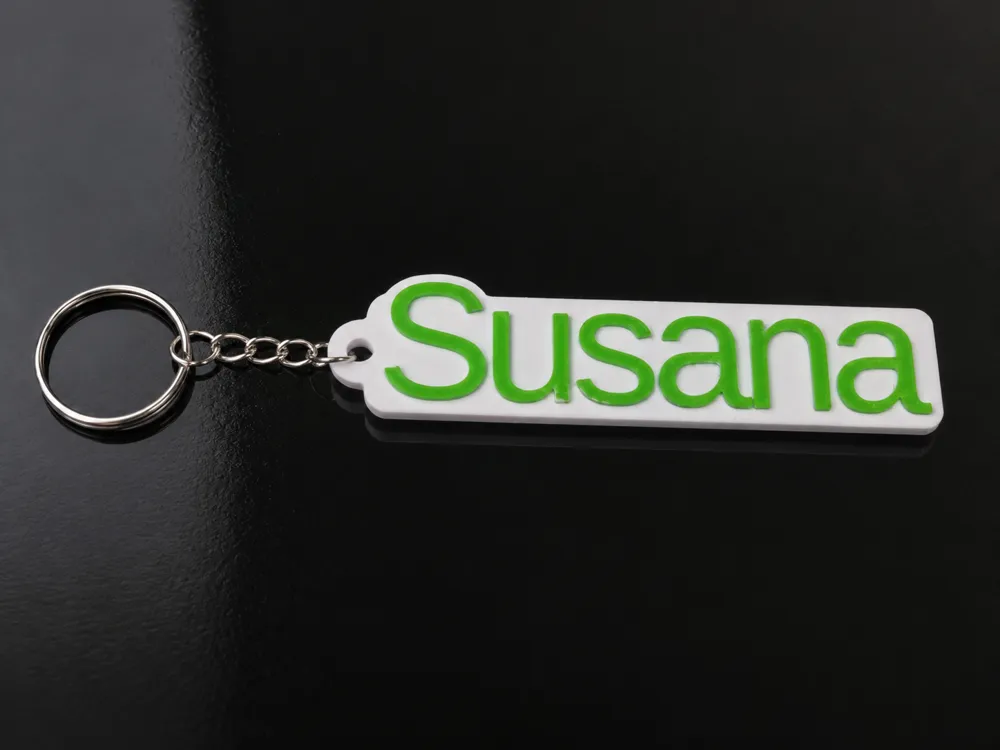
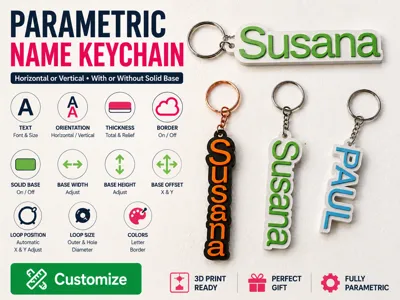
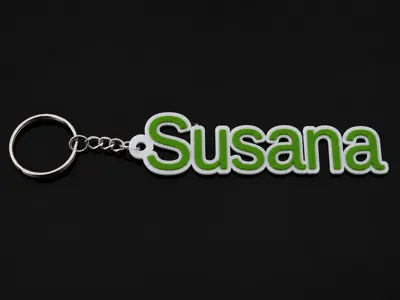
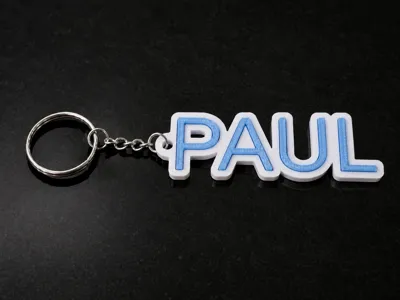
Print Profile(1)

Bill of Materials

Description
Membership
Commercial license available for selling physical prints of this model.
Parametric Name Keychain
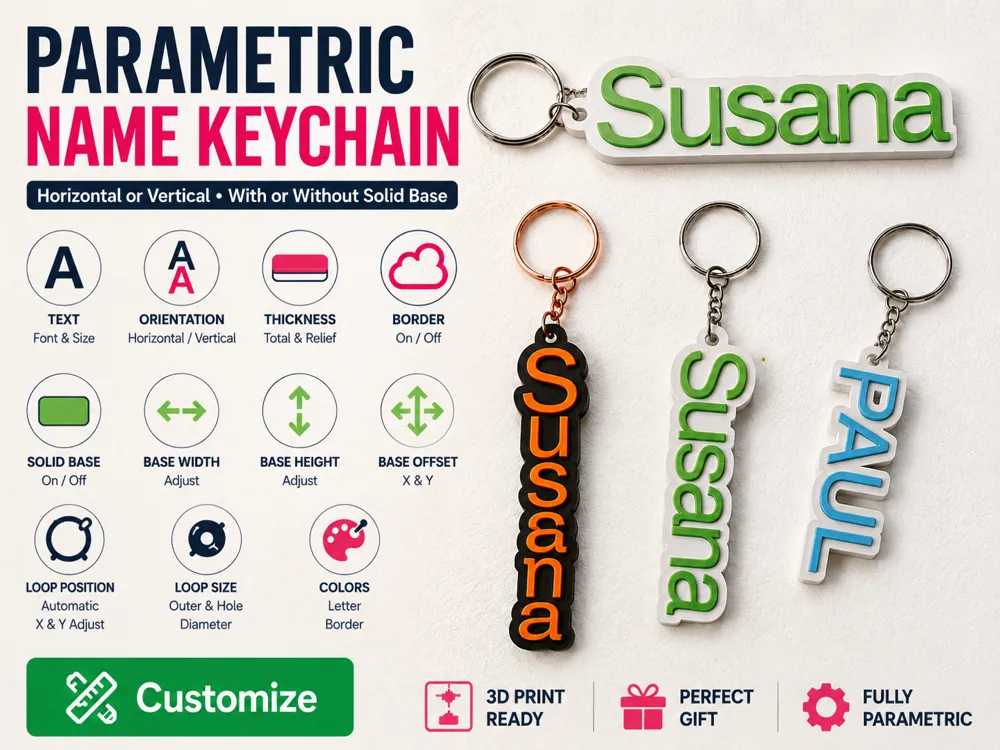
Create a fully customizable name keychain directly in MakerWorld.
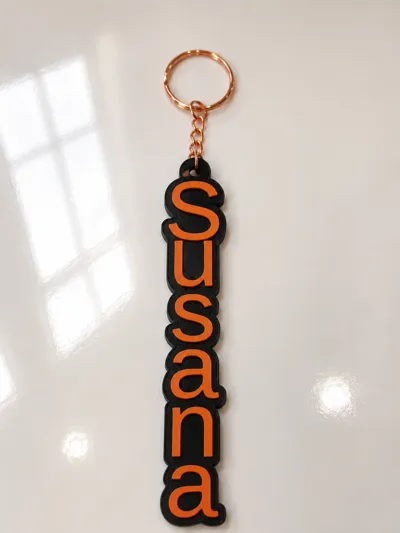
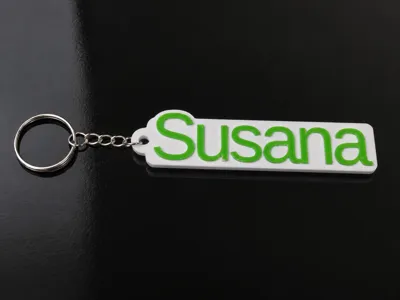
Choose the text, font, size, spacing, orientation, thickness, colors, border style, loop dimensions and optional solid base. The model updates automatically and can be generated in horizontal or vertical format.
Main features
- Custom text or name
- Large MakerWorld font library
- Horizontal or stacked vertical layout
- Adjustable font size and letter spacing
- Optional border around the letters
- Optional rounded solid base
- Adjustable base width, height and position
- Adjustable total thickness
- Adjustable raised-letter height
- Adjustable loop position
- Adjustable outer loop and hole diameter
- Independent letter and border colors
- Designed for two-color printing
- No supports required
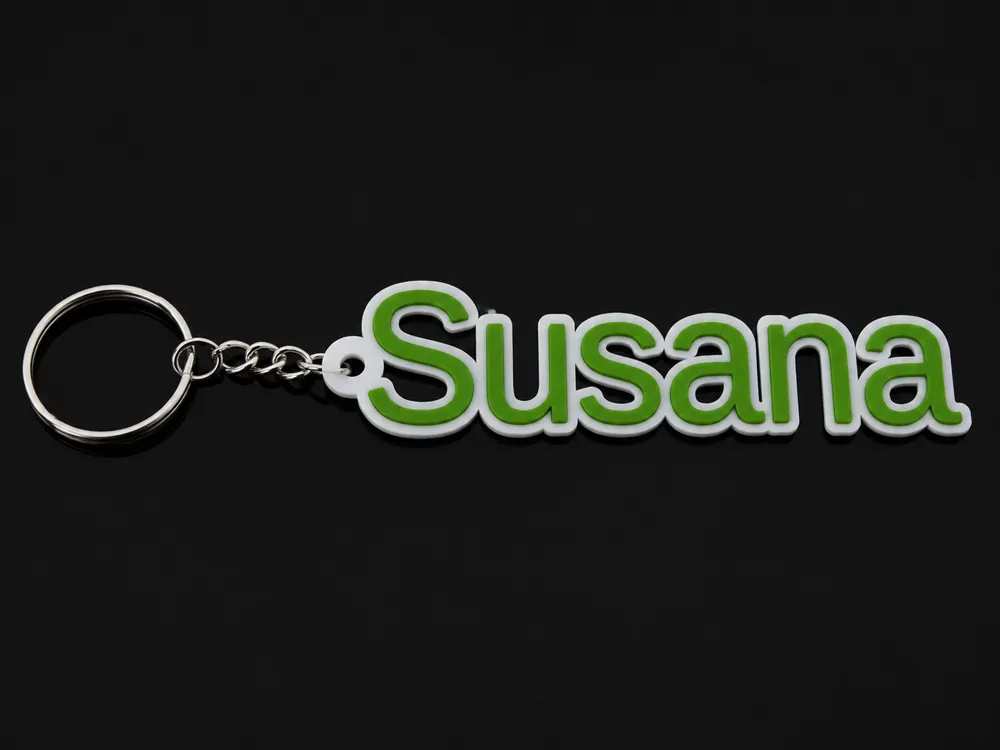
Horizontal mode
The full name is displayed normally from left to right.
The attachment loop is placed on the left and can be adjusted horizontally and vertically.
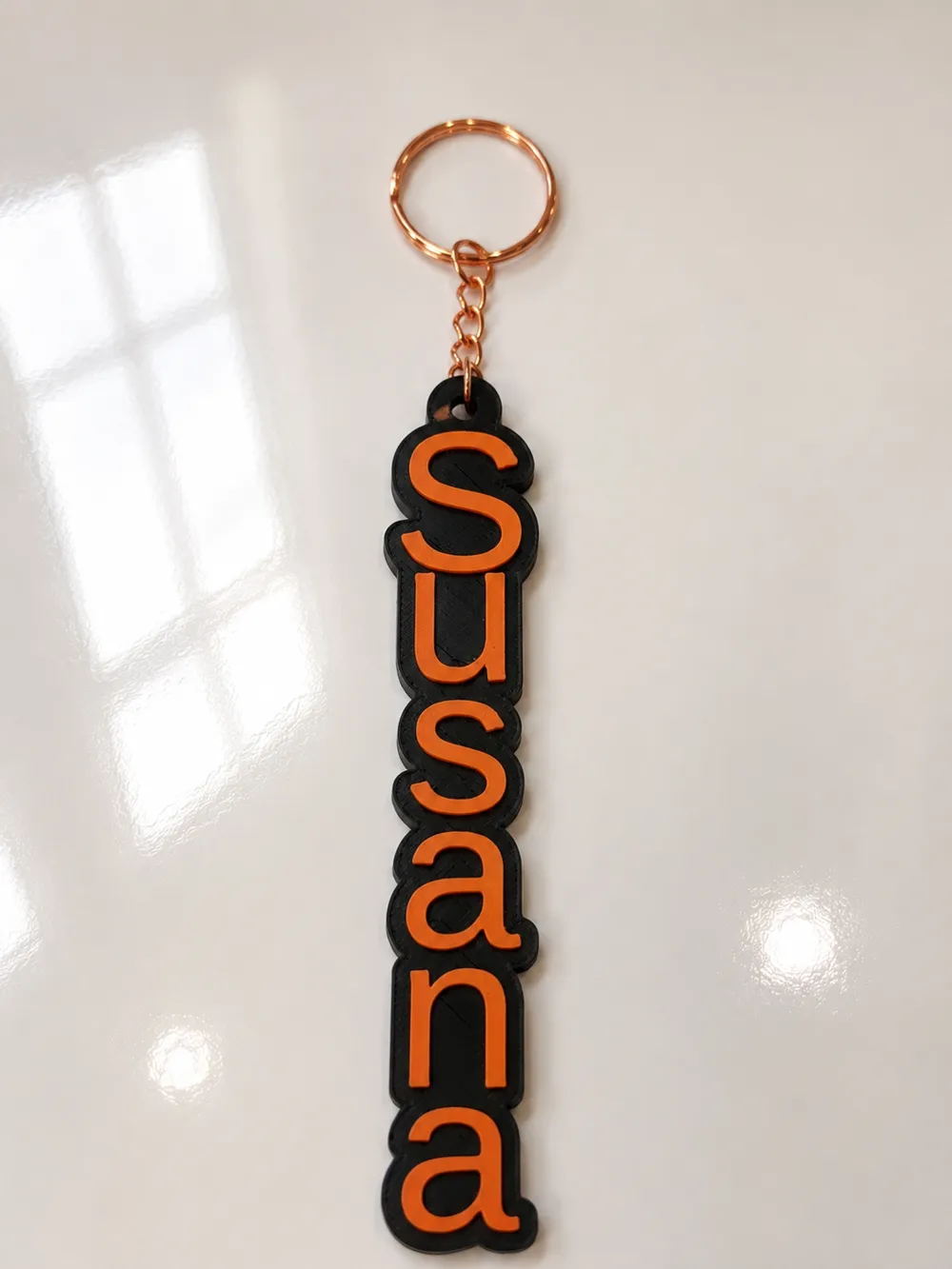
Vertical mode
Each character is placed on a separate line and the name is read from top to bottom.
The attachment loop is automatically placed above the first character.
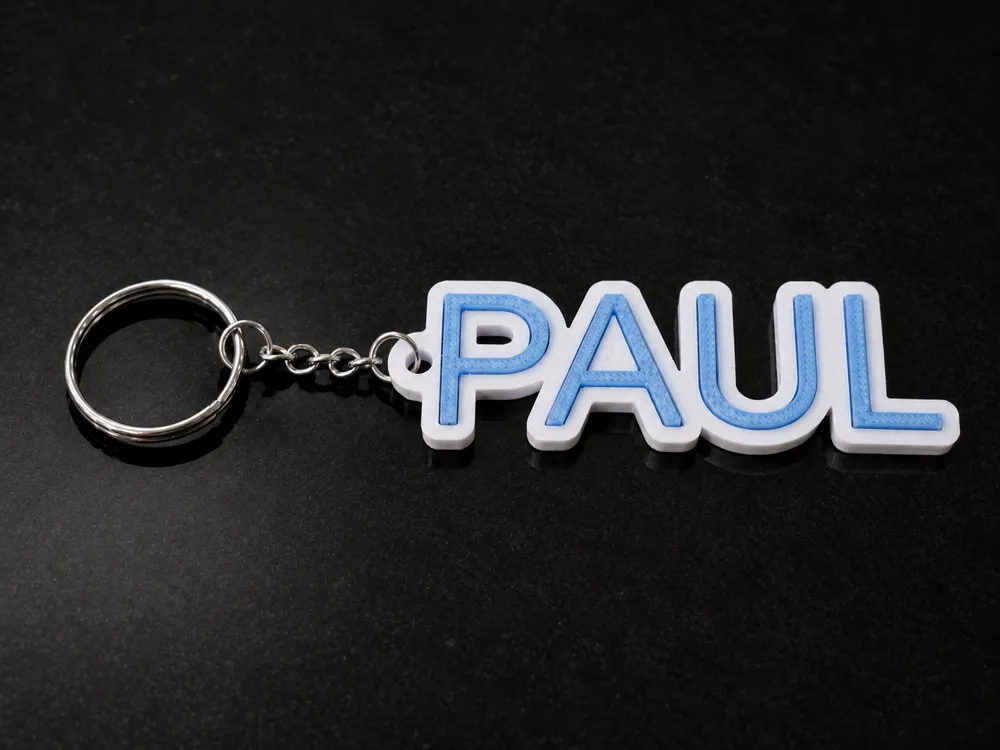
Border options
Enable the border to connect the letters and create a stronger single-piece keychain.
The border width can be adjusted to suit the selected font and letter spacing.
Solid base
Enable the solid base to add a rounded rectangular backing behind the text.
You can independently adjust:
- Base width
- Base height
- Horizontal offset
- Vertical offset
This option is useful for thin fonts, widely spaced letters or a more rigid design.
Recommended settings
For a standard keychain:
- Font size: 18–28 mm
- Total thickness: 3–4 mm
- Letter relief: 0.8–1.4 mm
- Border width: 2–4 mm
- Loop hole diameter: 4–6 mm
Always check that every letter is connected to the border before printing, especially when using thin or decorative fonts.
Printing
Print flat on the build plate.
For a two-color result, assign one filament to the raised letters and another filament to the border or solid base.
No supports are required.
Notes
Some fonts have unusual proportions, overhangs or large spaces between characters. Use the spacing, border and solid-base controls to adapt the model to the selected font.
Very long names may require a smaller font size.
Boost Me (for free)
These designs take me some long time to make, please consider giving me a boost, to win some points, buy some filaments and program new models for you !
License

You shall not share, sub-license, sell, rent, host, transfer, or distribute in any way the digital or 3D printed versions of this object, nor any other derivative work of this object in its digital or physical format (including - but not limited to - remixes of this object, and hosting on other digital platforms). The objects may not be used without permission in any way whatsoever in which you charge money, or collect fees.


Comment & Rating (0)