
Misty

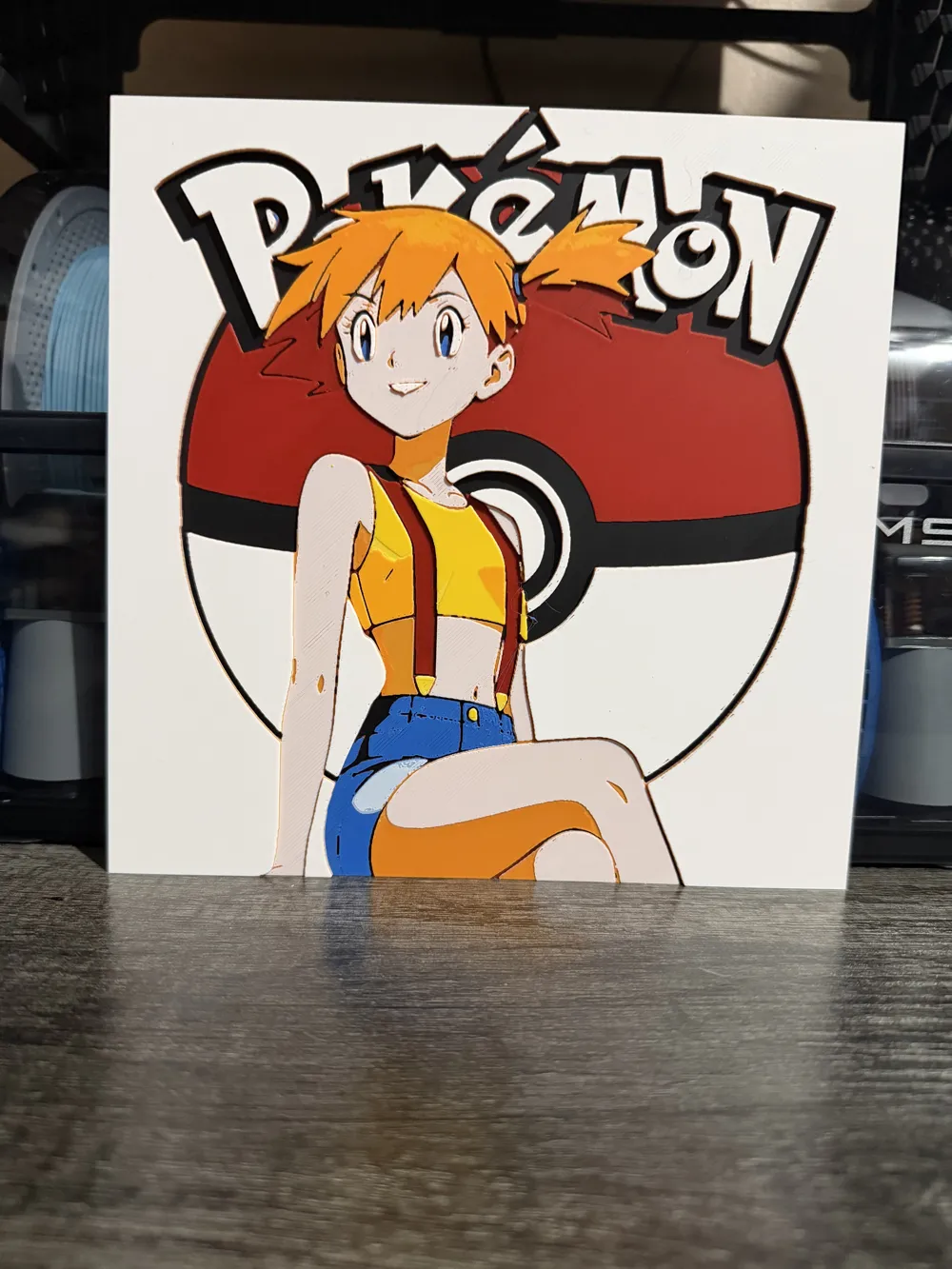

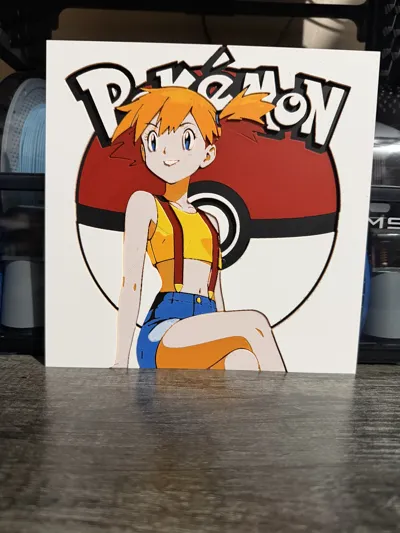
Print Profile(1)

Description
Boost Me (for free)
A boost a follow a like a comment they all help. Thank you
All of the prints I print to make sure they look good. Some of the times with hue forge they can come out a little discolored because of the transmission distance. I would strongly recommend the colors that I am using to really get the best effect.
They are 200x200 and fit standard frames. Allot of my prints are thicker and don’t really need a frame for them. I just usually print a hanging tab for the back and glue it on.
All instructions are included
Print at 100% infill with a layer height of 0.08mm with a base layer of 0.16mm
The Model is 200x200mm in size
You may print at higher layer heights below the Base Thickness of 0.48mm
The Max allowed Thickness is 2.96mm and the Actual Thickness is 2.88mm
PLA BambuLab Matte Charcoal Transmission Distance: 0.6
PLA BambuLab Basic Red Transmission Distance: 4
PLA BambuLab Matte Marine Blue Transmission Distance: 0.5
PLA BambuLab Matte Ivory White Transmission Distance: 3.5
PLA Bambu Lab Basic Orange Transmission Distance: 5.6
PLA BambuLab Basic Sunflower Yellow Transmission Distance: 4.4
This print uses 6 unique filaments
Swap Instructions:
Start with Charcoal
At layer #6 (0.56mm) swap to Red
At layer #11 (0.96mm) swap to Marine Blue
At layer #15 (1.28mm) swap to Ivory White
At layer #17 (1.44mm) swap to Basic Orange
At layer #20 (1.68mm) swap to Ivory White
At layer #22 (1.84mm) swap to Sunflower Yellow
At layer #25 (2.08mm) swap to Basic Orange
At layer #29 (2.4mm) swap to Ivory White for the rest.
License



Comment & Rating (0)