
EufyMake E1 pen jig
Print Profile(1)
Description
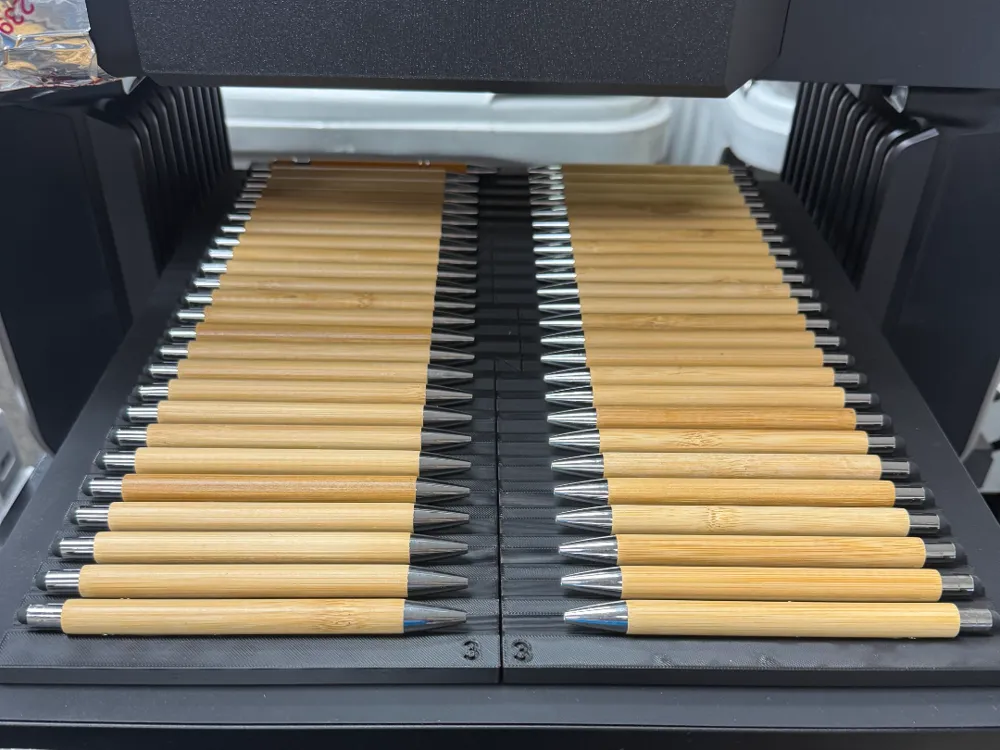
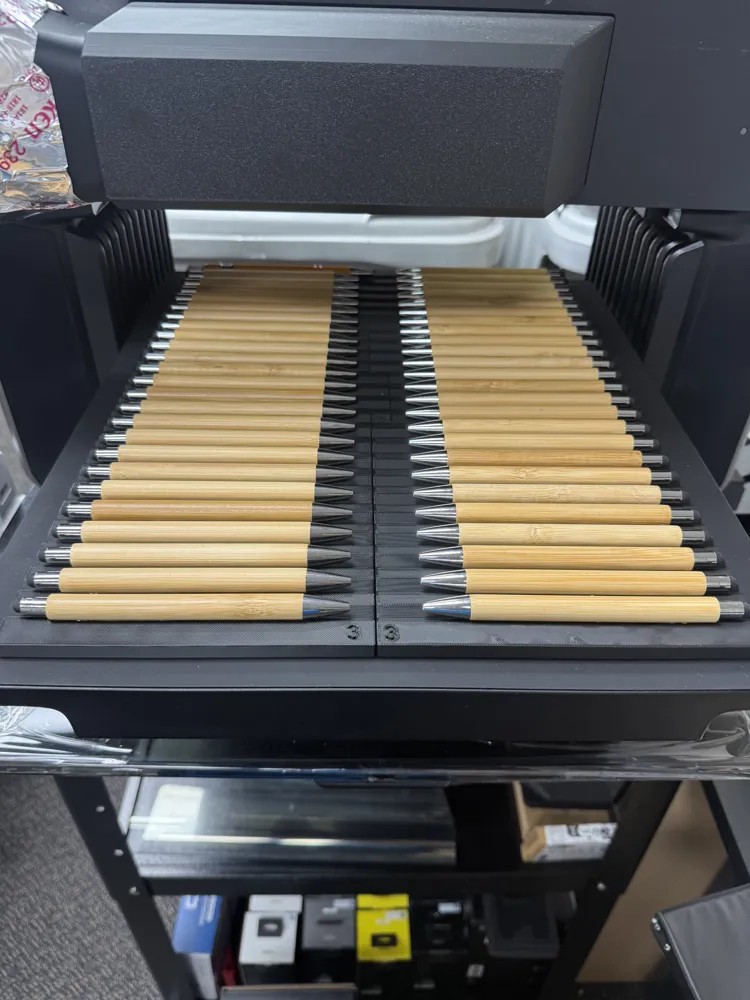
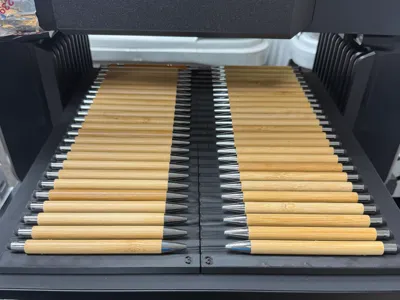
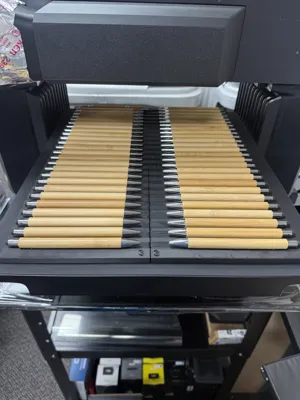
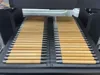
This template was designed to hold up to 50 pens in perfect alignment to be printed in the Eufymake E1 UV printer.
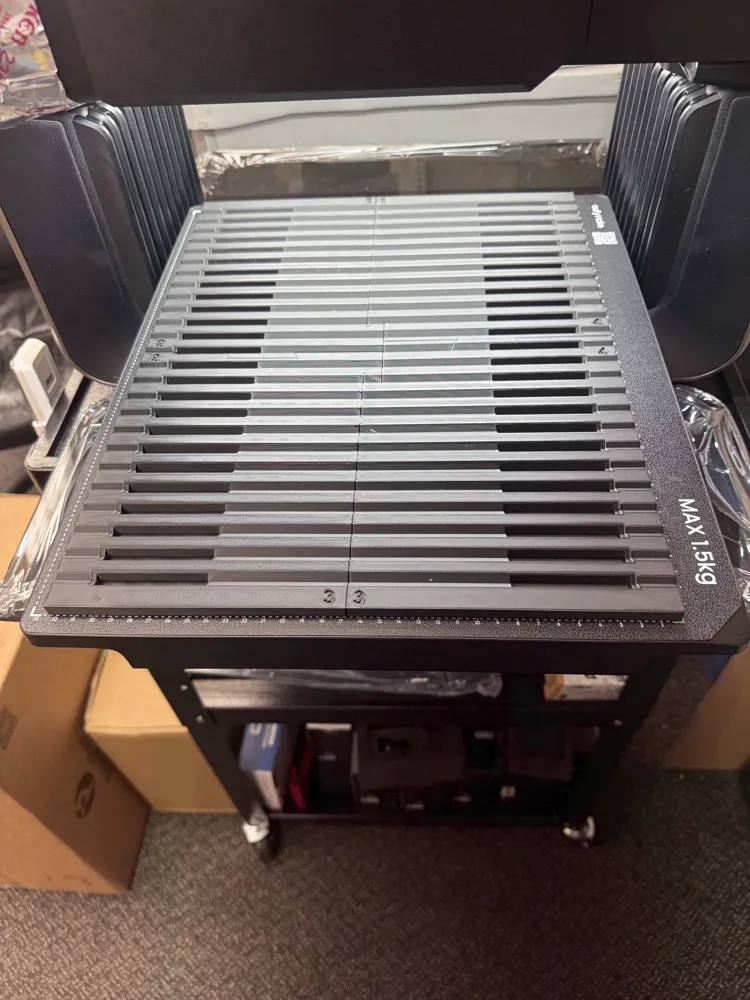
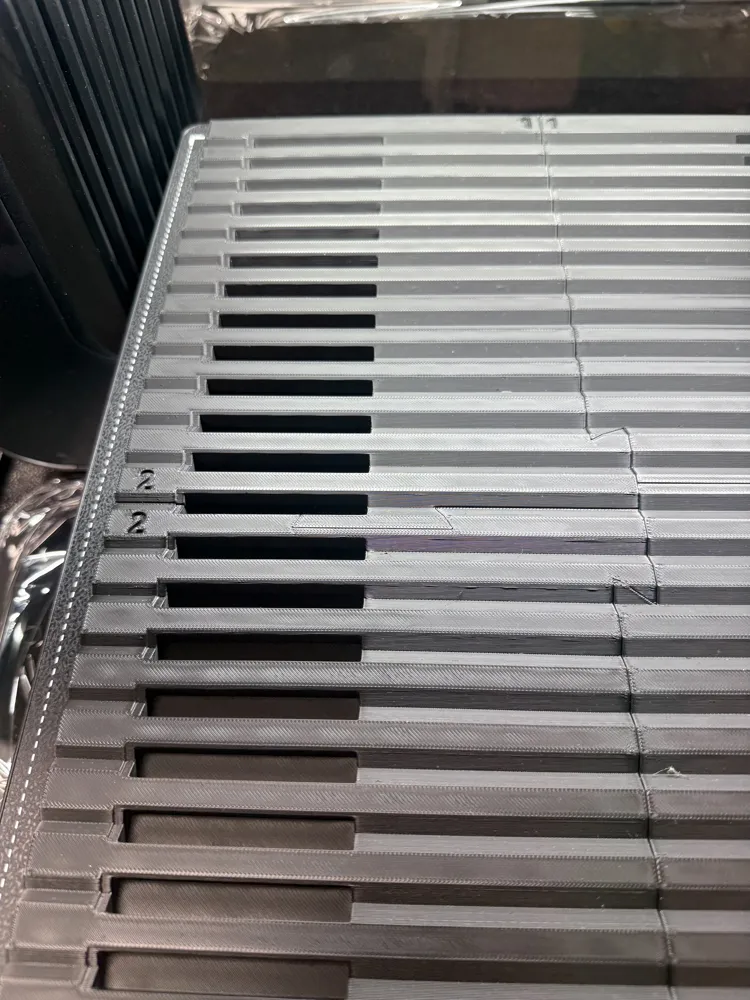
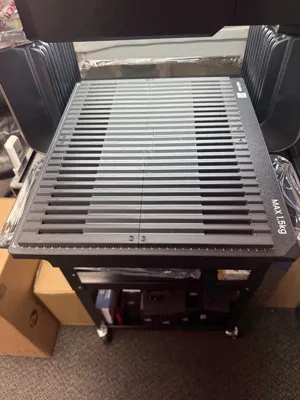
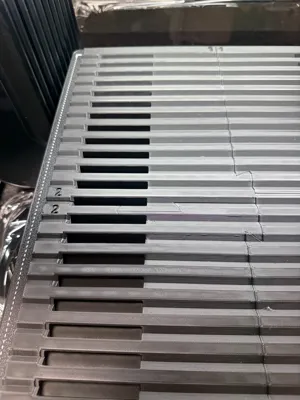
It is set up to print on 4 plates and it has numerical markings to help put it together. Once it is together, place it on the bed lined up with the markings on the bottom right side of the printer and get started.
Each pen is to be 16mm from center to center. I find the easiest way to set up the artwork is to use Illustrator. Make you artboard at least 420mm tall and 100mm wide. Set your first pen art on 20mm on the Y axis. Copy and paste and put the next art on the 404mm Y axis. Make 23 more copies, align left and then vertical distribute center. This will distribute all the art on the 16mm center you need. Export as a PNG. You need to use the photo alignment in EufyMake studio. Import into EufyMake studio and if you align the middle pen and art, you will not have to worry about the fisheye effect of the cameral alignment.
UPDATE : 6/18/26
On the recommendation of a few people, I have reduced the side walls to prevent the laser from reading the wrong height.
License

You shall not share, sub-license, sell, rent, host, transfer, or distribute in any way the digital or 3D printed versions of this object, nor any other derivative work of this object in its digital or physical format (including - but not limited to - remixes of this object, and hosting on other digital platforms). The objects may not be used without permission in any way whatsoever in which you charge money, or collect fees.


Comment & Rating (2)