
Customizable Switch Keychain
Print Profile(1)
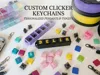



Description
💼 Commercial License available
Membership
Want to sell my designs? Get your Commercial License
Do you want to sell physical prints of this model?
With my Commercial License Membership on MakerWorld, you get permission to sell my designs commercially as finished 3D prints – as long as your membership is active.
👉 You can find the membership directly on my MakerWorld profile.
__________________________________________________
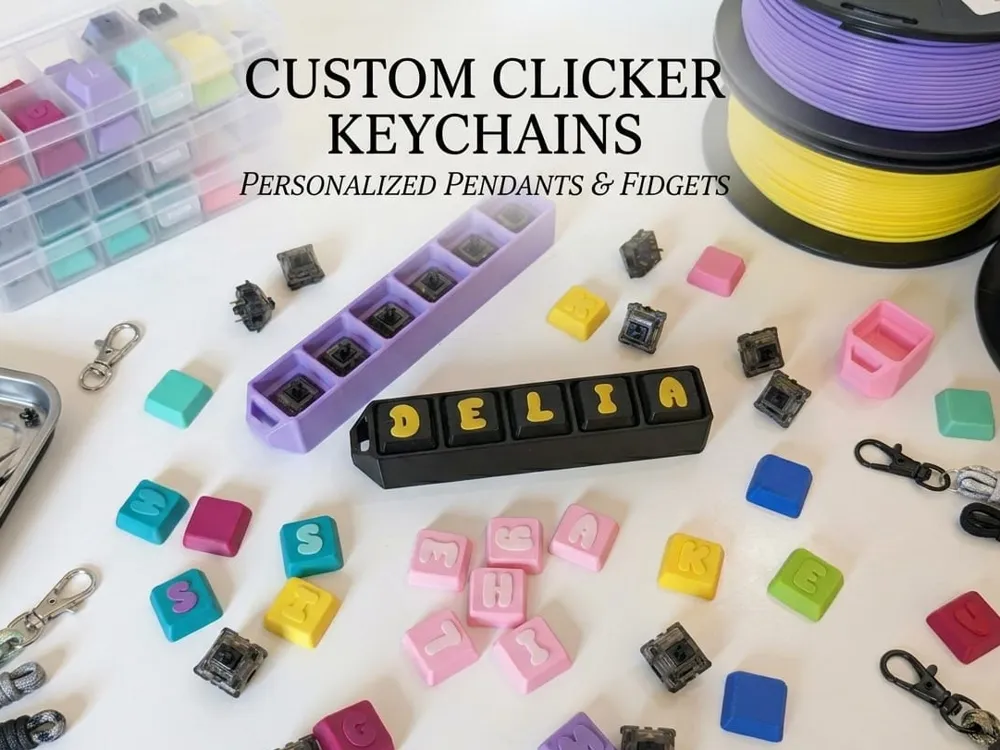
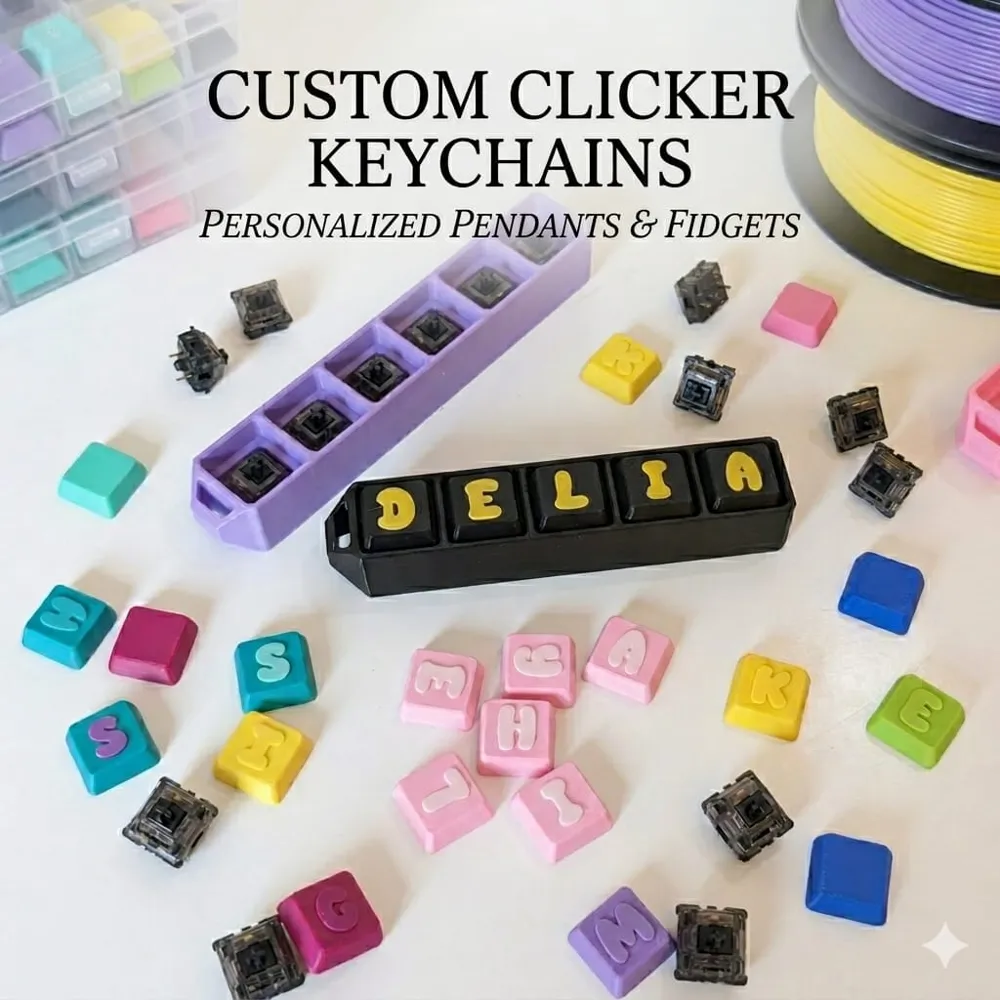
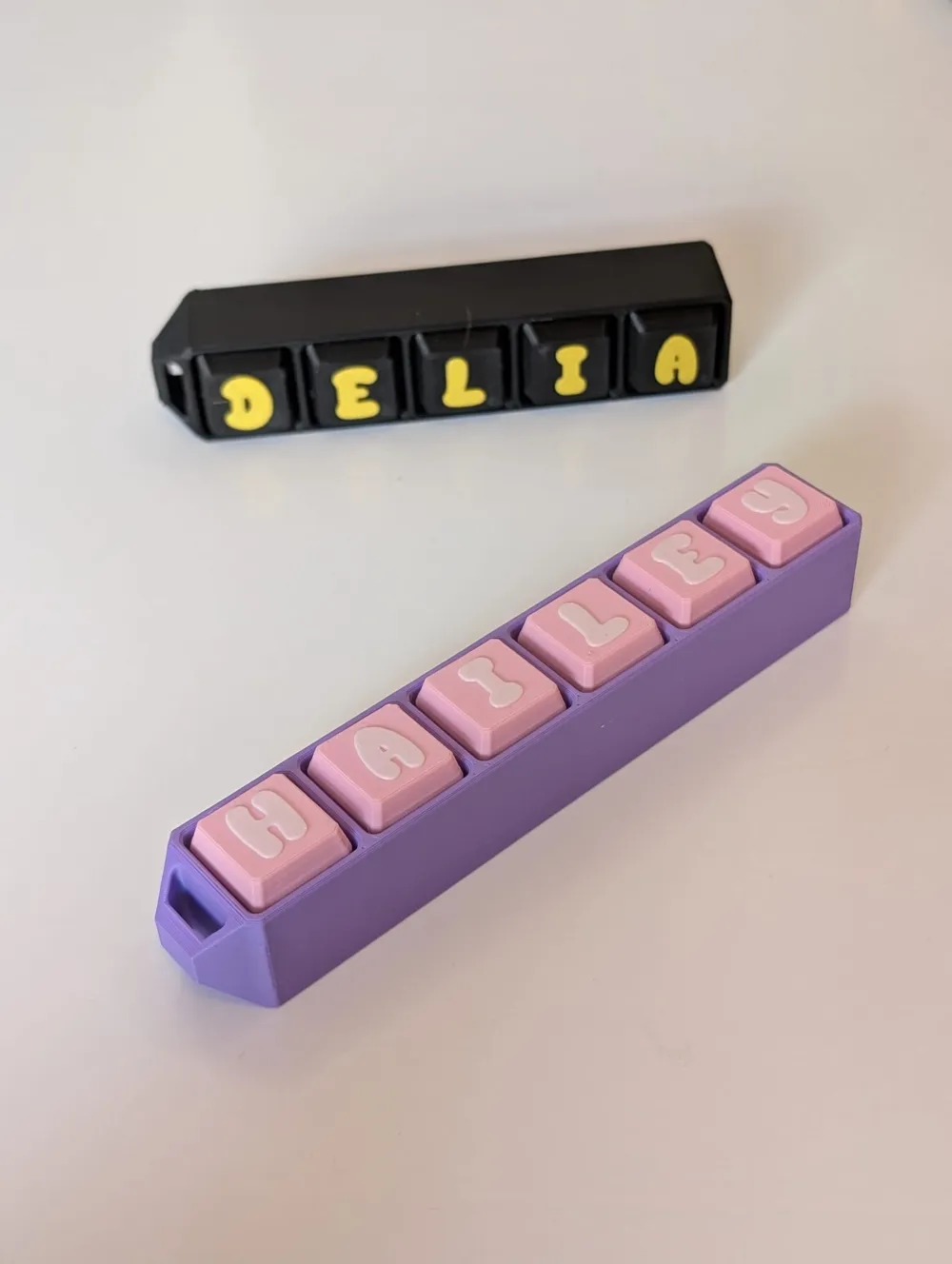
⌨️ Ultimate Mechanical Clicker Keychain (Full 3D Print)
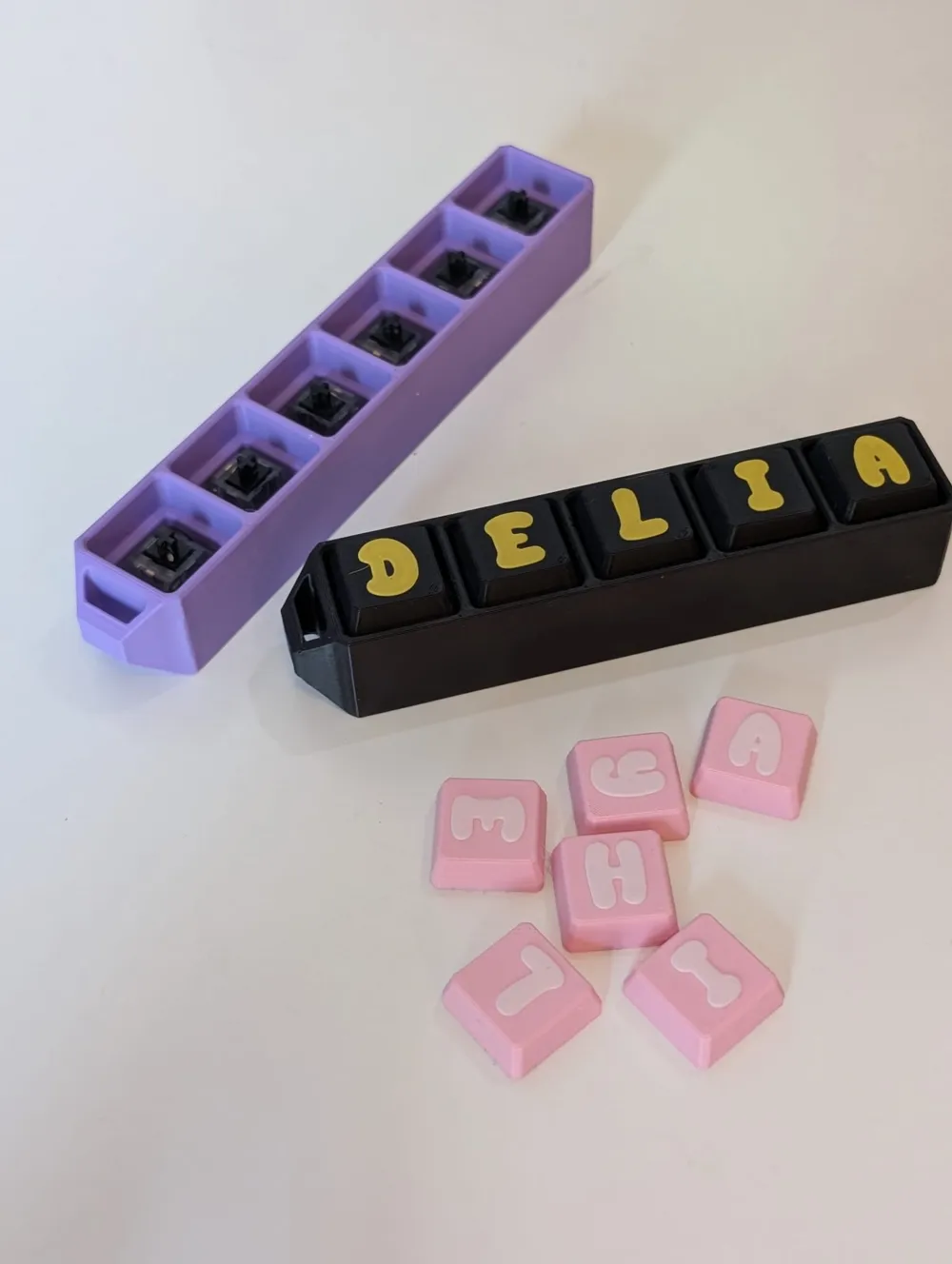
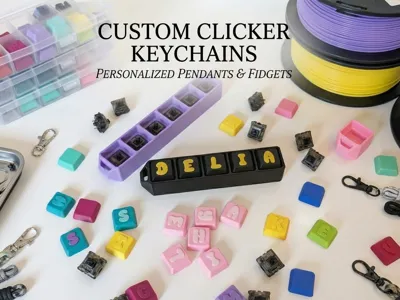
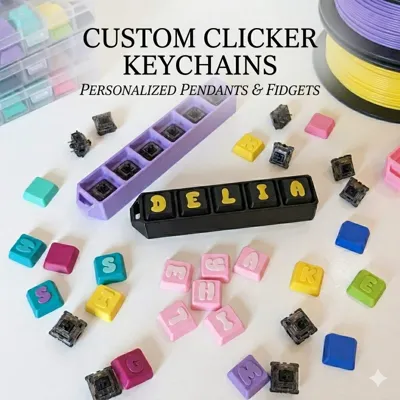
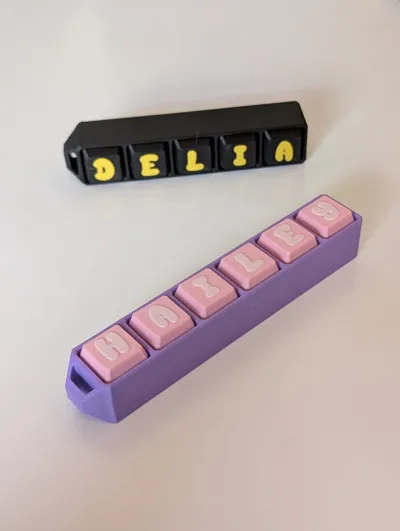
Get the satisfying feel of your mechanical keyboard on the go! This customizable clicker keychain is the perfect fidget toy. The best part: You only need to buy the switches – you simply print the case and the matching letter keycaps yourself!
✨ Highlights
- Fully customizable: Print your own letter keycaps (ideal for names, initials, or words like "CLICK").
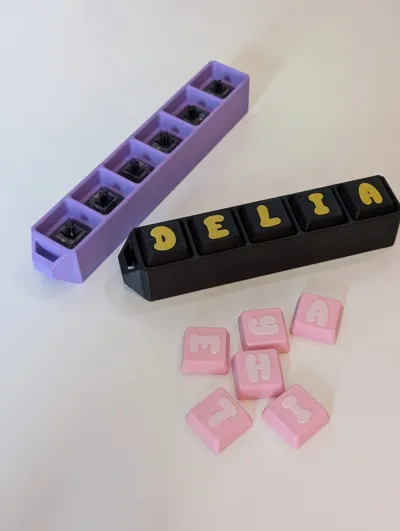
- Saving Tip: You don't need to buy expensive keycaps. The matching caps are included in the model!
- Satisfying Fidget: Use mechanical switches for perfect haptic and acoustic feedback.
- No Support: The design is optimized so you don't need any support structures. Just print and you're done!
- Robust Design: With a sturdy eyelet for keyrings or paracord lanyards.
🛒 What you need (Hardware)
For this project, you only need mechanical switches. The case is optimized for all common MX-style switches (cross-mount).
- My Recommendation (Amazon): Mechanical Keyboard Switch Set
- Tip: The blue switches (Blue Switches) from the set provide the loudest "Clicky" feedback – perfect as a fidget!
🖨 Print Settings
- Material: PLA (recommended for best sound), PETG, or ASA.
- Infill: 15-20% (Gyroid or Grid).
- Walls: 3 wall lines for maximum stability.
- Support: NOT REQUIRED (0% Support).
- Layer Height: 0.2mm (for the keycaps, I recommend 0.12mm or 0.16mm for sharper letters).
🛠 Assembly Instructions
- Print: Print the case and your desired letter keycaps.
- Insert Switches: Simply press the mechanical switches into the openings of the case from above until they firmly snap into place.
- Attach Keycaps: Simply place your printed letter caps onto the cross stem of the switches.
- Done: Thread a keyring through the eyelet and start clicking!
🌟 Show me your clickers!
I would be thrilled if you uploaded a photo of your finished keychain! Which color combination did you choose for the case and letters? Feedback and ratings help me tremendously.
Do you like the project?
Then like, boost, comment, and follow me to not miss out on new designs and discover even more cool 3D printing projects!
📸 Did you print it?
Feel free to share a photo of your print and tag me on social media –
I'm absolutely thrilled with your results and love to share your masterpieces!
💬 Do you want more 3D printing content?
Feel free to join my WhatsApp group – there you'll find updates, new designs, tips, and discussions about 3D printing.
☕ Do you want to support me?
If you want to support my work, I would be very happy about a small donation via PayPal (link in bio).
Boost Me (for free)
__________________________________________________
⭐ Thank you for your support!
Do you like this model?
Then I would appreciate:
⭐ A rating
📸 An uploaded print profile
❤️ A like or a follow
📱 Also follow me on Instagram & TikTok or become part of my WhatsApp community!
All links can be found conveniently on my MakerWorld profile.
Thank you for your support! ❤️
– 3DMerchandMore
License

You shall not share, sub-license, sell, rent, host, transfer, or distribute in any way the digital or 3D printed versions of this object, nor any other derivative work of this object in its digital or physical format (including - but not limited to - remixes of this object, and hosting on other digital platforms). The objects may not be used without permission in any way whatsoever in which you charge money, or collect fees.


Comment & Rating (4)