
Fox Hueforge
Print Profile(4)




Description
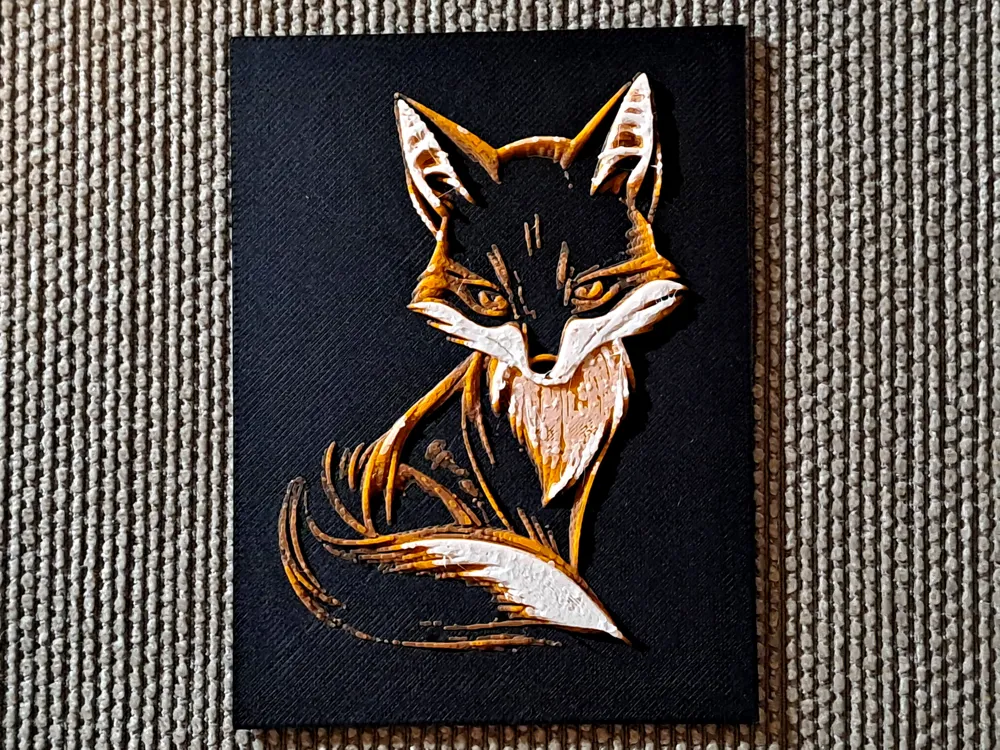
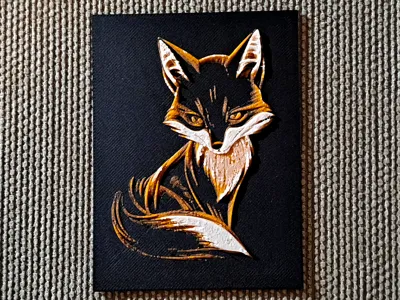
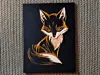
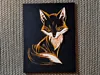
Clean, modern line-art fox in a minimalist stylized design, perfectly adapted for HueForge filament painting technique. This model creates a beautiful multicolor effect using layer height differences and carefully chosen filament colors. Only finished prints are shown in the photos – no source images or templates!
The original size is 150 × 200 mm, a smaller version of 75 × 100 mm is provided for preview and quick prints.
AMS helps, but is not required – it's only 3 filament changes!
For optimal display, I recommend using my postcard and picture stand.
Hints for Hueforge Newbies
The print consists of a lot of thin layers, so it is best to have your filaments calibrated well. If you don't care or have never experienced problems with the used filaments, then simply print out the small version and see if it's optimal.
If you care in advance or get a poor test print, perform the filament calibration in Bambu Lab. It has a “Calibration” tab that guides you through the process and makes it easy. I found that Bambu's dark matte filaments tend to need calibration.
Notes:
- When scaling the image, ensure that the z-axis scale remains unchanged at 100%.
- Bambu Studio may report floating regions, but the print will work fine. This seems to be a bug in Bambu Studio.
Printing with AMS
Feed your AMS with the following filaments:
- BambuLab PLA Matte Charcoal
- BambuLab PLA Basic Brown
- BambuLab PLA Basic Pumpkin Orange
- BambuLab PLA Matte Ivory White
Start the print and everything else is managed by your printer.
Printing without AMS
- Start the print with BambuLab PLA Matte Dark Charcoal.
- When the Dark Charcoal layers are completed, the printer pauses and prompts you. Load BambuLab PLA Basic Brown and make the printer continue.
- When the Brown layers are completed, the printer pauses and prompts you. Load BambuLab PLA Basic Pumpkin Orange and make the printer continue.
- When the Orange layers are completed, the printer pauses and prompts you. Load BambuLab PLA Matte Ivory White and make the printer continue.
Done.
Boost Me (for free)
Thanks a lot for your interest in supporting my 3D prints! I really appreciate your help in spreading the word. A boost will help me reach more people who might be interested in my designs. If you have any ideas that you would like to see realized, or if you want to know more about my work, feel free to ask!
License

You shall not share, sub-license, sell, rent, host, transfer, or distribute in any way the digital or 3D printed versions of this object, nor any other derivative work of this object in its digital or physical format (including - but not limited to - remixes of this object, and hosting on other digital platforms). The objects may not be used without permission in any way whatsoever in which you charge money, or collect fees.


Comment & Rating (0)