
3D Printer Progress Light Bar
Print Profile(1)

Description
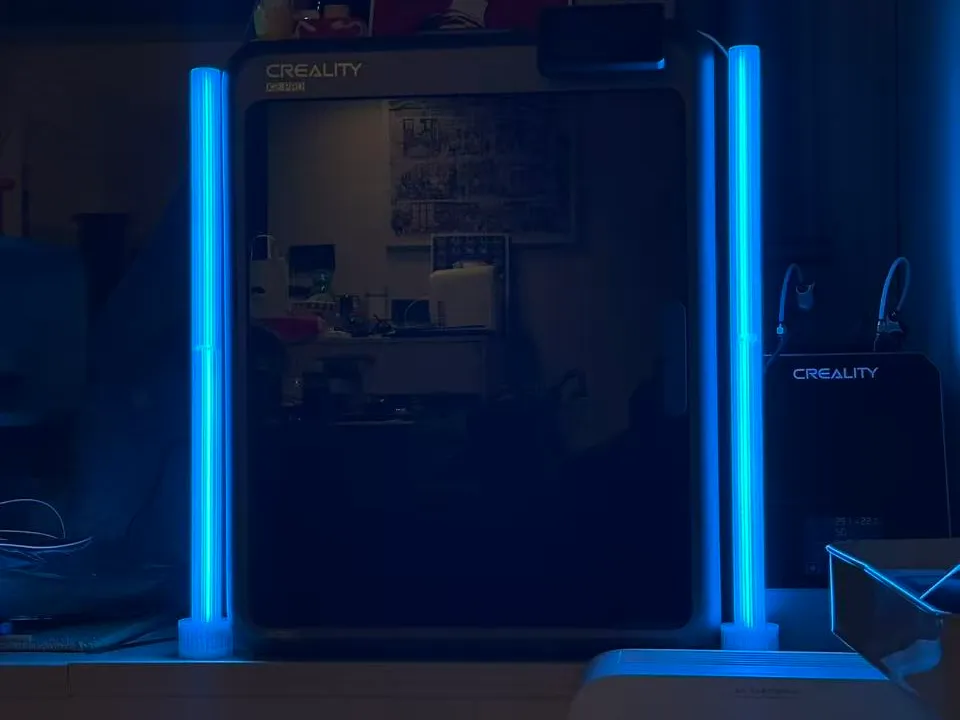
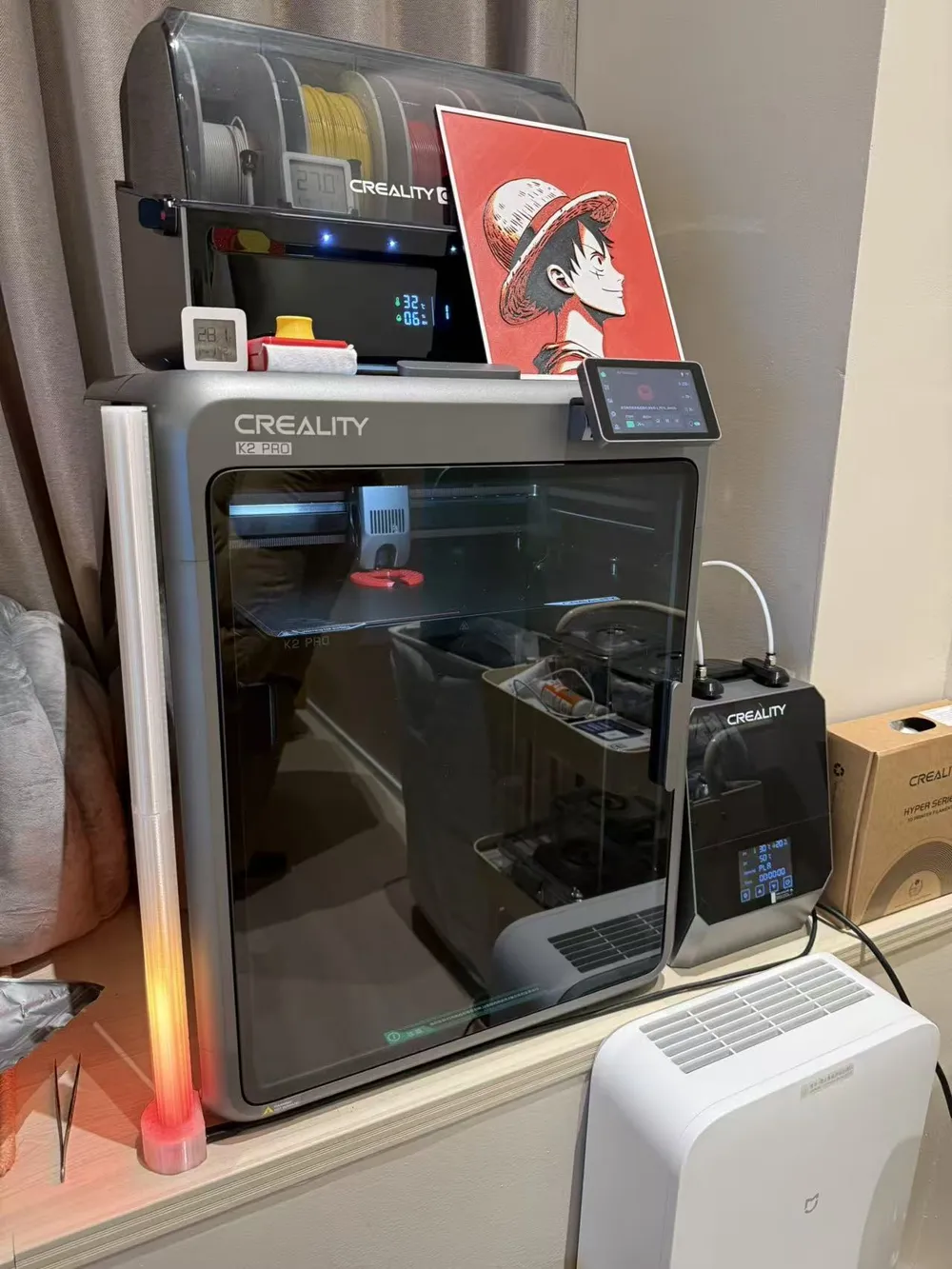
Printed with PETG Translucent, the required hardware includes ESP32C3, WS2812B light strip, firmware https://github.com/vvlang/WLED/releases/tag/v2025.12.10-0
Connect the positive and negative poles of the light strip to 5V and GND of ESP32C3 respectively, and connect the control wire of the light strip to IO2. You just need to connect the 3D Printer to Home Assistant, set the Home Assistant token and the 3D Printer progress sensor in the light strip's user module to make the light strip gradually light up according to the printing progress. Of course, there are many custom ways to play with it.
License

You shall not share, sub-license, sell, rent, host, transfer, or distribute in any way the digital or 3D printed versions of this object, nor any other derivative work of this object in its digital or physical format (including - but not limited to - remixes of this object, and hosting on other digital platforms). The objects may not be used without permission in any way whatsoever in which you charge money, or collect fees.


Comment & Rating (0)