Search models, users, collections, and posts

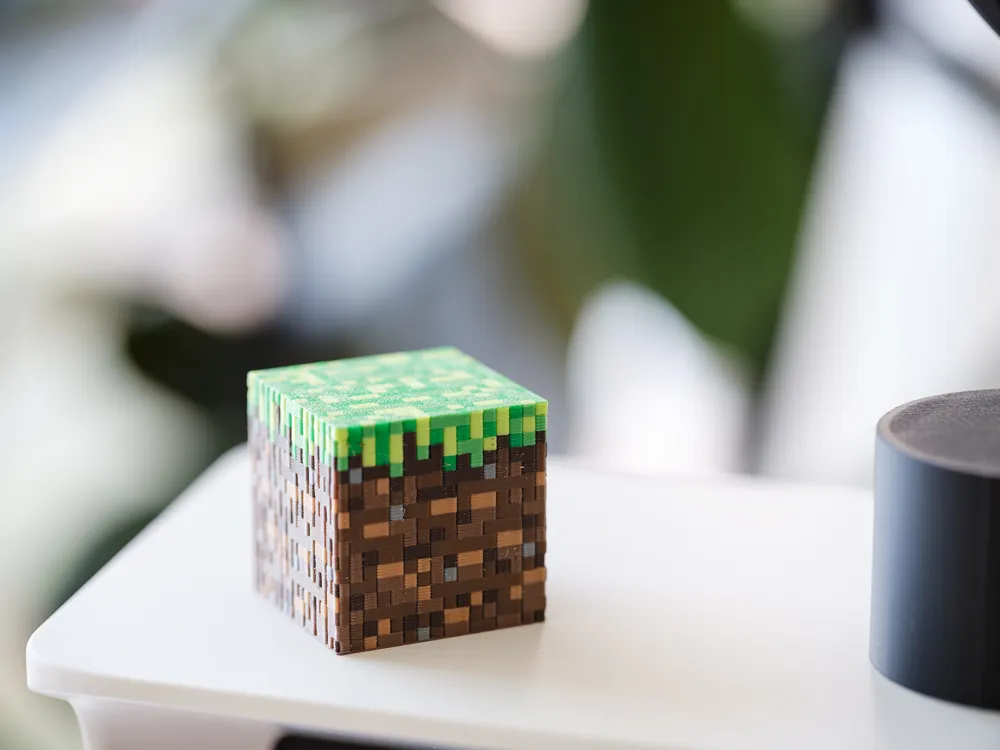
Minecraft Grass Block
IP Report
Print Profile(1)
0.2mm layer, 2 walls, 9% infill
Designer
15 h
1 plate
Open in Bambu Studio
Boost
12
24
2
0
48
5
Released
Bill of Materials











Description
Content has been automatically translated.
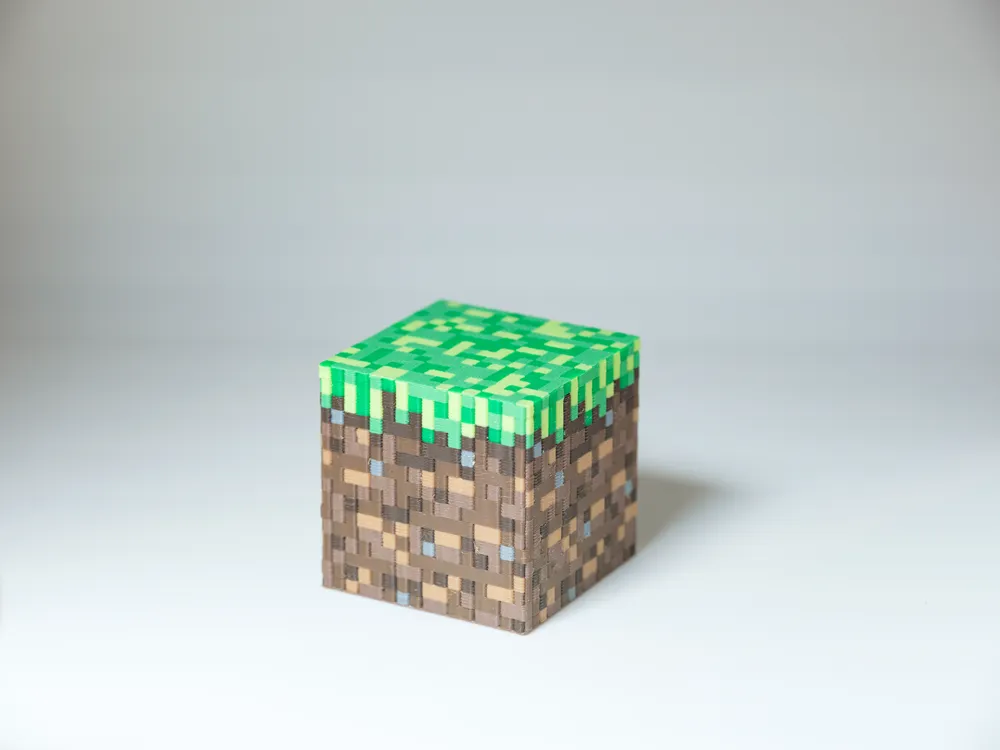
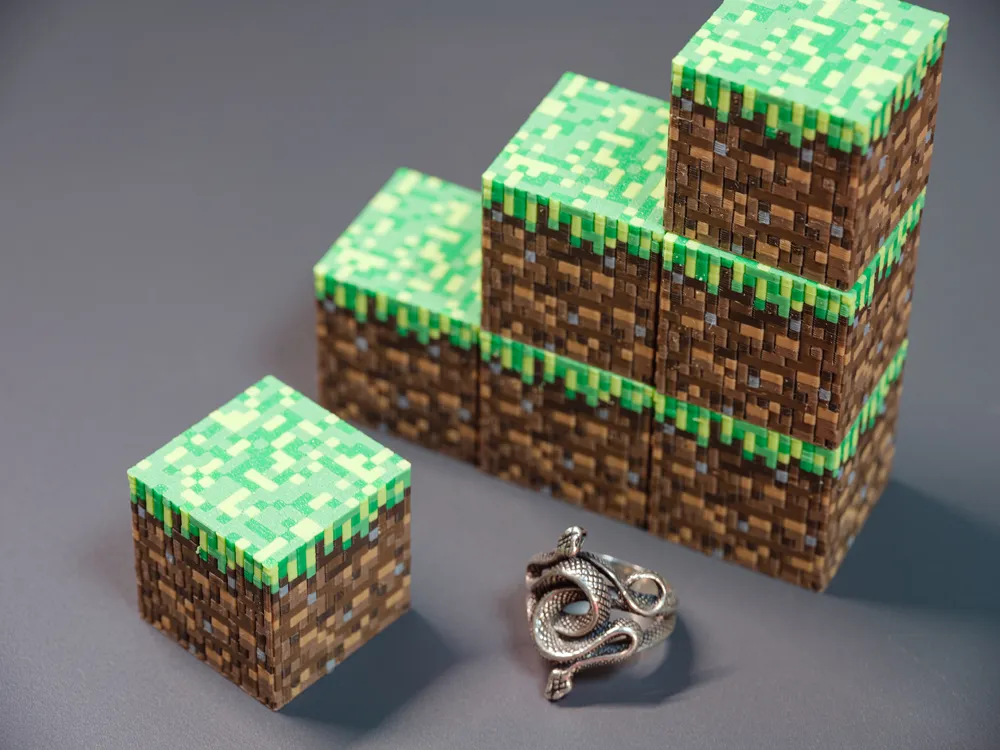
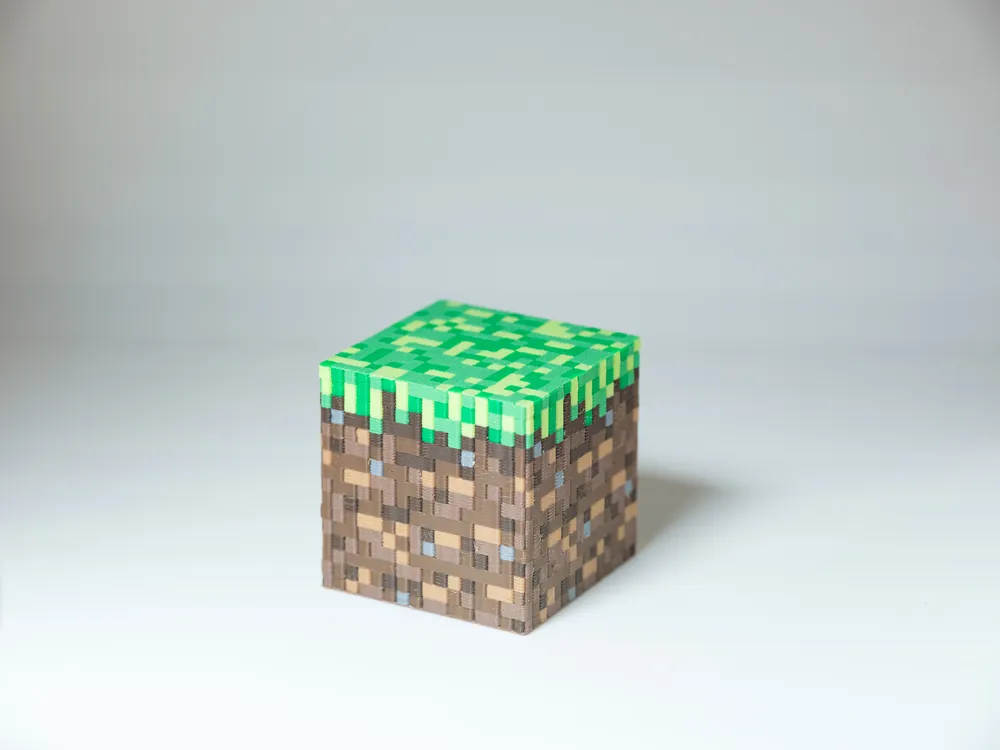
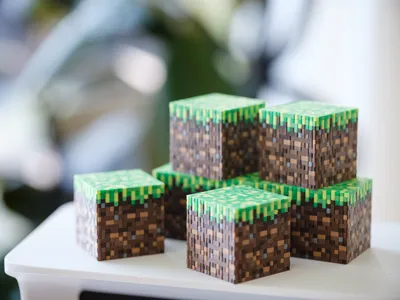
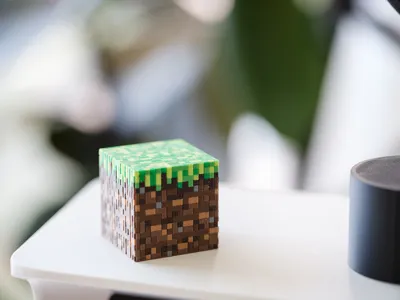
Let's start with the grass block
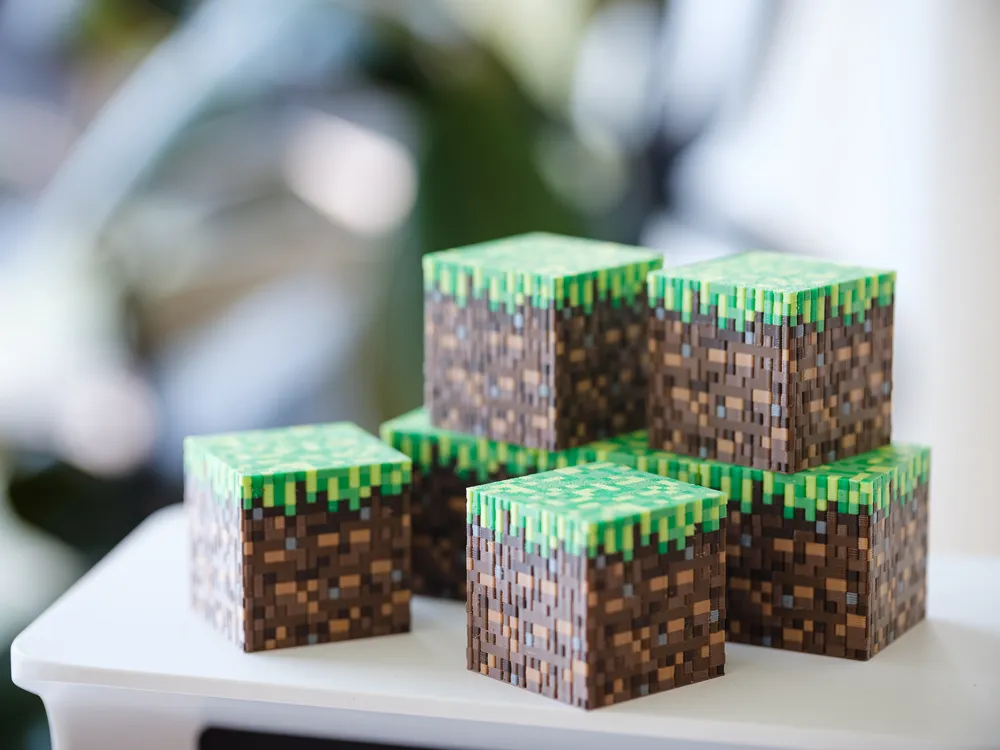
Printed with 8 colors
No assembly! No glue! I just want one whole flat block!
It essentially reproduces the 16x16 pixel block from the game
To make the model's top surface flatter and with some texture, it is recommended to use a textured build plate and place the model upside down
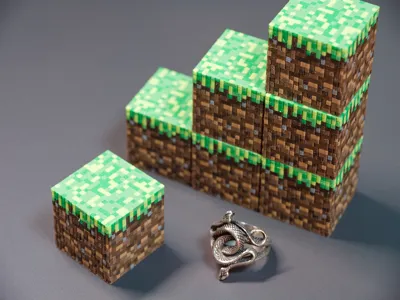
You can clone multiple and print them together; I usually print 7-8 at a time, but too many might reduce print quality
Before printing, it's best to dry the filament to reduce errors and stringing; PLA also needs to be dried
Finally, remember to apply glue stick to the build plate
License

This user content is licensed under a
Creative Commons Attribution-Noncommercial


Comment & Rating (2)