
Filament guide
Print Profile(1)

Bill of Materials

Description
I printed an x/y/z axis chain to cover my cables and to keep them safe.
By Arzhang Lofti see
https://makerworld.com/en/models/707408-a1-y-axis-drag-chain-cable-chain-v2#profileId-637486
https://makerworld.com/en/models/707695-a1-z-axis-drag-chain-cable-chain-v2#profileId-637827
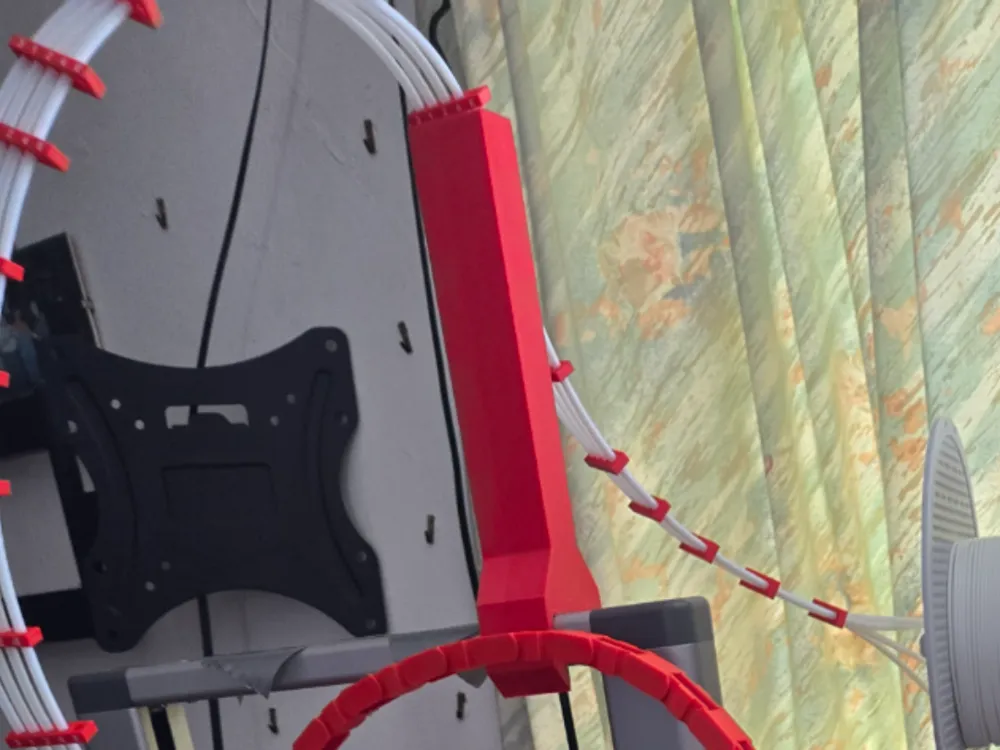
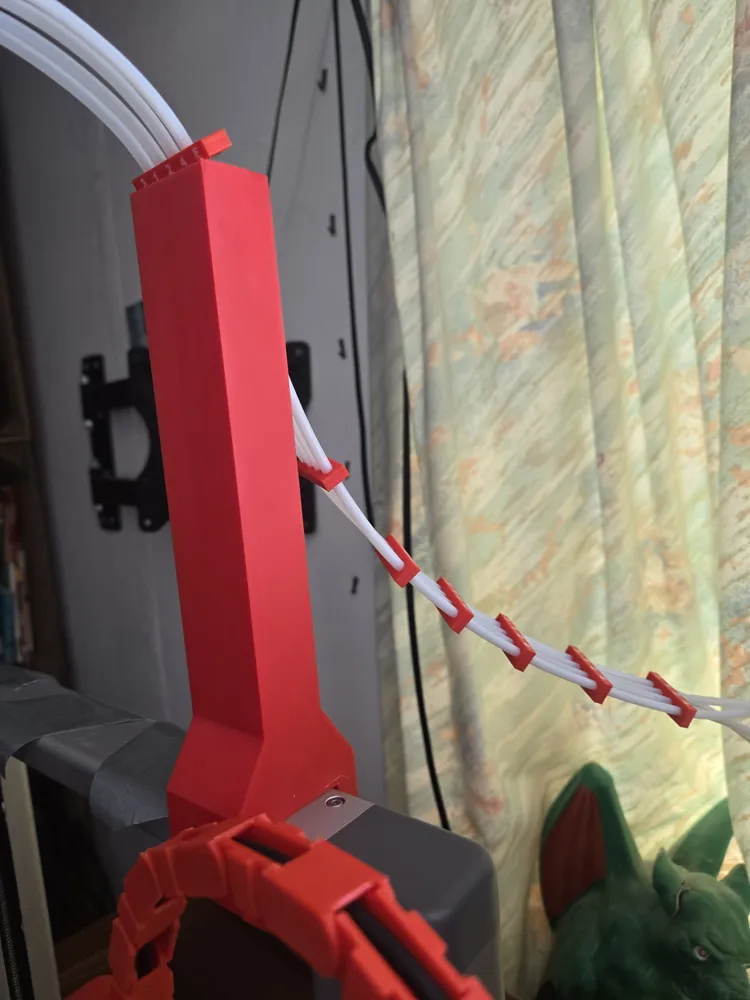
I first made the small guide to keep my PTFE tubes neat. (This works best of the left side of the printer)
I had to make a tall PTFE guide after the chain crashed into the small one. (This works on both sides well.
No supports are needed.
It is a tight fit on purpose. You can hear the filament creak when you install it.
The PTFE tubes pull down on the back and keep it in place.
I made some PTFE tube spacers to keep the tubes neat and easy to read.
See https://makerworld.com/en/models/1562027-a1-filament-spacer-and-guide#profileId-1641699
I printed it in PLA, I have printed them successfully in SUNLU, ELEGOO and Bambu Labs PLA basic.
License



Comment & Rating (0)