Search models, users, collections, and posts

DefCon
IP Report





Print Profile(1)

0.2mm layer, 2 walls, 3% infill
Designer
2.9 h
1 plate
Open in Bambu Studio
Boost
8
21
4
1
19
9
Released
Description
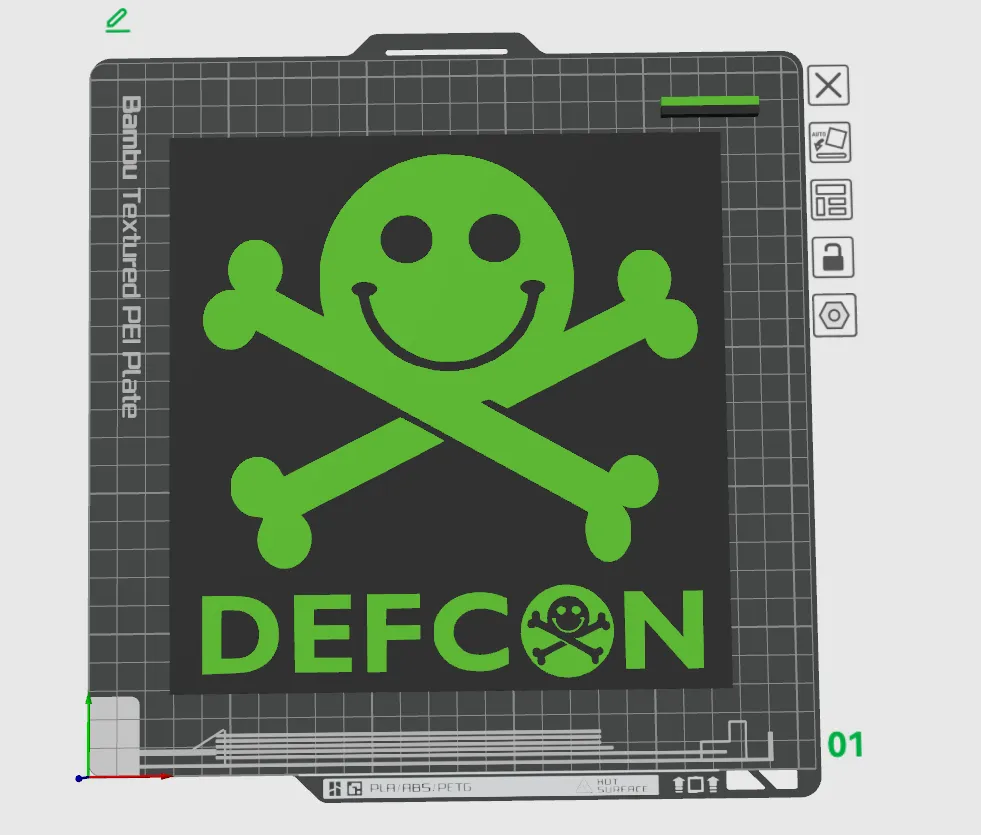
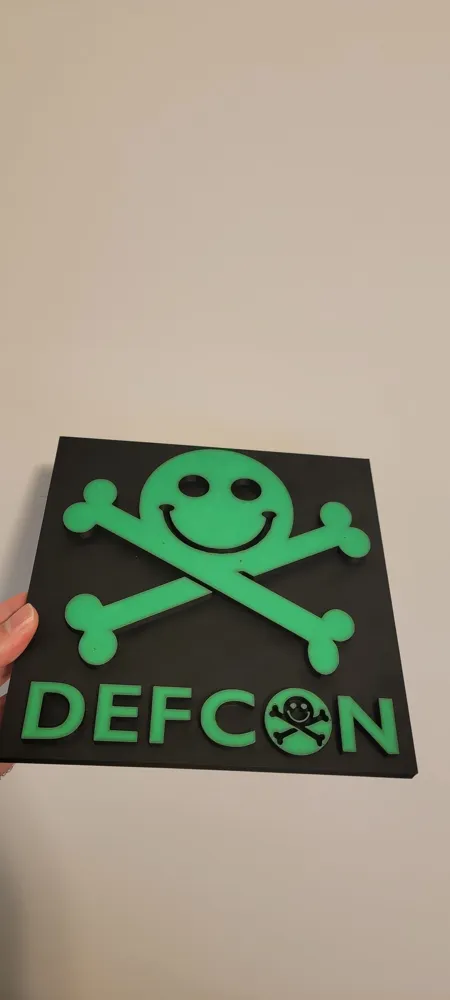
This is my first design — I wanted something simple to fill a blank spot on my wall, so I created a DEFCON-themed wall mount.
If you'd like to add a second color, you can do it directly in Bambu Studio:
- Click on the model
- Press N to activate the Paint tool
- Select the color bucket, set Tool Type to Height Range, and use a height value of 0.22 mm
- Click the areas you'd like to recolor
- Be sure to assign a secondary filament for the new color in your printer's filament settings
Unfortunately, I couldn’t figure out how to export it pre-colored. To my knowledge, STL and 3MF files don’t store color — only OBJ does, so I’ve included that format as well just in case.
Hope you enjoy it!
License

This user content is licensed under a
Creative Commons Attribution-Noncommercial


Comment & Rating (4)